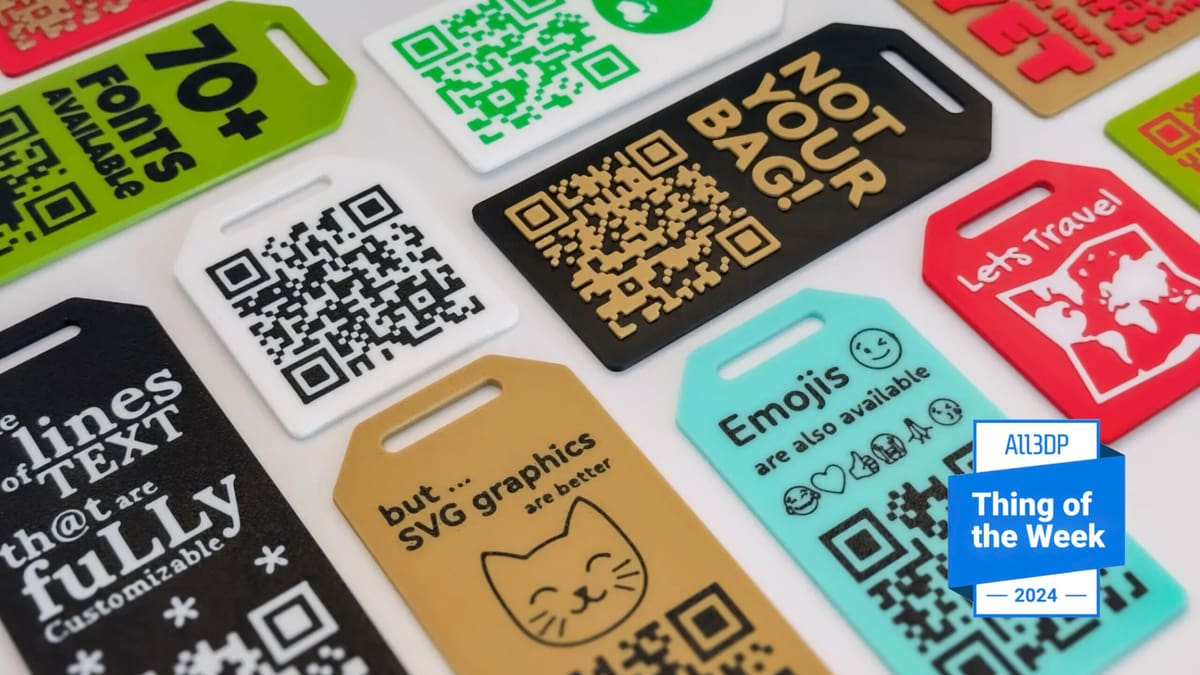
Tag Your Bag in Style: 3D Printed QR Code Luggage Tags

Instead of just a basic, handwritten name tag, why not 3D print a tag with a QR code to help your wayward luggage find its way home quicker.
If your luggage goes missing, a bag tag becomes invaluable. Thanks to an easy-to-use OpenSCAD-based customizer on MakerWorld, you can design a bag tag in mere moments, complete with quirky messaging and the all-important smartphone-scannable QR code (no coding needed). When scanned, the QR code triggers an action of your choice, such as sending a message, making a phone call, or opening a website.
And sure, you could convey this information with a regular bag tag. But isn’t 3D printing it way cooler? Of course, bag-taggery is just one example of a use for these printable codes – there are plenty of other creative uses, too.
A Bag Tag with a Twist
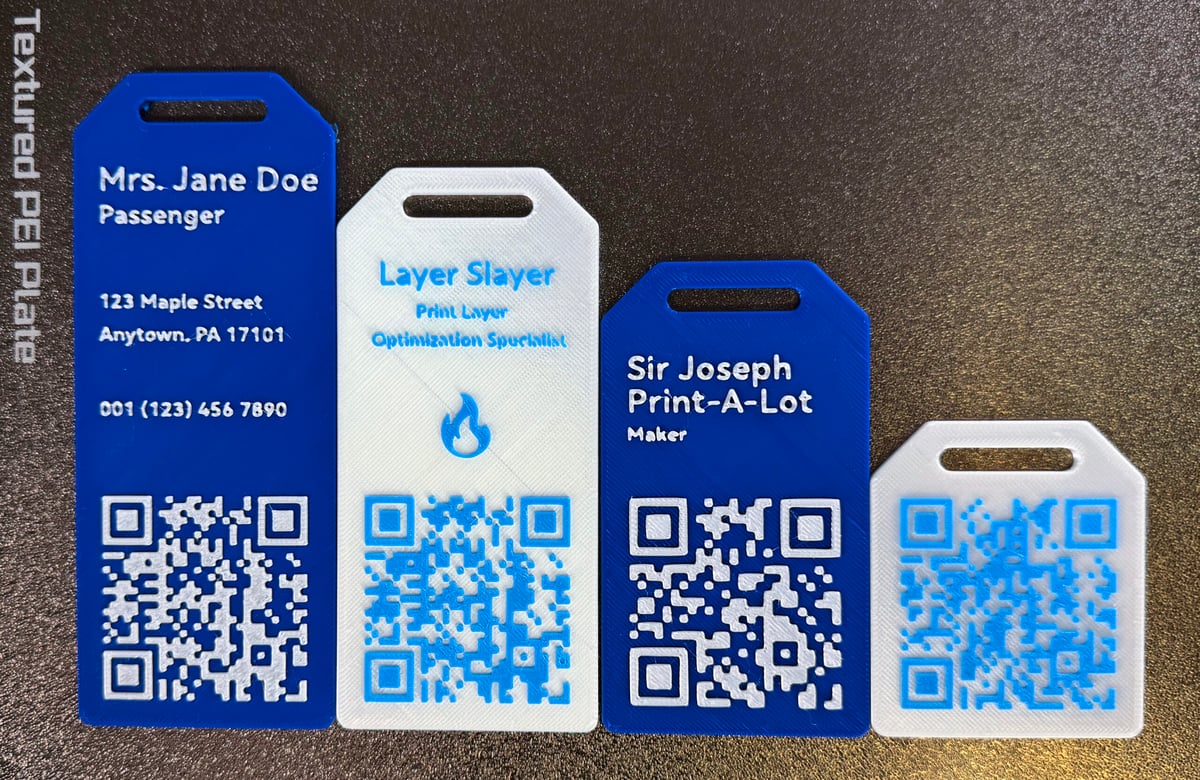
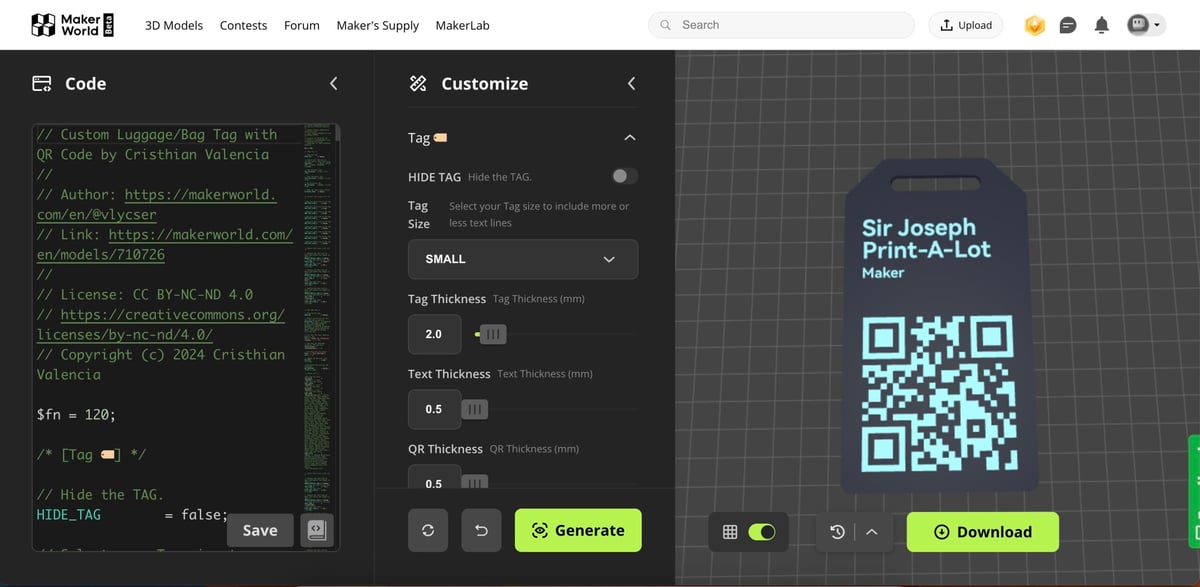
So, how versatile is the browser-based customizer? We think it covers all the bases… and much more. Adjust the tag’s size, text thickness, and the specific information or action that the QR code will trigger – whether it’s displaying your contact info, sending a WhatsApp or email, initiating a call, or opening a website (which opens a nice opportunity to Rickroll someone). You can further personalize it by adding or removing text lines, choosing from 70+ fonts, adding emojis, or even importing an SVG file.
And if you don’t have access to a 3D printer, just use Craftcloud.
Who’s the Creator?
Cristhian Valencia, a.k.a. vlycser, designed the script that runs on the MakerWorld site. Besides the configurator, he has other beautiful 3d models that you should take a look at.
Where Can I Download It?
You can start customizing on MakerWorld.
Do you want to be reminded of the next Thing of the Week? Sign up for our newsletter.
More fun things to print
License: The text of "Tag Your Bag in Style: 3D Printed QR Code Luggage Tags" by All3DP is licensed under a Creative Commons Attribution 4.0 International License.