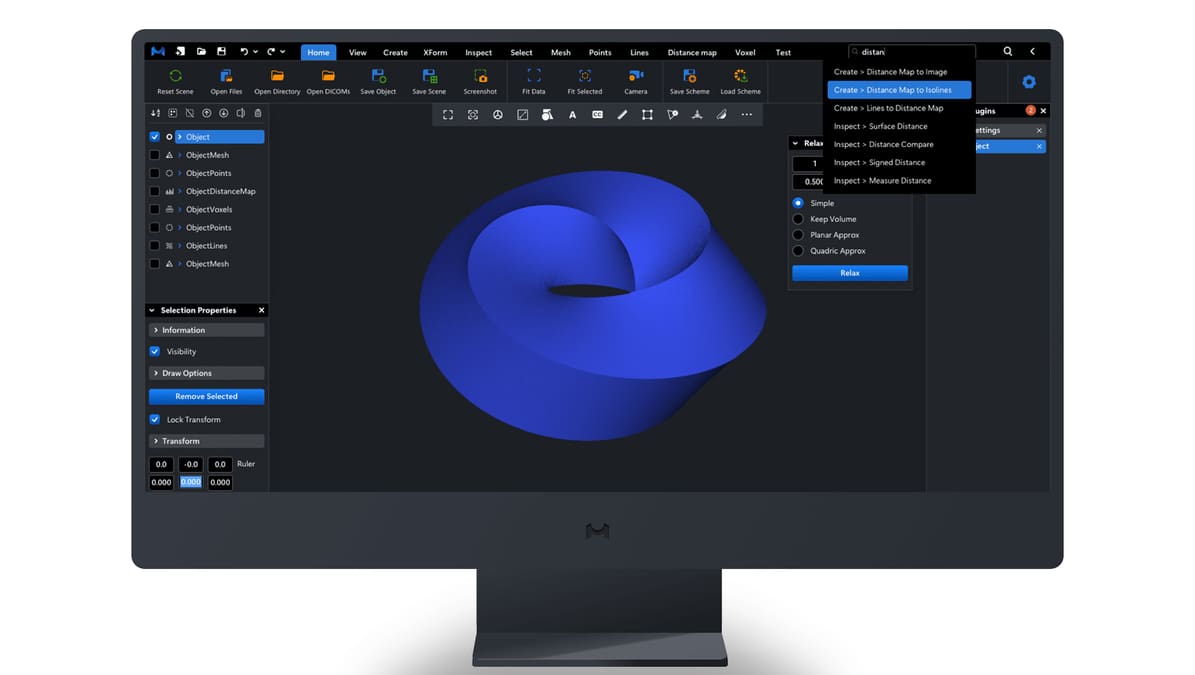
New “Smarter” MeshInspector STL Repair Tool Offers More Flexible Control

Update v2.5.2, aims to provide improvements that make mesh repair of damaged or incomplete digital files easier and more flexible.
MeshInspector, a tool that’s used for analyzing and fixing STL files, has just released its v2.5.2, with most of its improvements focused on the mesh healing functionality, although they aren’t limited to it.
Among the listed upgrades, the smarter repair suggestion now automatically analyzes imported mesh files for issues so there’s the possibility of carrying out immediate fixes via the built-in Mesh Healer tool. Additionally, flipped normals – a frequent challenge in meshes meant to be 3D printed – can be detected and fixed. This can also be done manually with the new Orient Mesh Normals tool.
Upgrades are also mentioned for navigation and overall user experience. For example, if working on a variety of models, the switch between them is automatic after selecting them from the scene tree. The upgraded UI includes an “Advanced” toggle. This lets users choose between an interface with either more basic or expert settings, depending on the amount and type of work required.
Under the Advanced mode, custom repair settings can be saved and reloaded as Standard, High, Ultra, and Custom, which allows for a more tailored experience and lets users choose the right balance between speed and accuracy.
In addition to these updates, some tools have been renamed to make them unambiguous; “Components” is now “Disconnected Parts” and “Tolerance” is now “Repair Resolution”, to name a couple.
MeshInspector is compatible with Windows, MacOS, and Linux, and although there’s a free version, the Mesh Healer tool is only available for paid subscriptions.
You May Also Like


License: The text of "New “Smarter” MeshInspector STL Repair Tool Offers More Flexible Control" by All3DP is licensed under a Creative Commons Attribution 4.0 International License.