3D Printer Filament Storage: How to Store Filament

Wondering how to store PLA and other filaments correctly? Check out the best 3D printer filament storage solutions to build or buy!
When it comes to storage, 3D printer filament requires special accommodation. Among the most popular filament materials of PLA, ABS, PETG, and TPU, the most demanding storage requirement would have to be humidity (or lack thereof). After that, the absence of dust and particulates is another important consideration for filament storage.
But of course, you also want your storage to be convenient. Easily accessible filament and an aesthetically pleasing display might be just as important to you as protecting your filament from moisture.
In this article, we’ll take you through some important considerations when planning how to store your filament, then go through the major options to help you find the right solution for your setup. Let’s take a deeper look!

What's the Big Deal?
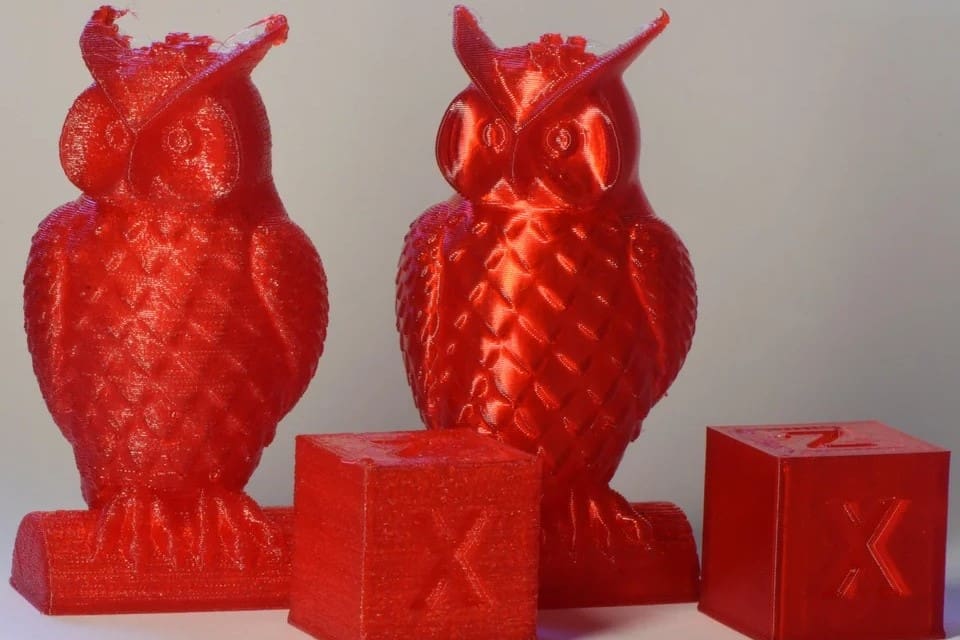
The majority of materials used in FDM 3D printing can be considered hygroscopic, meaning that they absorb water molecules rather than repel them. This doesn’t mean that your Benchy will act like a sponge, but if you let your filament sit out in the open air, your print quality will go down. Even what we might consider relatively low ambient humidity can be detrimental to filament over time.
Keeping filament in an airtight container is a must to prevent the absorption of water from the air, and using vacuum-sealed containers or ones with desiccant is even better. We’ll go into more detail about desiccants in a moment, but first, let’s look at the warning signs.
Knowing if Your Filament Is Wet
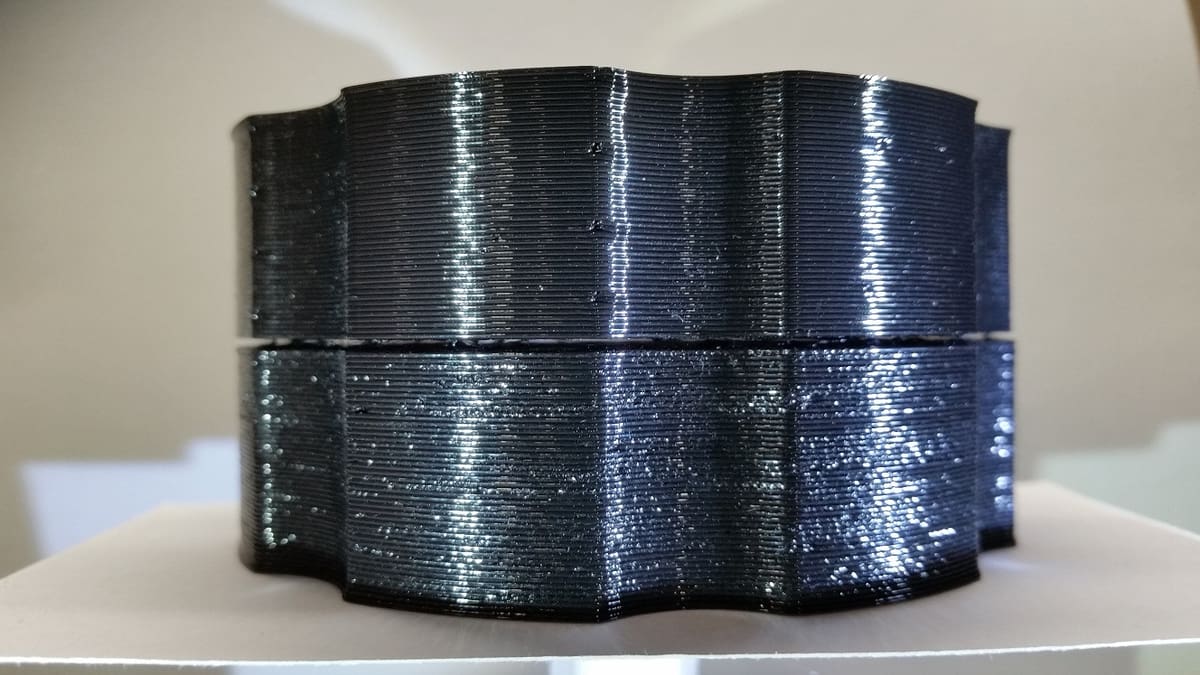
With “wet” filament, you might notice print surface quality getting worse or that you are struggling with layer adhesion. One way to tell if filament is too wet is to listen for popping or crackling sounds when it’s being melted in the hot end. What you’re hearing is the sound of moisture pockets within the filament rupturing and evaporating.
That said, wet filament isn’t a lost cause, as most filaments can be dried using a repurposed food dehydrator, a low-temperature oven, or a purpose-built machine such as some of the ones included at the end of this list.
Necessity of Storage
It’s natural that dust and particulates settle on spools of filament when they’re left out in the open. These tiny nuisances can lead to decreased print quality or even clogging the nozzle during printing.
Cleaning and changing nozzles can be a pain, so preventing the dust from getting on the filament in the first place is an easy choice. This can be accomplished by simply storing the filament in closed containers or places otherwise secluded from airborne particulates. Another line of prevention is the dust filter that the filament slides through during the printing process, which wipes away any potential contaminants before they reach the hot end.
A Note on Desiccants
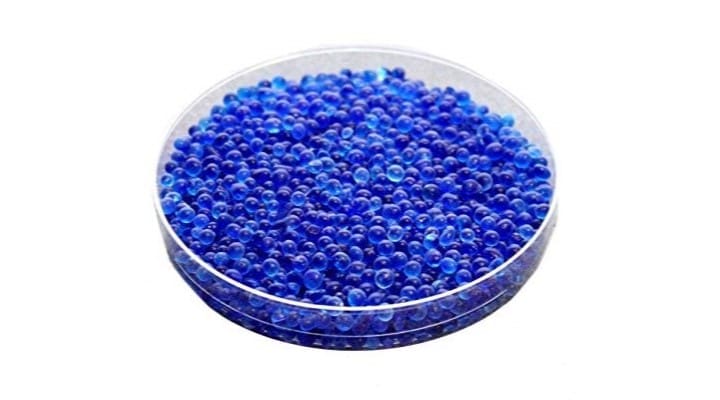
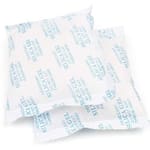
Many of the filament storage solutions on this list require the use of desiccants. A desiccant is something that is so hygroscopic that it’ll preferentially absorb all of the ambient moisture in a space. Desiccants are most commonly found in small pouches, but can also be purchased as beads.
Packets are the most common form of desiccants. They’re convenient, inexpensive, and available in many different sizes, from 0.5 to 500 grams. Bulk purchasing is advised, as 50-gram packets can be purchased in a 24-pack for about $24, so a dollar apiece.
Inside desiccant packets are the silica beads themselves. These beads are about 2 to 4 mm in size and can be purchased by weight and used as is. If you’re in need of a large amount of filament drying power, the beads are a good choice. It’s about $35 for a gallon, which is of 7.5 lbs of beads.
Rechargeability
Disposable desiccants aside, most beads and packets can be “recharged.” This is accomplished by baking the desiccant at a very low temperature in an oven, a food dehydrator, or even a microwave. When the desiccant becomes saturated, simply recharge it by baking out all the excess moisture, and you’ll be good to go. Keep in mind that the more desiccant you have in a given container, the less often you’ll have to recharge it.
Color-Indicating
Many desiccants on the market offer a color-indicating feature. This means that as the desiccant becomes saturated with water, the color gradually transitions from, say, blue to purple or orange to green, depending on the desiccant. This feature is available with both packets and beads, although sometimes it can be hard to see the color change through the fabric of the packet.
How Much Is Needed
While it’ll never hurt to err on the side of caution when it comes to desiccants, there’s a formula for how much desiccant is required for any given volume of air. Simply find the volume of your container in cubic feet and multiply it by 1.2. This will give you the number of desiccant units you’ll need for that container.
A unit of desiccant is about an ounce, but, more specifically, it can be defined as the amount needed to absorb three grams of water at 20% relative humidity and six grams of water at 40% relative humidity, both at 25 °C (77 °F). To simplify matters, it’s much easier to go with the formula: 1 unit of desiccant = 1 ounce.
Now that we know what we’re doing with desiccant, let’s look at the storage options!
Racks
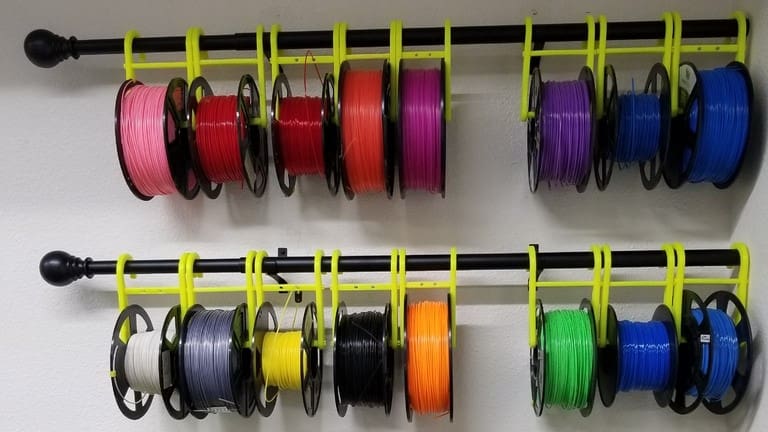
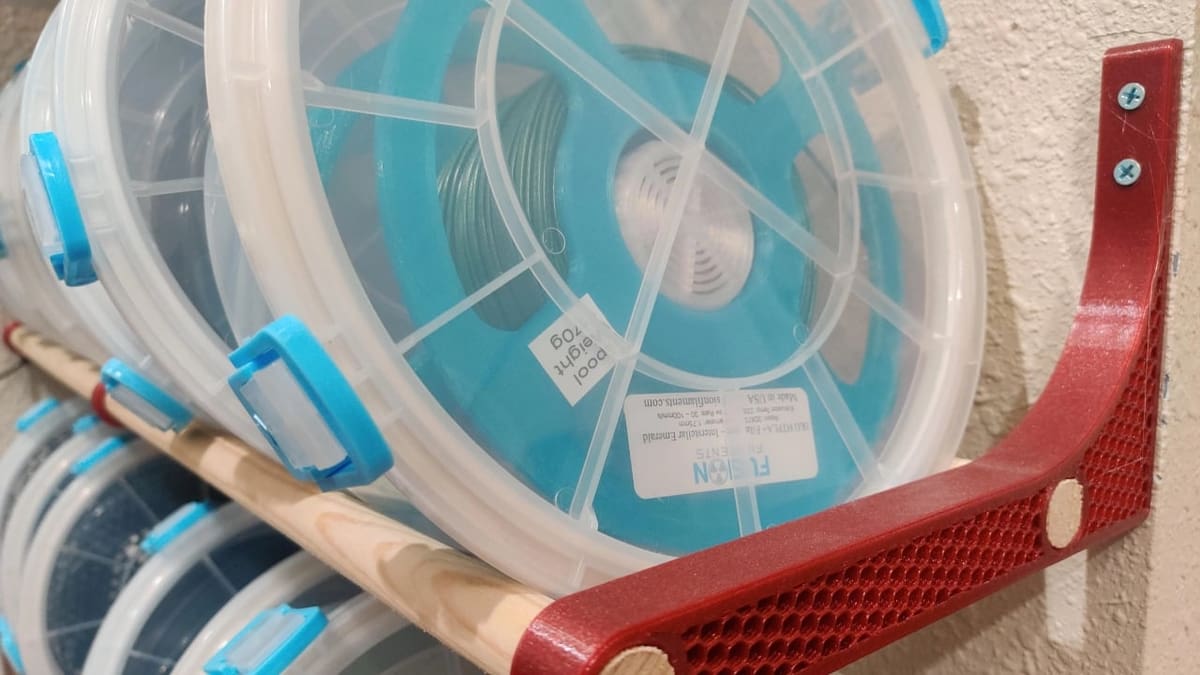
The most straightforward way to store filament is on a rack. Open storage like a rack or shelving unit has the advantage of easy access and visibility, so you can assess your collection from all vantage points. The significant downside, however, is that your filament will be exposed to the elements. This can be counteracted by storing each spool in a vacuum bag, which we’ll come to later.
Most makers will opt to 3D print their own custom racks to store filament, like these spool hangers or this rack system. But there are some purchasable options out there as well, with everything from purpose-designed spool racks to a standard shelving unit. You can also strike a balance between the two options, with printable modifications to make a bookshelf into your dream spool holder, like this broomstick upcycling project.

Vacuum Storage Bags
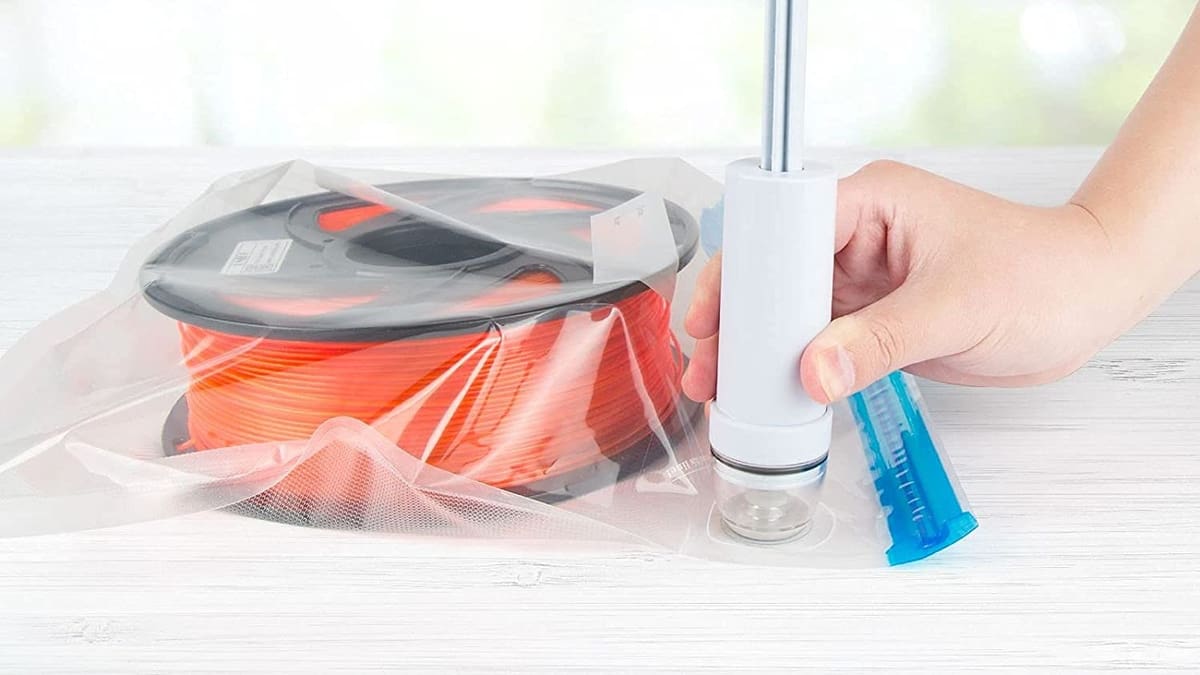
Although not as durable as a box, and you certainly can’t feed the filament from the bag straight to the printer, bags do just as good a job as any other airtight container at keeping the humidity and dust out.
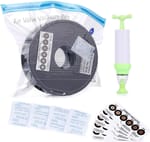
Many of us are familiar with vacuum storage bags. Popularly used for storing and transporting clothes and the like, these bags work with either a hand pump (often included) or a household vacuum cleaner (for faster results). You suck all the air out of the heavy-duty plastic bag through a one-way valve, leaving the contents free from any possible humidity.
We’d recommend adding some desiccant before sucking out all the air, but it’s not essential. No air means no humidity and no dust; it’s that simple!
These bags come in many different sizes, with the small being 16 by 24 inches. You should be able to fit three 1-kg spools in each to make the most of your space. At only a few dollars apiece, this solution won’t break the bank, either.
Dry Boxes
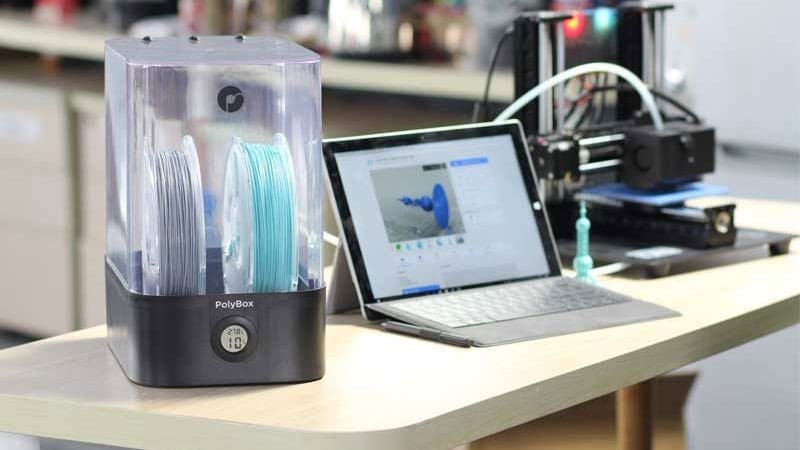
A step up from storing your filament on a rack or in bags is a purpose-built dry box. Dry boxes are a long-term storage solution that generally use desiccant in a sealed box to keep your filament in a dry atmosphere.
There are a few DIY options around, including the well-known Prusa Drybox and a 3D printed upgrade for a Rubbermaid container. Those looking for more storage might be interested in a simple solution like a repurposed rolling bin. Or for something a bit more high-tech, electric dry cabinets provide a humidity-controlled environment and come in a range of sizes. These units are more commonly used for the storage of moisture-sensitive items like photography equipment, but why not your filament collection?
If you’d rather buy something designed specifically for protecting your filament, there are a few options.

Polymaker PolyBox
The PolyBox is a dedicated filament dry box and feeder. The ~$70 price tag might seem high, but this solution is no mere plastic box. It features live temperature and humidity readings from inside the container.
The PolyBox keeps filament dry with two 100-g desiccant pouches held in a bottom compartment. Supported on ball-bearing rollers, up to two 1-kg spools can roll freely to feed filament directly to your printer. A similar but slightly less expensive option is the Sunlu Filament Dryer Box.
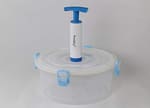
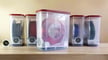
PrintDry Container
The PrintDry filament storage containers take a slightly different approach to keeping your spools safe. The containers are designed with long-term storage in mind, rather than actively drying the filament or feeding it to the printer. The main differences between the PrintDry and a normal plastic tub are the four robust-looking latches and the valve in the middle of the lid: There’s a hand-operated pump that you press against a one-way valve to vacuum all the air (and moisture) out.
The only downside is the price: For a pack of six, you’ll be out about $75. Each container only holds a single spool, but they are reusable.
Dryers
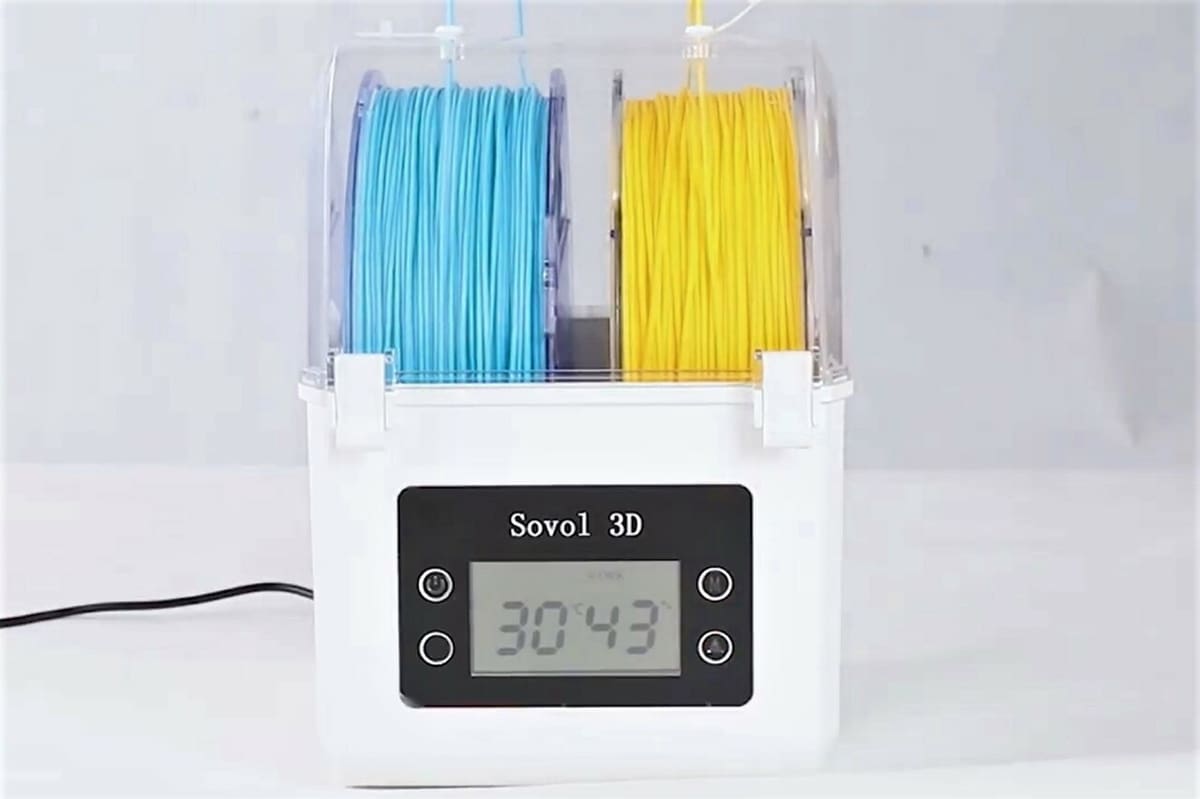
If you have a wet spool of filament, a dry box or bag with desiccant can’t really get rid of the moisture. These solutions are only designed to prevent any more moisture from reaching the filament. That’s where dedicated filament dryers come in.
Most filament dryers work by storing filament in a gently heated environment to evaporate any moisture. Purchasable dryers often offer extra features, too, like a timer, display, temperature controller, or fan. Just keep an eye on your power bill, as an electrical device might prove an expensive way to store your filament in the long term.
If you want to build your own filament dryer, one good project to follow is RichRap’s design, with free files to download and a video to follow along with. The project uses a reptile heater mat placed in an 11-liter plastic tub to warm the filament while desiccant packs remove the humidity. A temperature and humidity sensor keeps track of the conditions inside the box.
But if you’d rather not mess around with electronics, there are some great filament dryer options available to purchase.
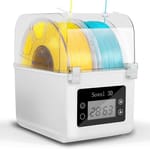
Sovol SH01
The Sovol SH01 is a good option for active filament drying that also works as a dry storage solution. This box can fit either a large 150-mm wide spool or two smaller spools up to 70 mm in width.
The temperature can be set between 40 and 50 °C for 6 to 12 hours, suitable for drying the most popular filament materials. In addition, it comes with silicon sealings and strong closing latches, which can secure a dry ambient interior even when the active heating is off.
The Sovol SH02 further enhances this functionality, offering a more powerful 150-W heater with adjustable temperature control between 40 and 70 °C, as well as a timer that can be set for up to 98 hours. Its touchscreen panel and nine pre-configured modes for different filament types make it more practical than its predecessor.
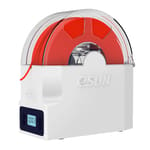
eSun eBox Lite
The eBox is another traditional filament dryer with a few extra features. The temperature can be set to 55 °C and it can run for up to 18 hours.
The eBox Lite is designed for fast removal of water so you can get to printing in as little as two hours. It also includes helpful presets that correspond to the type of filament you are drying. For example, Level 1 is perfect for PLA and its variants with a drying temperature of 40 °C, while Level 3 uses 55 °C for more hygroscopic filaments like nylon and PC.
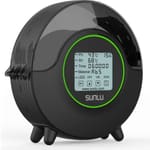
Sunlu FilaDryer S2
The Sunlu FilaDryer S2 makes drying your favorite filament a breeze. While it only holds one spool, it’s compatible with most 1-kg spools and fairly affordable, with a price tag of around $60. You can adjust the temperature and heating time on the easy-to-use LED touchscreen, and there are handy automatic presets for different types of filament.
It will dry each spool within 3 to 6 hours at temperatures between 35 and 70 °C, depending on the material. Plus, you can even feed the filament directly to your printer using the small hole in the hood.
Multi-Material Units
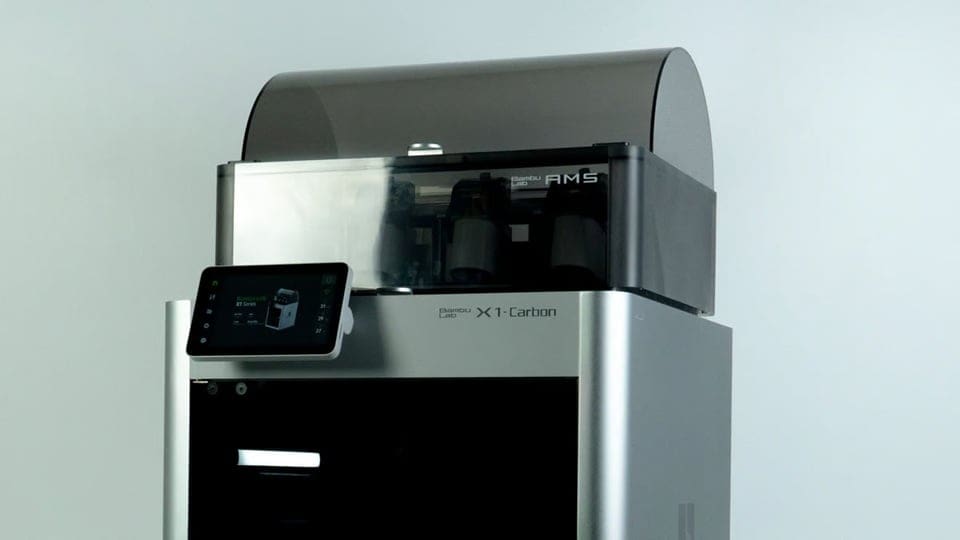
Unlike dry boxes and filament dryers, which are universal solutions, multi-material units with active storage are specific systems designed to work with compatible 3D printers. These devices integrate automatic filament changing with protection against humidity and dust, offering a complete solution for multi-material or multicolor printing.
While they’re very practical, some of these units still face limitations with flexible filaments and other materials that are highly sensitive to moisture. Regular maintenance, including replacing desiccants and cleaning the mechanisms, is essential to ensure consistent performance and good sealing. It’s important to note that some of these units function as filament dryers, while others simply isolate the filaments from the environment and keep them dry with desiccants.
Bambu Lab AMS (Automatic Material System)
Each Automatic Material System (AMS) from Bambu Lab accommodates up to four spools and performs – as its name anticipates – automatic filament changes during printing. You can combine up to 4 AMS units with the hub, bringing the total to 16 filaments switches in a print. Its sealed compartment is equipped with desiccants and helps keep the materials dry while sensors monitor the internal humidity, but it doesn’t have active heating or a dryer function.
The AMS is designed to integrate seamlessly with Bambu Lab printers from the X1 and P1 series, but if you’ve got an A1 or A1 Mini, you’ll rely on the AMS Lite for colorful prints. This unit has an open design with easier loading but less protection against dust and moisture. That said, there are community mods that can isolate the filament from the environment and even include silica gel, which helps keep the filament dry. And there are plenty other DIY ideas compatible with either unit.
Creality Filament System (CFS)
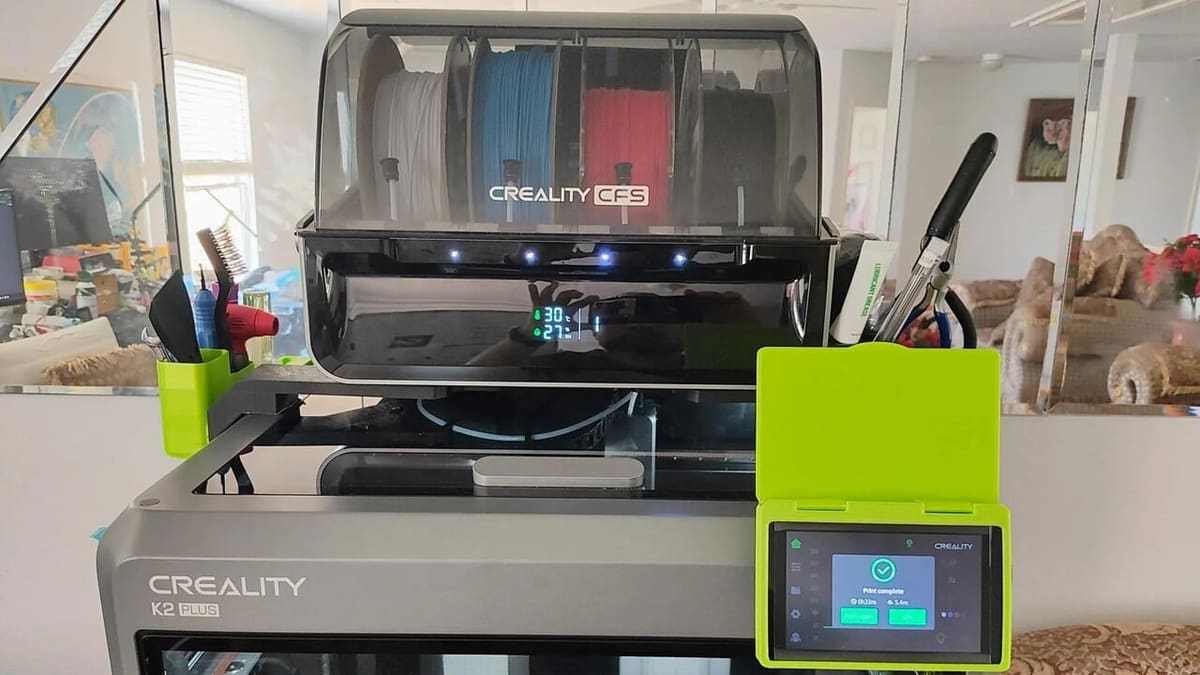
Creality’s CFS unit supports 4 spools, and just like Bambu Lab’s AMS, you can also connect up to 4 units, allowing you to use 16 different filaments in a single print. The system features smart sensors for automatic filament identification, mapping, and automatic switching. In terms of storage, it’s moisture-proof to keep your filaments in optimal condition, but it doesn’t have a dryer function.
When it comes to compatibility, Creality states on its website that the “CFS works well with K2 series and Creality Hi 3D printers, and it will be adapted to more new and old products”. In practice, in addition to the two previously mentioned, compatibility has only been confirmed for the new K2 and K2 Pro, so time will tell.
Anycubic ACE Pro
The Anycubic Color Engine Pro (ACE Pro) is another multi-material and multicolor system that supports printing with up to four different filaments simultaneously. With the addition of a second unit and a mod, up to eight variations can be achieved in a single print.
The ACE Pro features an active drying function, ensuring that the materials remain dry during printing. The design includes anti-vibration and RFID detection for automatic filament identification. When it comes to compatibility, the ACE Pro works, at time of writing, with the Kobra 3, Kobra 3 Max, and Kobra S1.
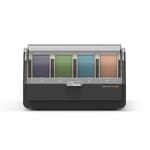
Other manufacturers are also developing multi-material units to join the fray, but what they all have in common is that they don’t address all needs. Despite calling themselves multi-material units, they’re not compatible with some types of filaments, such as flexible, soluble, and more abrasive or very difficult to dry materials. To avoid unpleasant surprises, it’s important to check the list of compatible materials for each one directly on the wiki or page of each manufacturer.
Phrozen, which usually focuses on resin printers, is now looking to expand its market, and to that end it’s working on the Chroma Kit exclusively for its Arco printer. While some manufacturers offer proposals compatible only with their models, Biqu is looking for something different. It’s developing a unit that’s compatible with practically any printer that runs on Klipper, and it has called this system ViViD.
License: The text of "3D Printer Filament Storage: How to Store Filament" by All3DP is licensed under a Creative Commons Attribution 4.0 International License.
CERTAIN CONTENT THAT APPEARS ON THIS SITE COMES FROM AMAZON. THIS CONTENT IS PROVIDED ‘AS IS’ AND IS SUBJECT TO CHANGE OR REMOVAL AT ANY TIME.