Anycubic Kobra X Review: Purge-Saving Multicolor Printing on a Budget
Rating

Anycubic’s play for a super-duper cheap multicolor printer with less of the purge-related guilt is competent printer. The savings aren't as pronounced as Anycubic claims though, and long-term parts support is unclear in the company’s fast-changing line-up of machines.
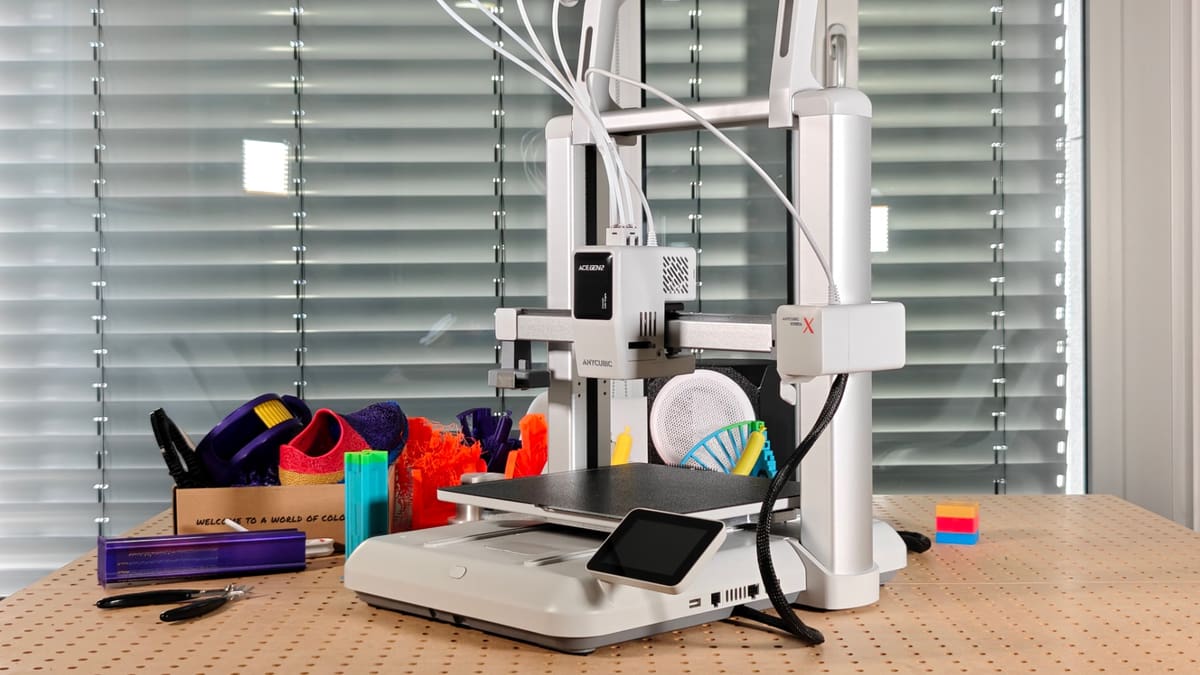
It’s easy to dismiss many of the budget printer manufacturer’s efforts as cheap knock-offs of better built and more popular machines, but look between the similarities and you’ll occasionally see something surprising. The Kobra X has surprised me. I came into this review expecting a cheap, derivative 3D printer with untested and unreliable printhead tech that would fail to deliver. I was about half right. It is cheap. $299, but that’s $299 that includes novel filament path switching tech that means you can leave the filament changer at home (a relief, given our previous experiences with Anycubic’s ACE Pro changer).
There’s a rough finish here and there, and the touchscreen display is the wrong side of unresponsive, but things like a linear rail for X-axis movement and a sturdy frame, even with four full spools of material loaded up top – are terrific. The details are what feel budget here, plus the disappointing issue of color bleed (unforgivable on a multicolor printer). The bones of the printer, though? Thumbs up.
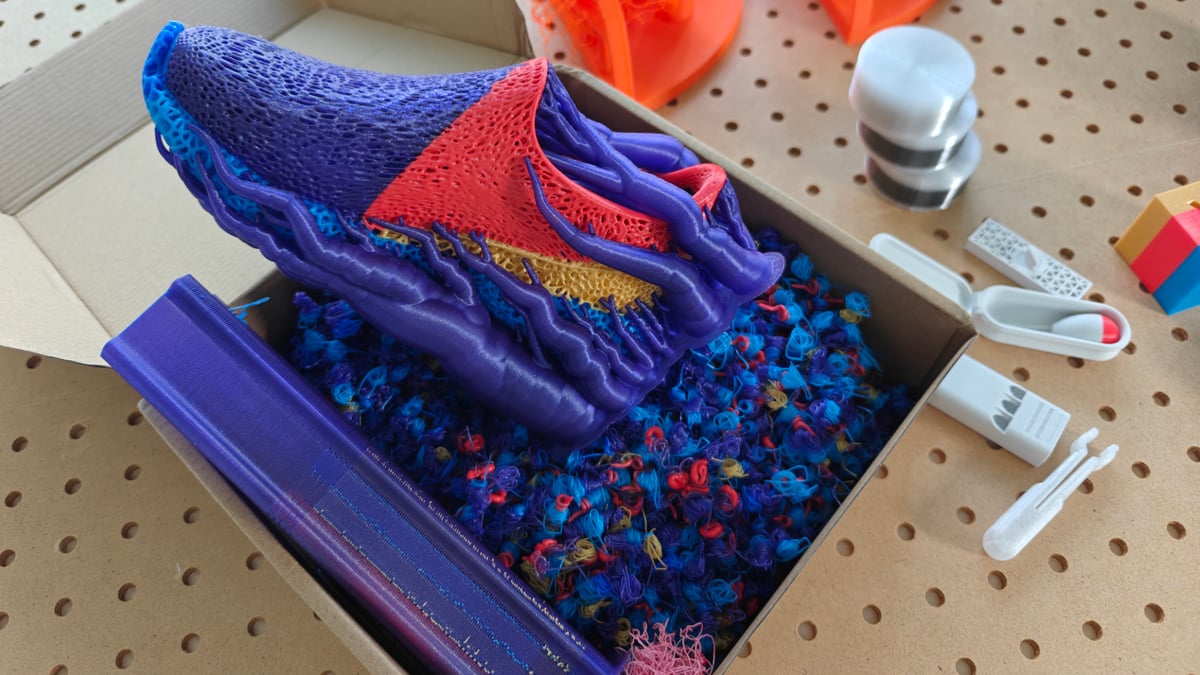
Through a swathe of printing, the Kobra X delivered. Stressy lattice-heavy multi-material, multicolor prints? No sweat. Crank temperatures a little for some abrasives-filled PCTG? Let’s go.
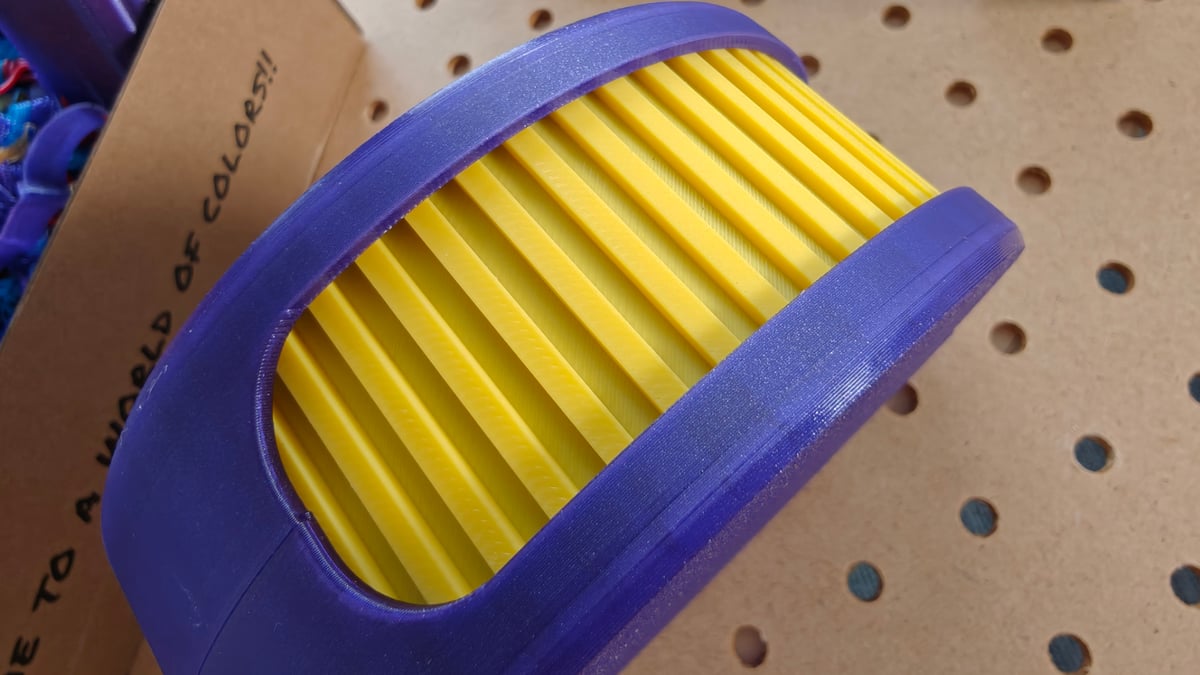
Left at its default flushing values, it’s lean with purge waste, but we found the stock settings insufficient to avoid materials bleeding into one another in multicolor and multi-material prints. Correcting this (in the software – a minor job) breaks Anycubic’s claims of half the waste, since you need to purge more to avoid it, but it’s still better than nothing. Depending on your usage, you might not even need to do that.
For the first half of my testing I was in no mood to faff about with an Anycubic cloud account and login, and so I simply didn’t. Left in LAN mode, the Kobra X sat on our network for weeks with zero drops in connectivity. Again, a surprising and welcome notch of performance.
At a Glance
- Release: 2026
- Price: $299
- Build volume: 260 x 260 x 260 mm
- Temperatures: 300°C / 100°C
- Print bed: Textured PEI-coated steel
- Key features: Native 4-color multi-material printing (expandable up to 19 colors), in-printhead filament switching, 720p camera with AI monitoring, hardened steel nozzle as standard
The Tech
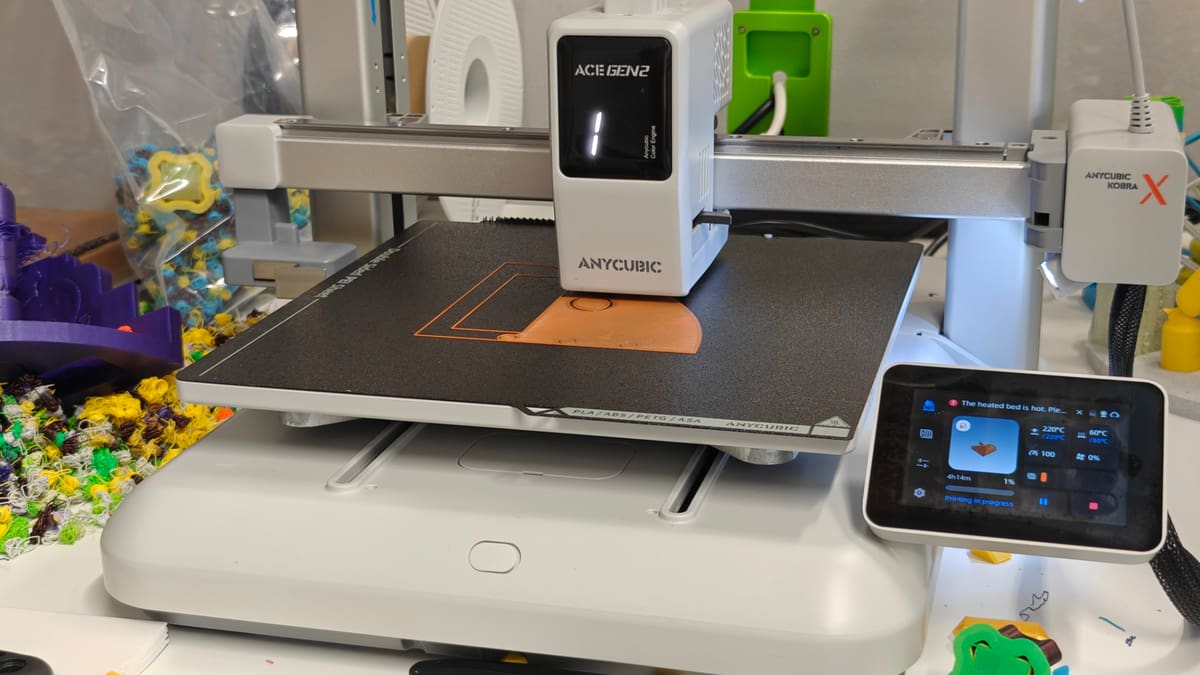
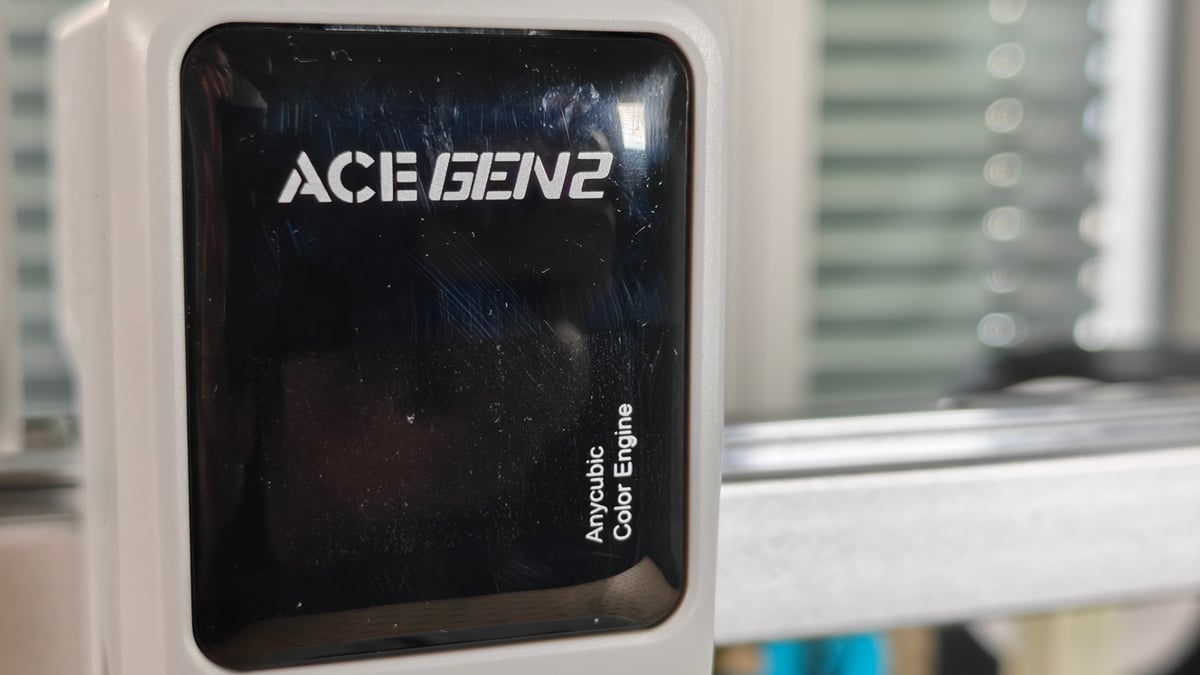
The Anycubic Kobra X is one of those odd novelties in 3D printing – a budget 3D printer that tried something bold. Instead of wholesale ripping off another printer – the smooth, white plastic body look is a little derivative at this point – the Kobra X stands apart, incorporating an in-head filament path switcher that Anycubic calls ACE Gen 2.
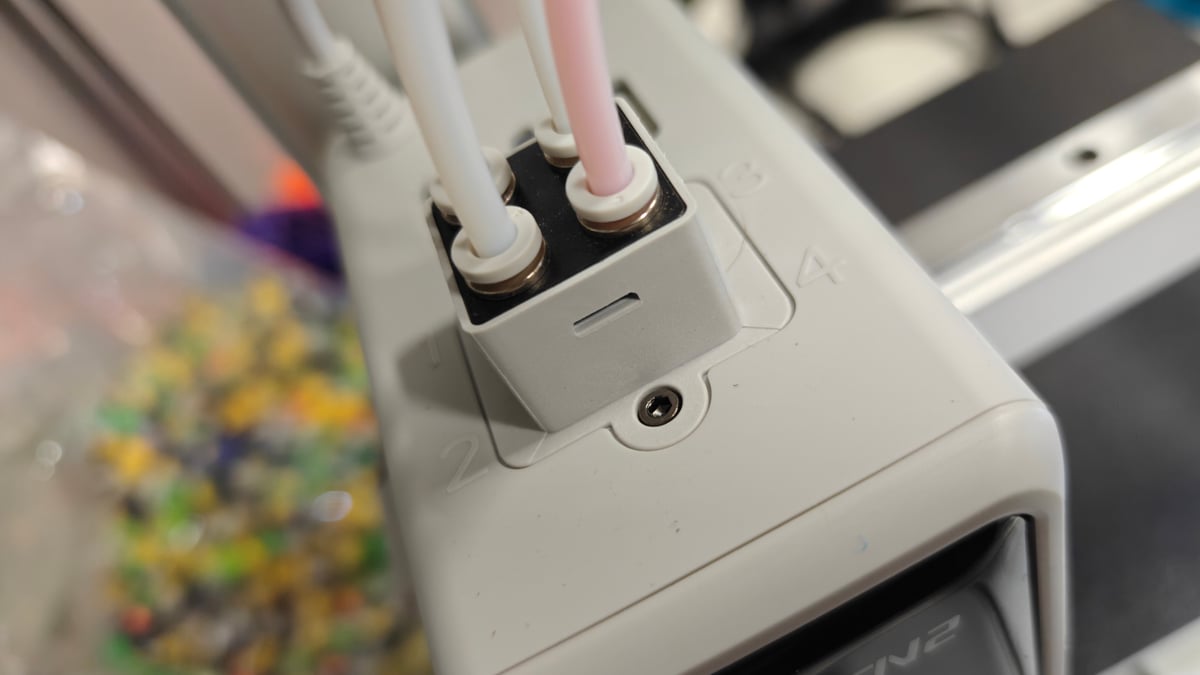
This does a couple of things for the printer – it eliminates the need for a cumbersome external box to handle filament switching, keeping all filament feed paths close to the extruder with no need for lengthy retreats and loads. Secondly – and it’s not clear if this is a consequence of the switcher’s position or not, so we won’t say it is – the filament cutter, which lops the end off at filament change for clean transitions, sits closer to the nozzle. This makes the offcut smaller, and consequently less to purge (theoretically – more on that later).
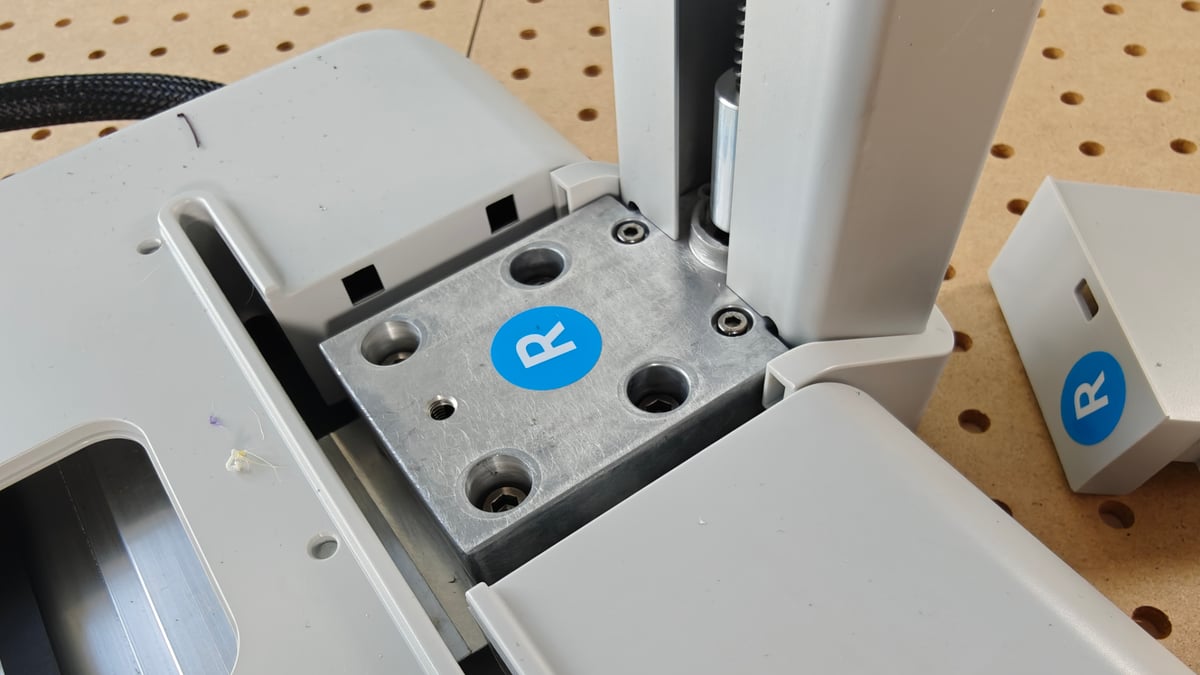
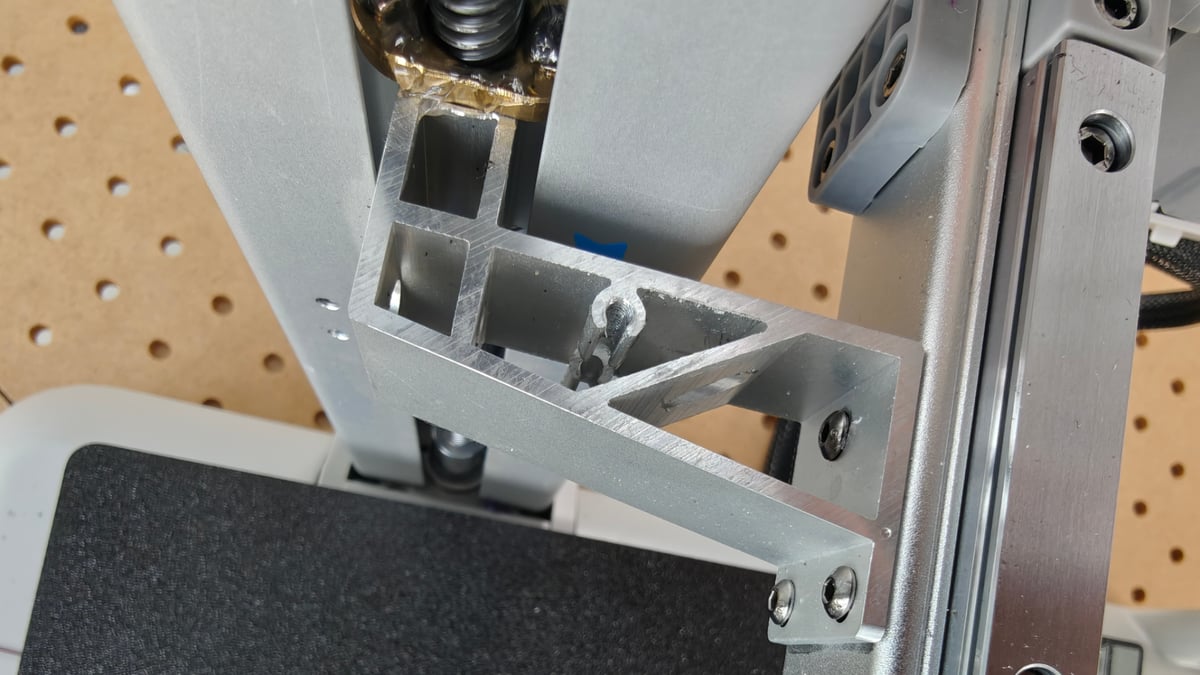
Some assembly is required to take the Kobra X from its box to plugged in and ready to print – the four main steps comprise attaching the gantry to the base, connecting a small handful of cables, attaching the display, and installing the purge flicker. Expect it to take less than an hour of effort for even the uninitiated.
Connecting the printer to the internet is not mandatory to get things going. Throughout a significant portion of our testing of the Kobra X, we used it in LAN mode (disconnected from the internet, transferring jobs via local area network) which proved to be exceptionally robust. Usually when we’re testing printers, connections splutter and drops, but we don’t recall the Kobra X dropping its connection once in our time with it.
The design of the Kobra X has you positioning four filament spools on holders mounted to the top brace. Comprising two holders for two filament spools apiece, it’s easy enough to hoist filament on and off the printer, though the feed angle through the injection molded guide tube holders can be tricky at times.
The filament loading experience is where things feel a bit basic compared to other machines – a consequence of picking and choosing where to keep costs low, we’re sure. Bizarrely the documentation for the printer makes no mention of it having RFID filament recognition, even though it does. Using it requires finding the menu option on the printer to enable it each time, and it generally seems more hassle than punching in the details yourself.
The display’s responsiveness feels like a casualty of cost-cutting. Prodding and swiping at it if a mixed bag, with mishits and taps going unregistered. It’s worth noting the ACE Gen 2 can also be fussy about detecting filament on load – with the path in not wholly smooth, we occasionally needed a couple of attempts before it registered, something others have reported too.
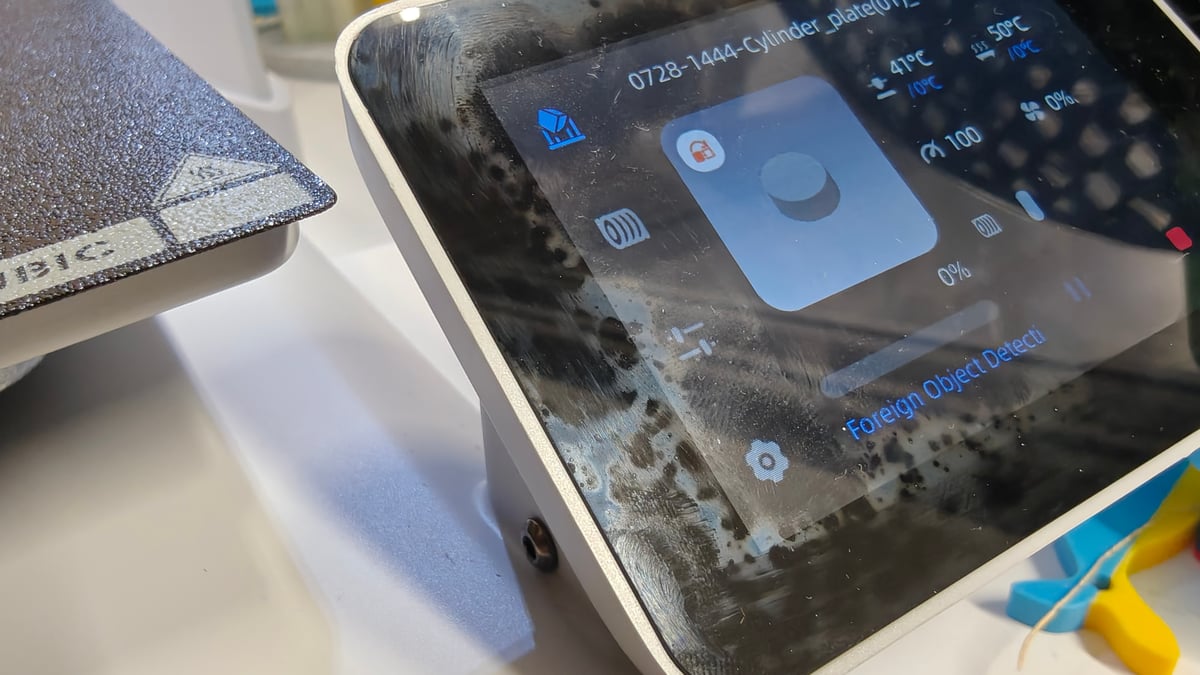
Once you feed a filament far enough into the printhead, it will populate that particular slot on the display for you to then customize. At least there’s that.
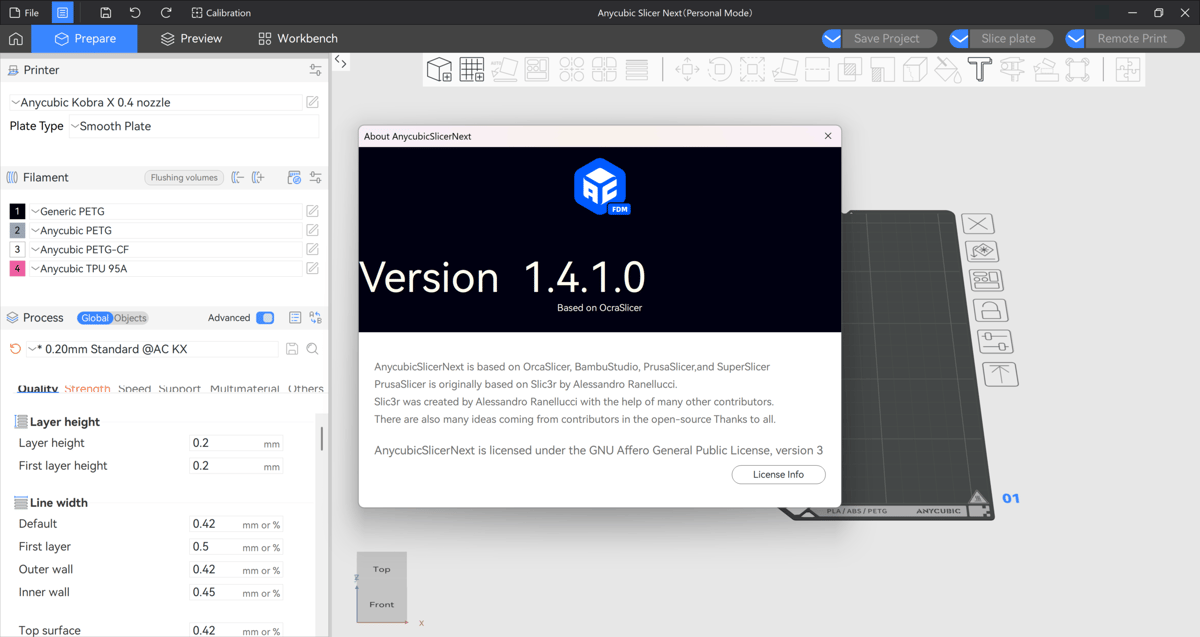
Taking the core components of the Kobra X in isolation, the individual aspects are great. The printer works great. The slicer gave us no trouble in testing – though we’ll flag that AnycubicSlicerNext has a rougher reputation elsewhere, with enough crash and stability complaints that it’s commonly advised to use OrcaSlicer with a community-built Kobra X profile, instead. The slicer is, ostensibly, an Anycubic skin of OrcaSlicer, softened at the edges with a friendly blue colorscheme. The essentials to competently print, and then some, are all present if you’re just getting started out on your printing journey.
Even the app is a slick, seamless extension of controlling the printer, although we found the path to getting it downloaded a little suspect. For example, setting up you are presented with a QR code inviting you to download the Anycubic app in order to bind your account to the printer. The intention here is to scan the code form within the Anycubic app in order to bind your printer. If you scan the code with your phone’s camera app, though, you’re navigated to a subdomain of Anycubic’s that, frankly, doesn’t look trustworthy at all. There’s no direct link to the Android or Apple app stores, just a dodgy-looking site with insufficient information about what it wants you to download. I promptly closed out.
Instead, download the app yourself directly from your app store before you begin. Or don’t – you don’t need it to operate the printer, although you do get access to useful features like printer maintenance, direct printer control and monitoring, and more.
Anycubic contributed to the scourge of wasteful single-nozzle printing with its ACE Pro, the first non-Bambu filament switcher in the space. The end result was the same – lots of filament waste at switches. The Kobra X seems like an attempt to try and rebalance this. Rather than slapping a premium on the new tech, Anycubic has put it on the super cheap model. It feels a little like an apology.
But it’s no secret that Anycubic moves on quickly from its printers. One might not agree with it, but its a strategy. A consequence of this, though, is a vast web of unique parts shared to small pools of machines. The company keeps spares available through it’s webstore, but right now the Kobra X is the only Anycubic printer with the ACE Gen 2. It’s not clear if others will follow, preserving the useful life and justification for Anycubic to keep spares in stock – it’s a long-term hypothetical you’d have to weigh up before getting one, we think.
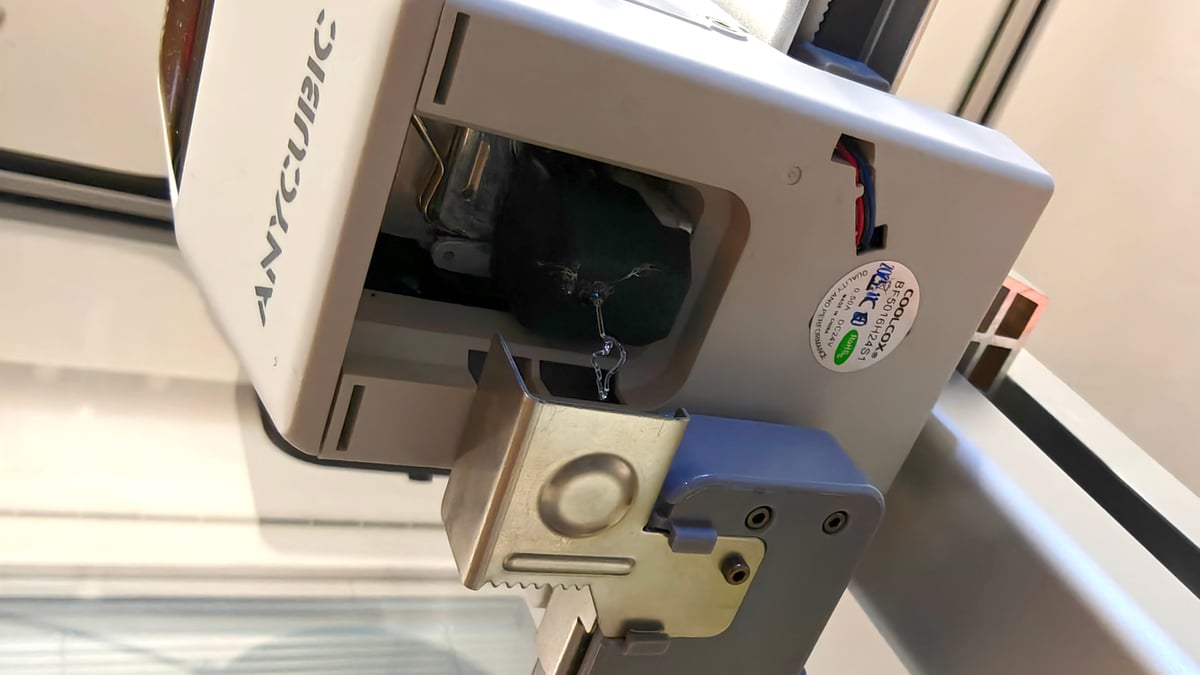
In practice, the system has performed reliably enough in testing. From time to time we’ve gotten filament track errors, but the solution has invariably been to unload and reload the filament. Whether it’s by design or an accident, the Kobra X has no filament sensing outside of the printhead, so a fully used up spool will be ingested deep inside the machine – when it is detected, the last scrap of material is neatly ejected through the side of the printhead housing. It feels like a mistake, but the consistency with which we’ve seen it suggests maybe it isn’t.
The Printing
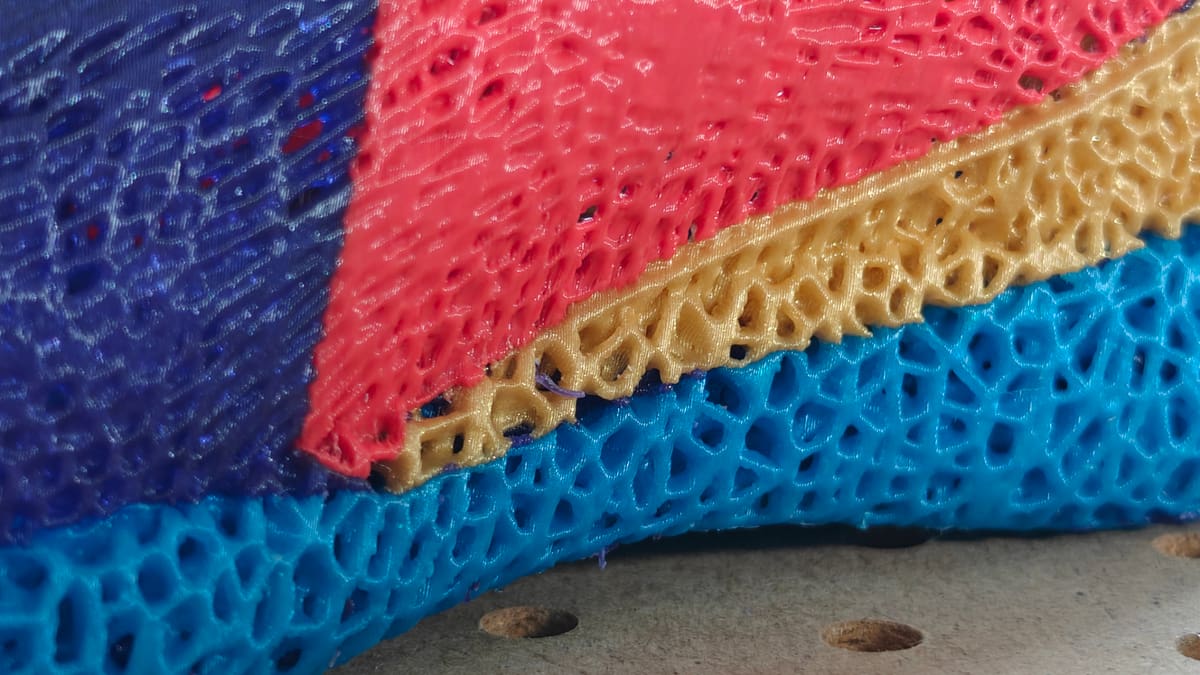
Default print quality is decent – there’d be no excuse for it not to be in 2026. On first startup the Kobra X runs through a routine of calibrations to measure its movements and bed points to optimally set offsets. This suite of tests can be manually recalled and rerun through the printer’s menu.
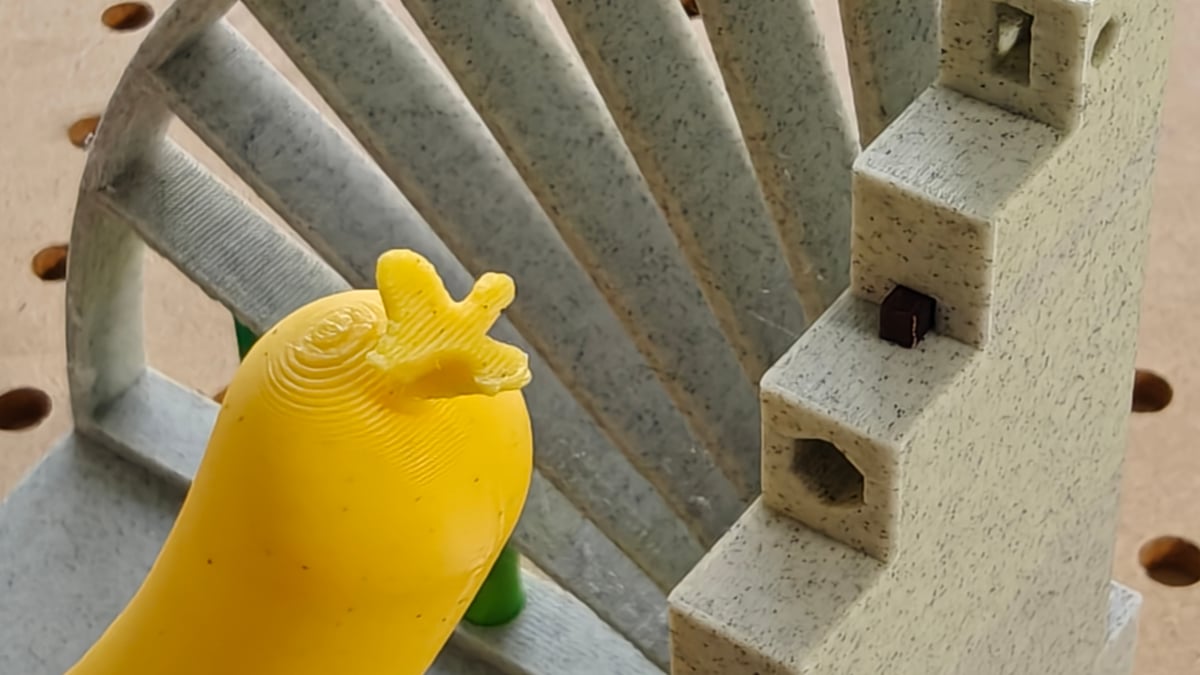
Throughout several weeks of printing we’ve piped multicolor PLA prints, PLA and AMS-friendly TPU, PETG, PCTG, glass-filled PCTG and, with limited success, super-soft TPU through the ACE Gen 2, and it has held up to the stress. No critical failure modes happened, nor nozzle clogs or other exotic errors. In that regard, it’s been a rather dull experience. It lends weight to our conclusion later to say it gives workhorse vibes, the Kobra X. Some printers do. You just know it’ll do what you want.
Having the filament spools directly above the extruder should benefit the Kobra X in printing soft flexibles, and we’ve approached passable quality there, albeit only after tinkering with custom profiles. The slicer doesn’t ship with any filament profiles outside of Anycubic’s own lineup.
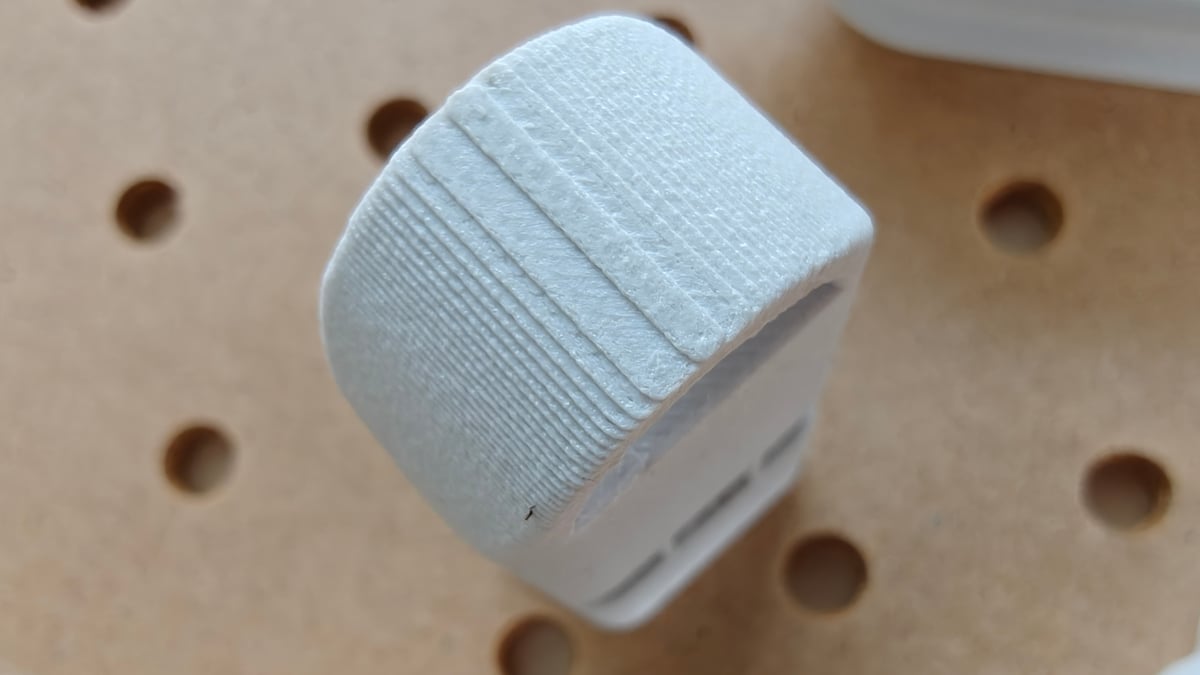
I’ll temper this workhorse language a little, though: this isn’t typical of our history with Anycubic’s filament printers, so one clean unit over a few weeks is thin evidence either way. Older Kobras have shown the usual budget-printer spread of solid units and lemons. So read our smooth run as one encouraging data point rather than a guarantee. (Honestly, that should be your reading of any review – ours and others’.)
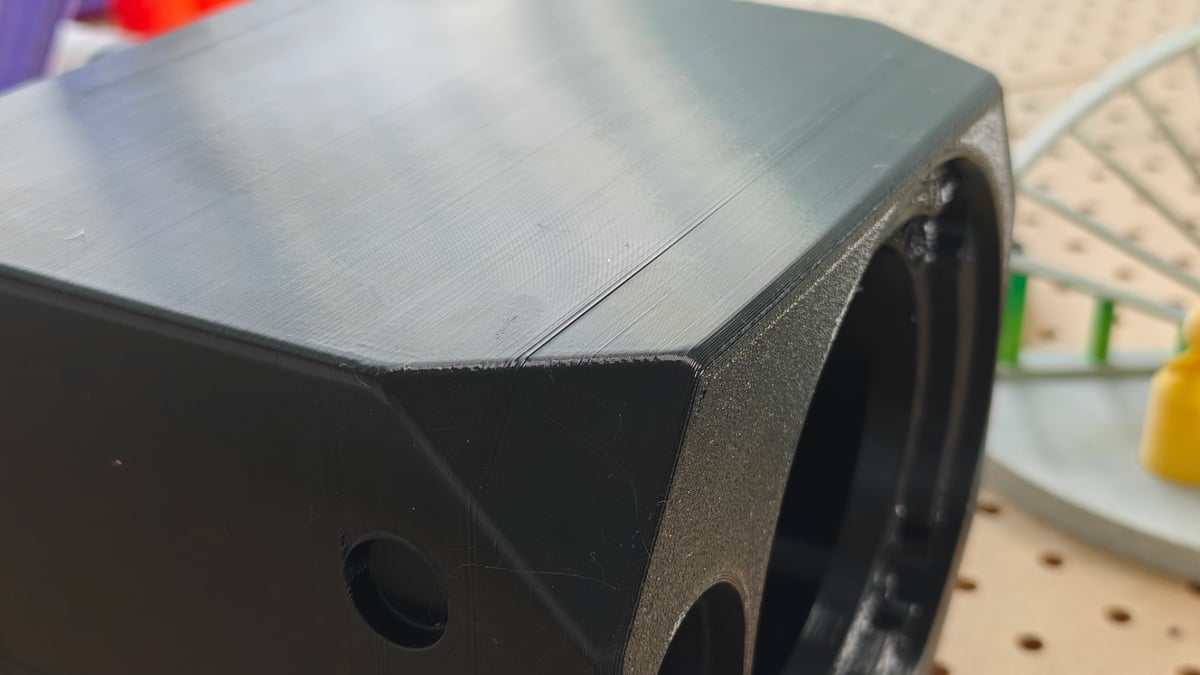
One useful development in the Kobra X is Anycubic taking a leaf out of Bambu Lab’s book with a new fast-swap nozzle system. It’s not the full hot end block – you only swap the nozzle, but a thin metal cage holds it in place. The nozzles themselves and quite dainty little slips of hardened steel, and with the heatsink and heatbreak remaining in the printhead, it makes for a fiddly change that’s not as easy as making a switch on, say, a Bambu Lab machine.
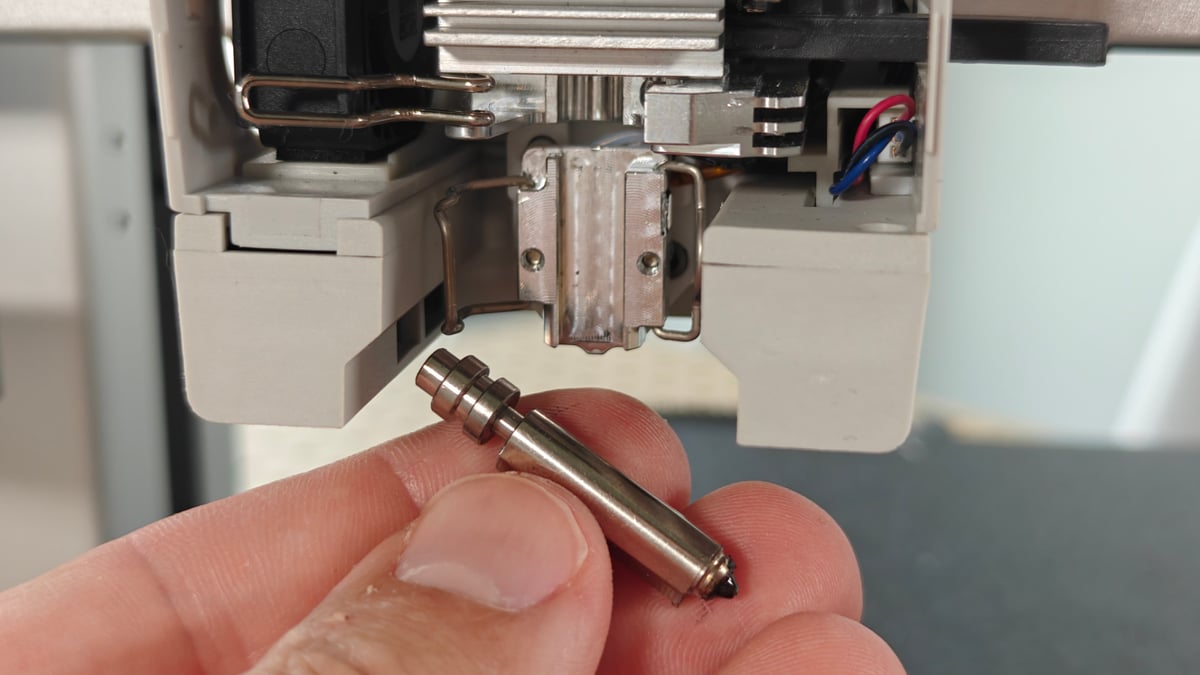
The Kobra X ships with a 0.4 mm hardened steel nozzle, making it up to the challenge of abrasives out of the box. All told, the direct extrusion, straight down from the top of the printhead, plus hardened nozzle in the box, make it a versatile printer right off the bat. For the general state of the important hardware you’re working with, it’s difficult to criticise.
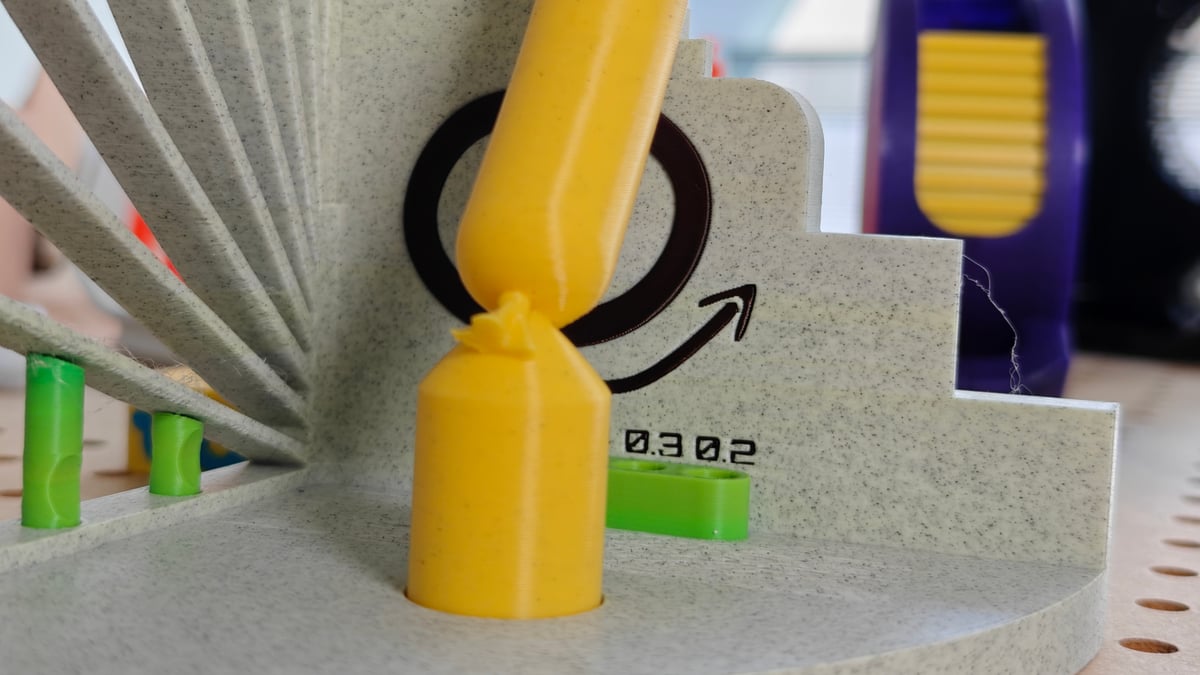
Across the spread of printing, our core complaint is that the stock values for purging, particularly for lighter materials, are far too conservative, resulting in clear color bleed. It’d be frustrating to find this several hours into a long, high-frequency color print. This, of course, means having to manually determine the necessary flushing volumes the first time you use a new material. It’s the single most common gripe we see the wider owner community, too. The fix is to drop into the flushing menus and dial the purge to suit. (Or use a community profile in OrcaSlicer, instead.)
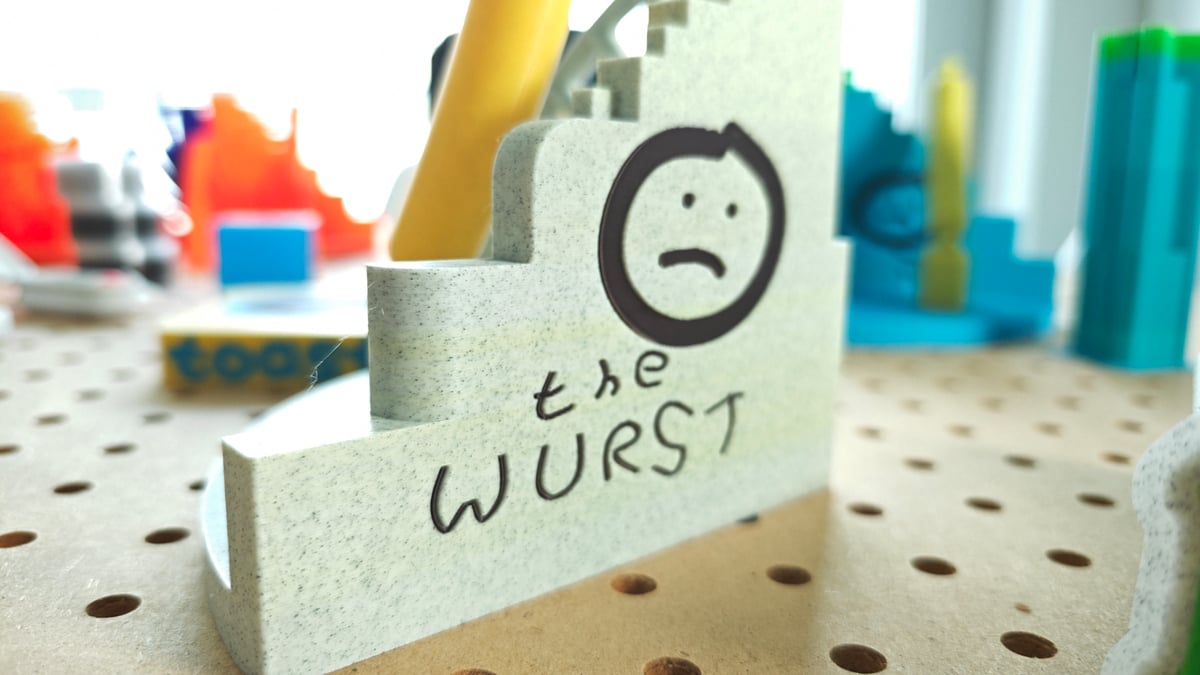
This undermines Anycubic’s claims on material swap efficiency entirely. While the ACE Gen 2 is certainly quicker than full AMS-type filament change systems, the material efficiency is not as pronounced when the nozzle needs a longer purge to keep materials clean. They didn’t bother to optimize this one major selling point for the printer, so you have to wonder where else things were rushed and not given appropriate attention.
Is It Worth It?
Overall, we leaning positive with the Kobra X, but it’s not a completely straightforward verdict.
Part of it feels cheap – the cutter, the flicker, the screen – though the frame underneath them doesn’t. That mixed picture might give you pause about the switcher buried in the printhead, a component that could be thought of as experimental future-tech for the company. Conceptually, I think the Kobra X is clearly a 3D printer for you if you’re cost-conscious but desperate to print multicolor models. The Kobra X can do this, and well.
For $299 you’re getting the expected four-color printing experience – expandable to 19 colors if you’re brave enough to hook up ACE Pro 2 units to the printer – plus great print quality, and ultimately, quite the fuss-free multi-material experience, provided you’re comfortable opening the flushing-values menus and experimenting with the numbers a little.
The color bleeding is, ultimately, a quick fix, but it totally undermines Anycubic’s “2x the speed, 2x the savings” claim (which, surely, should be half the waste?). Some savings are real, but the headline figure is inflated: my standard three-color test toast model printed on the Kobra X saw a 1h20m saving over Elegoo’s Centauri Carbon 2 Combo – not even close to half the time – and with less-than-half the flushed waste (“poop”).
It would have been good to see Anycubic double down on the ACE Gen 2 as its default single-nozzle multicolor printing technology – perfect it and be the preferred choice for budget single-nozzle systems. Its absence on the just-released Kobra 4, possibly, tells us all we need to know about the future of it.
And so, buy the Kobra X for exactly what it is today: a genuinely cheap, genuinely capable multicolor workhorse with clever purge-saving tech – just know you’ll have to modify some settings to get acceptable performance out of it, at the expense of the company’s touted performance.
License: The text of "Anycubic Kobra X Review: Purge-Saving Multicolor Printing on a Budget" by All3DP is licensed under a Creative Commons Attribution 4.0 International License.
CERTAIN CONTENT THAT APPEARS ON THIS SITE COMES FROM AMAZON. THIS CONTENT IS PROVIDED ‘AS IS’ AND IS SUBJECT TO CHANGE OR REMOVAL AT ANY TIME.