3D Printer Firmware
Recent


Most popular
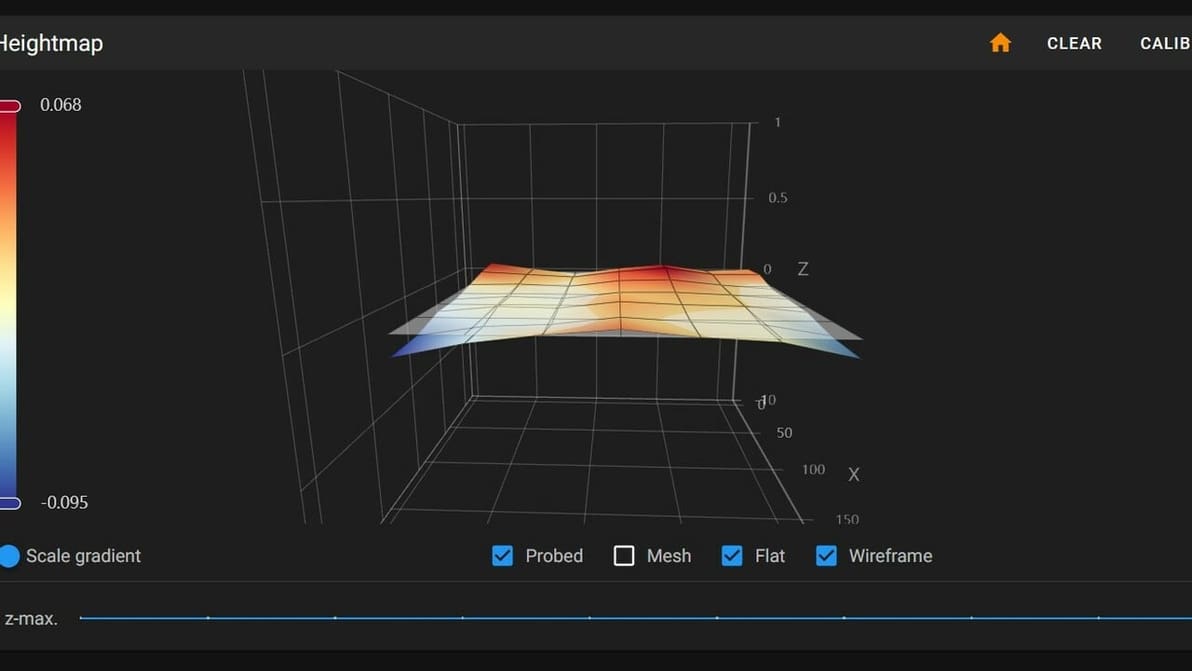
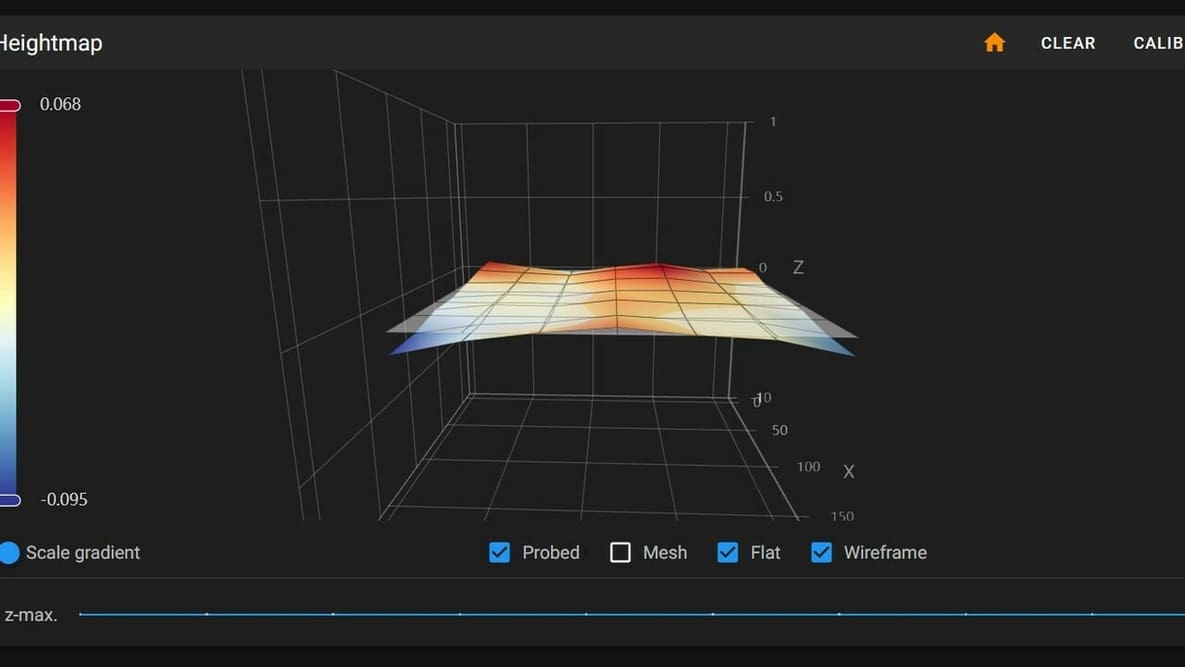
First layers can be hard to get right. Thankfully, Klipper can help. Learn how to use Klipper for bed mesh compensation.
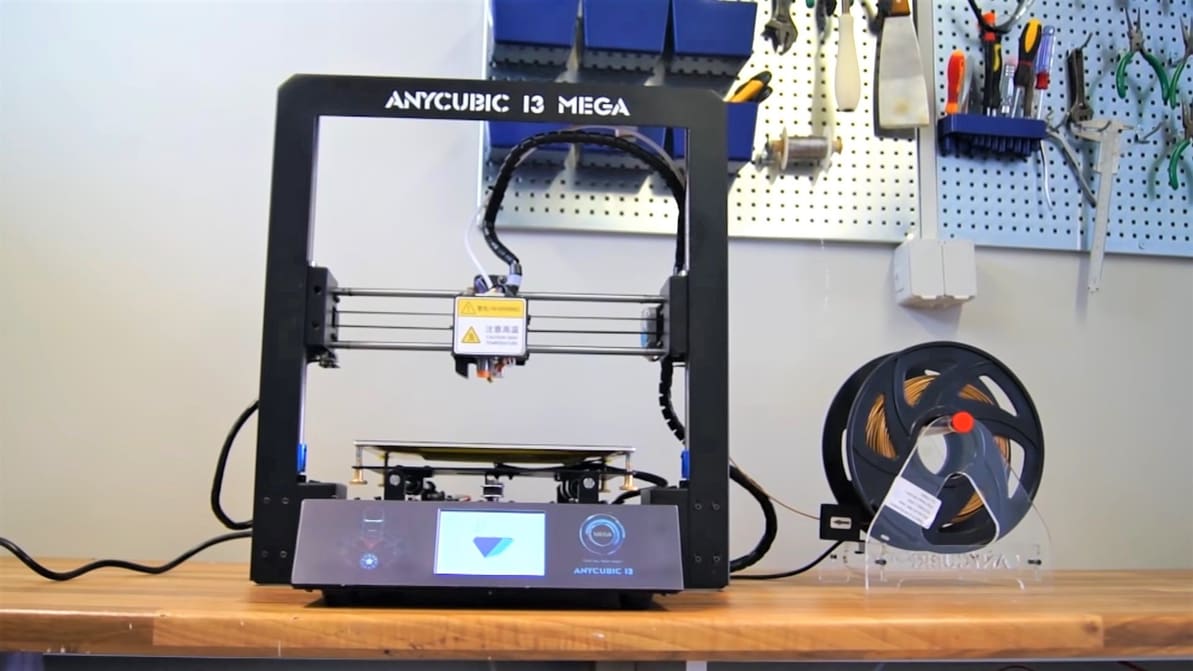
The Mega is a popular budget 3D printer, but it can be improved. Learn all about the Anycubic i3 Mega firmware and how to update it!
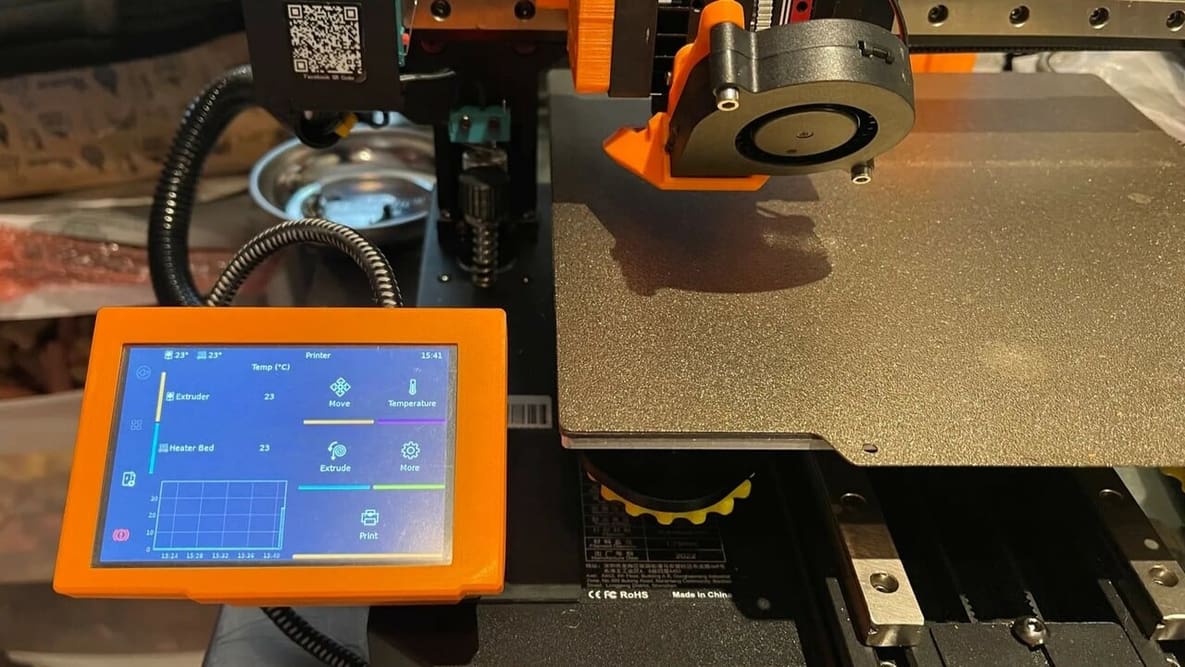
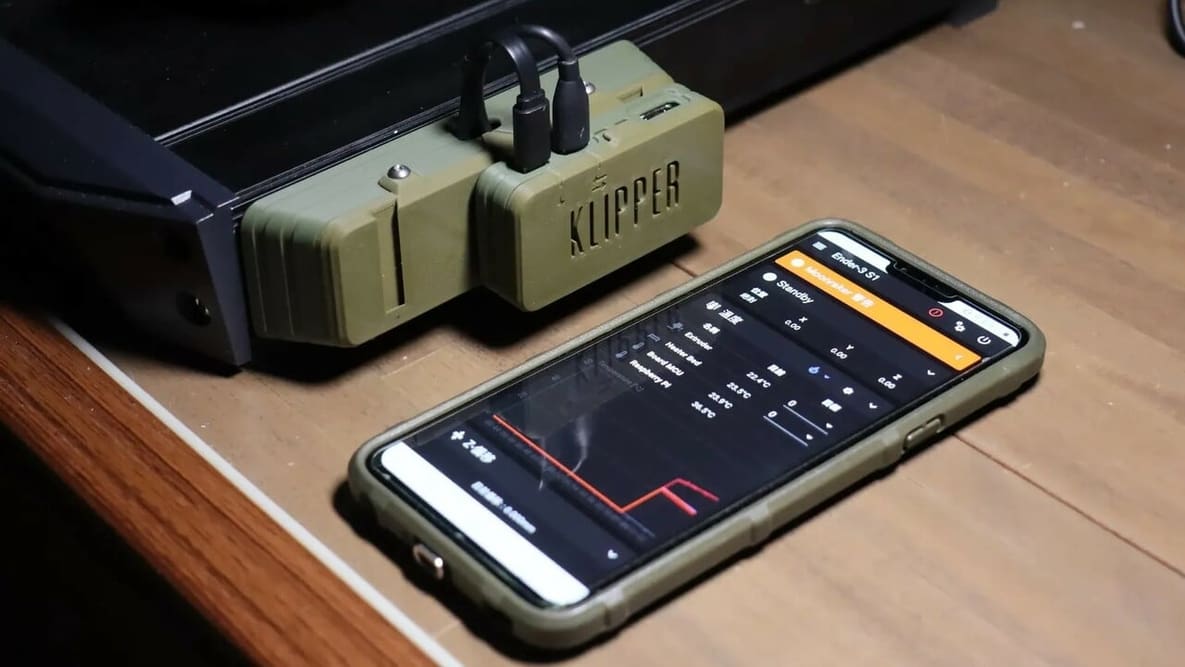
Klipper firmware is a powerful tool to improve the smarts of your printer, and by extension the performance! Here's what you need to know.
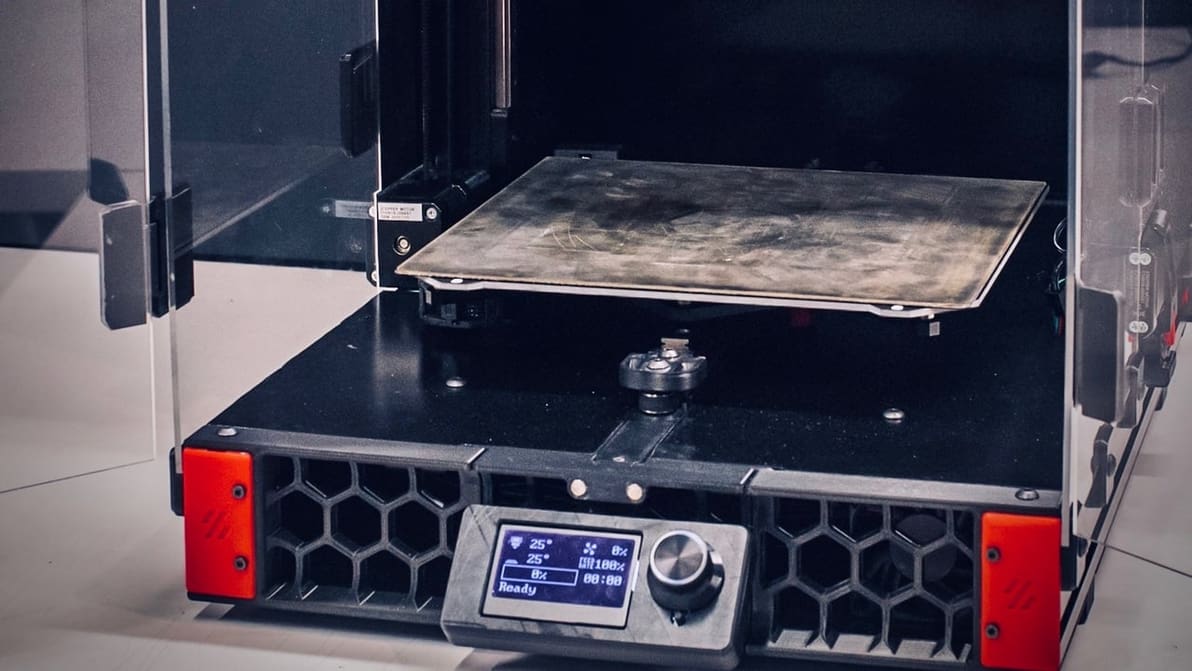
When choosing 3D printer firmware, you might be looking at Klipper vs. Marlin. Check out the differences and see what suits your setup!
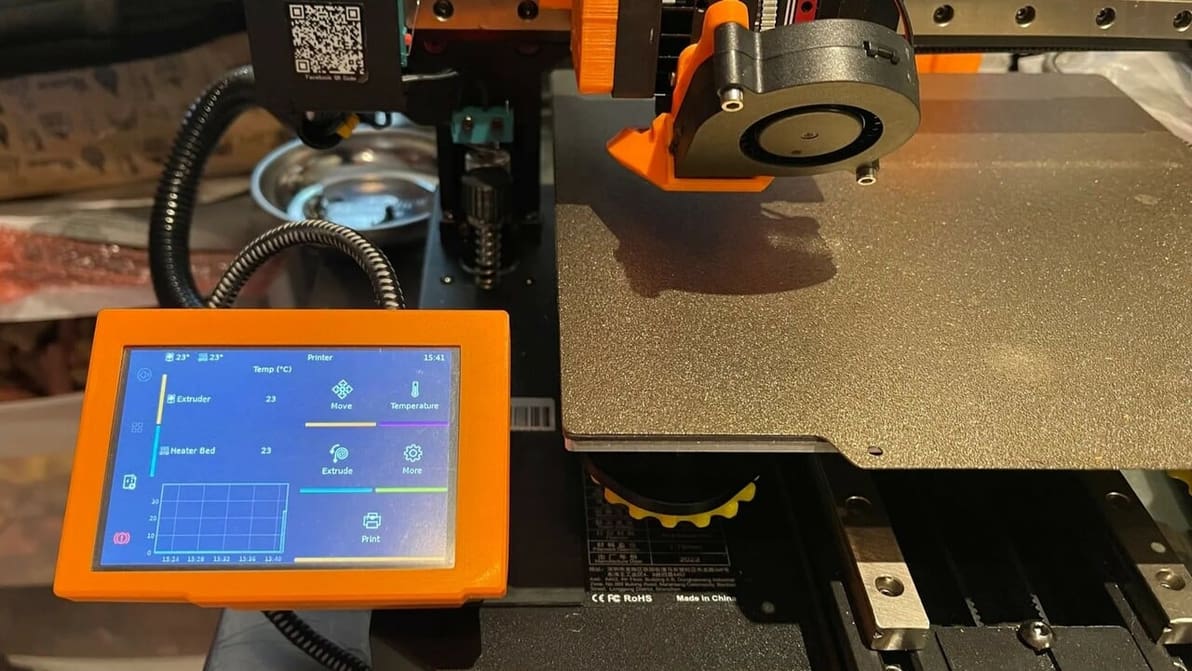
You've heard about Klipper: it's fast, great, and fixes your printing problems! Here's how to join in, and how to separate hype from truth.
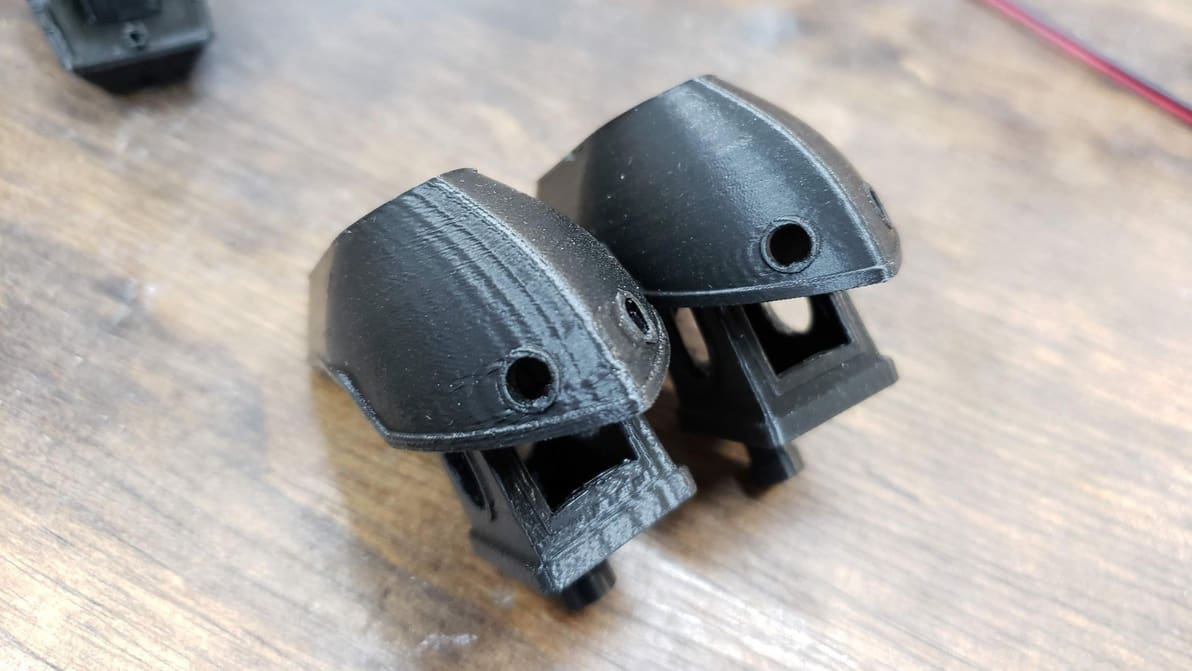
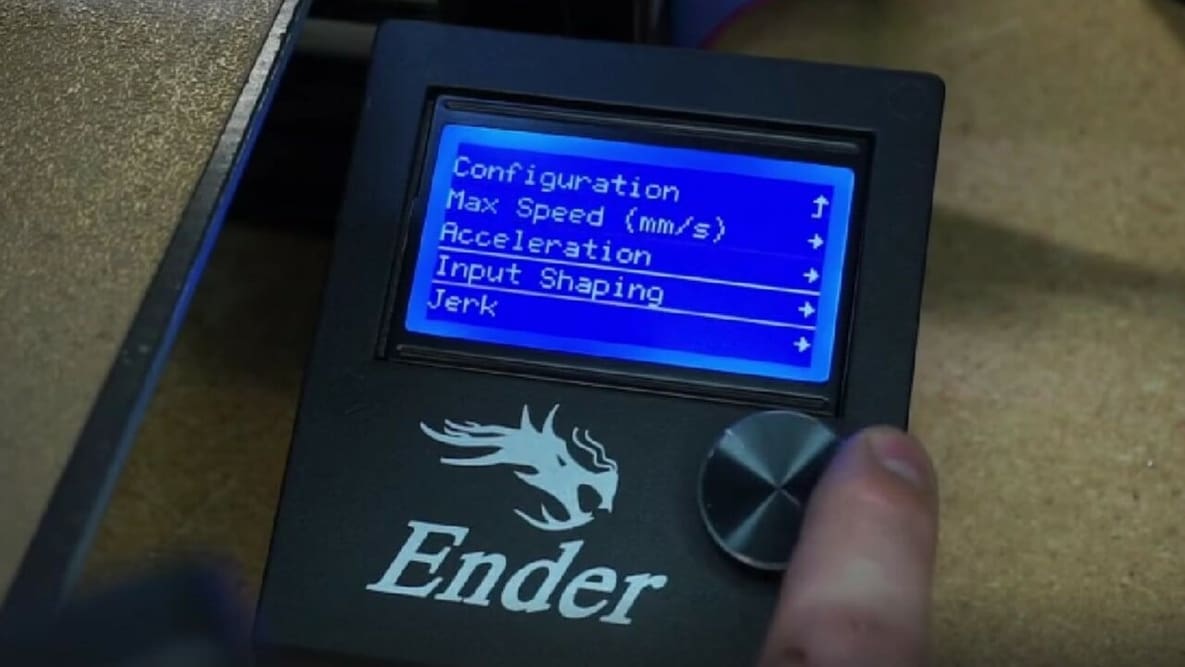
Klipper Input Shaping improves print quality by exorcising the ghosts caused by vibrations and resonances. Read on to learn all about it!
Choosing 3D printer firmware can be challenging. Read on to find out the best options and how to install them on your 3D printer.
If you're tired of your Ender 5 Plus firmware, read on to learn all about a few great options and where to get them!
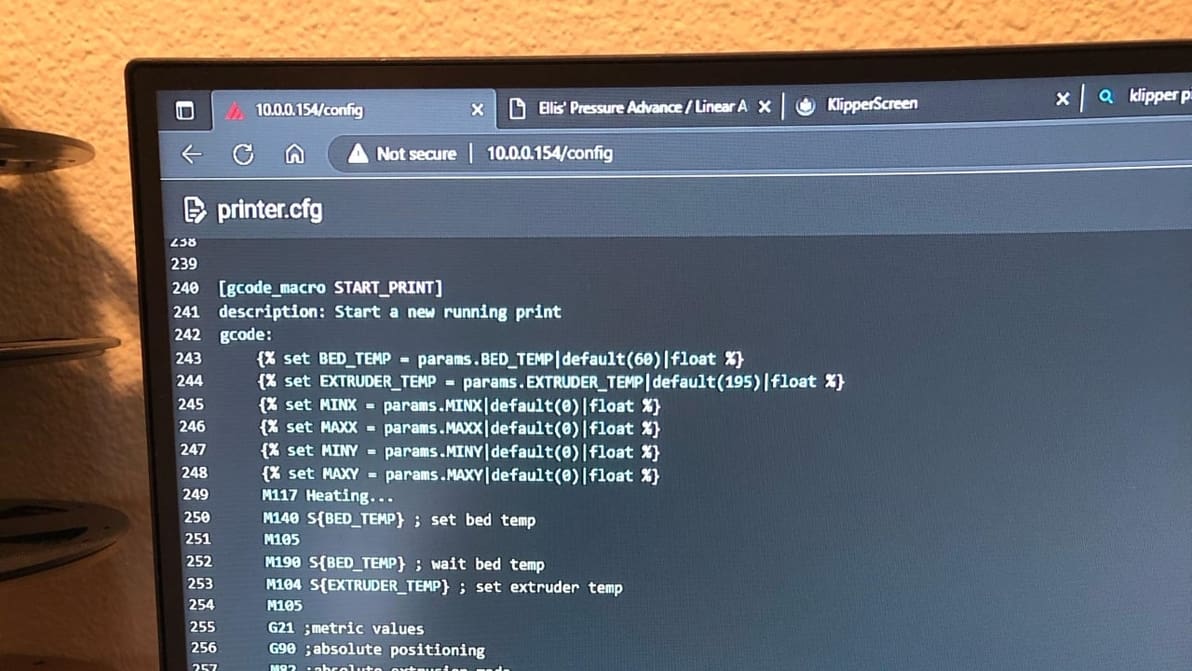
Klipper can improve your printing workflow using customized start G-code macros. Keep reading to learn all about Klipper start G-code!
The Ender 3s' stock firmware does the job, but there's plenty of fish in the sea. Check out the best Ender 3 firmware upgrades!
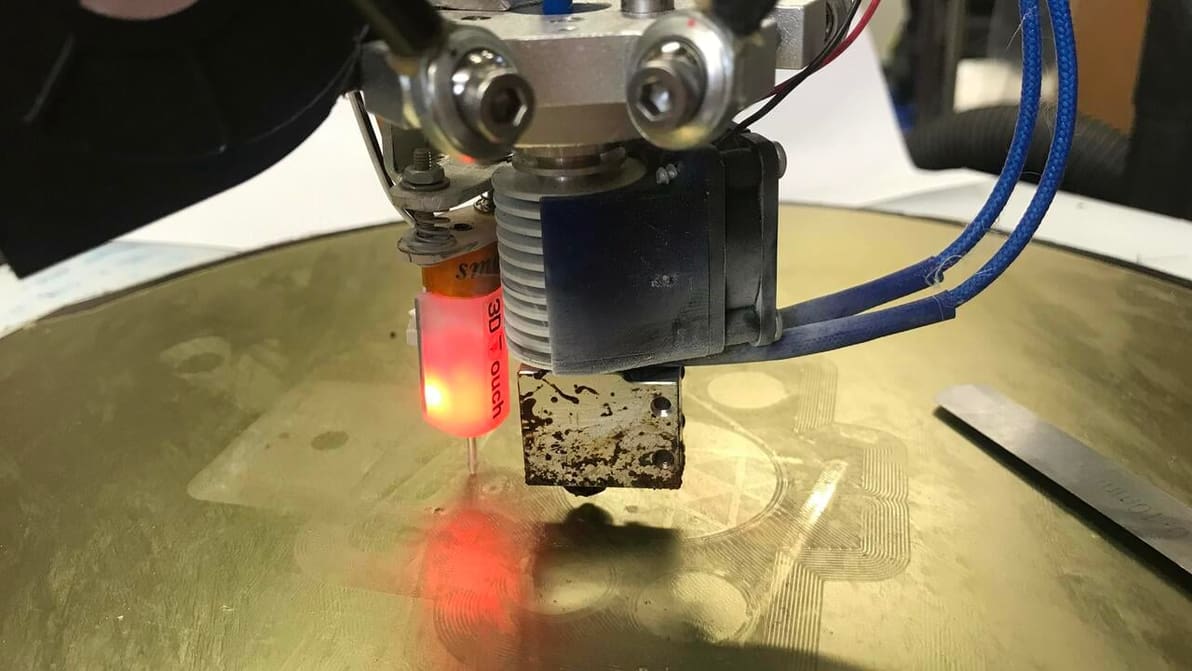
In Klipper, Z offset calibration is a basic but important procedure. Read on to learn all about how it's done!
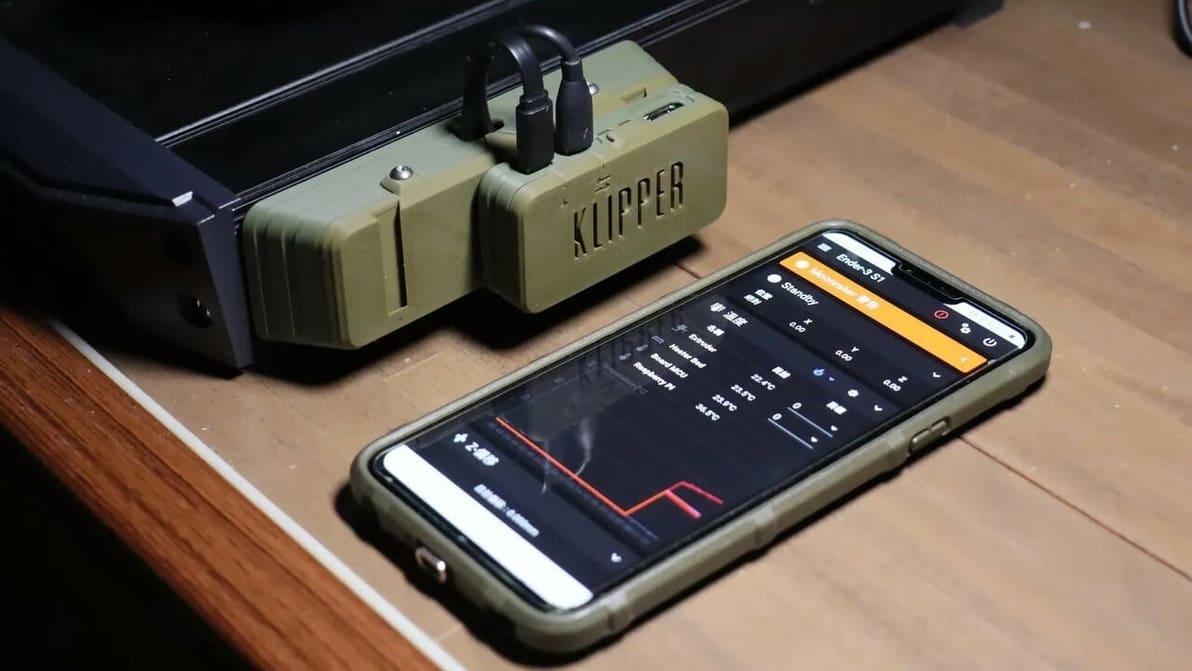
If you're wondering what Klipper sensorless homing is, look no further! Read how to configure Klipper to home without using endstop switches.
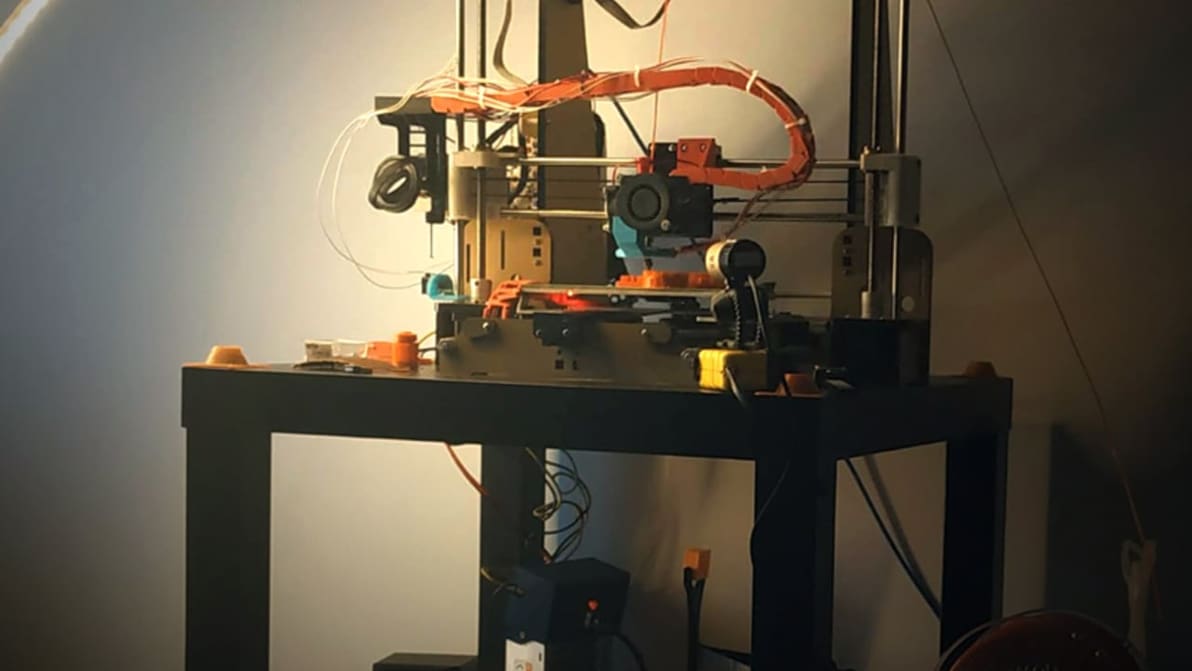
The saying goes, "If it ain't broke, don't fix it." Does that apply to the old Anet A8 firmware? Should you "mess" with the new firmware? We say yes, and for good reason.

In Klipper, Pressure Advance can predict nozzle pressure for more consistent extrusion and sharper corners. Read on to learn how to set it up!
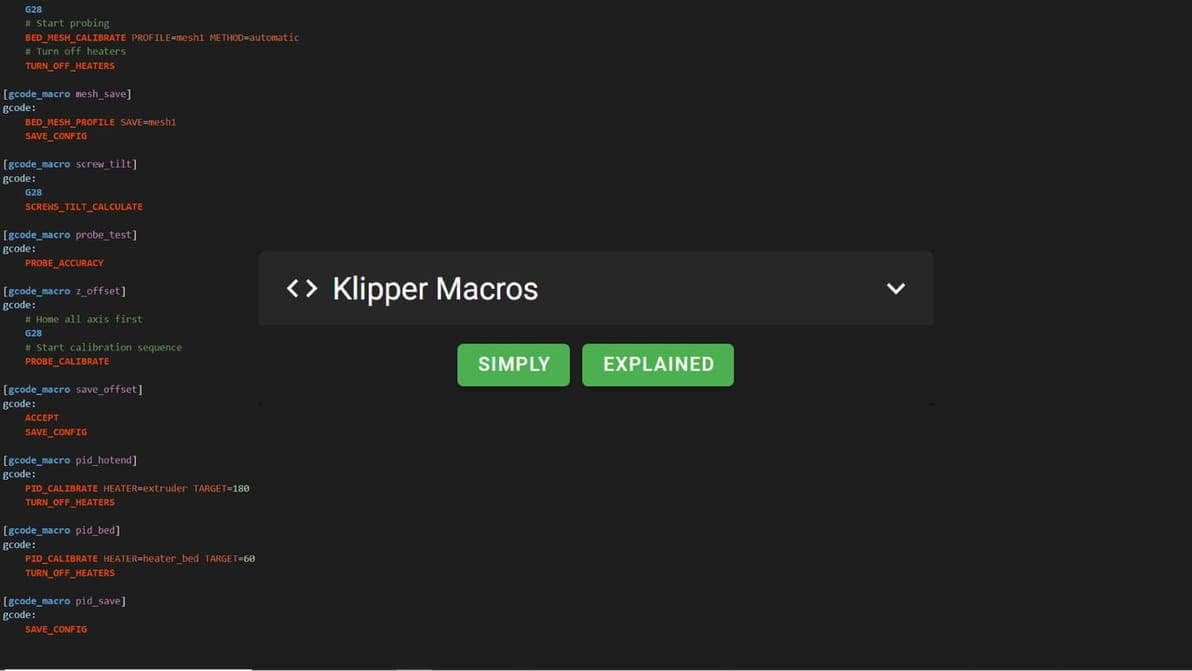
Looking for insights into the confusing world of Klipper macros? Or maybe an example to copy-paste? Find everything you need to know here!
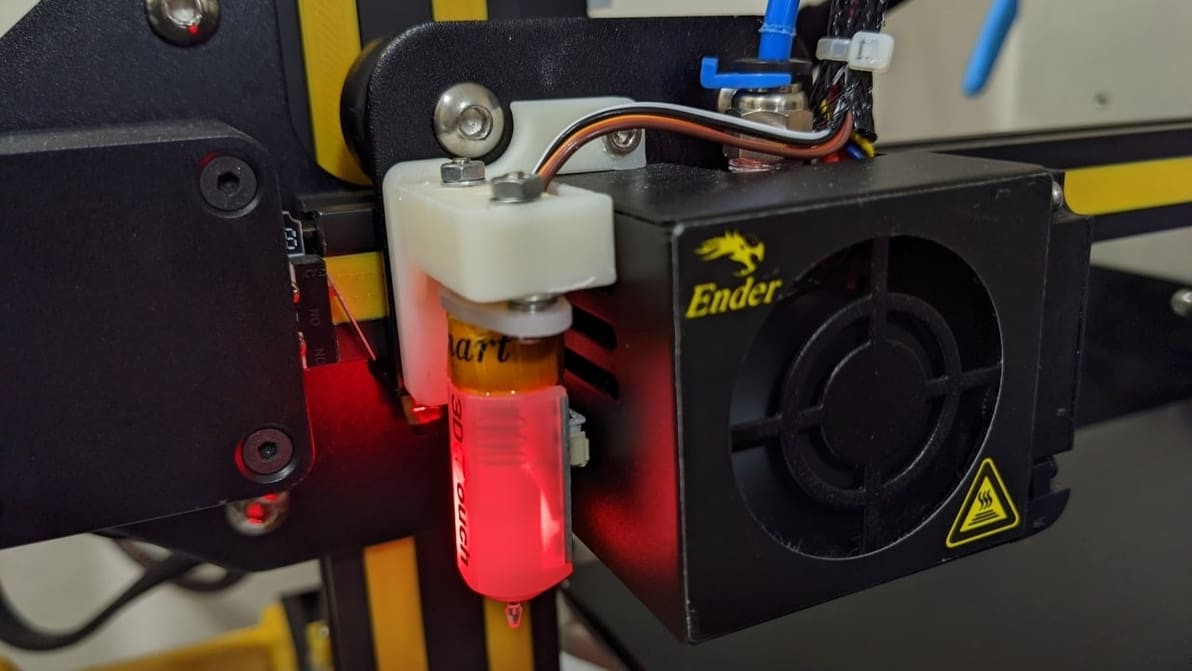
With Klipper, BLTouch probes automate the mesh bed levelling process. Read on to learn how to set up and use the BLTouch with Klipper!
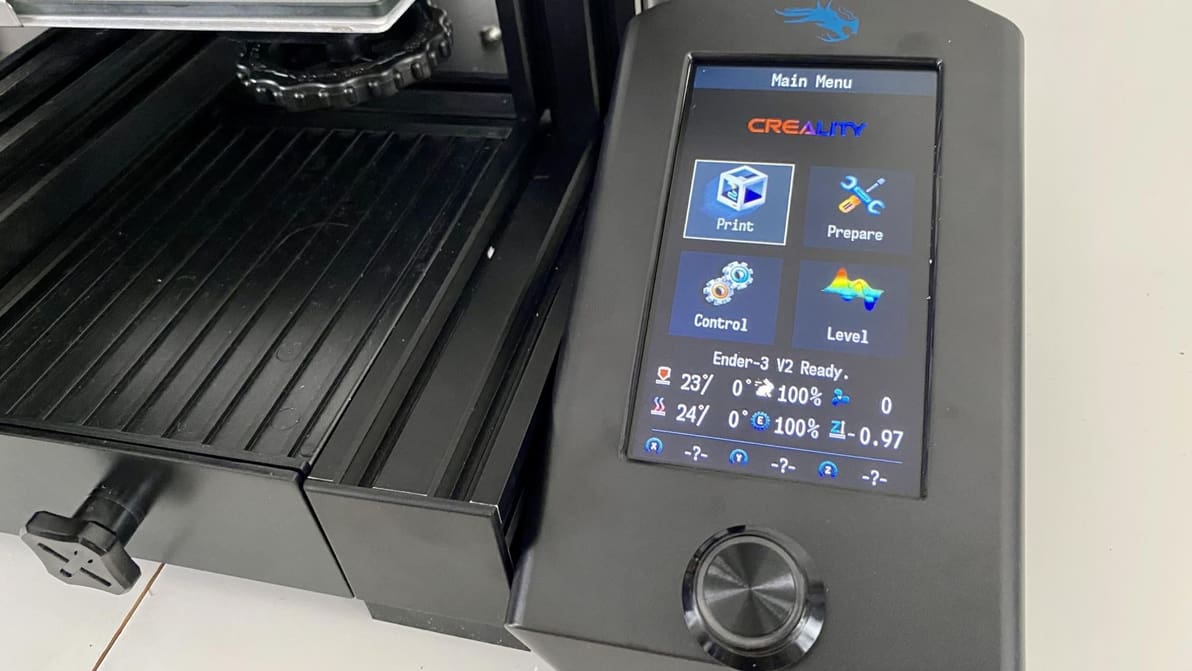
A Jyers firmware upgrade can unlock new software features on the Ender 3 V2. Get started on all the possibilities with this tutorial!
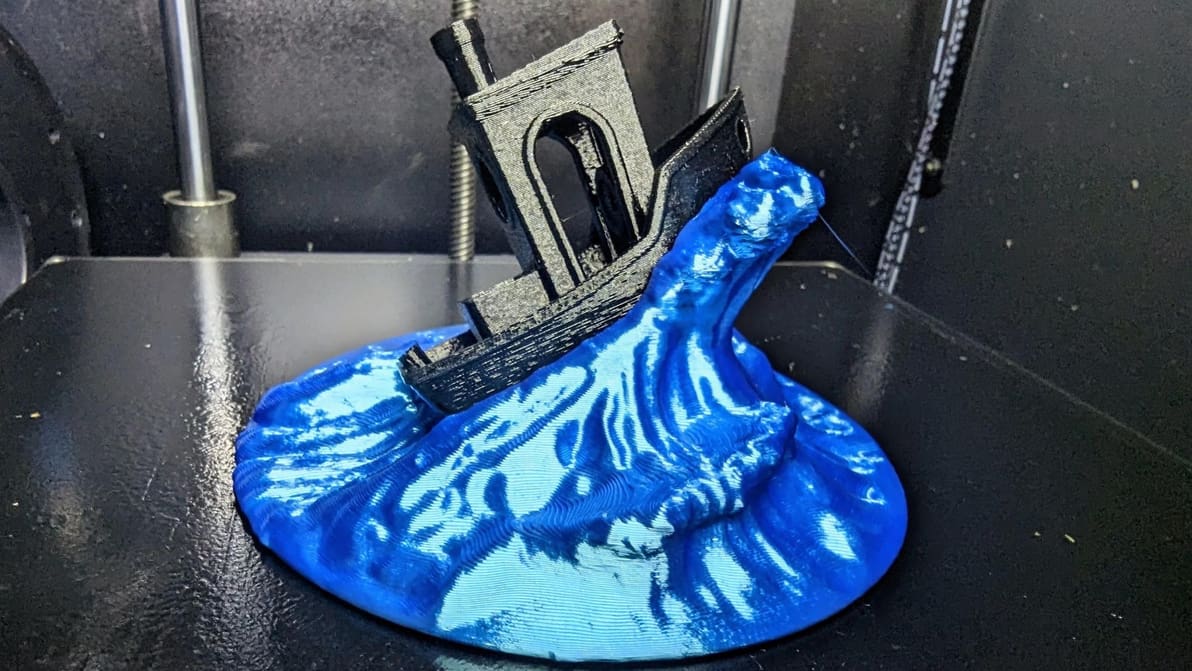
In some cases, Klipper uses unique G-code from that of other firmware. If you're running Klipper, PID tune your printer using these commands!
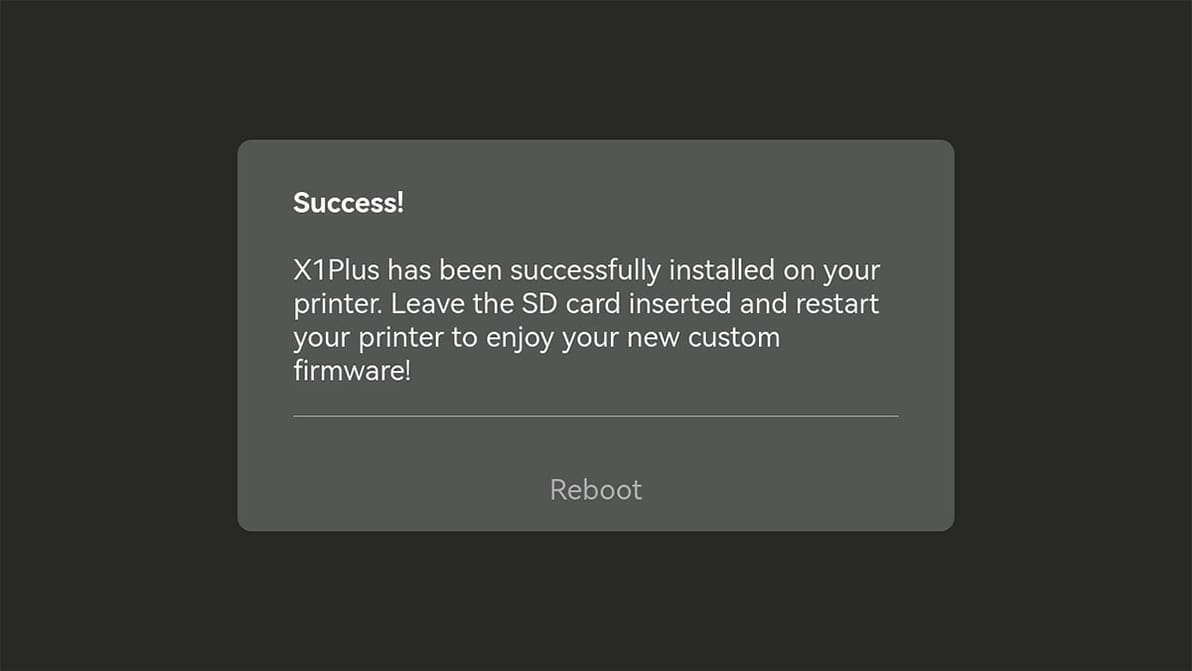
While Bambu Lab accommodates the release, users who choose to install it – or any third-party firmware – will lose warranty eligibility.
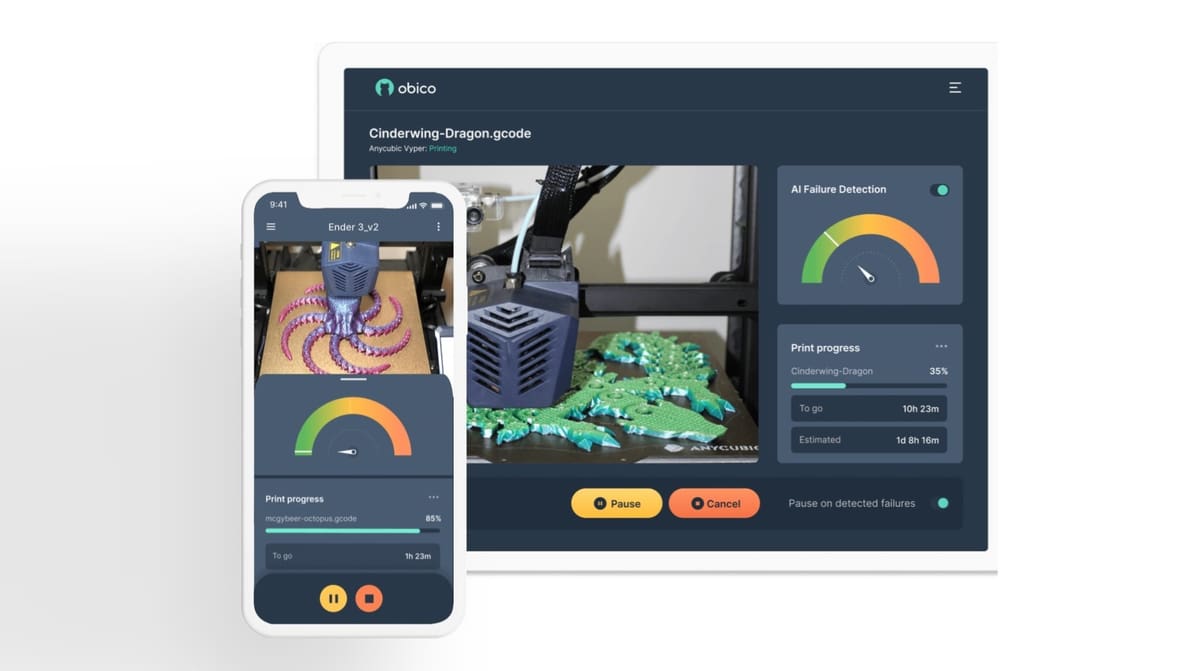
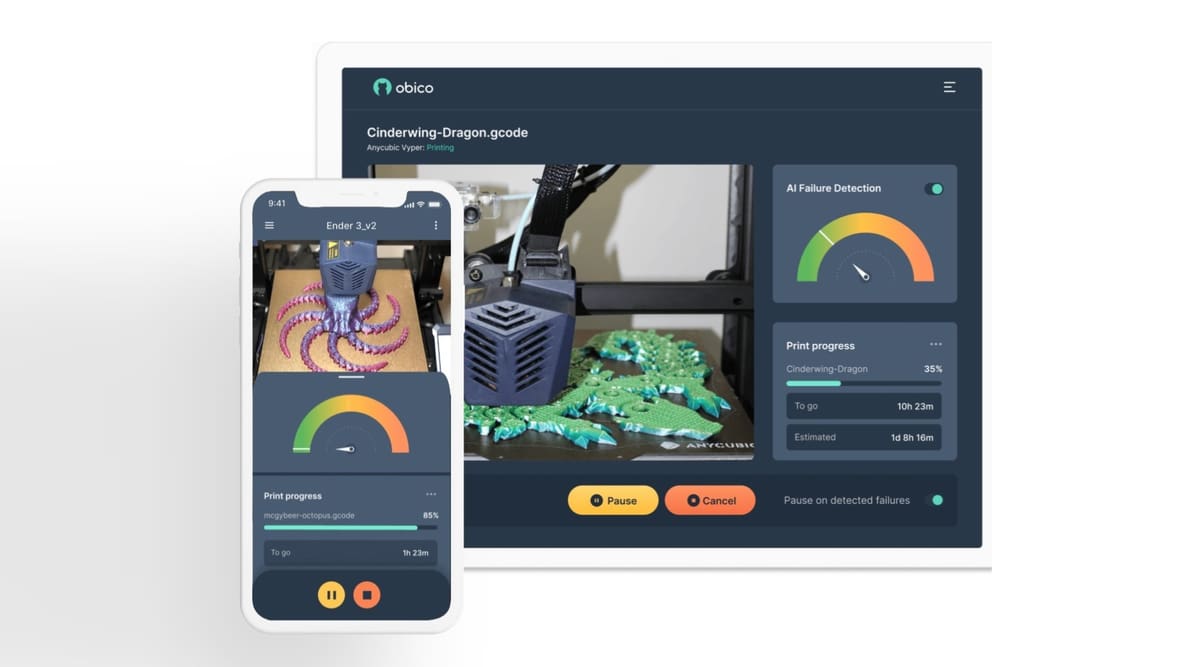
Obico detects print failures and lets you control your 3D printer from anywhere. Read on to learn more about this 3D printing platform!