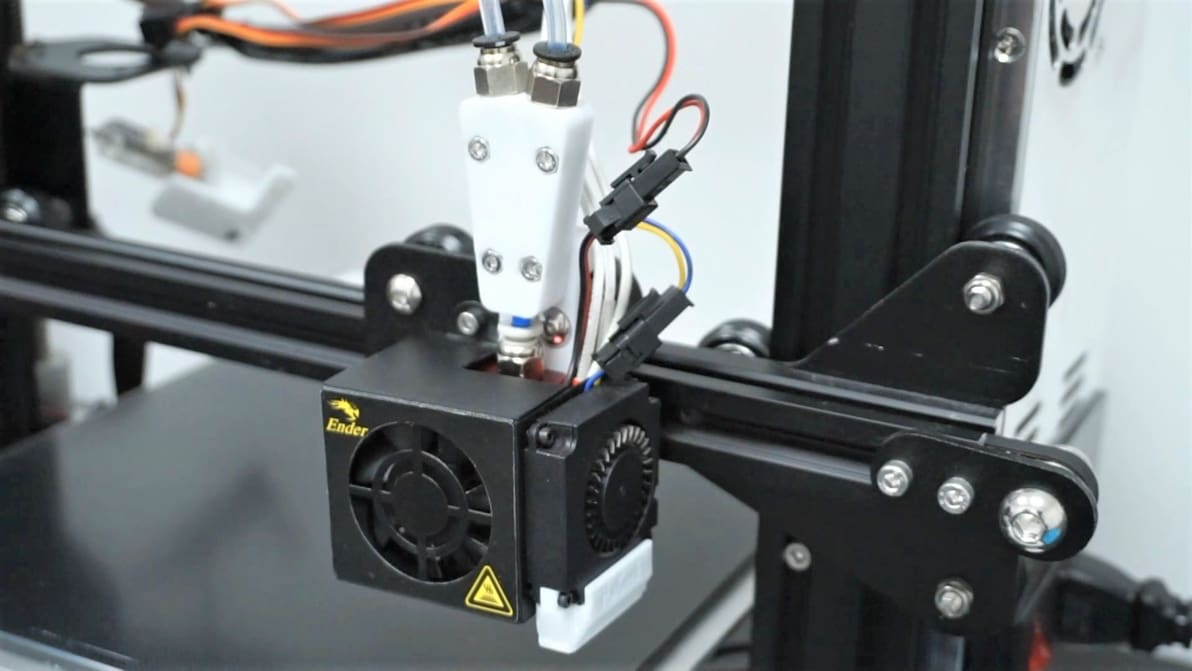
Creality Ender 3

Featured image of The Best Ender 3 (V2/Pro) Dual Extruder Upgrades
Two Nozzle or Not Two Nozzle?
The Best Ender 3 (V2/Pro) Dual Extruder Upgrades

Though very popular, the Creality Ender 3s can only do so much. Read on to learn about Ender 3 (V2/Pro) dual extruder upgrade options!
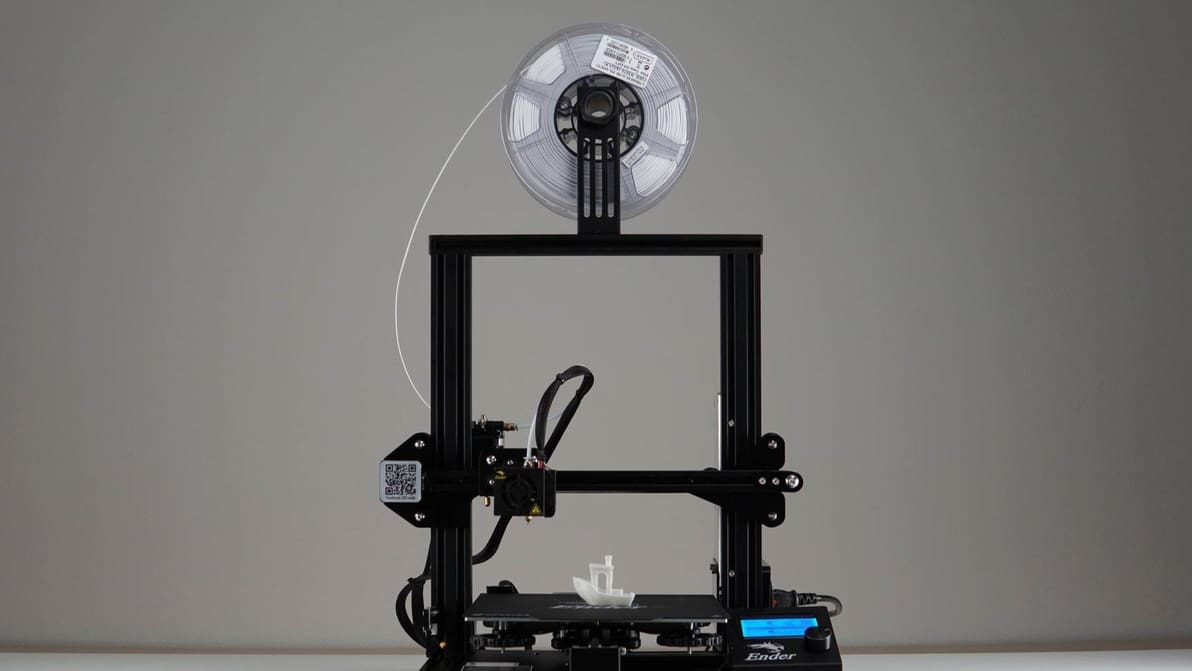
Featured image of The Best Filaments for Ender 3 (V2/Pro/S1)
Filling You In
The Best Filaments for Ender 3 (V2/Pro/S1)

Explore new materials! Check out our Ender 3 (V2/Pro/S1) filament guide to find the best filament for your needs!
by Pranav Gharge
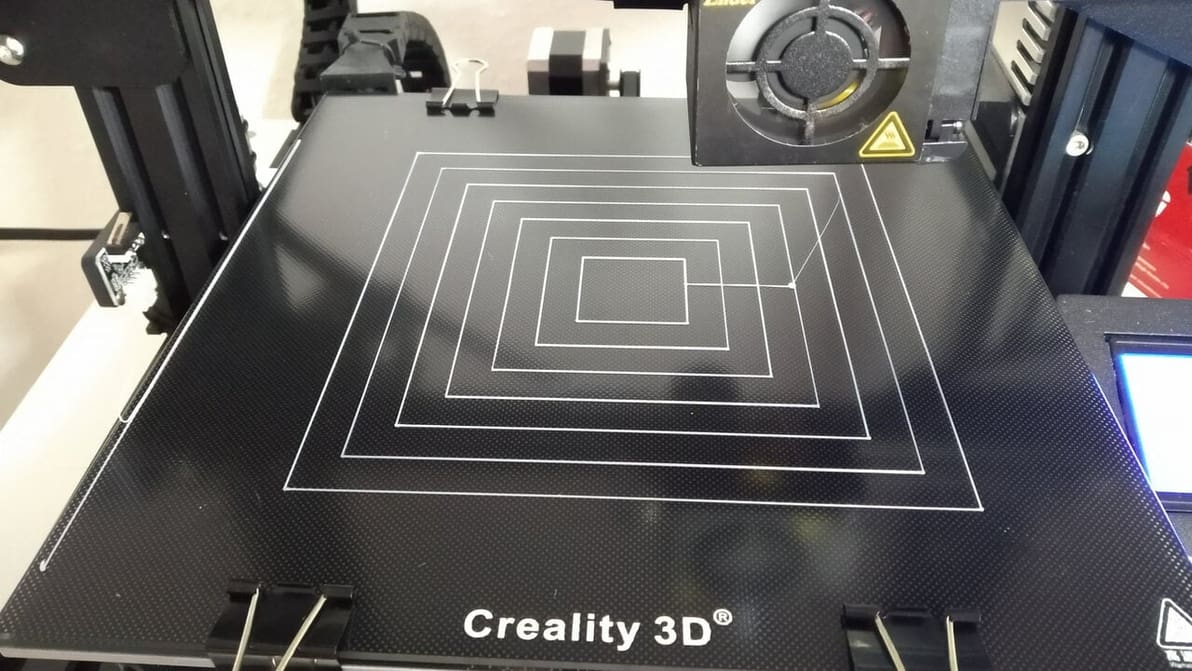
Featured image of The Best Ender 3 (V2/Pro) Bed Leveling G-code
No Slice, Just Level
The Best Ender 3 (V2/Pro) Bed Leveling G-code

Leveling G-code can be used to aid and test the bed leveling process. Read on for some great Ender 3 (V2/Pro) bed leveling G-code!
by Jackson O'Connell
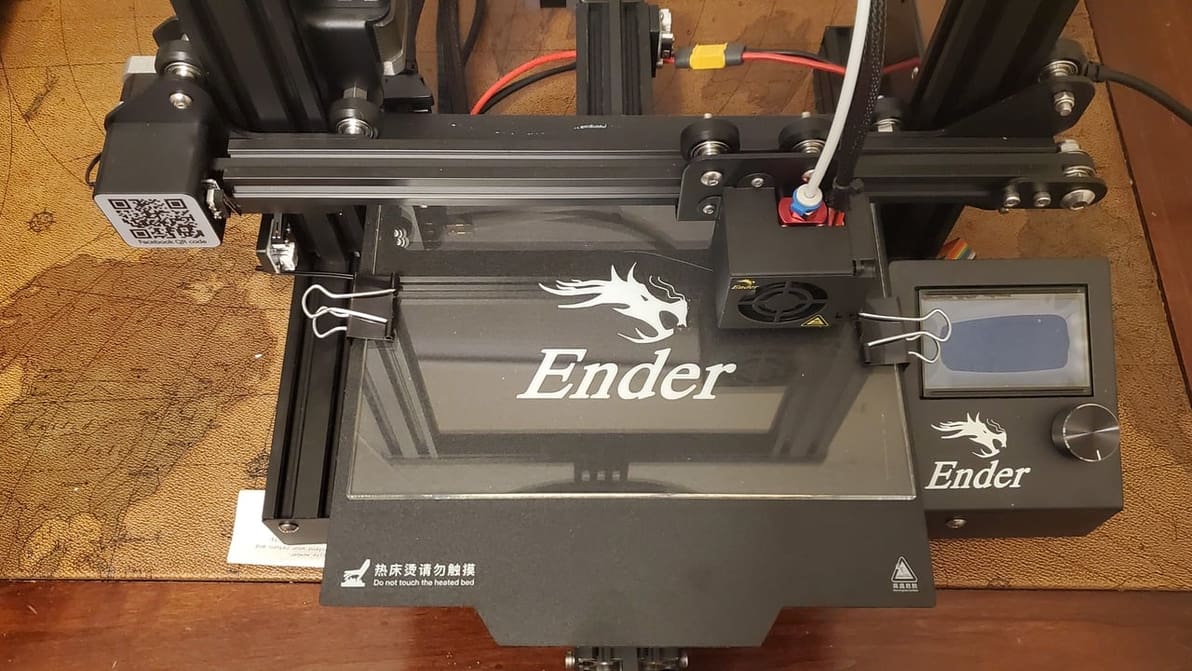
Featured image of Ender 3 (Pro) Z Offset: How to Adjust It
Offset Like a Pro
Ender 3 (Pro) Z Offset: How to Adjust It

The first layer is the most important part of the print, regardless of the printer. Get it right with these Ender 3 Z offset tips!
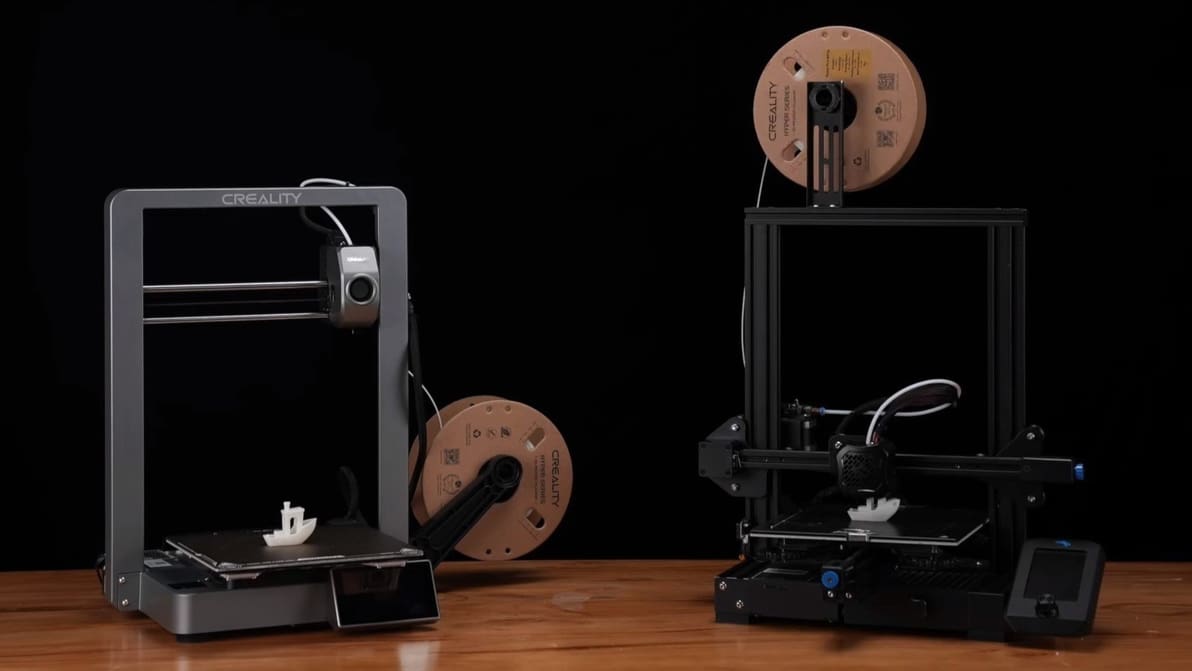
Featured image of The Best Creality Ender 3 Software
Ender Bender
The Best Creality Ender 3 Software

Check out our selection of the best free 3D printing software for Ender 3 (V2/Pro/S1/V3) to make your beloved printer even better!
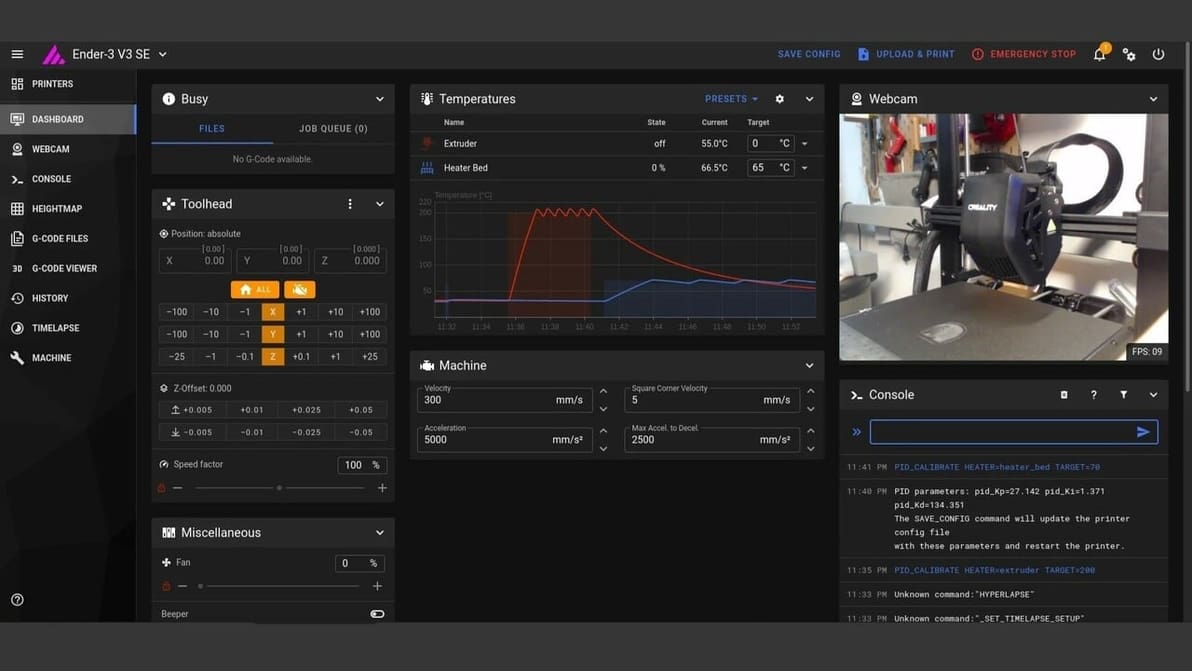
Featured image of Klipper on Ender 3 V3 SE: How to Install It
Klipper: Turbocharge Your 3D Printer
Klipper on Ender 3 V3 SE: How to Install It

Looking to have your Ender 3 V3 SE with Klipper? Here's the step-by-step guide to turbocharge your 3D printer by installing Klipper in it.
by Priyank Pal
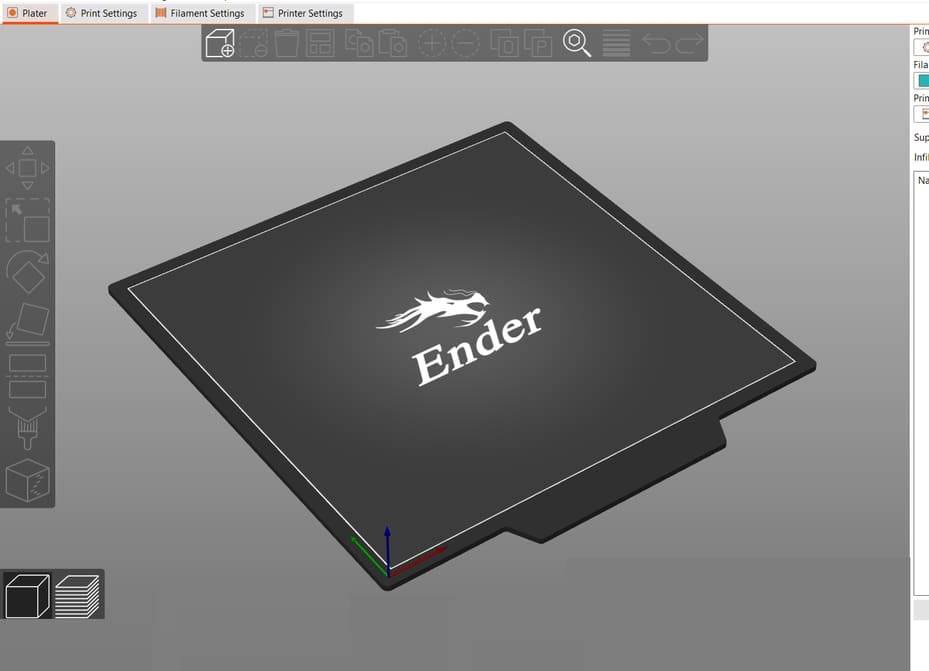
Featured image of The Best PrusaSlicer Ender 3 (V2/Pro/S1) Profile / Settings
Crossover Slicing
The Best PrusaSlicer Ender 3 (V2/Pro/S1) Profile / Settings

You don't need a Prusa printer to enjoy PrusaSlicer. Learn how to find the best PrusaSlicer Ender 3 (V2/Pro/S1) profile for your needs!
by Jackson O'Connell
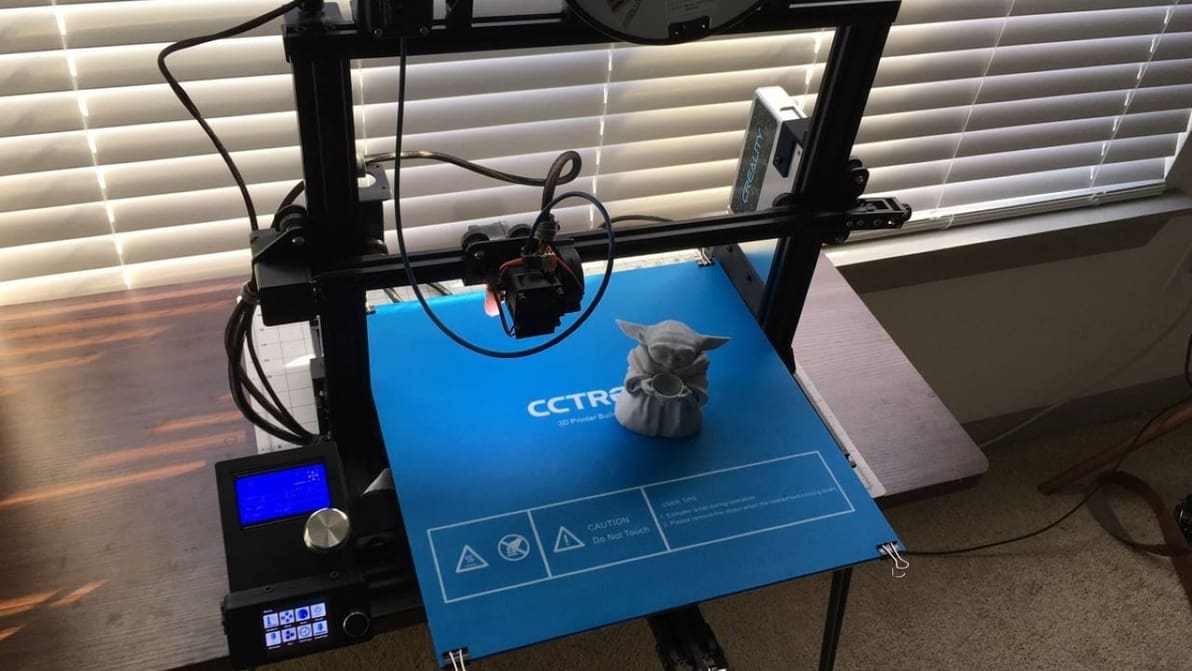
Featured image of Ender 3 Extender Kit: What Is It & How to Install It?
No End in Sight
Ender 3 Extender Kit: What Is It & How to Install It?

The Ender 3 Extender kit can increase your print area to 400 x 400 mm! If you're running out of room, read on to learn how to upgrade.
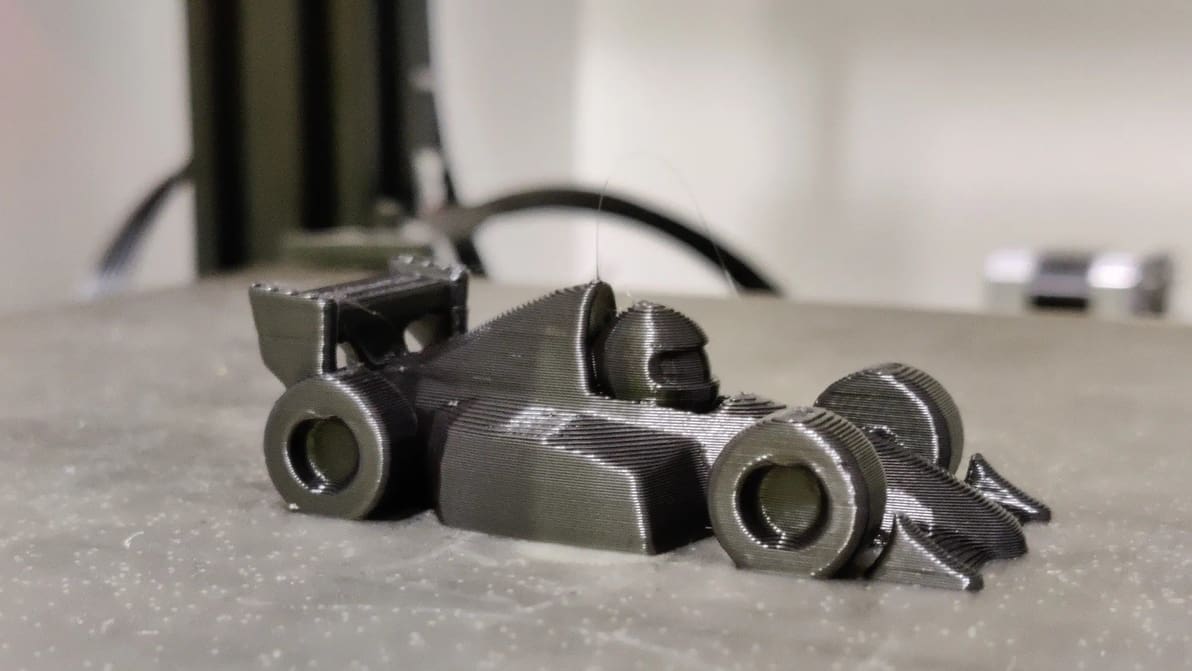
by Jackson O'Connell
Featured image of The Best Ender 3 (V2/Pro/S1) Print Speed Settings
Printy Gonzales
The Best Ender 3 (V2/Pro/S1) Print Speed Settings

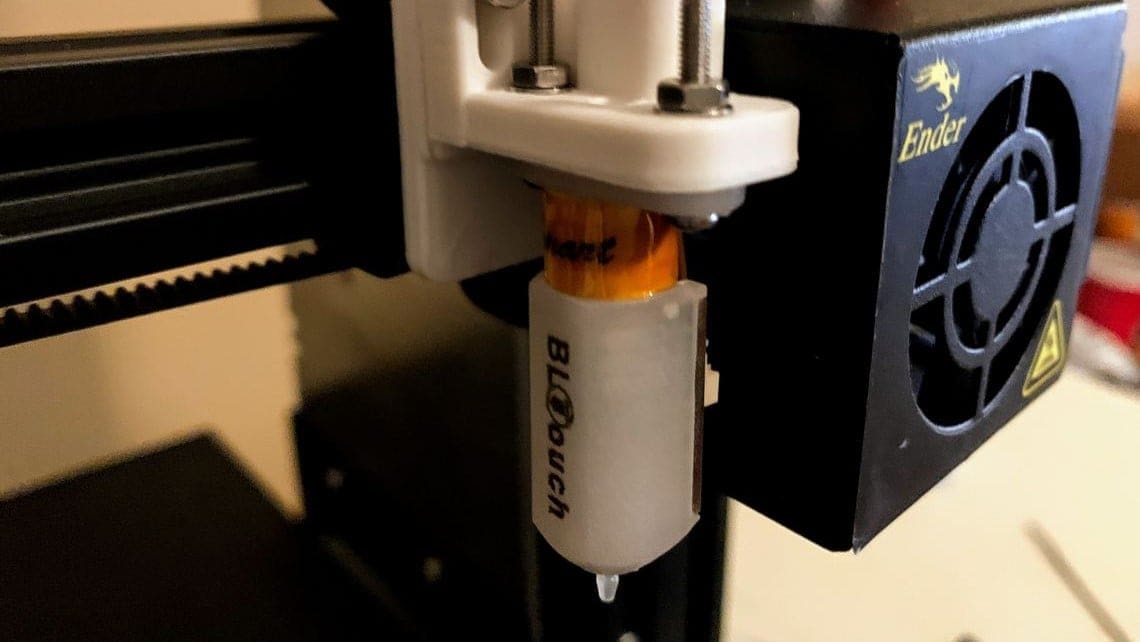
To get the most out of your Ender 3 (V2/Pro/S1), print speed is a key factor. Read on to discover the perfect Ender 3 print speed settings!
Featured image of Creality Ender 3 (Pro) & BLTouch: How to Install It
A Touchy Topic
Creality Ender 3 (Pro) & BLTouch: How to Install It

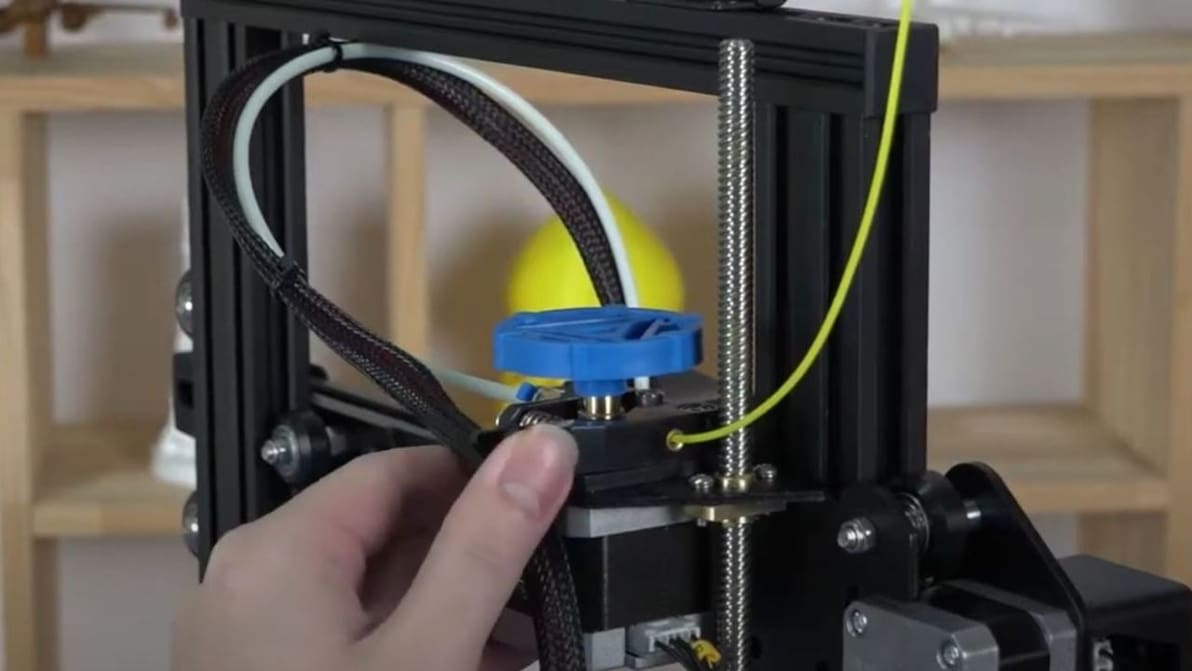
Manually leveling a printer bed is so simple a robot can do it. Enter, the BLTouch! Read on to learn how to install a BLTouch on your Ender 3.
Advertisement
Advertisement
Featured image of Ender 3 (V2/Pro): How to Change Filament – 3 Easy Steps
The Filament Shuffle
Ender 3 (V2/Pro): How to Change Filament – 3 Easy Steps

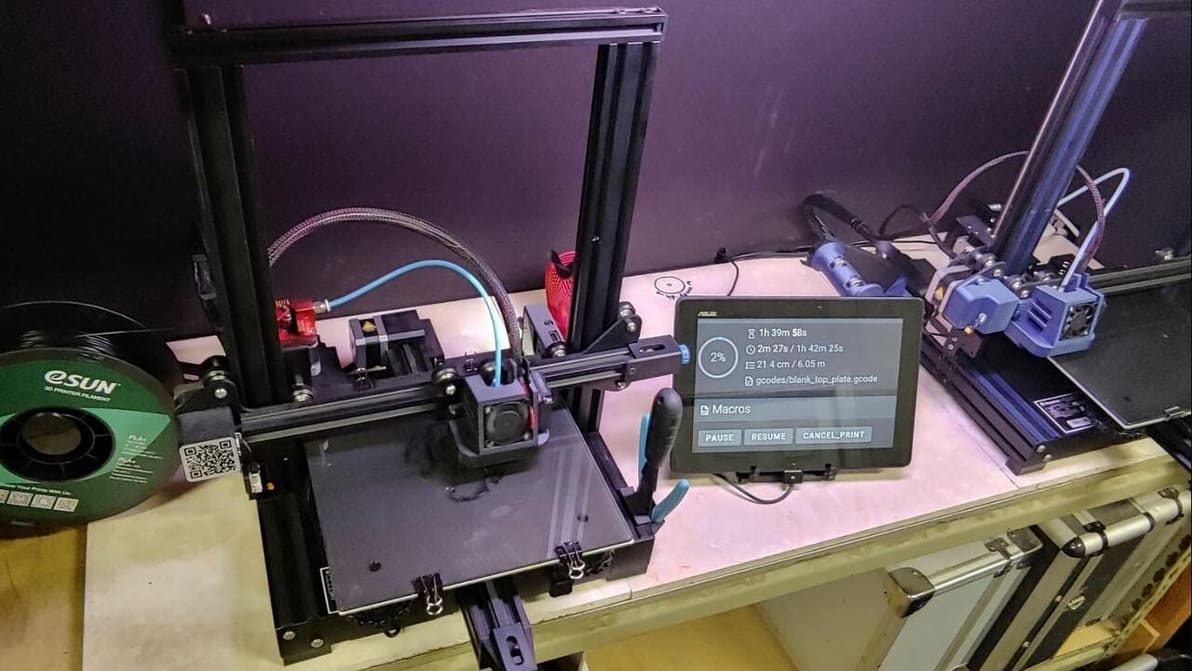
New filament, new me! Read on to learn the quickest and smartest way to change the filament on your Ender 3, V2, or Pro in 3 easy steps.
by Robert Frogner
Featured image of Klipper on Ender 3 V2: How to Install It
Fabulous Fast Firmware
Klipper on Ender 3 V2: How to Install It

Klipper is great 3D printer firmware but can be a bit tricky to set up. Read on to learn how to install Klipper on an Ender 3 V2!
by Jackson O'Connell
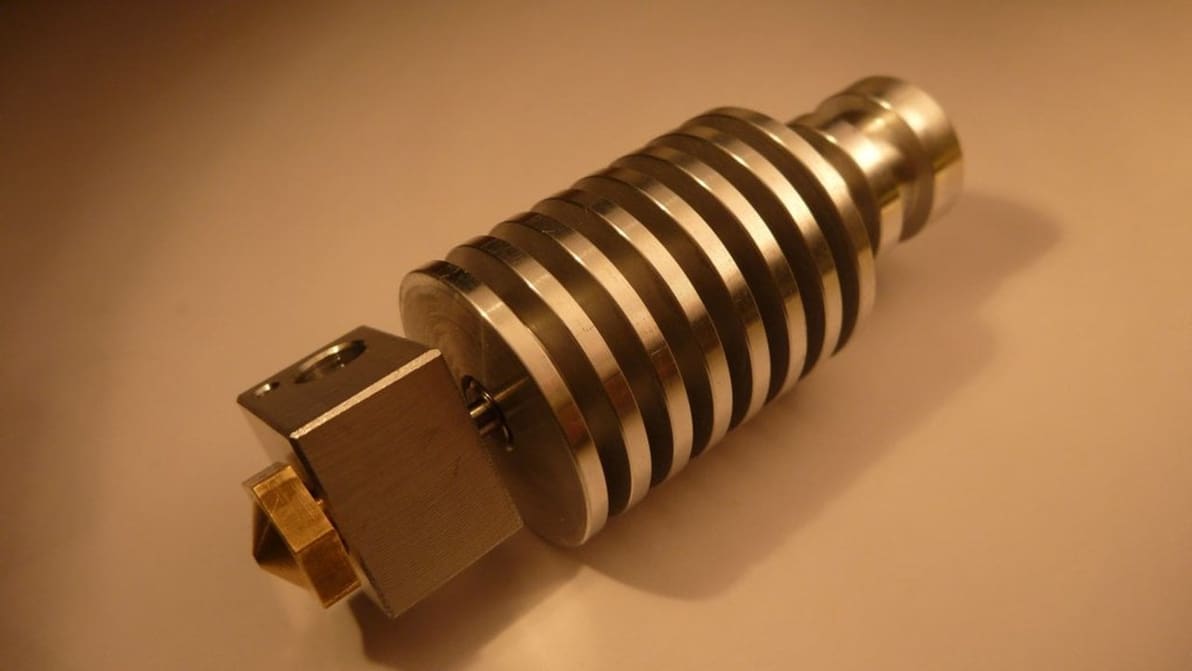
Featured image of The Best Ender 3 (V2/Pro/S1) All-Metal Hot End Upgrades
Hot Takes
The Best Ender 3 (V2/Pro/S1) All-Metal Hot End Upgrades

All-metal hot ends unlock many new material possibilities. Read on for the best upgrade options for your Ender 3 (V2/Pro/S1)!
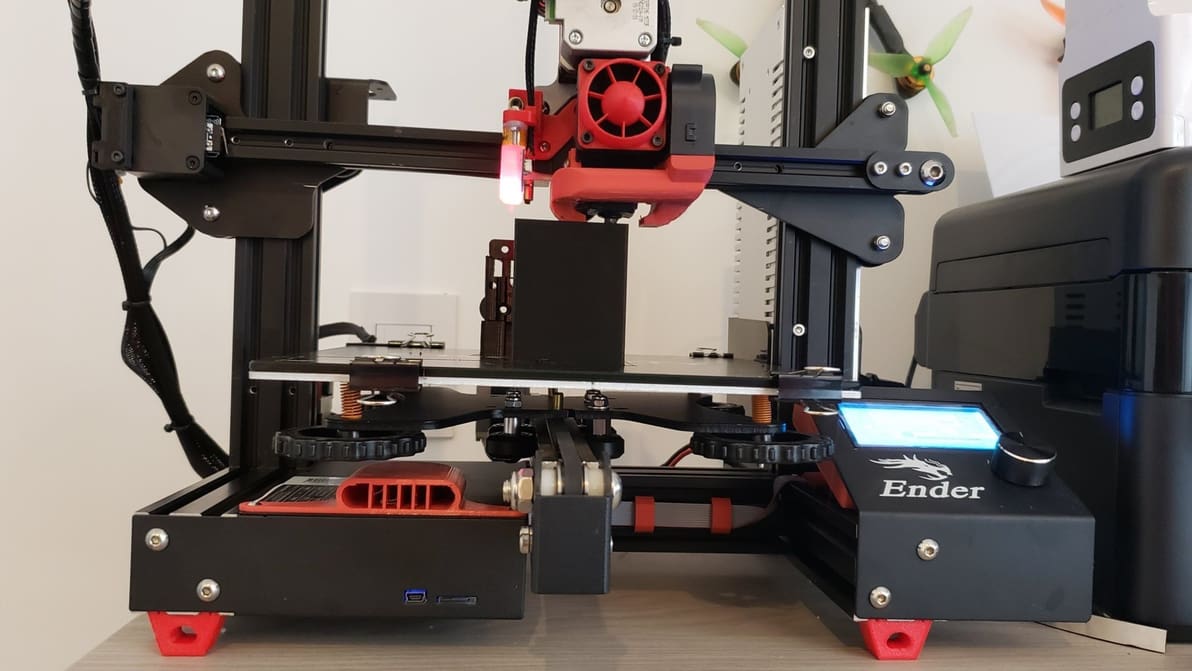
Featured image of Ender 3 (V2/Pro) & TPU: How to Print Flexible Filaments
Just Flexing
Ender 3 (V2/Pro) & TPU: How to Print Flexible Filaments

Flexible filaments are fun to 3D print with but challenging to get right. Read on to perfect your Ender 3 (V2/Pro) TPU settings!
by Karen Ditsch
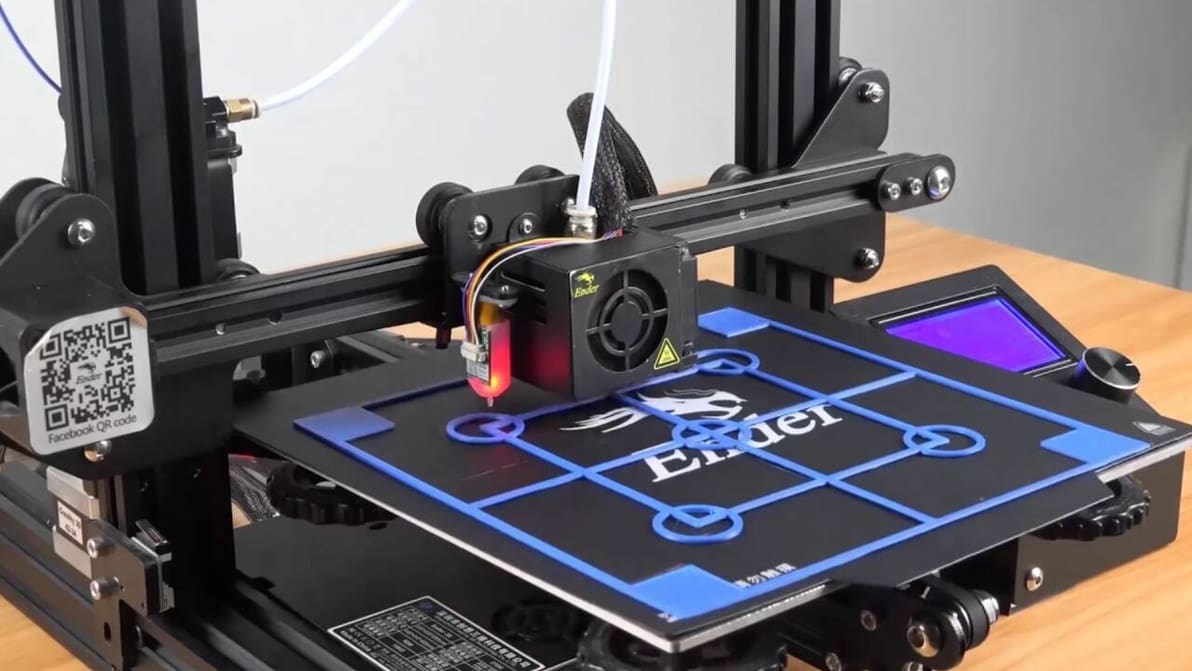
Featured image of Ender 3 (V2/Pro) Auto-Bed Leveling: The Best Options
On the Level
Ender 3 (V2/Pro) Auto-Bed Leveling: The Best Options

There are many options for setting up the popular Ender 3 (V2/Pro) with auto-bed leveling functionality. Discover the best ones!
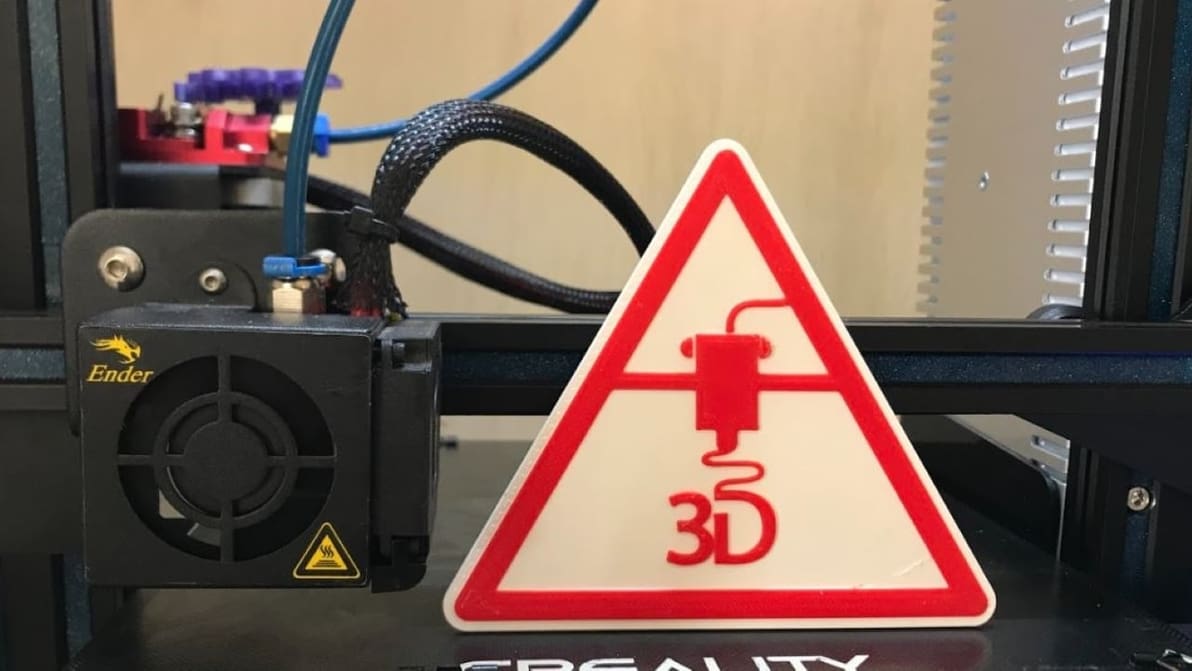
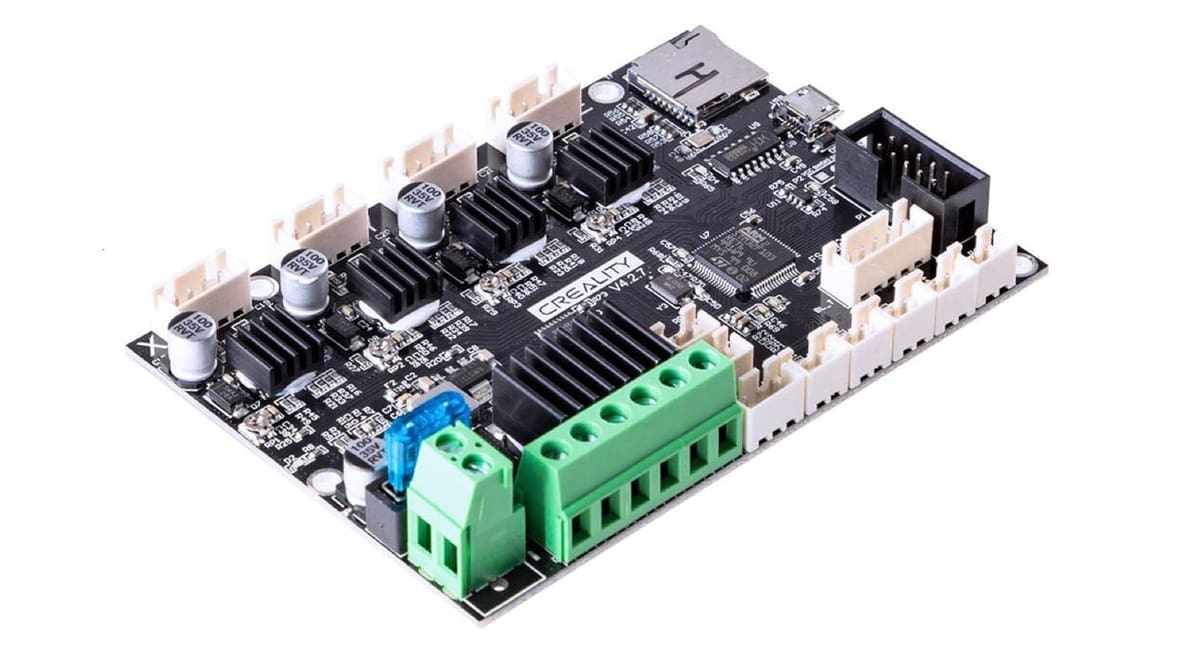
Featured image of Ender 3 (V2/Pro/S1): How to Change Filament Mid-print
Change It Up
Ender 3 (V2/Pro/S1): How to Change Filament Mid-print

Switching filaments allows you to use multiple filaments in a single print. Learn how to change filament mid-print on an Ender 3 (V2/Pro/S1)!
by Jackson O'Connell
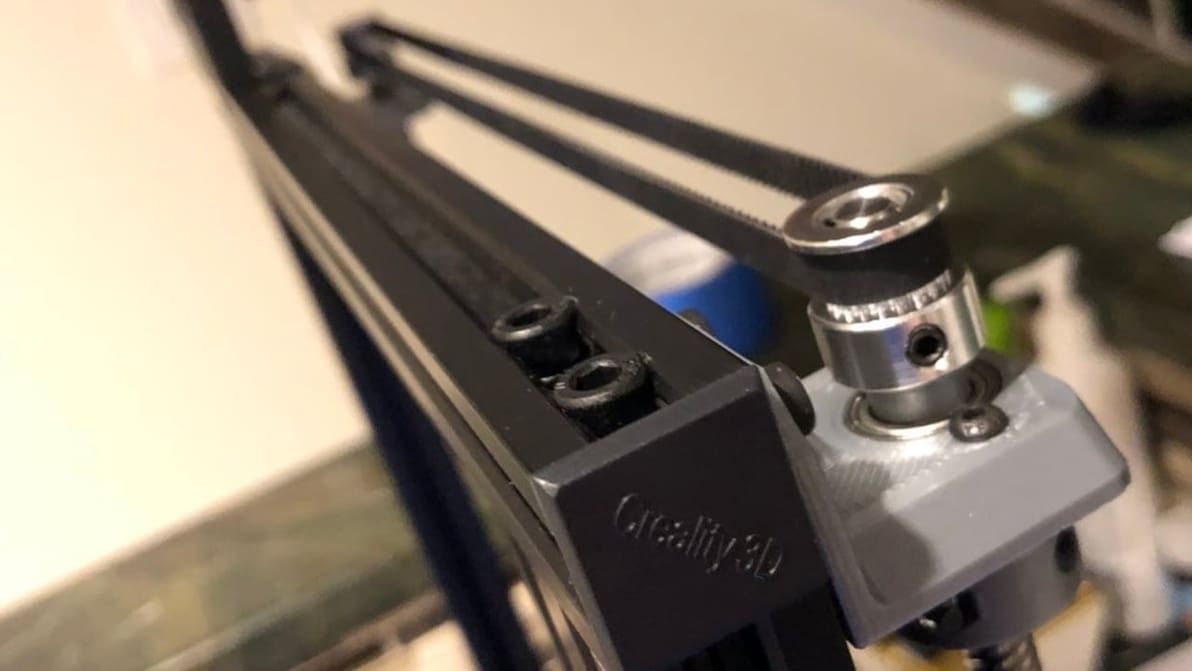
Featured image of Creality V4.2.7 Silent Board: All You Need to Know
Back to Creality
Creality V4.2.7 Silent Board: All You Need to Know

Creality's V4.2.7 silent board has been around for a couple of years. Read on to learn about the mainboard and its features!
by Jackson O'Connell
Featured image of Ender 3 (V2/Pro) Dual Z-axis Upgrade: How to Install It
Double the Fun
Ender 3 (V2/Pro) Dual Z-axis Upgrade: How to Install It

If you're having stability problems on an Ender 3, V2, or Pro, a dual Z-axis upgrade is the way to go. Read on to find out all about it!

by Jackson O'Connell
Featured image of Ender 3 (V2/Pro) Filament Sensor Upgrade: 3 Easy Steps
Catch that Filament Break
Ender 3 (V2/Pro) Filament Sensor Upgrade: 3 Easy Steps

Though mighty, the Ender 3s don't have filament runout detection. Learn how to install a Ender 3 filament sensor upgrade on your 3D printer!
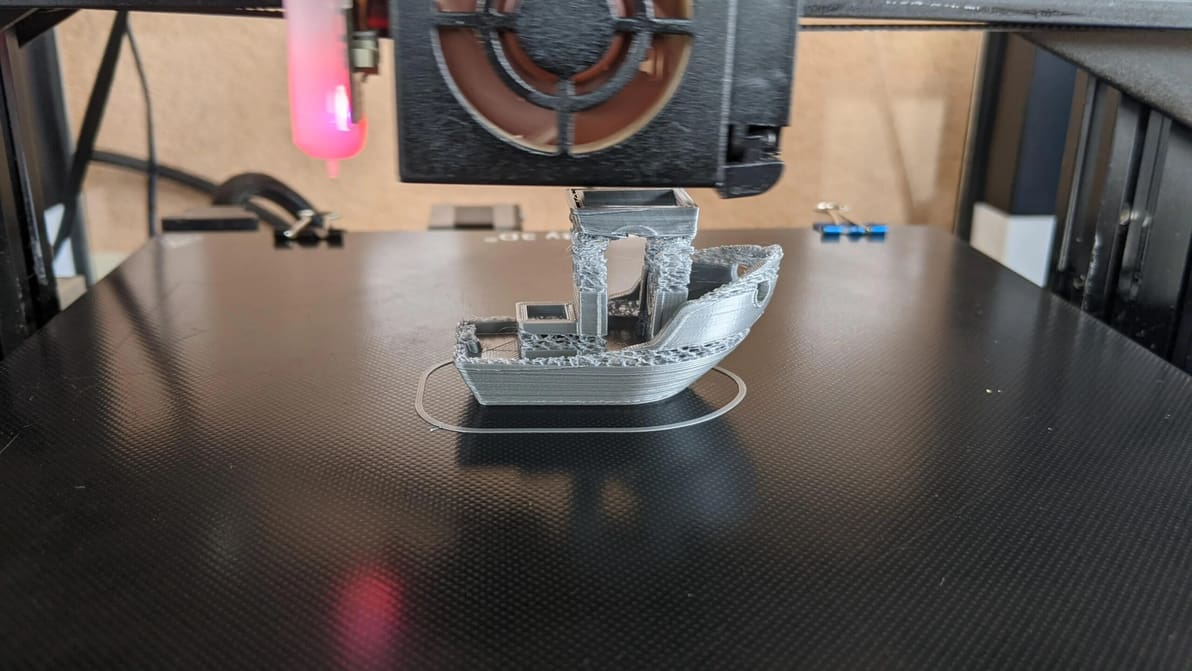
Featured image of Ender 3 (V2/Pro/S1) Under-Extrusion: 7 Easy Tips
Extrusion Confusion
Ender 3 (V2/Pro/S1) Under-Extrusion: 7 Easy Tips

Under-extrusion is a common problem in 3D printing. Learn seven easy tips to fix Ender 3 (V2/Pro/S1) under-extrusion.

Advertisement
Advertisement