Blender

If you love modeling but are looking to dabble in Blender 2D animation and art, here's your ticket. Get started with Blender's Grease Pencil!
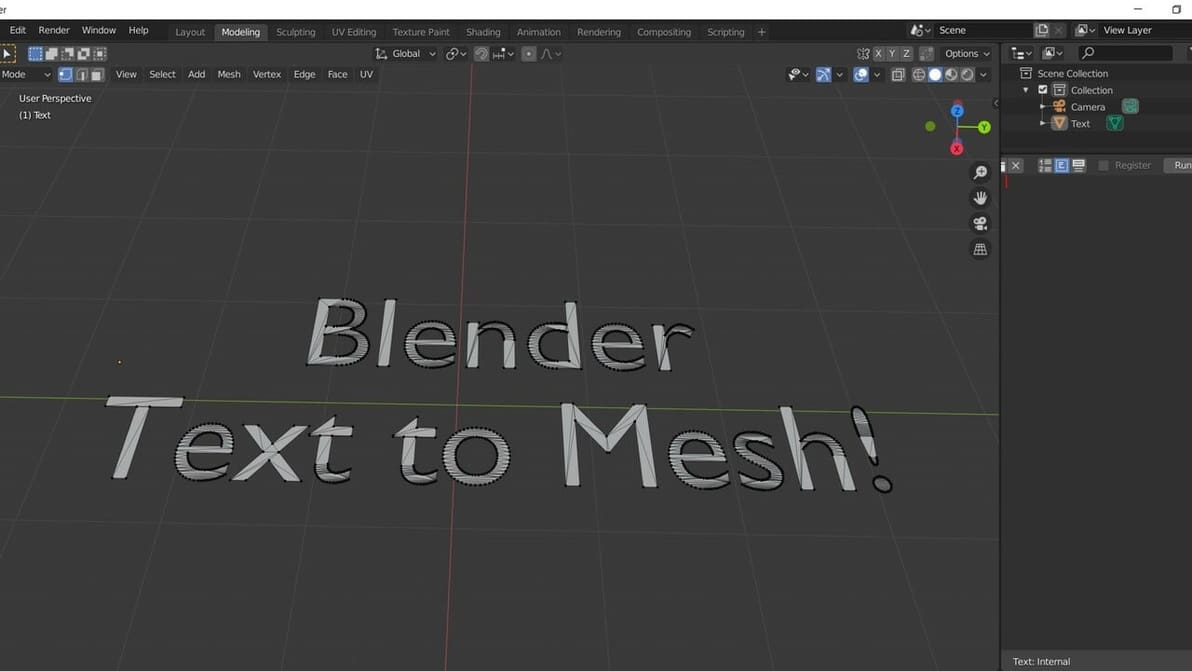
In Blender, text-to-mesh conversions can be done in just a few clicks, but the results may be far from perfect. Learn how to do it right!
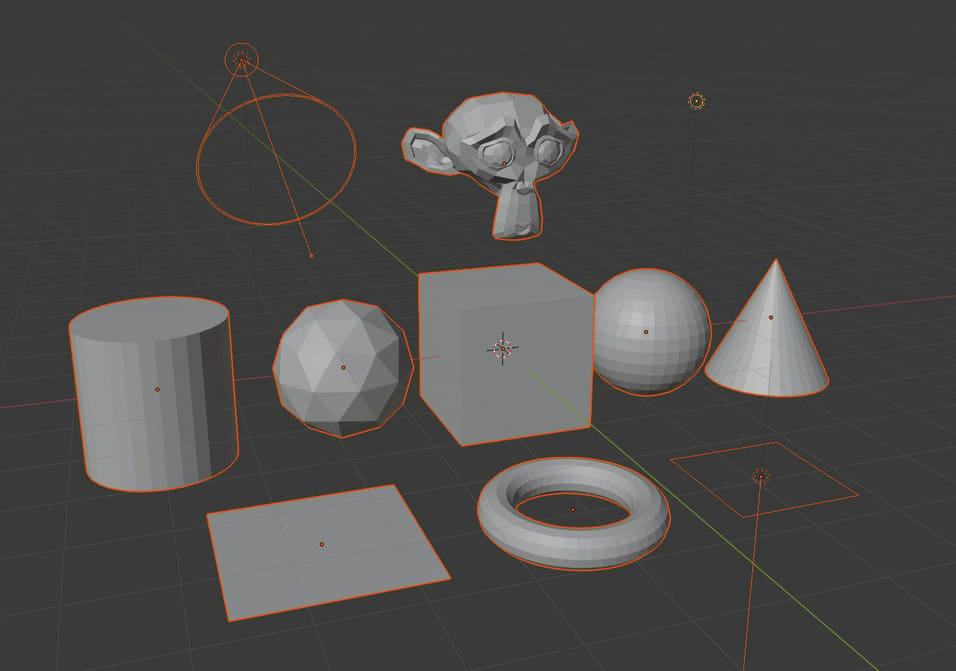
Scenes can get messy in Blender, and sometimes you need to transform a bunch of objects together. Learn how to group, hide, and select all objects.
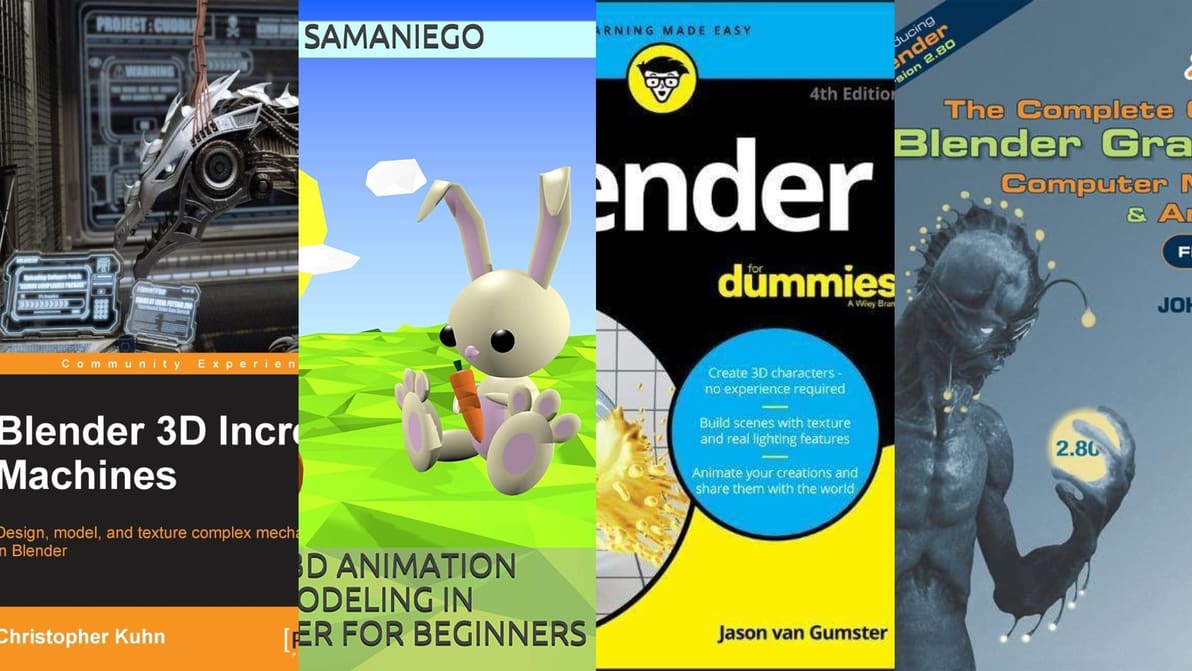
Blender can be a tough cookie, so why take the long tough road alone? In times of need, these books are your friends indeed!

Ever heard of Blender's camera tracking? Follow along as we track objects in a video, create a 3D scene, and add models as if they were in the video itself!
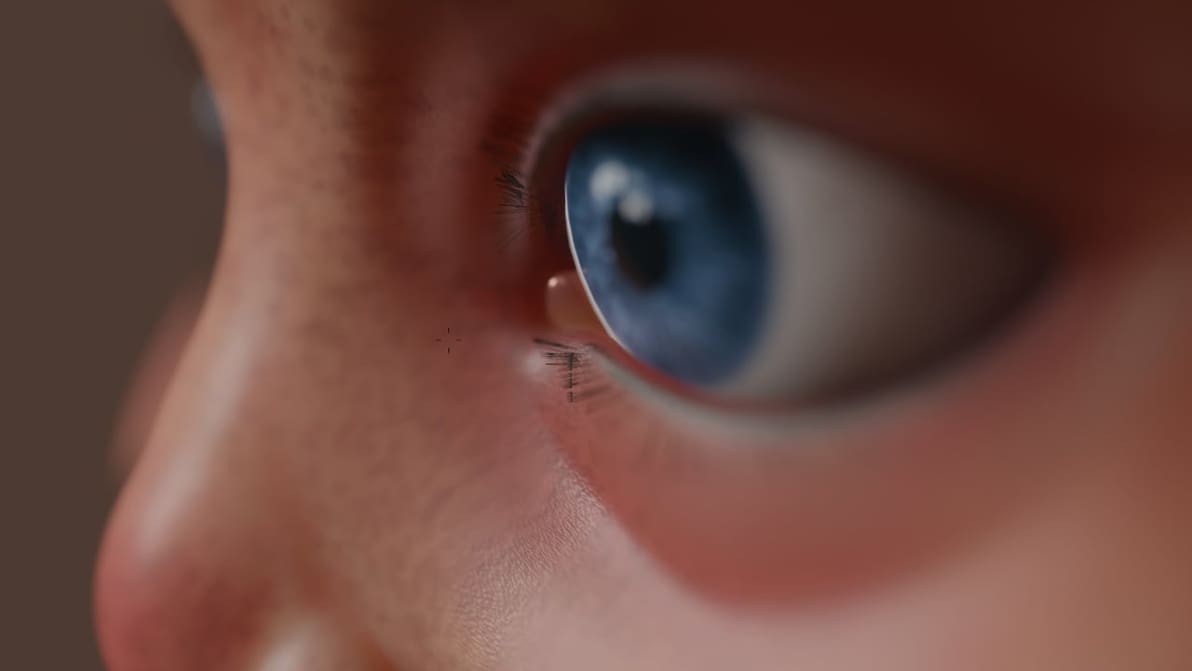
In comparing Blender 3.0 vs. Blender 2.9, we learned all about what's new. Check out the latest features and improvements!

Whether you use Blender or another tool, you might need some extra rendering power. Check out our list of the best render farms!
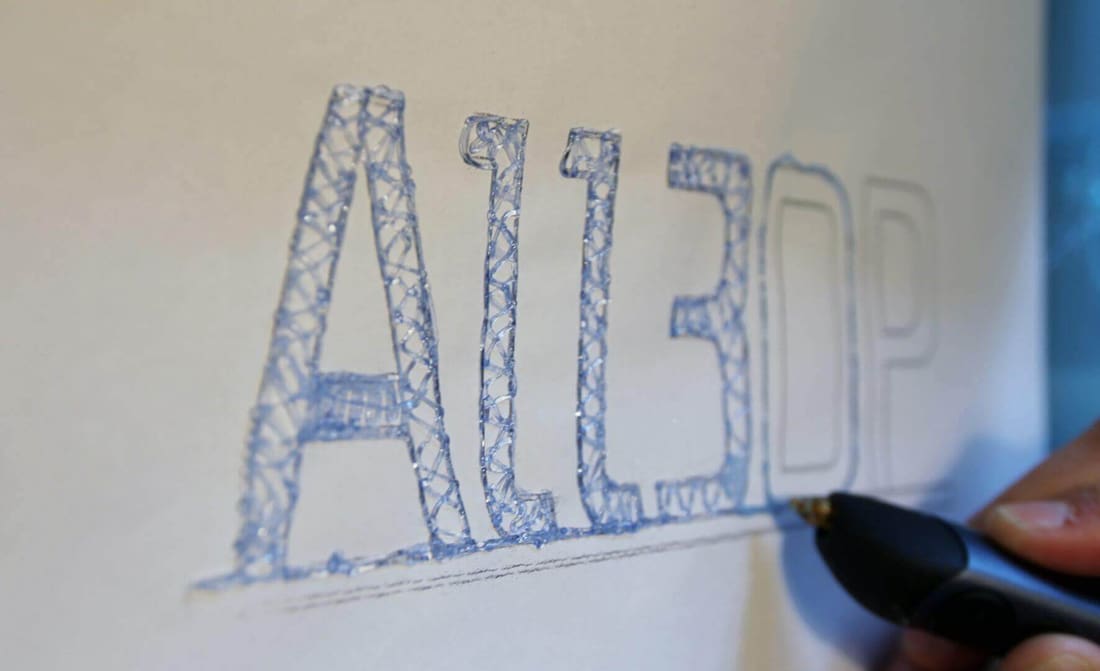
Learn how to sketch with a 3D pen and to create 3D pen templates in this 3D pen tutorial. Also, transform any 3D files into 3D pen stencils!

The extrude tool in Blender is essential to modeling anything of quality. It allows you to extend and create a new section of your model. But how does it work exactly, and what are its uses?
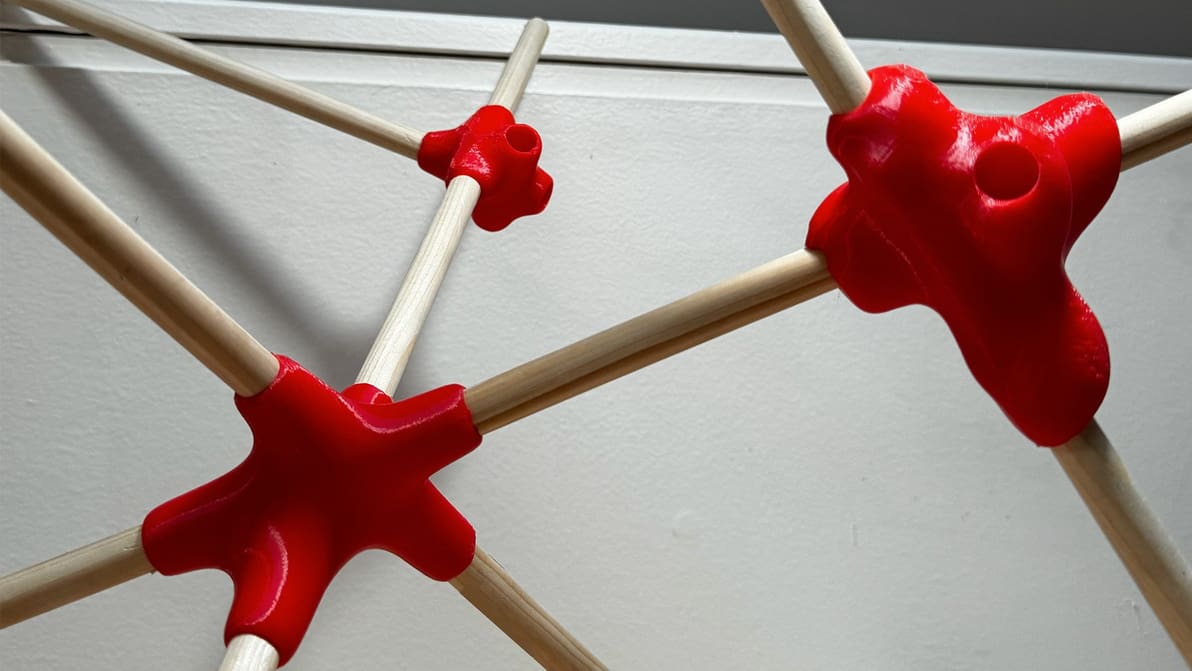
Available on Thangs, the Pipe Joint Generator tool automatically creates joinery that can be shaped, exported, and printed with just a few clicks.
The first corrective update of Blender 4.1 dropped last week.
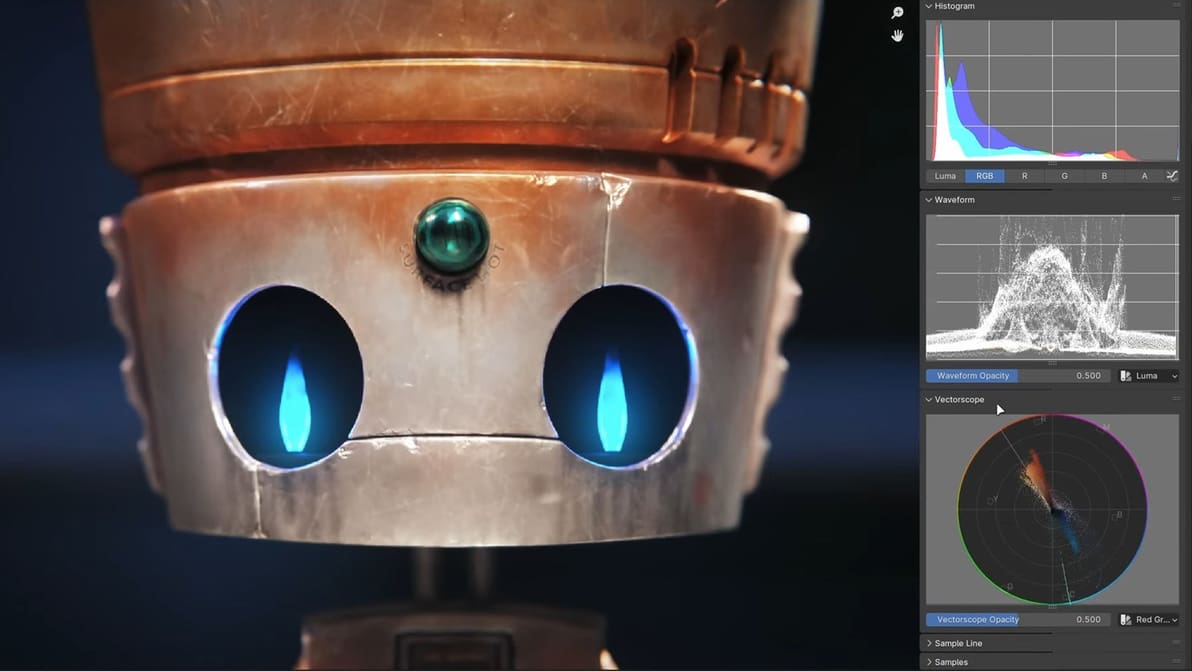
The software’s latest update might not be quite as large as the last, but there’s still a lot here, with quality of life and performance being the name of the game.
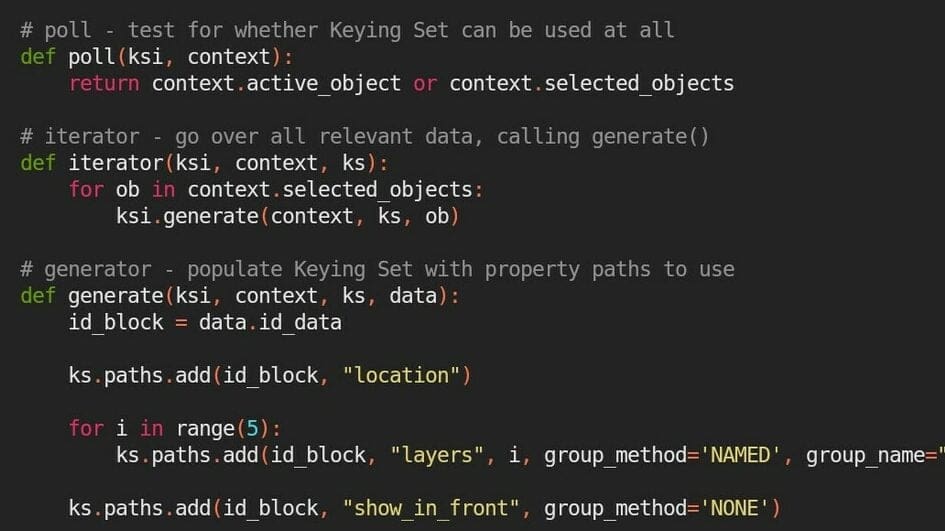
Simplify your workflow and create useful add-ons using the Blender Text Editor. Keep reading to learn how, plus some useful tips and tricks.

From the UI to rendering to Geometry Nodes and the introduction of Light Linking, Blender's 4.0 update touches on everything the software has to offer.
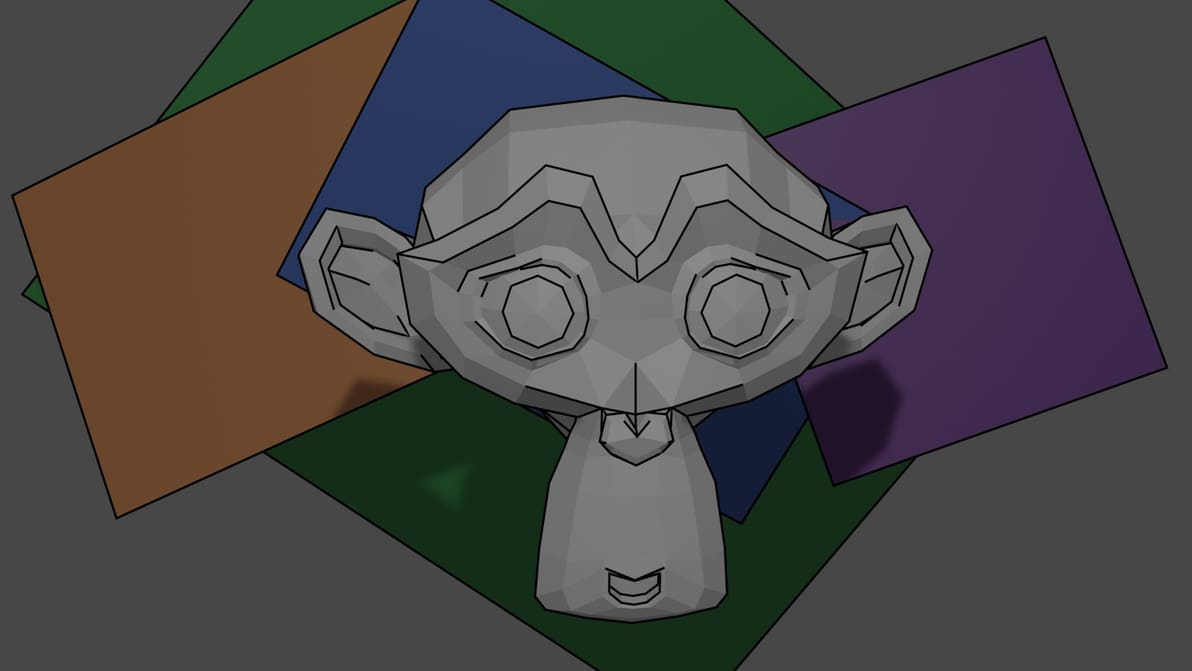
Blender Freestyle is a rendering tool that applies edge effects for cartoon style or wireframe drawings. Read all about using Freestyle!
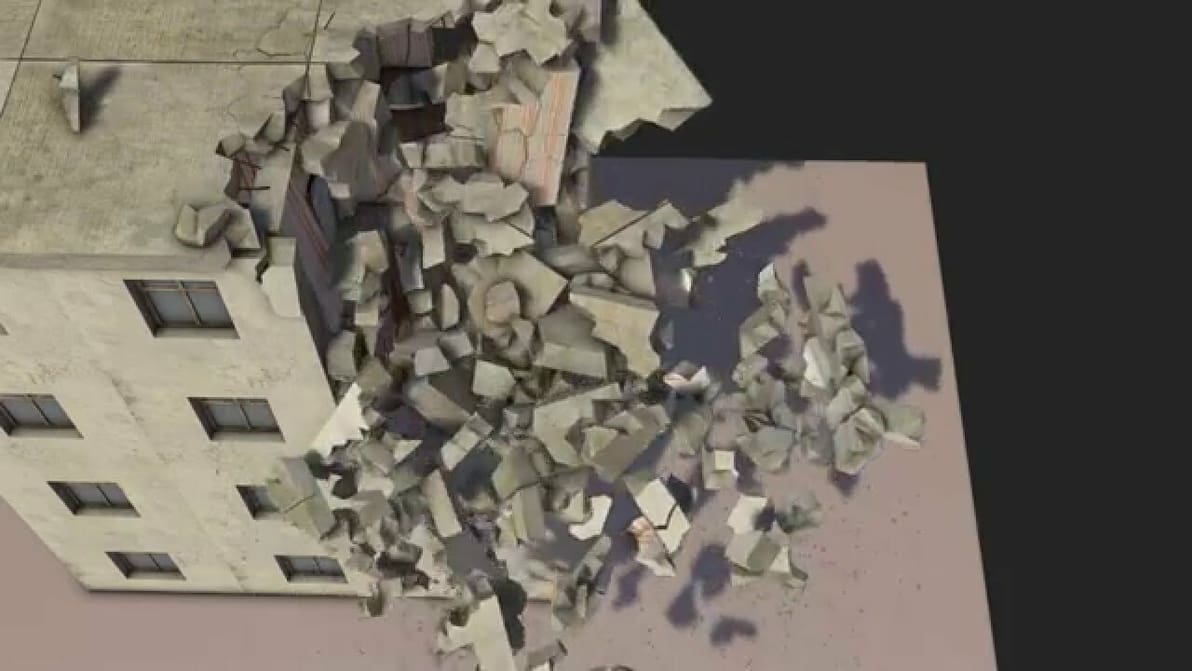
Fracture Modifier is a feature that simulates real-life physics phenomena. Read on to know about Blender fracture options!
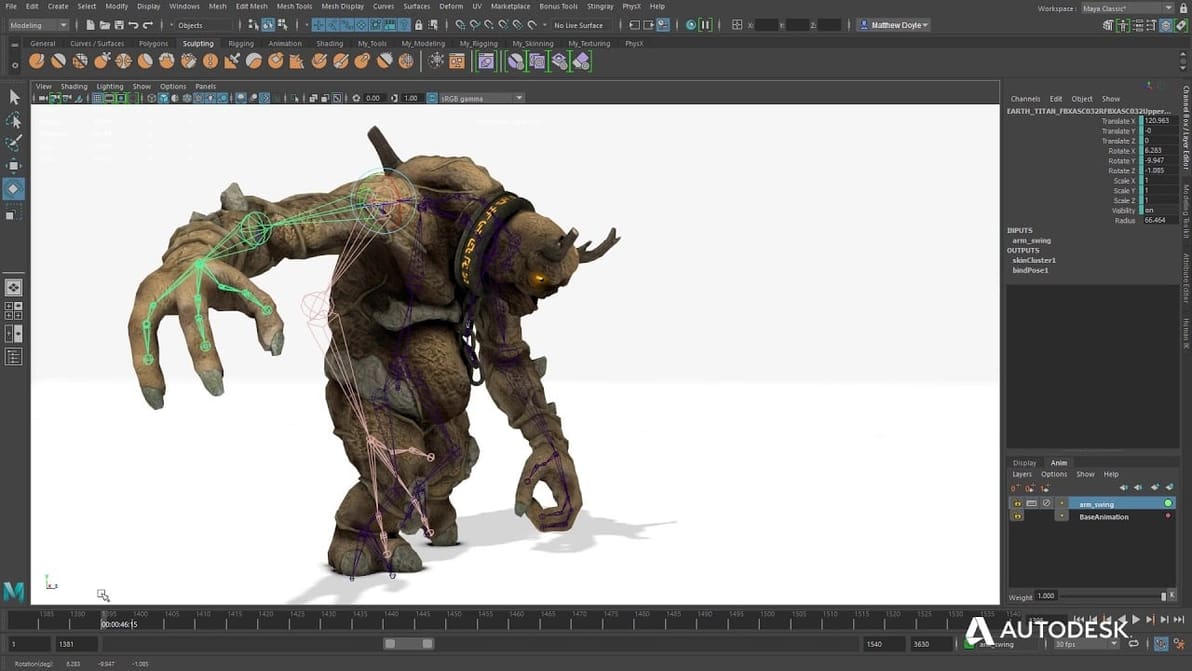
Blender is a popular modeling program, but it's good to know what else is out there. Read on to learn about the best Blender alternatives!

Make your workflow more efficient in Blender with shortcuts. Read on to learn how to navigate Blender 2.8 with ease!
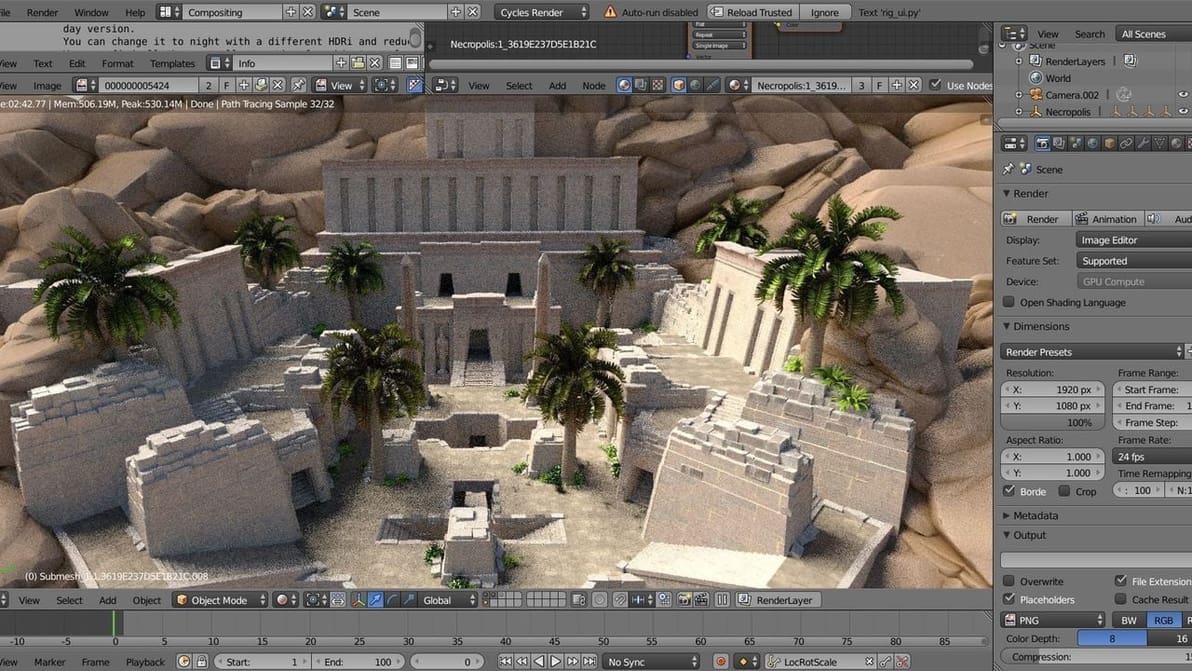
Blender supports various file formats, many with unique properties compared to STL and OBJ. Learn how to export your Blender files to FBX!
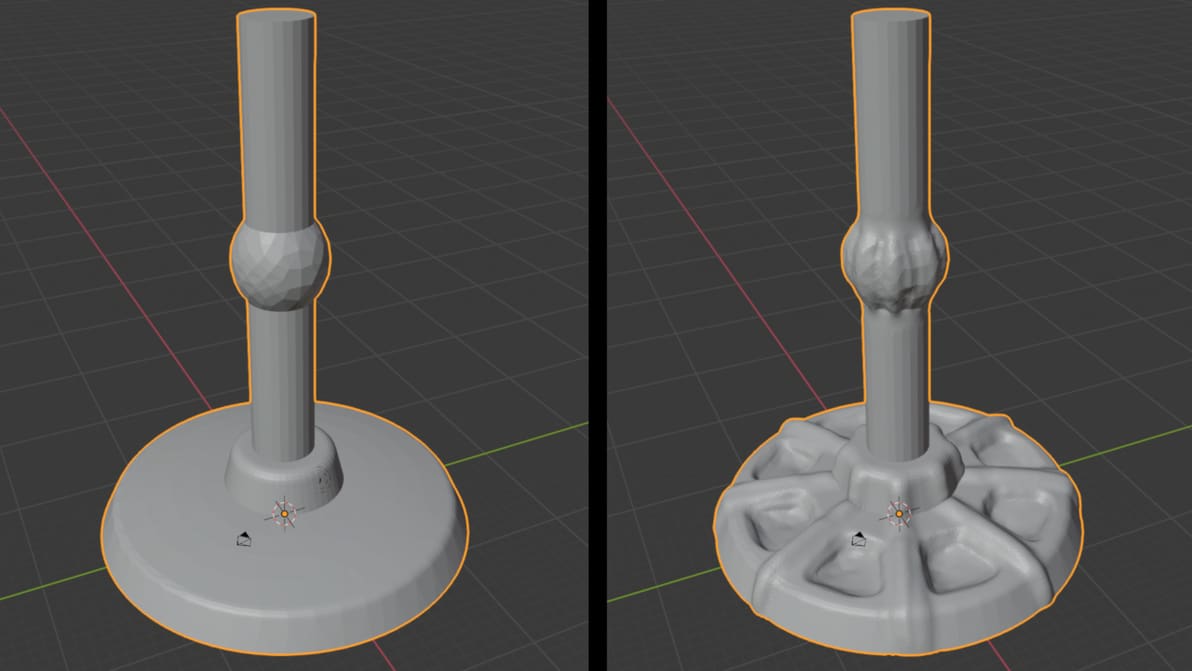
Take your models to the next level with detail that should be nearly impossible! Learn how to use Blender 2.8's sculpting tools!