Blender
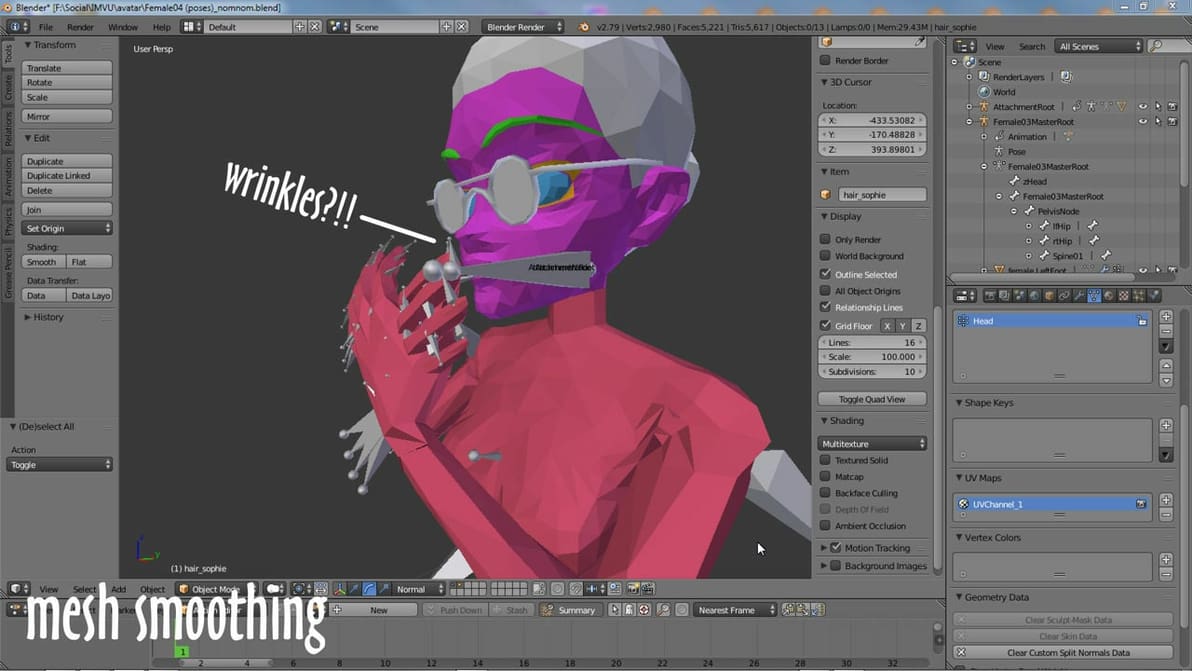
It's easy for mesh irregularities to form when modeling objects in Blender. Smooth edges and more with these nifty smoothing methods!
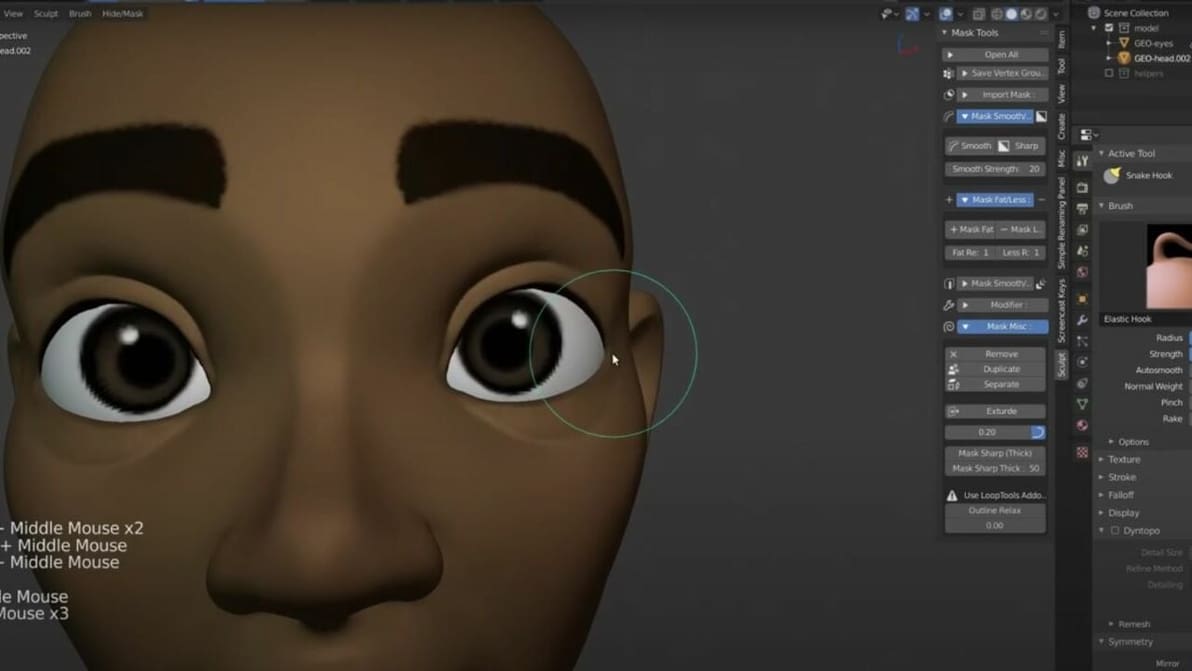
You don't have to start from scratch to achieve a great Blender human model. Check out the best sources for human 3D models.
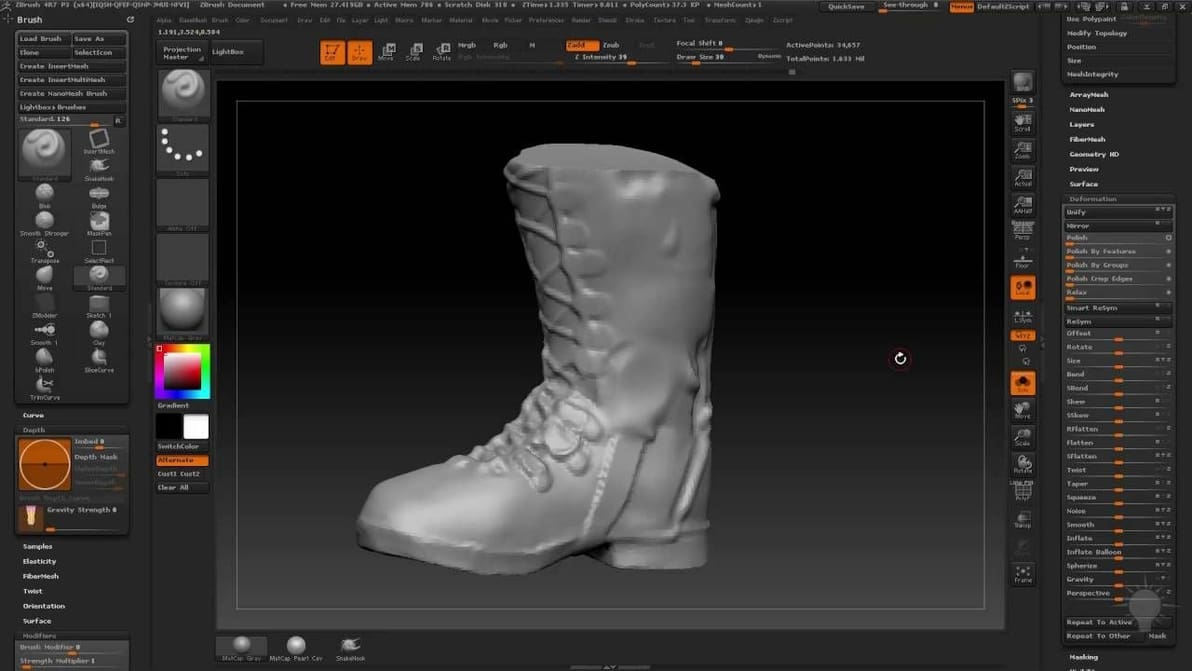
It's ZBrush vs. Blender: a showdown of two great options for 3D modeling software. Read on to find out which one is better for your needs.
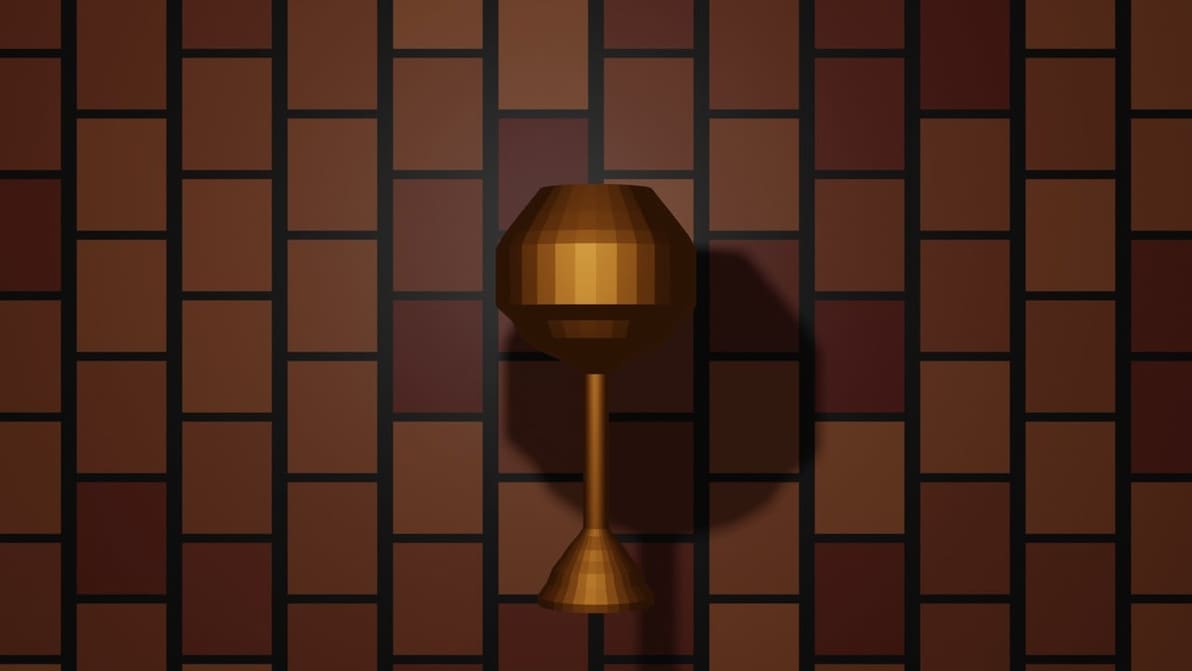
Connecting multiple loops in Blender is now even simpler! Read on to know more about the Blender Bridge Edge Loops tool.
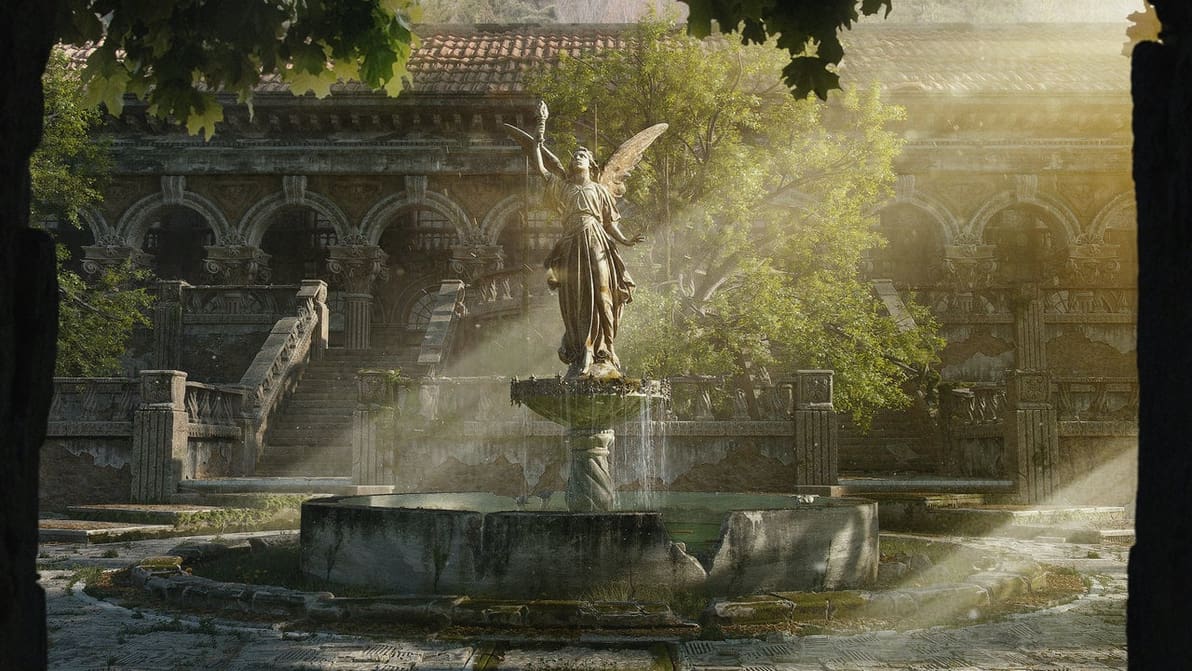
Converting projects from 3ds Max to Blender is a great way to expand your tool set. Follow along as we make the conversion!
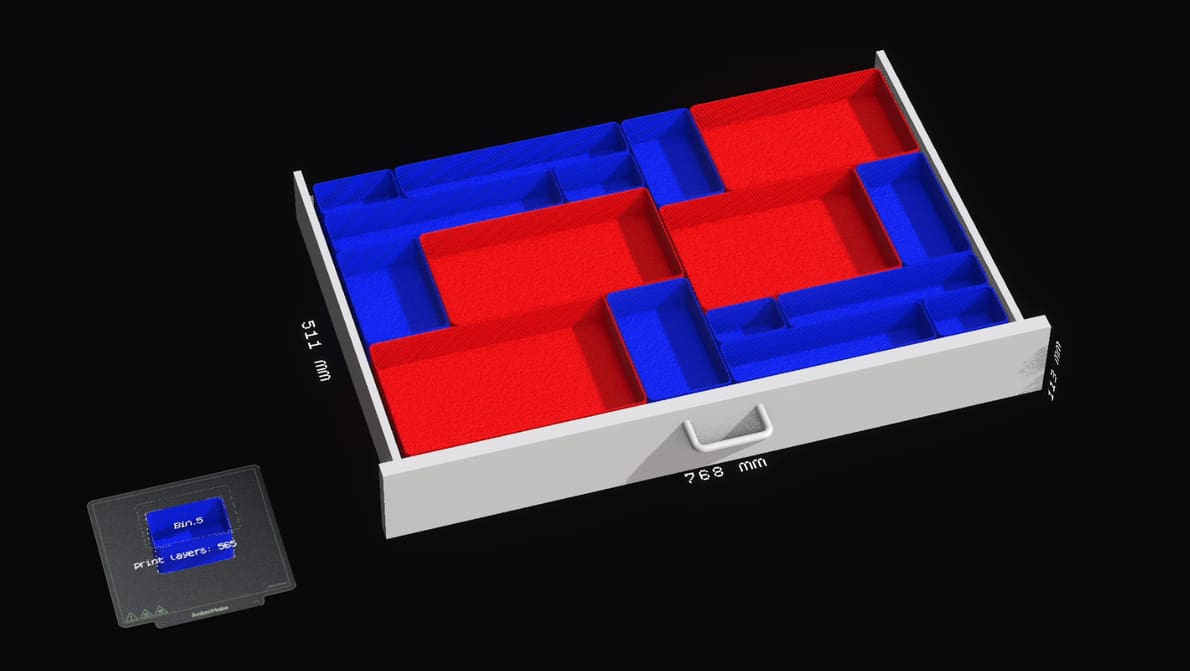
A free Node Dojo application showcases the power of Blender's parametric modeling tools to quickly create bespoke drawer organizers.

Blender is a powerful tool for creating a wide range of 3D designs, animations, and even text. Read on for some cool Blender text effects!
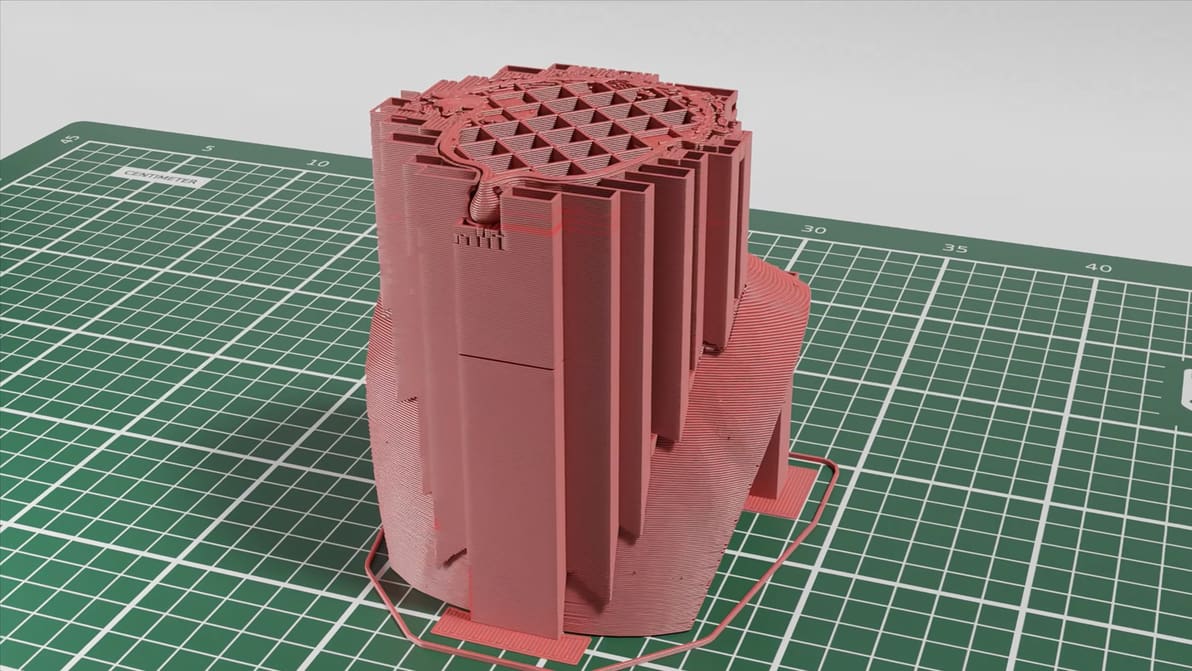
The Stitch3r G-code Renderer showcases material, bottom plate, lights, and set so you can create entirely virtual photorealistic 3D printing time-lapses.
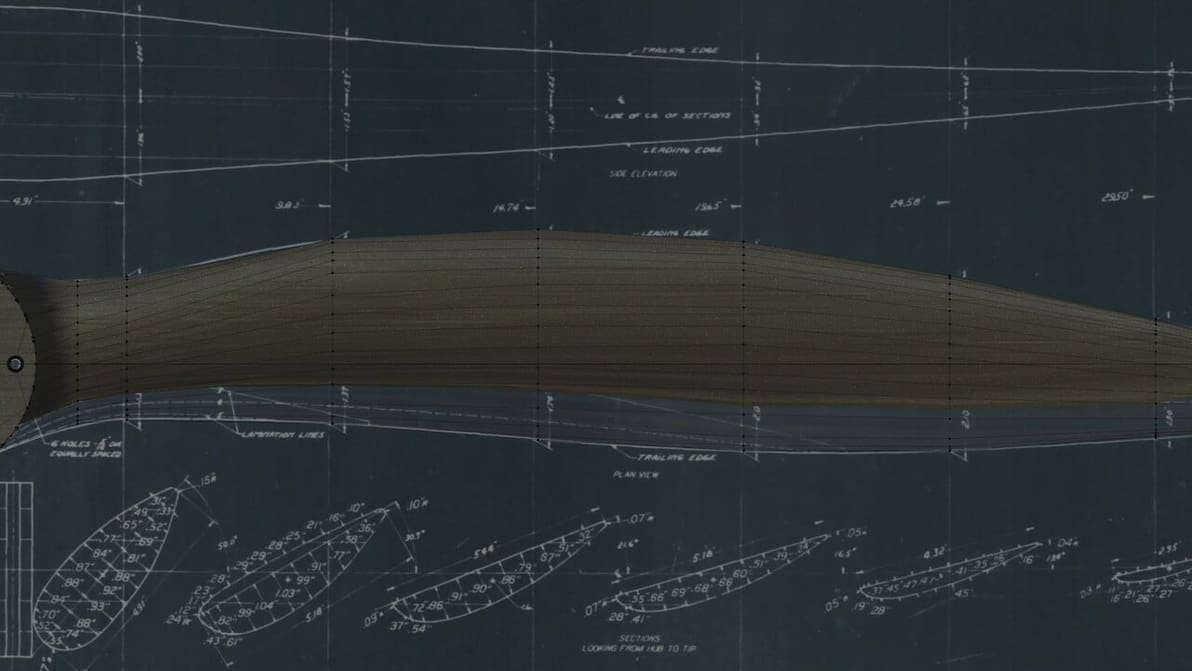
2D technical drawings can work as references for modeling. Read on to learn how to use Blender for blueprints.
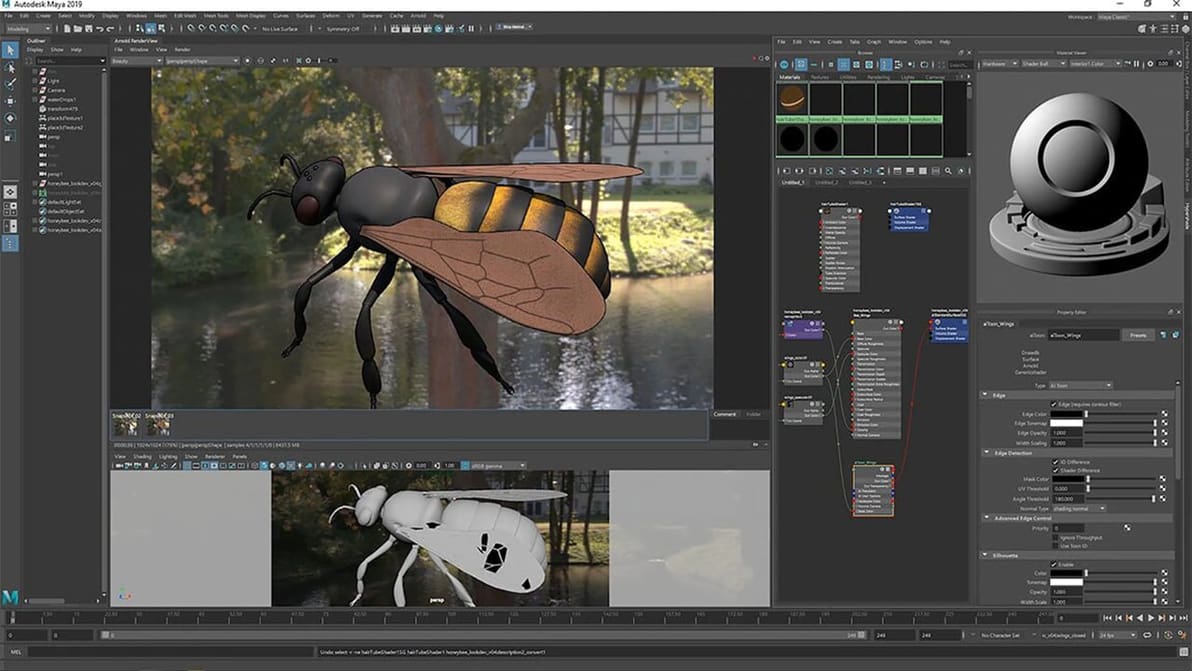
If you need some help deciding on modeling software, we've got you covered. Read on for our rundown of Blender vs. Maya.
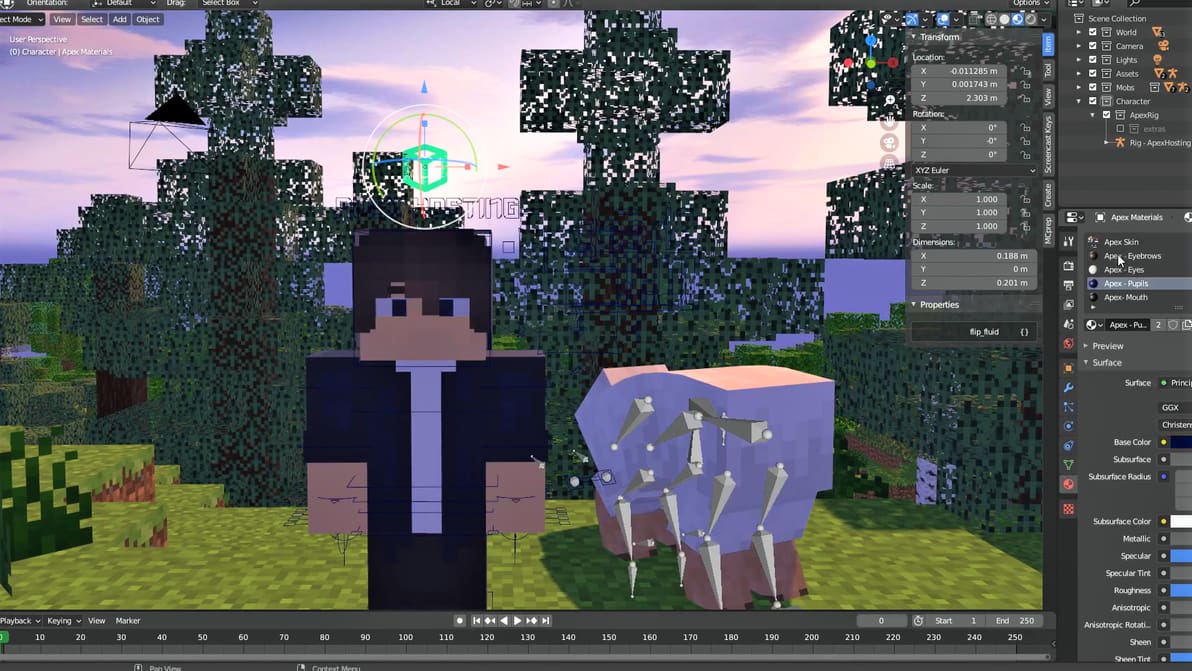
Start your journey as a Minecraft MV animator with the Blender Minecraft add-on. You can even print some cool Minecraft mods!
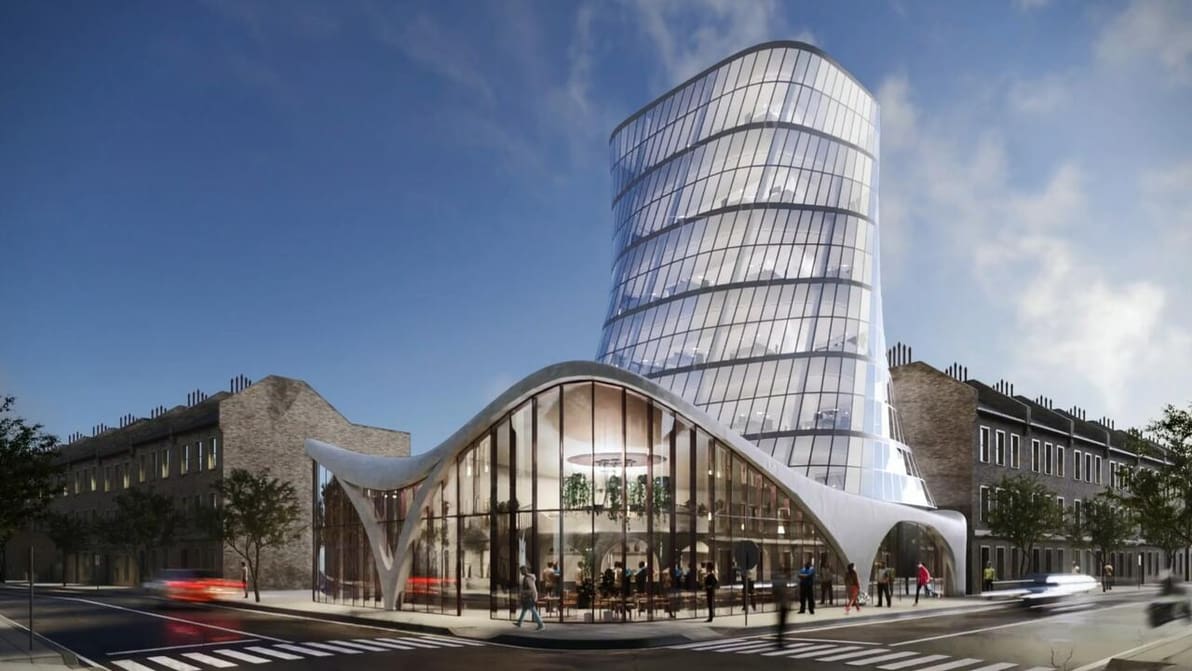
Blender has many fans, and architects are among them. Read on to learn more about Blender's architecture use cases.
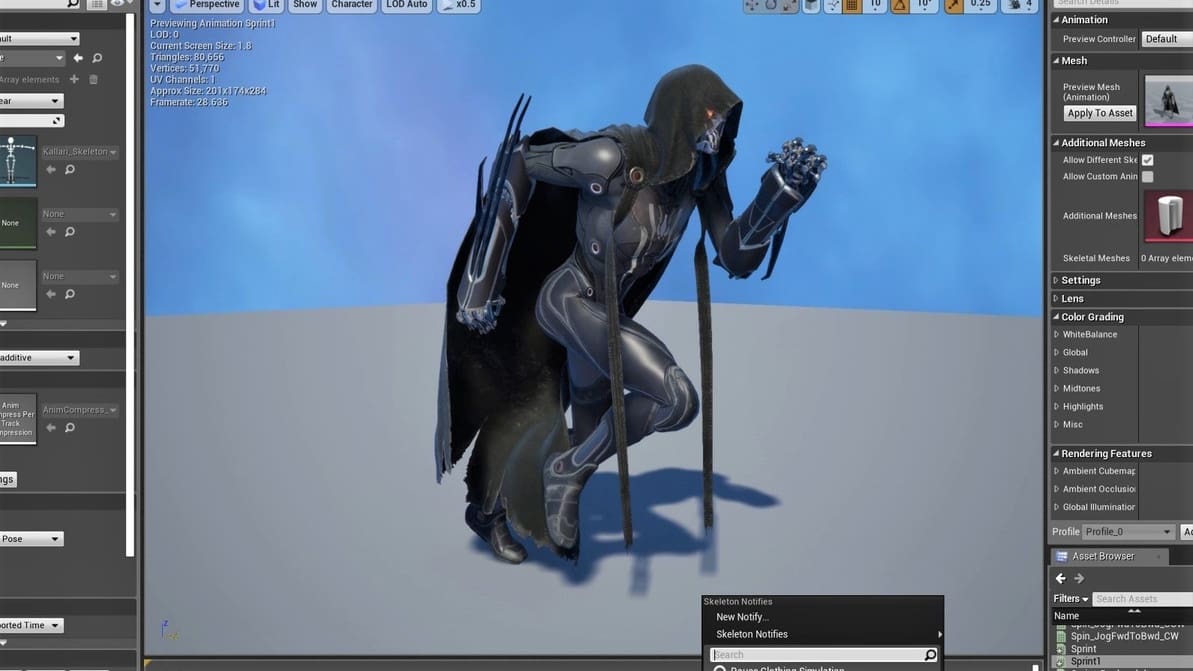
Up the look of your games by using Blender models. Learn how to import models from Blender to Unreal Engine 4 (UE4).
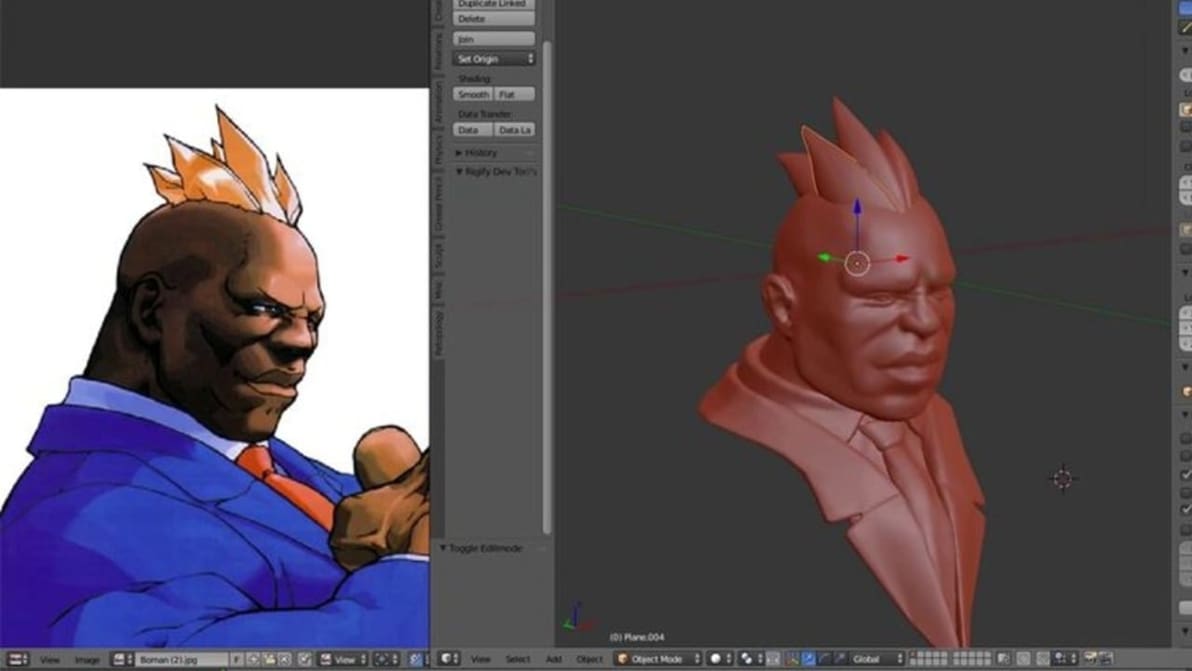
In Blender, Vertex Paint is similar to how you would paint on paper. Read on to learn more about what it is and how to do it!
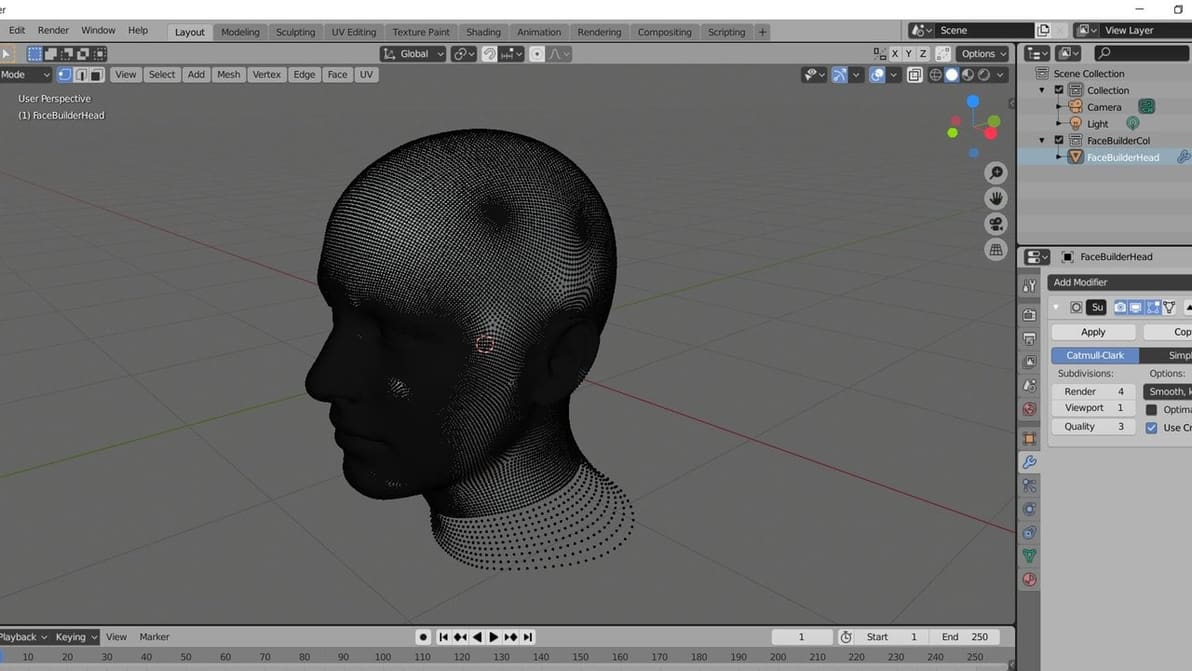
Subdivision allows you to smooth complex objects with simple inputs. Read on to learn more about Blender's Subdivision Surface modifier!
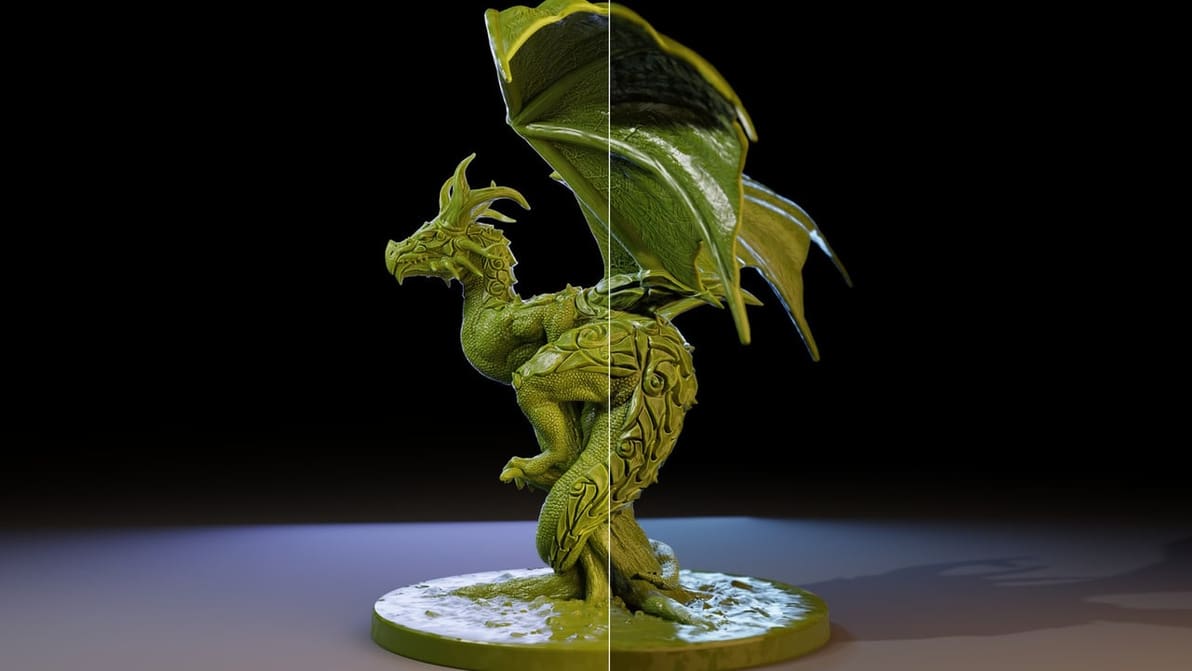
Many of you might be familiar with Blender, but have you tried using its new renderer, Eevee? Read on to know what it is and how it works.
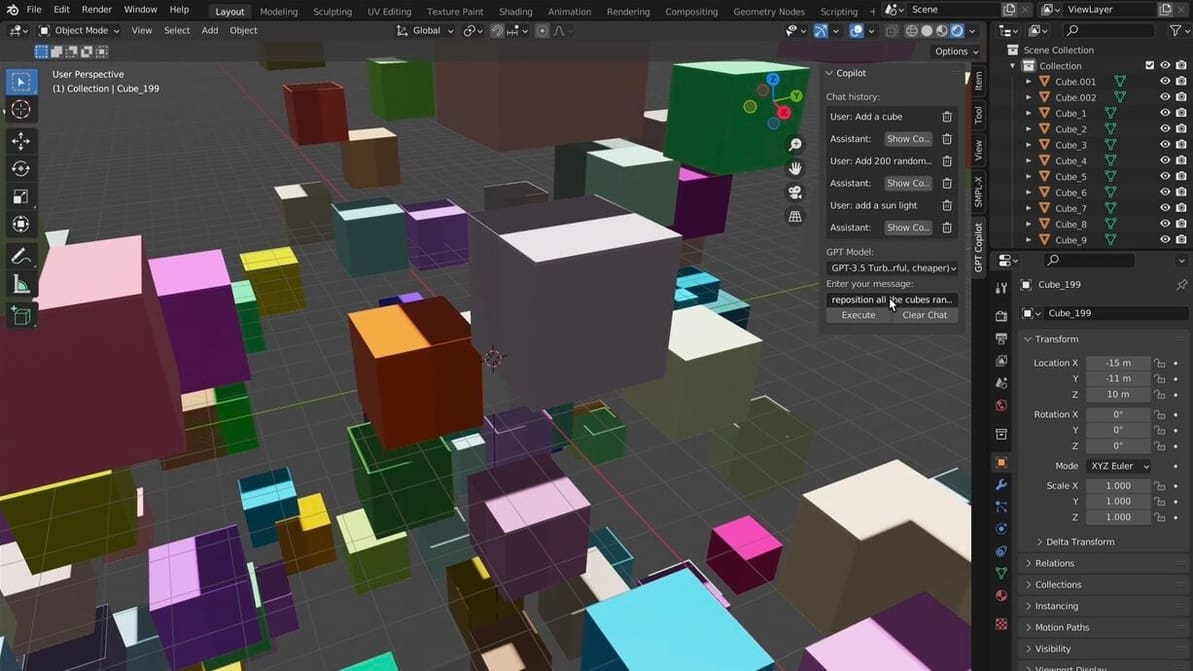
Together with Blender, ChatGPT is a force to be reckoned with! Read on to see how 3D creators are combining the two of them!
Blender is a hugely popular 3D graphics tool with many powerful features. Read on for Blender's software and hardware requirements!
There are endless possibilities with these two great programs. Learn the differences between Cinema 4D vs. Blender!
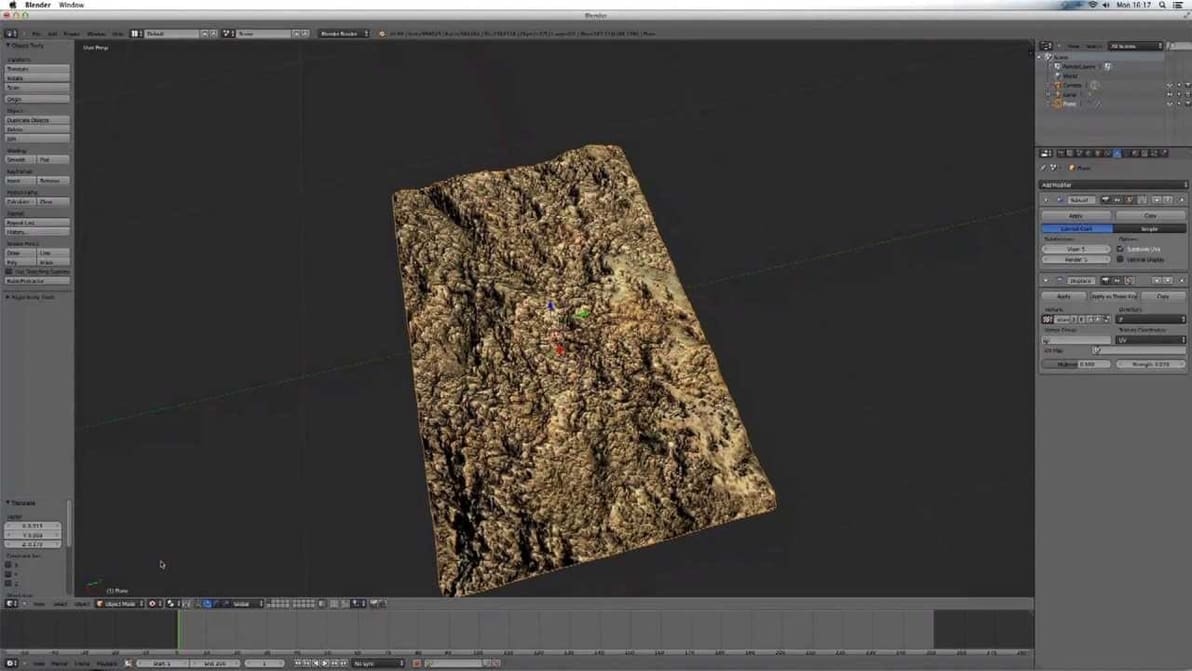
Textures are crucial for achieving photorealistic renders in Blender. Discover Blender texture painting to make those cubes look as life-like as possible!