Blender
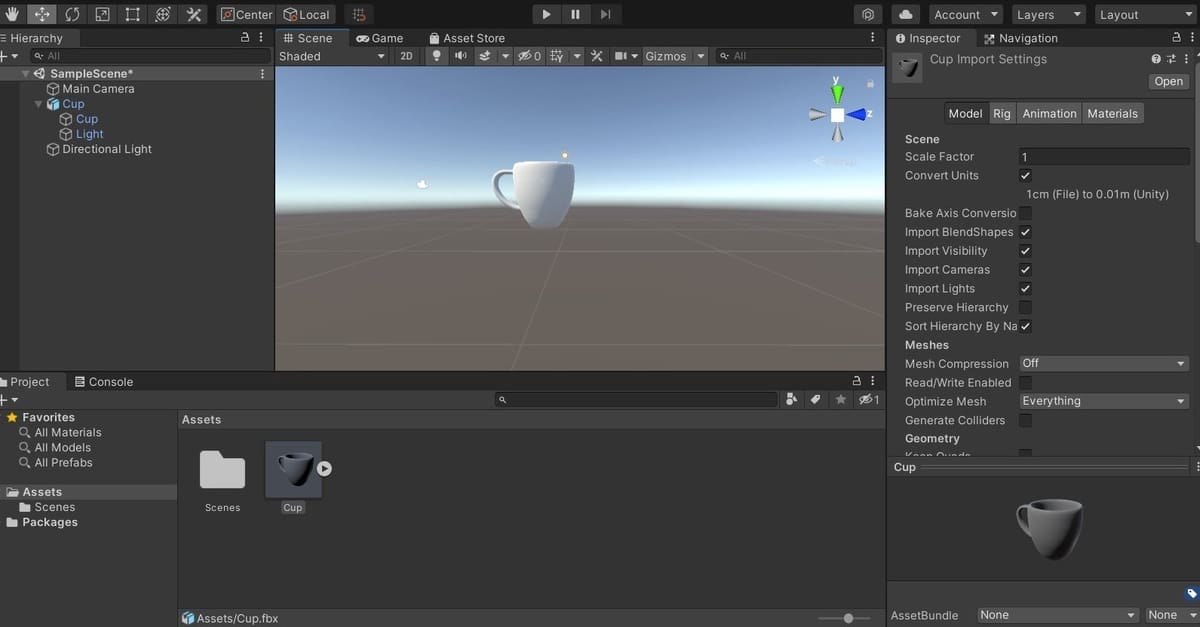
Learn how to move files from Blender to Unity, and see why these two awesome programs complement each other so well!
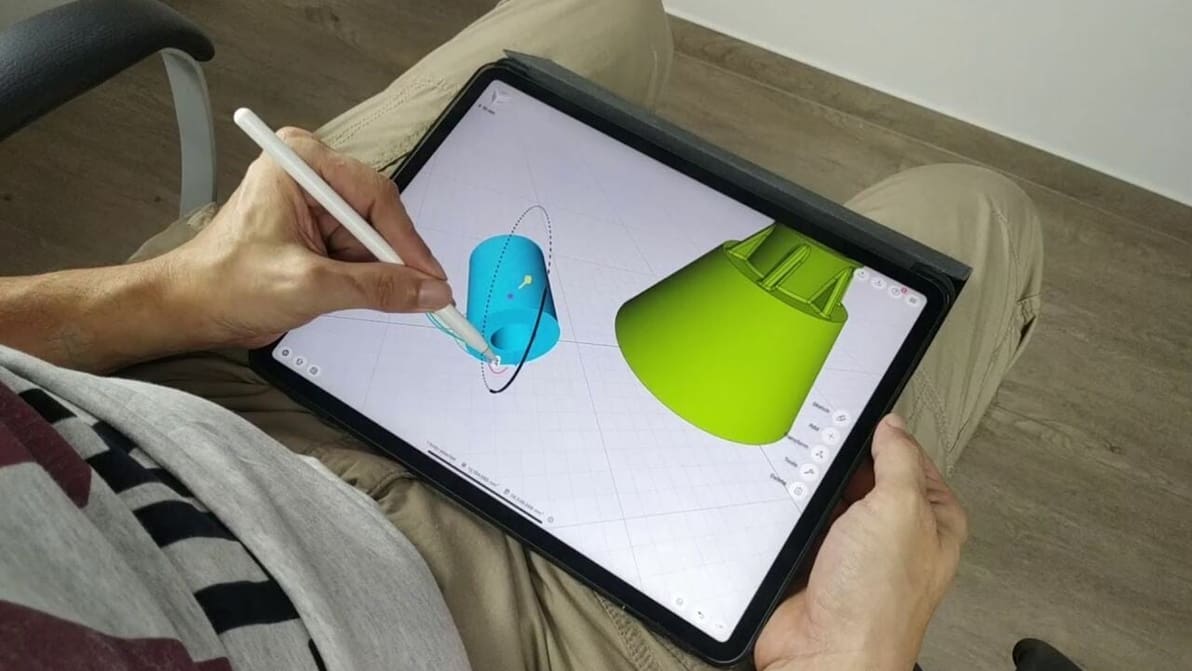
As much as you love Blender, an iPad mobile app is not in the cards. Read on to learn about a few Blender for iPad alternatives!

Blender doesn't natively support MMD files, but read on to learn how to import MMD files to Blender and get the best from both programs.
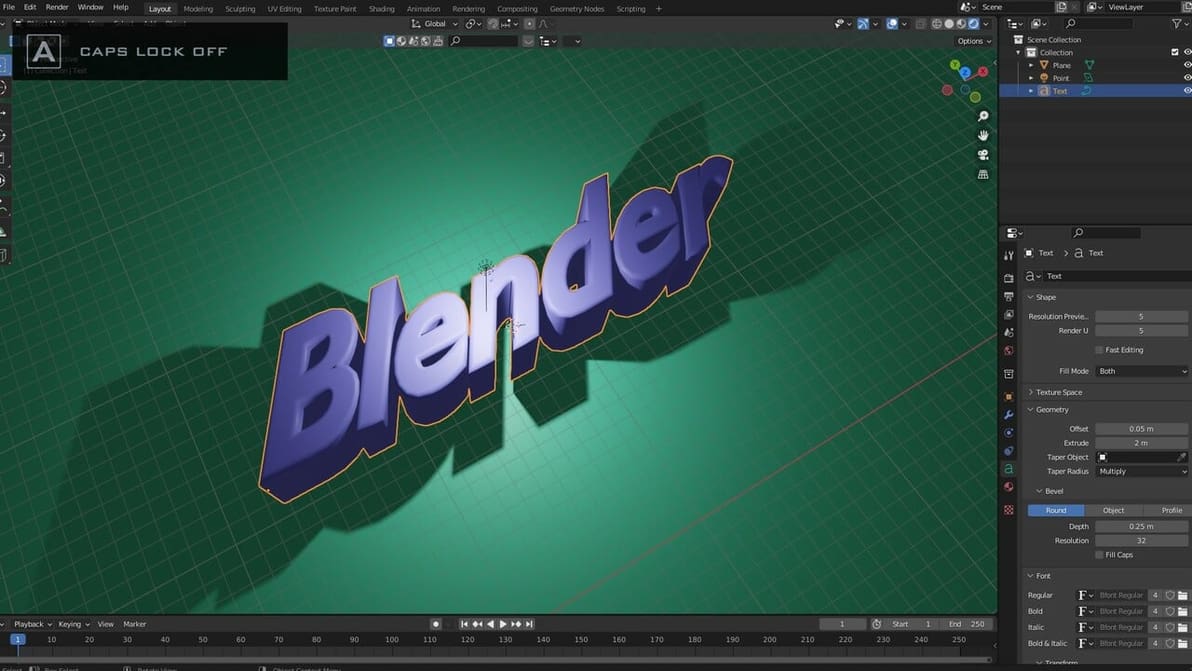
In Blender, text is easy. Read on to learn some tips and tricks for creating and editing stylish looking text in Blender!
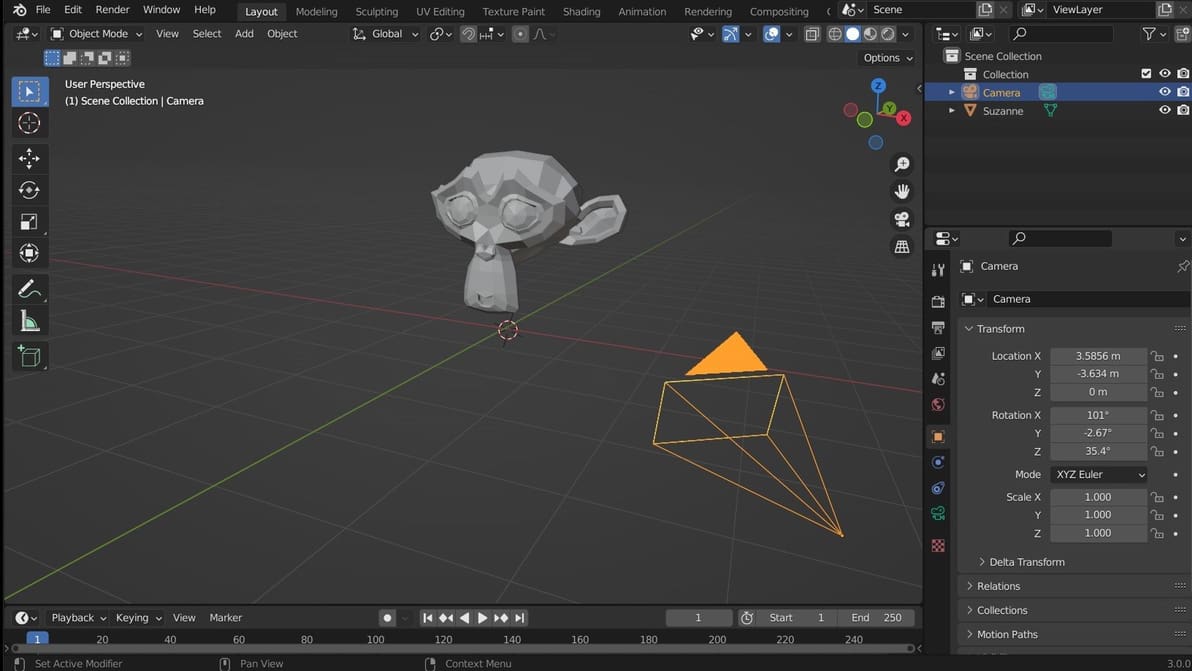
In Blender, moving the camera and moving the viewport are simple tasks once you know how. Here's how to find your way around.

Want to make your own models for 3D printing? Check out Blender, CAD software that's free, open source, and packed with great features!
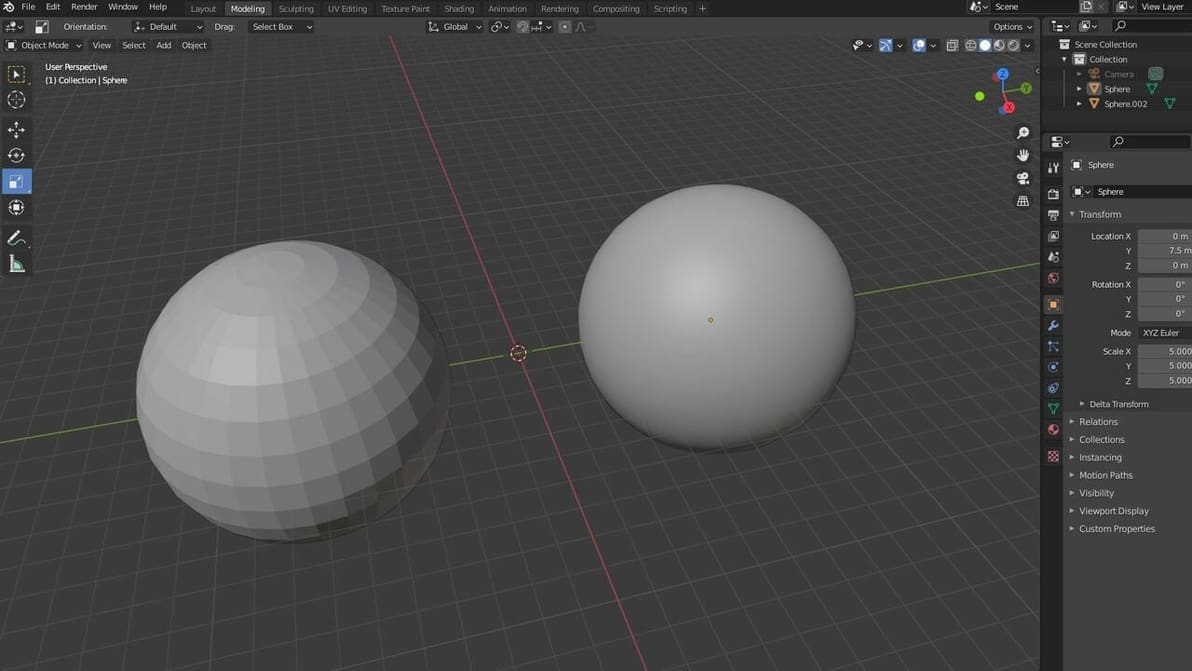
In Blender, smooth shading is a great way to make an object's surfaces appear smooth. Read on for more on Blender's smooth shading features!
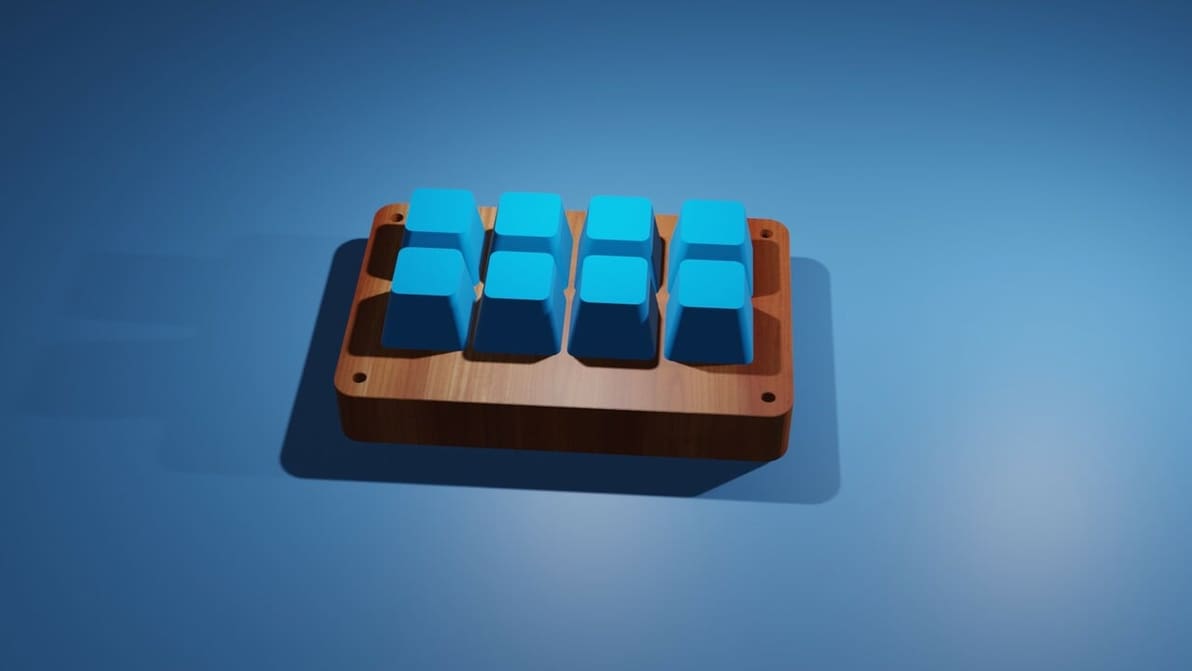
Want to apply textures to create high-quality, photorealistic 3D models? Learn to integrate Blender and Substance Painter into your workflow!
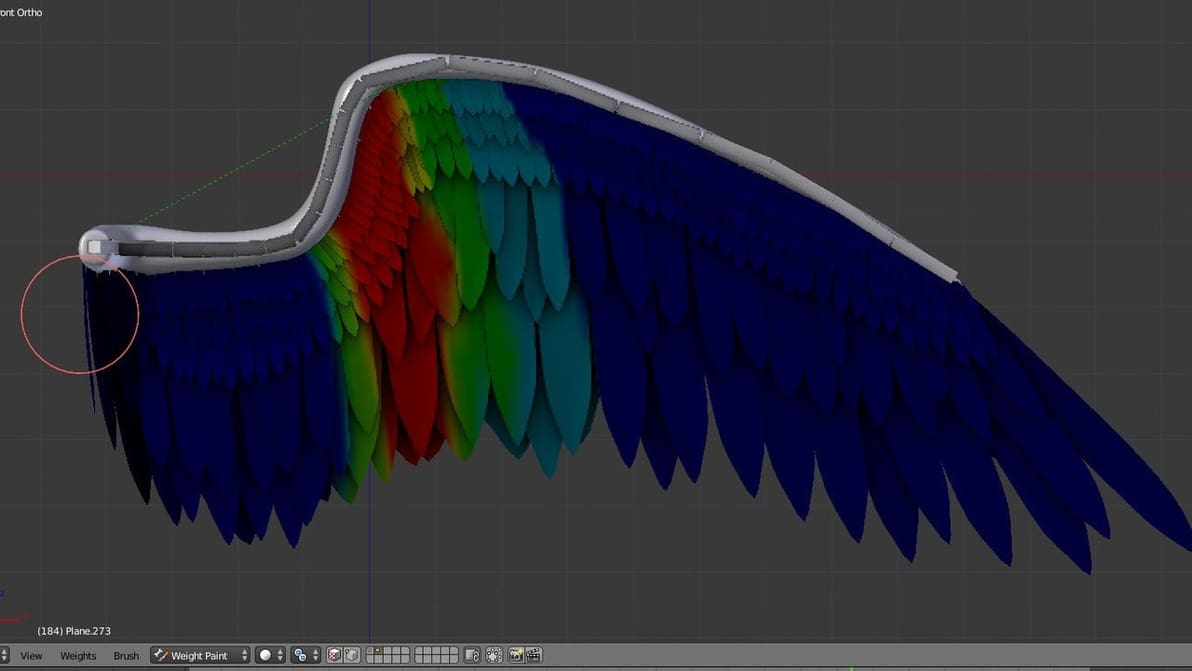
Weight paint is essential to many aspects of the modeling workflow in Blender such as rigging, applying modifiers, and particle spreading, among other things. Explore this guide as we exlain Blender weight paint and show you how to use it!
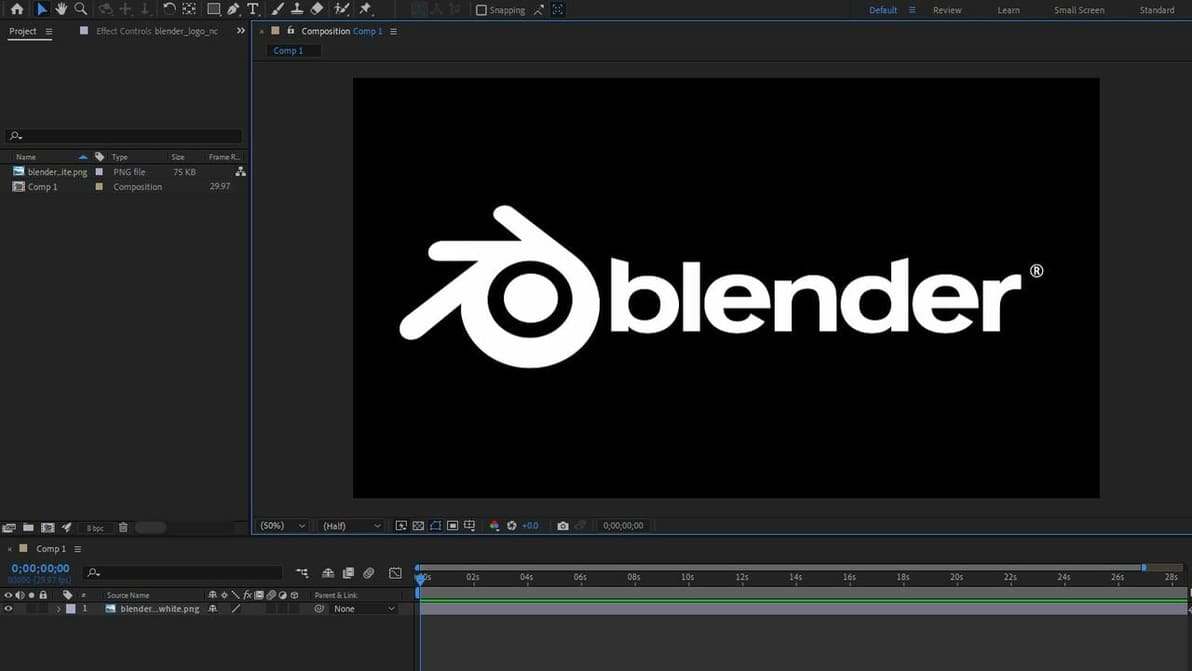
There is nothing better than a good mix of Blender and After Effects for your 3D animations. Check out three different ways to combine both!
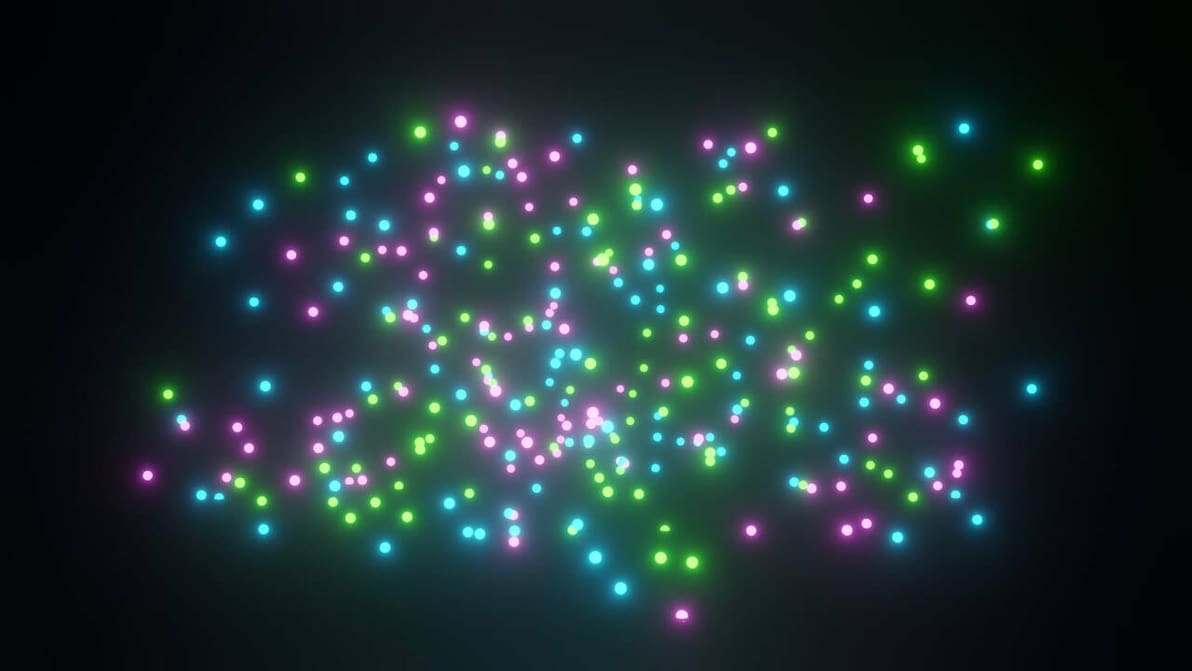
Check out the most important settings and a step-by-step guide to creating magical effects with the Blender Particle System!
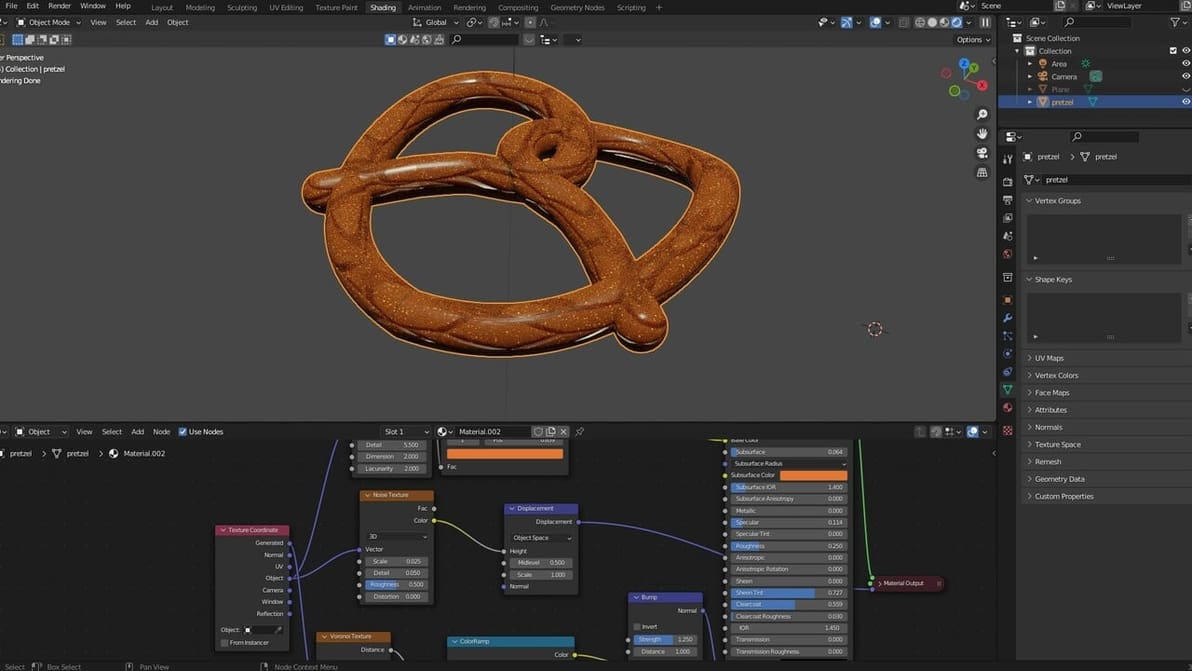
Blender's procedural texture capabilities are powerful, yet difficult to master. Read on to learn all about the basics!

Blender is a fantastic tool, but add-ons can enhance the program's capabilities. Discover our picks for the best Blender add-ons!
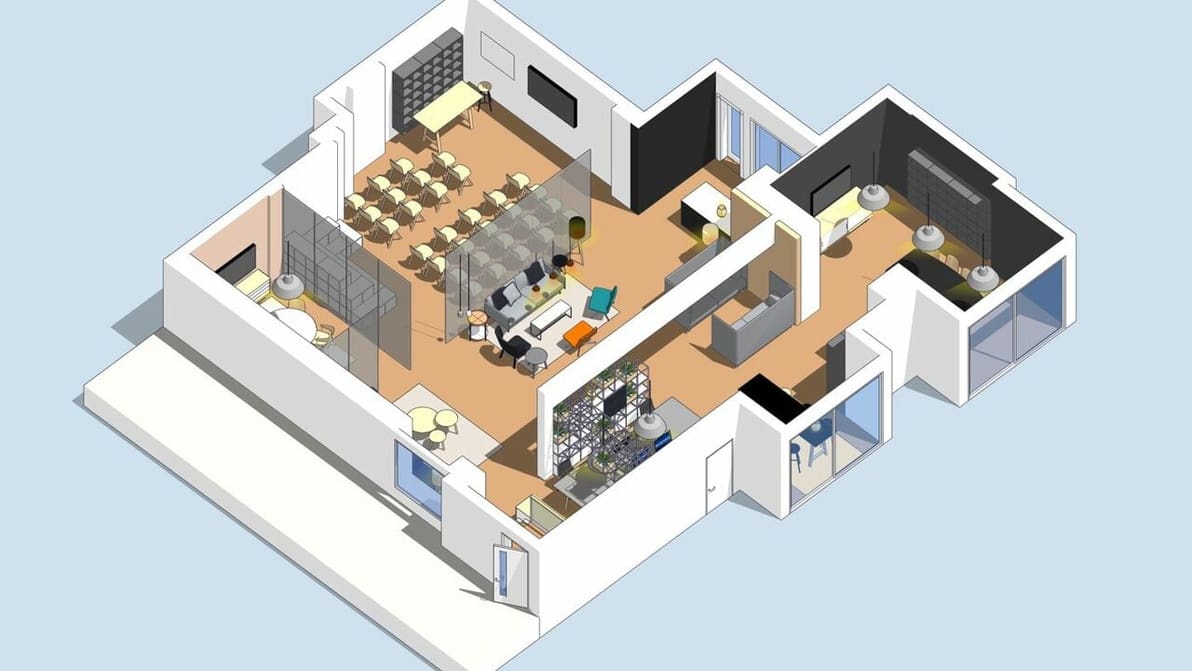
When it comes to 3D modeling of buildings or furniture, SketchUp vs. Blender is a tough call. Read on to find out which one is for you!
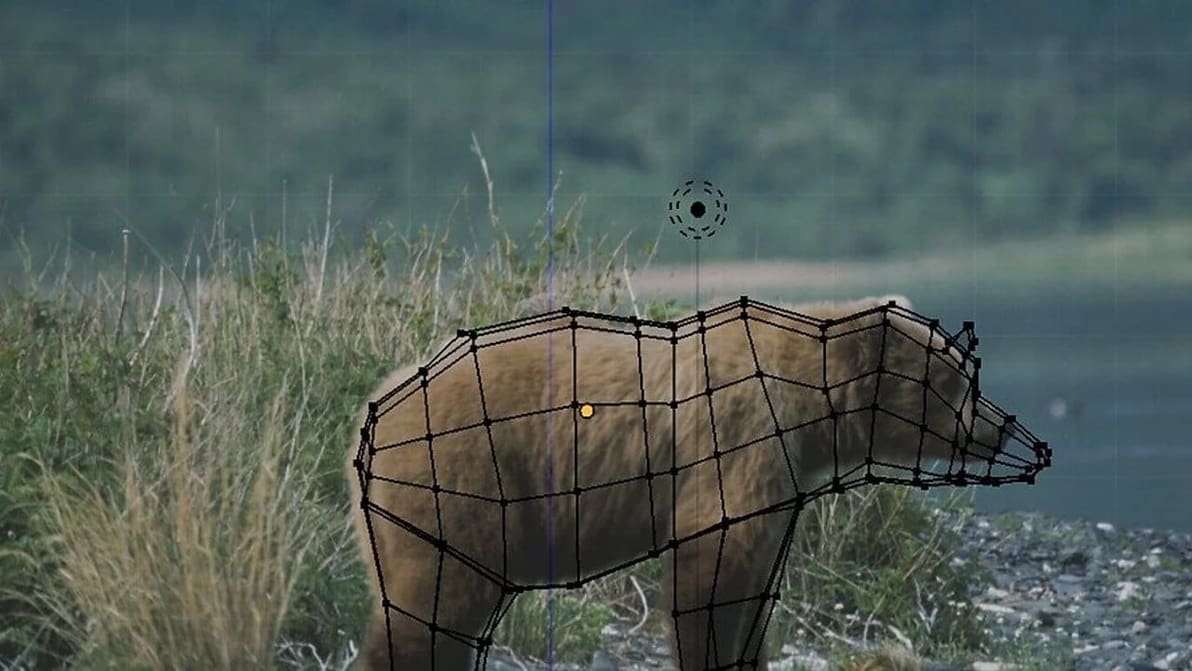
Blender's background image is useful for modeling, designing, and more. Find out how to set it up and how it differs from reference images.
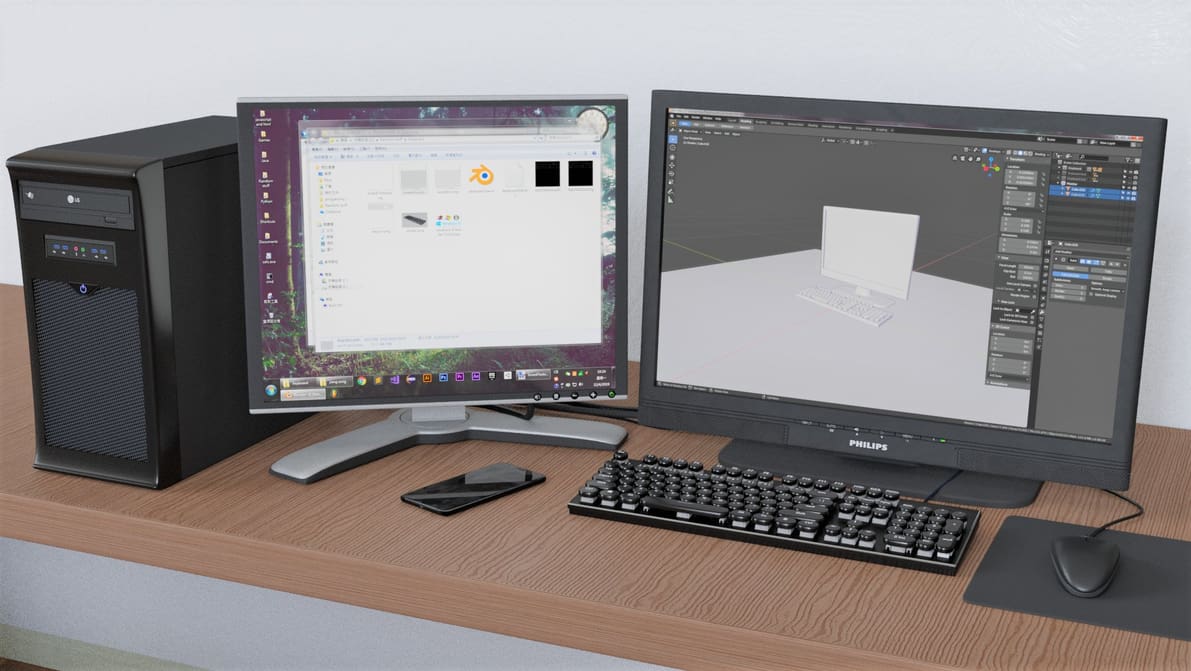
Blender supports a huge range of file formats to match its versatile uses. Learn more about Blender and the file format options available.
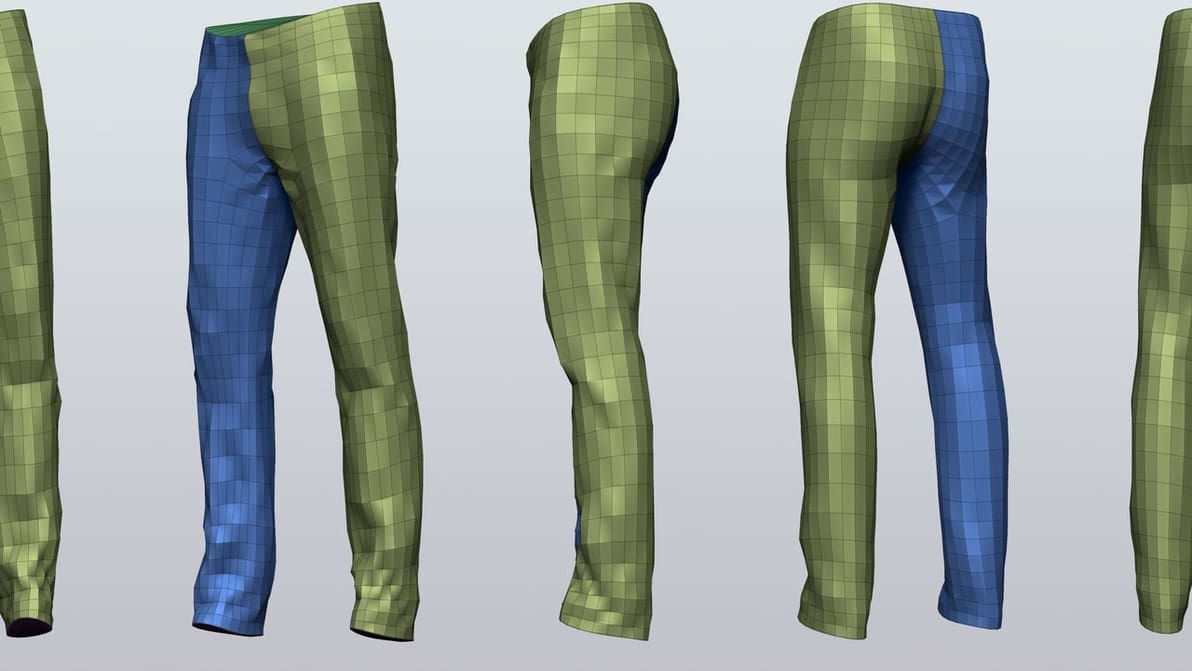
Retopology is tool that allows you to simplify complex 3D models. Read on to find out new ways to enhance your Blender retopology workflow.
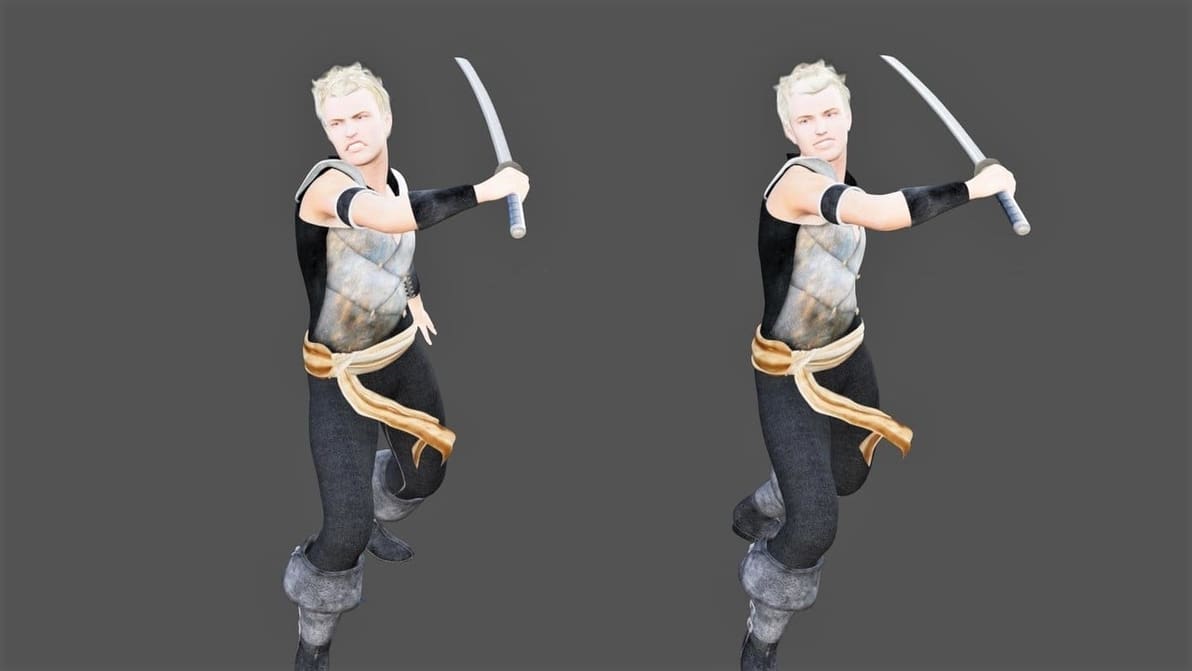
Combine the ease of use of Daz with the modeling power of Blender. Learn how to export characters from Daz to Blender with just a few clicks!
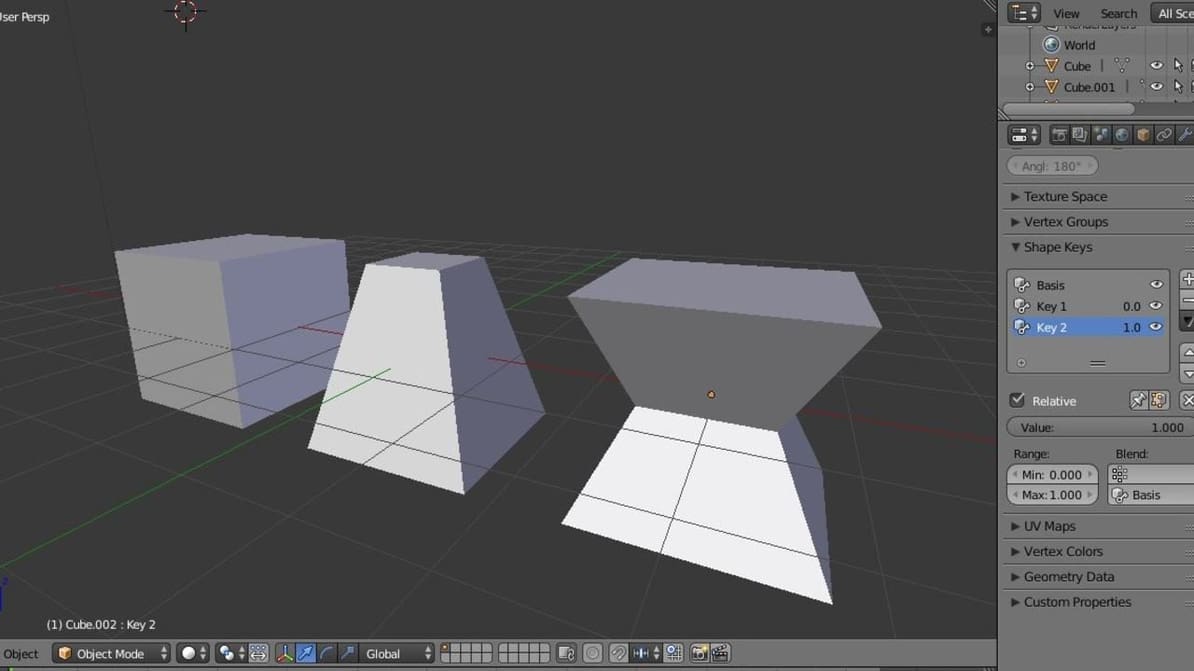
Blender's shape keys allow you to deform a single object into many new shapes. Since they're integral to animation and prototyping, let's see how they work.
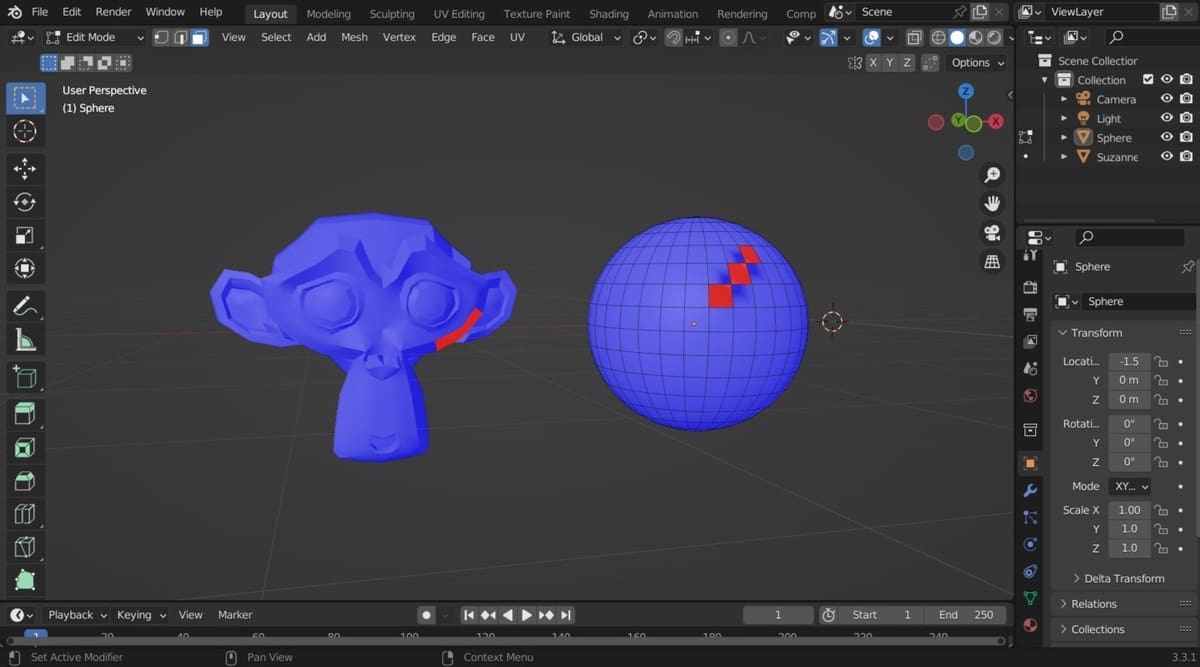
Normals are an important part of your objects, but they can get flipped. Learn all about Blender's recalculate normals options.