Blender
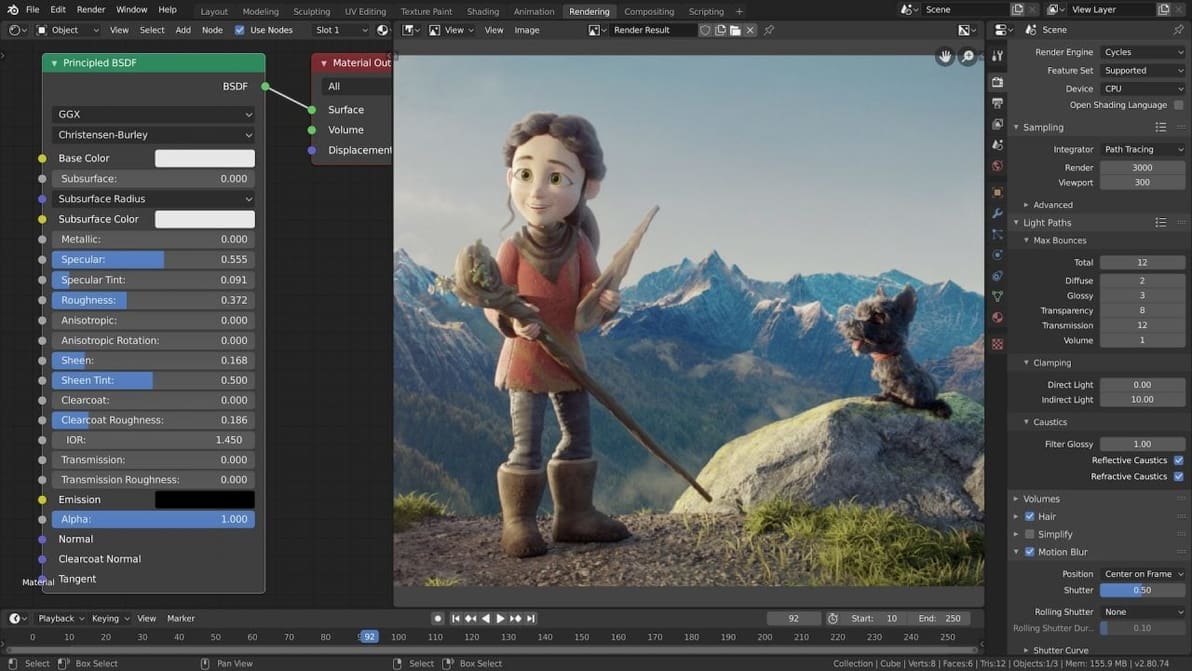
Tired of depending on other people's models? Easily get into shaping with our step-by-step Blender tutorial for beginners!
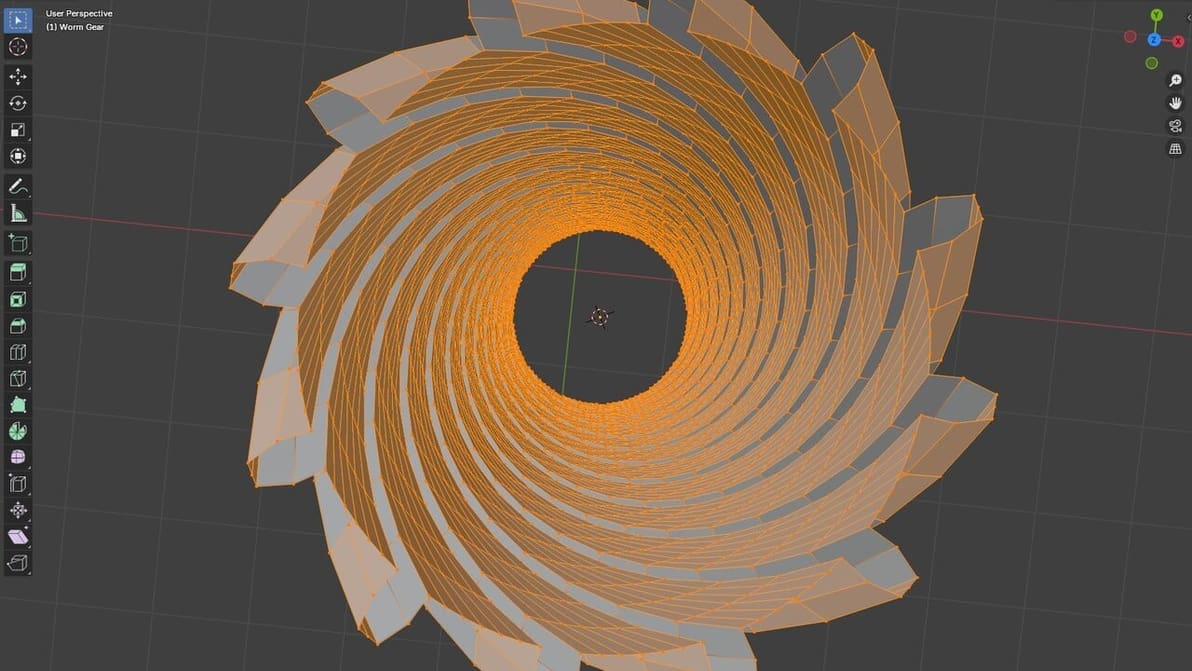
Adding vertex in Blender is easy, and it's useful to improve your models. Find out how to add vertices in Blender through this simple guide!
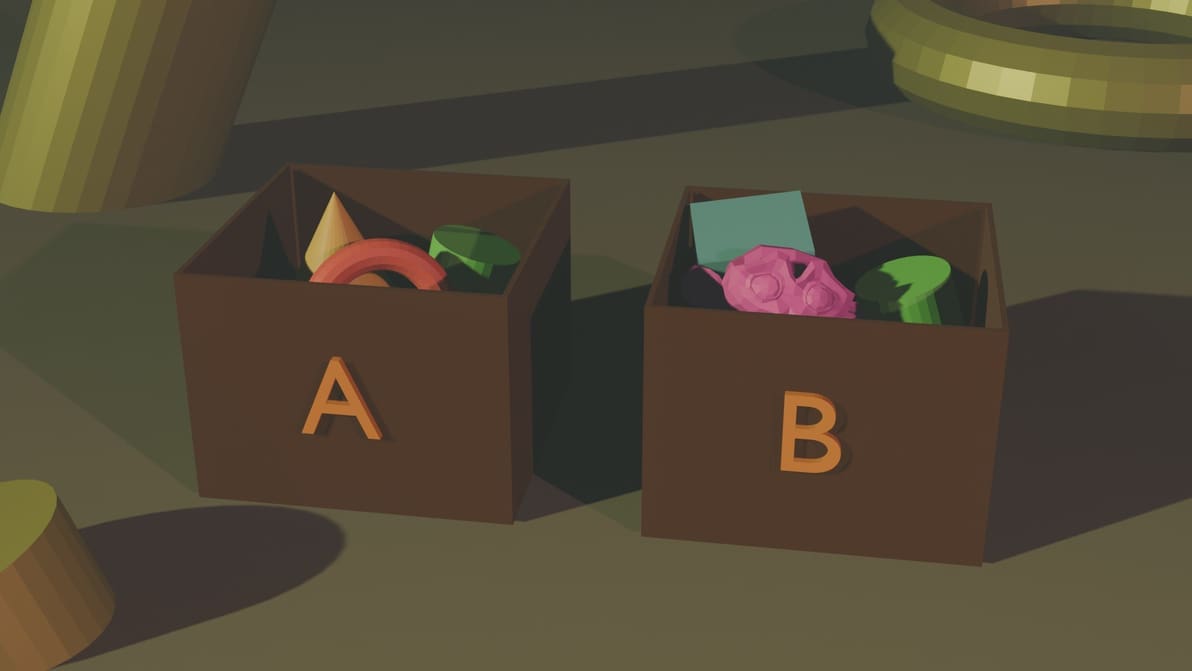
Your work can get chaotic if you're looking at too many objects in Blender. Group objects in your design workspace to keep things organized!
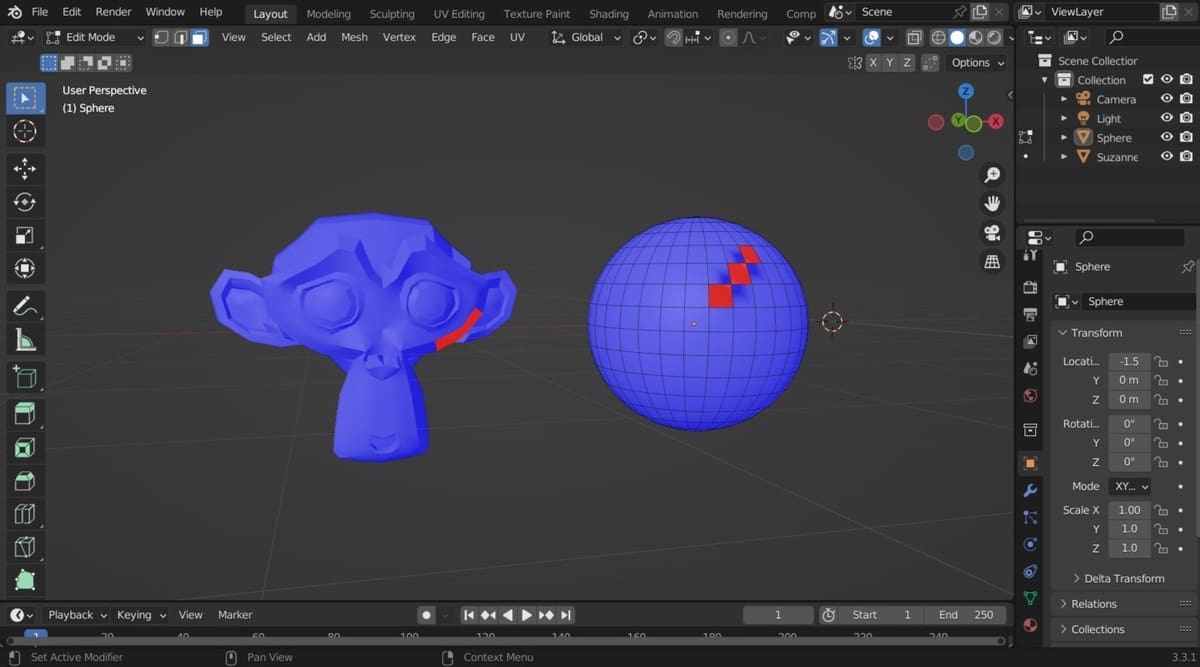
Normals are an important part of your objects, but they can get flipped. Learn all about Blender's recalculate normals options.
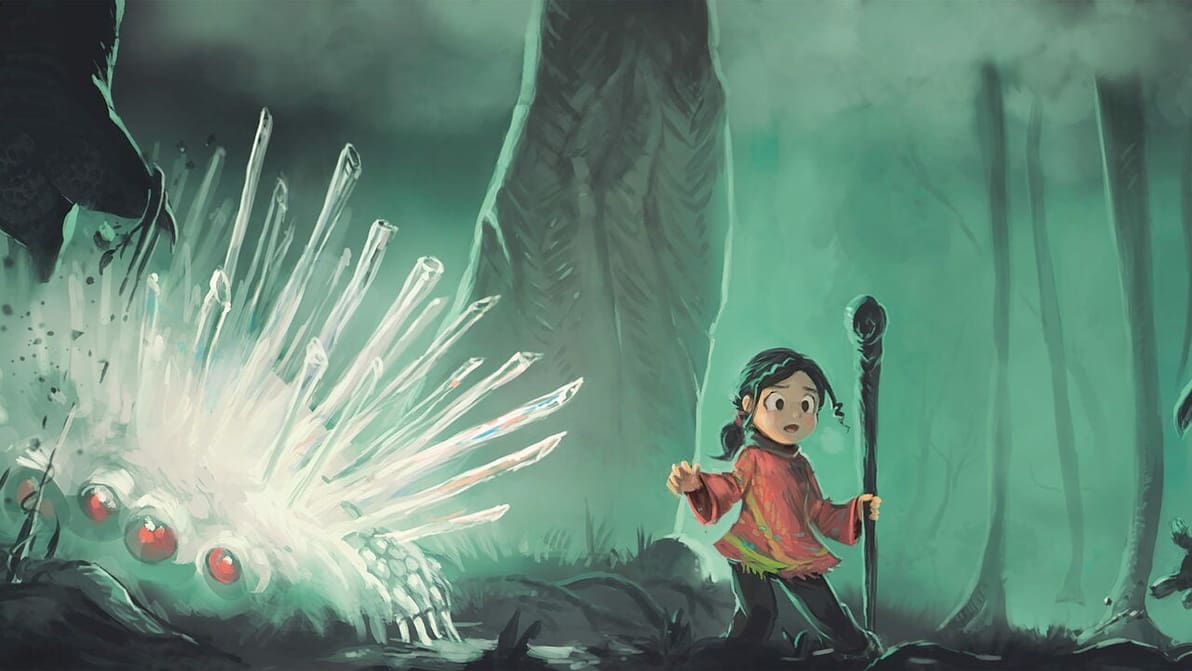
Various short films have been made with Blender. Read on for the top 10 Blender movies worth watching, all of which are free!
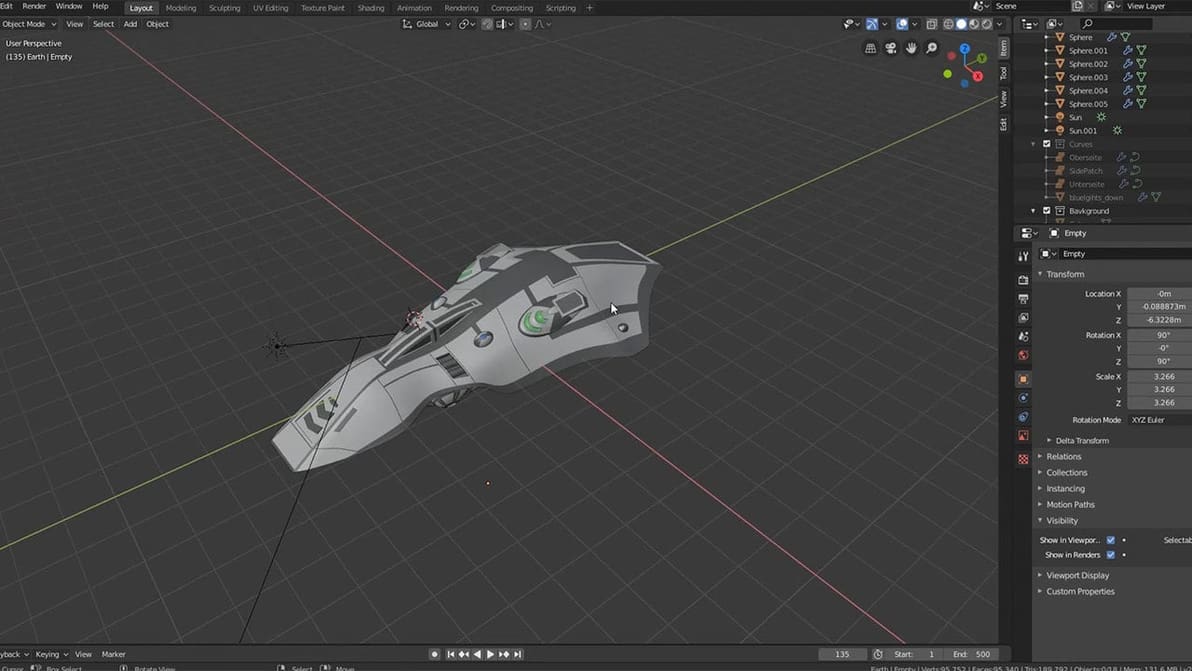
If you want to create curves in Blender, there are two ways to go: NURBS or Bézier. Read on to find out more about Blender NURBS modeling!
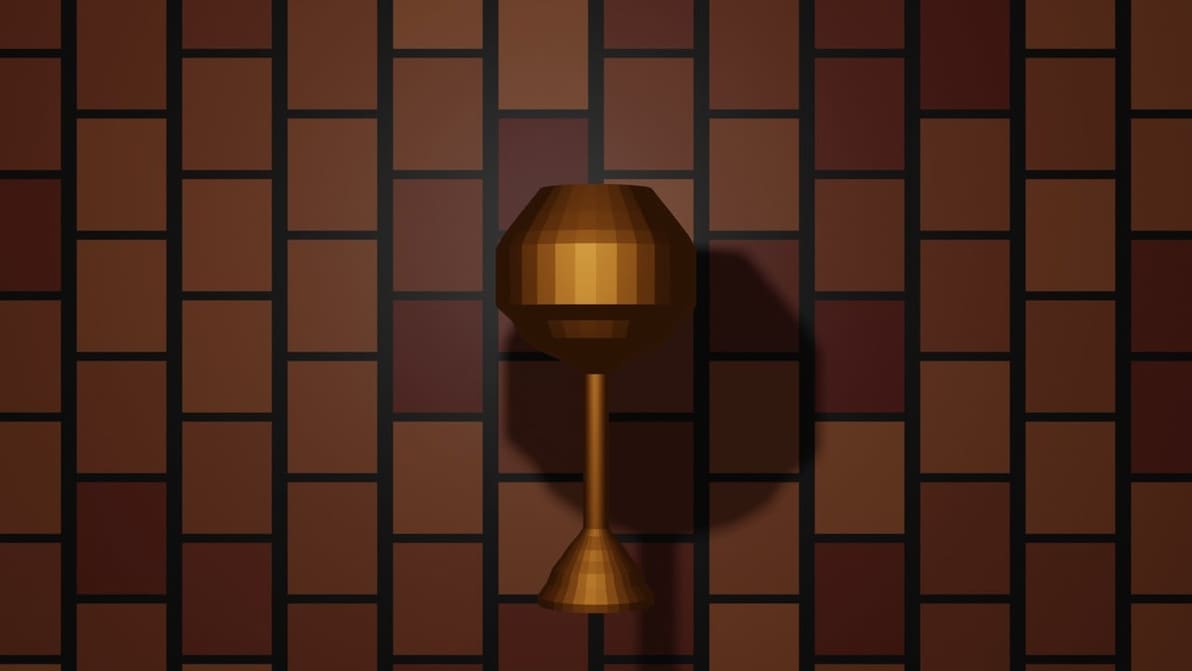
Connecting multiple loops in Blender is now even simpler! Read on to know more about the Blender Bridge Edge Loops tool.
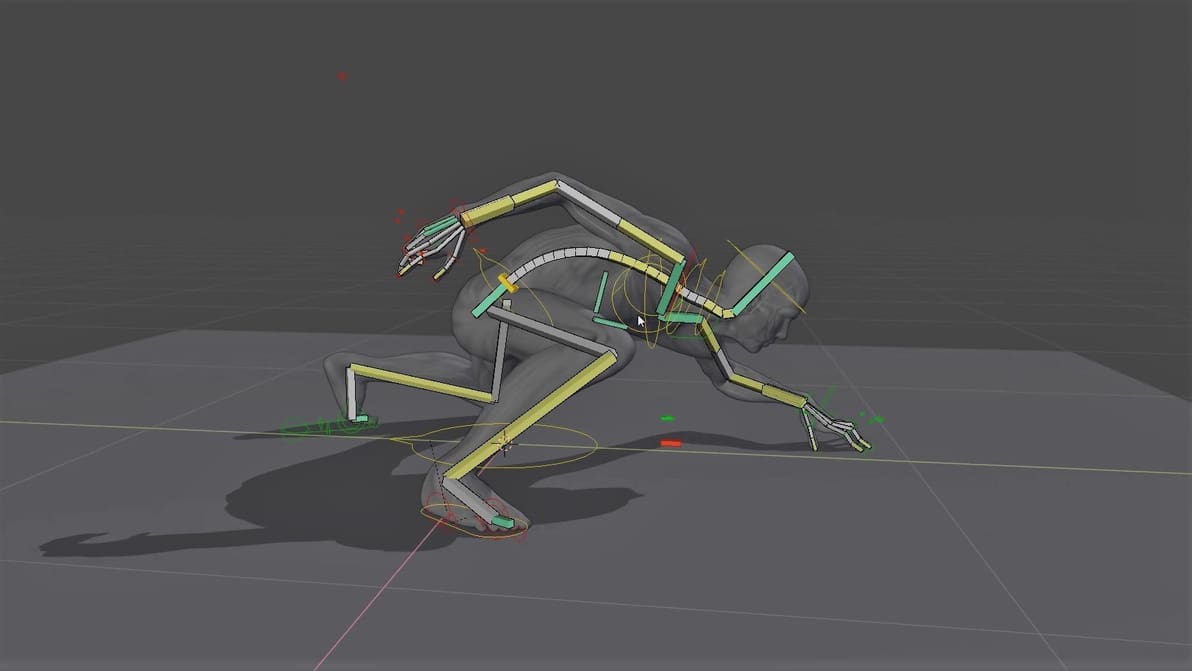
Rigging is commonly used in animation, but it’s also crucial to simulations in Blender. Explore this guide to Blender rigging to complete your modeling experience.
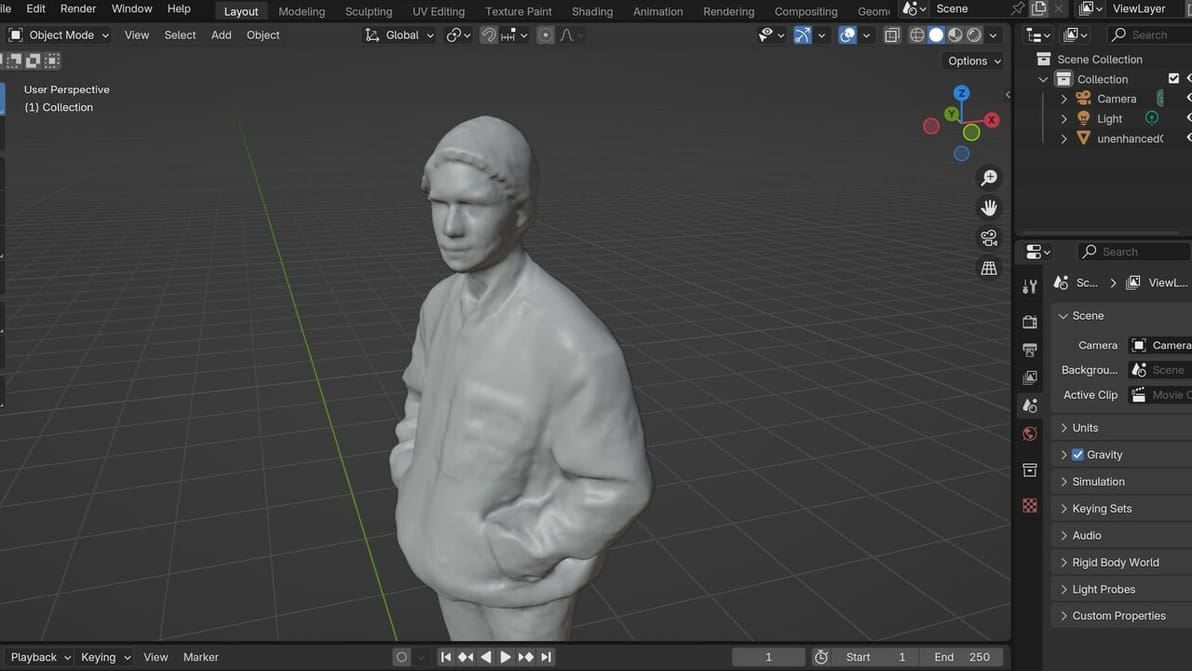
3D scans often don't go *exactly* as we'd like them to, and some modification is needed. Here's how to clean up a 3D scan in Blender.
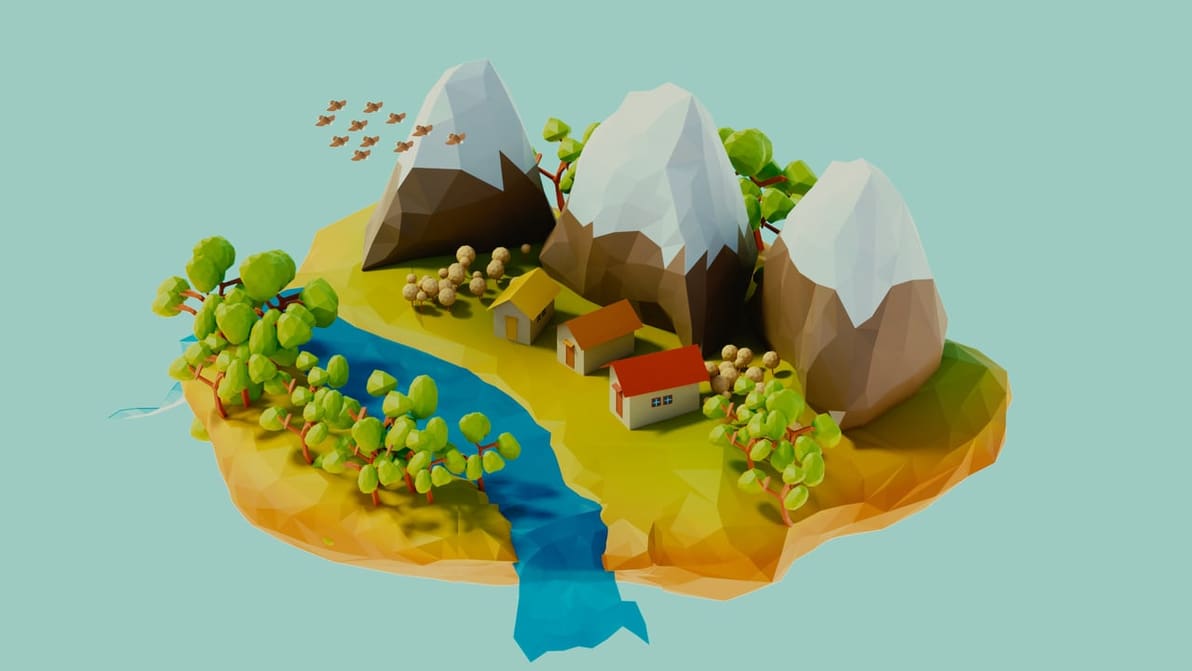
If you're trying out new modeling techniques in Blender, low poly could be the one for you. Read on to learn about this unique style!
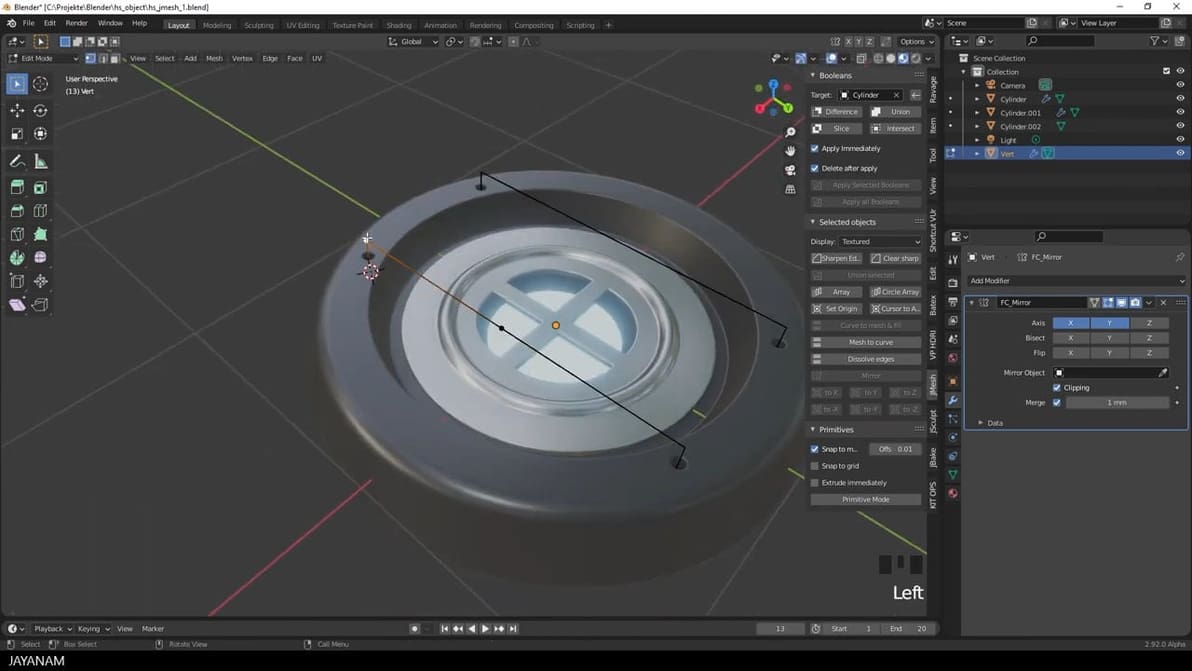
To get started with Blender hard-surface modeling capabilities, we've gathered the best guides to show you the way. Read on to learn more!
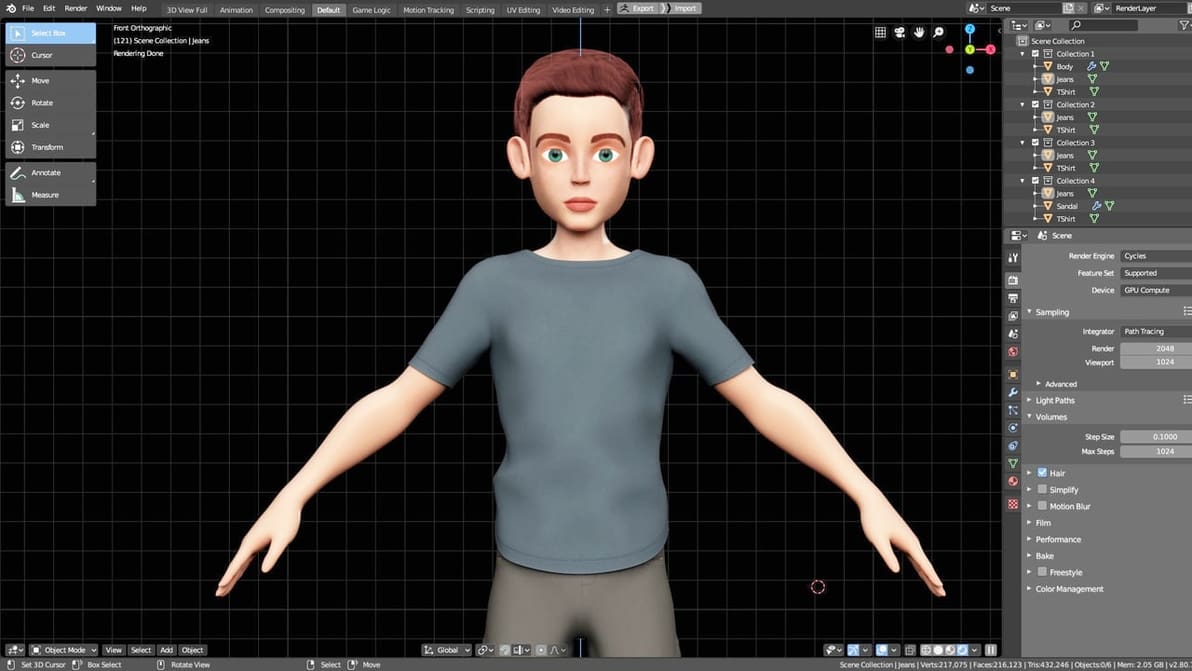
Go from Cinema 4D (C4D) to Blender with this easy exporting and importing guide. Now you can collaborate and share models with ease!
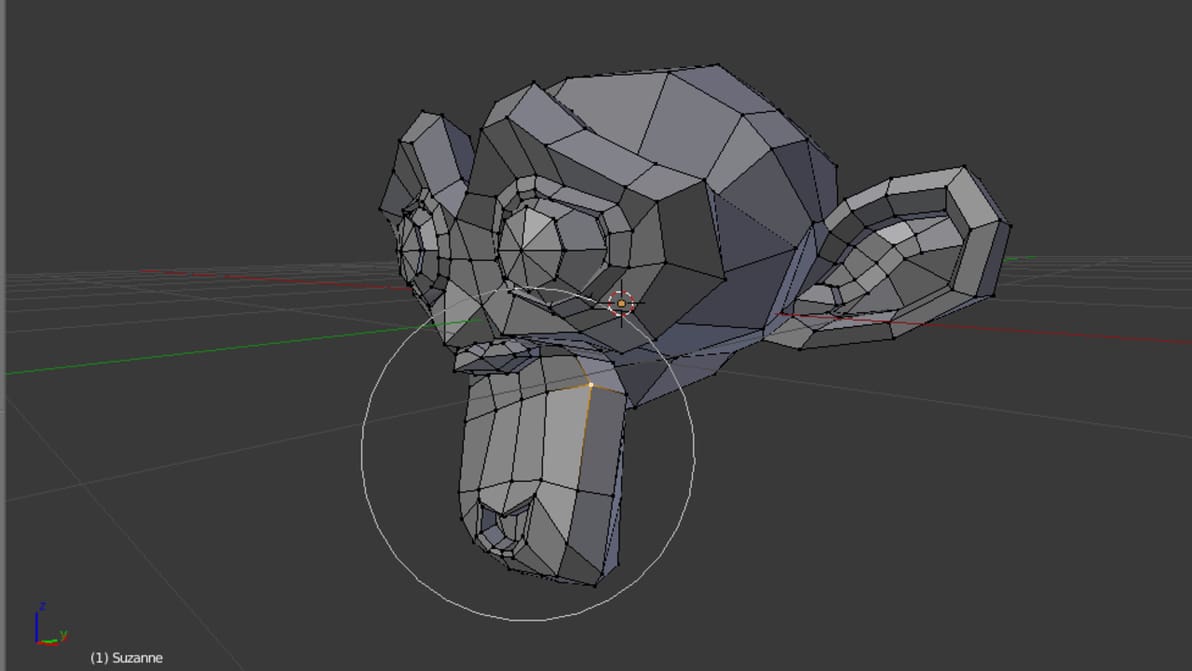
In Blender, there's no need to individually edit every vertex. Here, we'll show you how to speed up your workflow and manipulate meshes with proportional editing.
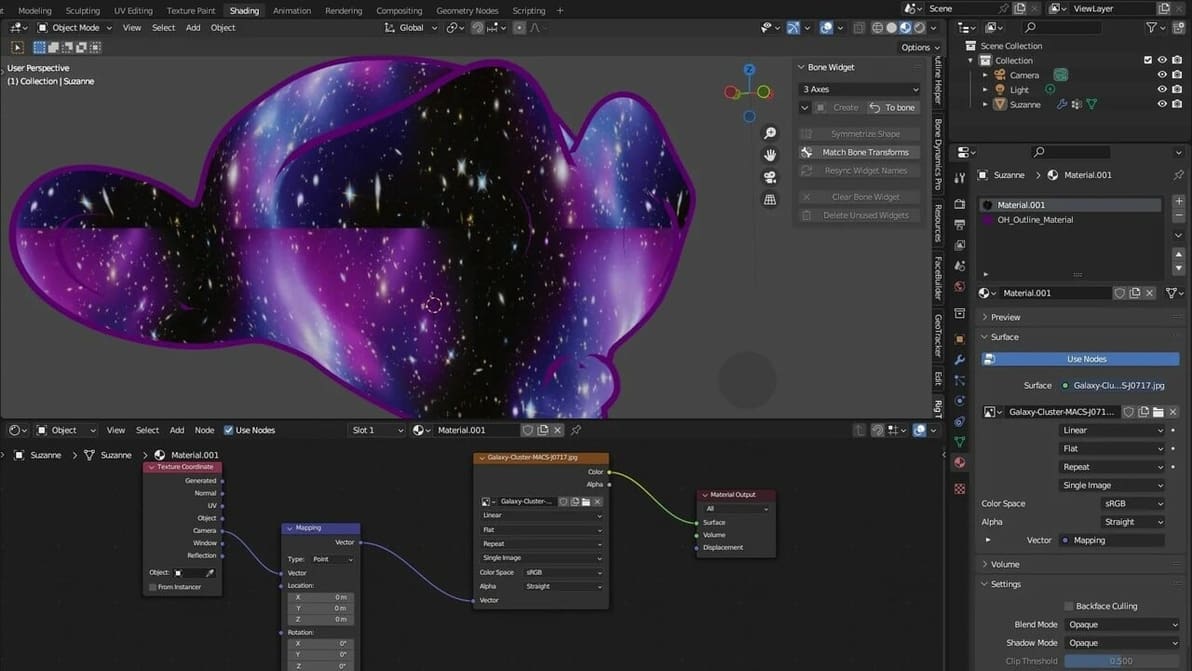
Tired of having your textures look plain and ugly? Read all about Blender's displacement maps and learn how to add realism to your models.
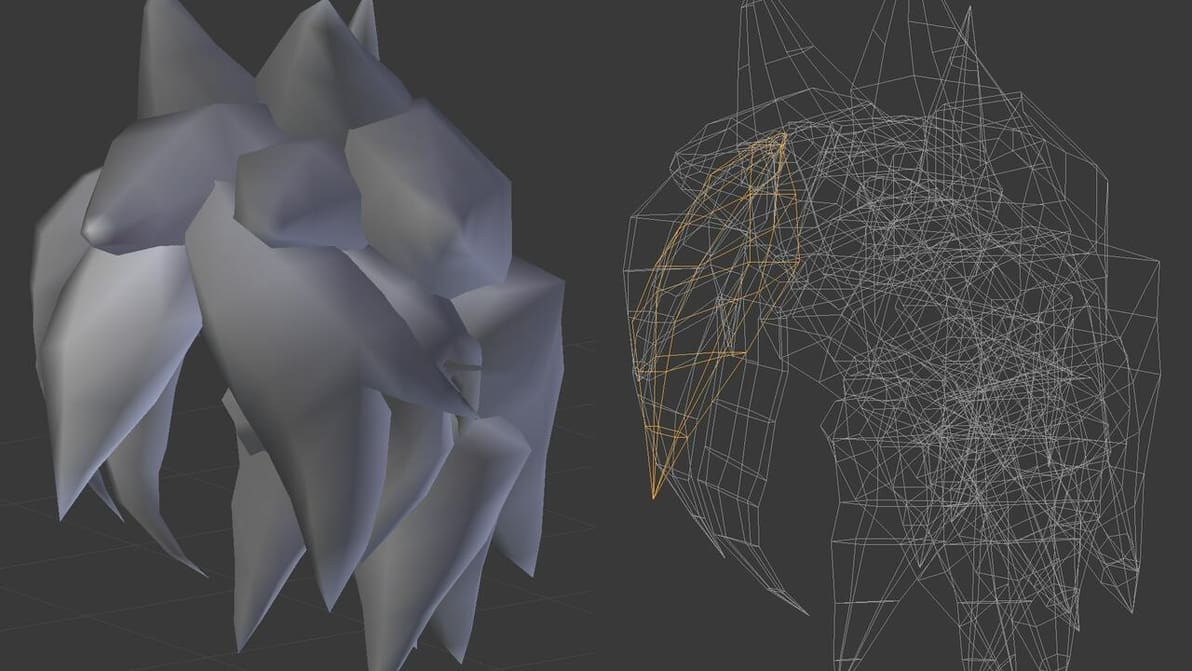
Mesh modeling is the most used modeling method in Blender. There's a lot to know, so read on and start learning all about Blender mesh!
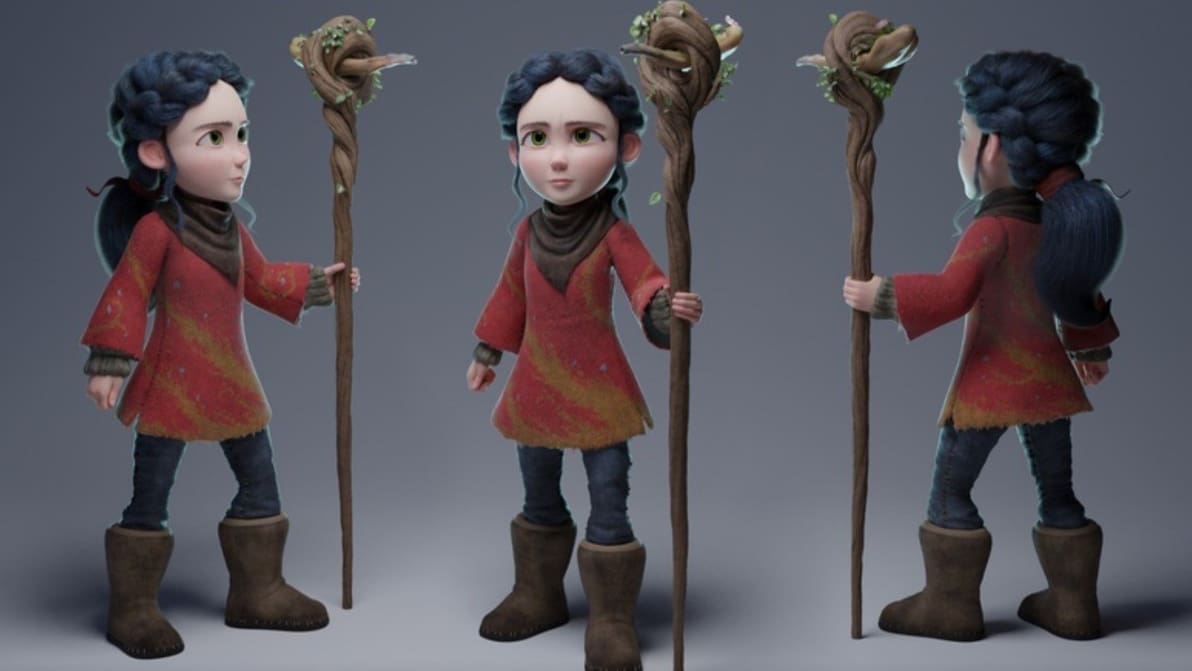
Blender is a great tool for animation. Read on and bring your characters to life with this step-by-step Blender 2.9 animation tutorial!
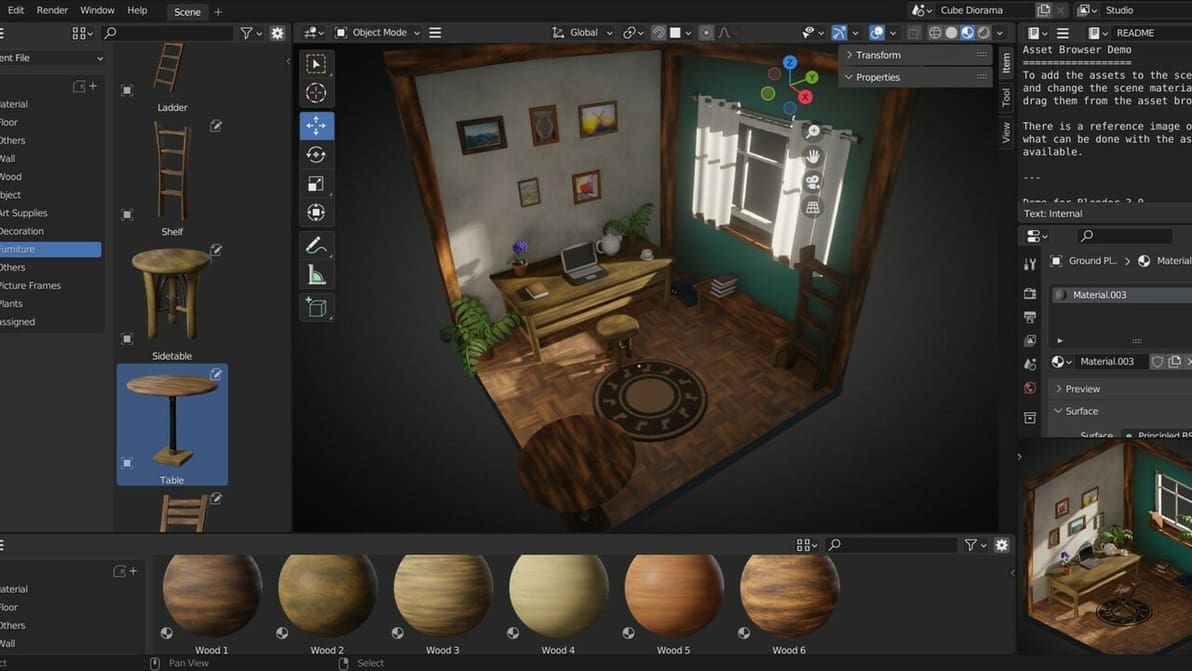
Blender is a free open-source 3D creation suite for modeling, animation, and more. Read on to learn why you should consider using it!
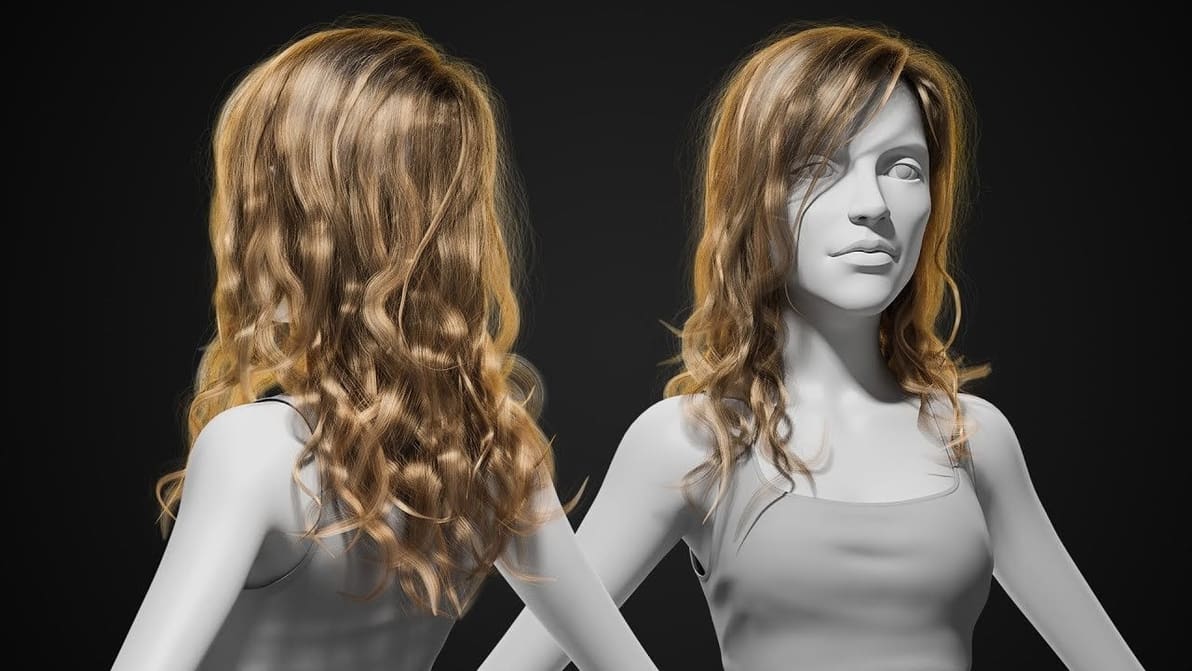
Modeling hair accurately can be difficult. Learn how to use the Blender 2.8 hair particle system, which makes creating hair a breeze!

Having a hard time getting your symmetries nice and even, or want to flip an object the opposite direction in Blender? Learn more about the Blender mirror modifier which makes this task straightforward!
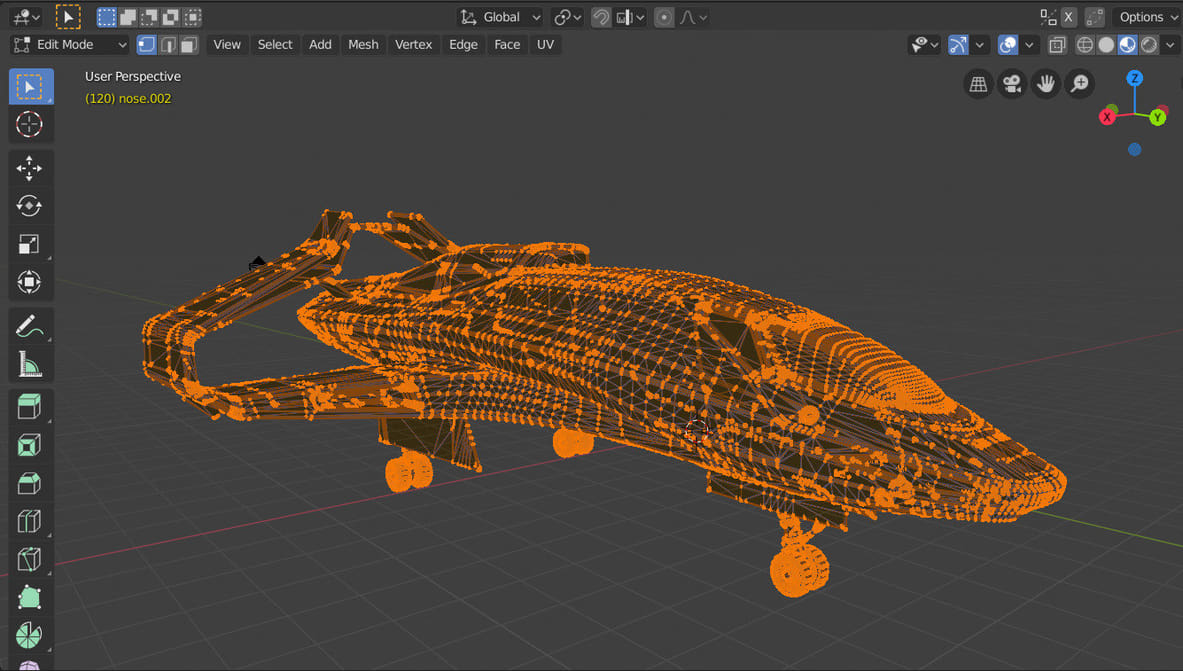
Duplicate vertices in Blender can pose some real problems. Learn how to remove doubles in Blender with this simple guide.