Raspberry Pi

Lego bricks brought to life with Raspberry Pi. Let's take a look at some of the best Lego projects made with Build HAT and BrickPi.

Level-up your projects with a Raspberry Pi HAT! Read on for some of the best, including the Raspberry Pi Build HAT, Sense HAT, and more.

Gaming can come in many shapes and forms. Consoles and PCs have broad appeal, but for those interested in retro gaming, SBCs are a good solution. Here's our look at the best single-board computers for gaming and emulation.

Raspberry Pi has updated its Zero family of single-board computers, launching the Raspberry Pi Zero 2 W as a quad-core upgrade with considerably better performance than its predecessor.

Single-board computers are ideal devices to use as your living room streaming set-top box. Here are our top picks for the best single-board computers to use as a media center.
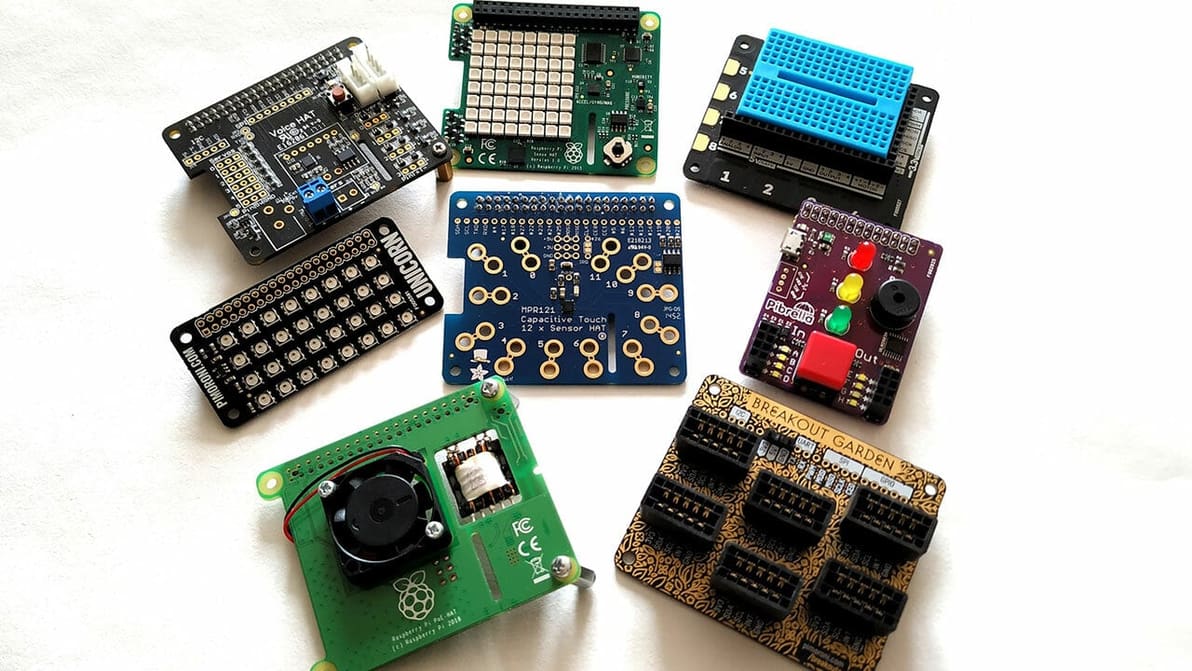
Raspberry Pi accessories can take your projects to the next level. Read on for our picks of the best HATs, cameras, cases, and more!

Combine Kodi and a Raspberry Pi to create a media player! Read on to learn how you can install Kodi on a Raspberry Pi 4 and get started.

Everyone's heard of Raspberry Pis, but how much to you know about them? Read on to understand what is a Raspberry Pi and what they can do!

There's a whole array of OS options for your Raspberry Pi 4. Read on to discover which Raspberry Pi 4 OS is the best for you!

Overclocking is a simple but not always safe way to get more out of a processor. Read on to learn how to overclock your Raspberry Pi 4!
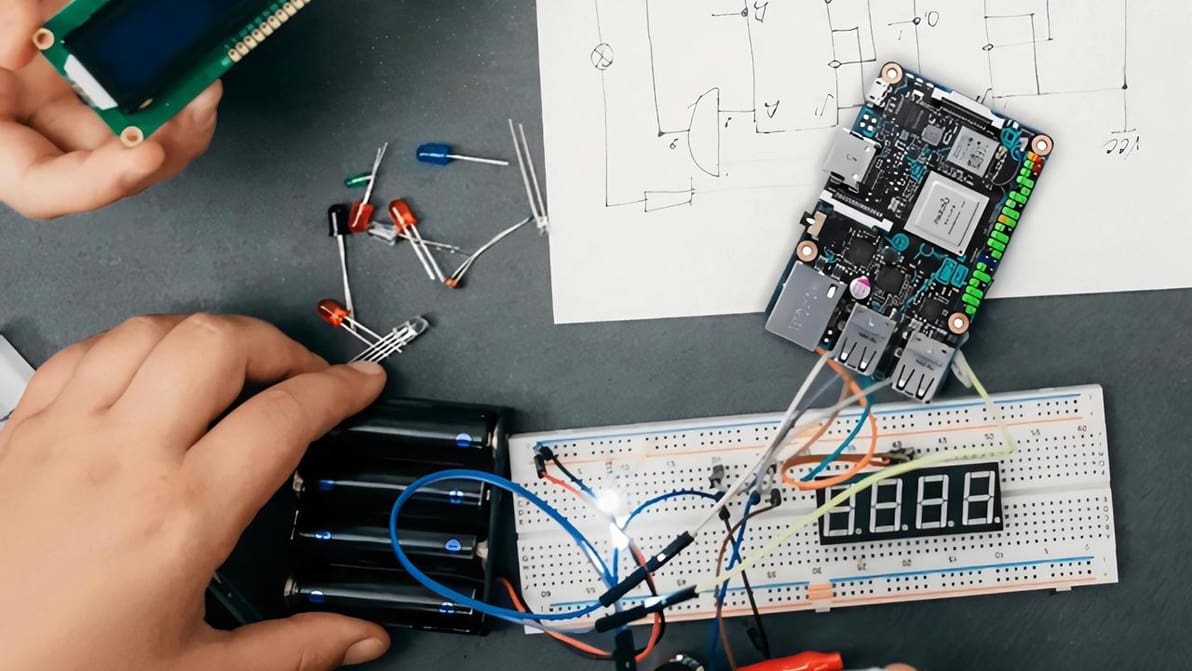
Both the Pi 4 and the Tinker Board can automate your DIY computing tasks. Read on for our Asus Tinker Board vs. Raspberry Pi 4 comparison.

Everyone's heard of the Raspberry Pi, but the NOOBS vs. Raspbian (Raspberry Pi OS) debate may be unfamiliar. Let's take a closer look!
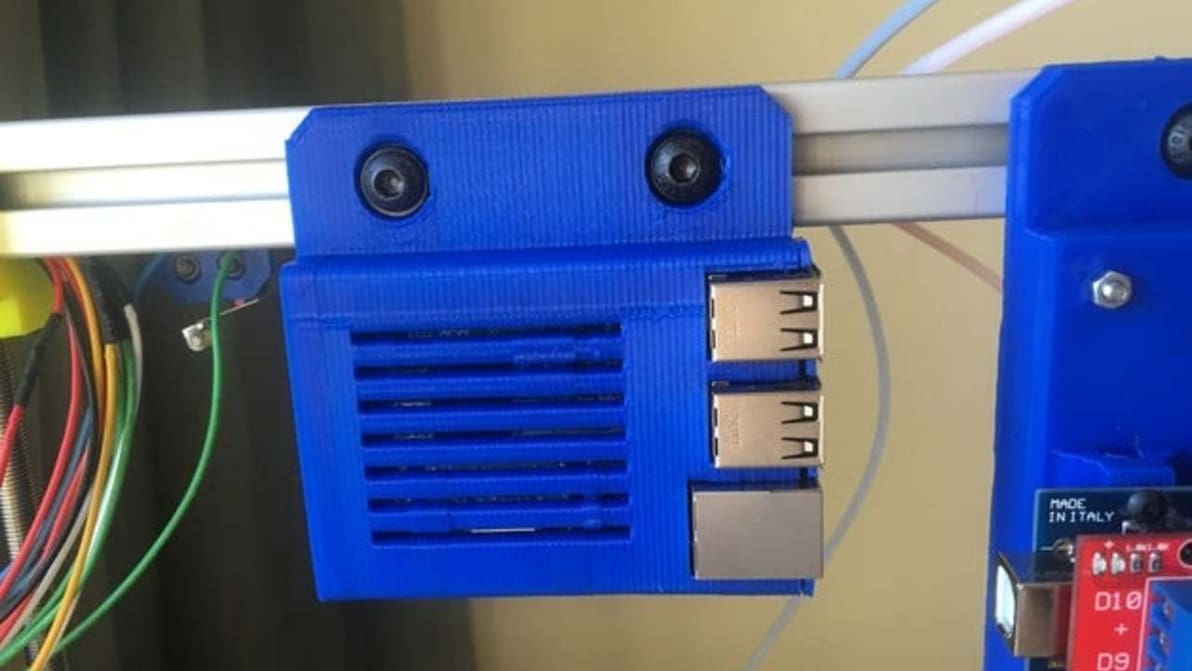
Jump into this guide to find out how to install OctoPrint on the Raspberry Pi 3 B+, one of the most popular Pi boards available right now.

The Raspberry Pi 4 was released last month boasting more RAM, a faster CPU, and USB 3.0, but a non-compliant USB-C charging port means it doesn't work with certain USB-C cables.

Google has launched the Coral Dev Board, which uses the best of Google’s machine learning tools to make AI more accessible. The new board boasts a removable system-on-module (SOM) featuring the Edge TPU and looks a lot like a Raspberry Pi. They announced it ahead of the TensorFlow Dev Summit.

Raspberry Pi has opened its first ever shop in Cambridge, England. It’s an experimental space which the company hopes will attract customers who are interested in the computer as well as those new to the technology.

Bringing a new dimension to history and museum education, the Museum in a Box is a brilliant interactive learning experience. It uses 3D printed objects with NFC chips to trigger audio commentary, all managed by a Raspberry Pi.

Create your own Raspberry Pi Airplay Boombox using a 3D printer, the Raspberry Pi Zero W and shareport sync and electronics.

YouTuber Mattias Jähnke, aka engineerish, demonstrates how to build and read a binary clock. The parts include a Raspberry Pi, some LEDs, and a 3D printed case.

Creator Michael Castor used an "all-in-one" customized circuit board, 3D printing and CNC to create the Raspberry PiBoy gaming system.