3D Modeling
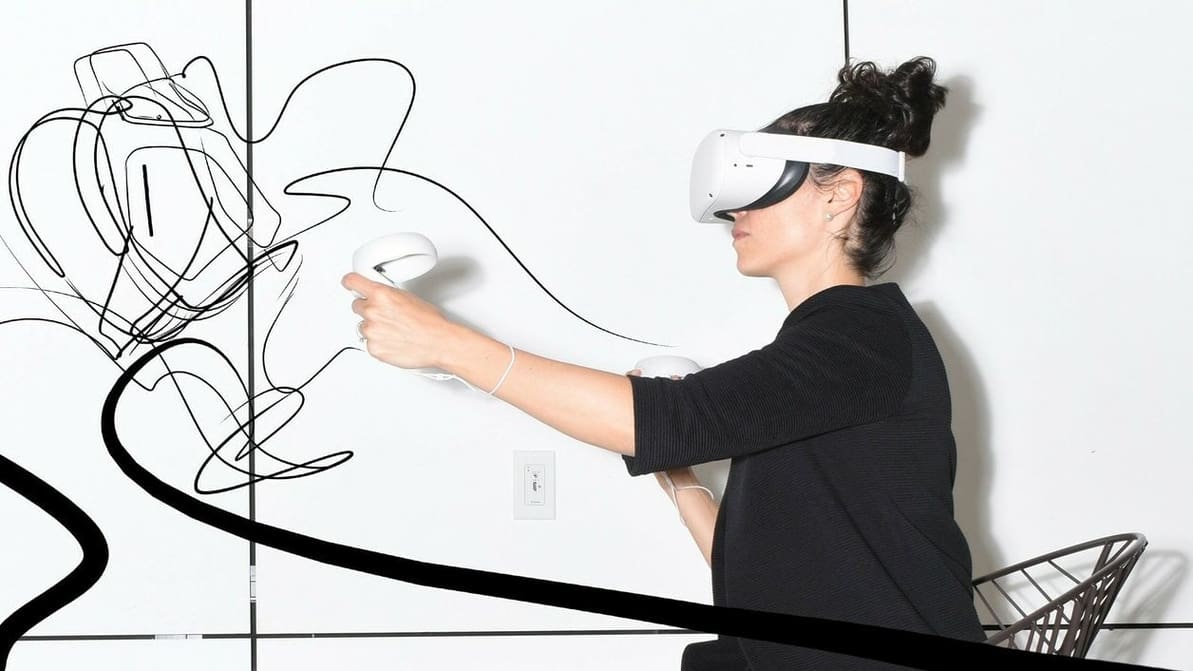
3D design in actual 3D? Follow our guide to get started with 3D modeling using Gravity Sketch in VR (and iPad)!

Many of us have photos from our days as a baby, but what if we could have something more than just a 2D photo for the next generation? Well now you can with a 3D baby scan.
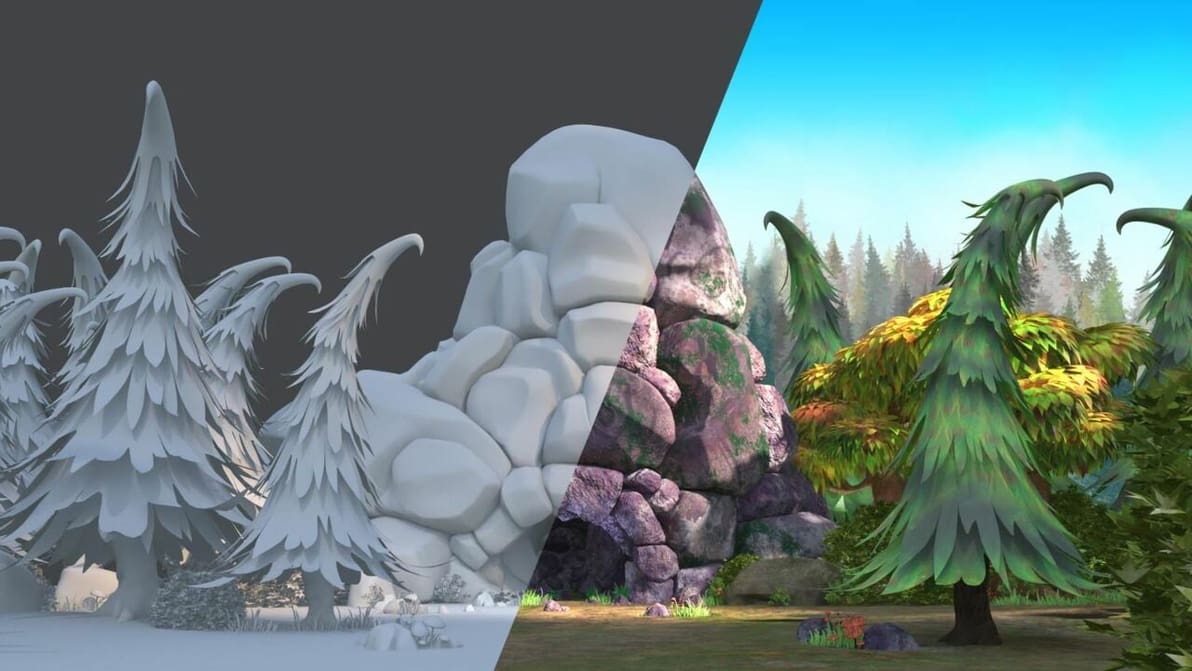
If you're looking for free 3D textures to improve your renderings, check out our selection of the best sites where you can get them for free.

If you're deciding between SketchUp vs. AutoCAD, read on to find out how they compare and which is better for you!
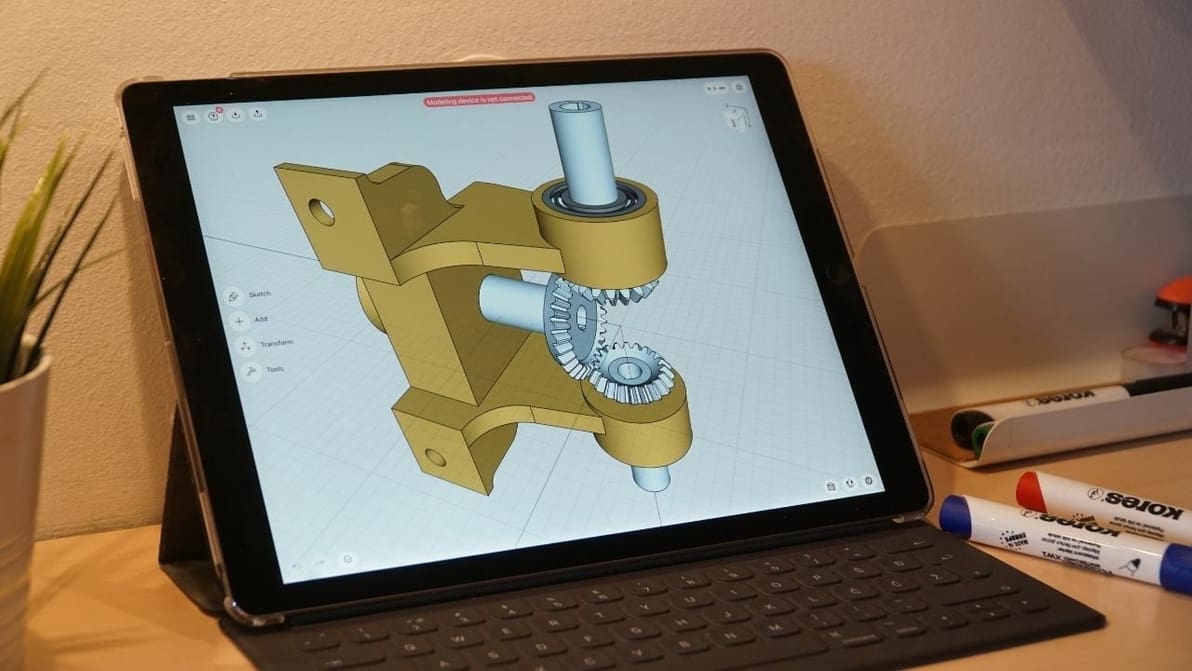
Shapr3D is a powerful CAD app made specifically for the iPad Pro. Take a closer look to see if it lives up to the hype!
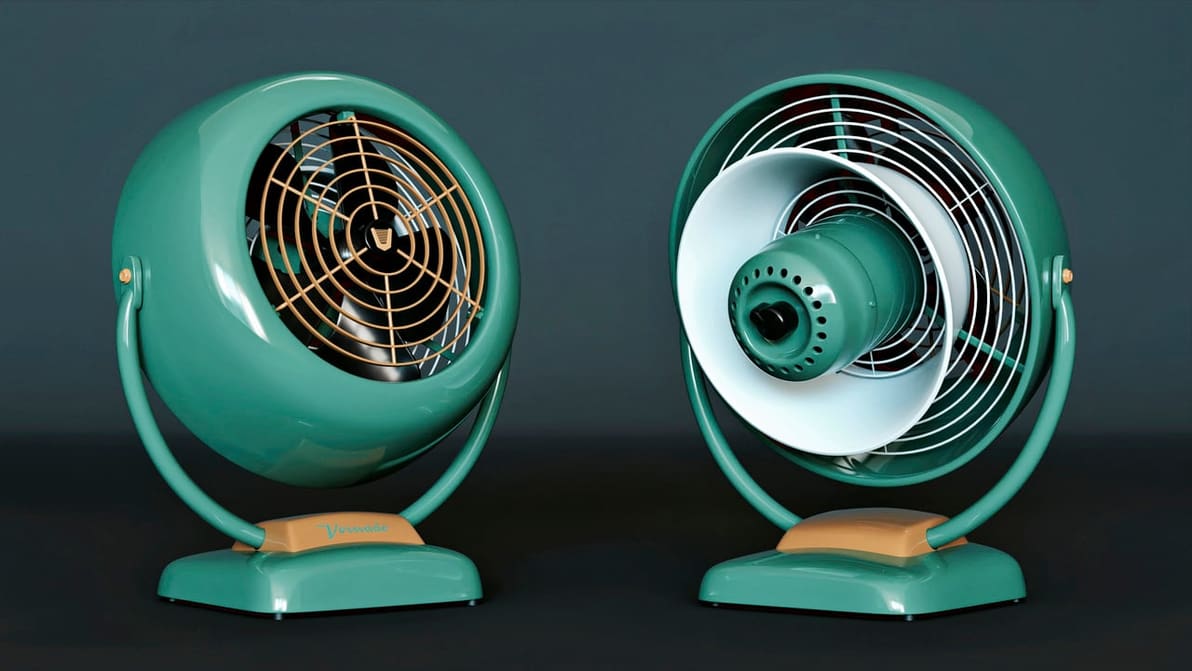
With Modo, 3D modeling ascends to new heights of artistry. Read on to learn more about the program and how it'll fuel your artistic drive!
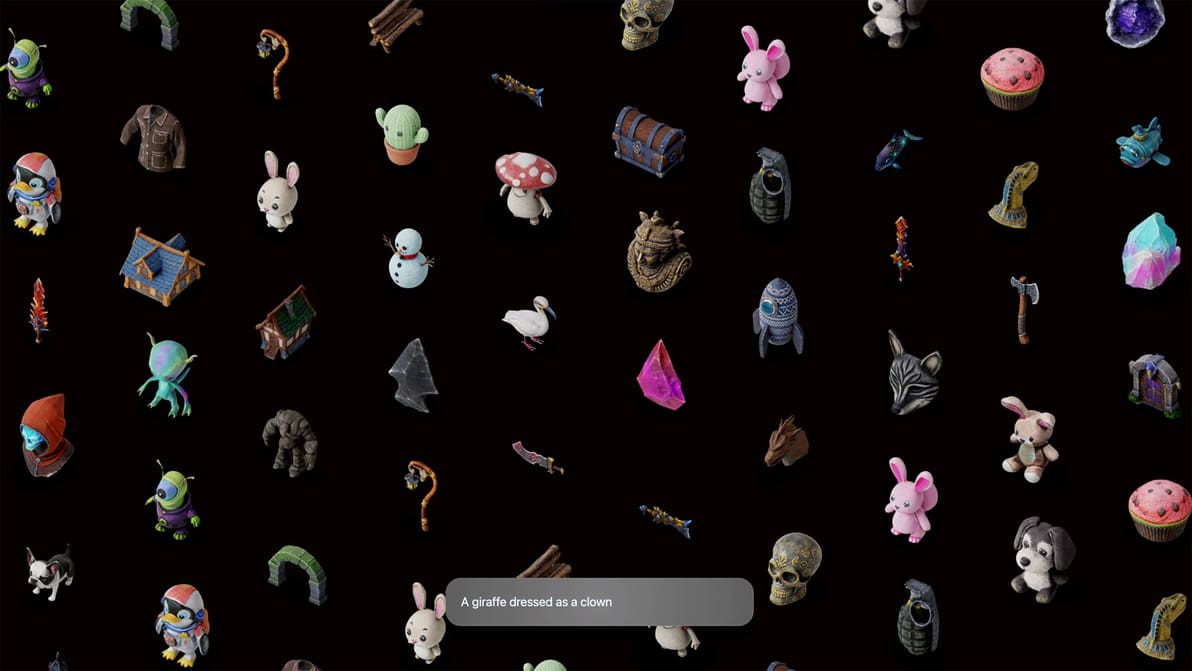
Luma AI's text-to-3D model generative AI near instantly generates quad mesh 3D models, which are free to download in a variety of formats.
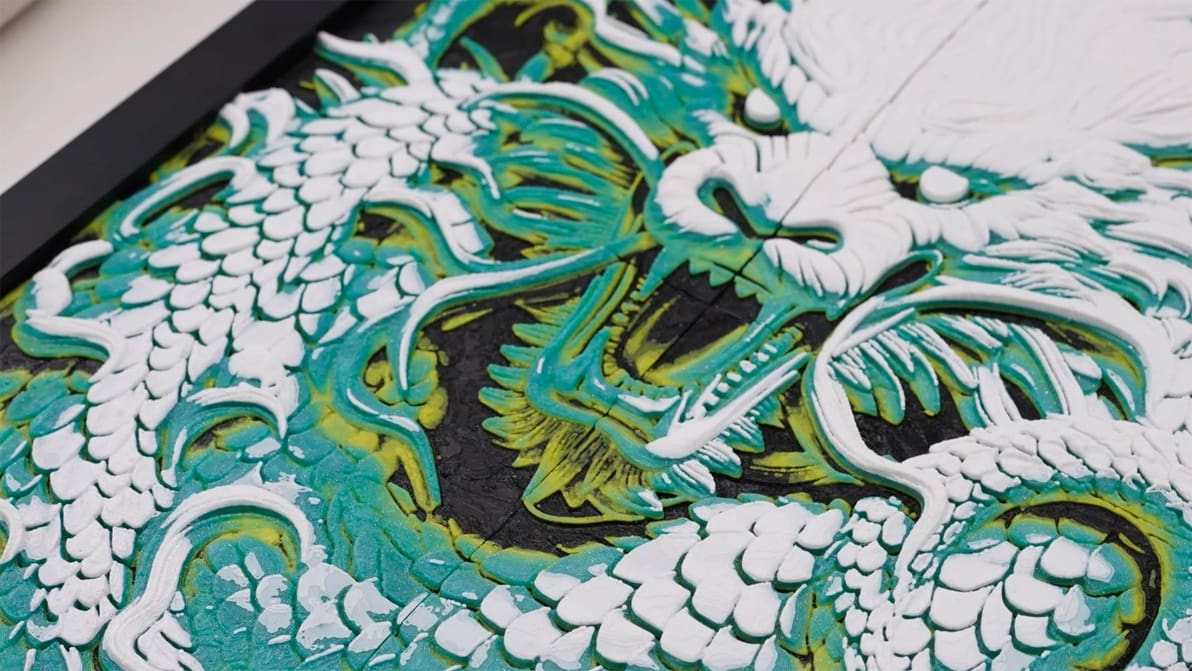
Two new features, 3D Paint and CityPrint, enable users to generate customized STLs that bring a bit more life to the model creation platform.
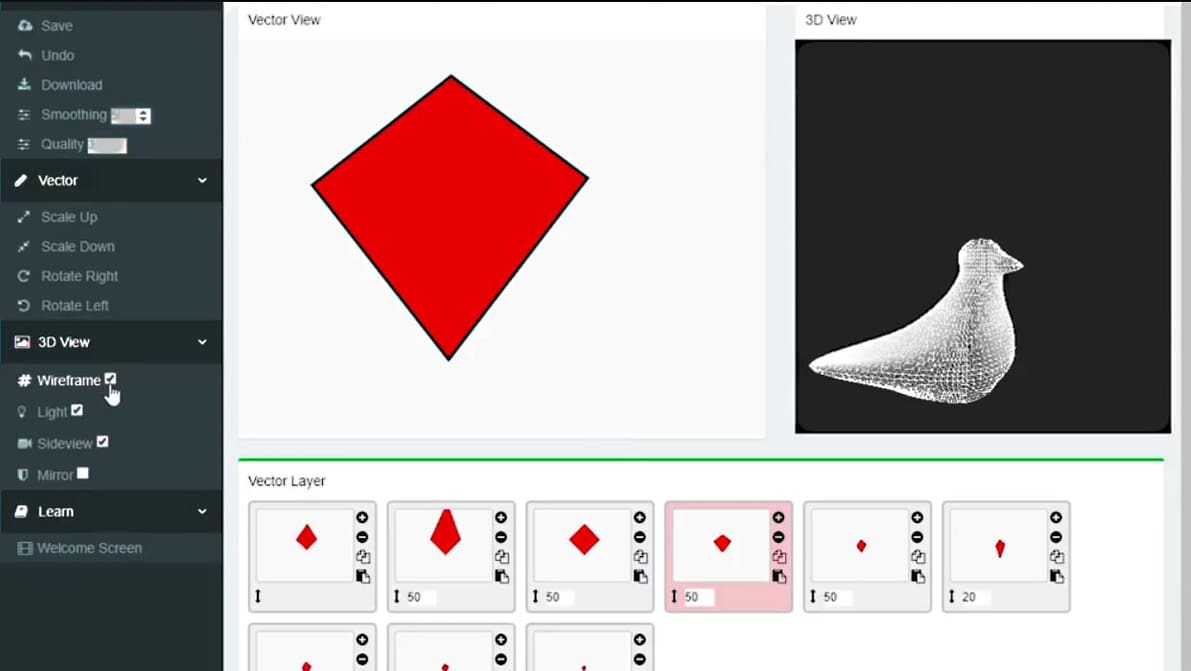
PlastiSketch offers a new method of 3D modeling that is an alternative to established tools. It is designed for those that want to create sculpted 3D objects, but lack the artistic finesse required by the likes of Zbrush and Blender.
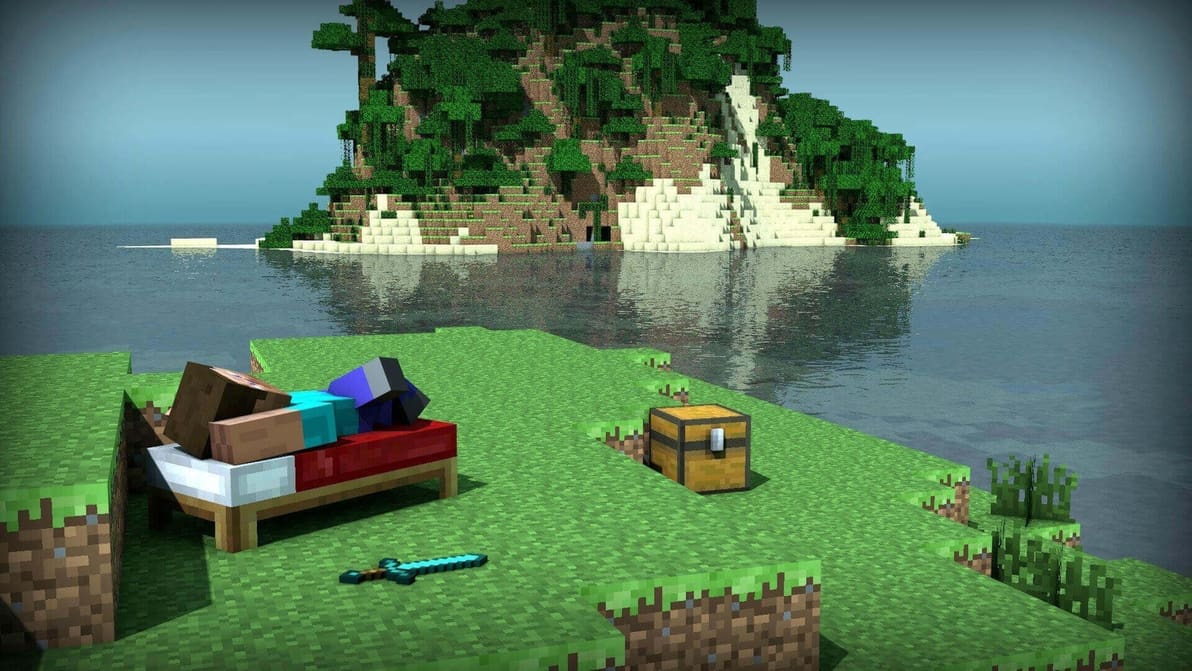
World-building gets a new meaning in the latest Minecraft update. Players can now export creations to Remix 3D - possibly 3D printing them.
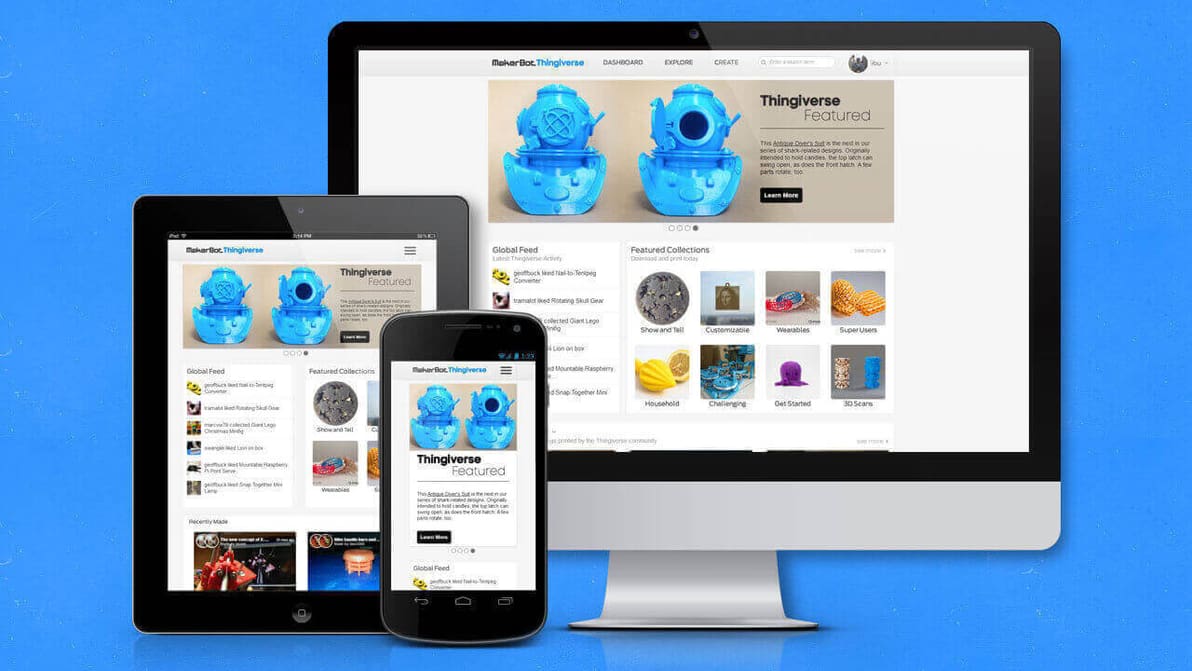
Exclusive look at Thingiverse trends over a 30 day period, with the most popular models and software, plus geographical and demographic data.
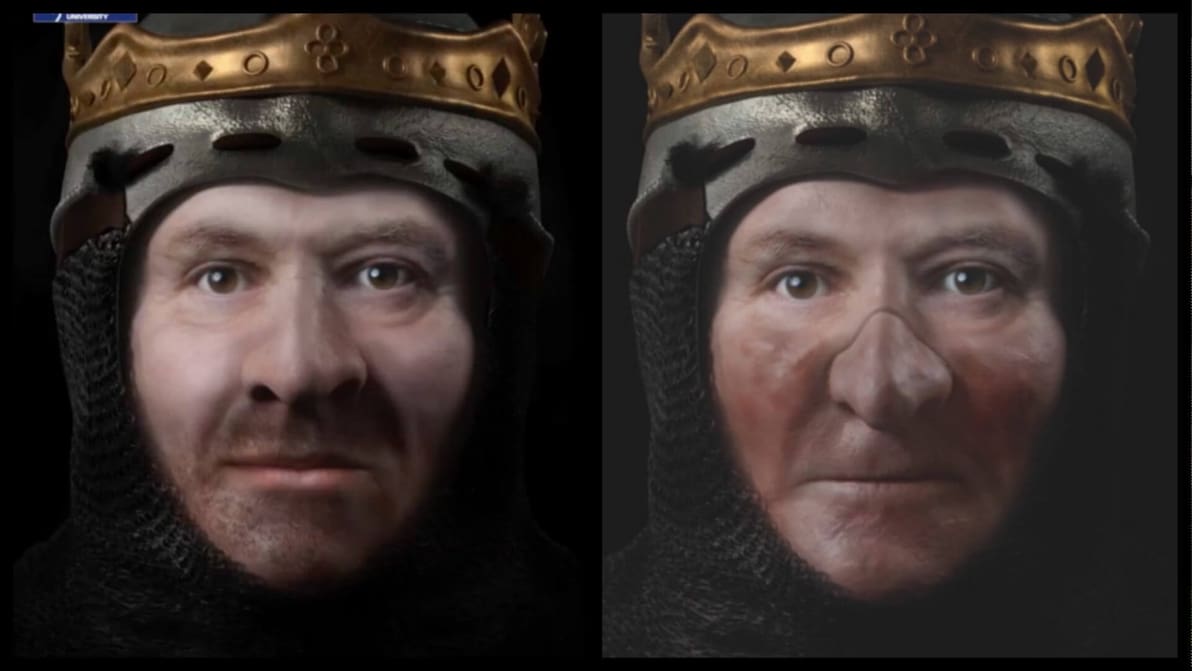
Facial reconstruction experts at Liverpool John Moores University have created detailed 3D digital images of the Scottish king, Robert the Bruce.
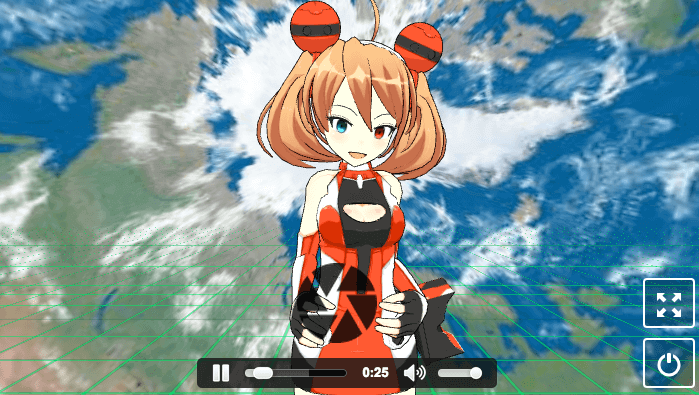
A new 3D models generator service promises extraction of characters from videos. Currently, it’s limited to animations.
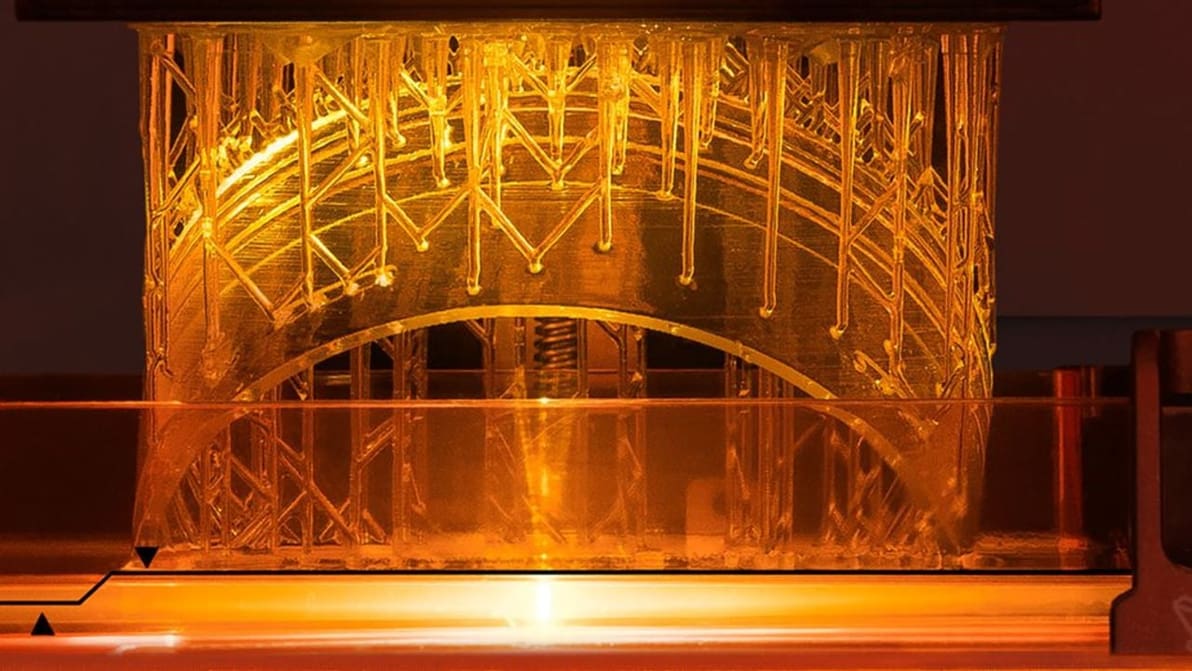
Learn how to optimize your designs for SLA 3D printing, a not-so-simple 3D printing technology. In this guide, we present a number of tips that'll take you down the road to success!
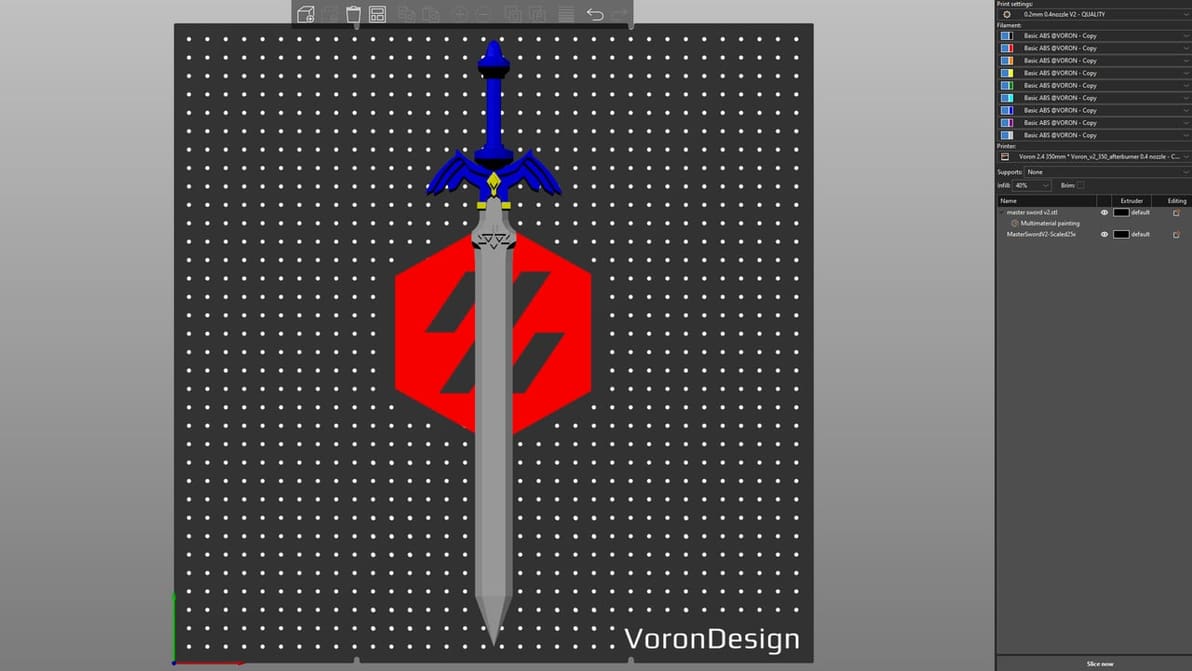
3D printing large parts can be a challenge! Read on to learn how to split STL files into parts using common software tools.
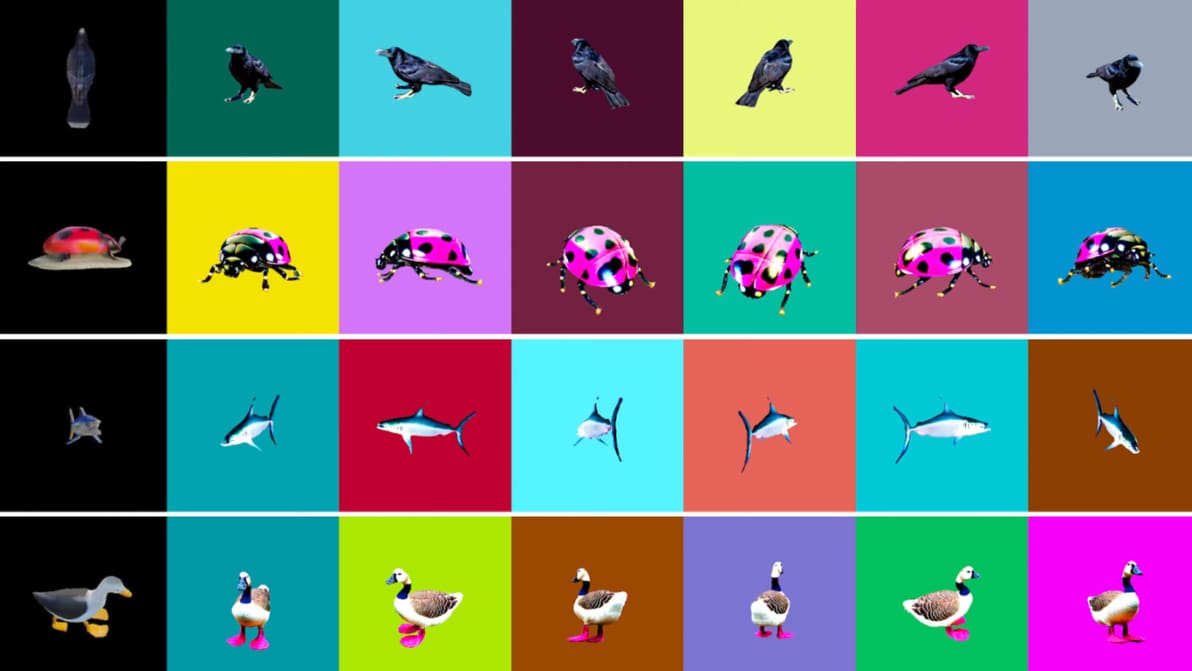
The model can generate 3D models from user-input text prompts in less than a second, and produces better or equal quality than other similar models, Nvidia suggests.
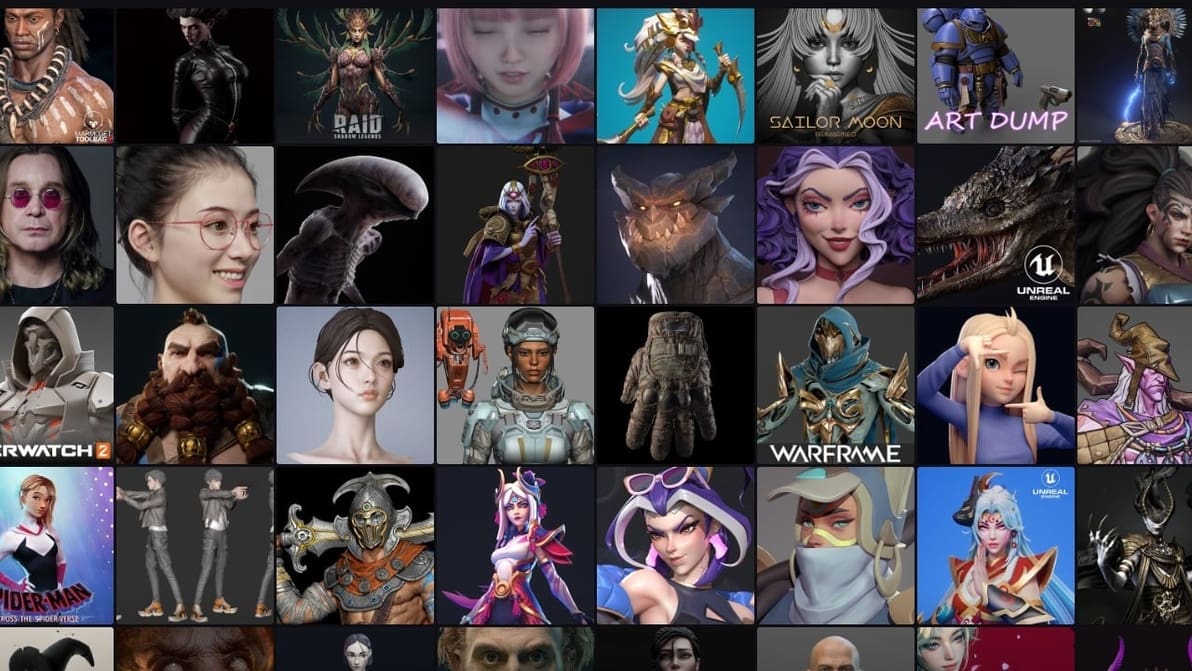
Read all about the best sites to explore 3D modeling job opportunities and make a profit online as a 3D designer!

From the UI to rendering to Geometry Nodes and the introduction of Light Linking, Blender's 4.0 update touches on everything the software has to offer.
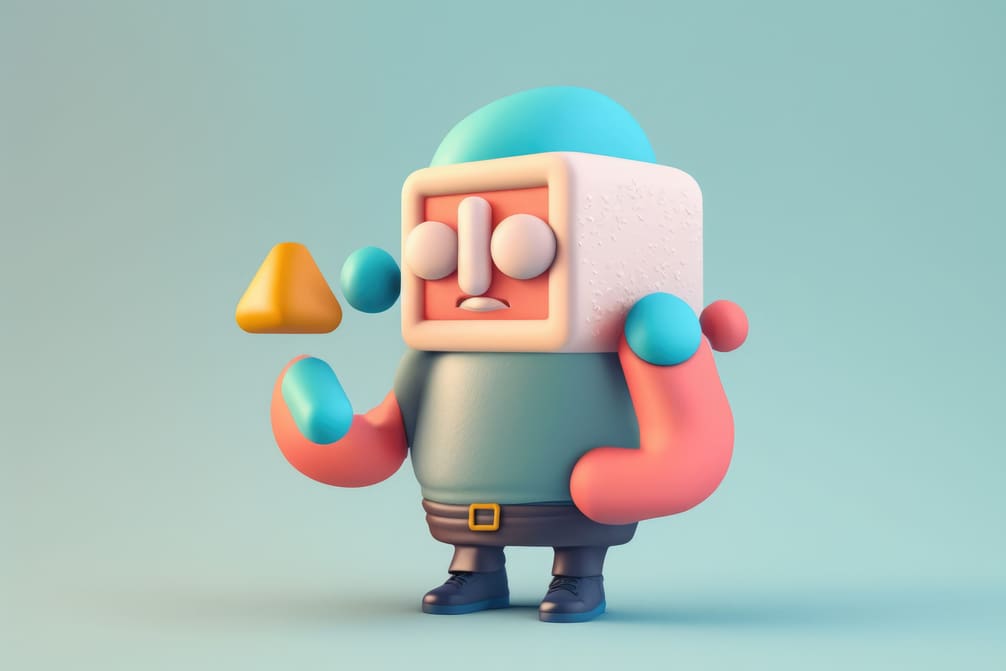
Shap-E is a step up from the recent, point cloud-based Point-E, featuring more-realistic textures and lighting.
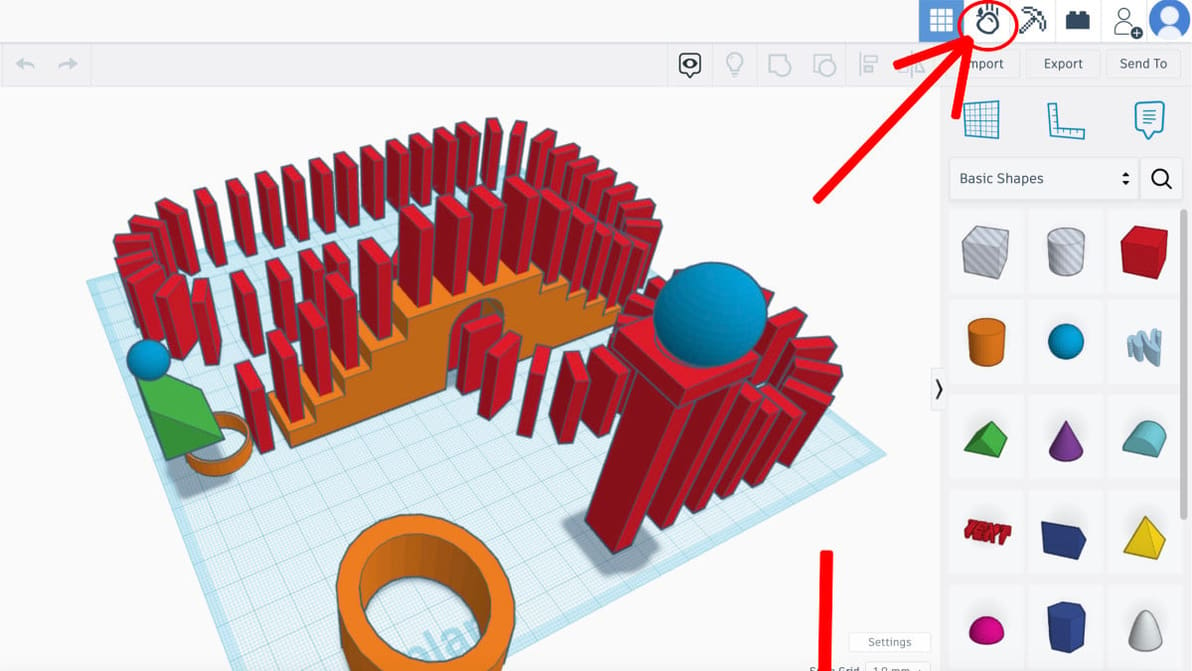
From roller coasters to Galton boards, the Tinkercad Sim Lab is a sandbox full of possibility – educational and otherwise.