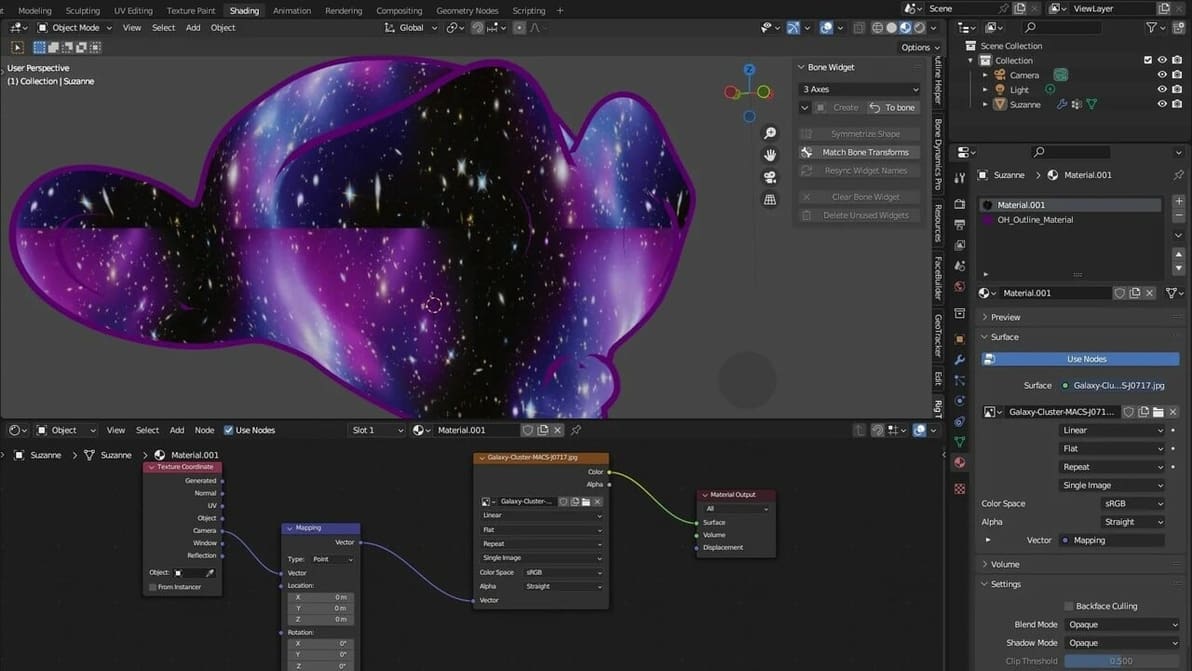
Tired of having your textures look plain and ugly? Read all about Blender's displacement maps and learn how to add realism to your models.
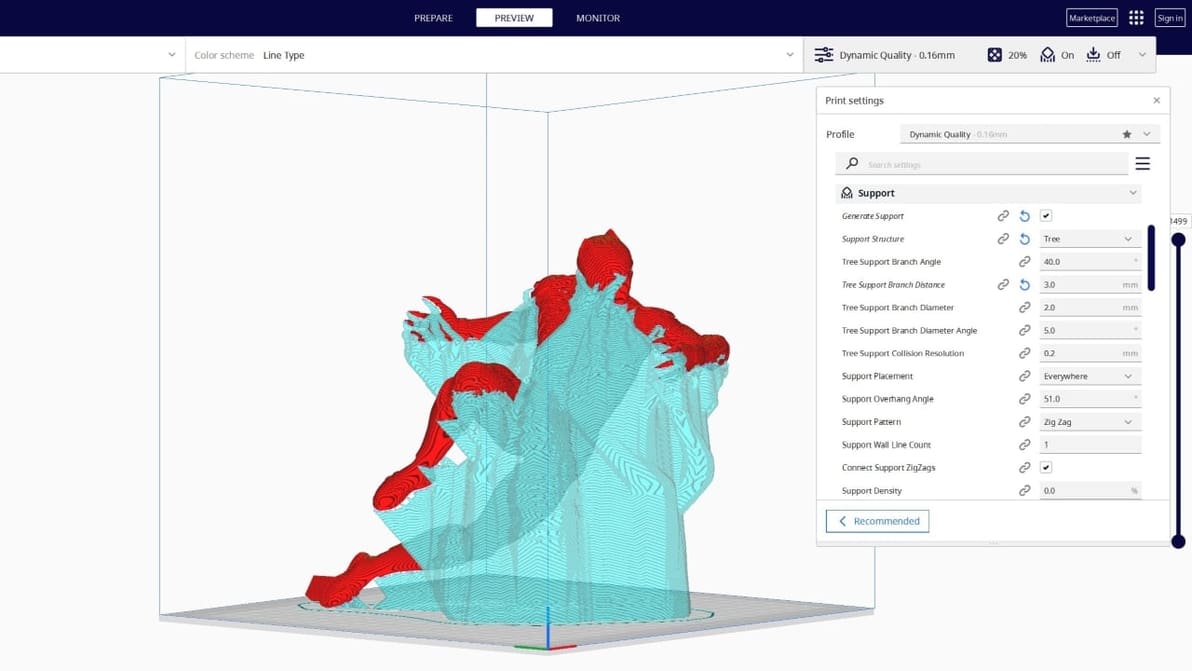
Tree supports are efficient and tidy. Find out why the Cura tree support setting is one of our favorite 3D printing tricks.
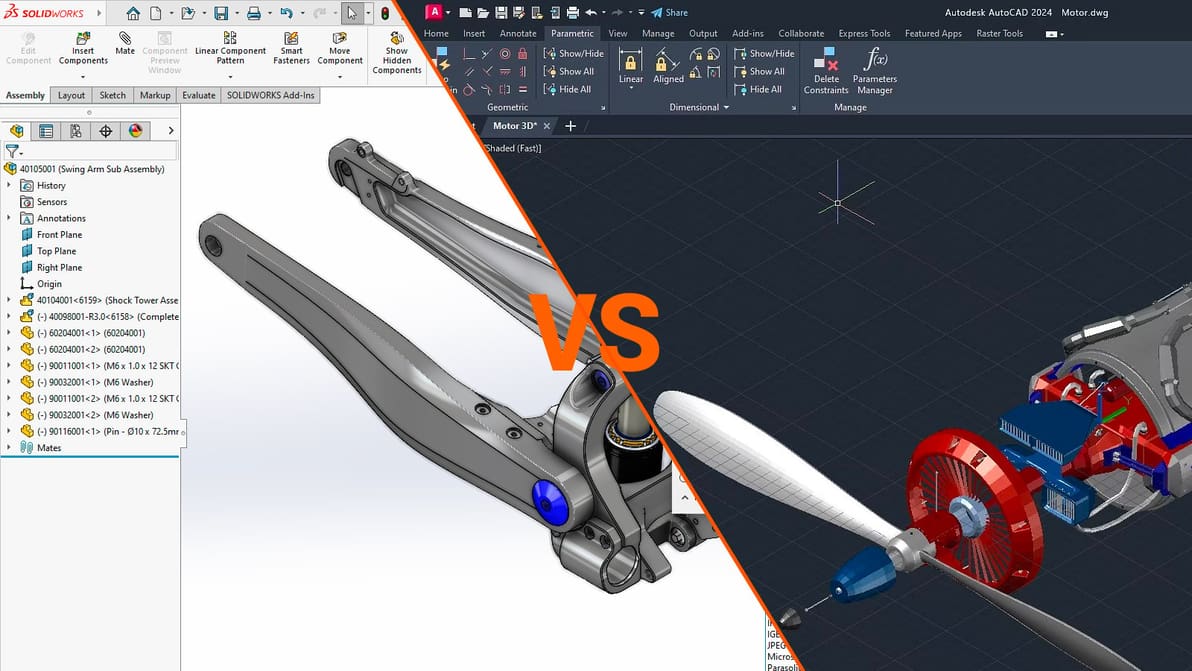
Choosing between these two industry leaders in CAD software will depend on your style of design. Learn how to make the right choice.
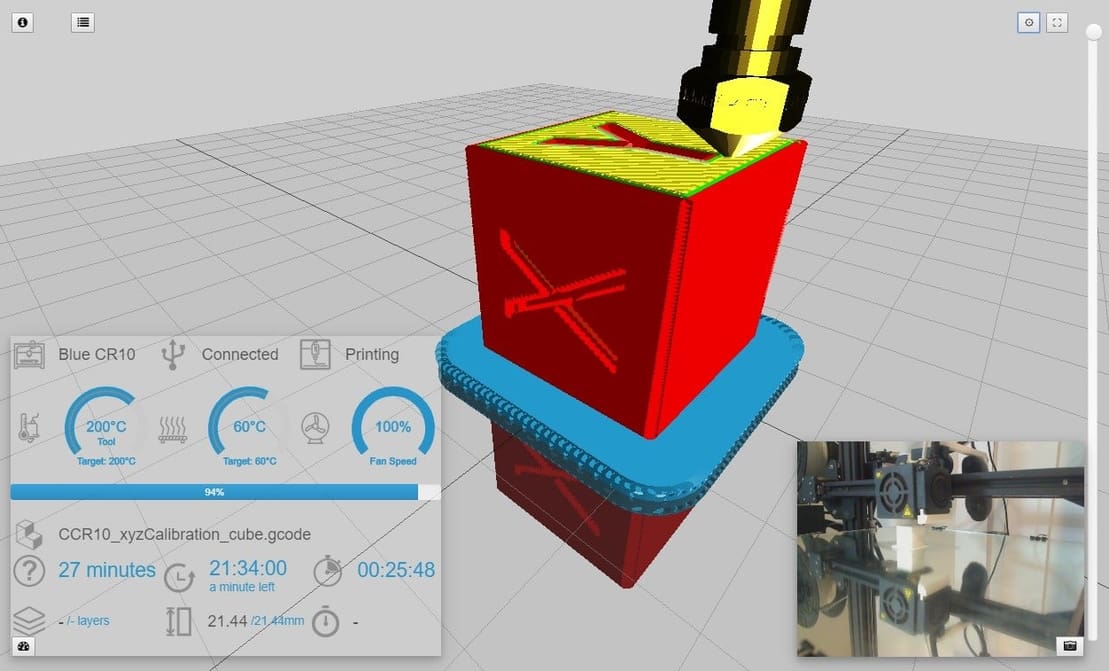
OctoPrint is a powerful tool, but adding a cherry on top makes it even better. Check out our selection of the best OctoPrint plug-ins around!
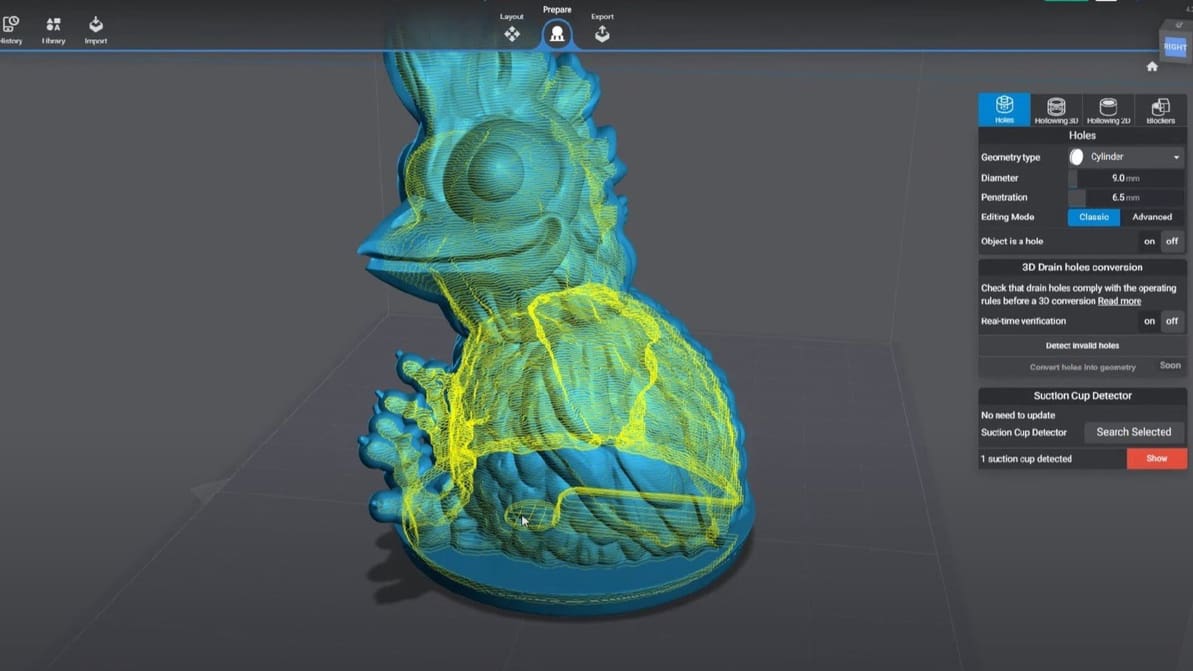
Slicing models for resin 3D printing has a few extra considerations. Check out our picks for the best SLA slicer software. Most are free!
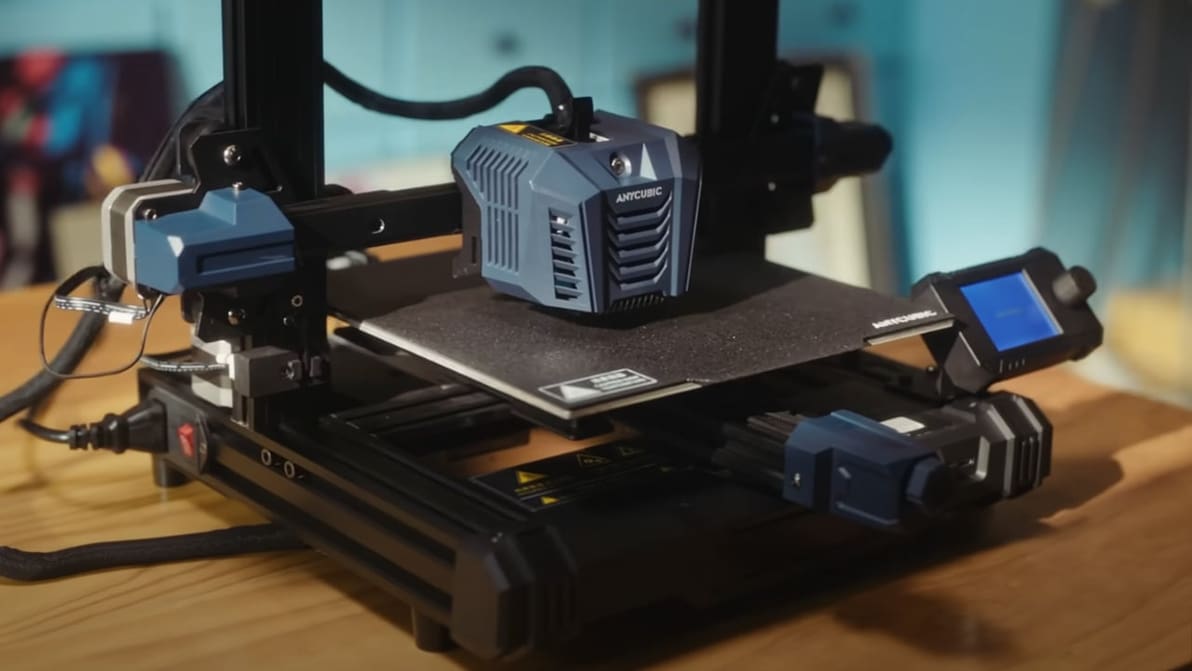
Looking for the perfect Anycubic Kobra Neo Cura profile? Read on for settings that will help ensure perfect prints, every time!
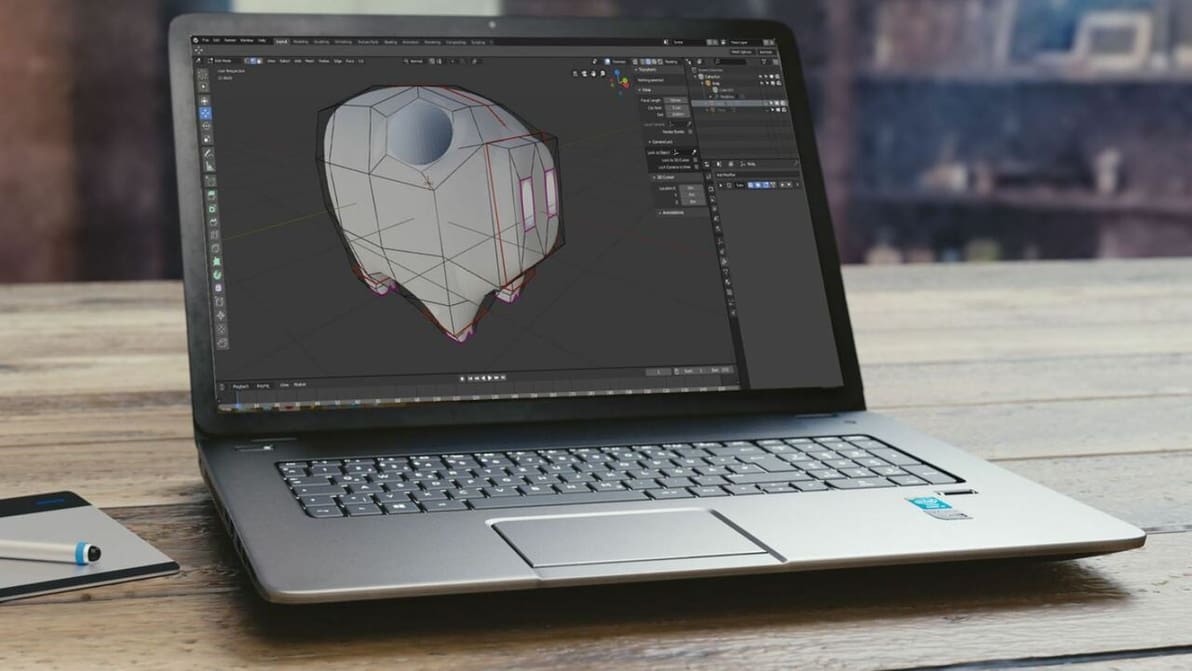
Chromebooks run Chrome OS, an operating system incompatible with Blender. Read on to learn how to get Blender for Chromebook!
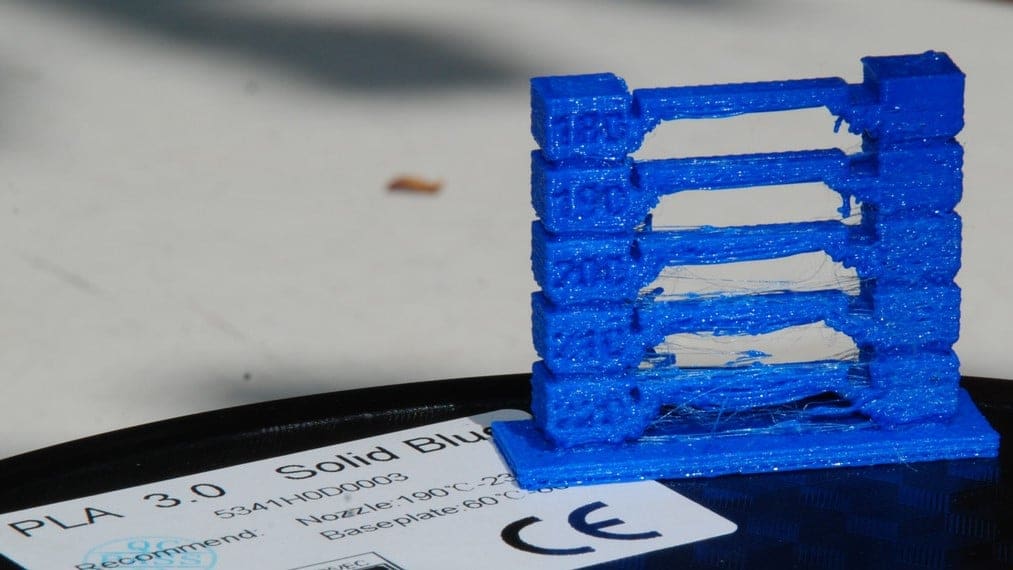
Figuring out the best PLA print and bed temperature can be tricky. Check out this quick guide to learn all you need to know.
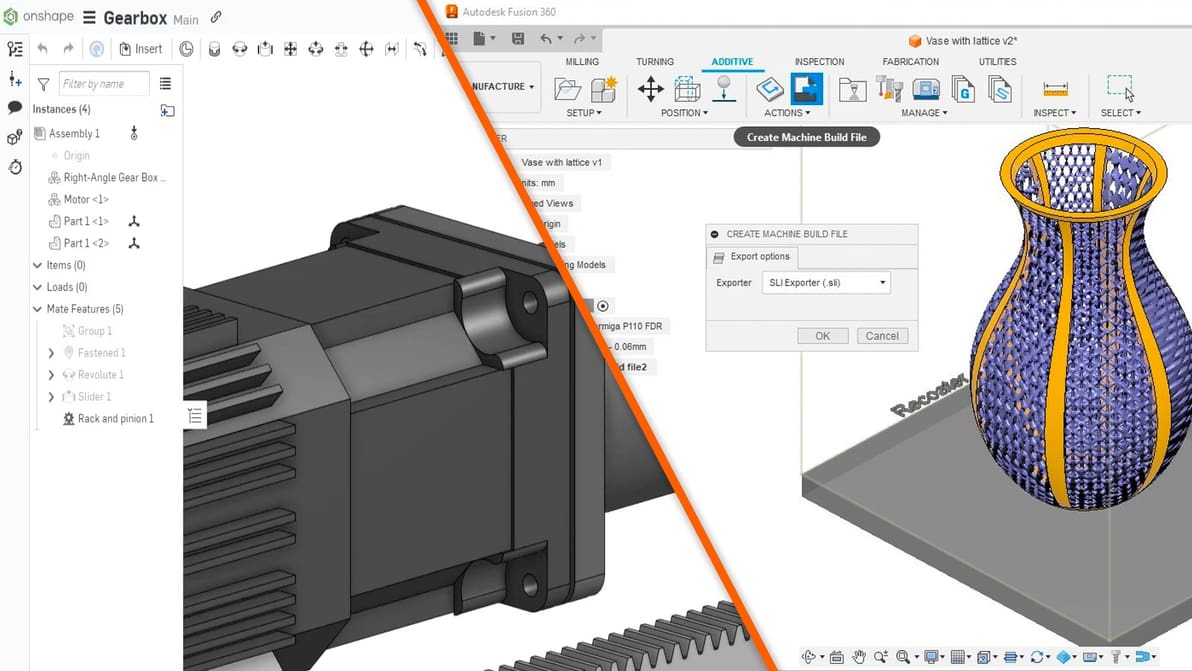
The Fusion 360 vs. Onshape choice isn't made any easier by the fact that they're both great CAD programs. Read on for a comparison!
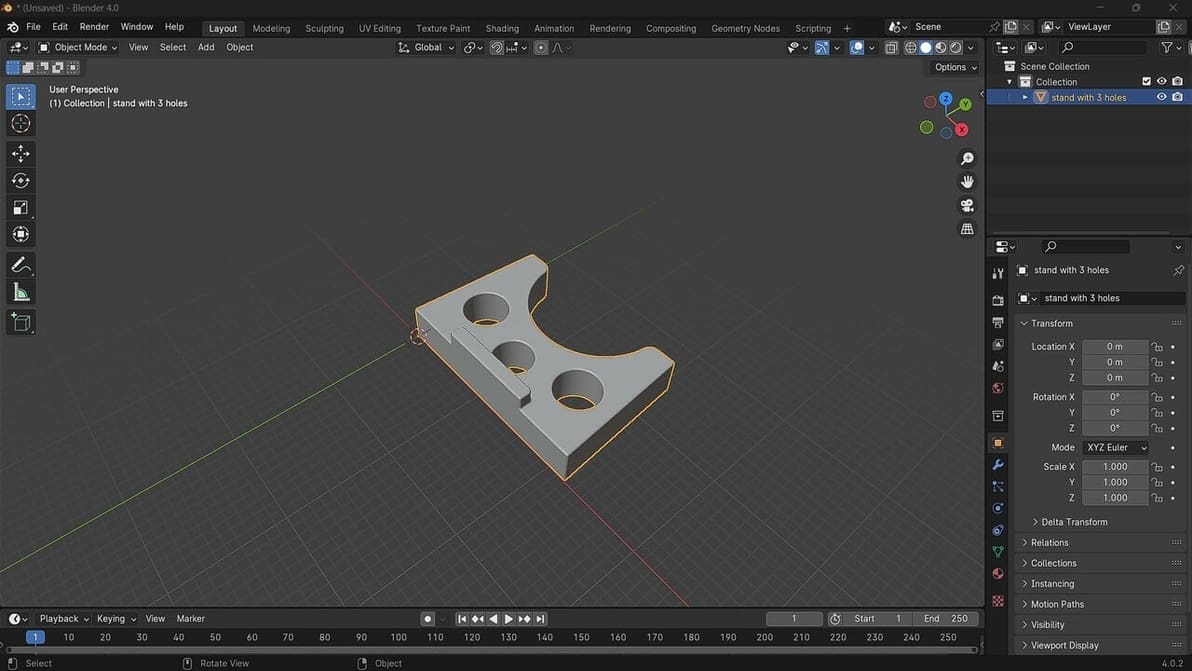
Blender 4.0 has just been released. Check out how to open STL files in Blender to get you on your way to making great designs!
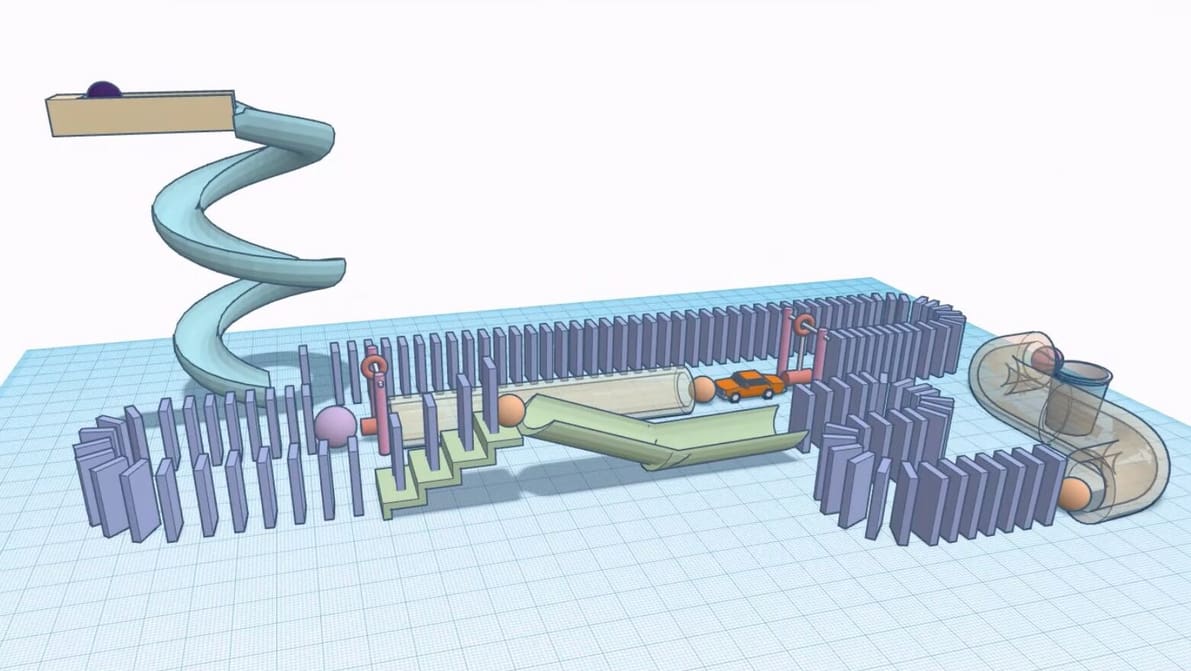
Creating and building have never been so easy thanks to Tinkercad. Check out the best tutorials and courses to become a Tinkercad master!
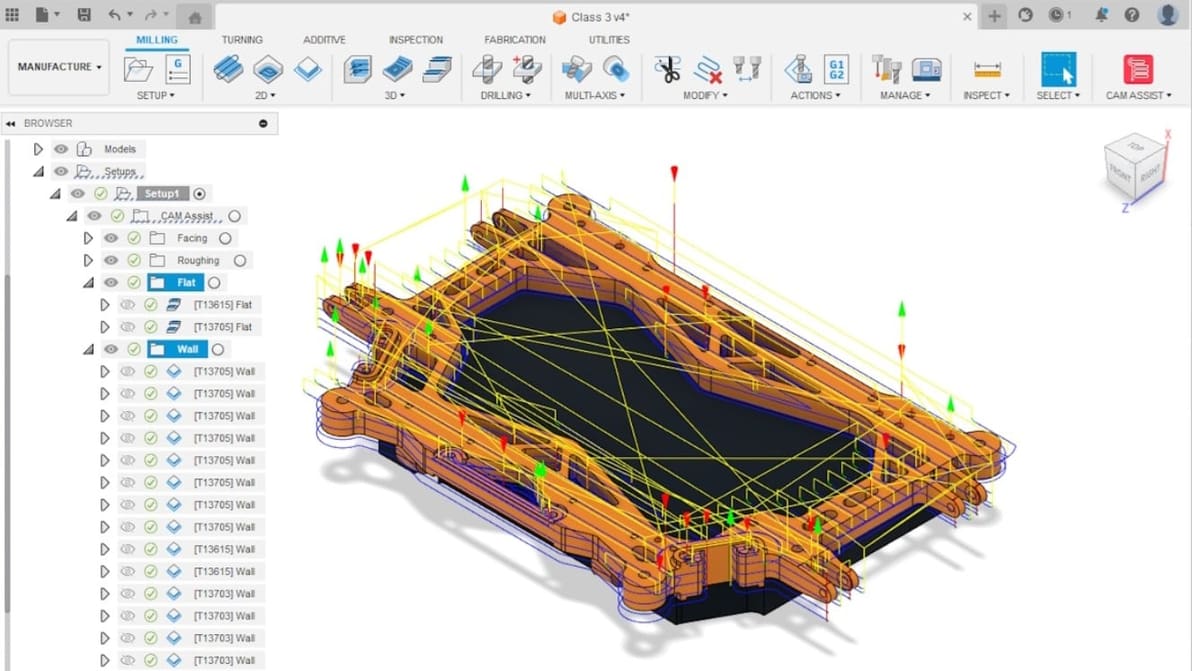
The battle of Blender vs. Fusion 360 is on! Read all about the similarities and differences between these two programs.
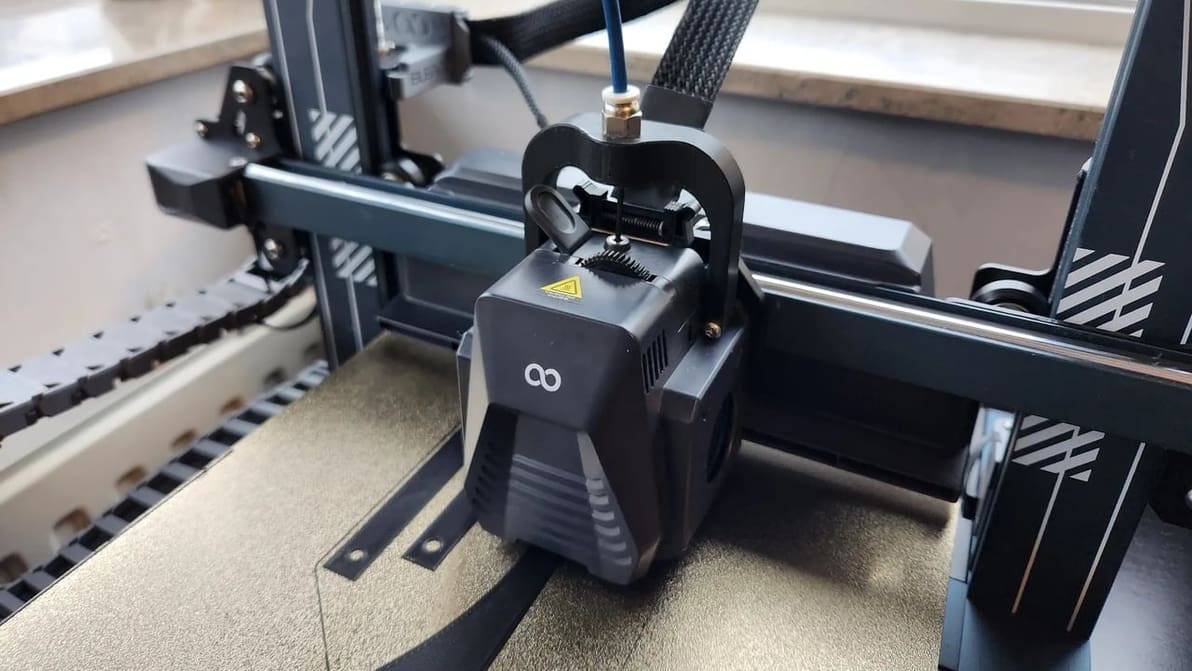
Get the best out of your Neptune 4 (Pro) with the right settings. Check out how to set up the perfect Elegoo Neptune 4 (Pro) Cura profile!
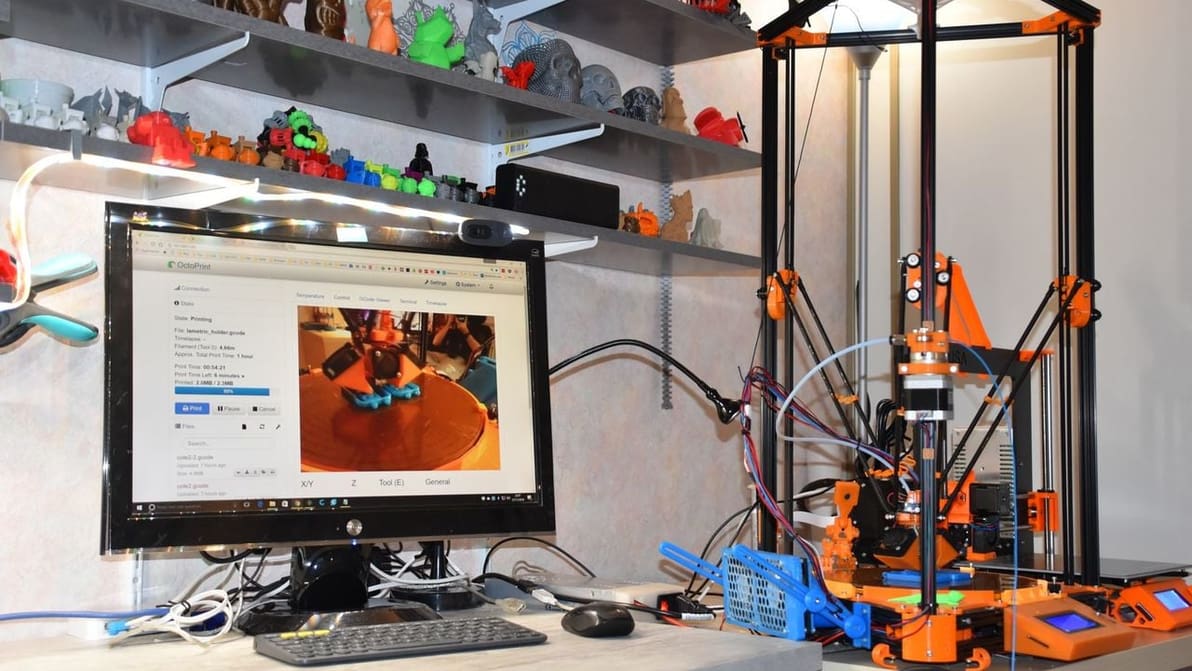
OctoPrint isn't the only option out there for 3D printer control and monitoring. Read on for our list of the best OctoPrint alternatives!
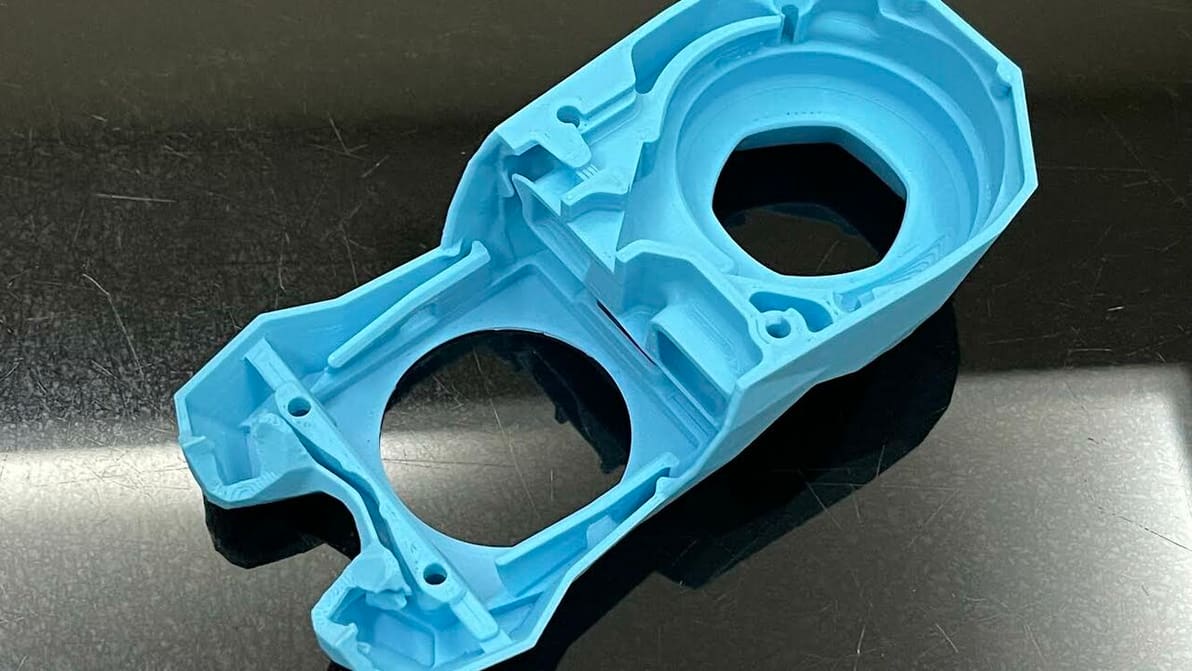
Cura's extrusion multiplier is actually called "Flow". Read to learn what it is, how to tune it, and how it can help fix print issues.
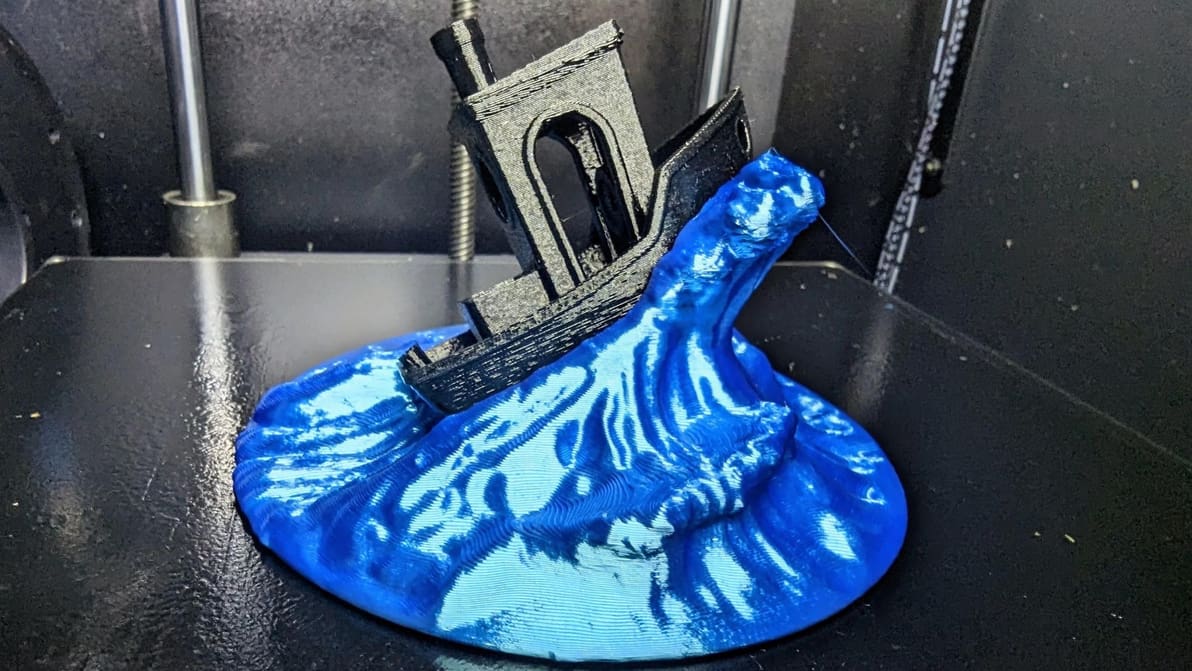
In some cases, Klipper uses unique G-code from that of other firmware. If you're running Klipper, PID tune your printer using these commands!
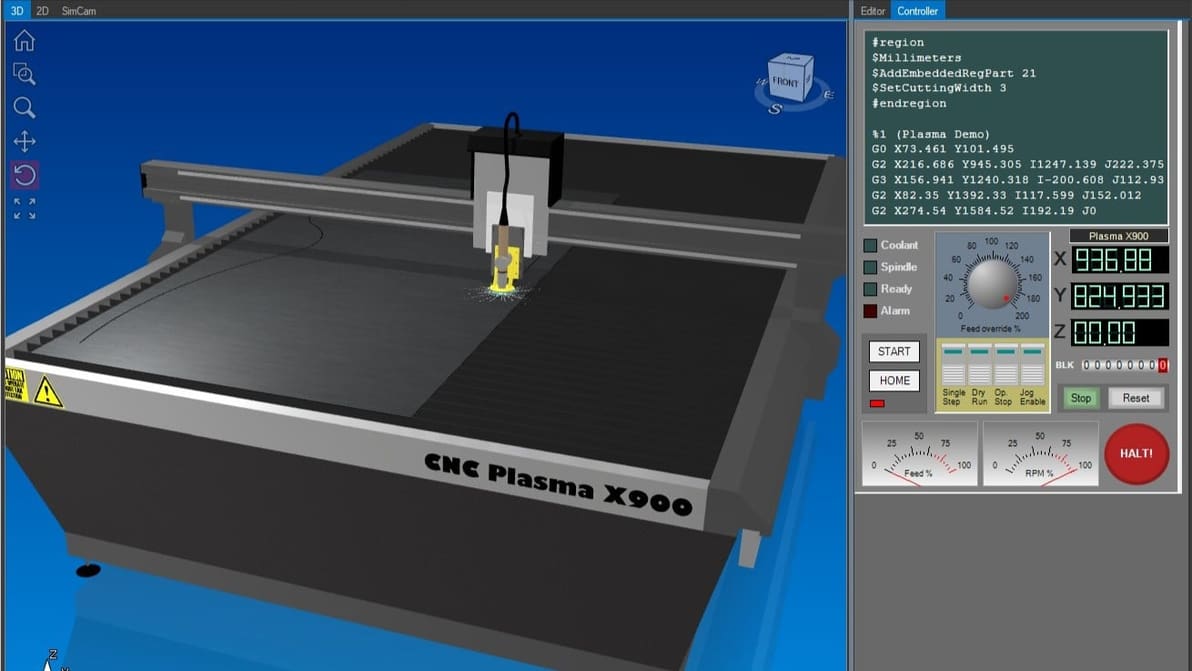
There are design programs, CNC router software, G-code simulation, and more. Check out our list to find the best CNC software for your needs.
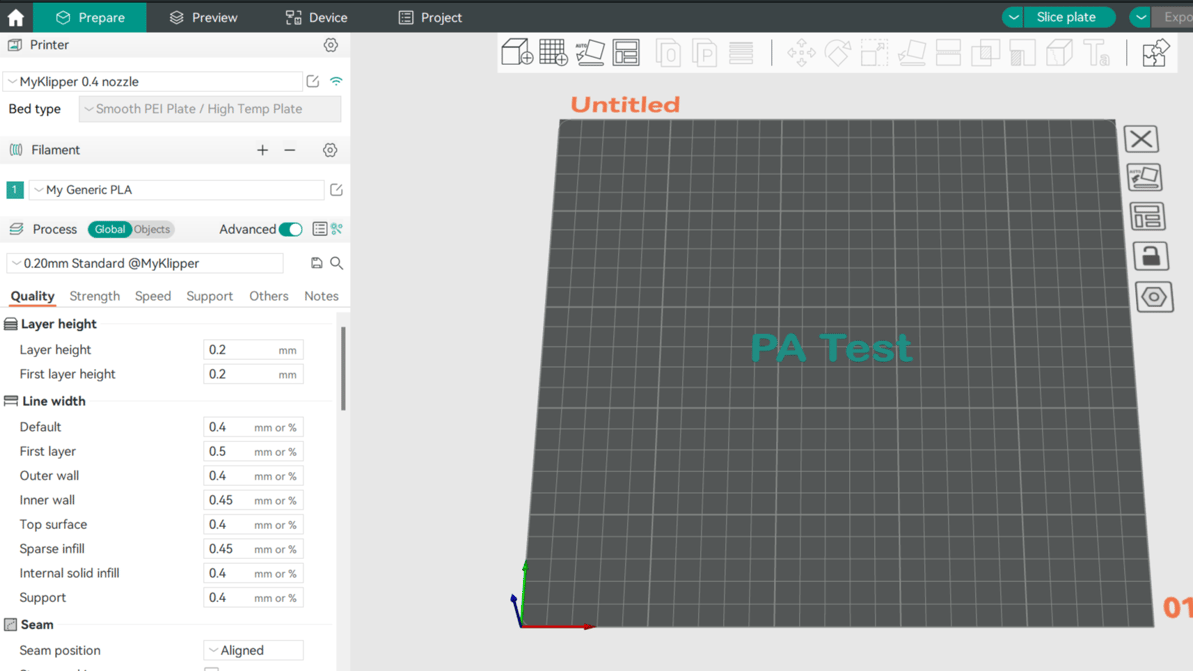
Pressure advance is a well-loved calibration tool among makers. Read on to learn how to adjust your Orca Slicer pressure advance value!
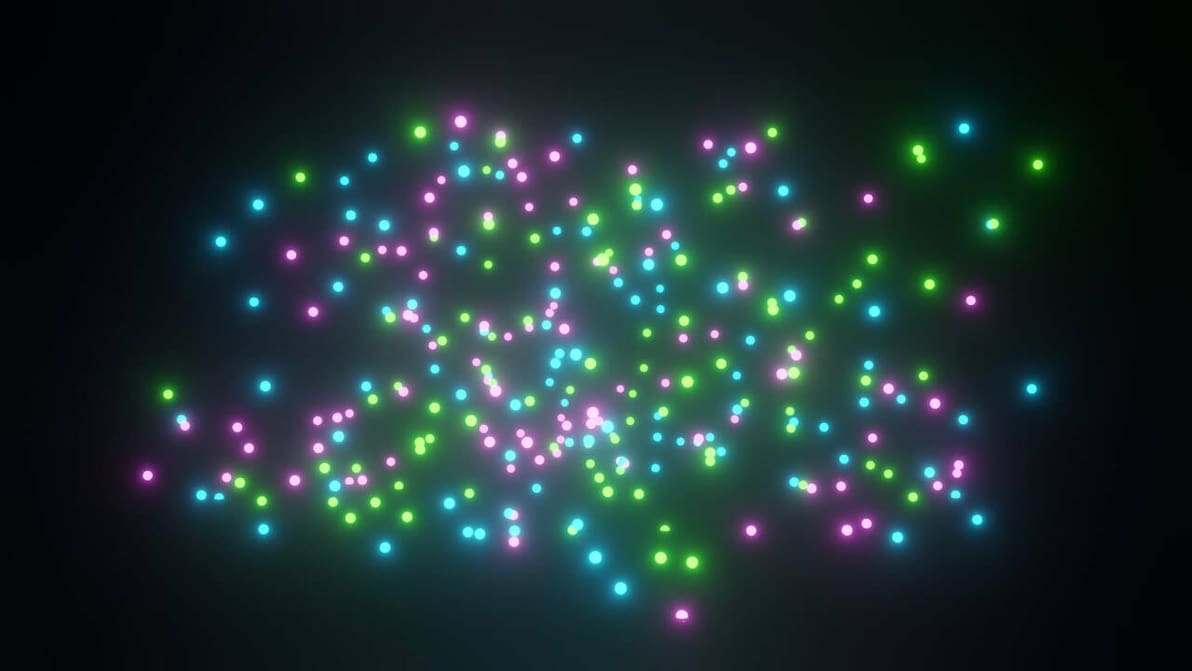
Check out the most important settings and a step-by-step guide to creating magical effects with the Blender Particle System!
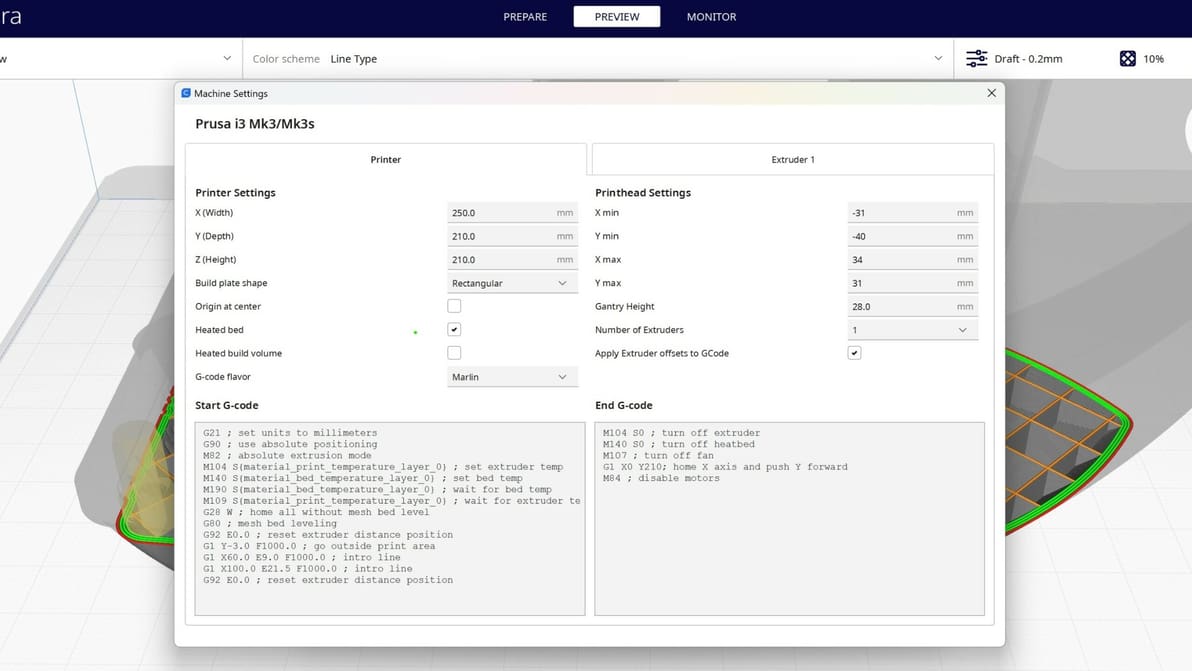
A G-code generator creates machine instructions for 3D printing or CNC machining. Learn more about G-code generators and how they work.