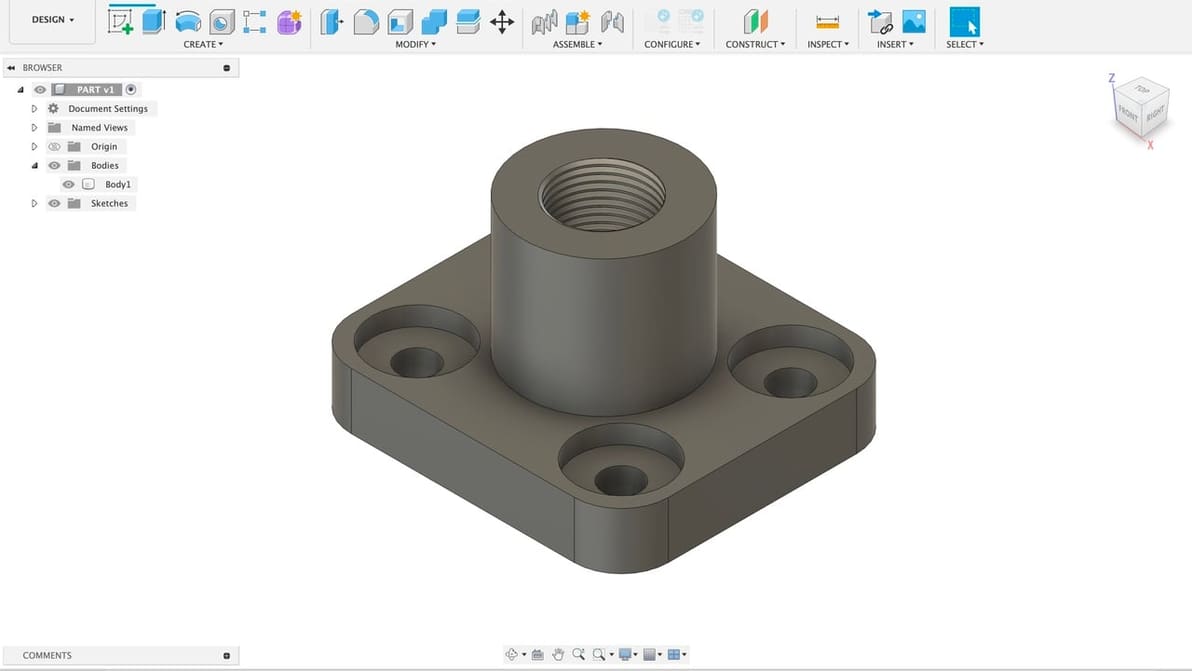
F3D is Fusion 360's native 3D model format, but it's not widely compatible. Read on to learn how to convert F3D to STL!
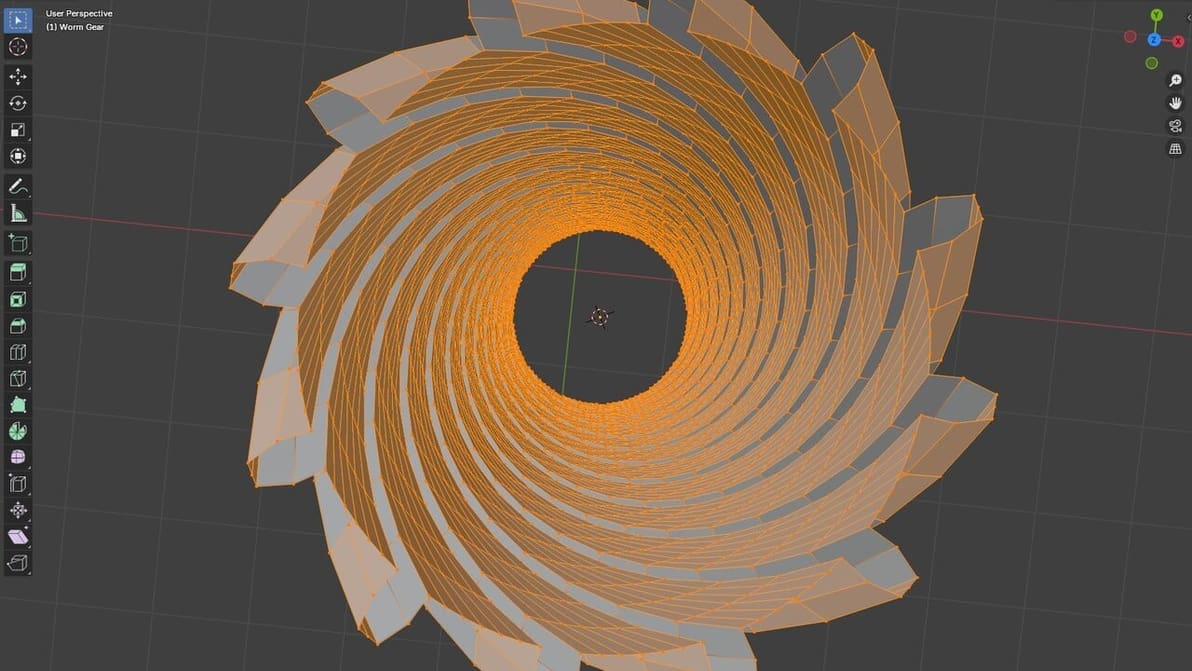
Adding vertex in Blender is easy, and it's useful to improve your models. Find out how to add vertices in Blender through this simple guide!
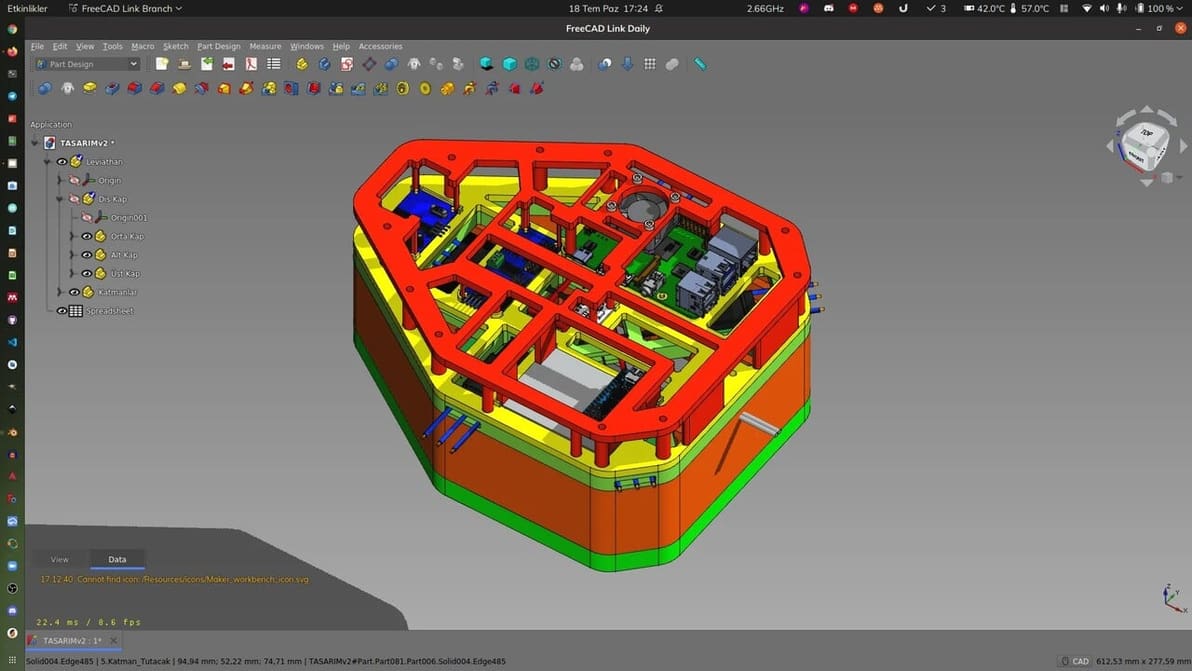
AutoCAD is a great program, but there are plenty of similar CAD tools out there. Check out our picks for AutoCAD alternatives!
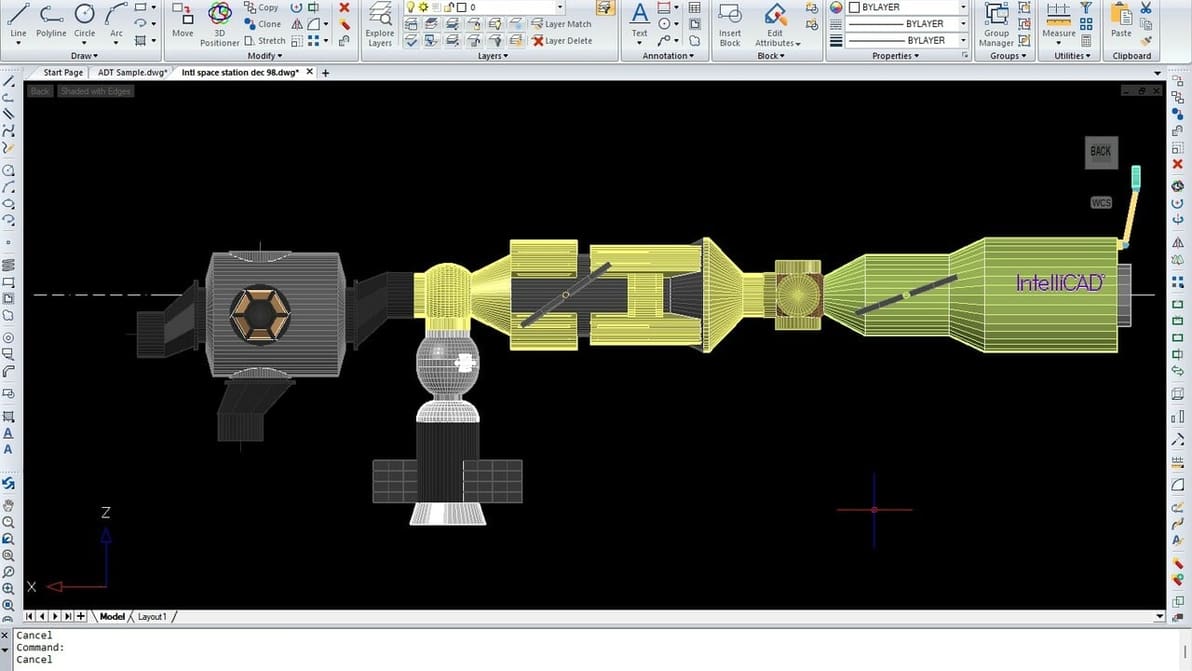
The CAD industry is bustling with lots of solutions. Read about how IntelliCAD, a powerful drafting and annotation platform, stands out.
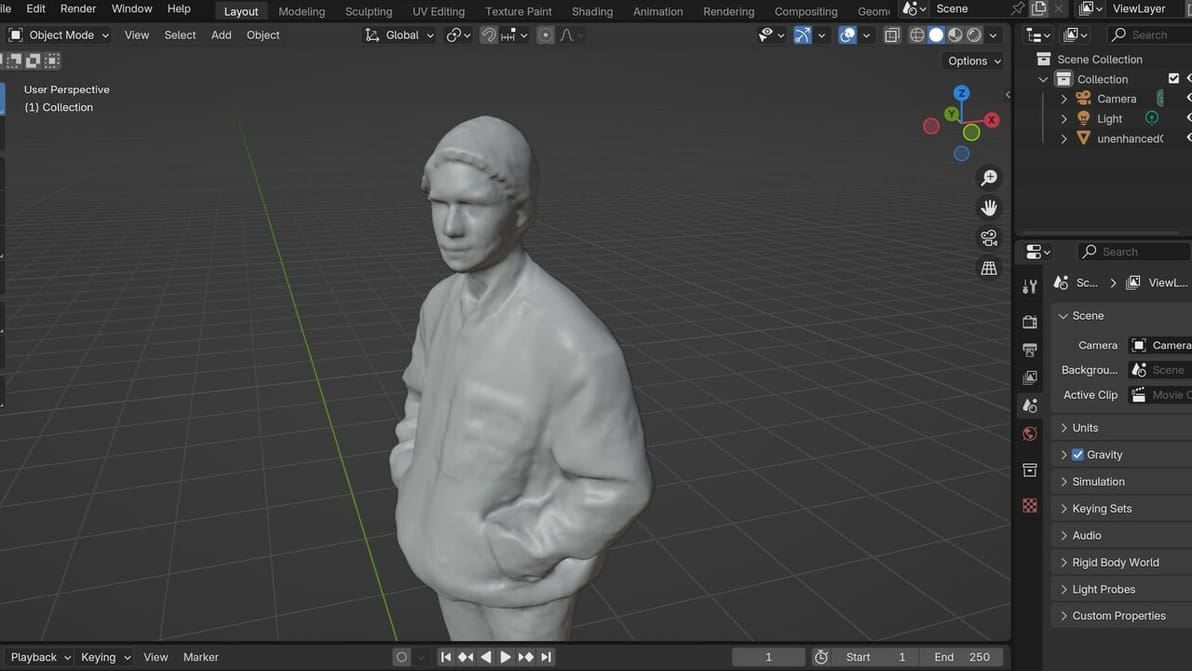
3D scans often don't go *exactly* as we'd like them to, and some modification is needed. Here's how to clean up a 3D scan in Blender.
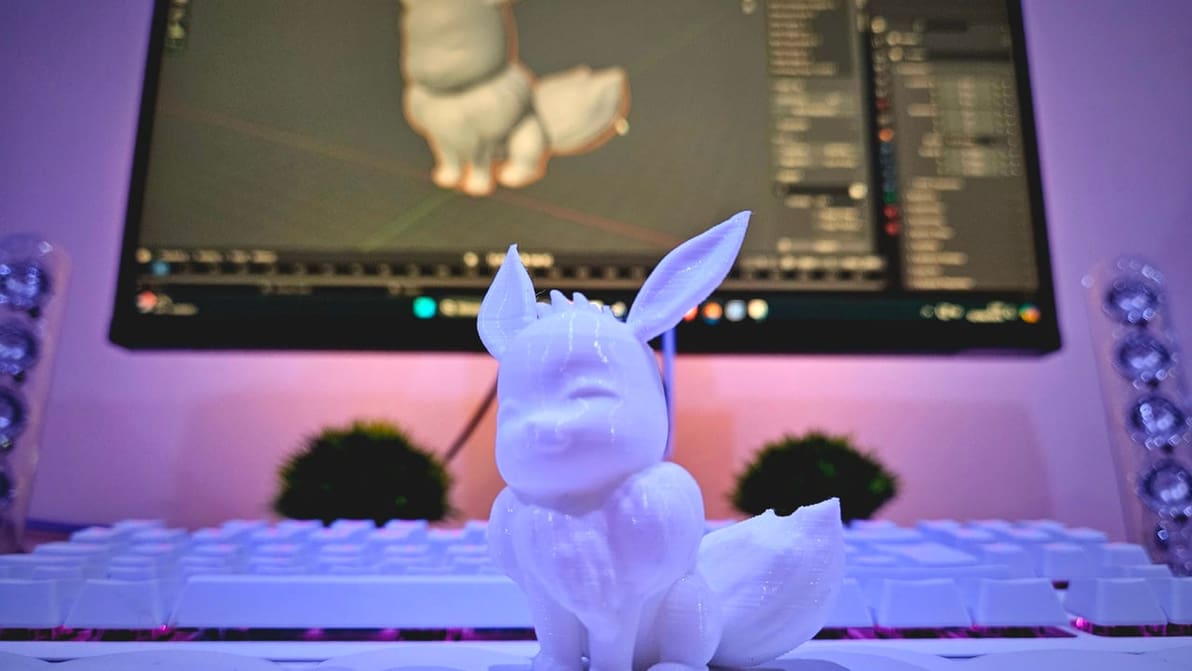
Preparing models for 3D printing can sometimes be a tricky job. Read all about Blender's 3D Print Toolbox and how it can help!
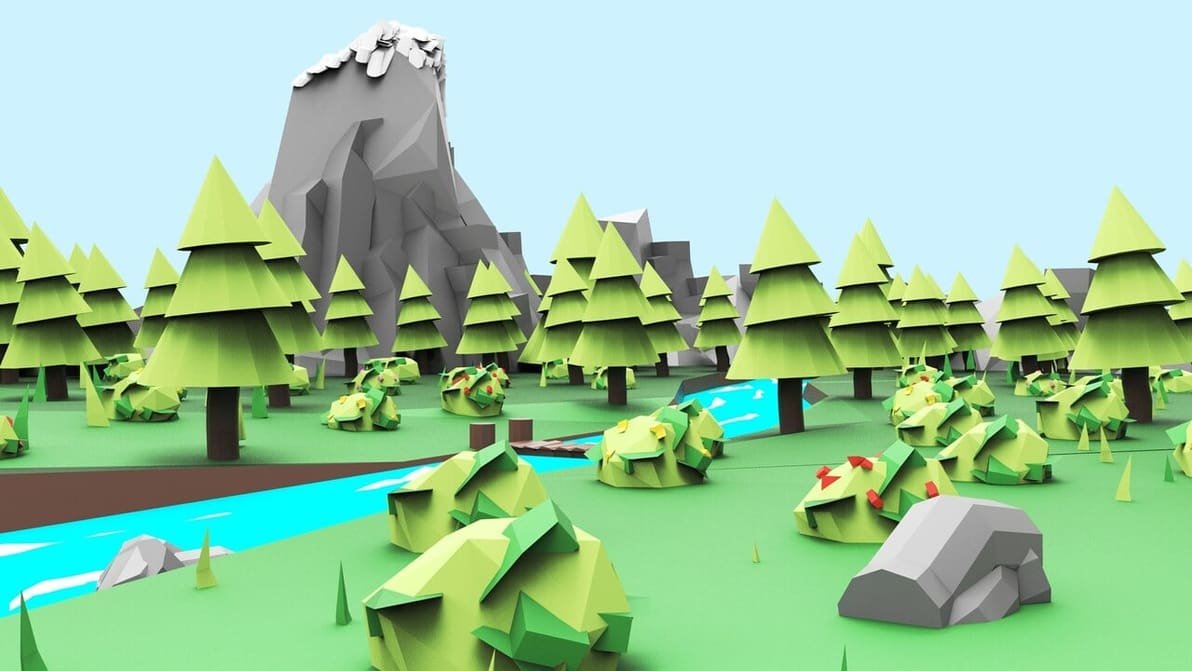
If you want to do 3D modeling for and within VR, it can seem daunting to find the right tools. Check out the best VR 3D modeling software!
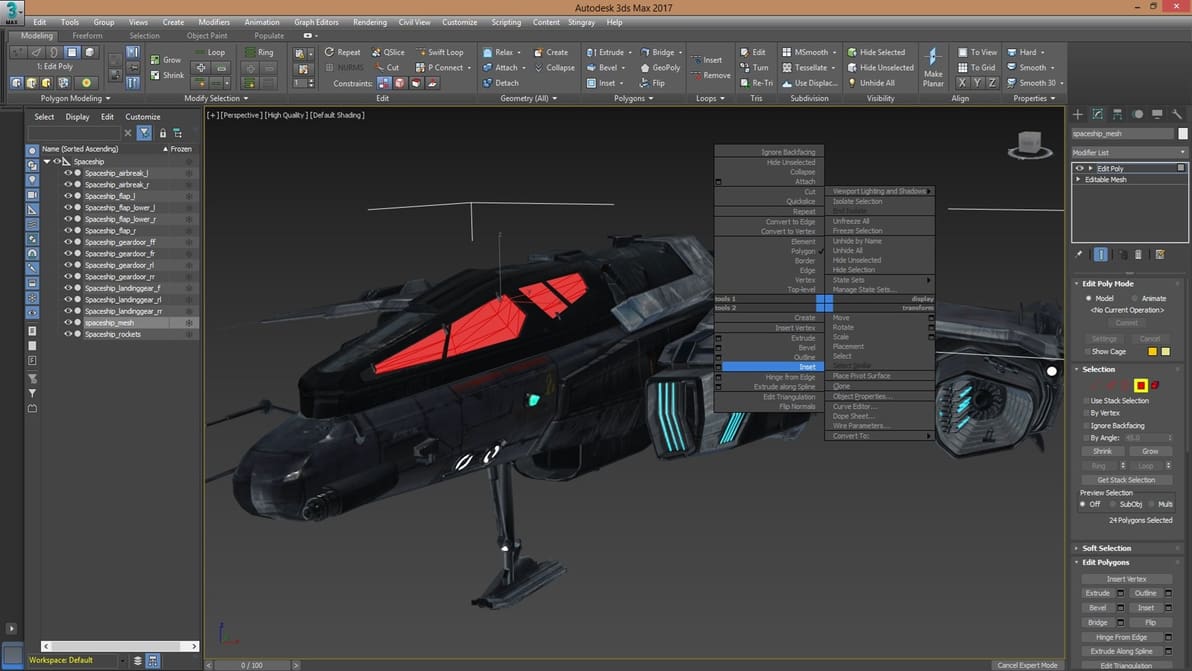
You want to develop 3D game graphics but don't know where to get started. Check out our choice of the best 3D modeling tools for games!
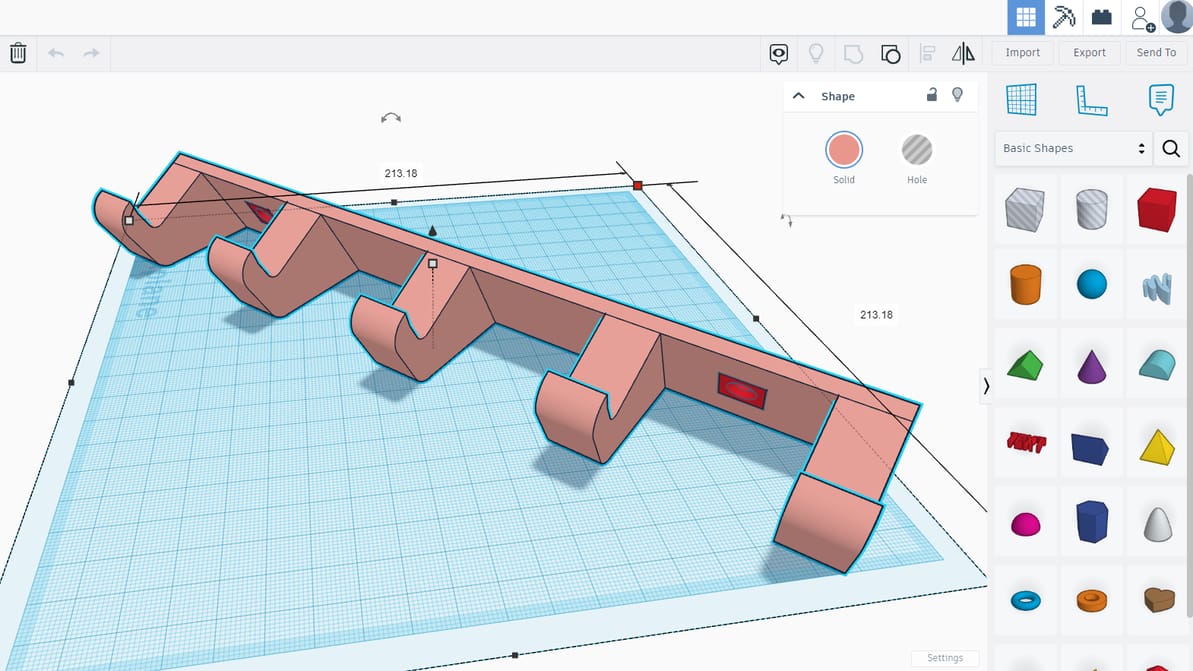
Introducing Tinkercad, a free, browser-based design program for teaching and learning 3D modeling, electronic circuitry, and basic coding.
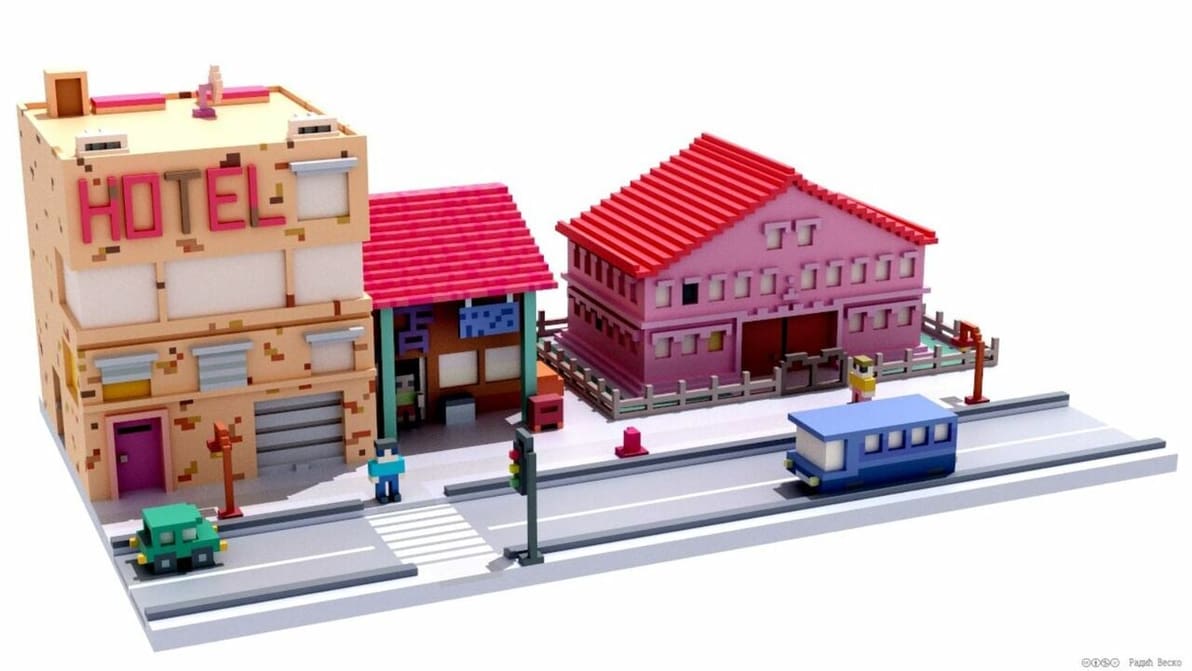
Check out our top picks of open-source 3D modeling software and have fun creating models and solutions!
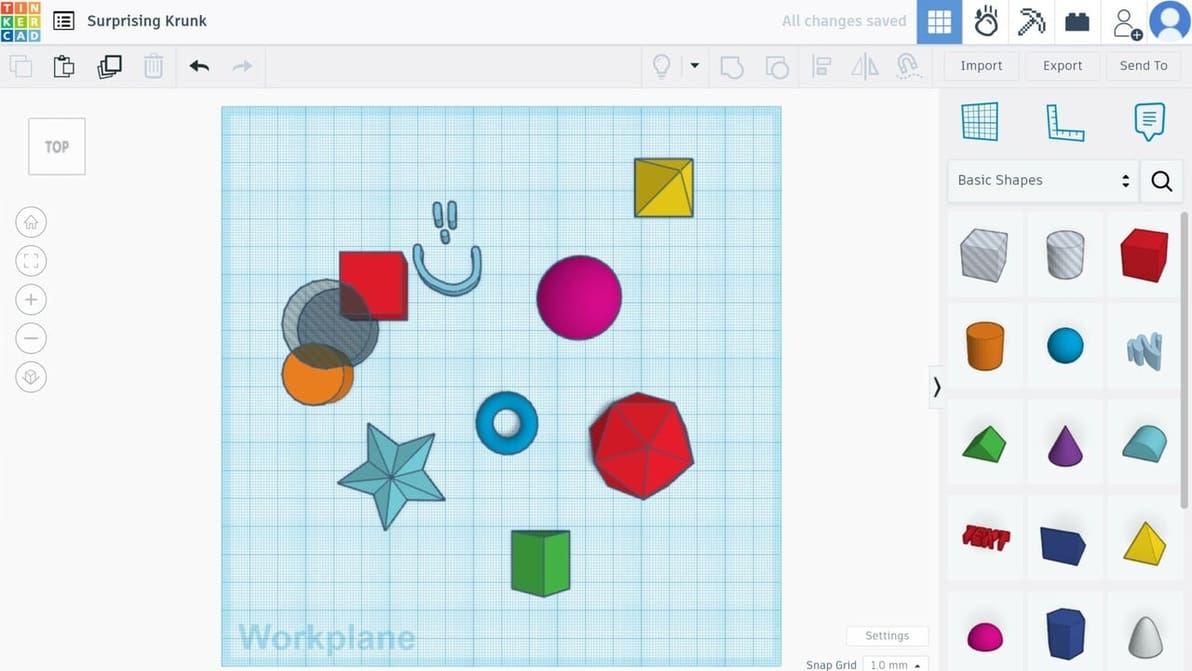
What are the pros of using Tinkercad?, you ask. Check out 10 reasons to bring your design ideas to life in Tinkercad!
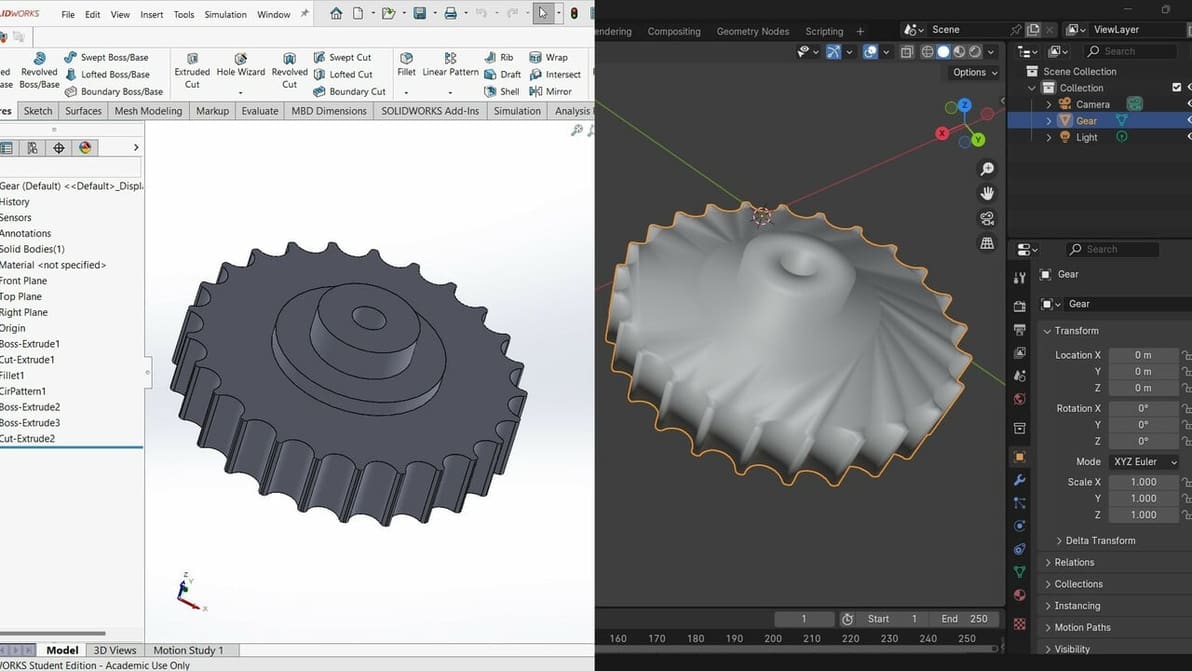
Although SolidWorks files don’t translate directly into Blender, discover two ways to import a model from SolidWorks to Blender.

Want to 3D print your Tinkercad project but don't have the equipment? Learn all about the options for getting it printed!
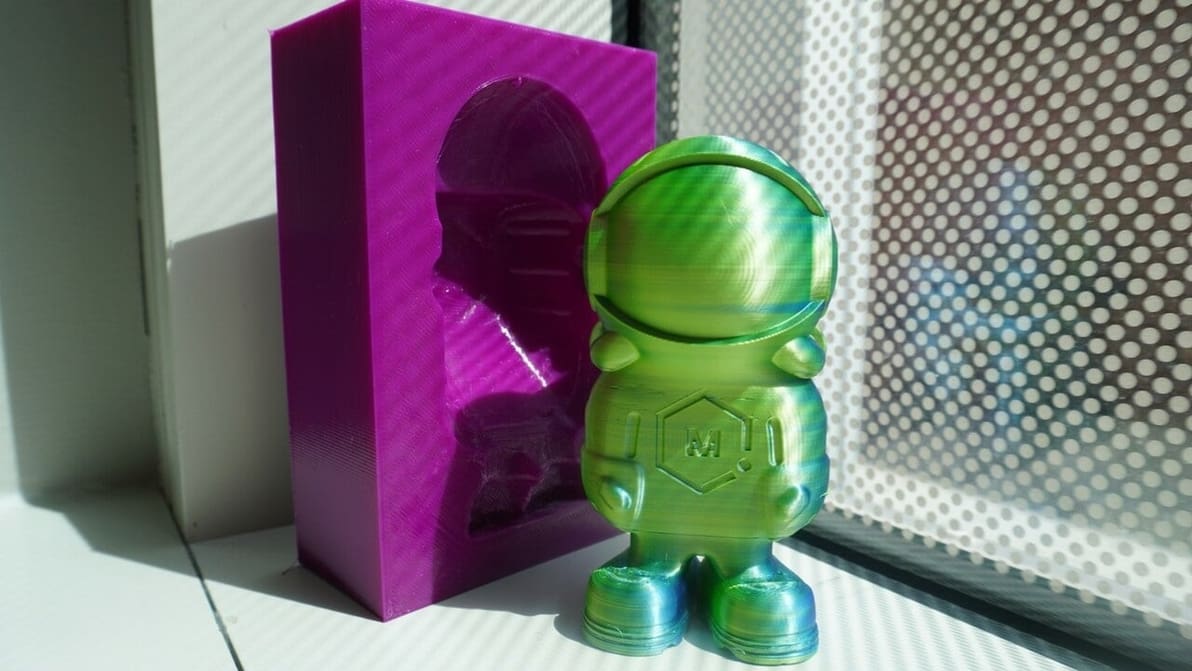
Editing STL files in Fusion 360 has always been tricky. Find out what you can do with Fusion 360's mesh editing tools.
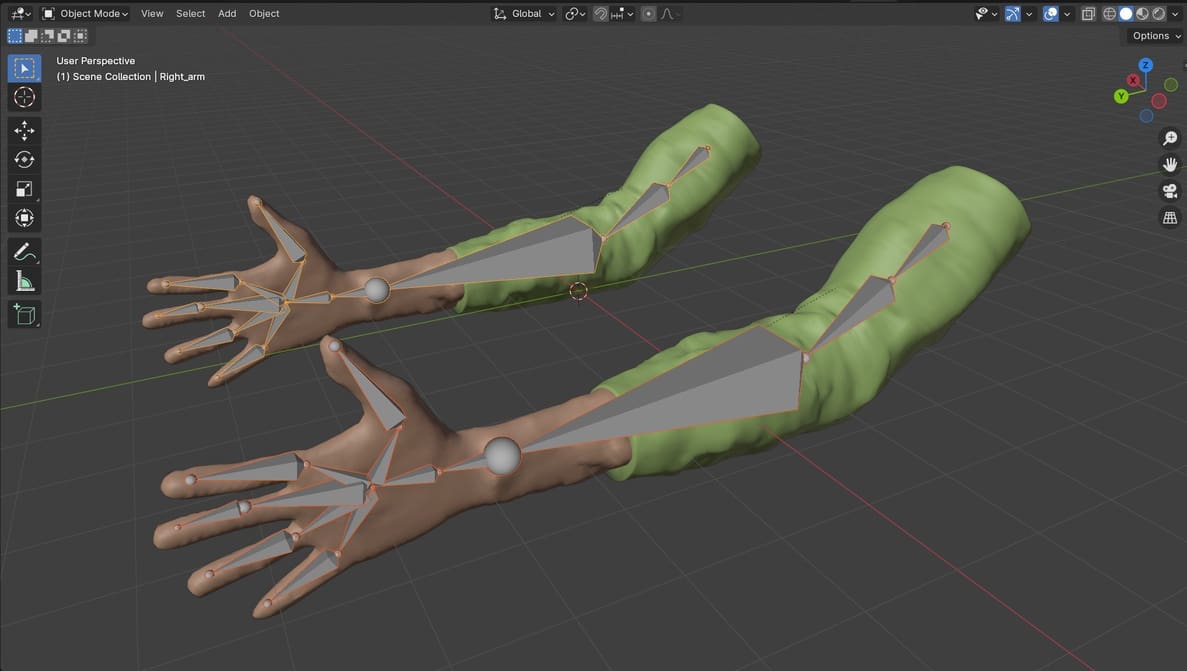
In Blender, "add bones" is one of the necessary steps for rigging and modeling. Keep reading to learn more about bones in Blender!
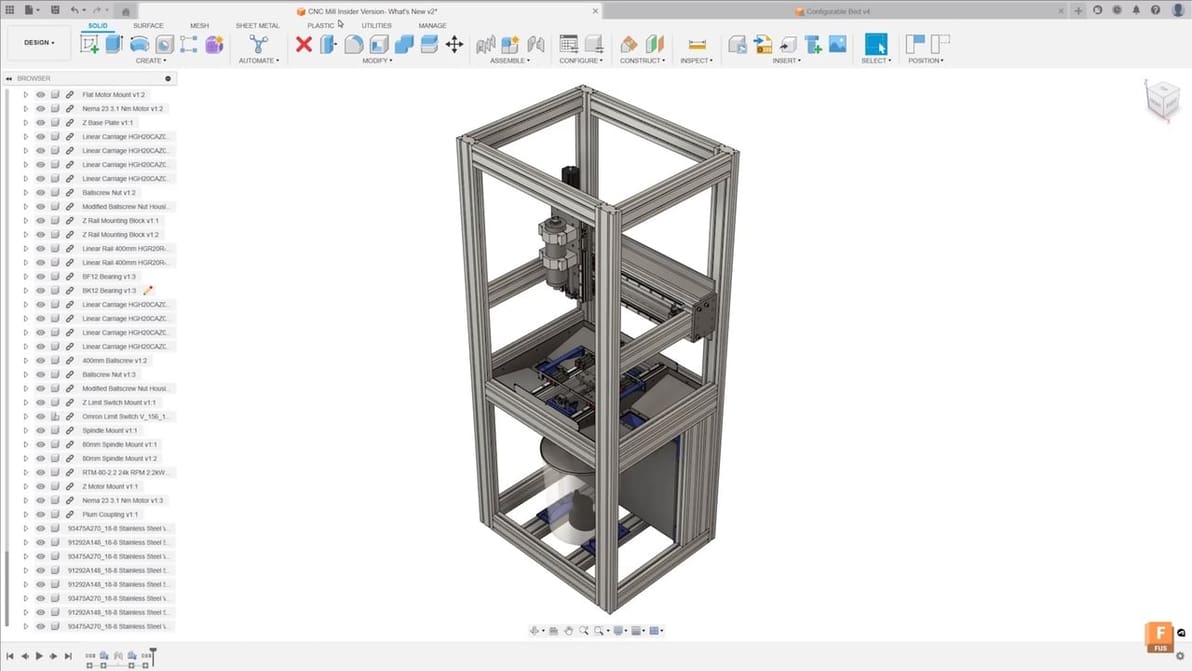
Wondering what is Fusion 360? Learn more about the popular 3D CAD software tool for hobbyists in this guide!
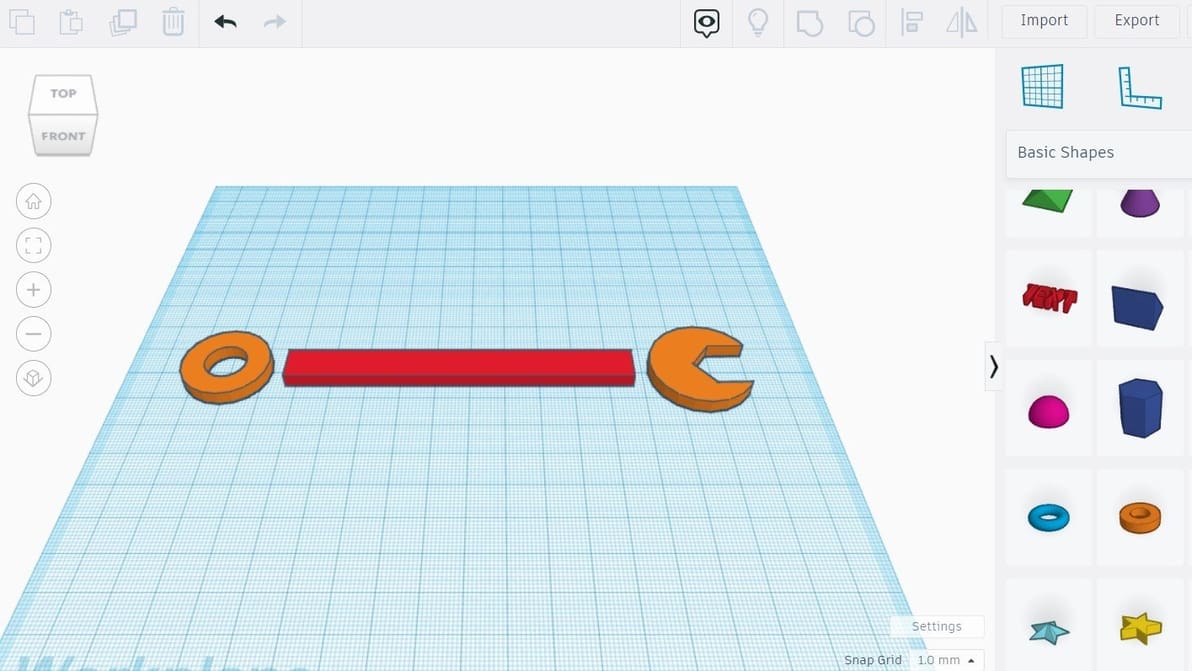
Follow along with this Tinkercad tutorial for beginners to learn how to use Tinkercad in just five simple steps.
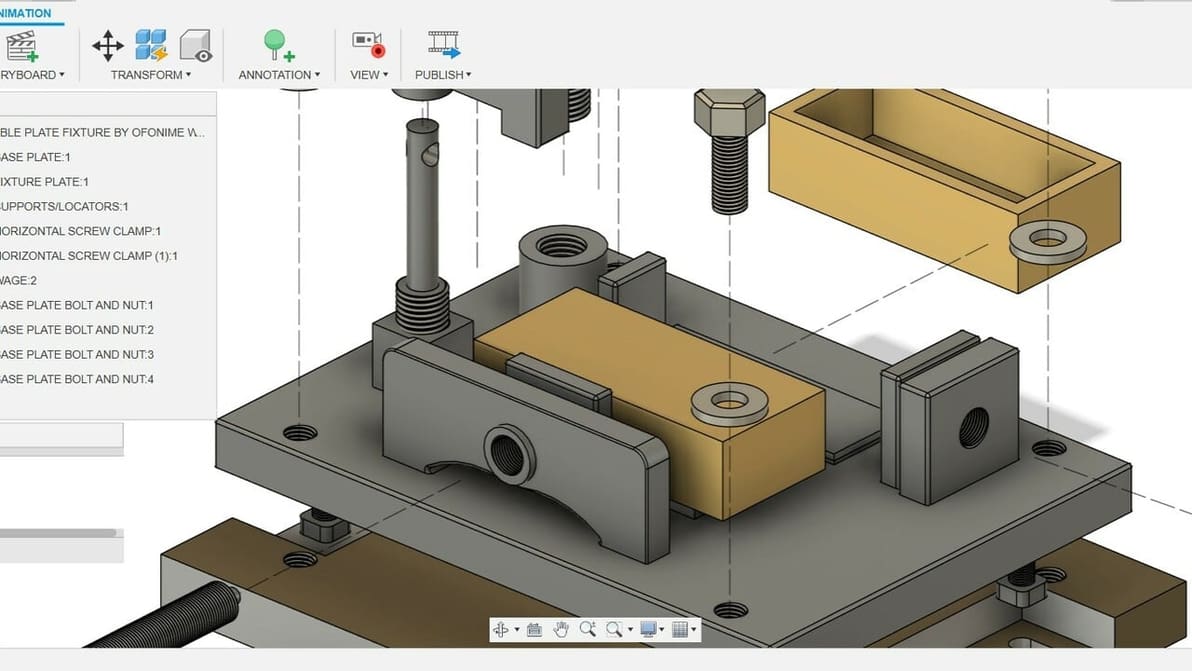
In Fusion 360, animation is easy! Read on for the ins and outs of Fusion's Animation workspace as well as an overview of the process!
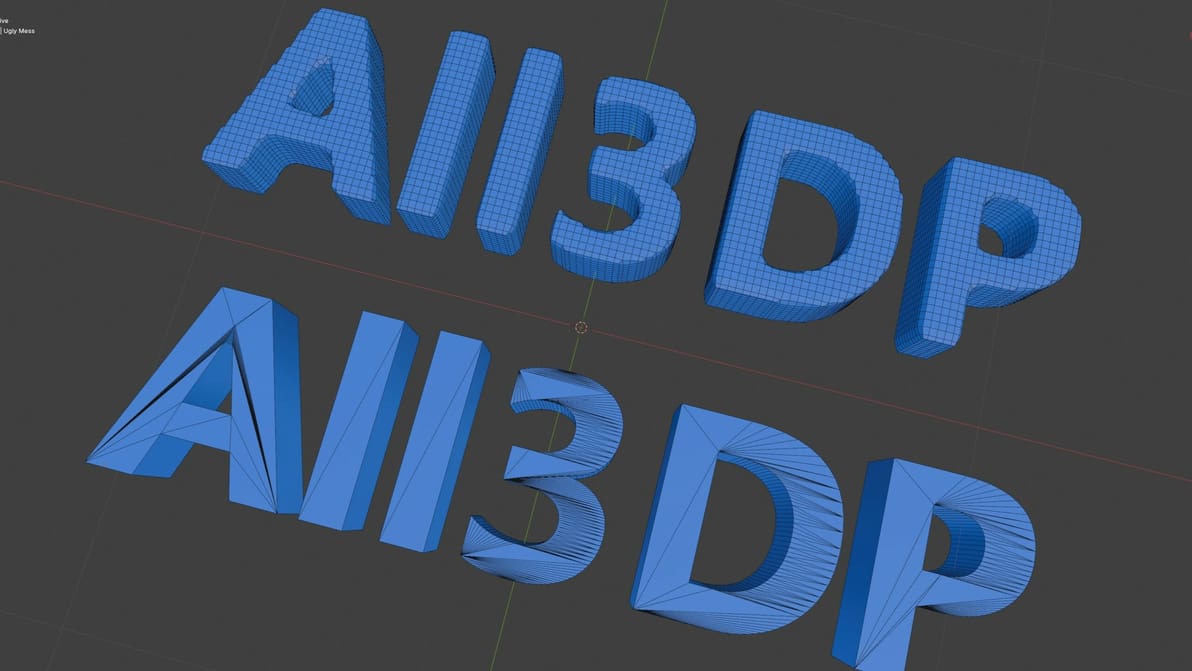
There are so many options in Blender to simplify a mesh. Read on to learn how to clean up your mesh so you can get back to creating!
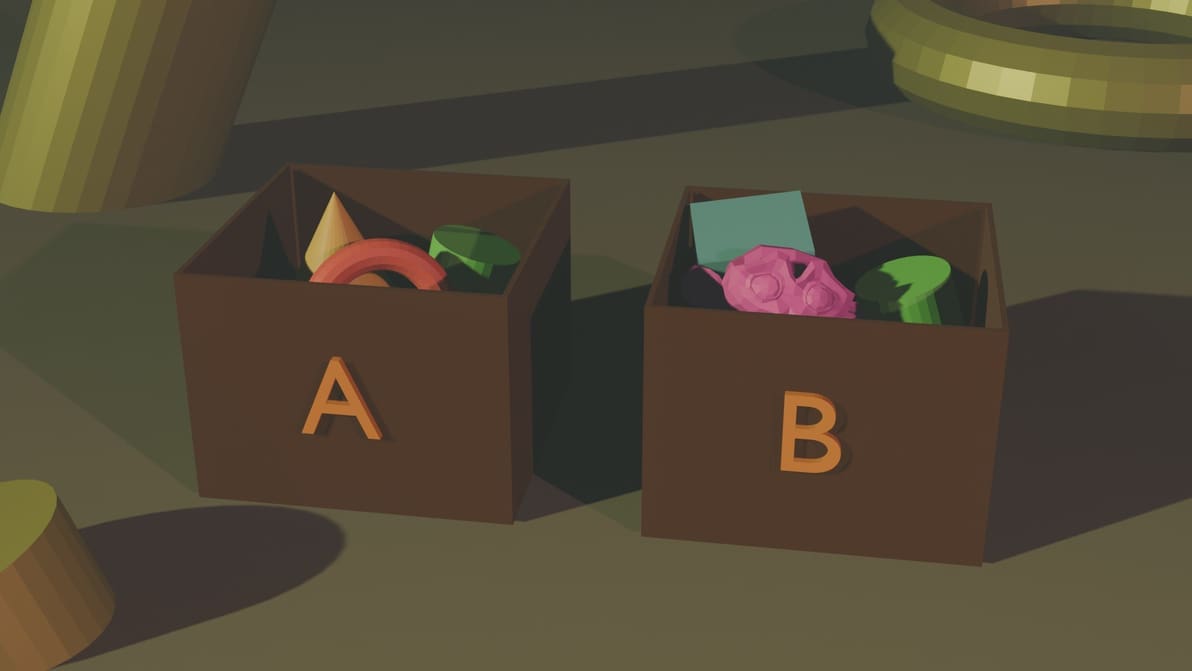
Your work can get chaotic if you're looking at too many objects in Blender. Group objects in your design workspace to keep things organized!