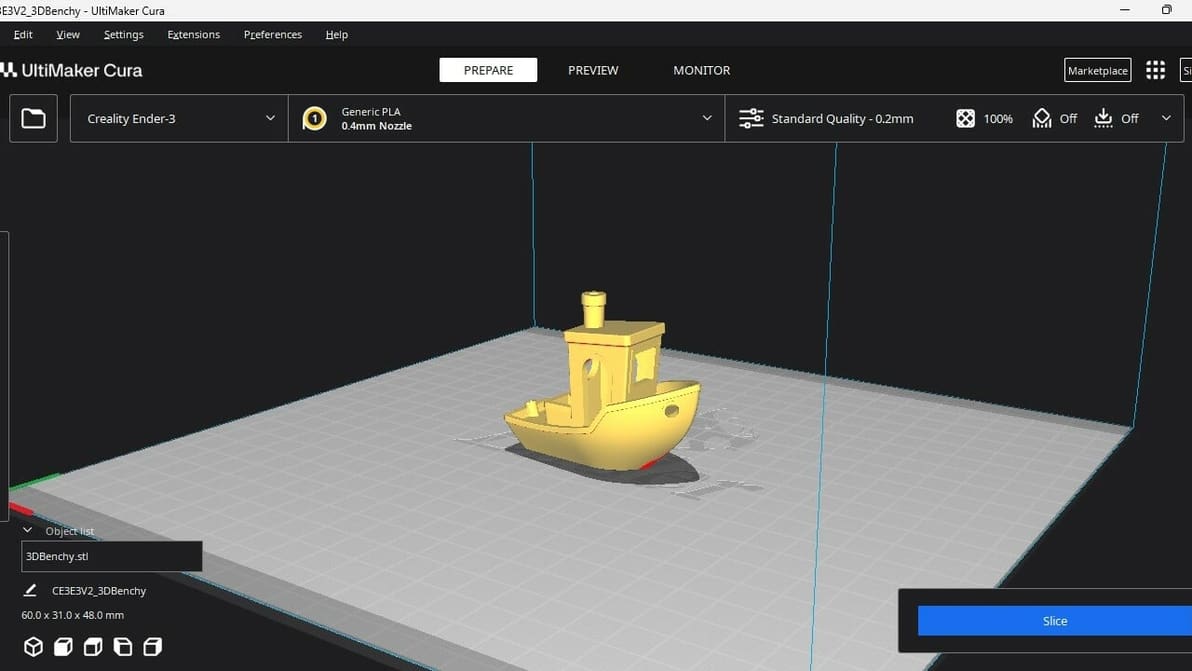
Not all slicers are created equal! Read about the slicers for the Ender 3 (V2/Pro/S1/Neo/V3) and find the best Ender 3 slicer for your needs.
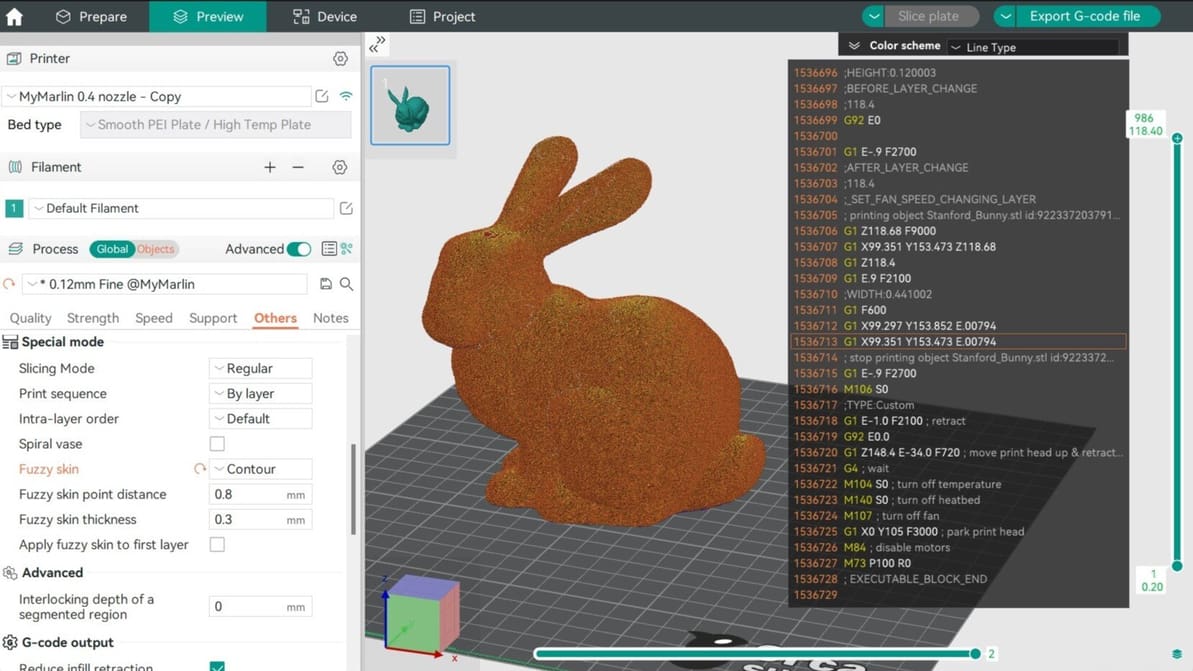
In Orca Slicer, fuzzy skin is one of the easiest tool you can use to add texture to your prints. Read on to find out why and how to use it!
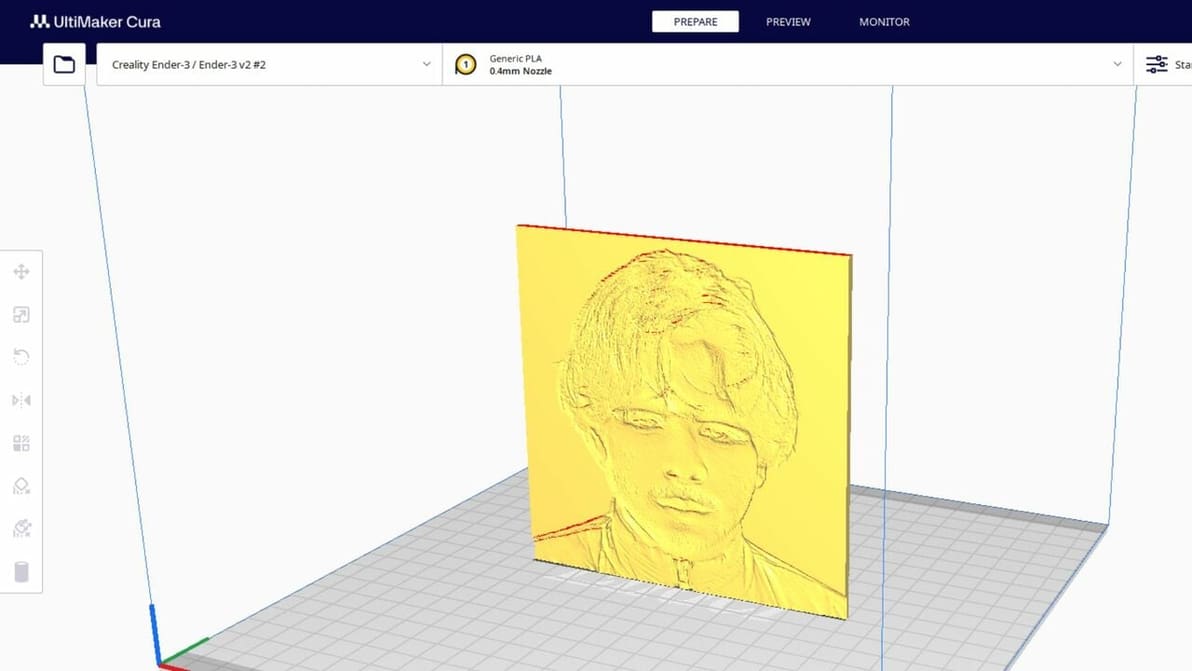
Lithophanes turn digital pictures into tangible ones that you can see when light shines through. Check out how to make a lithophane in Cura!
Whether you're a newbie or pro, Orca Slicer has something for you. Read on for an Orca Slicer tutorial to help you get started!
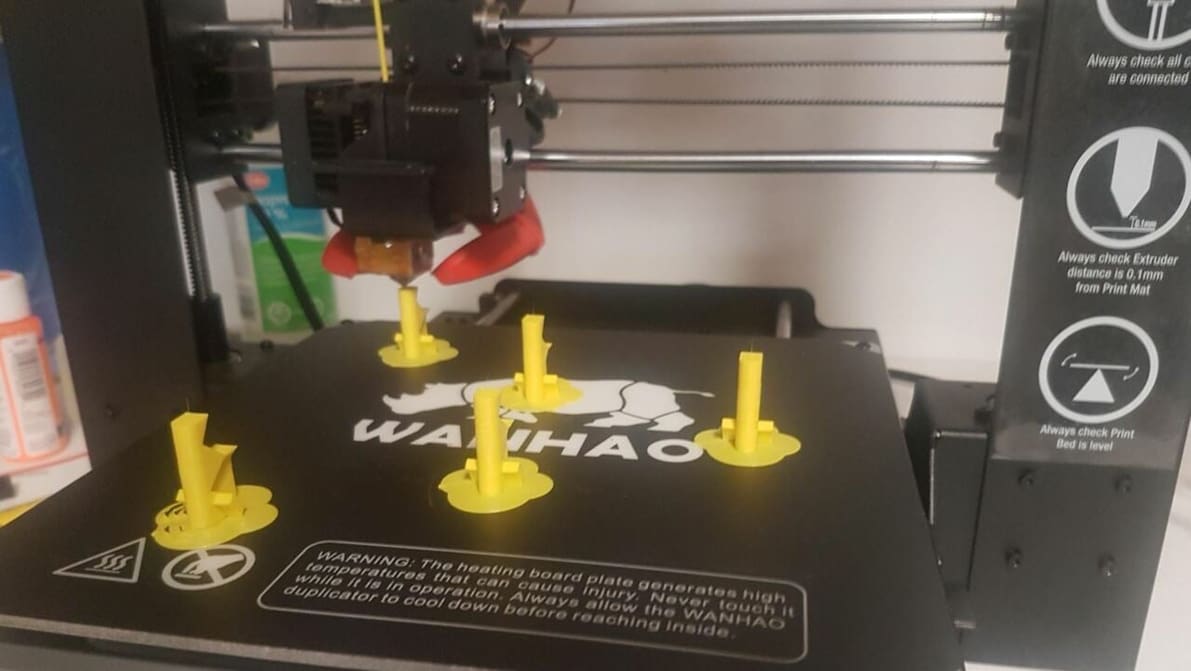
Cura's print "One at a Time" slicer setting can be super handy. Read on to learn how it works, how to use it, and more!

A Z seam is a visible line of imperfections running down the side of a print. With Cura, Z seams can be no more! Read on to learn how.
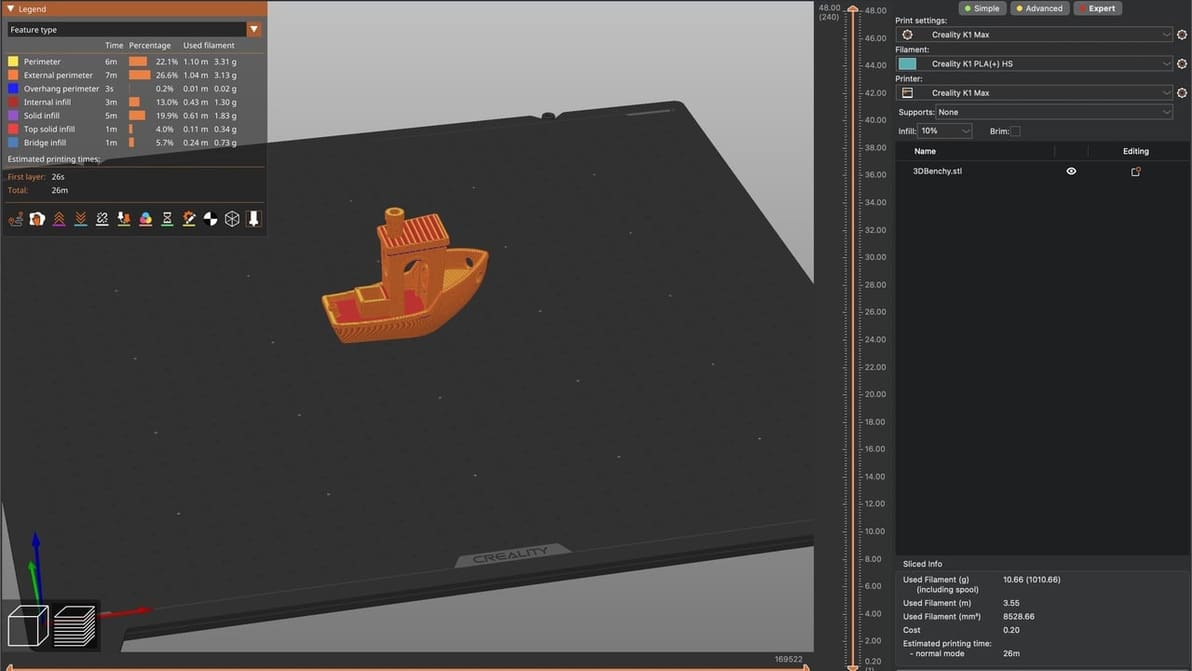
PrusaSlicer fans, listen up! Learn how to craft a Creality K1 PrusaSlicer profile that gets the job done quickly and at quality.
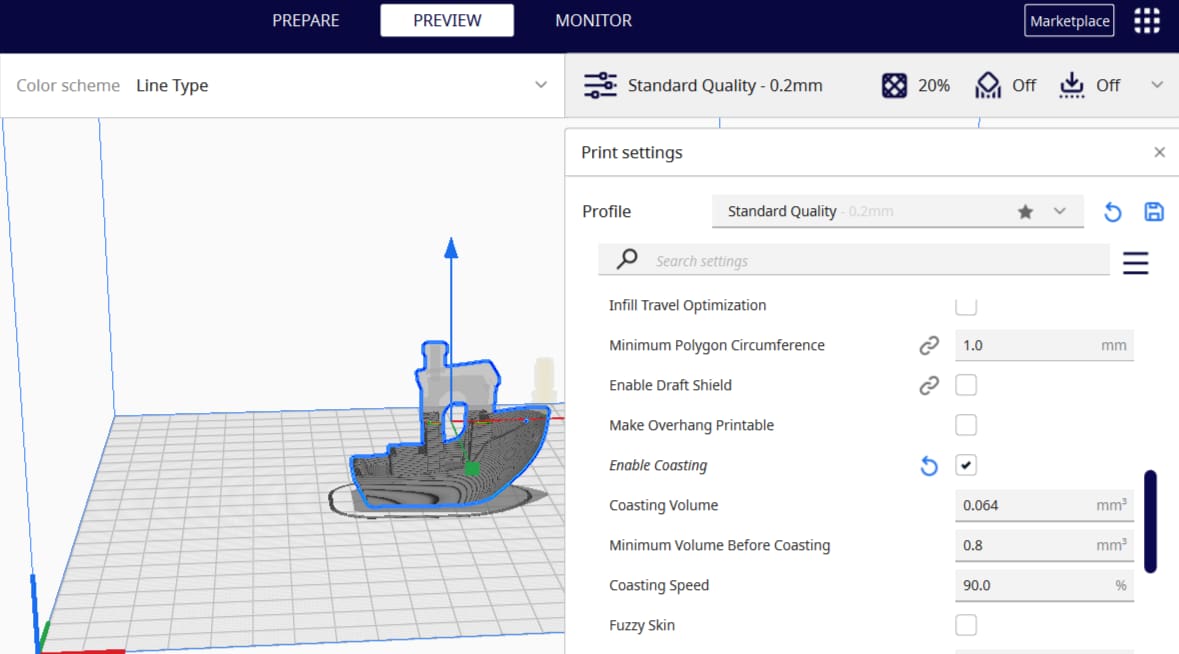
Cura is a 3D slicer with some very neat features. Keep reading to learn about the best Cura coasting settings and see what they can do!
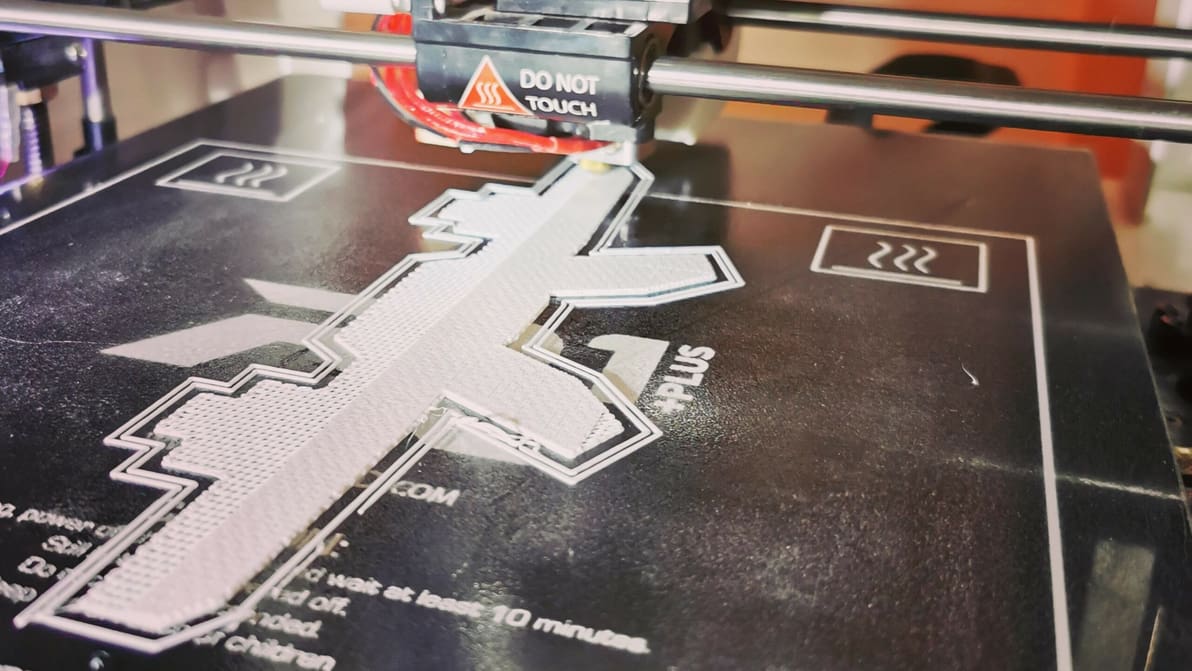
3D printing raft vs. brim vs. skirt: Learn the differences between these adhesion assistants and which to choose, using Cura as an example.
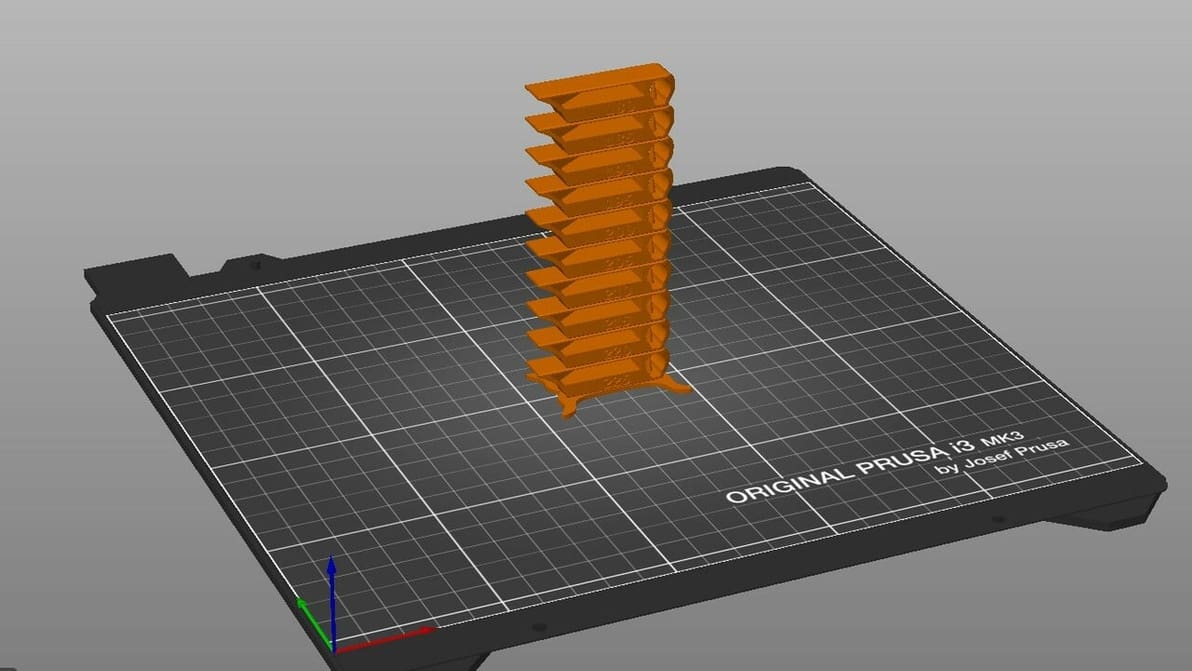
By creating PrusaSlicer temperature towers, you can elevate print quality and filament efficiency in one go. Read on to learn more!
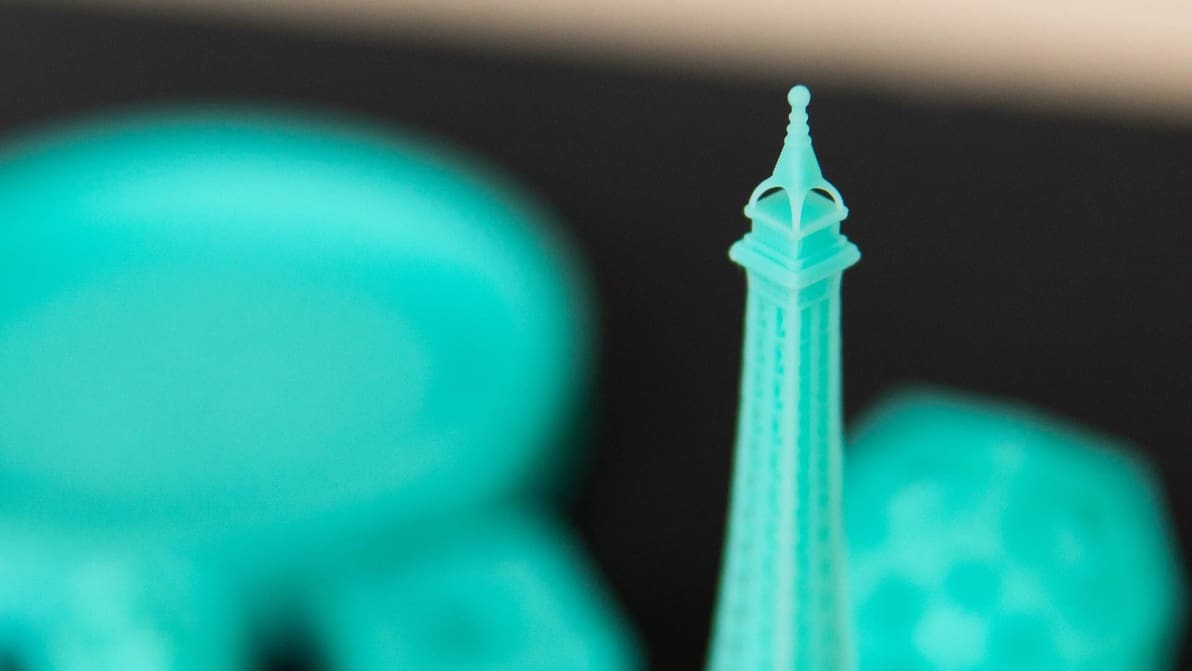
To get your resin prints right, it's all about the settings. Learn the most important slicer settings for resin 3D printers!
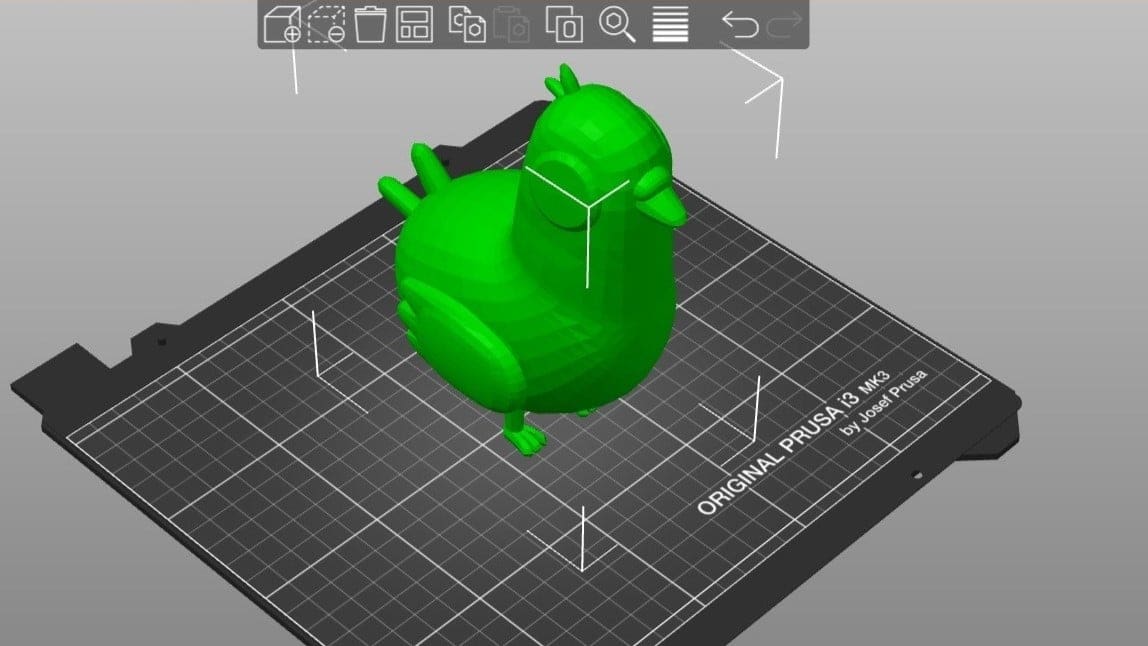
PrusaSlicer is powerful slicing software with a long list of expert-level settings. Read on to learn how to get the best out of your prints!
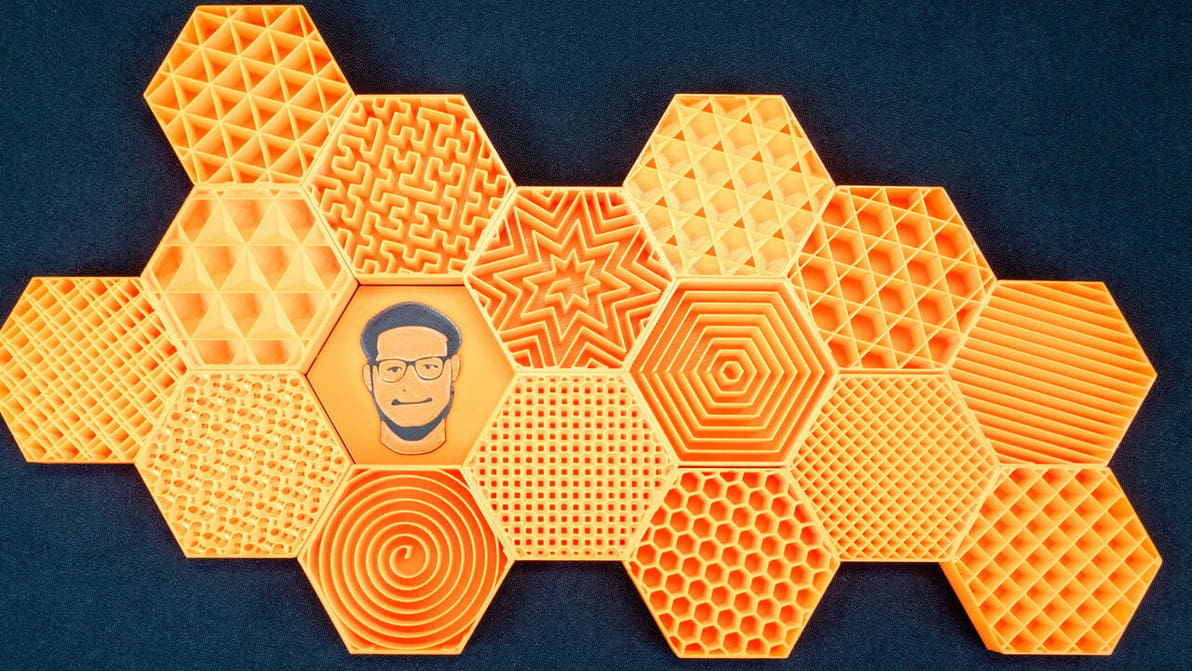
PrusaSlicer infill patterns are some of the most diverse of any slicer. Read on to learn which one is best for you!
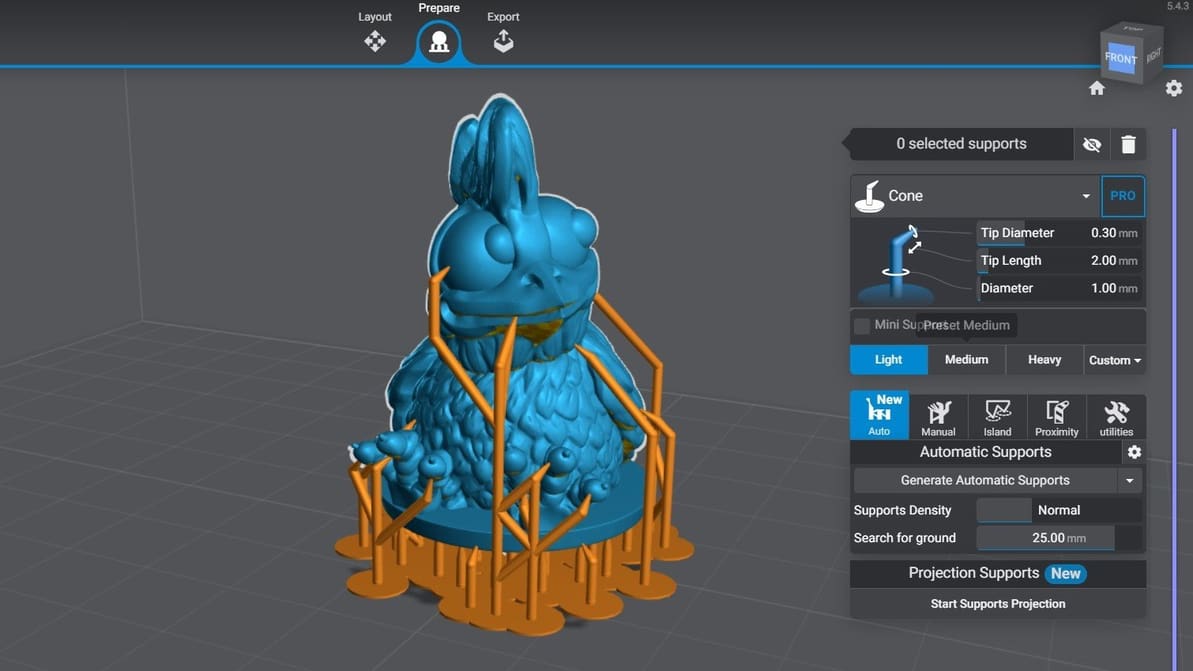
Let's take a look at the two most popular slicers for consumer printers. Follow along to find out how Lychee Slicer vs Chitubox stacks up!
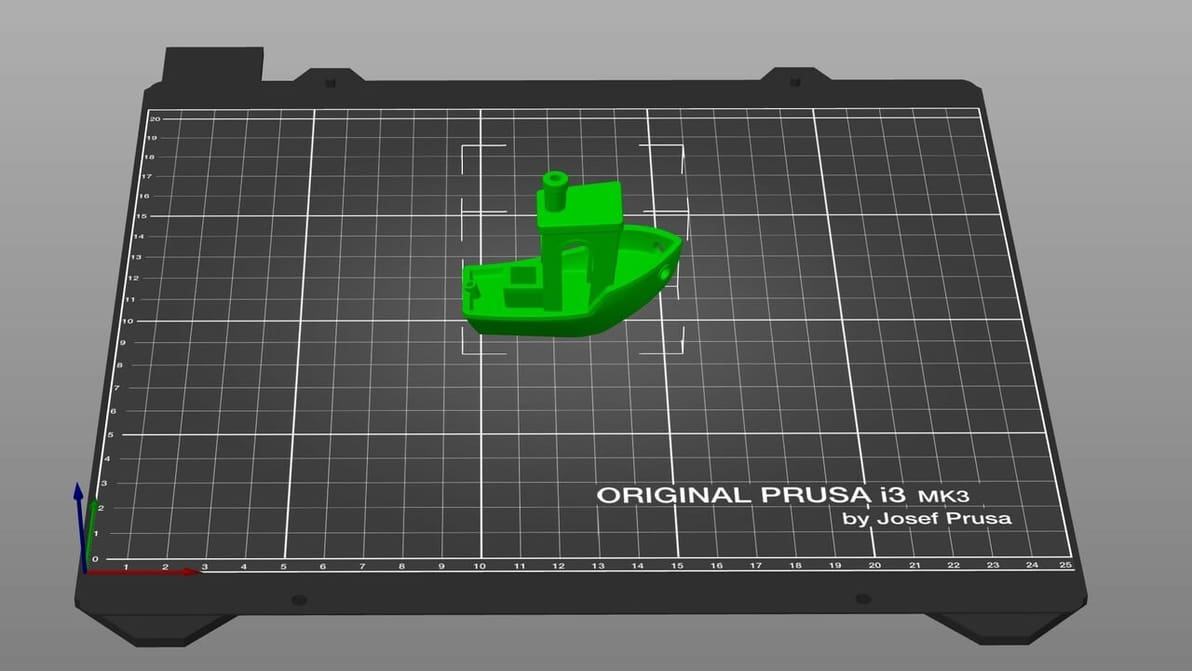
When it comes to 3D printing software, the types and options can seem overwhelming. Read on to find out the must-haves!
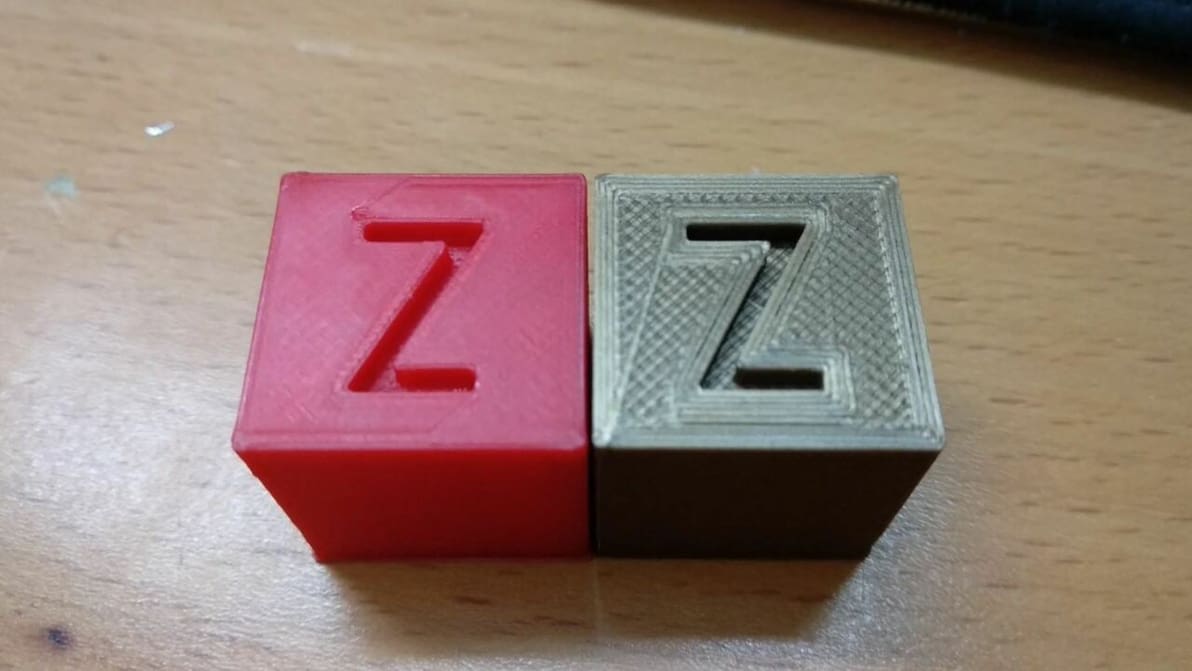
Ironing is a useful slicing feature that can smooth out the top layer of 3D prints. Read on to learn all about Cura ironing settings!
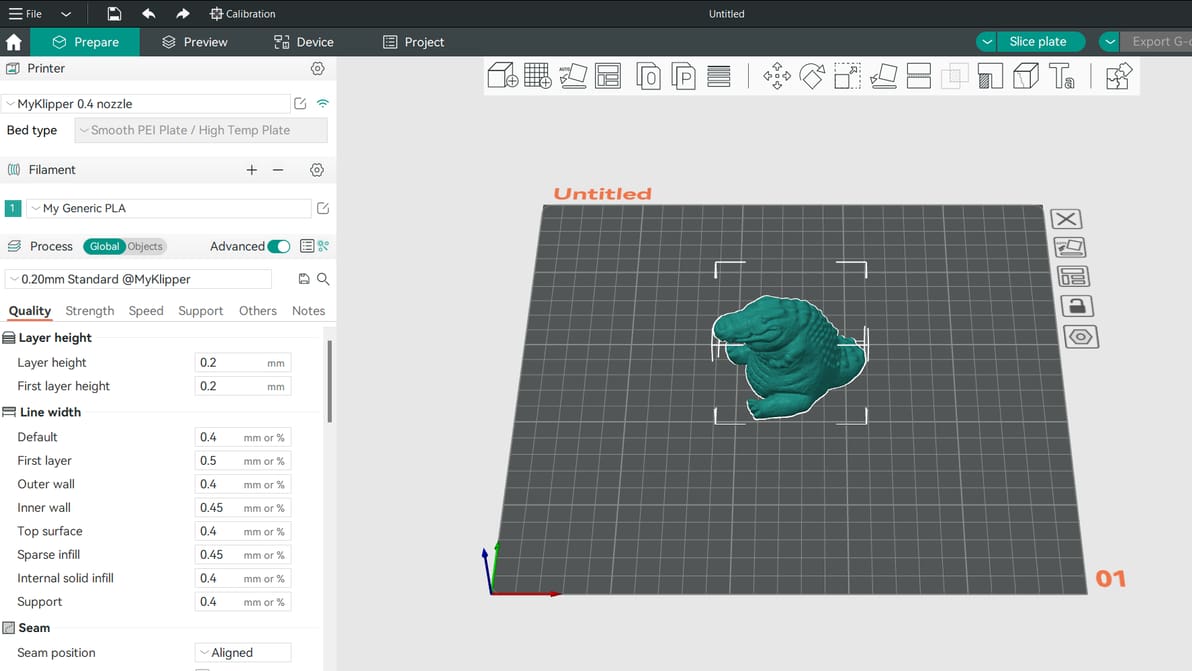
Pairing your 3D printer with the right slicer can help you get the best results. Read on to see how Orca Slicer vs PrusaSlicer compare!
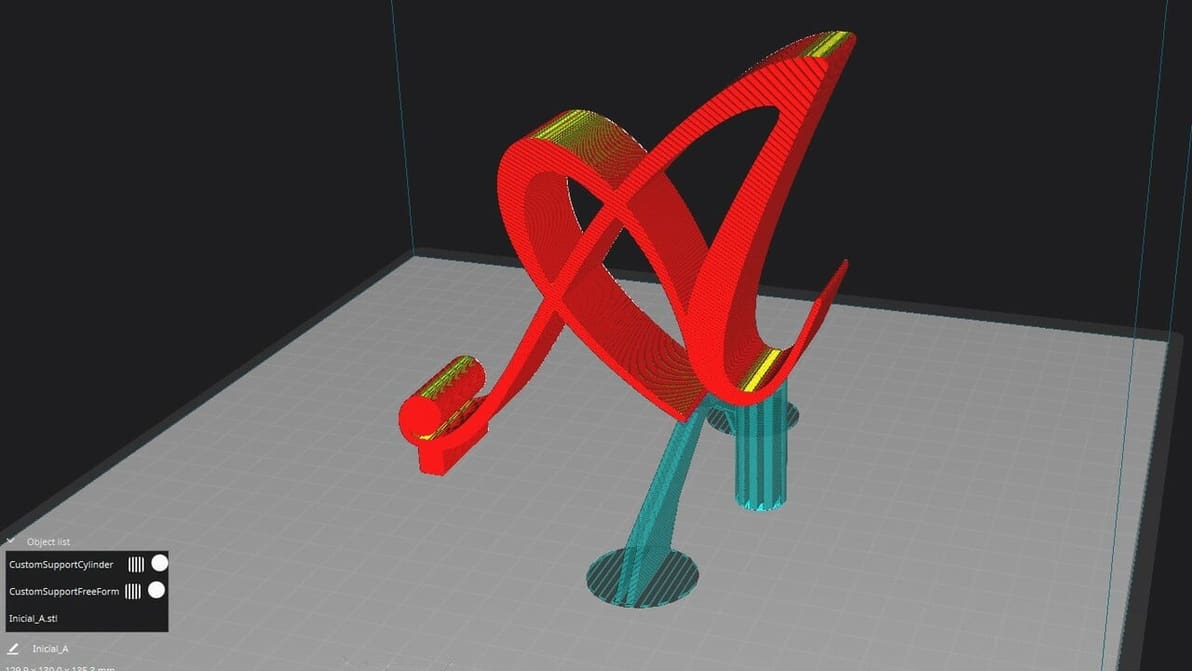
If Cura support generation isn't up to your standards, check out the Custom Supports plug-in to achieve your ideal settings!
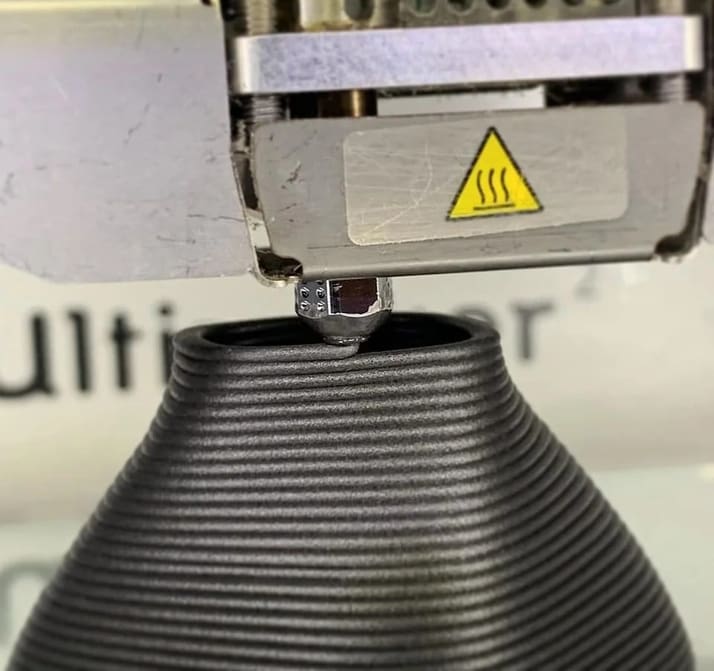
Layer height in 3D printing is a simple setting that affects print speed and detail. Keep reading to find out more!
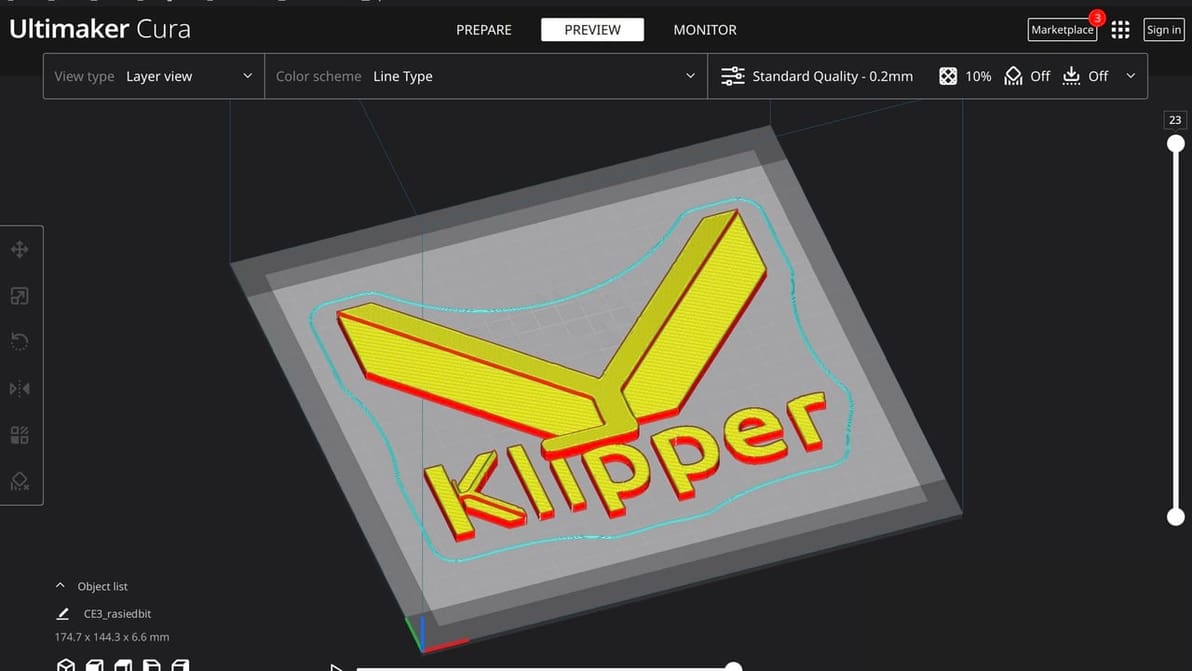
Cura is an established favorite and Klipper offers many unique benefits. Read on to learn how to make Cura and Klipper play together.