Advertisement
Featured image of Prusa MK4: Input Shaping – All You Need to Know
Shape Your Speed
Prusa MK4: Input Shaping – All You Need to Know

On the Prusa MK4, input shaping is possible – but not everyone is happy about it. Read on to learn more about Prusa's implementation.

Featured image of Cura Extrusion Multiplier: How to Improve Your Prints
A Multitude of Solutions
Cura Extrusion Multiplier: How to Improve Your Prints

Cura's extrusion multiplier is actually called "Flow". Read to learn what it is, how to tune it, and how it can help fix print issues.

Featured image of Bambu Lab Slicer: Bambu Studio – All You Need to Know
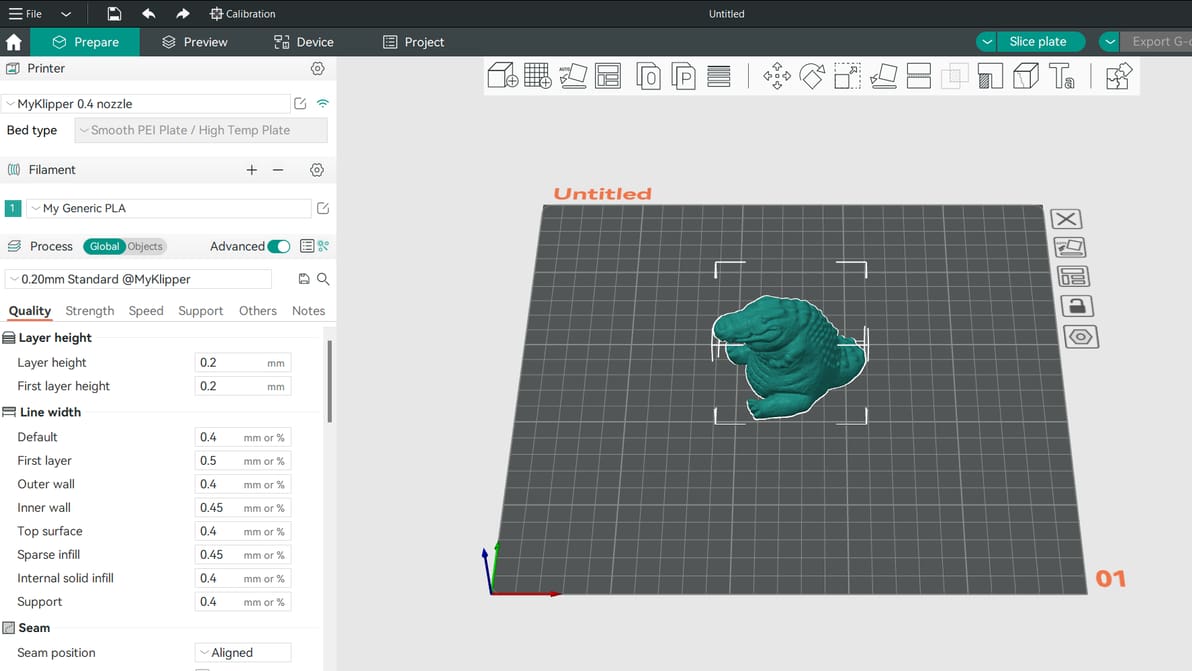
Not Just for Pandas
Bambu Lab Slicer: Bambu Studio – All You Need to Know

Here's everything you need to know about the Bambu Studio Slicer. Read on to learn how to use this slicer with your 3D printer!

by Thomas Patterson
Featured image of Ender 3 (Pro) Z Offset: How to Adjust It
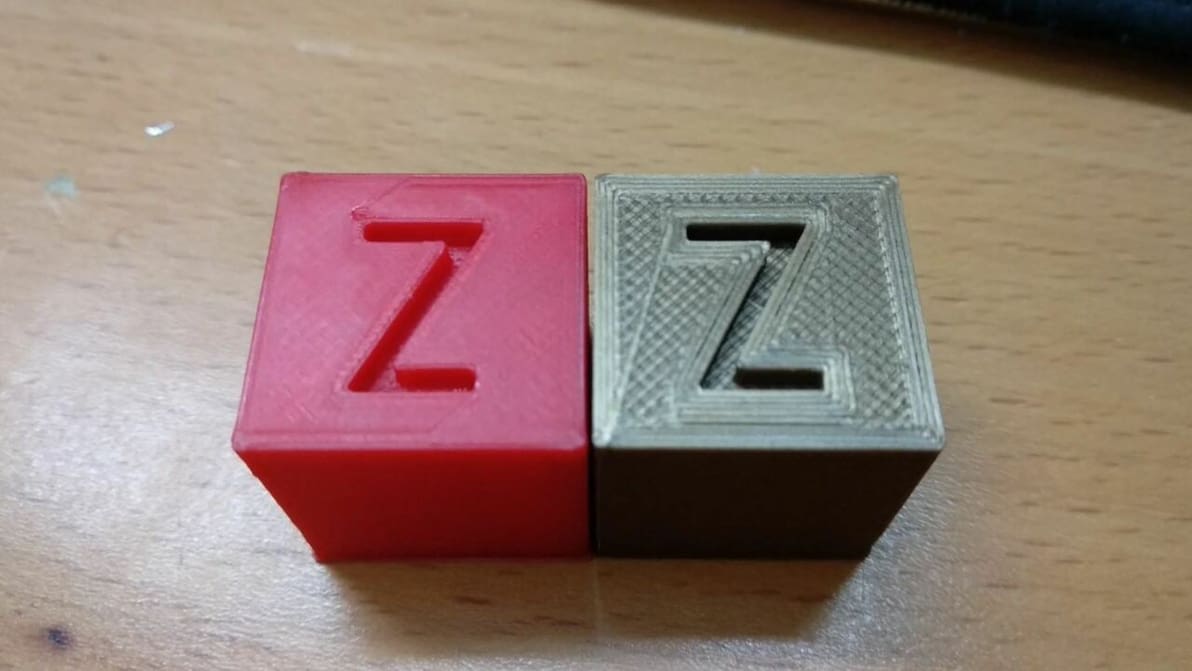
Offset Like a Pro
Ender 3 (Pro) Z Offset: How to Adjust It

The first layer is the most important part of the print, regardless of the printer. Get it right with these Ender 3 Z offset tips!

Featured image of The Best Creality K1 Cura Profile / Settings
Set Your K1 Up for Success
The Best Creality K1 Cura Profile / Settings

Looking for the perfect Creality K1 Cura profile? Check out these settings and unleash the lightning-fast potential of your Creality K1!

by Timothy Solomon
Featured image of Cura: Print One at a Time – Simply Explained
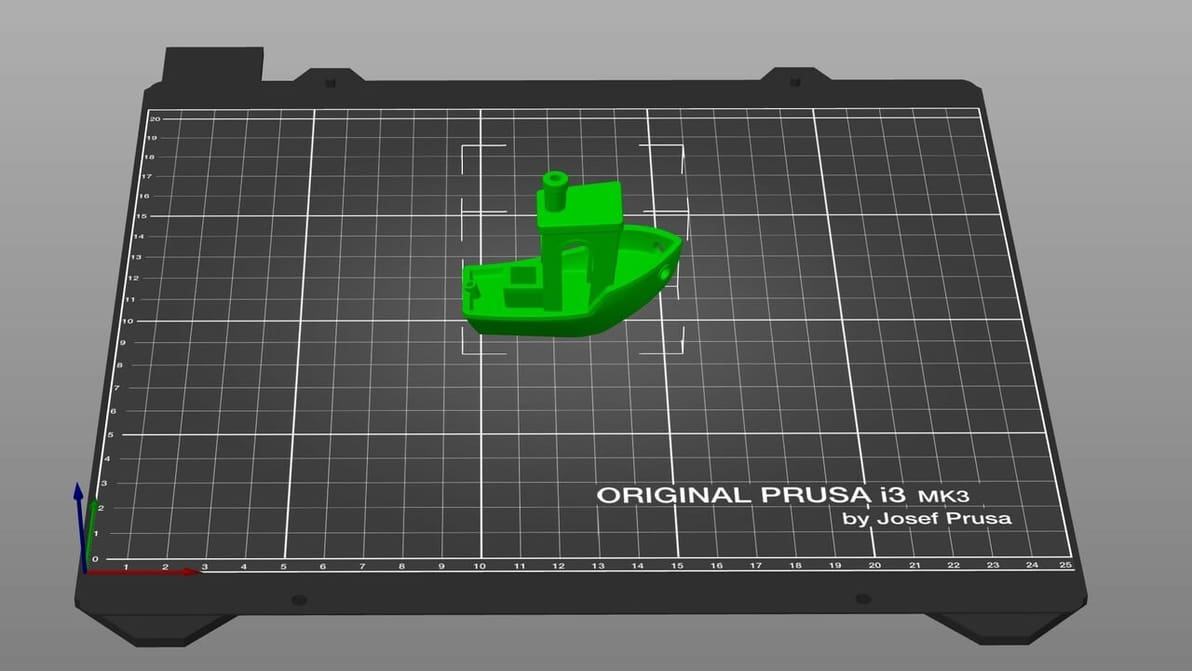
One Benchy at a Time
Cura: Print One at a Time – Simply Explained

Cura's print "One at a Time" slicer setting can be super handy. Read on to learn how it works, how to use it, and more!

Featured image of Bambu Studio Tutorial: Hands-On Tutorial to Get Started
Approved by Pandas
Bambu Studio Tutorial: Hands-On Tutorial to Get Started

From model to masterpiece – read all about how to slice, preview, and 3D print like a pro with our Bambu Studio tutorial!

by Guilherme Schendel
Featured image of Lithophanes with Cura: Easy Tutorial (incl. Best Settings)
From Digital to Physical
Lithophanes with Cura: Easy Tutorial (incl. Best Settings)

Lithophanes turn digital pictures into tangible ones that you can see when light shines through. Check out how to make a lithophane in Cura!

by Priyank Pal
Featured image of Cura: Printhead Settings – Simply Explained
Curing It Head On
Cura: Printhead Settings – Simply Explained

Cura printhead settings can come in handy when printing multiple objects. Read on to find out more about this feature in Cura.

by Pranav Gharge
Featured image of Orca Slicer vs Cura: The Differences
Take Your Slice(r)
Orca Slicer vs Cura: The Differences

It's Orca Slicer vs Cura: A brand-new slicer faces off against the arguably most popular and known option. Let's compare them!

by Gloria E. Magarotto
Advertisement
Advertisement
Featured image of Orca Slicer: All You Need to Know to Get Started
The Only Sea Slicer!
Orca Slicer: All You Need to Know to Get Started

Feature-packed and a fork of Bambu Studio, Orca Slicer has been gaining ground in the slicer world. Read on to learn all about it!

by Gloria E. Magarotto
Featured image of The Best Creality K1 (Max) PrusaSlicer Settings
An Enticing Slice
The Best Creality K1 (Max) PrusaSlicer Settings

PrusaSlicer fans, listen up! Learn how to craft a Creality K1 PrusaSlicer profile that gets the job done quickly and at quality.

by Myles Vendel
Featured image of PrusaSlicer vs Cura: The Differences
The Best Slice for You
PrusaSlicer vs Cura: The Differences

Read on to see our head-to-head comparison of PrusaSlicer vs. Cura, two of the best free and open-source slicer software options out there.
Featured image of Resin Print Support: 5 Great Tips & Tricks
Thanks for the Support
Resin Print Support: 5 Great Tips & Tricks

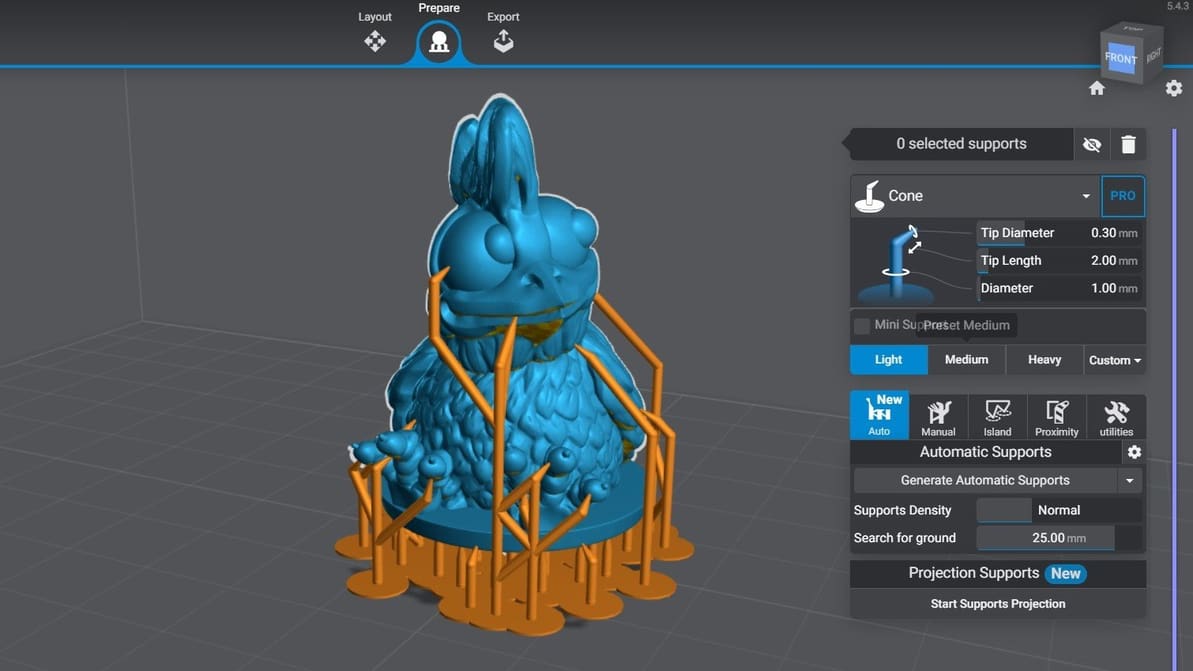
If you're 3D printing in resin, you'll need supports. Read on to learn about setting up and perfecting your resin print supports!

by Joseph Nunemaker
Featured image of Cura Gyroid Infill: All You Need to Know
Waves of Infill
Cura Gyroid Infill: All You Need to Know

An infill pattern can be both aesthetically pleasing and super strong. Find out all about the wonders of Cura's gyroid infill.

by Pranav Gharge
Featured image of 3D Printing Brim: When Should You Use It
I Am Brim
3D Printing Brim: When Should You Use It

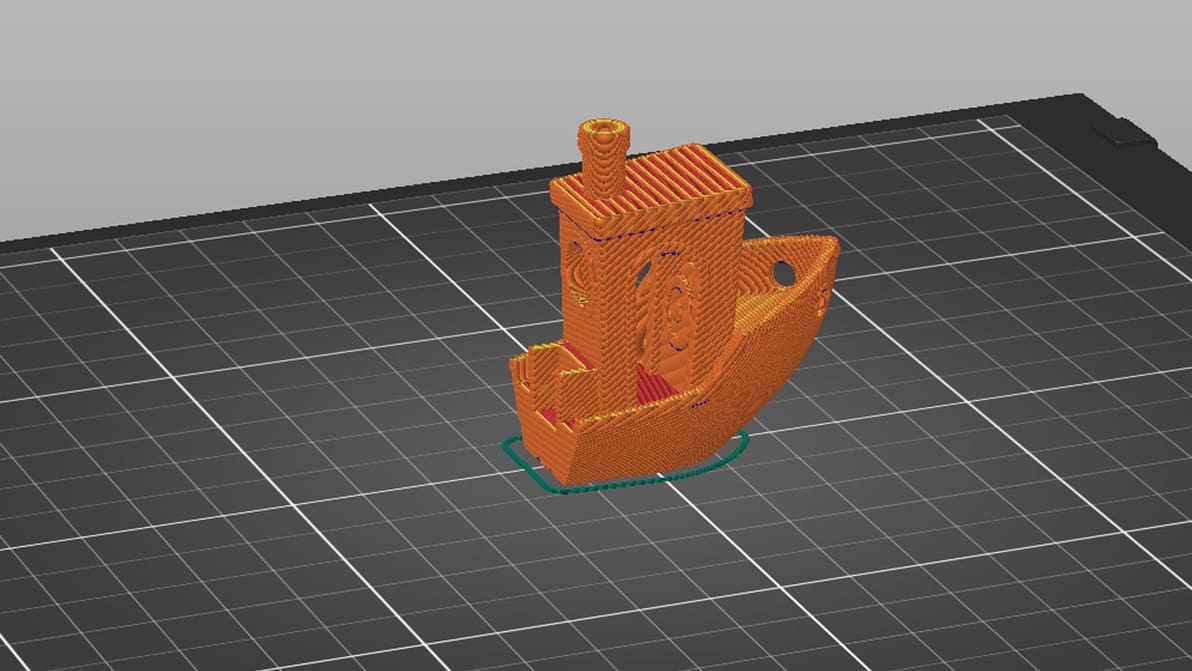
It prevents warping, helps with adhesion, and reduces waste – what's not to love about a 3D printing brim? Read on to learn more!
by Lauren Fuentes
Featured image of Cura Tree Support: All You Need to Know
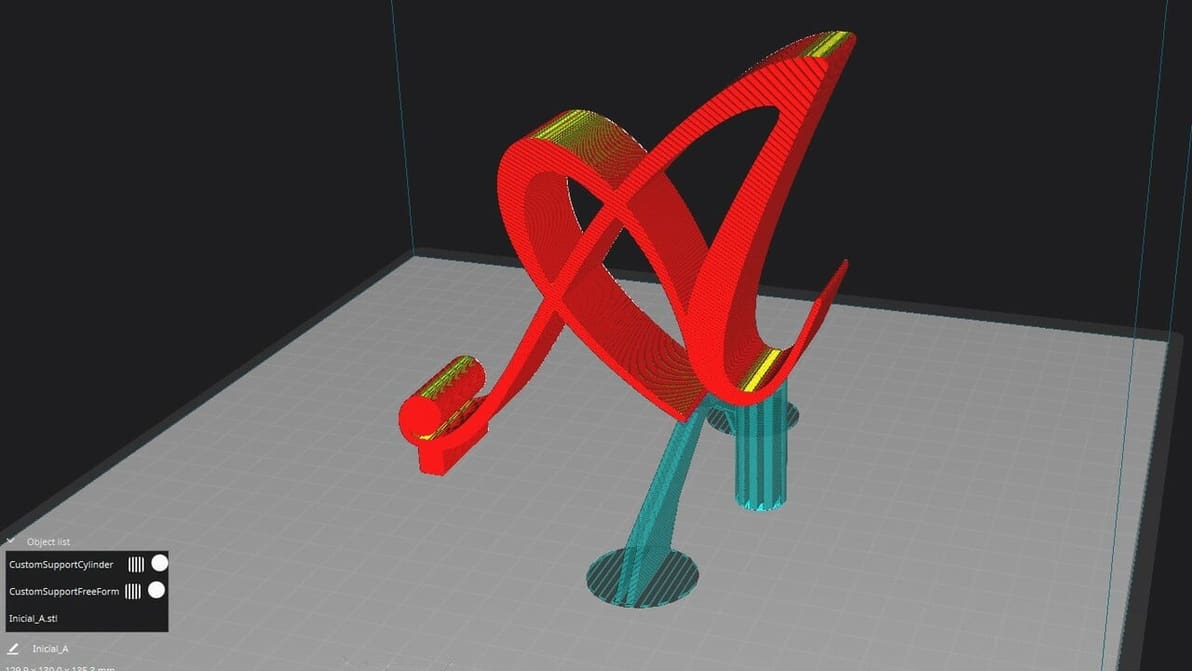
Branch Out
Cura Tree Support: All You Need to Know

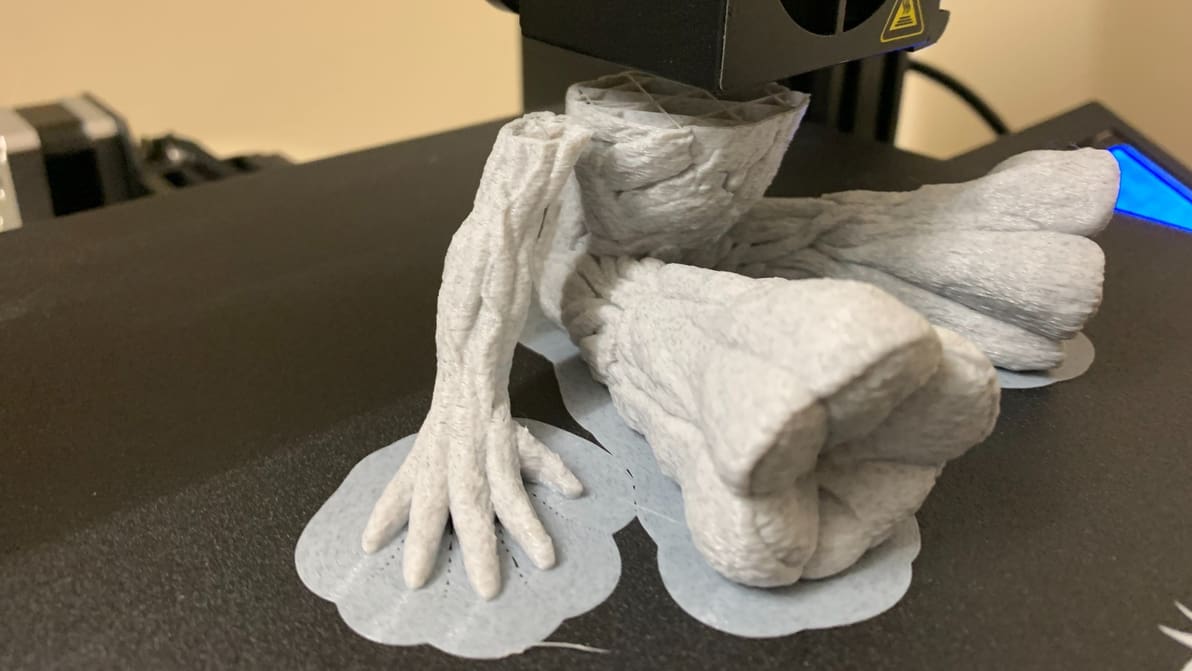
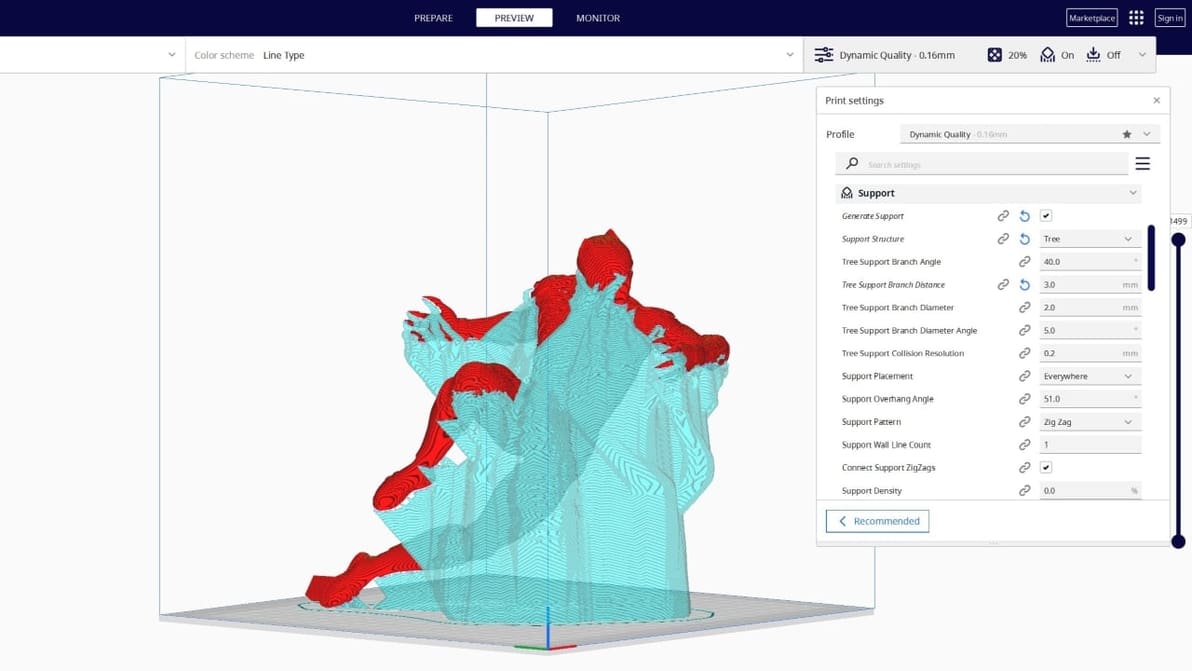
Tree supports are efficient and tidy. Find out why the Cura tree support setting is one of our favorite 3D printing tricks.
by Pranav Gharge
Featured image of Creality Print vs Creality Slicer: The Main Differences
A Slice Of Life
Creality Print vs Creality Slicer: The Main Differences

Slicing software is essential for any 3D maker. Creality now has two options, so read on to see how Creality Print vs. Slicer stacks up!

by Ian Mitchell
Featured image of PrusaSlicer & Klipper: How to Make Them Work Together
The Dynamic Duo
PrusaSlicer & Klipper: How to Make Them Work Together

Unleash the potential of your 3D printer with the empowering duo of PrusaSlicer and Klipper! Read on for all you need to know to get started.

by Myles Vendel
Featured image of Creality Halot Box: All You Need to Know
Boxing Clever
Creality Halot Box: All You Need to Know

Halot Box is Creality's own dedicated slicing program for their range of resin 3D printers. Let’s open the box and see what’s inside!

by Ian Mitchell
Advertisement
Advertisement