Advertisement
Featured image of Chitubox (Resin 3D Printing Slicer): All You Need to Know
We Unbox Chitubox!
Chitubox (Resin 3D Printing Slicer): All You Need to Know

Chitubox slicer is a powerful alternative to proprietary software from 3D printer manufacturers. Find out more below.

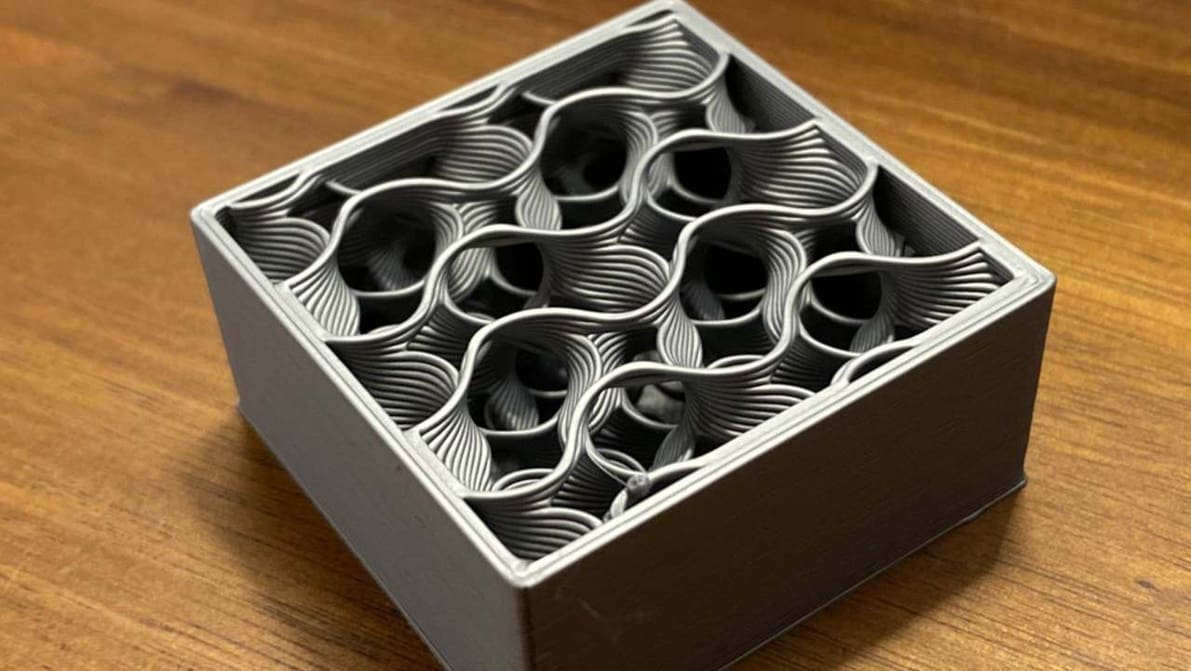
Featured image of Orca Slicer: Vase Mode – Simply Explained
More Versatile Than You'd Think
Orca Slicer: Vase Mode – Simply Explained

Spiral or vase mode has been around for ages; Orca Slicer is relatively new. Read all about how Orca Slicer's vase mode works!

by Che Simons
Featured image of The Best Anycubic i3 Mega Cura Settings / Profile
One Tweak at a Time
The Best Anycubic i3 Mega Cura Settings / Profile

Looking for optimal Anycubic i3 Mega Cura settings? Here is what we suggest as the best Cura Anycubic i3 Mega Cura profile.

by Leo Gregurić
Featured image of PrusaSlicer Infill Patterns: All You Need to Know
Skill with Infill
PrusaSlicer Infill Patterns: All You Need to Know

PrusaSlicer infill patterns are some of the most diverse of any slicer. Read on to learn which one is best for you!

Featured image of Cura: Support Z Distance – Simply Explained
Lean on Me
Cura: Support Z Distance – Simply Explained

Support Z Distance in Cura can make removing supports a breeze! Read on to learn about this setting and how to tune it for your prints.

by Vincent Reitinger
Featured image of The Best PLA Bed & Print Temperature Settings
Getting an A in PLA
The Best PLA Bed & Print Temperature Settings

Figuring out the best PLA print and bed temperature can be tricky. Check out this quick guide to learn all you need to know.

by Ethan Sommer
Featured image of How to Use a Temperature Tower in PrusaSlicer
It's Getting Hot in Here
How to Use a Temperature Tower in PrusaSlicer

By creating PrusaSlicer temperature towers, you can elevate print quality and filament efficiency in one go. Read on to learn more!

by Bharat Jagwani
Featured image of The Best ChiTuBox Anycubic Photon Resin Settings
Up Your Photon Game
The Best ChiTuBox Anycubic Photon Resin Settings

With ChiTuBox, Anycubic Photon settings are a piece of cake. Get more control over your printer with this great slicer.

by Lucas Carolo
Featured image of Never Mind the X2D, New Bambu Studio Update Adds Filament Color Mixing Feature
Color Picker
Never Mind the X2D, New Bambu Studio Update Adds Filament Color Mixing Feature

All eyes were on Bambu Lab’s surprise hardware launch of the X2D last week, but a software update alongside introduced a familiar color-mixing feature that deserves some hype, too.

by Matthew Mensley
Featured image of Cura First Layer Settings: Initial Layer Simply Explained
First Impressions
Cura First Layer Settings: Initial Layer Simply Explained

The initial layer is the foundation of the entire 3D model. Learn all about Cura first layer settings and how to get them perfect!

Advertisement
Advertisement
Featured image of Cura Coasting Settings: Simply Explained
The Coast Is Clear
Cura Coasting Settings: Simply Explained

Cura is a 3D slicer with some very neat features. Keep reading to learn about the best Cura coasting settings and see what they can do!
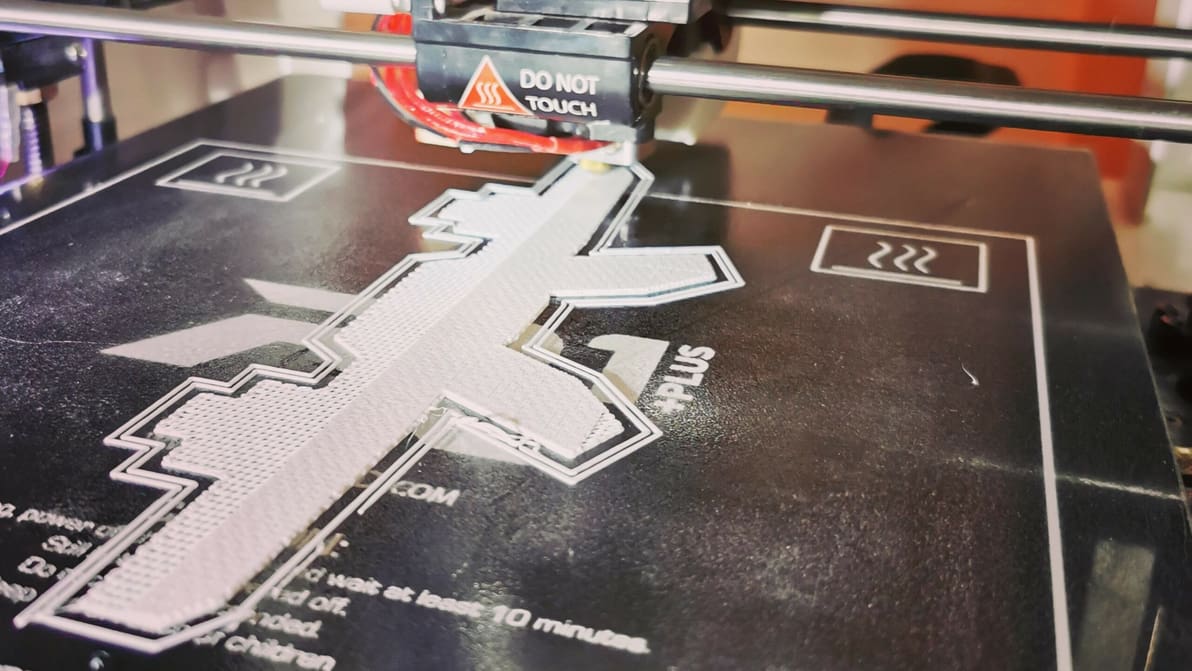
by Pranav Gharge
Featured image of Cura Vase Mode: The Basics Simply Explained
Flowers Are Optional
Cura Vase Mode: The Basics Simply Explained

Vase mode is a common slicer mode for aesthetic prints. Follow along as we demystify Cura's vase mode to create some seamless models!

by Pranav Gharge
Featured image of Cura Adaptive Layers – Simply Explained
Cura's Evolving
Cura Adaptive Layers – Simply Explained

Cura's adaptive layers feature uses varying layer heights to achieve increased detail while reducing print time. Read on to learn more!

by Jackson O'Connell
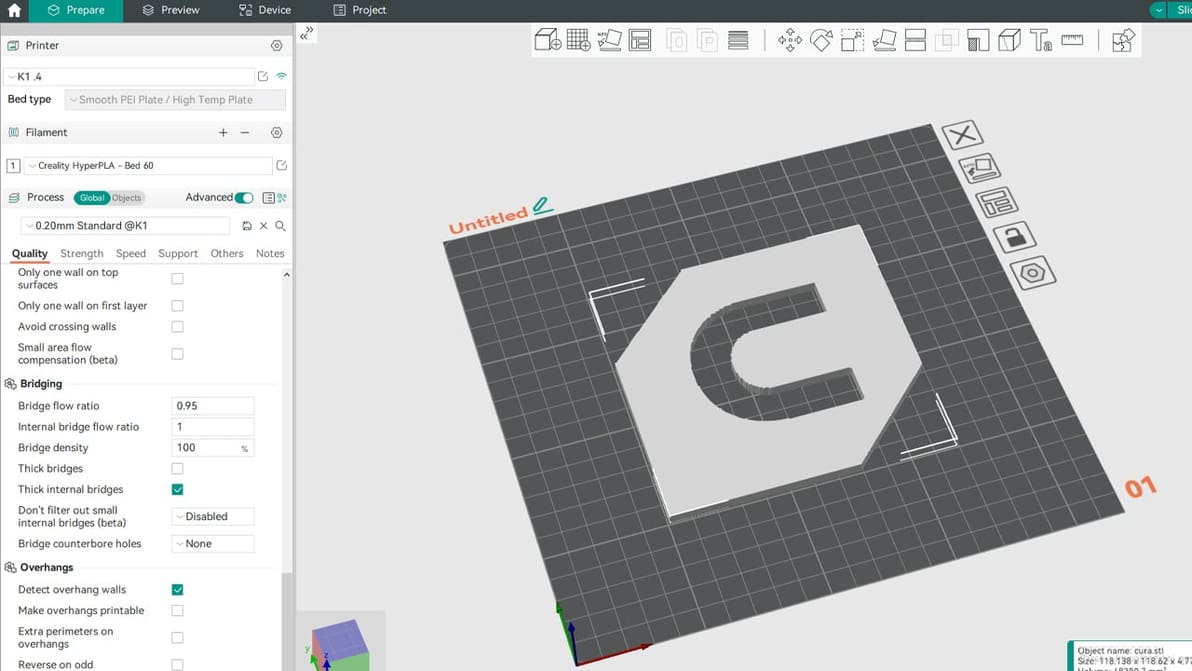
Featured image of Orca Slicer: Seam – All You Need to Know
Not What It Seams
Orca Slicer: Seam – All You Need to Know

Orca Slicer has been gaining popularity thanks to its advanced tools. Read on to discover how to get seams right with it!

by Gloria E. Magarotto
Featured image of Kiri:Moto (Web-Based Slicer): All You Need to Know
Web-Based Slicing
Kiri:Moto (Web-Based Slicer): All You Need to Know

This slicer flexes browser-based computing for your 3D printing needs... And more! Read on for everything you need to know about Kiri:Moto.

by Thomas Maillioux
Featured image of The Best Cura Plug-ins of 2024
Icing on the Cake
The Best Cura Plug-ins of 2024

Plug-ins for UltiMaker's Cura take an already great slicer to a whole new level. Check out our top picks for the best Cura plug-ins!

Featured image of Cura: Z Offset – Simply Explained
Cura Offset from A to Z
Cura: Z Offset – Simply Explained

Z offset control can be useful in a number of ways, including printing on top of an object. Learn how to adjust Cura's Z offset setting!

Featured image of Creality Slicer vs Cura: The Differences
Slicing Software Showdown
Creality Slicer vs Cura: The Differences

Creality Slicer vs Cura: slicing through the noise to find your perfect 3D printing partner! Read all about how these slicers stack up.

by Priyank Pal
Featured image of Prusa MK4: Input Shaping – All You Need to Know
Shape Your Speed
Prusa MK4: Input Shaping – All You Need to Know

On the Prusa MK4, input shaping is possible – but not everyone is happy about it. Read on to learn more about Prusa's implementation.

Featured image of Cura Extrusion Multiplier: How to Improve Your Prints
A Multitude of Solutions
Cura Extrusion Multiplier: How to Improve Your Prints

Cura's extrusion multiplier is actually called "Flow". Read to learn what it is, how to tune it, and how it can help fix print issues.

Advertisement
Advertisement