3D Printer Firmware
Featured
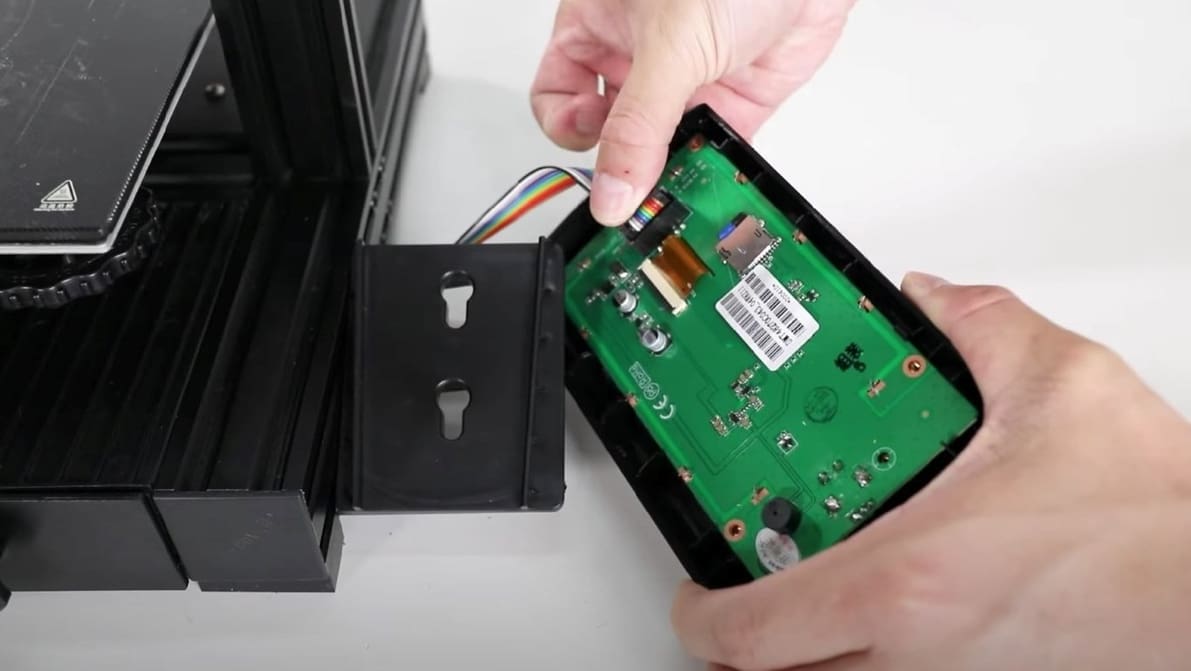
You can do Ender 3 V2 firmware updates using just a MicroSD card! Read on for a step-by-step walkthrough on how to install Marlin.
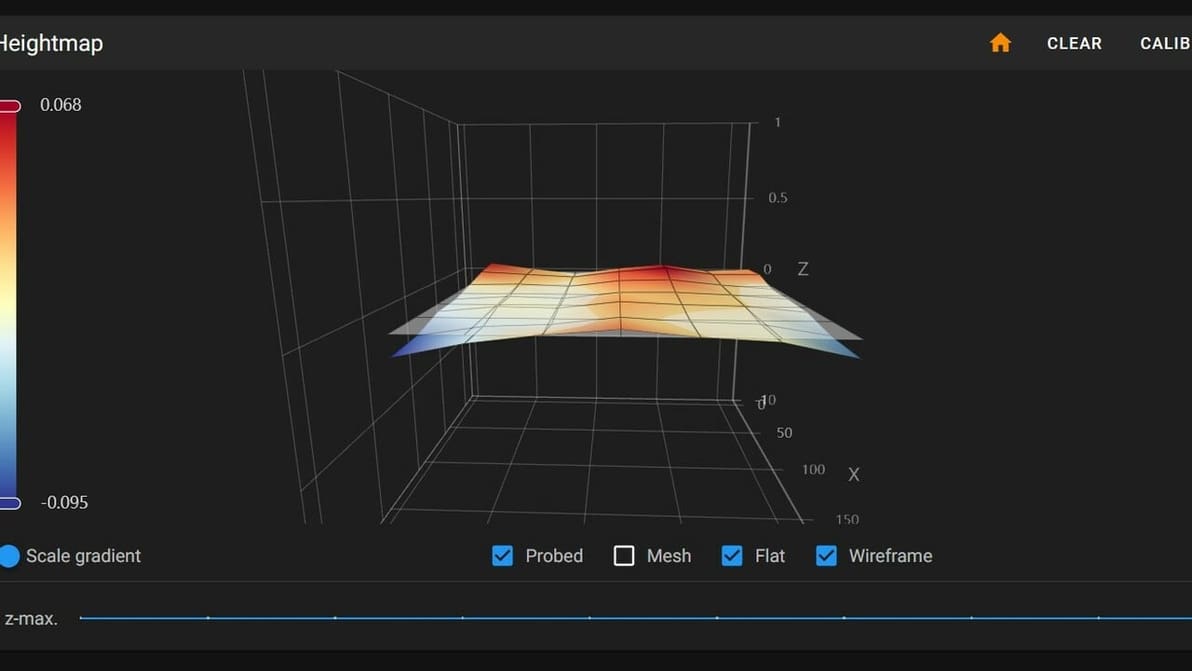
First layers can be hard to get right. Thankfully, Klipper can help. Learn how to use Klipper for bed mesh compensation.
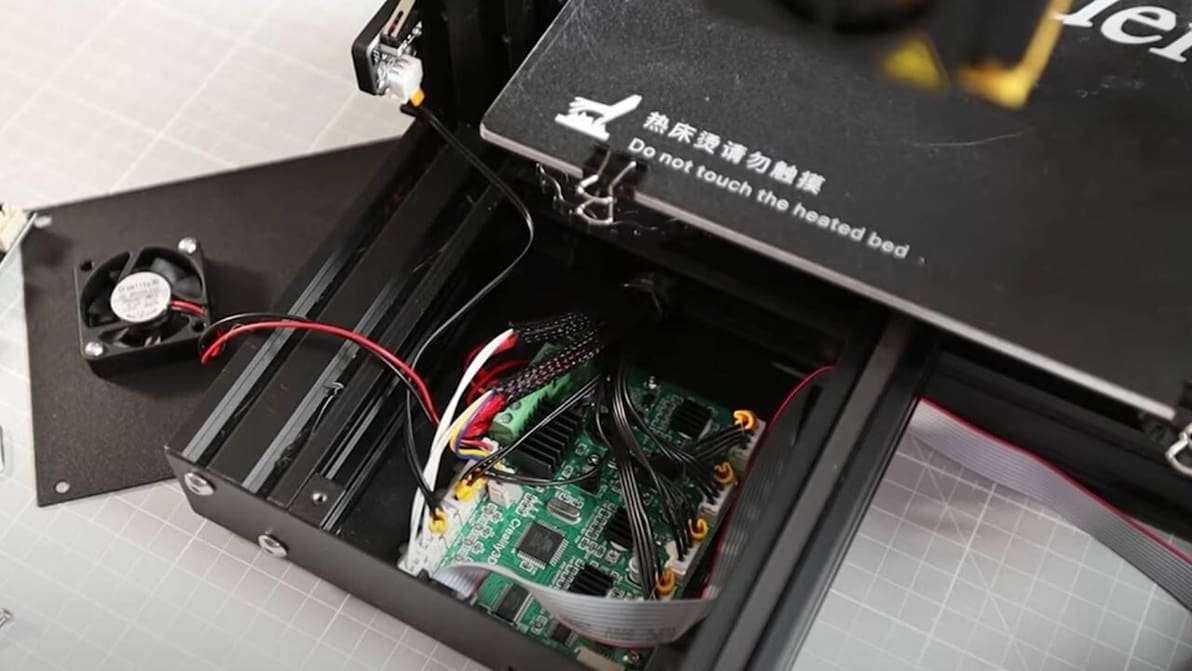
Updating your Ender 3 or Pro with Marlin firmware can enhance performance, but the process can be tricky. Read on to learn how to do it!
Latest
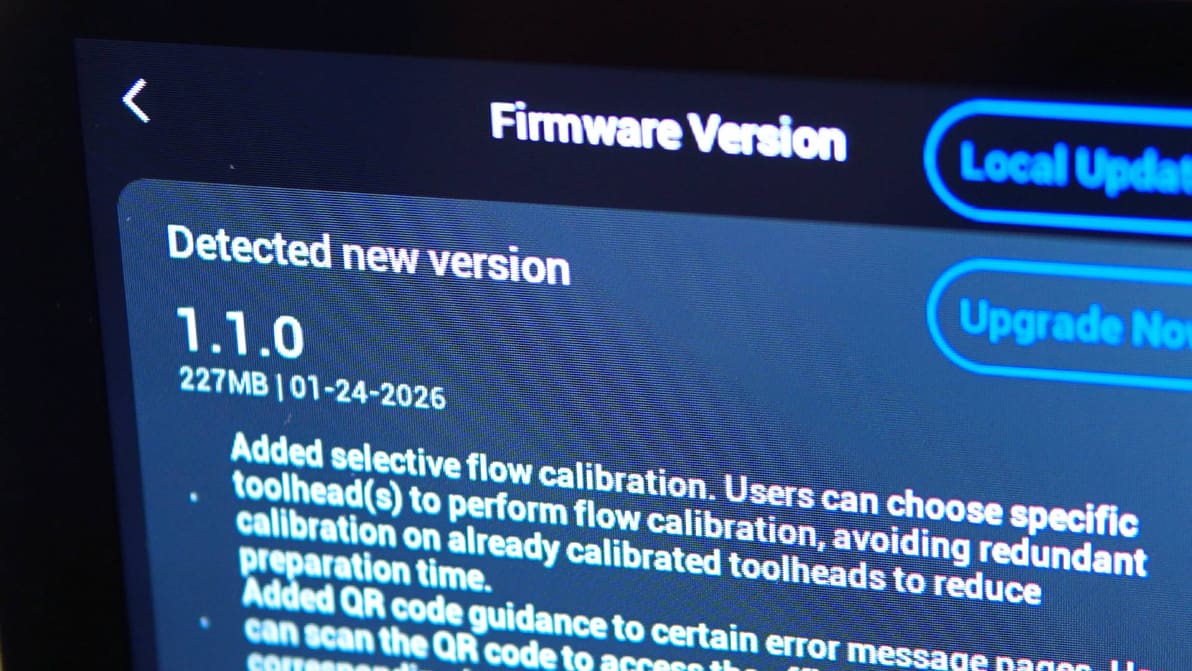
Snapmaker has released the modified source code for the three open-source projects that underpin the Snapmaker U1's firmware: Klipper, Moonraker, and Fluidd. The repositories went live on GitHub on March 30 – the final day before a deadline the company set for itself.
The successfully crowdfunded X1Plus Extender board lands back in stock on CrowdSupply, and heralds the arrival of X1Plus 3.1, custom Bambu Lab X1C firmware that now supports Polar Cloud print management integration.
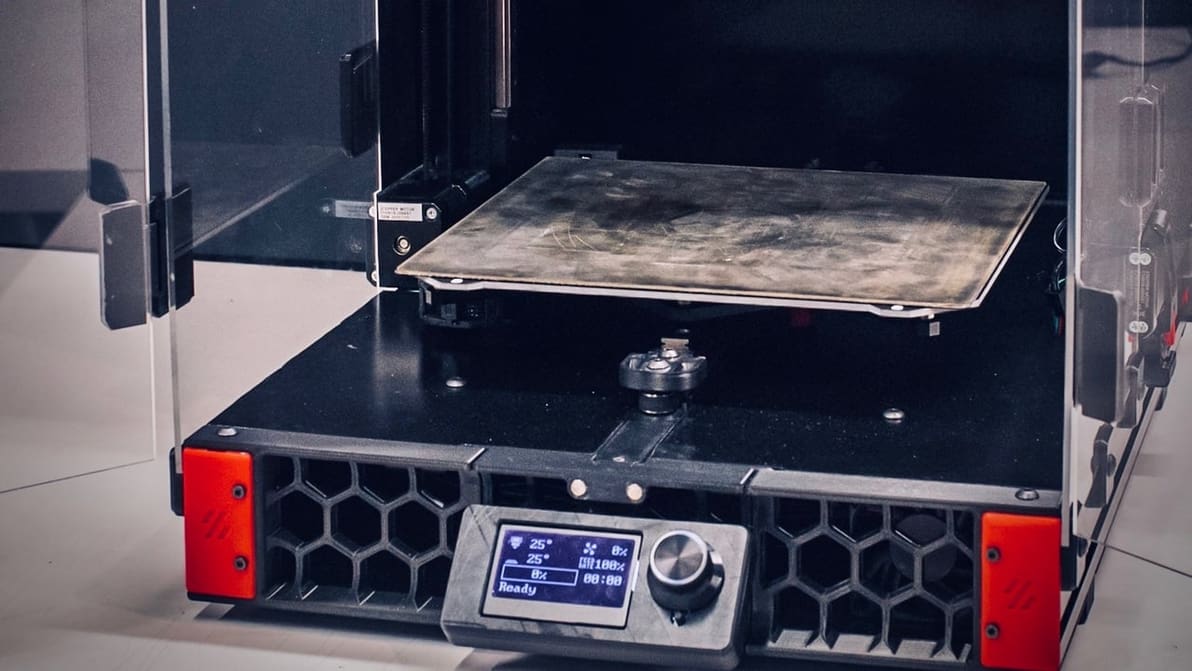
When choosing 3D printer firmware, you might be looking at Klipper vs. Marlin. Check out the differences and see what suits your setup!
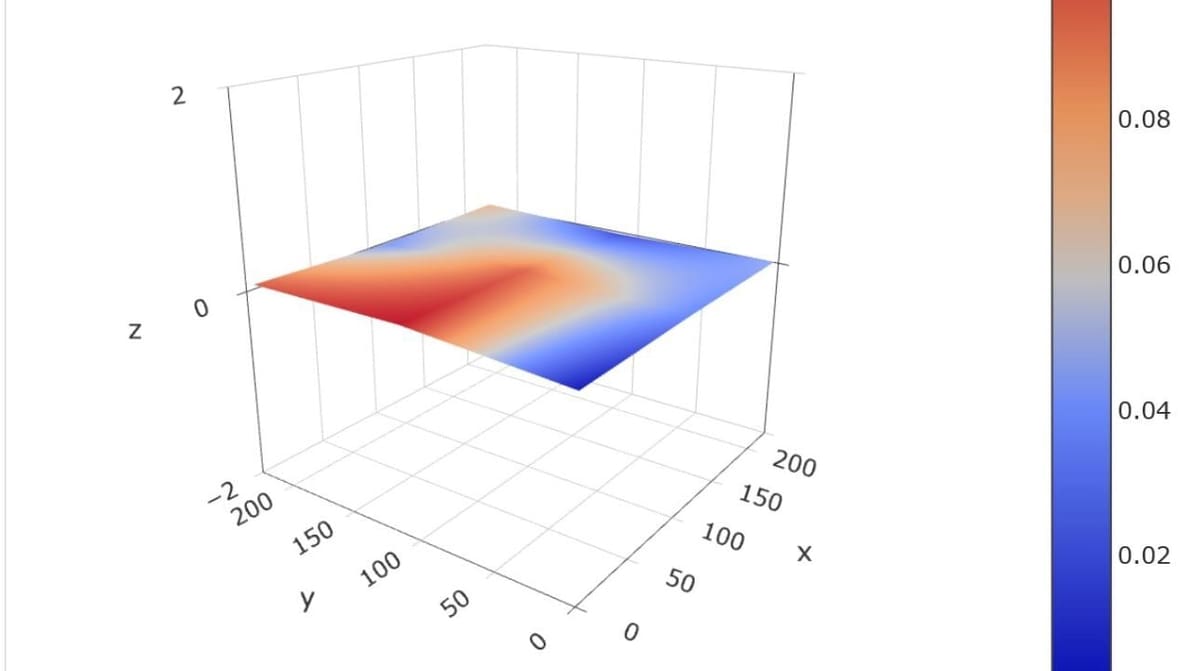
Get a smooth, even first layer with mesh bed leveling. We explain the leveling process and show you how to implement it yourself!
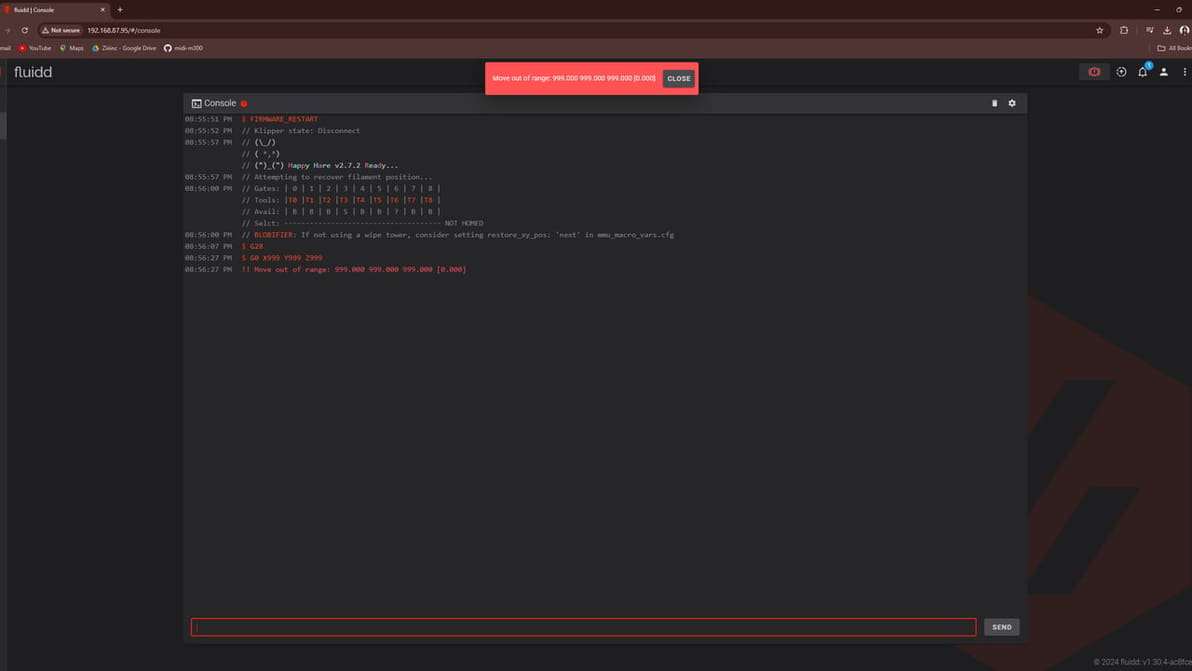
Is your shiny new Klipper machine saying you're moving out of range? Learn how to fix it and stay in bounds!
First layers can be hard to get right. Thankfully, Klipper can help. Learn how to use Klipper for bed mesh compensation.
You can do Ender 3 V2 firmware updates using just a MicroSD card! Read on for a step-by-step walkthrough on how to install Marlin.
Klipper firmware is a powerful tool to improve the smarts of your printer, and by extension the performance! Here's what you need to know.
Choosing 3D printer firmware can be challenging. Read on to find out the best options and how to install them on your 3D printer.
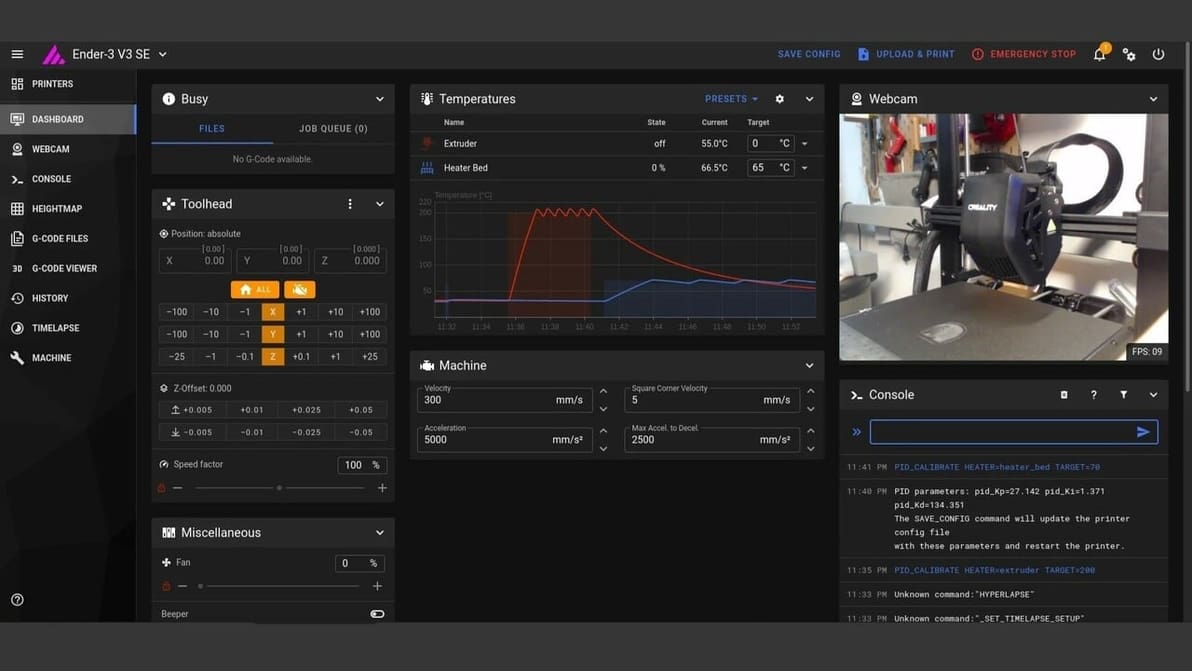
Looking to have your Ender 3 V3 SE with Klipper? Here's the step-by-step guide to turbocharge your 3D printer by installing Klipper in it.
Cura is an established favorite and Klipper offers many unique benefits. Read on to learn how to make Cura and Klipper play together.
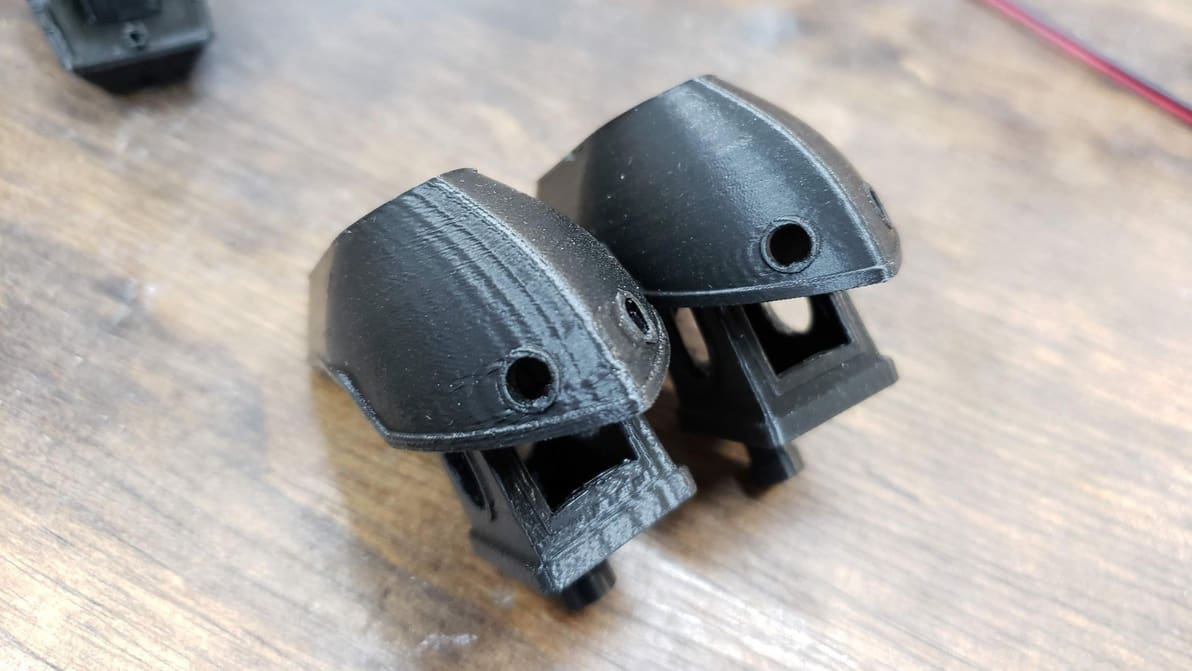
Klipper Input Shaping improves print quality by exorcising the ghosts caused by vibrations and resonances. Read on to learn all about it!
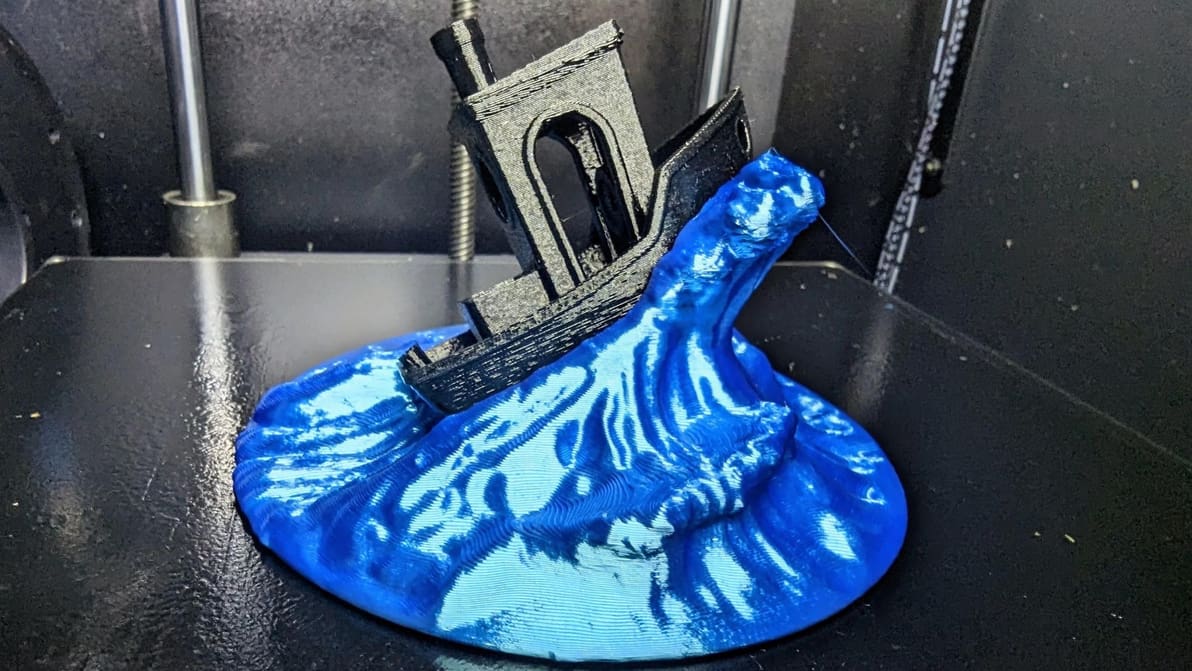
In some cases, Klipper uses unique G-code from that of other firmware. If you're running Klipper, PID tune your printer using these commands!
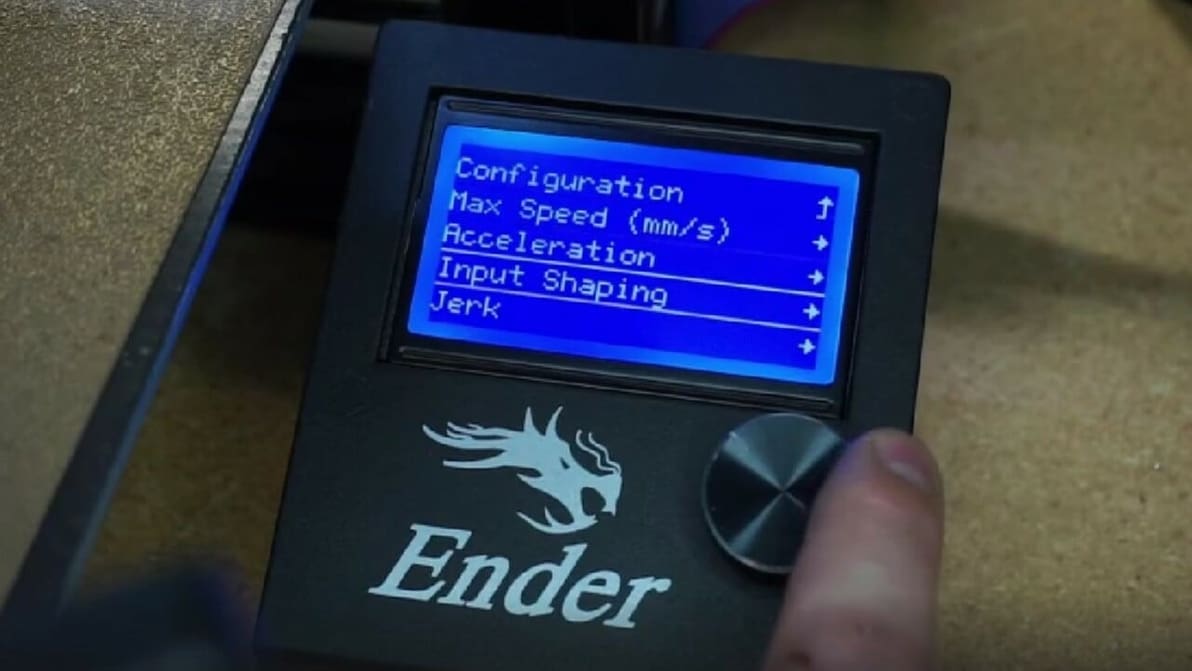
Move over Klipper and Prusa input shaping, Marlin has joined the fray. Read on to learn how it works and how to give it a try.
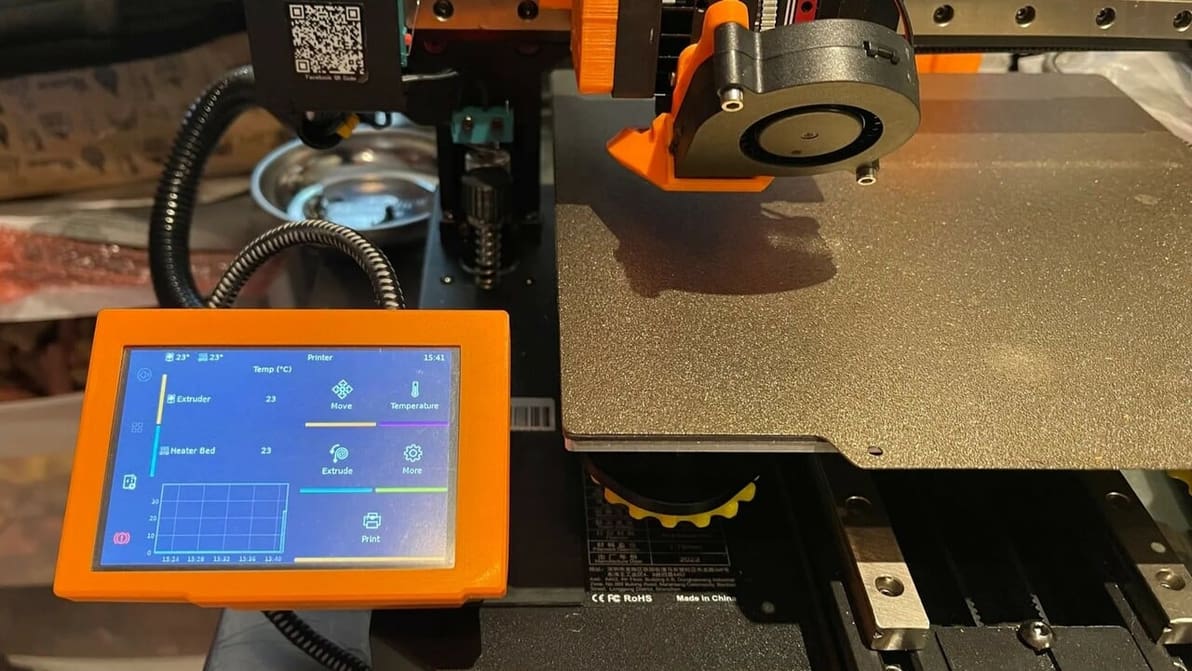
You've heard about Klipper: it's fast, great, and fixes your printing problems! Here's how to join in, and how to separate hype from truth.
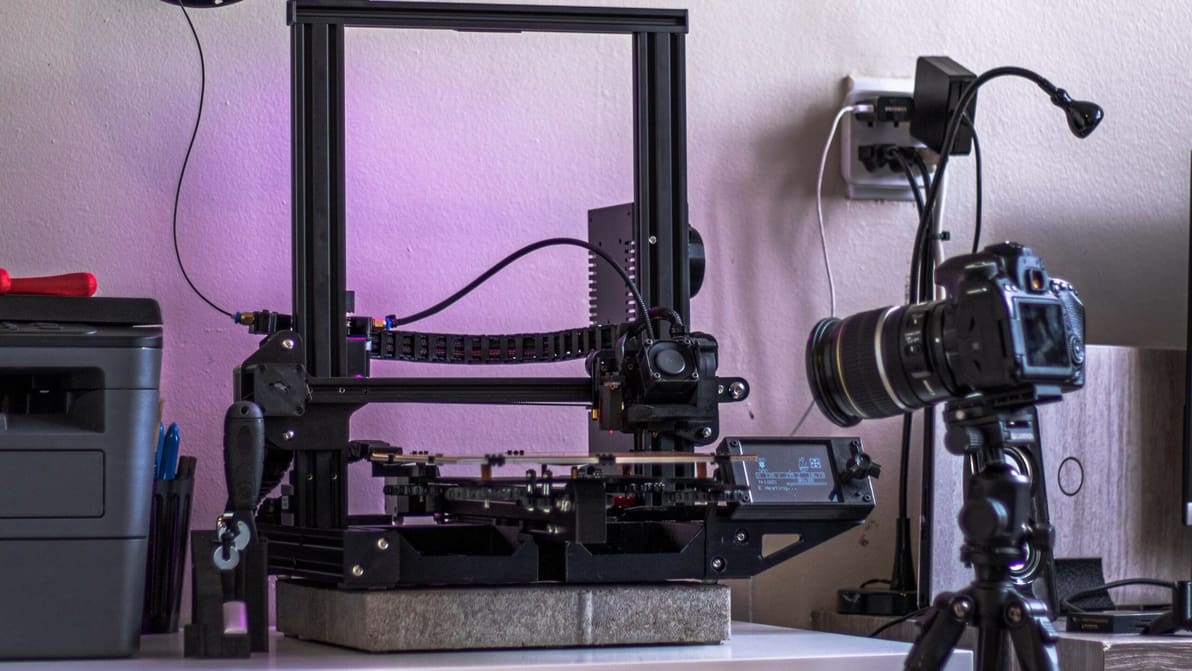
Isn't it fascinating to watch our prints come to life? Check out how Klipper time-lapse integration can capture this magic for every print!
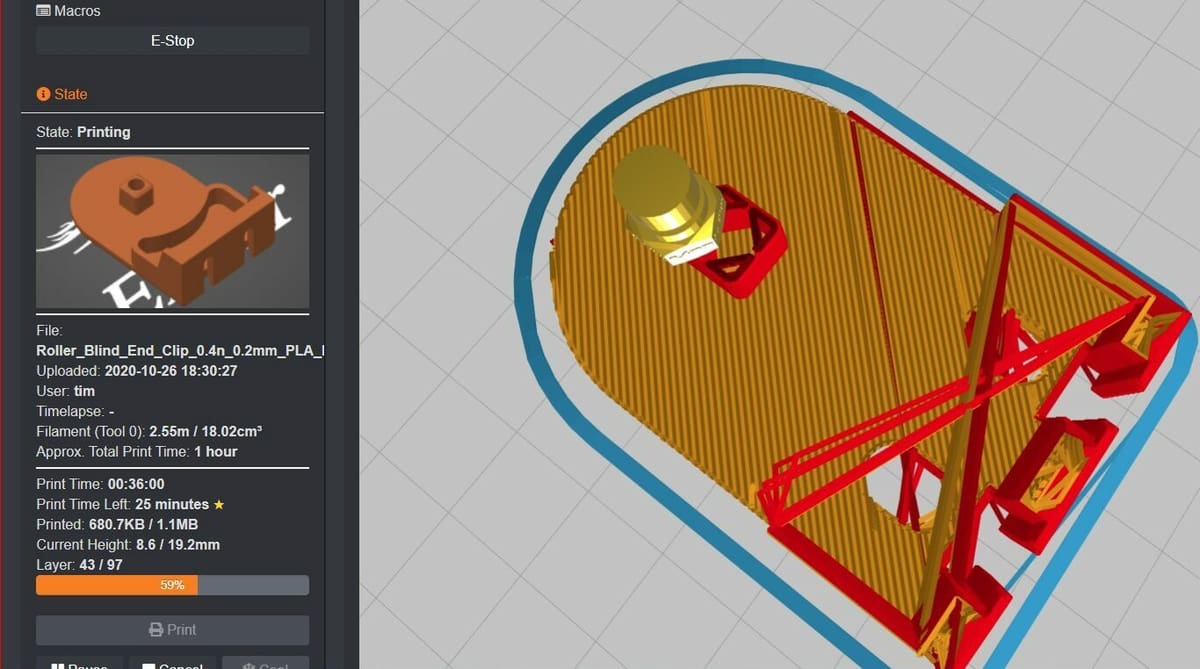
A Klipper plug-in can improve your experience with this firmware and tailor it to your needs. Read on to discover the best ones out there!
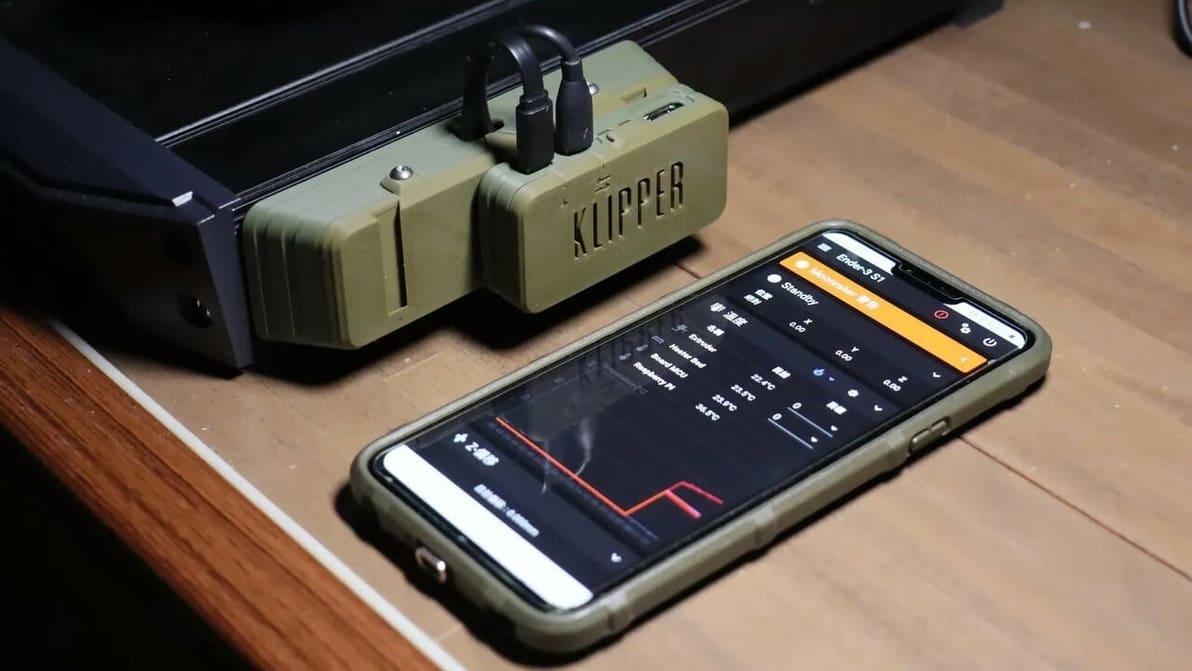
If you're wondering what Klipper sensorless homing is, look no further! Read how to configure Klipper to home without using endstop switches.
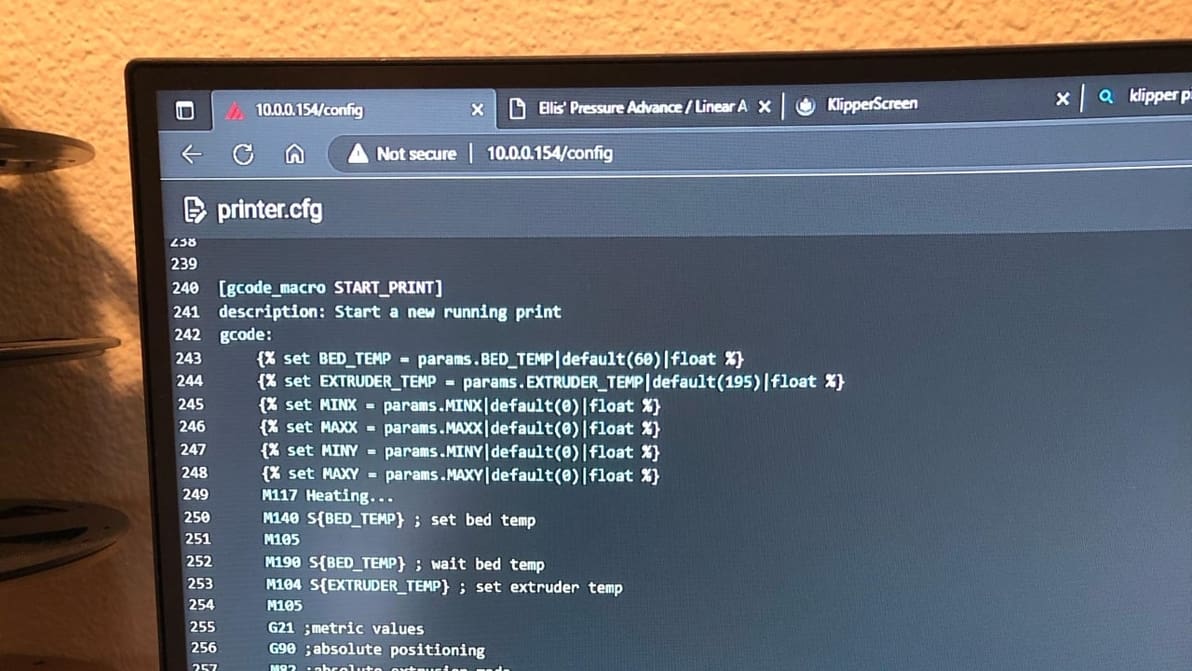
Klipper can improve your printing workflow using customized start G-code macros. Keep reading to learn all about Klipper start G-code!
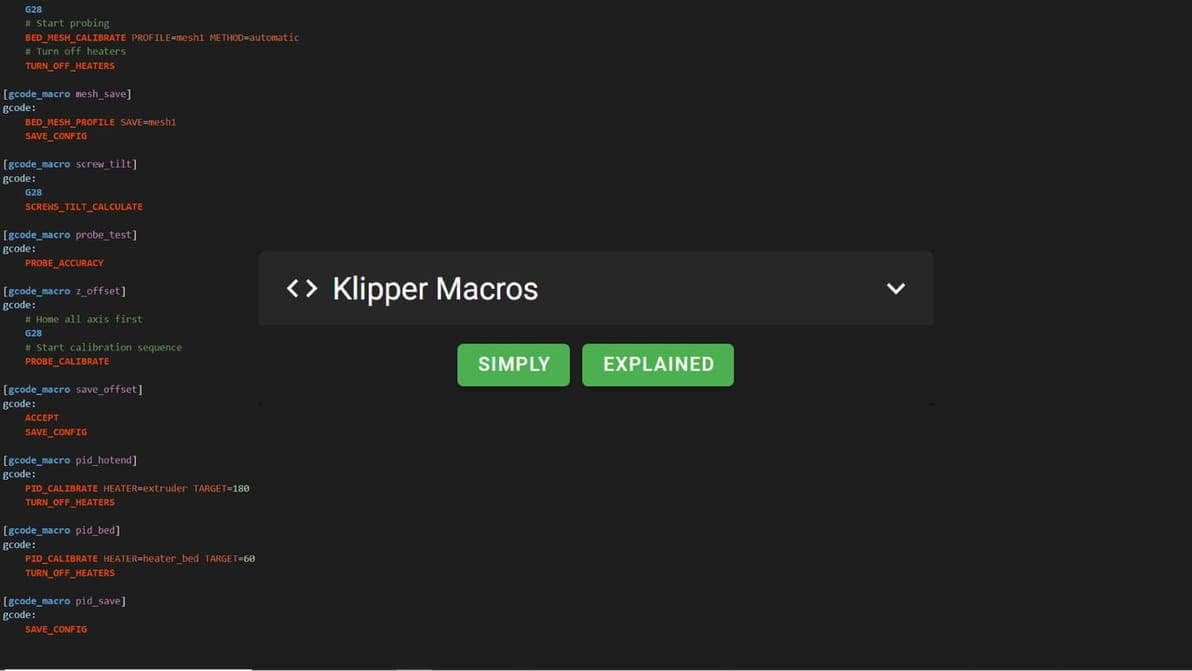
Looking for insights into the confusing world of Klipper macros? Or maybe an example to copy-paste? Find everything you need to know here!