Popular articles
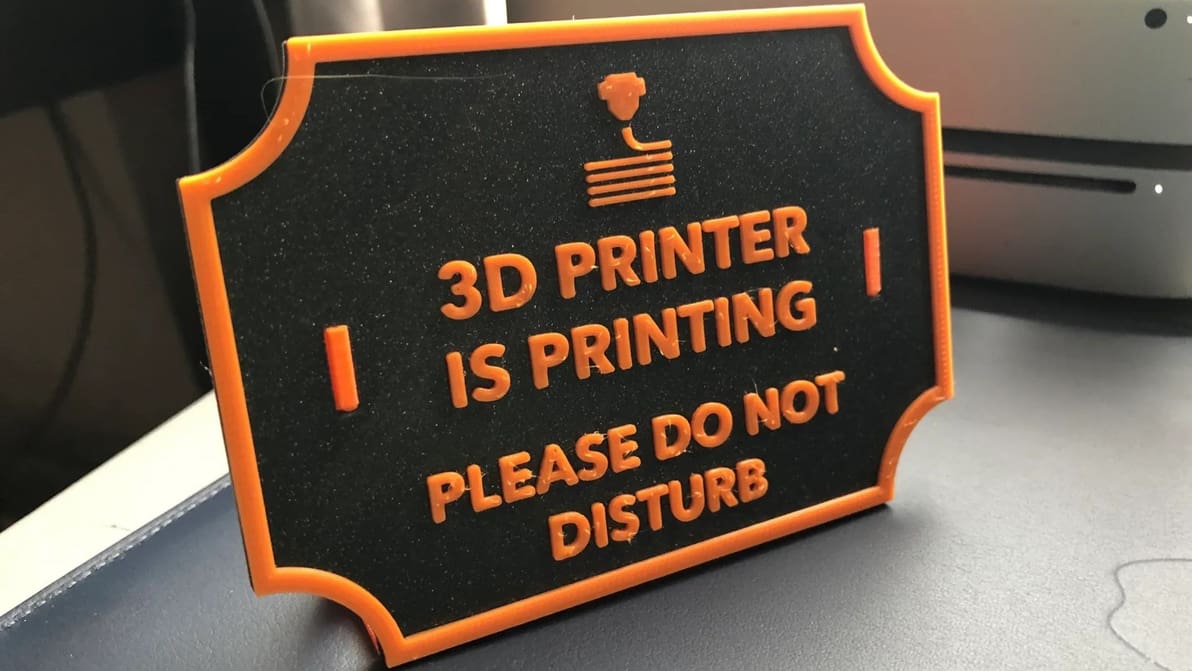
3D printing text, especially in decorative fonts, can be a challenge. Read on for some tips you can use to design and 3D print text.
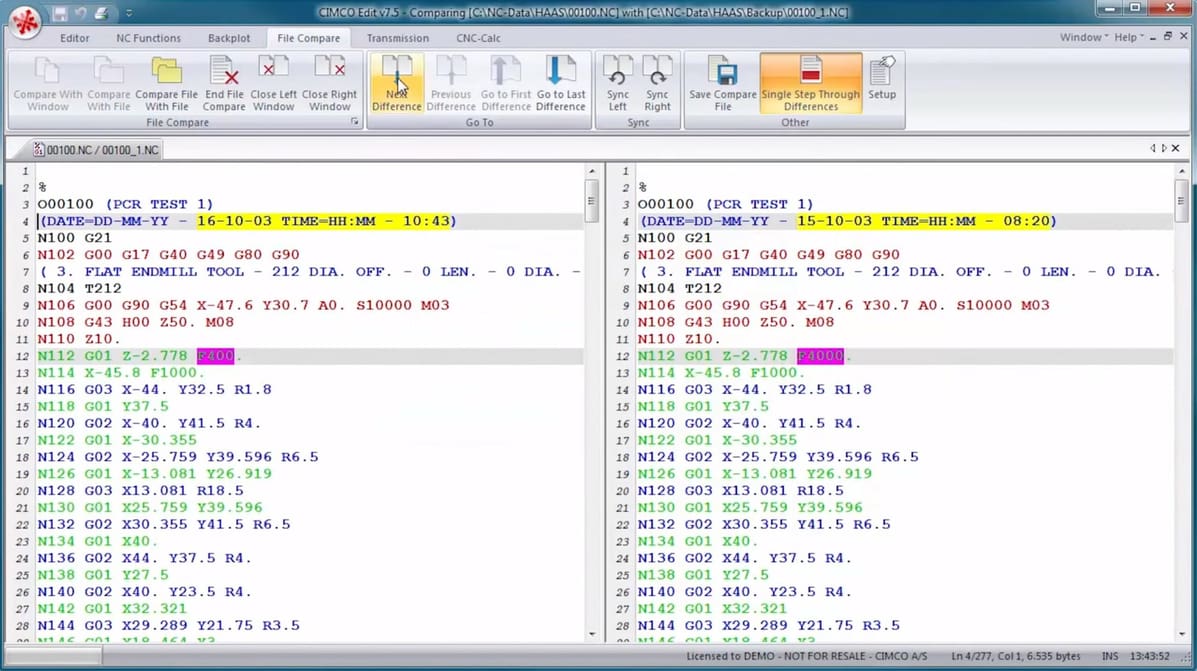
A G-code editor allows you to play with your CNC or 3D printing code. Read on to find your ideal G-code editor from our top picks!

The R1 cuts wood, acrylic, leather, fabric, and paper, plus engraves on glass and stone.
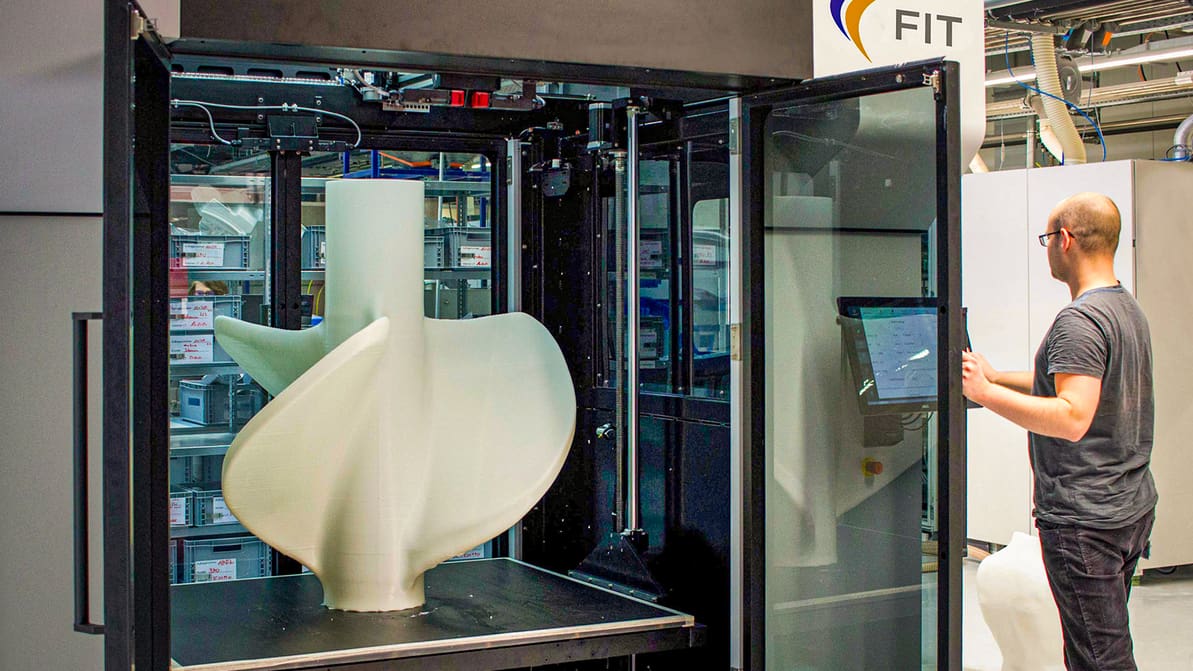
Our recommendations for large-scale 3D printing services include local and global providers that 3D print large objects for professional use.
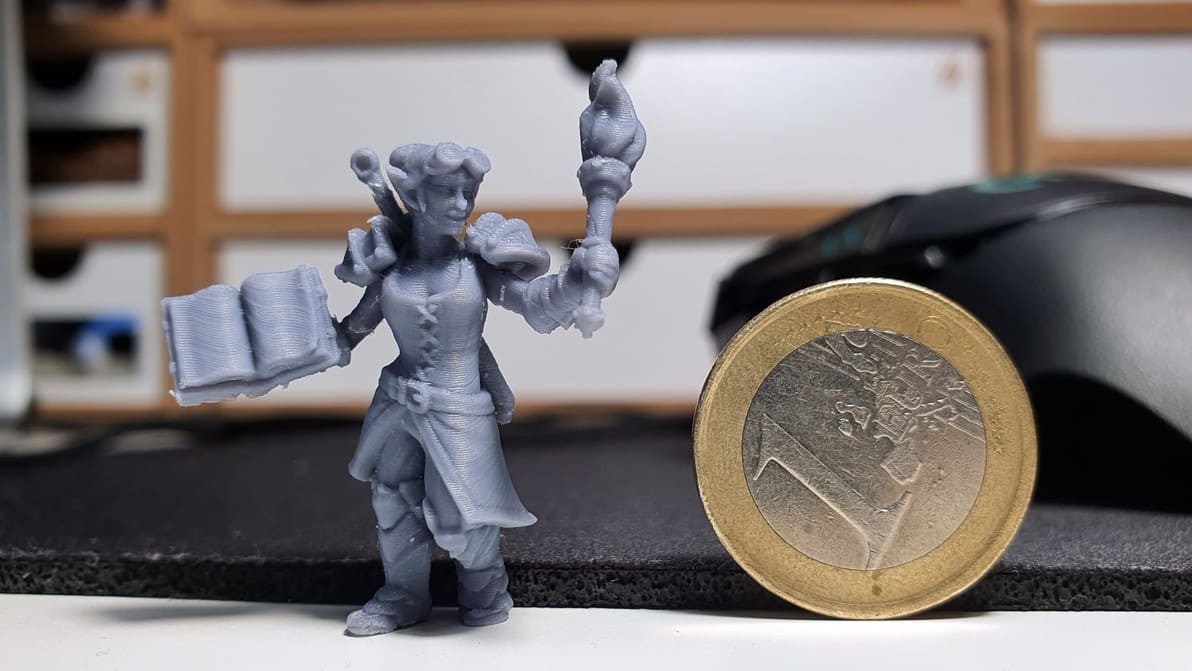
PLA+ filament is an improvement over PLA for a variety of reasons. Read on to learn about these, and to find the best PLA+ brands out there.
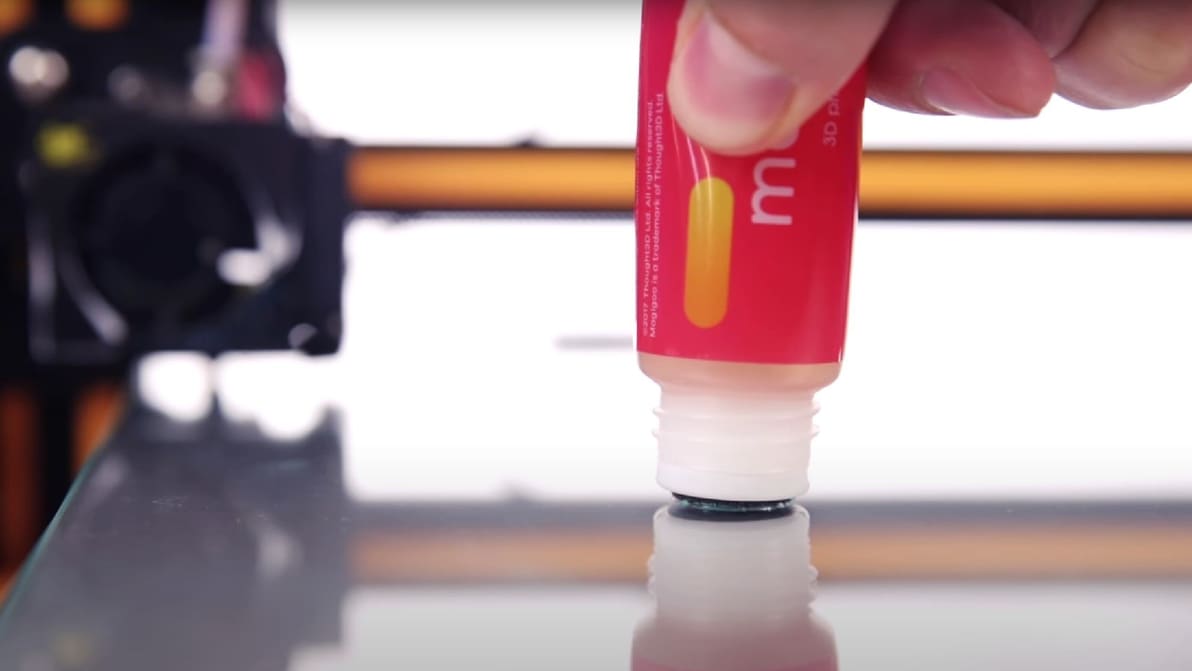
A simple glue stick can go a long way in improving bed adhesion. Check out the best glue sticks for 3D printing!
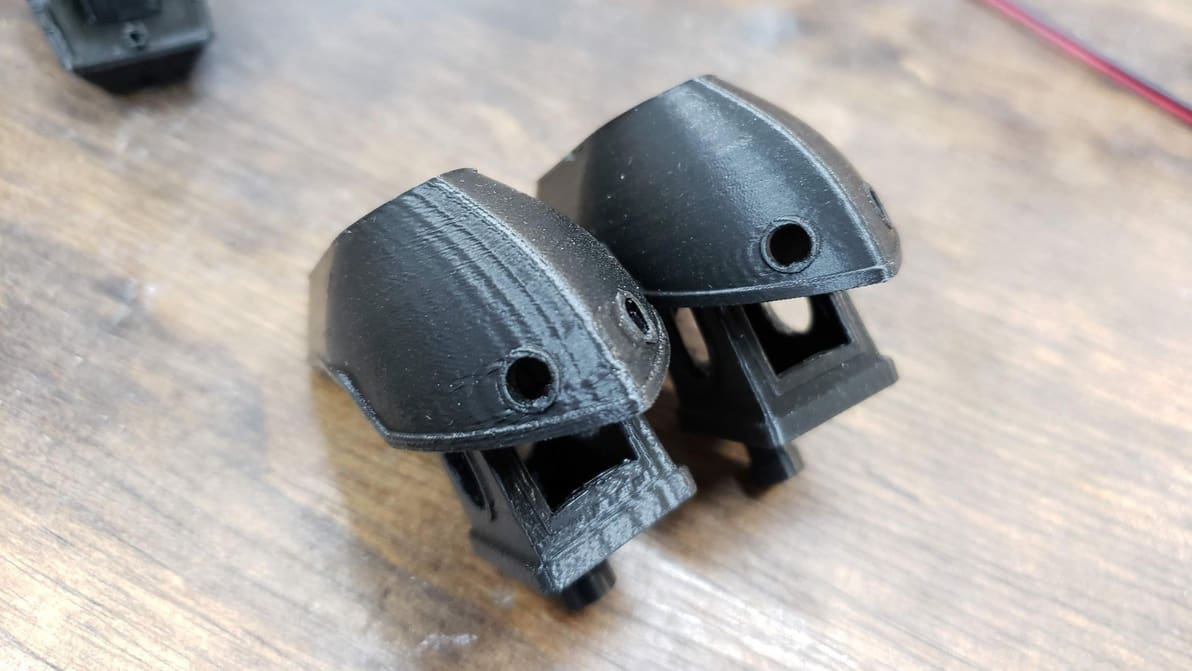
Klipper Input Shaping improves print quality by exorcising the ghosts caused by vibrations and resonances. Read on to learn all about it!
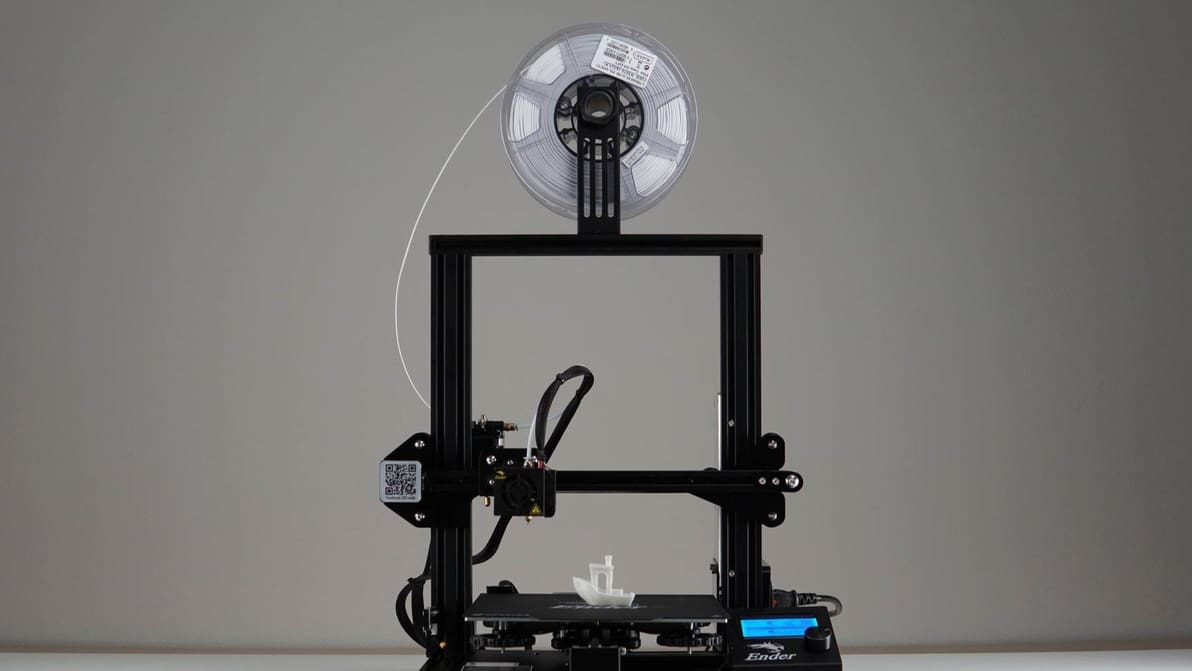
Explore new materials! Check out our Ender 3 (V2/Pro/S1) filament guide to find the best filament for your needs!
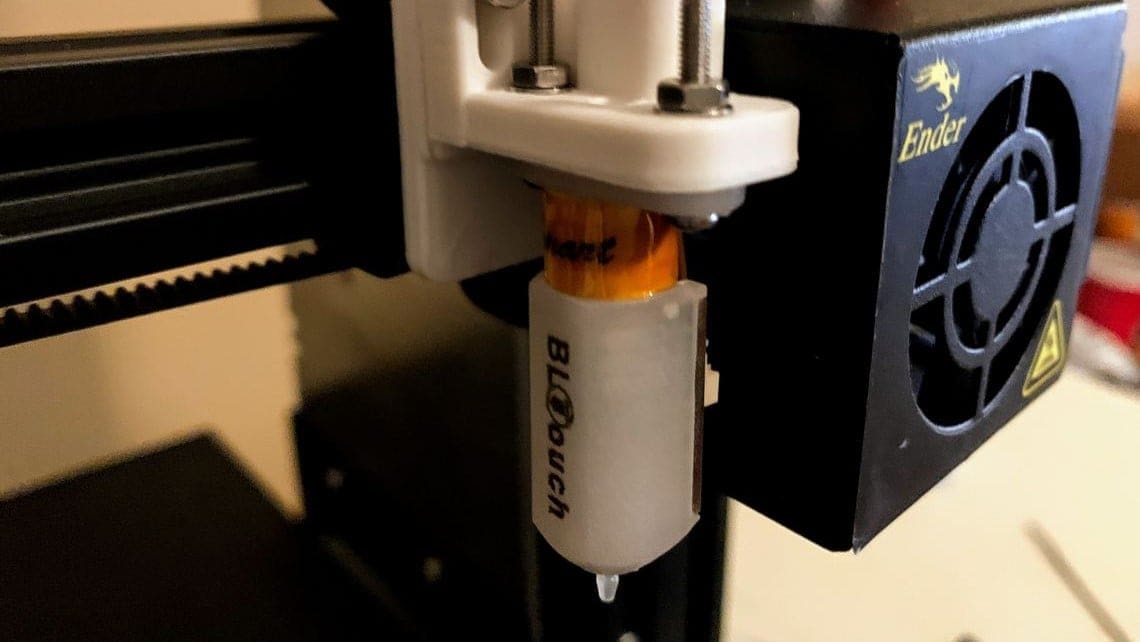
Manually leveling a printer bed is so simple a robot can do it. Enter, the BLTouch! Read on to learn how to install a BLTouch on your Ender 3.
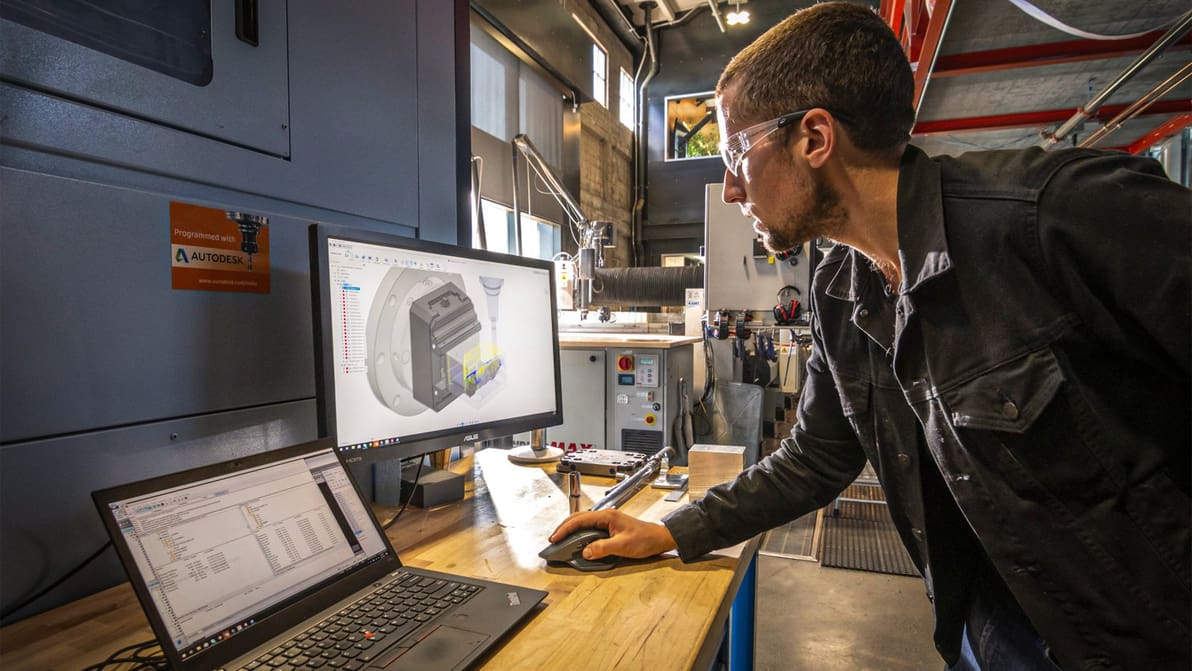
CNC machining as a hobby or learning CAM for professional manufacturing applications? Nothing beats free software to get your feet wet.
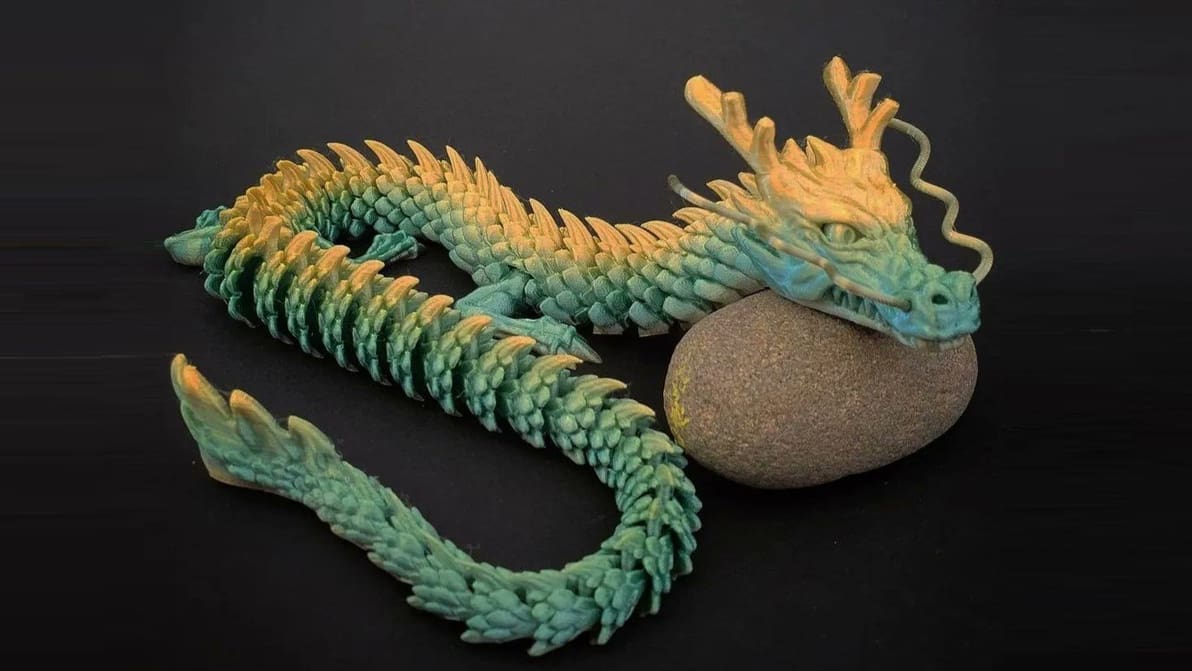
eSun is one of the largest filament companies in the world. Read on to learn more about the many eSun filament options!
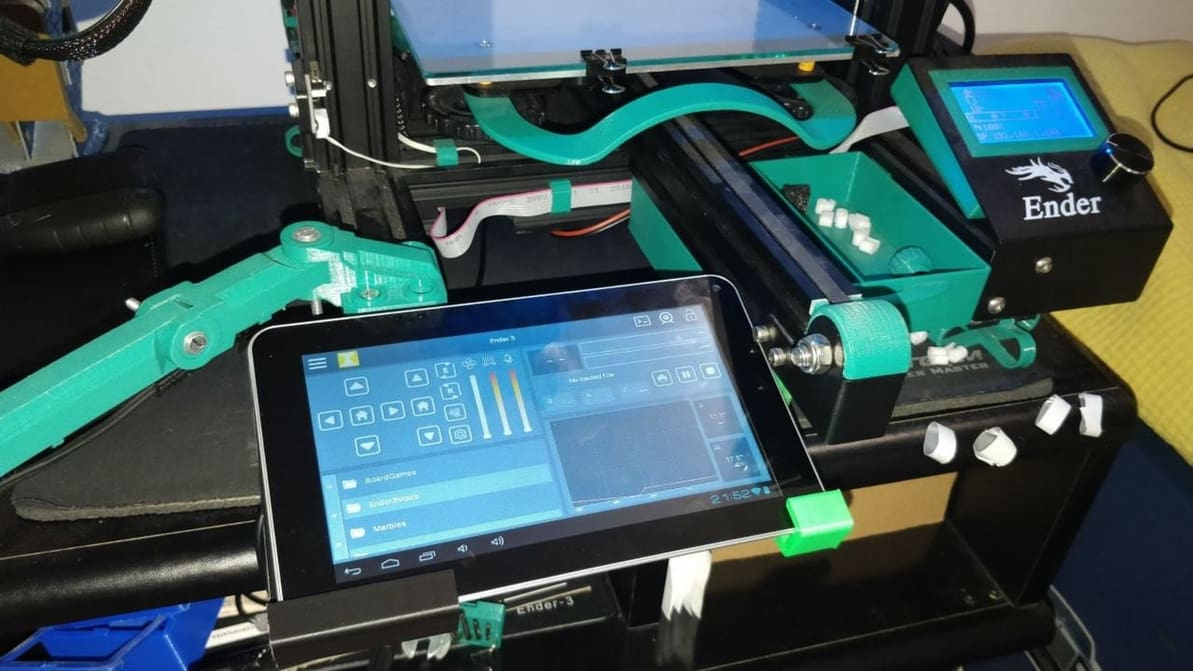
The Ender 3 relies on a MicroSD card to print parts, but Wi-Fi can change that. Learn how to make the Ender 3, V2, Pro, and S1 wireless!
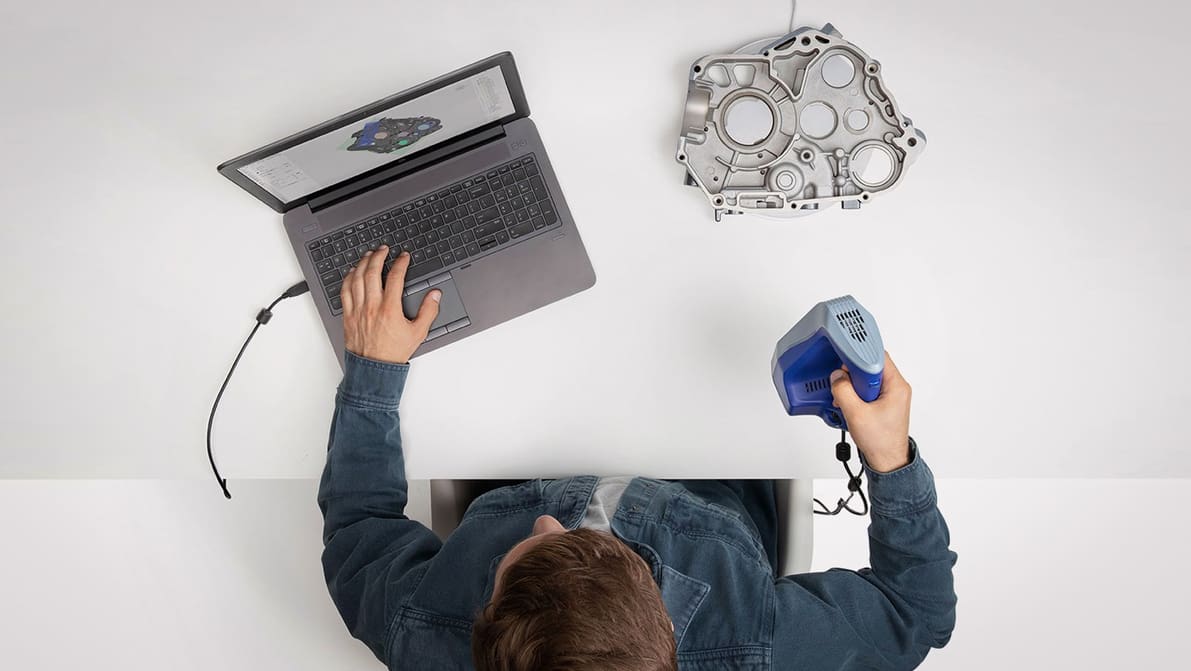
Learn how to reverse-engineer physical parts into digital design models with the top software options for your 3D scan data.
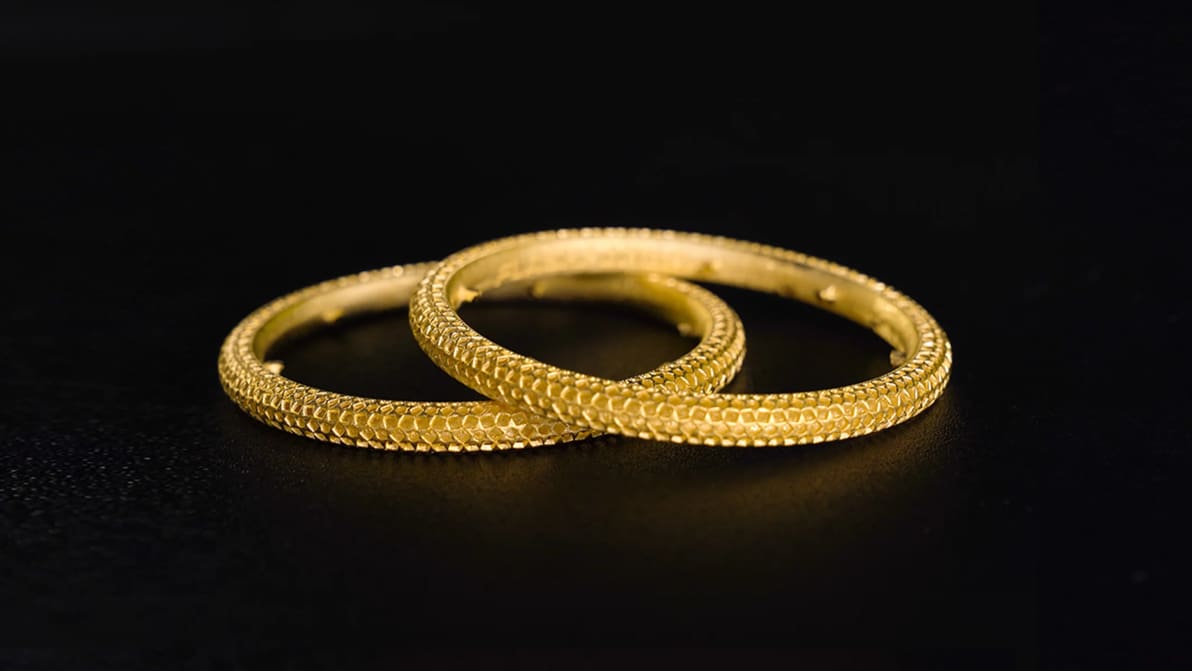
3D printing has transformed the jewelry-making process. So which is the best 3D printer for jewelry professionals and hobbyists? Find out!
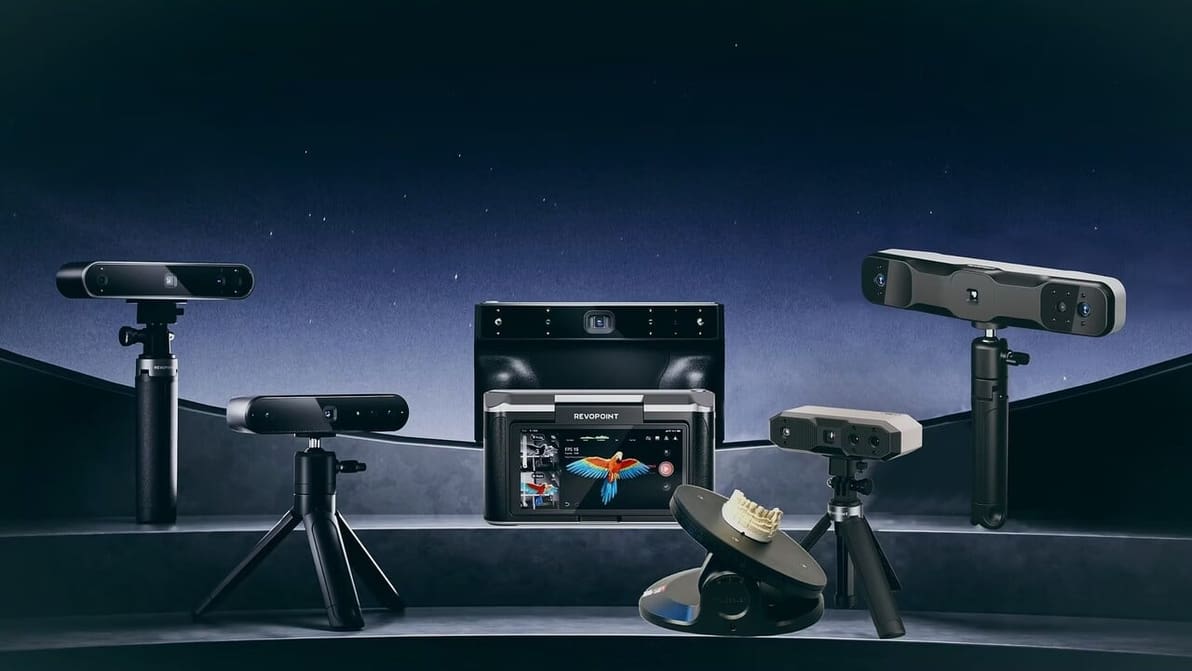
Revopoint creates compact and affordable 3D scanners. But do they deliver true accuracy? Find out now in our complete comparison!
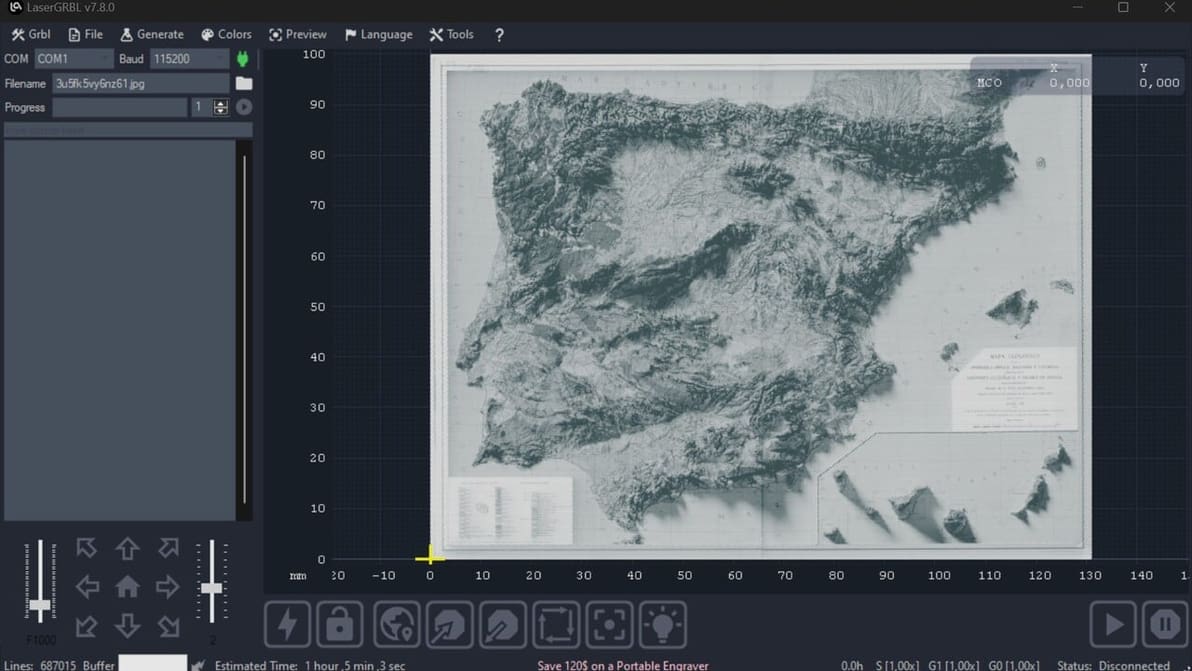
Check out our picks for the best laser engraver and laser cutter software. Make the most of your machine with the right software!
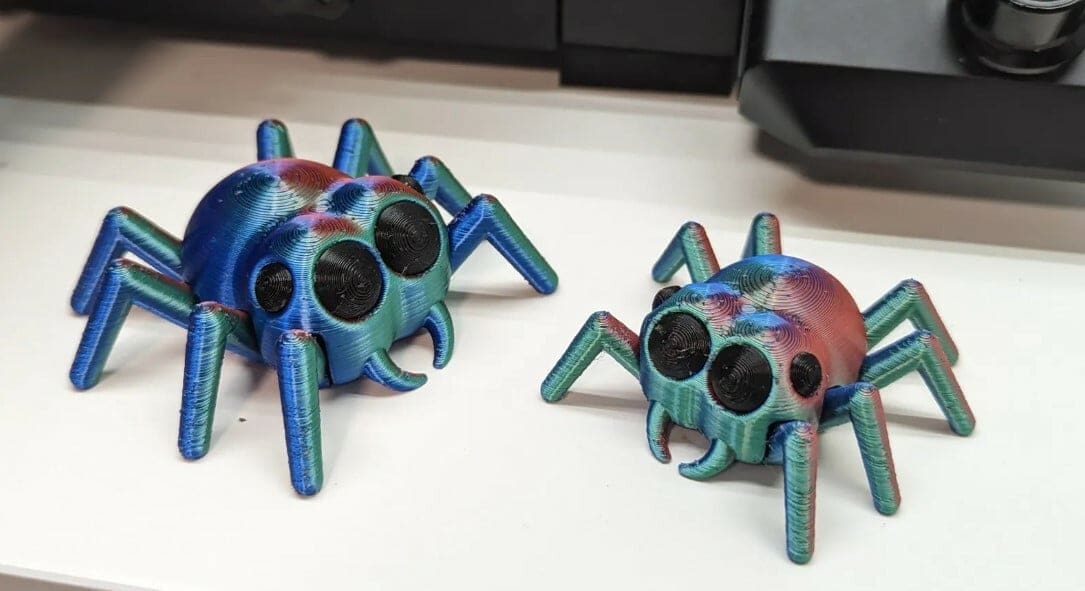
'Tis the season to be scary! Read on for the spookiest Halloween 3D prints, from jack-o'-lanterns to fun decorations!

Supports falling off mid-print? Z Hop can help! Learn how to use this setting in Cura to improve your prints.
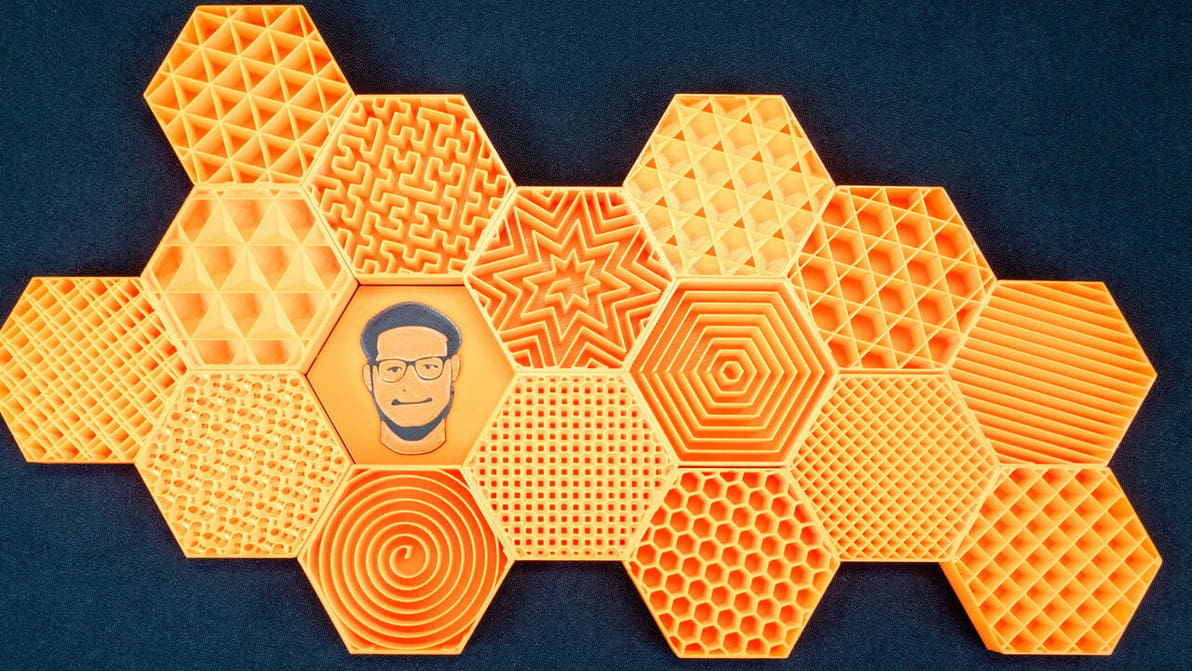
PrusaSlicer infill patterns are some of the most diverse of any slicer. Read on to learn which one is best for you!
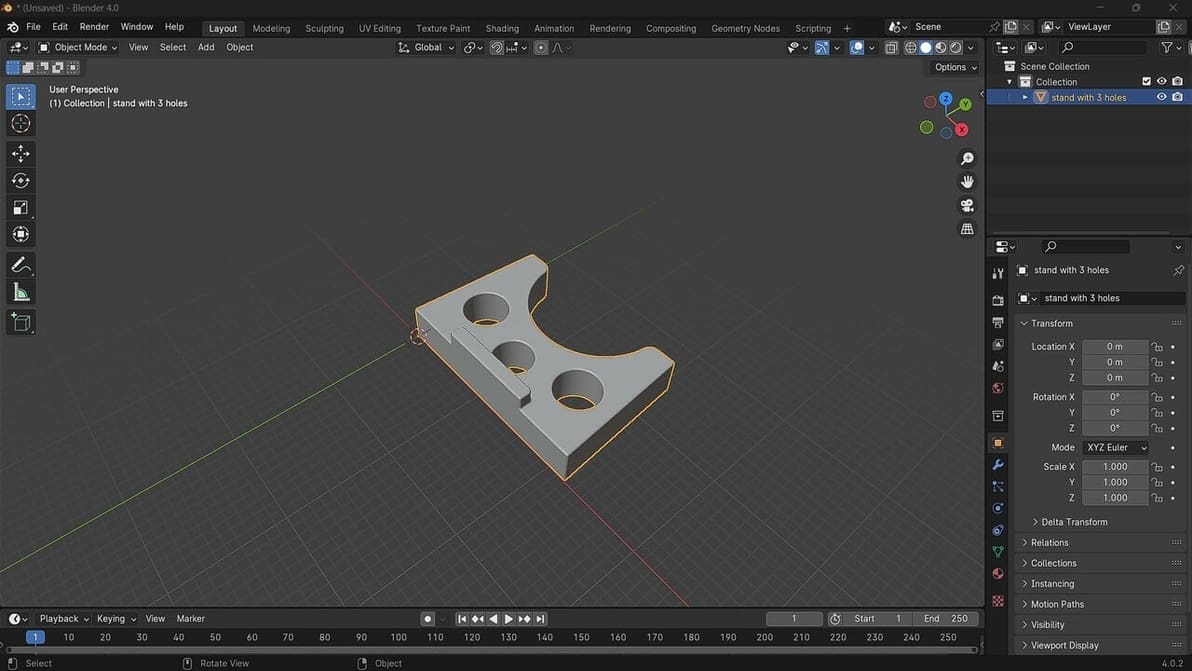
Blender 4.0 has just been released. Check out how to open STL files in Blender to get you on your way to making great designs!