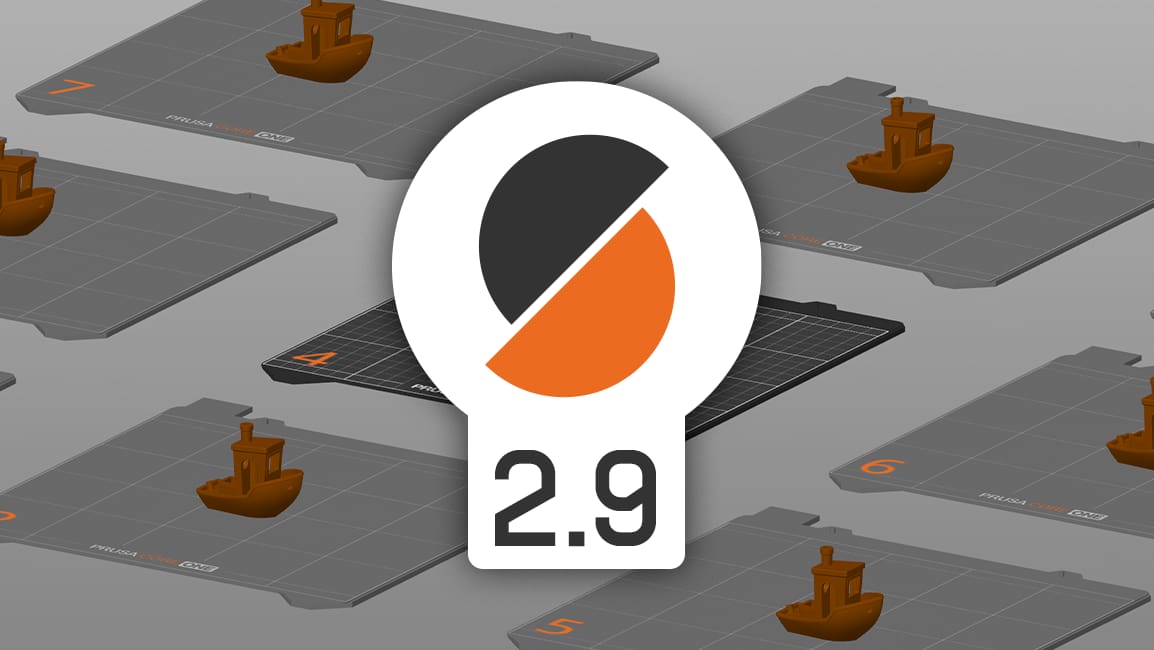
Prusa Research Releases PrusaSlicer 2.9

Users can now spread parts between up to nine print beds from directly within the slicing software, as well as leverage tools like a fuzzy skin painter and scarf seams for better print quality.
Prusa Research closed out last year with an update to PrusaSlicer that implements some features found in other Slic3r-based software, and a couple that stand out.
Version 2.9 of the slicing software is decidedly bed-focused, with a new, front-and-center feature that allows users up to nine beds for multipart prints while retaining the same print settings on each.
Several tools make this feature easier to use, including individual and bulk bed slicing, drag-and-drop functionality – users just drag a part to an empty space and a new bed is generated – and an auto-arrange tool for part placement. Additionally, the software now detects separate beds in older PrusaSlicer projects (which were previously managed with “virtual beds”) and automatically moves them to non-virtual counterparts.
There are also several new additions and improvements that focus on print aesthetics and quality. A fuzzy skin painting tool, scarf seams, a height range tool for multi-material slicing, a new “fill angle” setting for the bucket tool – all should help users create better (or at the very least better-looking) prints.
Prusa XL users will be happy to find that “experimental support form printing with different nozzle diameters on multitool printers” has also come with version 2.9, which should help put those extra toolheads to work.
Rounding things out here is Printables integration within PrusaSlicer, enabling users to access, open, and slice models via a tab in the top bar. For all the details on PrusaSlicer 2.9, check out Prusa’s blog post.
Read more recent news:
License: The text of "Prusa Research Releases PrusaSlicer 2.9" by All3DP is licensed under a Creative Commons Attribution 4.0 International License.