
You Have a 3D Printer in Your Classroom, Now What? This Guide to 3D Printing Curriculum

3D printing has earned its place in the classroom. This guide rounds up the curriculum providers, CAD tools, and funding options to build lessons that inform and inspire.
3D printing belongs in more classrooms than it’s actually in, and the gap is rarely the printer. It’s everything around it: a lesson plan that fits a class period, training so a teacher isn’t learning the software live in front of 30 students, and a budget line for something other than hardware.
It’s also rarely just its own subject. Done well, it enhances how science, engineering, math, and design thinking already get taught, for a more comprehensive and integrated educational experience.
This guide rounds up what’s actually available in 2026 like CAD tools with real classroom programs behind them, curriculum providers with current pricing, and funding resources.
Why 3D Printing Curriculum Needs More Than a Printer
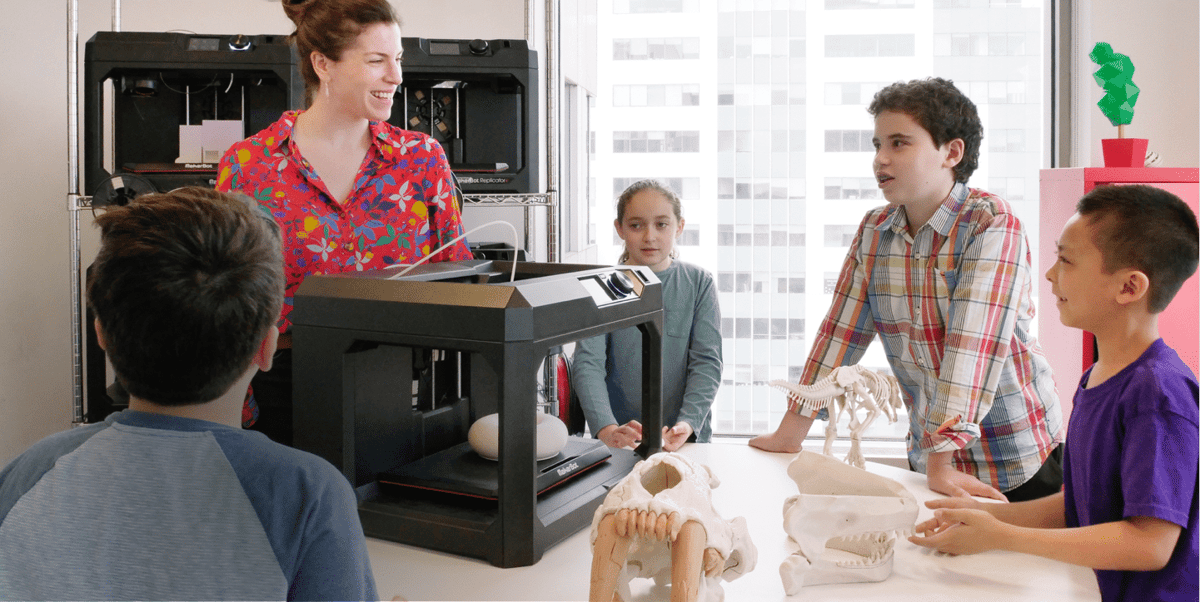
Schools that adopt 3D printing tend to make the same budgeting mistake: the money goes to the machine, and whatever’s left over (usually not much) goes to filament. Teacher training and ready-made lesson plans are treated as optional, which means the printer sits half-used while a teacher who’s never modeled anything before tries to build a curriculum from scratch on their own time.
The fix isn’t complicated, but it means deliberately budgeting for it. That means picking a provider whose lesson plans are actually usable without a semester of prep (the providers below vary a lot on this), and it means looking for funding that covers training and software, not just hardware. MakerBot’s annual Grant Guide is a useful place to start on that second point. The 2026 edition rounds up more than 35 grants, scholarships, and government funding sources (including federal programs like Perkins, Title I, and Title II funds) specifically for STEM and classroom technology, along with a section on how to actually win one.
You Don't Need a 3D Printer to Start Teaching 3D Printing
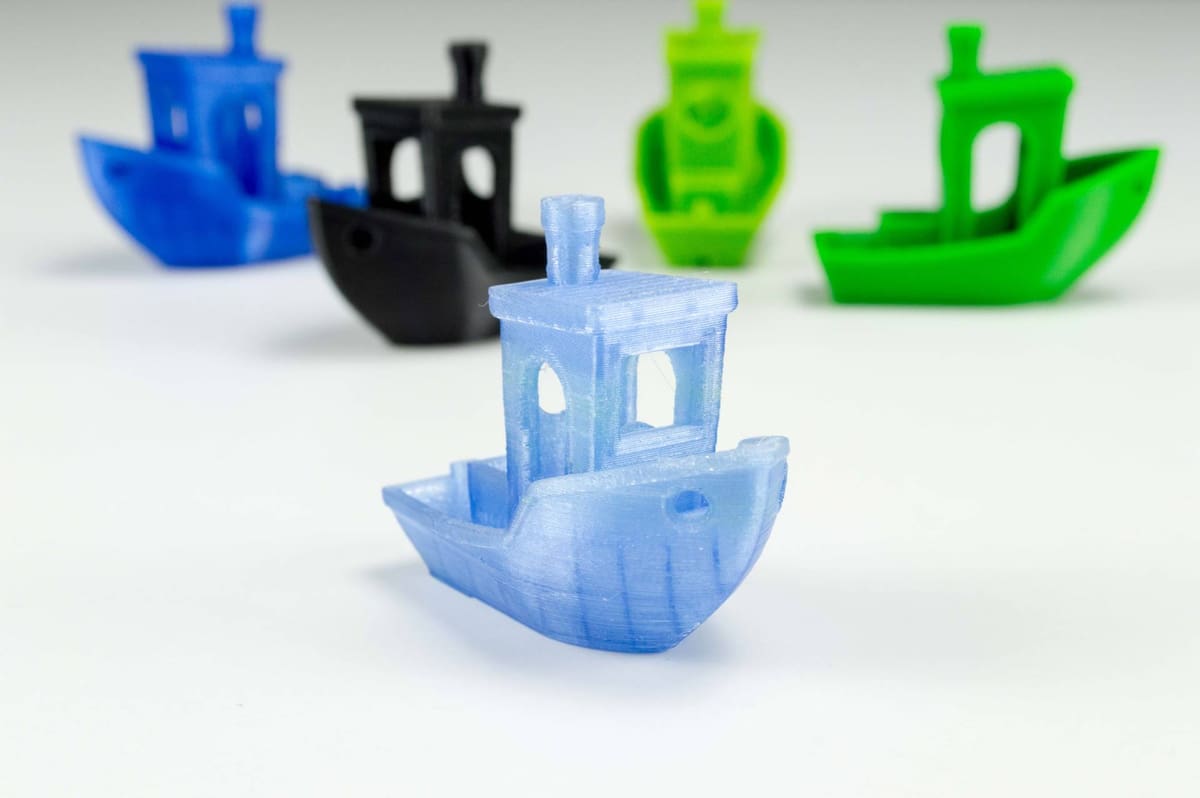
Rather than viewing a 3D printer as a starting point, its better to see it as the last step. Students can learn to design for 3D printing, understand the constraints of the process, and iterate through multiple versions of a project entirely on a computer, then send the finished file out to be printed. That splits the “how do we teach this” question into two much easier ones: what do students design with, and how does a design become an object.
Design Without Hardware: CAD Platforms With Real Classroom Programs
Plenty of CAD software is free. Far fewer tools back that up with an actual classroom layer — roster management, ready-made lesson plans, a teacher dashboard. That’s the bar for this list, and it narrows things down to three:
Tinkercad is the default first stop for a reason: it’s free, runs on anything with a browser, and pairs its editor with lesson plans a teacher can actually hand out rather than write from scratch. Onshape is the natural next step for older students, especially anyone headed toward robotics or engineering competitions. SketchUp for Schools is worth knowing about, but budget time for the IT approval step before counting on it for week one.
Fusion, SolidWorks, and Shapr3D are all real options for advanced students, and FreeCAD and Blender are free and capable. None of them ship a classroom program the way the three above do, so they’re out of scope here. All3DP’s guides to the best online CAD software and CAD for kids covers that full comparison.
Getting a Physical Part Into Students’ Hands Without Owning a Printer
Once a design exists, getting a print in a students hands does not necessarily require a printer sitting in the classroom. Services like Craftcloud can take a finished 3D file and return a printed part. So a class can design on Tinkercad or Onshape, submit files for printing, and get a physical 3d print without a school ever having to budget for a machine, filament, or maintenance.
Its an accessible way to include 3d printing in the curriculum and run a full design unit before deciding whether hardware is worth the investment.
A Quick Note on Safety
A printer running in a classroom isn’t risk-free: 3D printers emit particulate matter and volatile organic compounds, and a recent study on classroom 3D printers found fume levels ranging from minimal to moderate in poorly ventilated rooms — with a properly filtered enclosure making the biggest measurable difference. Before putting a printer in regular classroom use, it’s worth reading our guide to 3D printing fumes and air quality for what actually reduces exposure.
Curriculum & Lesson-Plan Providers
For schools that do have a printer, or are budgeting for one, these are the current providers worth knowing about, what each one actually offers, and what it costs.
Makerbot (Ultimaker)
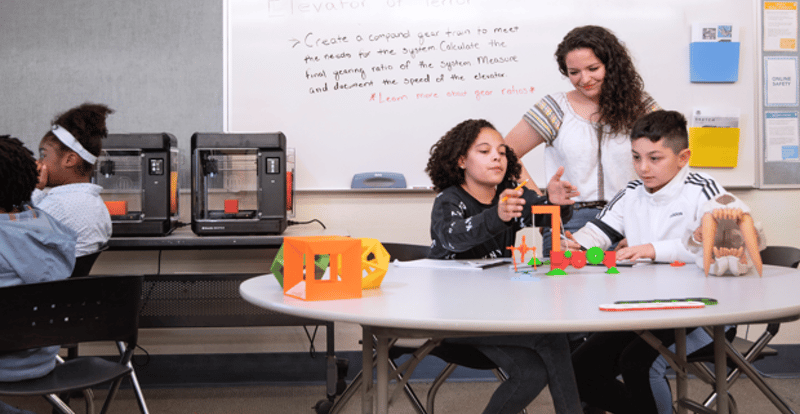
MakerBot is UltiMaker’s dedicated classroom brand, already used in thousands of schools, built around the Sketch Classroom line of printers. The free Educators Guidebook to 3D Printing is the flagship resource; over 150 pages covering 30-plus projects across robotics, engineering, math, and science, alongside Thingiverse Education’s library of 600-plus lesson plans and an active educator community. MakerBot also publishes its own annual Grant Guide, mentioned above.
Classroom certification is a paid annual add-on. It is a self-paced online course platform covering printer operation and design thinking, with hands-on projects, a teacher dashboard for rostering and tracking progress, and certificates (“Operator” and “Innovator”) that students actually complete coursework to earn. Teachers get roughly 10–20 hours of professional development credit for going through it themselves. It runs $500/year for the Classroom License (30 students, one educator), up to $800/year for the School License (unlimited seats).
- Offers for 3D printing classes: Educators Guidebook to 3D Printing, Thingiverse Education (600+ lesson plans), paid classroom certification
- Cost: Guidebook and Thingiverse Education free; certification $500–$800/yr
- More Information: Makerbot
Bambu Lab
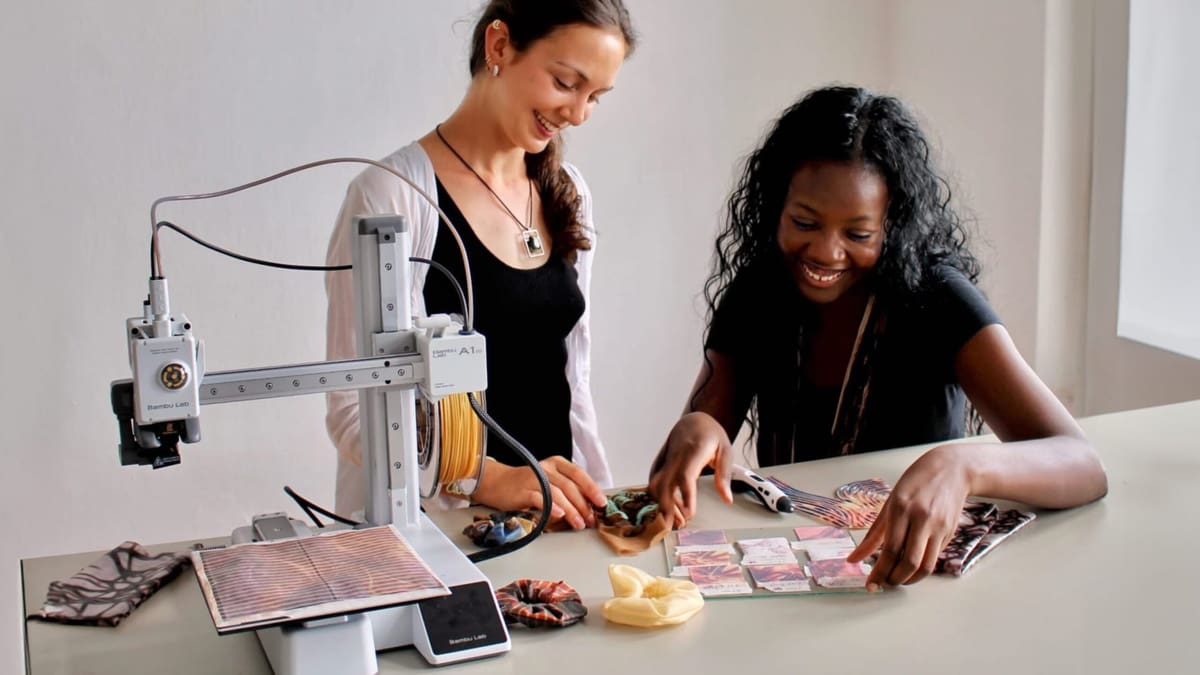
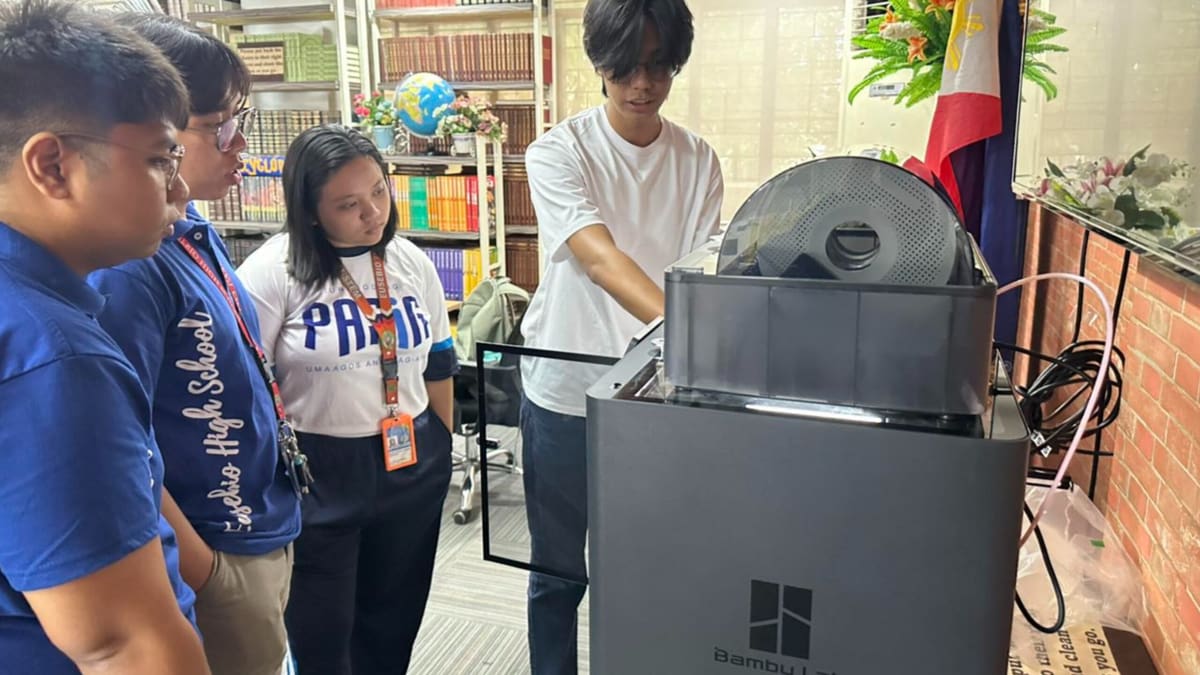
Bambu Lab has become the printer brand shaping most classrooms buying hardware for the first time. Its School Ambassador Program put 50 ambassadors to work across 11 US states and three Canadian cities in its 2026 cohort, running events that reached more than 30,000 people over the summer.
Bambu Lab doesn’t publish its own lesson-plan library, nor does it sell education bundles directly either. Those come through resellers like MatterHackers and Dynamism, which pair a Bambu Lab printer. From the A1 Mini up through the H2D and X2D lines, these come with a one-year PrintLab Teacher License covering standards-aligned lesson plans, mini-courses, and assessment rubrics.
A Bambu Lab P1S Combo bundled with PrintLab’s teacher license runs $848, with pricier tiers adding extended warranties and hardware upgrades. It’s effectively PrintLab’s curriculum (see below) attached to Bambu Lab’s hardware, which saves a school the trouble of pairing the two itself.
- Offers for 3D printing classes: School Ambassador Program; education bundles via resellers, pairing a Bambu Lab printer with a PrintLab Teacher License
- Cost: Ambassador participation free; PrintLab-bundled printers from $848 (P1S Combo)
- More Information: Bambu Lab
Polar Cloud
Polar Cloud has shifted from flat-fee curriculum licensing to a full classroom fleet-management platform, with pricing tiered from a free plan (one printer, five jobs a month) up to $799 a year, plus custom district and enterprise pricing above that.
Curriculum and fleet management are bundled into the same subscription rather than sold separately, but the curriculum itself doesn’t scale with every tier: Classroom ($199/yr) includes the “STEAMtrax Shorts” curriculum for 30 students and 2 connected printers, School ($499/yr) steps up to the fuller “Full + Challenges” curriculum for 250 students and 5 printers, and School Plus ($799/yr) keeps that same “Full + Challenges” curriculum but raises the ceiling to unlimited students and up to 10 connected printers (expandable to 25).
The jump from School to School Plus buys fleet capacity, not more curriculum. Those printer counts are connection limits for the software, not hardware included in the price; schools bring their own printers and pay Polar Cloud to manage them.
Polar Cloud’s STEAMtrax curriculum content is the platform’s thousands of NGSS-aligned lesson plans, including a Suspension Bridge Challenge (grades 6–8, two weeks, tension and compression forces), a DNA Double Helix build (grades 9–12, three days, base-pairing visualization), and Topographic Maps (grades 4–6, one week, turning 2D geography into 3D tactile models).
Its most relevant update for 2026: Polar Cloud now integrates with Bambu Lab printers, letting a school manage a fleet of Bambu hardware (X1C, A1 Mini, P1P, with more models planned) through the same dashboard that delivers STEAMtrax, so lesson content and fleet management sit in one login instead of two separate tools.
- Offers for 3D printing classes: STEAMtrax curriculum content (thousands of NGSS-aligned lesson plans), classroom fleet management, Bambu Lab printer integration
- Cost:Free tier available; Classroom $199/yr, School $499/yr, School Plus $799/yr
- More Information: Polar3D
3PI Tech Solutions (Dremel DigiLab)
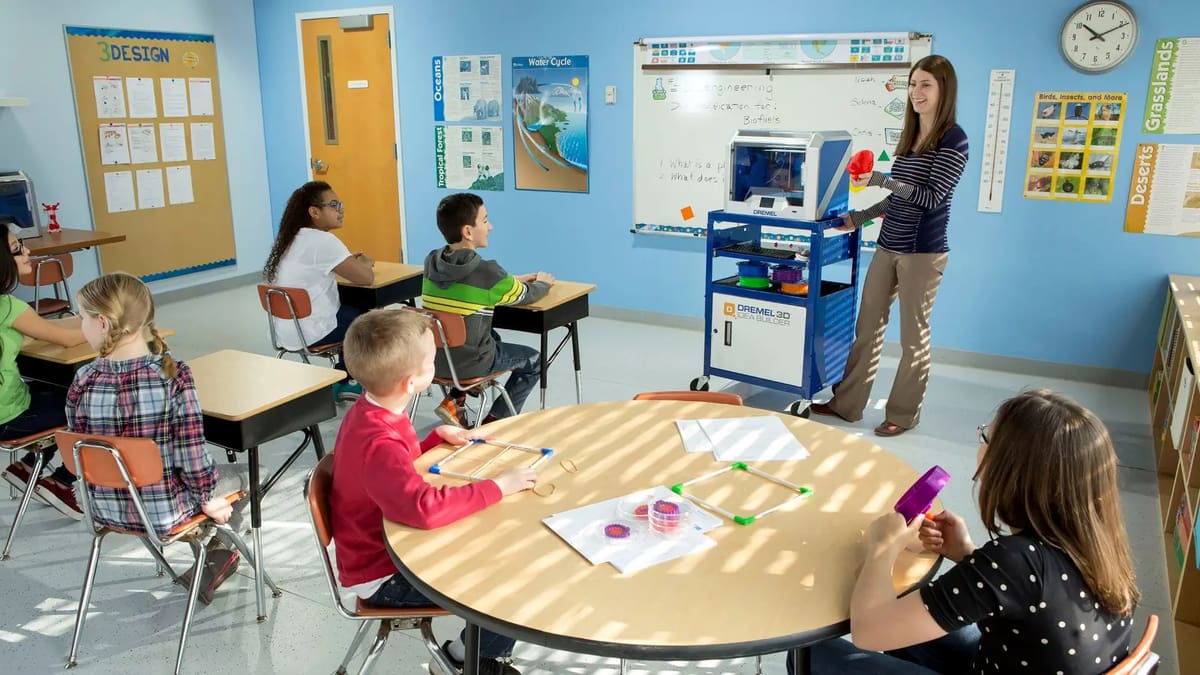
Yes, that’s the same Dremel that makes rotary tools and its DigiLab line of 3D printers has a good reputation as classroom printers. 3PI Tech Solutions now runs the hardware and the curriculum together, offering 30 standards-aligned lesson plans for grades 3–12, built around a five-phase design-thinking process and tied to Common Core, NGSS, and TEKS. One catch: access is gated to the hardware; you register with your printer’s serial number. This isn’t an option if you already own a printer from a different brand and just want curriculum to go with it.
- Offers for 3D printing classes: 30 standards-aligned lesson plans, grades 3–12 (requires owning a Dremel DigiLab printer)
- Cost: Free with Dremel DigiLab printer purchase — no separate subscription
- More information: 3PI Tech
Skriware
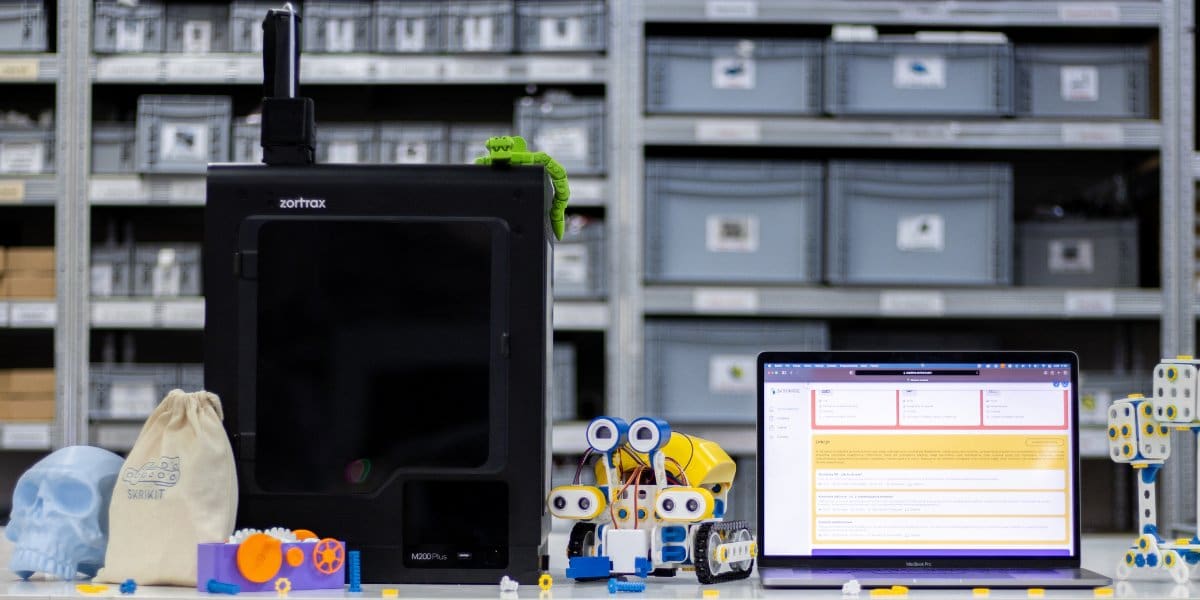
Skriware doesn’t build its own printer; its classroom kit, SkriLab, is built around the 3D Skrinter, a printer made for Skriware by Zortrax, the Polish 3D printer manufacturer, on its M200 Plus platform (20×20×18 cm print area, PLA/PETG/ABS, heated bed, built-in camera). The partnership has real scale behind it: Skriware and Zortrax bid to equip more than 4,500 schools in Poland alone under the country’s “Active Blackboard” program, with existing distribution into the UK, Belgium, Australia, India, South Africa, Malaysia, and the Middle East.
Skriware Academy is the curriculum side: roughly 30 e-courses spanning 3D modeling, printing, robotics, and programming, which break down into smaller subject bundles of a 20-lesson 3D-printing course, a 15-lesson engineering course, and rolling up to a “Full” package of 80 lessons across nine school subjects. Listed at $1,749 through reseller Geyer Instructional Products. Lesson content shares out to students via Google Classroom and Microsoft Teams.
- Offers for 3D printing classes: SkriLab classroom kit (3D Skrinter printer, made by Zortrax), Skriware Academy (~30 e-courses / up to 80 lessons across 9 subjects), integrates with Google Classroom and Microsoft Teams
- Cost: Full 80-lesson Academy package $1,749 via reseller (Geyer Instructional Products); institutional/bulk pricing sold through resellers, not listed publicly
- More information: Skriware
Maker's Red Box
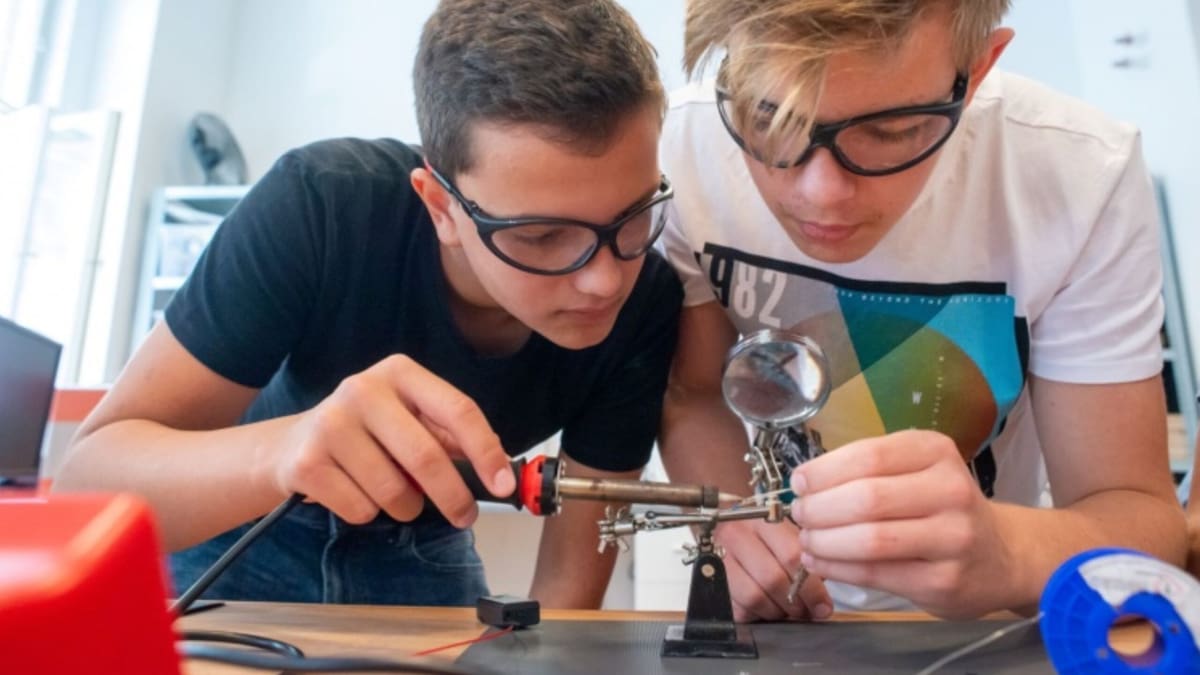
Maker’s Red Box runs 32-hour curriculum bundles across four themed courses aimed at students aged 11 to 17 , though 3D printing isn’t part of every theme.
City of the Future has students 3D-design and print buildings for a shared city model; Global Warning uses 3D design and printing to build physical solutions to sustainability challenges; Green Engineers has students 3D-design, print, code, and test a working water-purification system. Superheroes: Digital Storytelling is the outlier; it’s built around vector design and laser cutting for logos and props, with no 3D printing involved.
The curriculum itself is written around 3D printers in general, so educators don’t need a specific printer. A school just needs a makerspace with 3D printers, micro:bit controllers, and (for the laser-cutting theme) a laser cutter. In its own courses, Maker’s Red Box runs a fleet of Craftbot Plus Pro printers (a 12-unit donation from Craftbot), printing around 10,000 student objects a year, and it’s piloted its curriculum with 300+ teachers across Hungary, Finland, the Netherlands, and Luxembourg. Priced on a three-tier subscription (Digital, Essential, and Full Experience), with exact costs available through a sales inquiry rather than posted rates.
- Offers for 3D printing classes: Four themed 32-hour curricula (three of four include 3D design/printing projects)
- Cost: Three-tier subscription (Digital, Essential, Full Experience)
- More information: Maker’s Red Box
Makers Empire
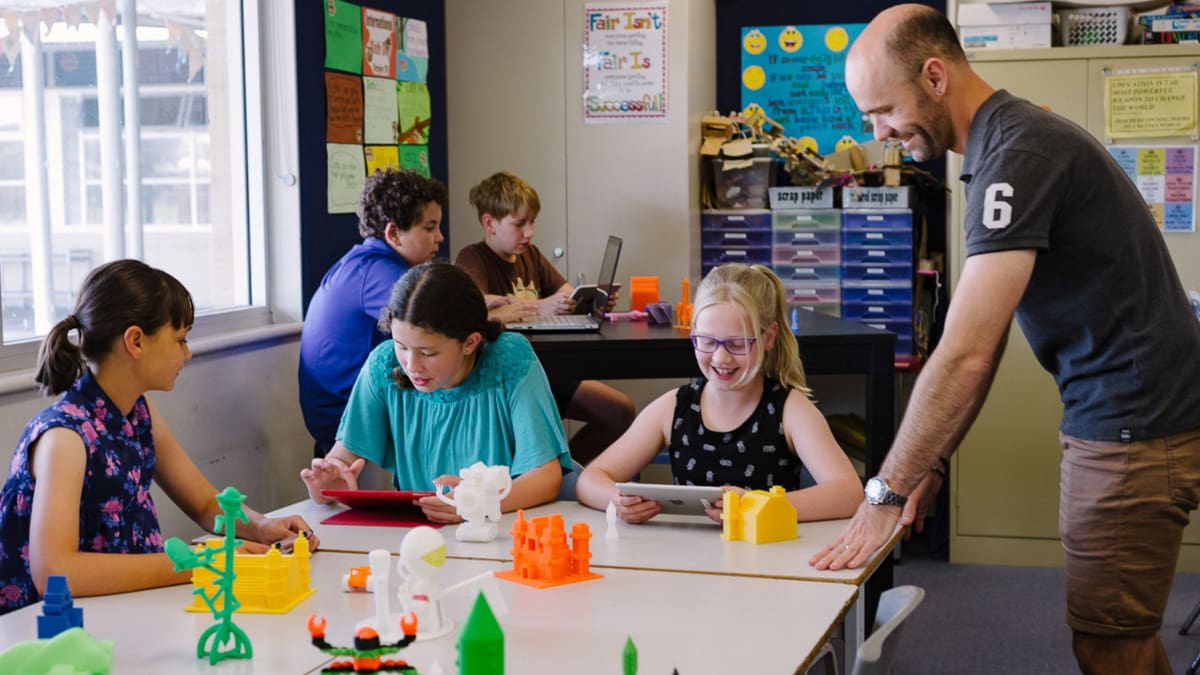
Makers Empire pairs a design app for ages 4 and up with more than 150 lesson plans, 10 in-app Challenge Courses, and four SDG-aligned term projects a year.
Pricing is tiered: $329 a year for a 30-student Class Plan, up to $1,149-plus for a School Plan covering 200-plus accounts, with per-student district pricing above that. The design app itself is free to download on iOS, Android, Mac, Windows, and Chromebook, and schools can trial the full tool (with its teacher dashboard) free for 45 days, no credit card required. You don’t need to own a printer to use it: Makers Empire runs its own print-fulfillment service, MakeShop, for schools without hardware, and for schools that are buying, it advises on software-and-printer packages and provides setup and troubleshooting guides for specific printer models.
- Offers for 3D printing classes: Free design app, 150+ lesson plans, 10 Challenge Courses, ages 4+, 45-day full trial, print-fulfillment service for schools without a printer
- Cost: From $329/yr (Class Plan, 30 students) to $1,149+/yr (School Plan, 200+ accounts)
- Website: Makers Empire
PrintLab
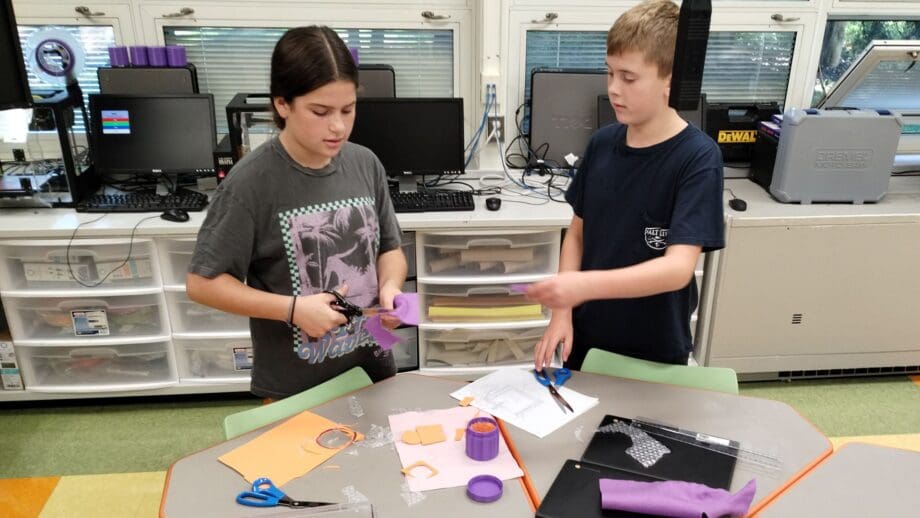
PrintLab has rebranded as WeArePrintLab and added a new entry-level tier. A Teacher License (one teacher, 35 students) runs $299 a year; the Site License, now unlimited on teacher seats and certifications, is $999 a year; and a new $199-a-year Personal License covers individual hobbyists rather than a full classroom. It’s also the curriculum behind the Bambu Lab education bundles mentioned above, sold as a package through resellers rather than through PrintLab directly.
- Offers for 3D printing classes: 45+ projects, certified teacher training, ages 9–14
- Cost: $199/yr Personal, $299/yr Teacher License, $999/yr Site License (unlimited)
- Website: Printlab
City X Project
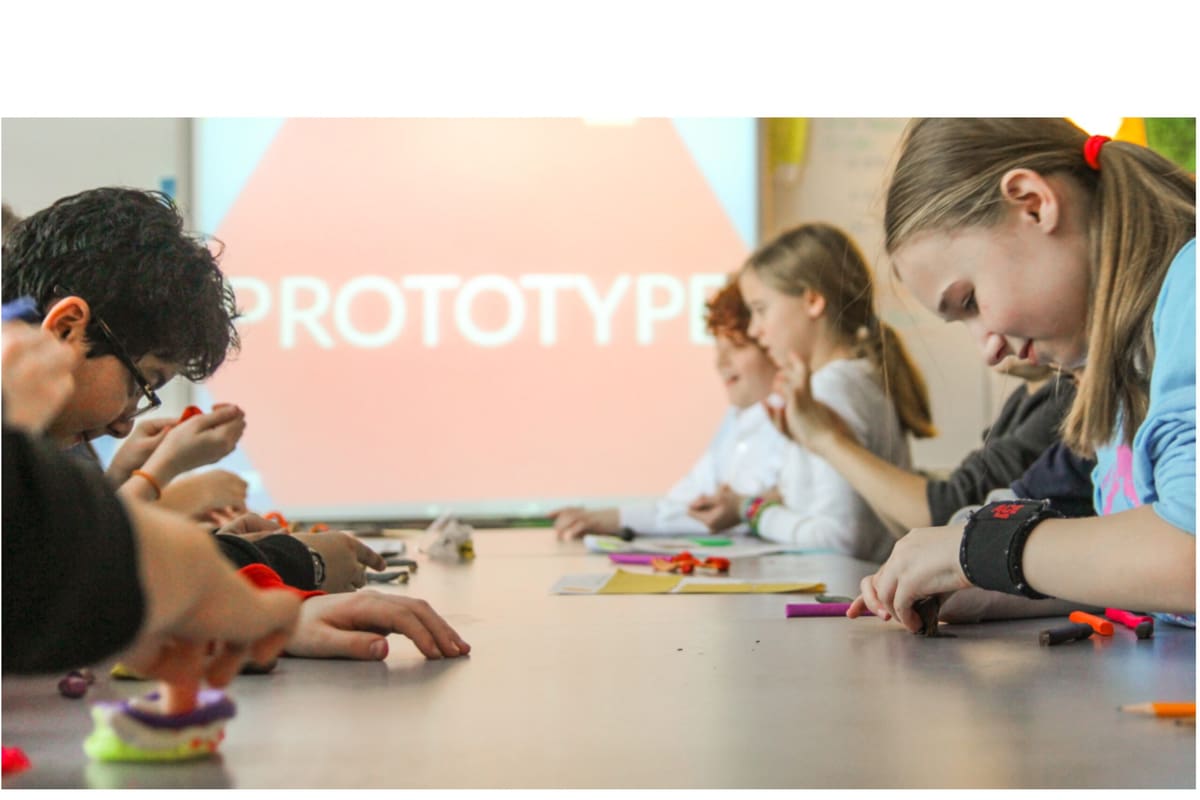
City X Project’s free design-thinking toolkit for ages 8 to 12 is now maintained under a Creative Commons license rather than run by its founding nonprofit, IDEAco. The premise: City X is a fictional city on a distant planet whose citizens keep running into everyday problems; getting around, communicating, finding safe drinking water, keeping food sanitary, and students design the inventions to solve them, which the citizens of City X can then 3D print.
It’s a running set of civic-problem challenges rather than one fixed project, with 3D printing built in as the core payoff, not an add-on. The toolkit is what makes it classroom-ready: Common Core alignment, a materials and equipment list, a presentation deck, printable citizen cards and student designer workbooks, plus add-on activities for tying City X into other subjects. It’s free for noncommercial use and a classroom or a no-cost community workshop qualifies. The companion book, Journey to City X: Adventures in Engineering for Kids, is available on Amazon.
- Offers for 3D printing classes: Free design-thinking toolkit built around a fictional-city, 3D-printed-invention premise (standards alignment, workbooks, presentation materials, cross-curricular add-ons), ages 8–12
- Cost: Free for noncommercial/classroom use; companion book $24.25
- More information: City X Project
Pitsco
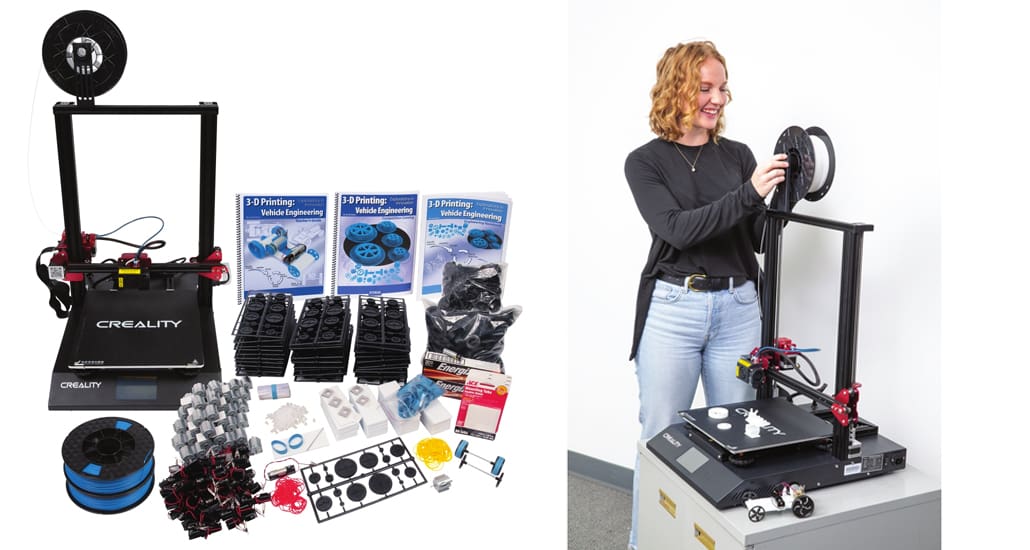
Based in the US, Pitsco is a good example of using collaboration to breed 3D printing education. The company, founded in 1971 by three teachers, has partnered up with 3D printing company Afinia. As a result, they have developed STEM curriculum materials for K-12 schools, to support the successful implementation of 3D printing in classrooms all over the country.
Pitsco’s 3D printing curriculum packages, including its Design Solutions Curriculum Package and Starter Package for classrooms, now bundle a Creality Ender-3 S1 Plus rather than the Afinia hardware they originally shipped with.
- Offers for 3D printing classes: Design Solutions Curriculum Package, Starter Package for classrooms, bundled with a Creality Ender-3 S1 Plus
- Cost: Varies by package — sold per product
- More Information: Pitsco.
Create Education Project
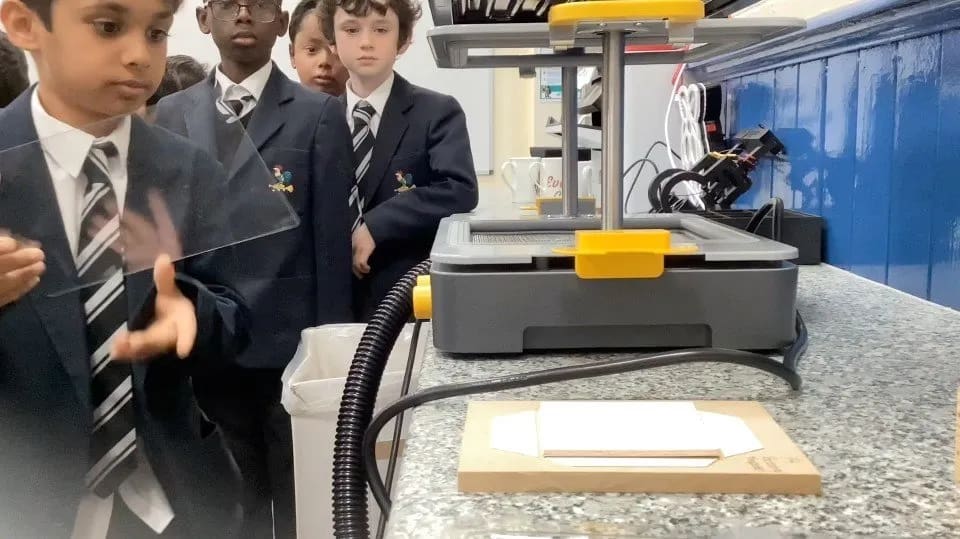
A UK-based education specialist with named partnerships across UltiMaker, Bambu Lab, Creality, Raise3D, and Shining3D, Create Education runs a Certified 3D Educator Programme, teacher professional devepment, not a student credential. It comes with three tiers: Bronze from a half- or full-day course, Silver for building a new 3D printing project into your own teaching, Gold for mentoring other educators.
Once trained, teachers draw on Create Education’s own resource library to actually run lessons. This is a separate, free offering, not bundled with or gated behind the certification. It covers primary to further/higher education with ready-made lesson plans and print-ready design briefs. Paid material (printers, scanners, filament, PrintLab licenses) lives in a separate Marketplace. Create Education also curates a funding page of grants schools can apply to for printer purchases.
- Offers for 3D printing classes: Certified 3D Educator Programme for teachers (Bronze/Silver/Gold), free curriculum resource library (lesson plans, project ideas, classroom prints), software/technical training (Tinkercad, Fusion 360), curated 3D-printer funding/grant list
- Cost: Resource library free; certification CPD pricing not published — contact for pricing; Marketplace hardware/software/extras priced individually (e.g., PrintLab teacher license £255/yr)
- More Information: Create Education
Thank You, Teachers!
The teachers on the front line every day are bringing their 3D printing knowledge and experience to the next generation of students, and undoubtedly deserve every facet of our respect and support. As this list shows, the 3D printing community has their backs, as they make major strides to integrate even more advanced 3D printing into the classroom.
You May Also Like

License: The text of "You Have a 3D Printer in Your Classroom, Now What? This Guide to 3D Printing Curriculum" by All3DP Pro is licensed under a Creative Commons Attribution 4.0 International License.