The 4 Main Types of 3D Modeling – Simply Explained

Various types of 3D modeling allow us to design various things, some better than others. Read on to see the best type of 3D modeling for you!
It doesn’t matter if you’re trying to print it, animate it, or render it: If you’re trying to represent something in three dimensions, you need a 3D file. These files are basically massive lists of coordinate points that define a shape. However, it would be very difficult for a human to go about designing something in 3D by only declaring coordinates.
Instead of theoretically writing these lists of coordinates by hand, you could use 3D modeling programs that let you create 3D objects using a visual interface. Computer-aided design (CAD) software take care of all the calculations and creates the file with all coordinates, so the designer only has to worry about shapes and sizes.
However, not all CAD programs are made equal; they’re often built around specific approaches to 3D modeling.
In this article, we’ll be looking at the main four types of 3D modeling and their pros and cons, and some programs that use them.

Types of 3D Modeling
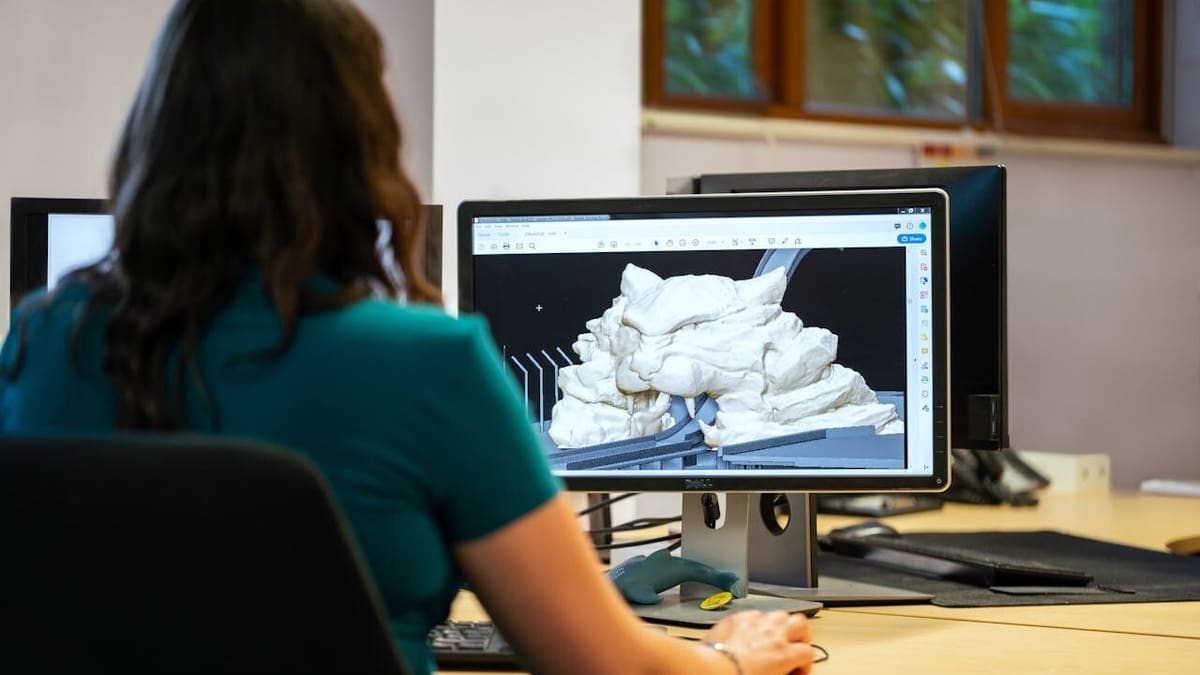
Contemporary 3D modeling revolves around four main approaches, each with its own strengths and weaknesses. Most other kinds of 3D modeling you’ll run into are a subset of these main four types or they’re highly specialized types of modeling for very specific goals.
- Solid modeling works with three-dimensional shapes like cubes, cylinders, and spheres. The shapes may vary, but they act together like building blocks. Some of these add material while others subtract, depending on the input. Some programs can use modifiers, working with the solids as if you were physically milling it in a workshop. Solid modeling is fairly straightforward both for users and in terms of computer power.
- Wireframe modeling can help in cases where the surface is complex and curved. If you find that the basic building blocks of solid modeling are too obtuse for some applications, wireframe modeling provides the finesse for more complex forms. However, as complexity rises, some drawbacks emerge, such as a requirements of more advanced designing skills, as well as of computing needs.
- Surface modeling lets users create smooth surfaces and a seamless integration into watertight or manifold 3D objects. This can be handled by more advanced programs that require more work and computing power. That said, here you can achieve shapes that would be nearly unattainable with the previous two methods.
- Digital sculpting starts with shapes made of a “digital clay” that can be manipulated “by hand” using different tools. It provides a very different modeling experience, being arguably for more artistic purposes.
Now that we have a rough idea of what we’re talking about, let’s look into each type of 3D modeling in a little more detail.

Solid Modeling
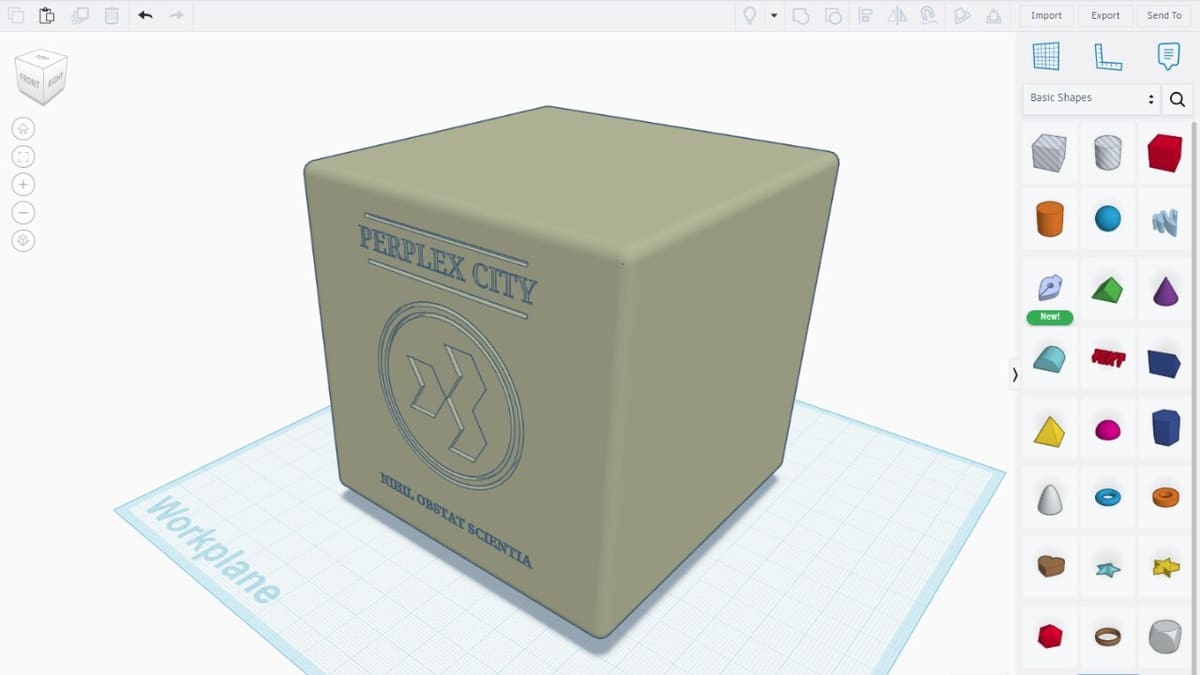
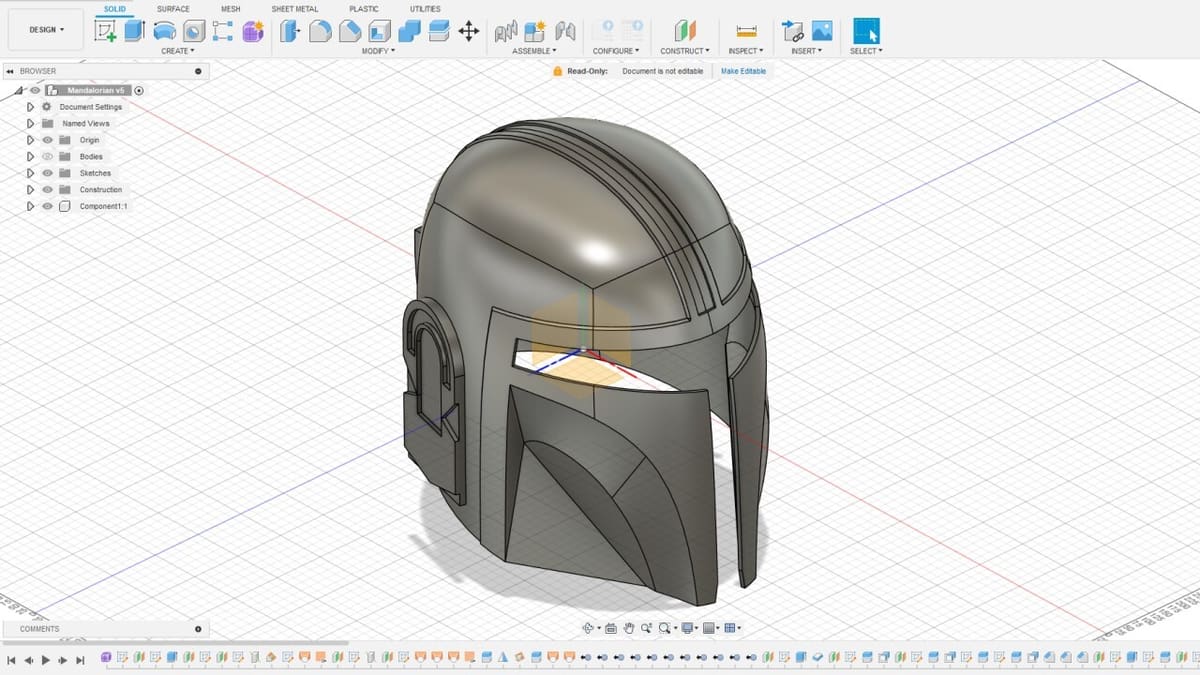
Solid modeling involves using primitive objects to build more complex shapes out of them. Some programs get you started with cubes, cylinders, spheres, and prisms, while others let you draw two-dimensional sketches and extrude them into 3D parts. Then, everything can be combined or “carved” from each other using Boolean operations to get closer to the final design.
This style of modeling is useful for computer-aided design (CAD). This is a type of industrial 3D modeling where exact dimensions for width, length, or radii and features like extrudes, fillet, and chamfers are essential to the creation of 3D objects that can be manufactured through 3D printing, CNC milling, or other industrial processes.
Popular solid modeling programs include Tinkercad and SolveSpace at the entry level, and Autodesk Fusion or Shapr3D for more advanced users.
Advantages
- Entry-level solid modeling programs are easy to understand and use, there’s no need for extensive training.
- Solid modeling requires relatively little calculation, so you don’t need a very powerful computer right away.
- The finished model should technically be possible to manufacture in the real world.
Disadvantages
- Representing organic shapes is almost impossible or requires a lot of hard work.
Wireframe Modeling
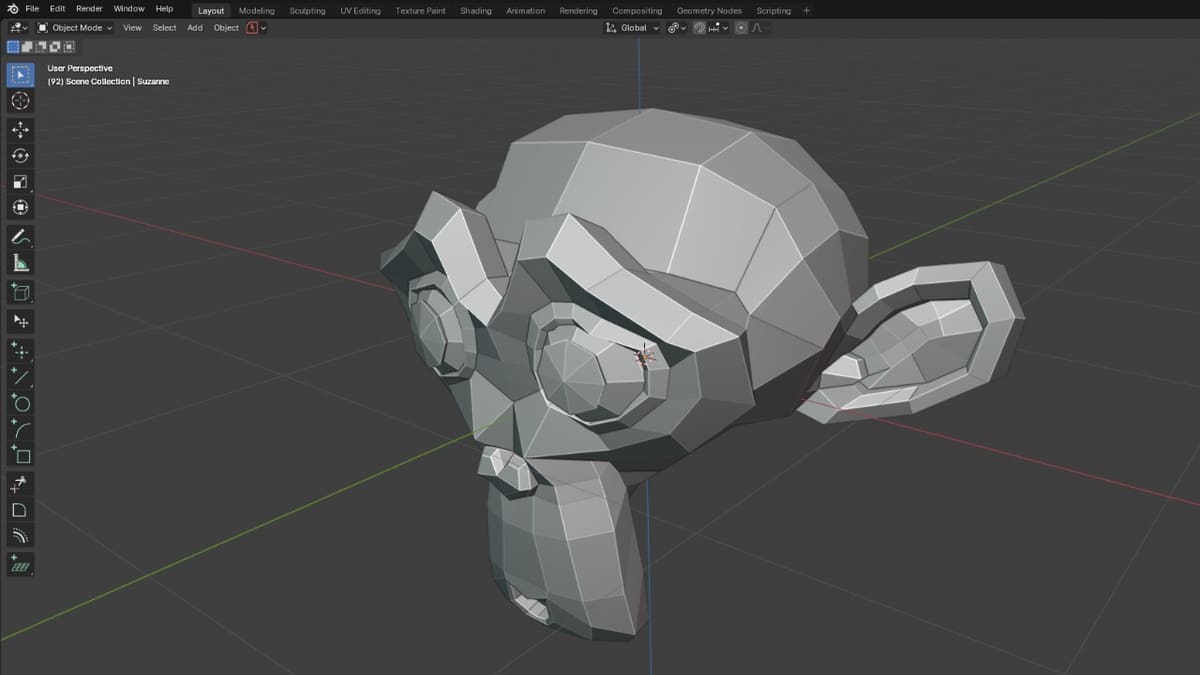
When we look at the real world, we can quickly tell things are more than a stack of perfect cubes and spheres. To make models of more realistic objects that don’t look fresh out of a factory floor, another modeling technique is needed.
Wireframe modeling builds shapes out a network of points called vertices. Each group of at least three vertices can connect as a face, and each vertex can be part of one or more faces. The size and shape of your object and its components are defined the position of each vertex.
Many wireframe modeling tools use triangles as their basic elements, and the more triangles in the model, the higher the control we have on it, plus the more realistic it can get. The polygon count (the total number of triangles and other planar shapes in the model) is often a good indicator of how complex a model is.
There are many programs that use this approach, and some of the more popular programs for wireframe modeling are Blender, Maya, and Daz 3D.
Advantages
- You have more control on the elements of your 3D object through control on its core elements.
- You can add details to make your models more realistic, on ways that would be very difficult or impossible with solid modeling tools.
Disadvantages
- Surface modeling gives you control over more complex shapes, but this comes with a steeper learning curve than solid modeling.
- As your model’s triangle and polygon counts gets higher, you will need a more powerful computer for rendering and texturing.

Surface (Curve) Modeling
Surface modeling relies on guiding lines and faces to define the shape and curvature of a part. The software then calculates a smooth surface that connects the guiding lines. Think of it as the way planes or boats are made: the surfaces created are their hulls.
In fact, planes and boats are why surface modeling was invented. In aerodynamic and thermodynamic designs, the behavior of fluids around shapes determines if a design is successful or not. Surface modeling is the best way to approach these challenges thanks to guiding lines, control points, and control planes.
The catch is that since this type of modeling focuses on surfaces, it can create models that look great but can’t be manufactured because of the limits of our processes or materials. If you want to create a physical representation of the model, you need to check that all surfaces are connected and that parts aren’t clashing with each other – in a word, that it’s manifold.
No program is dedicated uniquely to this technique, this is just another tool in their box. Yet, its underlying principles are so distinct that it’s considered as a unique modeling technique. In many programs, the main tool that does this job is called “Loft”. Some of the programs that can handle this type of modeling are Catia, FreeCAD, Inventor, and SolidWorks.
Advantages
- You can create smooth surfaces in ways that aren’t possible with solid and wireframe modeling.
- Flowing shapes and curves are easier and faster to create than with any other type of 3D modeling.
Disadvantages
- Your design might be difficult or impossible to manufacture; its feasibility entirely depends on your understanding of modeling, surface flow, and manufacturing.
Digital Sculpting
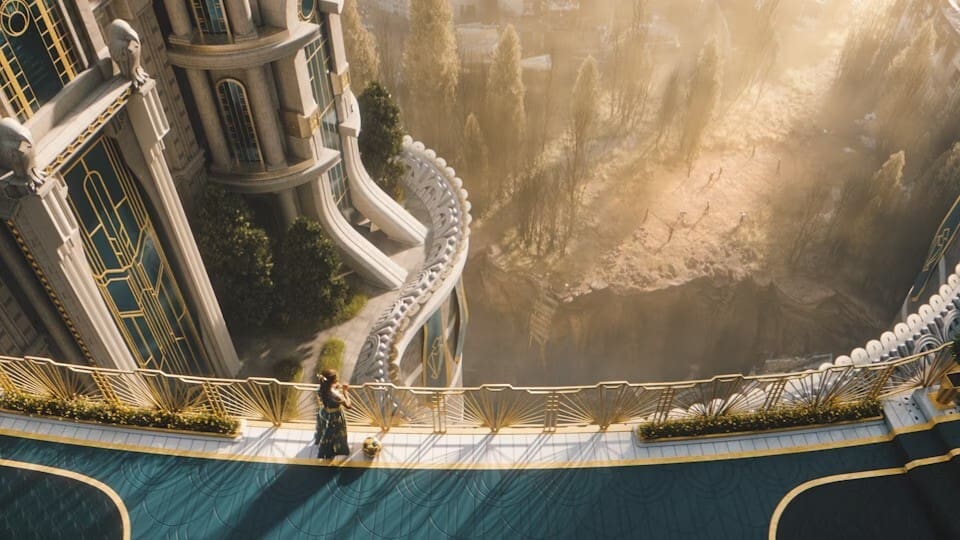
Finally, let’s dive into digital sculpting. The modeling techniques we’ve seen so far involve manipulating 3D objects with precision. At the other end of the spectrum lives digital sculpting, where 3D models start as a primitive shape that can be stretched, added to, or carved into like digital clay. In many ways, digital sculpting aims to bring the experience of physical sculpture to digital creation tools.
Shapes and techniques that are difficult or impossible to create with other modeling techniques are a breeze with digital sculpting. Specifically, organic shapes, natural objects, and textures, clothing, and more depend only on your skills to create and interpret them – and maybe some additional equipment. This is the kind of modeling where a stylus and a digital tablet (or a touchscreen) and a beefy computer might be necessary. Economy of polygons is the name of the game for other techniques, and the complexity of models created with digital sculpting can easily explode if you are not careful.
Popular software for this type of modeling include Swiss Army knife of modeling Blender, Cinema 4D, and relative newcomer Nomad Sculpt.
Advantages
- Shapes that were impossible to make before – people, animals, plants, clothes, almost anything – can be sculpted out of digital clay.
- Digital sculpting is much more open to trying something out than other sculpting techniques and is arguably more intuitive (if you’ve got handcrafting skills).
Disadvantages
- Digital sculpting relies almost entirely on fine control of “digital clay”; you’ll need a stylus and touchscreen to make the most of it, and depending on the quality sought, these might be pricy.

License: The text of "The 4 Main Types of 3D Modeling – Simply Explained" by All3DP is licensed under a Creative Commons Attribution 4.0 International License.