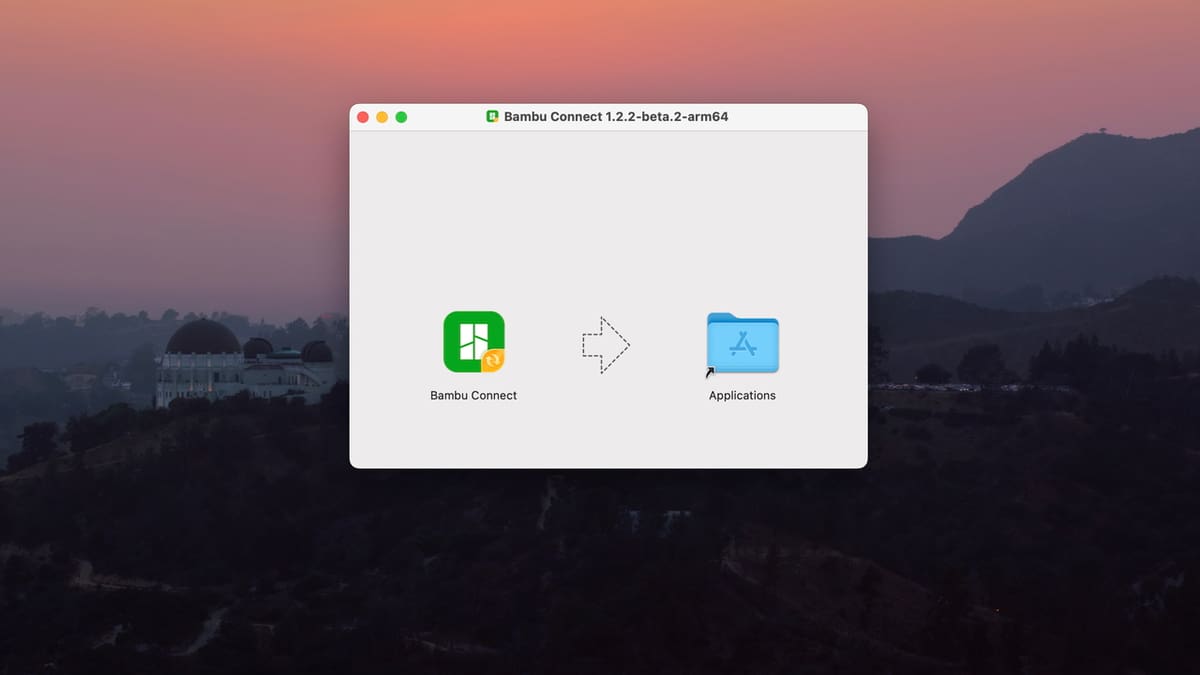
Bambu Connect: Easy to Use, Yet a Step Backward

With the latest firmware updates, Bambu Connect stands between your Bambu Lab printer and third-party slicers. Say Goodbye to two-click slice-n-print.
When Bambu Lab rolled out its latest firmware updates – v1.08.02.00 for the P-Series and v1.05.00.00 for the A-series – the inclusion of Authorization Control changed how users interact with their printers significantly. What initially began as a security enhancement quickly became a controversy as users raised concerns about disruptions to their printing workflows.
The update essentially puts a stop on seamless integration of third-party software and hardware, forcing everything to go through the Bambu Connect – Bambu Lab’s own software for sending .gcode and .3mf files to the printer and checking their statuses.
Previously, we could send files directly to printer from Orca Slicer or use BTT Panda Touch to check the status and control the printer. With the introduction of Bambu Connect, none of those are possible anymore.
Users aren’t required to use Bambu Connect, however. It’s possible to opt out firmware update or downgrade to a previous version. Even if you choose to proceed with the update, users can choose to enable Developer Mode, which is only available in LAN-only mode. Developer Mode disables cloud features like Bambu Handy and remote printing via Bambu’s servers. For many, this mode preserves local control but strips away convenience.
So, I decided to give Bambu Connect a spin to see what it’s like. Spoiler alert: It’s a bit clunky, which shouldn’t come as a surprise because it’s still in beta.

How It Works
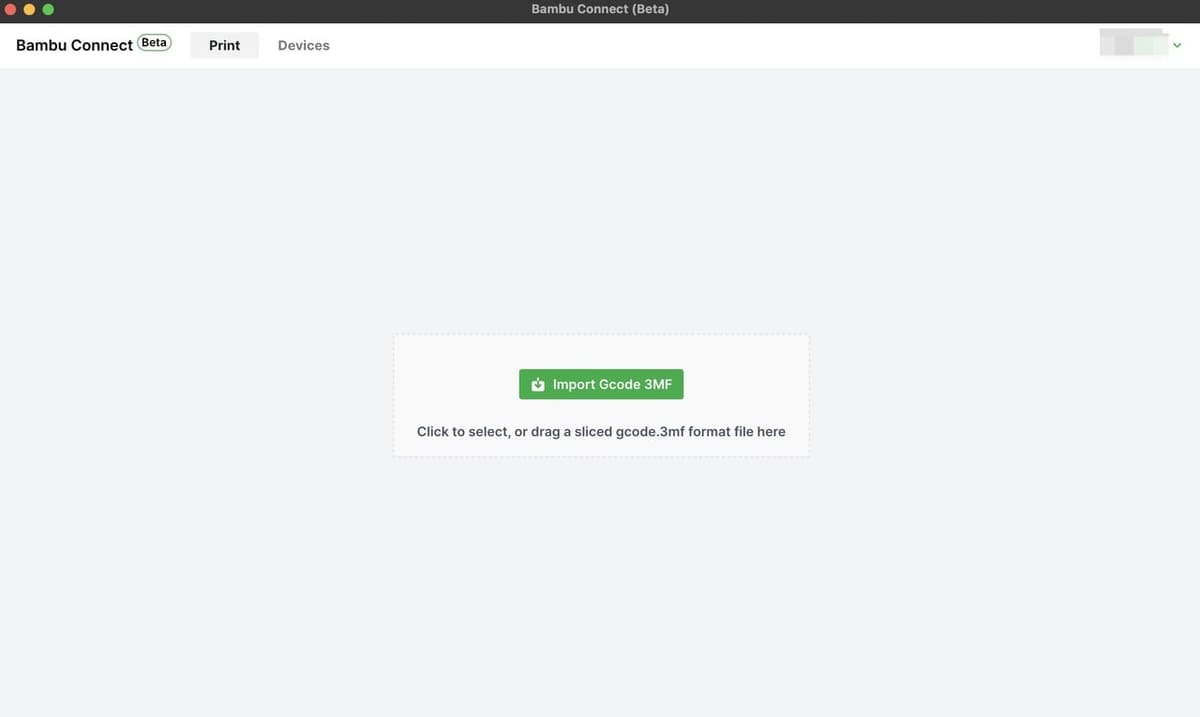
Bambu Connect acts as a middleman between third-party software and your Bambu Lab printer. Users run Bambu Connect on their PC, which accepts sliced project files (typically .3mf or .gcode) and relays them to the printer over the local network. It doesn’t require slicers to be explicitly integrated.
If you’re working with third-party software like Orca Slicer, you’ll have to export the file from Orca Slicer first, then import it to Bambu Connect – adding one more step. Fortunately, you can still load files sliced in Orca Slicer on a memory card and print from there without any limitations.
Bambu Lab’s Wiki offers instructions on how third-party software can prompt Bambu Lab to import a file, which – in theory – would allow the .3mf file to be uploaded directly from the slicer. However, this would require additional code modifications on the slicer’s side. Until third-party software developers have made the changes, users will be stuck with the manual upload to Bambu Connect.
Bambu Lab said they offered to integrate Bambu Connect within Orca Slicer. However, the developer (SoftFever) has publicly declined to integrate Bambu Connect, citing limited benefits for users and a desire to avoid vendor lock-in. It’s safe to say we won’t be seeing an Orca Slicer integration in foreseeable future.
LAN-Only Printers
Printers in Developer Mode can’t use Bambu Connect. The software relies on the printer’s standard local API, which Authorization Control disables when the printer is in Developer Mode. Users must choose: privacy and full LAN control (Developer Mode) or convenience via Bambu Connect – but not both.
It’s also important to note, Bambu Connect doesn’t have a Linux version as of now. So, the only option for Linux users is to use Developer mode.
User Experience
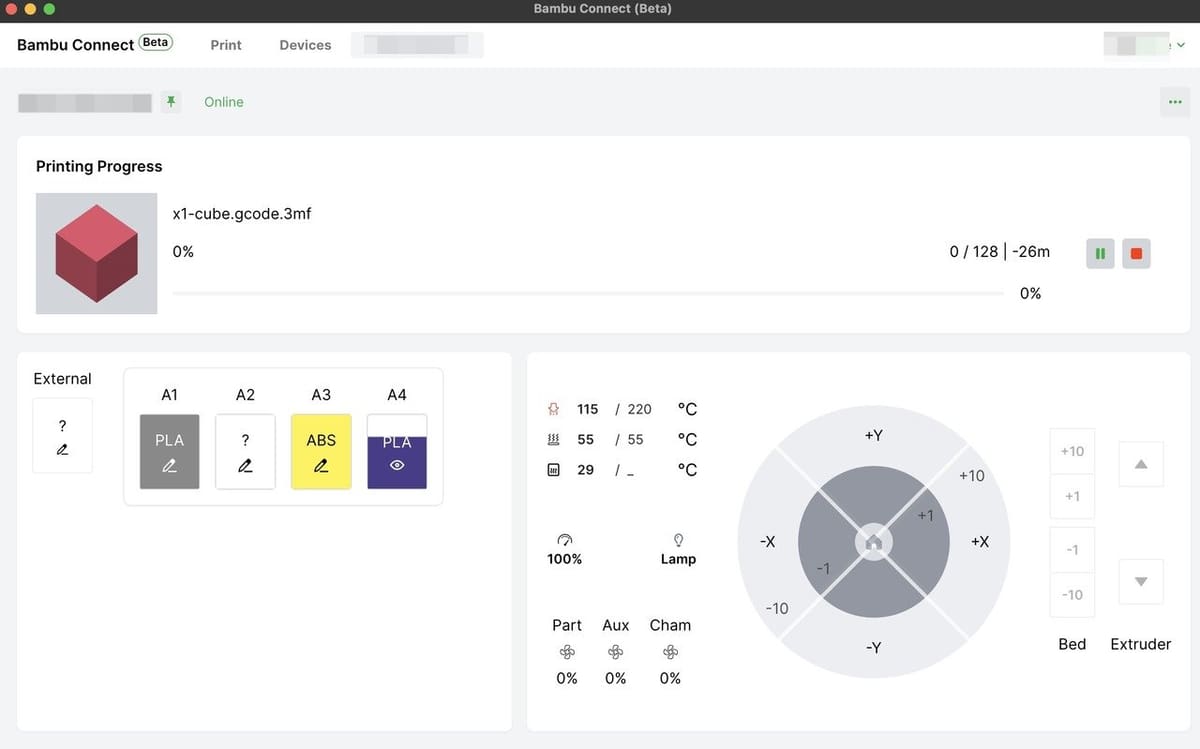
Since it’s still in beta, there are still some quirks to be worked out. But aside from that, most people aren’t happy about the user experience, as it simply adds friction to the workflow.
Instead of slicing and printing directly from third-party slicers, the workflow now goes as follows:
- Export the .3mf file manually.
- Open the Bambu Connect app or web interface.
- Upload the file.
- Choose a printer and initiate the print.
For casual users or those operating multiple machines, this feels like a step backward. For privacy-conscious or offline users, however, Bambu Connect represents a way to retain LAN functionality while dodging the limitations of Developer Mode.
In terms of its tools and features, Bambu Connect offers basic printer management: uploading files, monitoring status, and starting jobs. It supports multiple printers, remembers recent uploads, and functions entirely offline if needed.
What it lacks: deeper features like AMS control, live camera feeds, or slicer integration, all of which remain exclusive to Bambu Studio. In other words, it’s a downsized version of Bambu Studio where you can do the bare minimum.
Verdict
For now, Bambu Connect feels more like a patch than a platform. It lets third-party tools limp along but doesn’t offer the smooth integration many users want.
While the idea of preserving functionality without sacrificing security is understandable, in practice, the ecosystem is tilting further toward Bambu Studio where a single click slices, uploads, and prints wirelessly. As the official slicer, it provides the most seamless experience, including tight integration with printer firmware, AMS management, live video streaming, and OTA updates.
For better or worse, Bambu Lab’s grip on its software ecosystem just got a lot tighter. Until third-party slicers are updated to call up Bambu Connect, tech-savvy users will have to endure the clunky middleware.
You Might Also Like:
License: The text of "Bambu Connect: Easy to Use, Yet a Step Backward" by All3DP is licensed under a Creative Commons Attribution 4.0 International License.