3D Printer Broken? Here’s How to Get It Fixed

Manufacturer support, warranties, returns, repair services, and authorized resellers compared. Plus how to choose the fastest route back to printing.
Your printer has stopped working or arrived broken, the usual troubleshooting steps haven’t helped, and you’re not sure whether opening the machine will void the warranty. Should you contact the manufacturer, return it to the retailer, or find a local repair shop?
Although your new 3D printer is designed to be up and running as soon as you assemble it according to the instructions, this doesn’t always go to plan. Here at the All3DP 3D printing lab, we’ve received printers for review that were missing essential parts or arrived damaged. So this article is inspired by both our reader feedback and our own experience.
If the machine powers on and the problem concerns print quality, begin with our 3D printing troubleshooting guide.
When ordinary troubleshooting is not enough and assuming that you haven’t damaged your printer (dropped it, for example), and assuming that you’ve followed the manufacturer’s guidance for assembly and maintenance, this article covers what can you do when you can’t fix your printer on your own, including returns, warranties, support, replacement parts, and repair services.
The Value of Customer Service
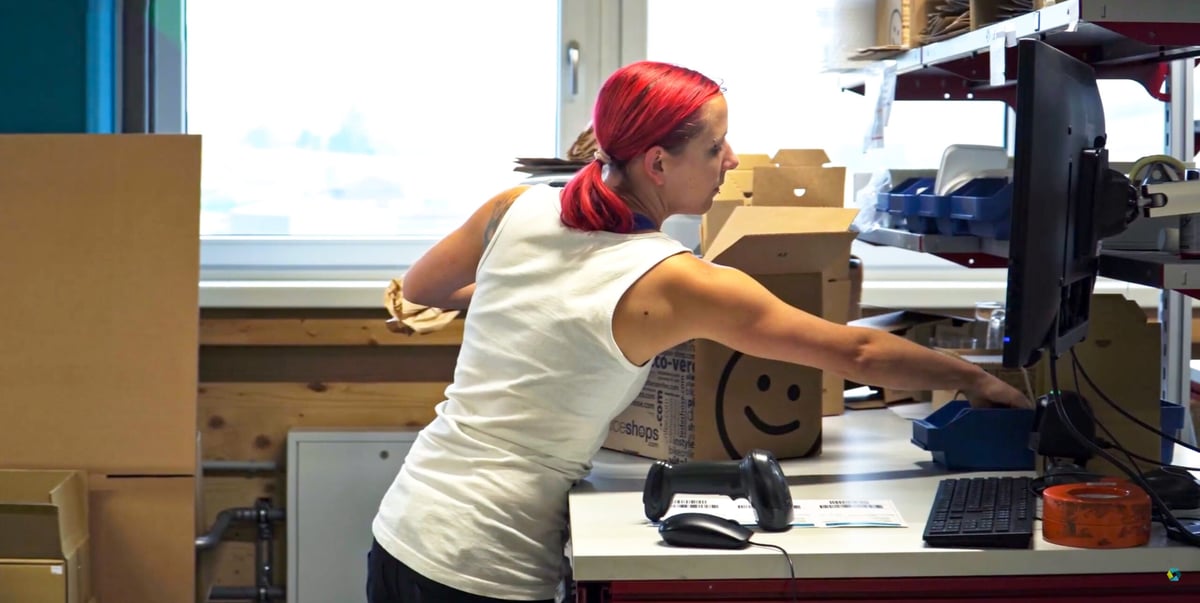
Customer support in the 3D printer market is wide-ranging and online forums are rife with complaints about 3D printer manufacturers with no contact information or no response after the initial purchase. Not that this is unique to 3D printers, but setting this purchase apart from a toaster or a television is the higher likelihood of customers having little to no previous experience with these machines, not to mention the fact that no two 3D printers work exactly the same.
Here, we set out to take a deeper look into 3D printer customer service options offered by the major manufacturers and whether or not purchasing from a reseller or distributor – or online at Amazon or AliExpress – has any benefits.
Also, if you’re purchasing your printers for your workplace, what extra warranties and service can you buy to minimize risks and downtime? Let’s dive in.

Arrived Broken or Still Under Warranty?
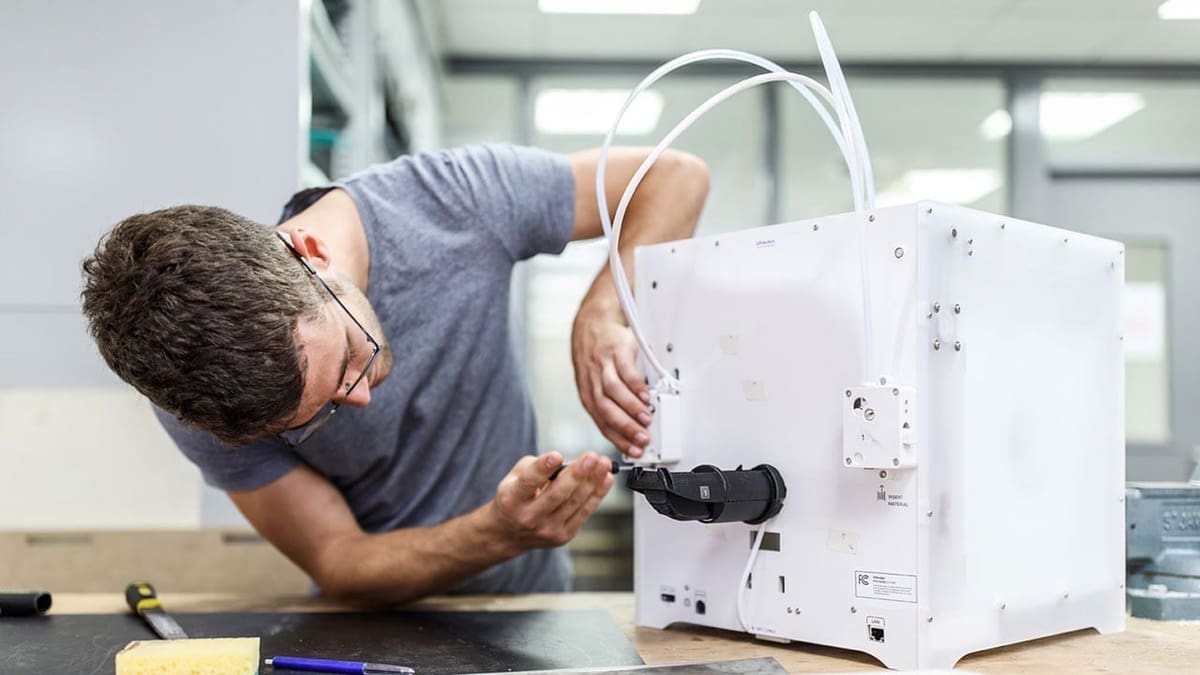
Before dismantling a faulty 3D printer, first work out who should be responsible for fixing it. The best route depends mainly on how recently you bought the machine, whether it is still covered, and how urgently you need it running again.
Document the fault and contact the seller before beginning an invasive repair. Following official diagnostic instructions or replacing a user-serviceable part does not necessarily eliminate all warranty protection, but damage caused by an unsuccessful repair may not be covered. Ask the support provider to confirm the proposed work in writing.
If you bought from a retailer or marketplace seller, check its policy before contacting the manufacturer; return rights and warranty responsibility may belong to the seller, and manufacturer policies for direct purchases may not apply.
Arrived Damaged
If the printer arrived damaged, incomplete, or unable to complete its initial setup, contact the seller first. A new machine with shipping damage, missing parts, or a serious hardware fault should normally be replaced rather than repaired by its owner. Photograph the problem, retain the packaging, and avoid making substantial modifications before the seller has responded.
If you are still within the return period, consider an exchange before agreeing to a complicated repair. Manufacturers may offer to send replacement components, but this can leave you diagnosing and rebuilding a printer that was defective from the beginning. A simple part swap may be reasonable for an obvious, isolated problem. For major faults, multiple problems, or an uncertain diagnosis, exchanging the complete machine is generally the safer option. Make sure a lengthy support conversation does not run down the return period.
Broken but Still Under Warranty
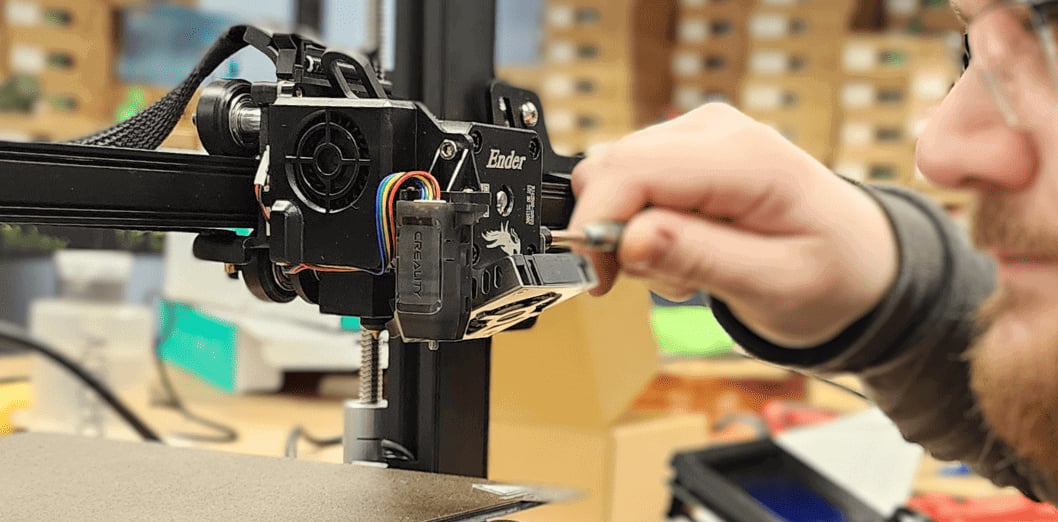
This is also where the quality of a manufacturer’s support becomes particularly important. Some companies provide live troubleshooting and ship spare parts quickly. Others rely on email exchanges that can stretch over days or weeks. An authorized reseller may sometimes offer faster communication, regional shipping, or an in-house repair service that the manufacturer does not provide directly.
Broken but Outside the Warranty
Once the printer is outside its warranty, the decision becomes largely economic. Compare the complete cost of the repair—not only the replacement part—with the present value of the printer and the cost of a newer equivalent. Repair usually makes sense when the fault is clear, parts are readily available, and the machine is otherwise reliable. Replacement may be more sensible when several components are failing, parts are difficult to obtain, or professional labor would approach the price of a new printer.
Fixing a Broken 3D Printer For your Business
For a business, school, or workshop that depends on the machine, downtime may matter more than repair cost. In that situation, look for a service provider or support plan with clearly defined response times, regional parts availability, and an escalation process. It is important to establish what a promised response time actually means: an acknowledgment of the ticket is not the same as a diagnosis, shipment of a part, or restoration of the printer.
The basic decision is straightforward: replace a printer that arrived defective, exchange it while the return option remains open, use official support while it is under warranty, and weigh repair against replacement once coverage ends. For business-critical equipment, choose the route that gets production running again fastest—not simply the one with the lowest immediate cost.
Be Ready Before Contacting Support
Have your order number, serial number, firmware version, error message, and clear photos or video ready. Briefly state when the problem began and what troubleshooting you have already completed.
3D Printer Support and Repair Policies Compared
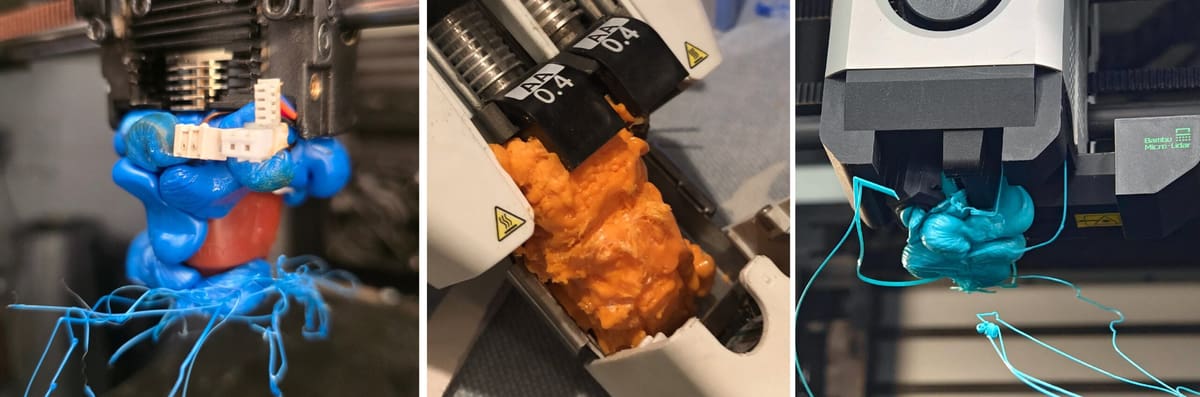
Policies checked July 16, 2026. Information applies to direct purchases in the stated region unless noted. Response times are company-published targets, not independently measured. Policies can vary by product, component, buyer type, purchase channel, and country.
* Shipping back your return to the manufacturer, that isn’t damaged in any way, usually requires that you pay the shipping costs, plus you won’t be refunded the shipping fee your paid originally.
** The Word on Warranties
Your rights as a customer vary depending on where you live and where the manufacturer is located.
Return policies, warranties, and legal rights are not the same. In the EU, consumers generally have 14 days from delivery to withdraw from an online or other distance purchase, although they may have to pay return shipping when the product is not defective. Faulty goods are separately covered by a minimum two-year legal guarantee against the seller. In the US, there is no equivalent general federal right to return a non-defective online purchase; retailer policies and state-law protections vary. Commercial warranties can add coverage, but cannot reduce rights provided by local law.
Some warranties are voided if you attempt “unauthorized repairs” and any modifications may also invalidate the product warranty and further increase the cost of repairs.
One last word on warranties: Don’t forget to register your warranty with the manufacturer online. Some manufacturers require this extra step to “activate” your warranty. And always keep you invoice, serial number, and delivery record.
(1) Anycubic’s 14-day no-reason policy applies to purchases from its official site, the buyer pays the return cost, and coverage varies substantially by component: some print-head parts receive three months, beds six months, and other main components twelve months.
(2) Elegoo distinguishes unopened, open-box unused, and used products. Its current policy lists different restocking fees for unopened and open-box returns and does not accept used printers as ordinary non-defective returns. Its component warranties also range from no coverage to three, six, or twelve months.
Manufacturer or Reseller: Who Should Handle the Repair?

Ages ago, 3D printers were only available from the manufacturer. Then showrooms and resellers began popping up. Shortly after, you could buy desktop 3D printers on Amazon, AliExpress, and mainstream electronic stores like Micro Center in the U.S. or Saturn in Europe. Now, we’re seeing the dawn of branded 3D printer “experience stores” from Bambu Lab and Creality.
Yet, buying from an authorized reseller does not automatically mean it can repair the printer. Some resellers provide only sales and first-line troubleshooting. Before purchasing, ask whether the company performs warranty repairs itself, stocks parts, handles return shipping, or merely forwards cases to the manufacturer.
But why buy from a reseller?
- Purchasing Advice
- Tech Support
- Product Bundles
- Training
- Service Plans
- Extended Warranties
- Repairs
Although, resellers and manufacturers often have the same price (sometimes the retail price is set by the manufacture and can’t be lowered by a reseller), you can often find customization options or product bundles, such as a printer starter kit with filament and accessories at a special price, that manufacturers don’t offer or offer at a higher price. A reseller may also be the best source for volume discounts if you’re buying more than one machine.
If you’re not sure which 3D printer fits your needs, a reseller can advise you and explain the various machines that it sells and how they compare to each other in ways you may not have thought of. A reseller is typically the better choice for business purchases since it can help you plan for growth.
A good reseller will know how scalable each machine is and whether they are upgradeable or not.
Then of course, there’s customer service. Although some manufacturers, as we’ve outlined above, offer robust service, many resellers have an added layer of service that is guaranteed to be in your language and timezone, should you select the closest one.
Resellers, it could generally be said, are more focused on customers since they don’t manufacture anything and their entire operation hinges on happy customers. Some of the services that resellers offer include training classes, repairs, installation, troubleshooting, and extended warranties and service plans.
If you buy a Creality 3D printer from a local distributor, like U.S.-based Dynamism or EU-based IGo3D, you would avoid shipping fees to send the machine back to China for return or service. Although Creality, for example, has warehouses in the U.S., Europe, the UK, Australia, and Canada, its warranty does say, “if the return to China is required,” you’ll pay the postage. Working with a reseller would negate any surprises.
One of biggest reasons to go with a reseller, of course, is tech support. Dynamism, for example, offers unlimited tech support with every product. IGo3D, in the EU offers a free basic tech support plan and two paid plans, that offer extras, such as a 4-hour email response time, free shipping for repairs, free annual maintenance, and even on-site repair (excluding technician travel costs).
*All service information for the above retailers is our best estimation from all publicly available information.
Find Your Local Repair Shop
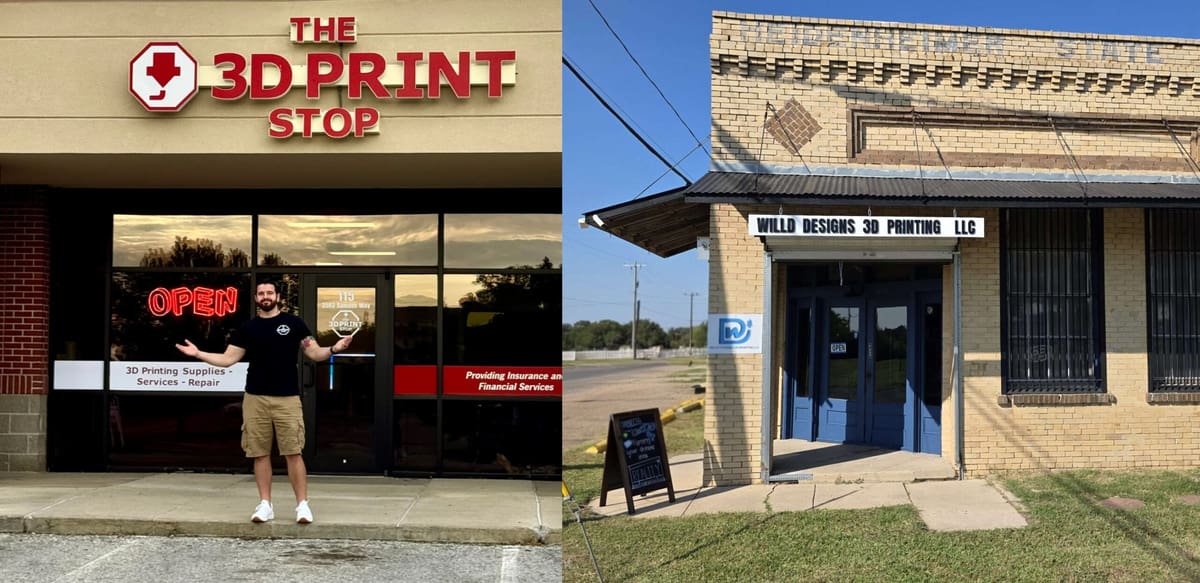
As 3D printers become more common in homes, schools, workshops, and small businesses, local repair options may be easier to find than they once were. If returning your printer to the manufacturer is prohibitively expensive and you didn’t buy it from a local reseller, an independent electronics repair shop may be your best — or last — option. You can also ask if local maker spaces or universities could offer repairs.
Not every shop will work on 3D printers, but technicians experienced with computers, appliances, CNC machines, or industrial electronics may be able to diagnose power supplies, wiring, connectors, fans, motors, and control boards.
Call ahead with the printer’s make, model, and symptoms, and ask whether the shop is willing to inspect it. Providing service manuals, wiring diagrams, replacement parts, and any diagnosis from the manufacturer can make the job easier. Before proceeding, confirm that an outside repair won’t affect any remaining warranty, and request an estimate so the repair doesn’t end up costing more than replacing the machine.
Before Buying Your Next Printer, Check These Five Features
Support is easy to overlook when comparing print speed, build volume, and features. Yet once a printer fails, the quality of its service network can matter more than any specification on the product page. Before buying, check how the manufacturer handles these five practical issues.
1. Are replacement parts sold directly?
A repairable printer is only useful if the necessary parts can be obtained. Look beyond consumables such as nozzles and build plates and check whether the manufacturer sells hotends, extruders, fans, sensors, belts, control boards, power supplies, and wiring assemblies. Clear parts diagrams, model compatibility information, and regional stock are also good signs. A low-cost printer can become effectively disposable if a proprietary component is unavailable or must be sourced through unofficial channels.
2. Is human support available?
A knowledge base and automated chatbot may solve simple setup problems, but more complex faults often require someone who can interpret photos, logs, unusual noises, or the results of diagnostic tests. Check whether the company offers email, live chat, telephone support, or support through an authorized reseller. Opening hours and regional coverage matter too, particularly for professional users. “24/7 support” is less useful if it only means access to documentation rather than a technician.
3. Who pays warranty shipping?
A warranty may cover parts and labor while still leaving the customer responsible for sending a heavy printer across the country—or overseas. That cost can make a nominally free repair surprisingly expensive. Check who pays for shipping in both directions, whether prepaid labels are provided, and whether the entire printer must be returned for relatively minor faults. Regional repair centers or locally stocked replacement parts can make a significant difference.
4. Are self-repairs allowed?
Many 3D printer owners are comfortable replacing a fan, hotend, sensor, or control board themselves. The important question is whether doing so will affect the warranty. Some manufacturers actively support owner repairs with manuals, videos, spare parts, and remote guidance. Others may restrict access to internal components or require all work to be approved in advance. Look for clear policies on opening the machine, using third-party parts, installing firmware, and carrying out repairs at the manufacturer’s request.
5. Is there an authorized repair provider in your region?
A local reseller or service partner can often diagnose faults, supply parts, and complete repairs more quickly than a distant manufacturer. It may also provide support in the local language and remove the need to ship the printer internationally. Before buying, check whether the brand lists authorized service centers in your country and what those providers actually offer. Some handle only sales and basic troubleshooting, while others provide full repairs, maintenance contracts, and onsite service.
A strong support system does not guarantee that a printer will never fail, of course, but it does determine whether a failure becomes a minor interruption or a costly, drawn-out problem. Before choosing between two otherwise similar machines, compare not only what they can print, but also how easily they can be repaired.
You May Also Like:

License: The text of "3D Printer Broken? Here’s How to Get It Fixed" by All3DP Pro is licensed under a Creative Commons Attribution 4.0 International License.