Ultimaker Cura Software
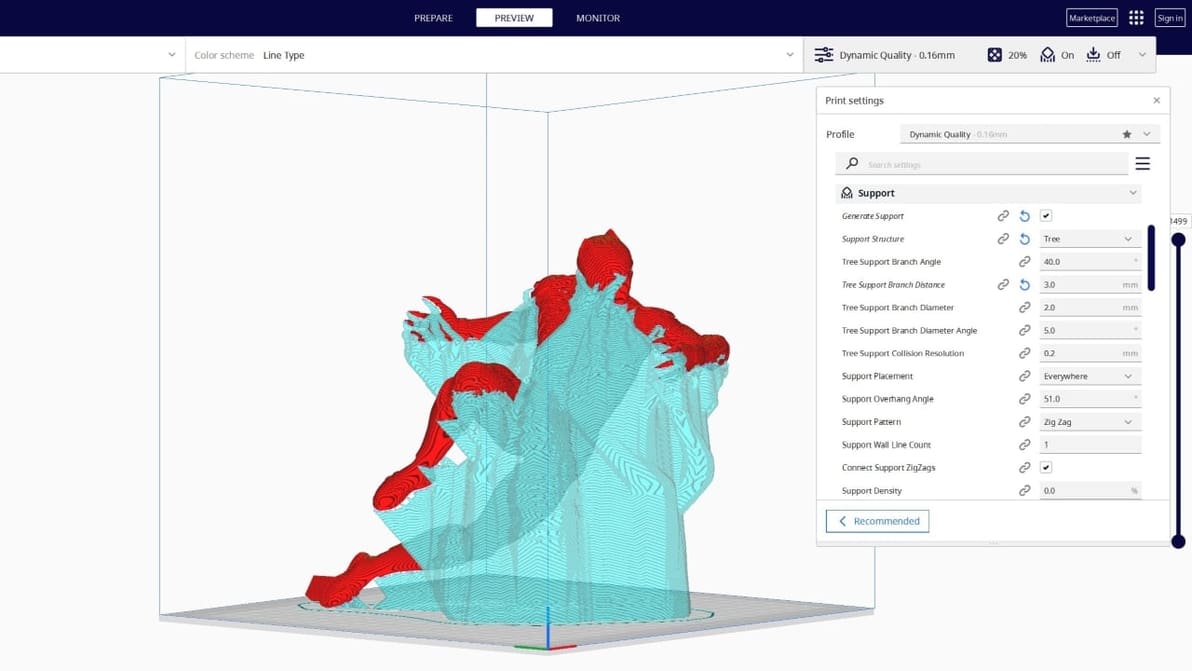
Tree supports are efficient and tidy. Find out why the Cura tree support setting is one of our favorite 3D printing tricks.
Looking for the perfect Creality K1 Cura profile? Check out these settings and unleash the lightning-fast potential of your Creality K1!
Creality Slicer vs Cura: slicing through the noise to find your perfect 3D printing partner! Read all about how these slicers stack up.
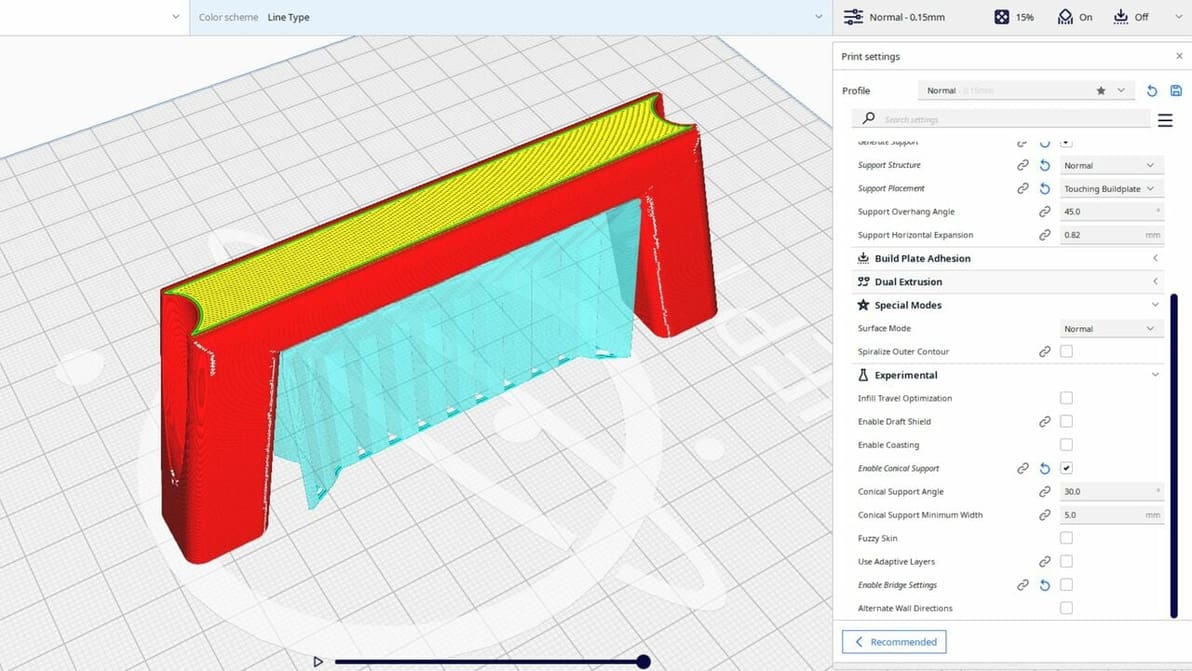
Cura's experimental settings can unlock hidden potential in your 3D printing experience. Read all about them!
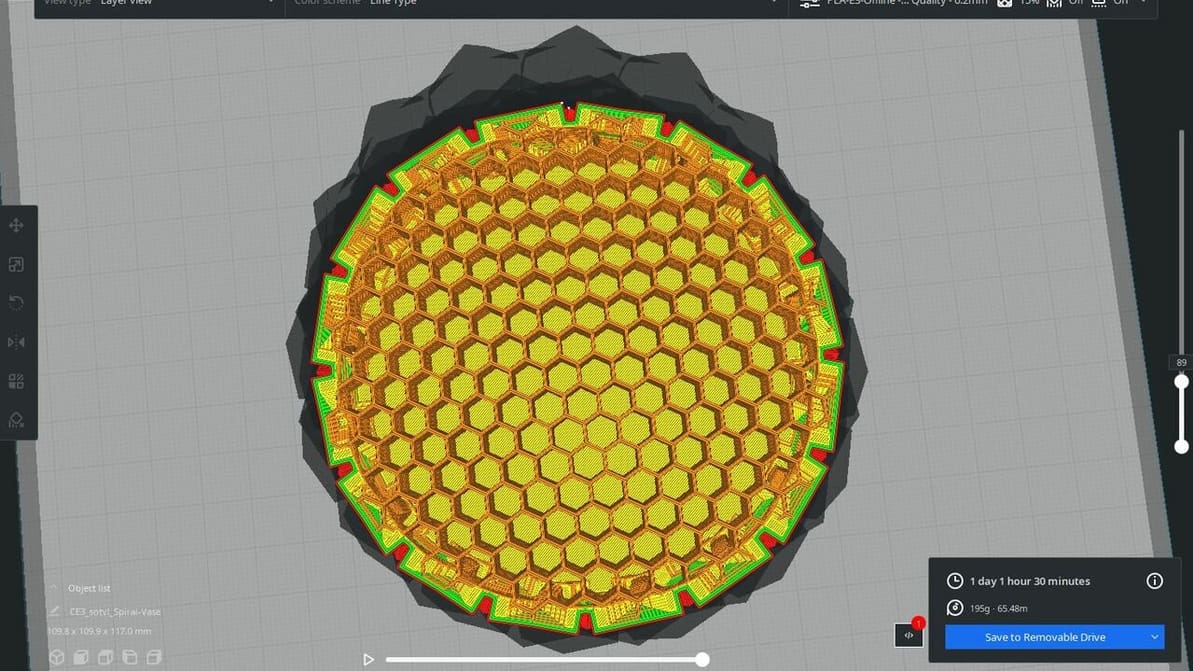
Ultimaker Cura comes with many great features but lacks a honeycomb infill pattern. Read on for a hack to get Cura honeycomb infill!
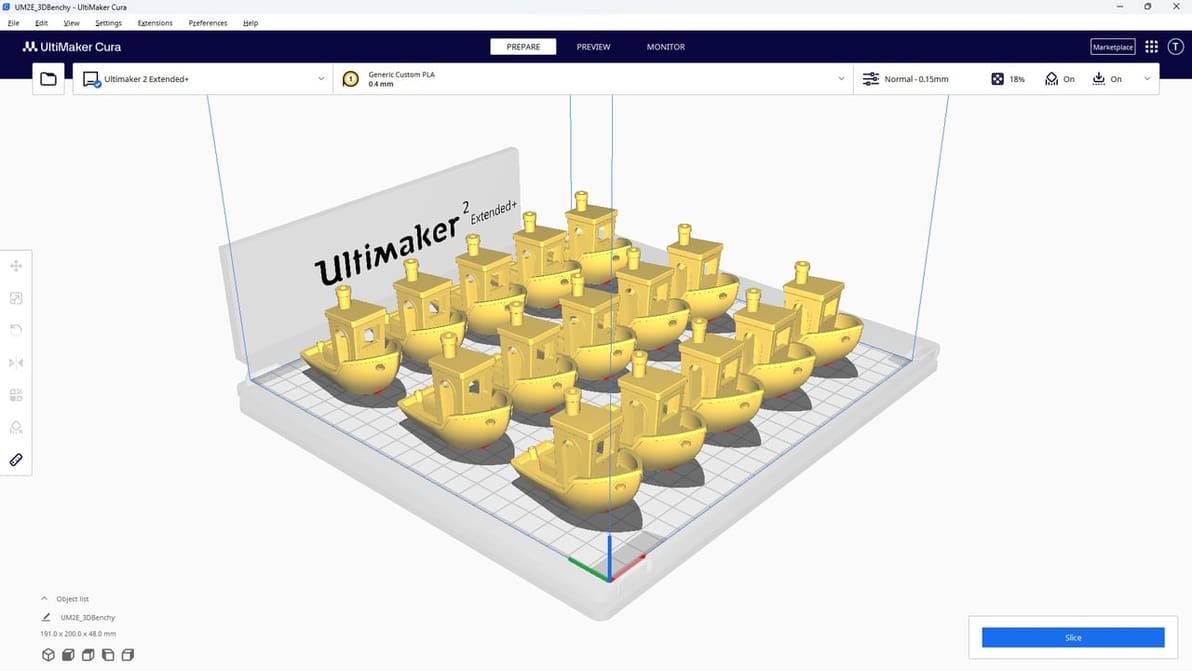
UltiMaker Cura is the slicer of choice for many 3D printing enthusiasts. Read all about it so you can start your Cura journey!
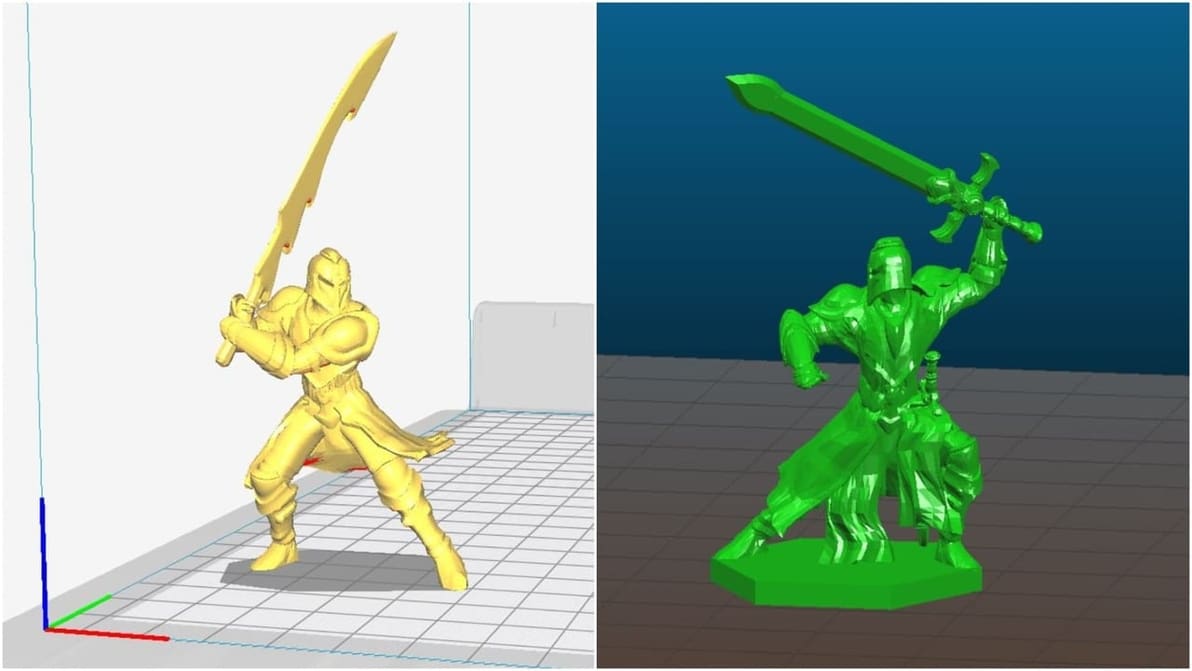
Slic3r or Cura? That's the question! We compare the top two open source slicers, focusing on their best features. Find out which is best for you.
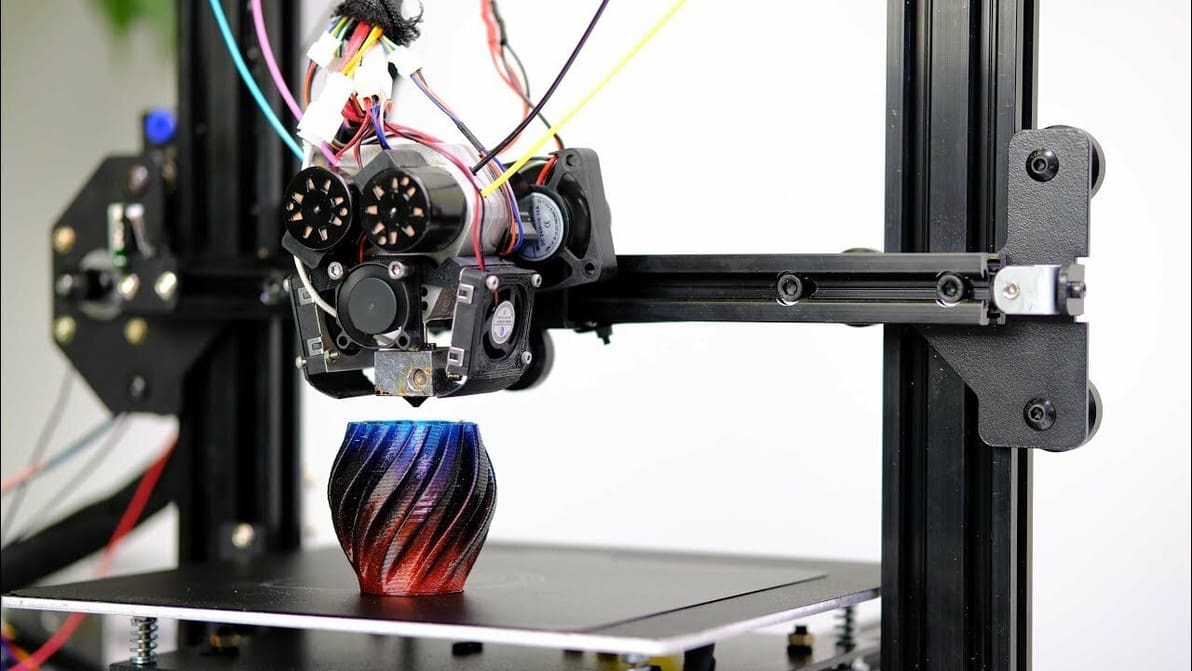
Cura printhead settings can come in handy when printing multiple objects. Read on to find out more about this feature in Cura.
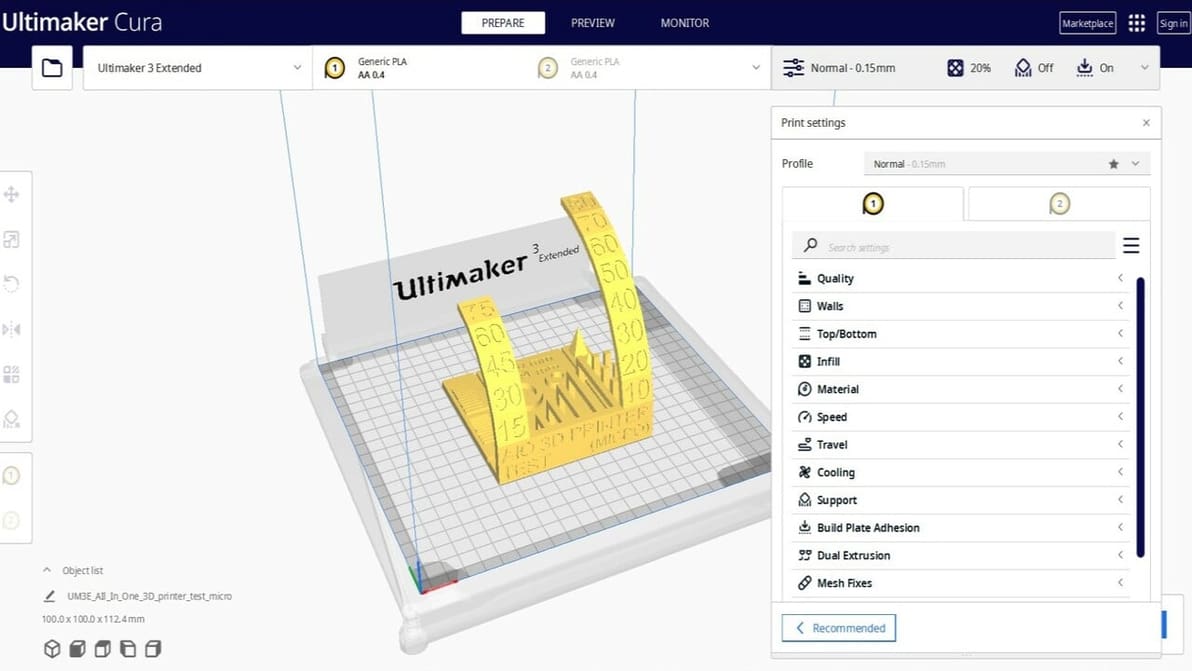
Cura is one of the most popular slicing software options for 3D printing. Check out 10 reasons why you should consider using it.
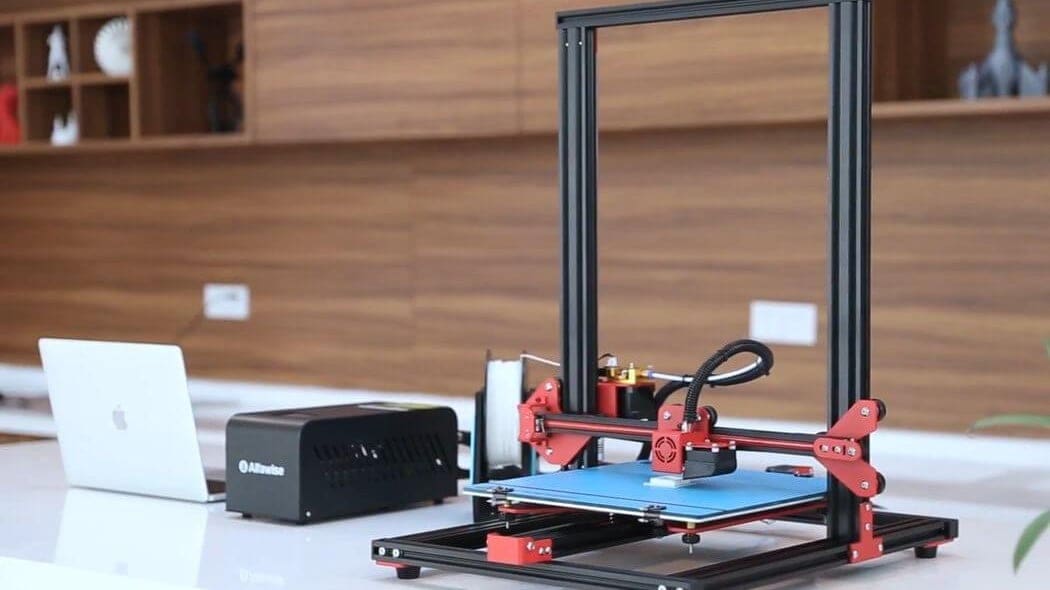
The Alfawise U20 is a popular 3D printer amongst budget-minded makers, but the lack of quality Cura settings has left many users stranded. Here are the best Cura profile settings for the Alfawise U20.
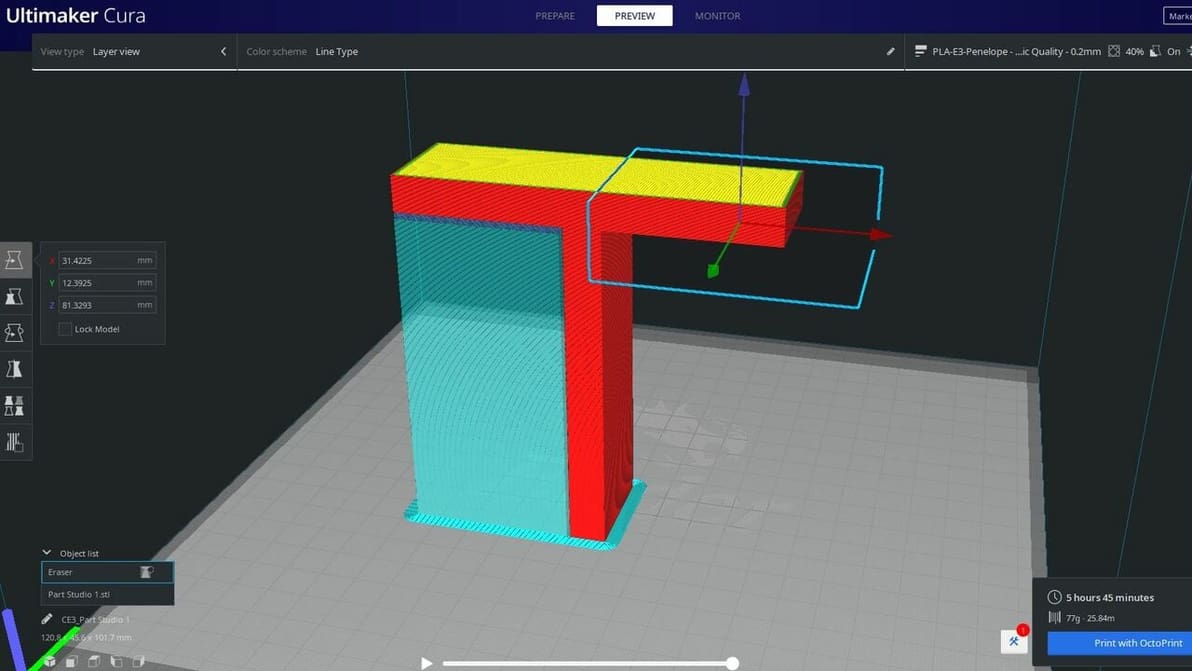
Cura's support blocker feature is great for preventing supports from being where you don't need them. Read on to learn more!
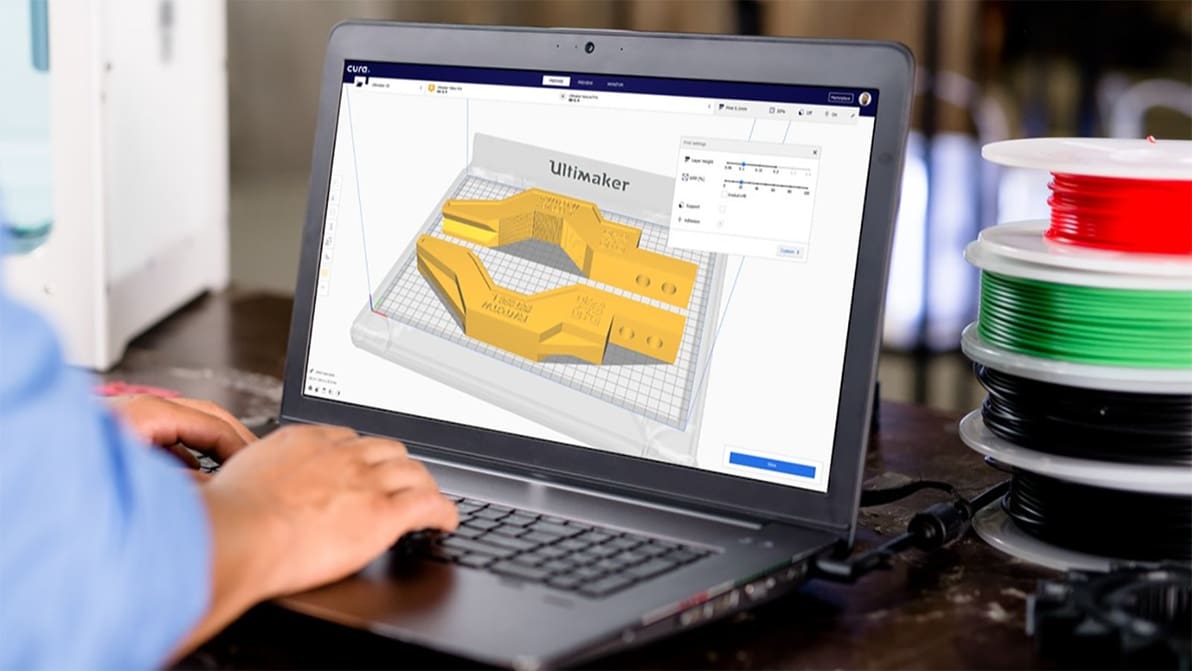
Ultimaker has launched the latest version of its popular slicer, Cura 4.9. Is it the cure for all your slicing troubles?
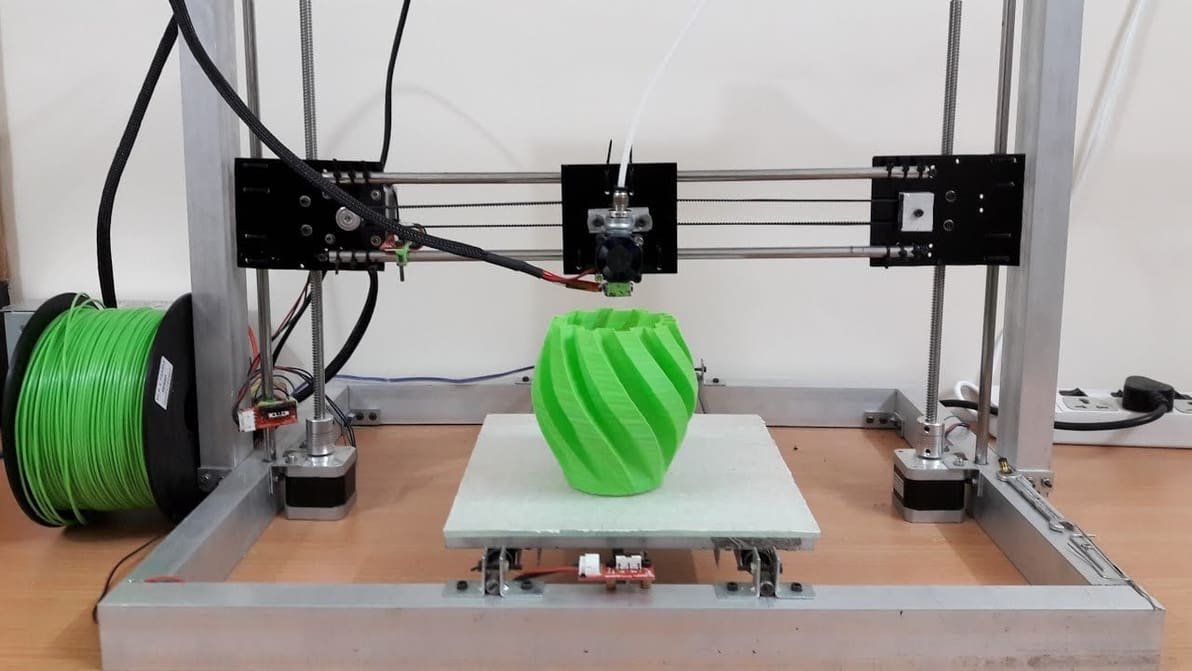
The 3D printing community loves tweaking and sharing printer settings. Learn to create your own Cura profile to add your 3D printer to Cura!
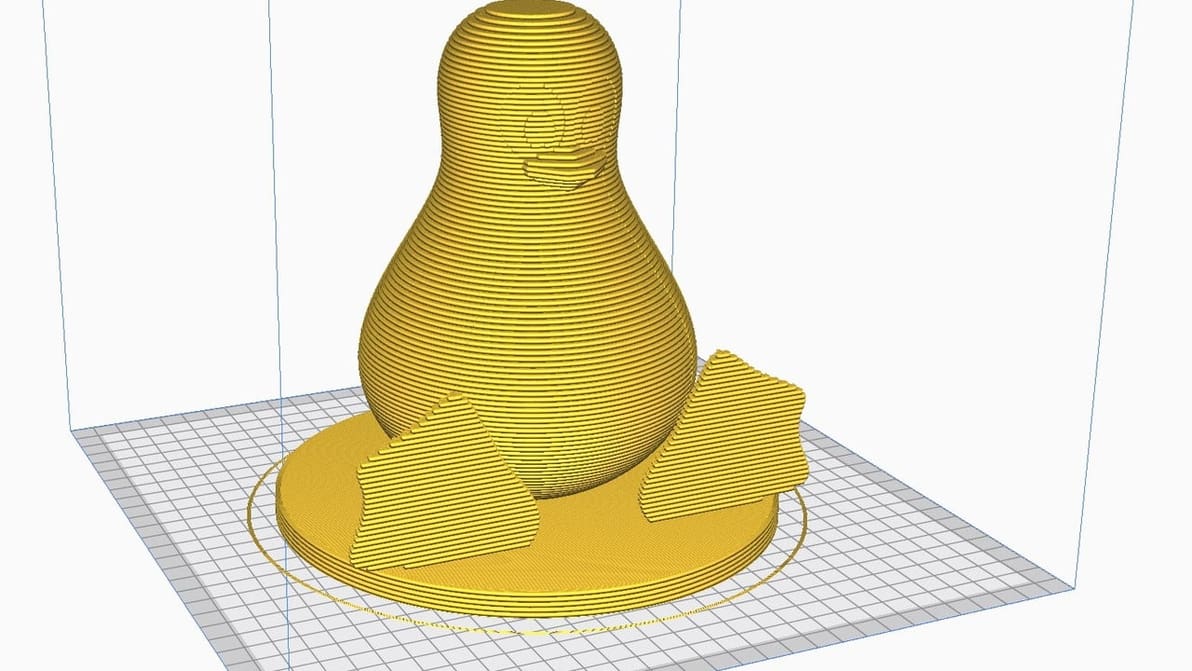
Running Cura on Linux is easier than you think. With a few quick steps, get Cura onto your Linux machine and you're ready for a first print!
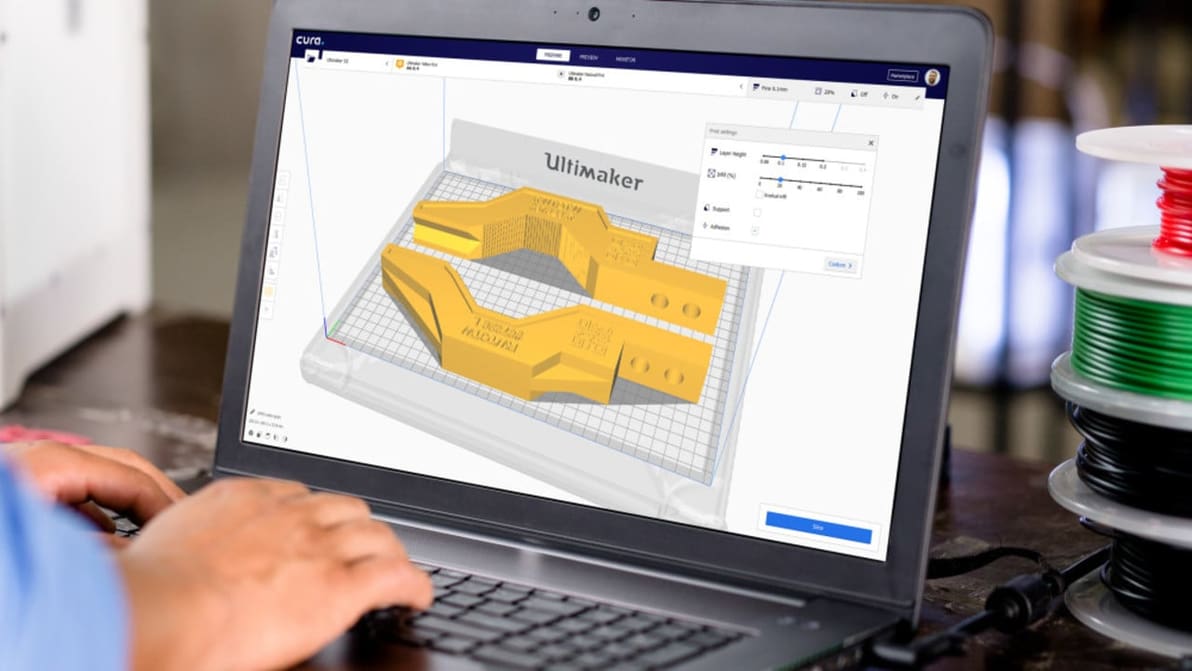
Do you know all the editions and versions of Cura? Explore this overivew of Cura versions, which identifies the differences and features of each one.
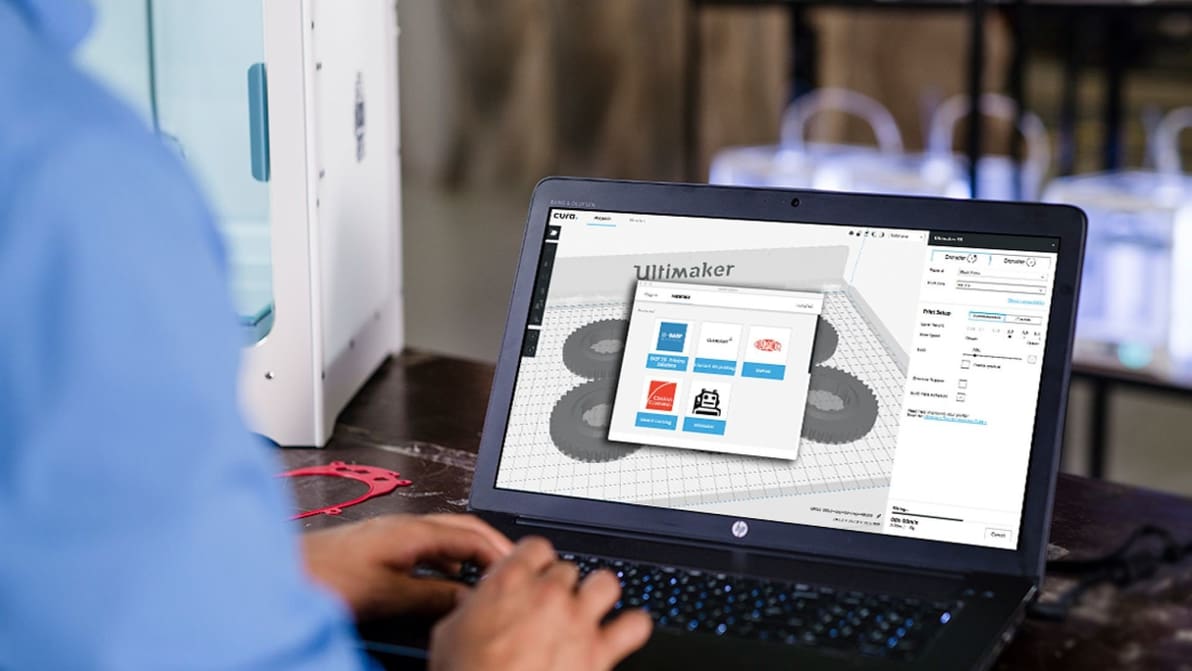
Ultimaker Cura, the free, open-source 3D printing slicer has been updated once again. The software now offers a convenient way to manage plug-ins and material profiles called the Marketplace. Download Cura 3.6 for free from Ultimaker’s website.
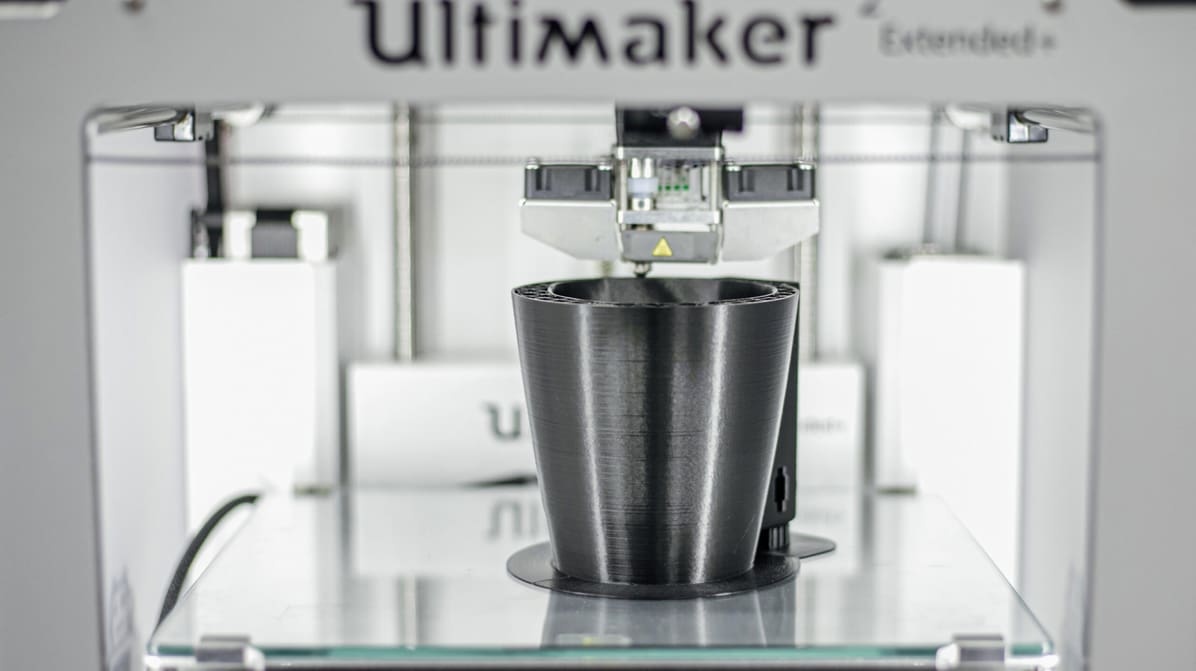
UltiMaker's Chief of Cura opens up about speed, algorithm advancements, and groundbreaking engine plugins.
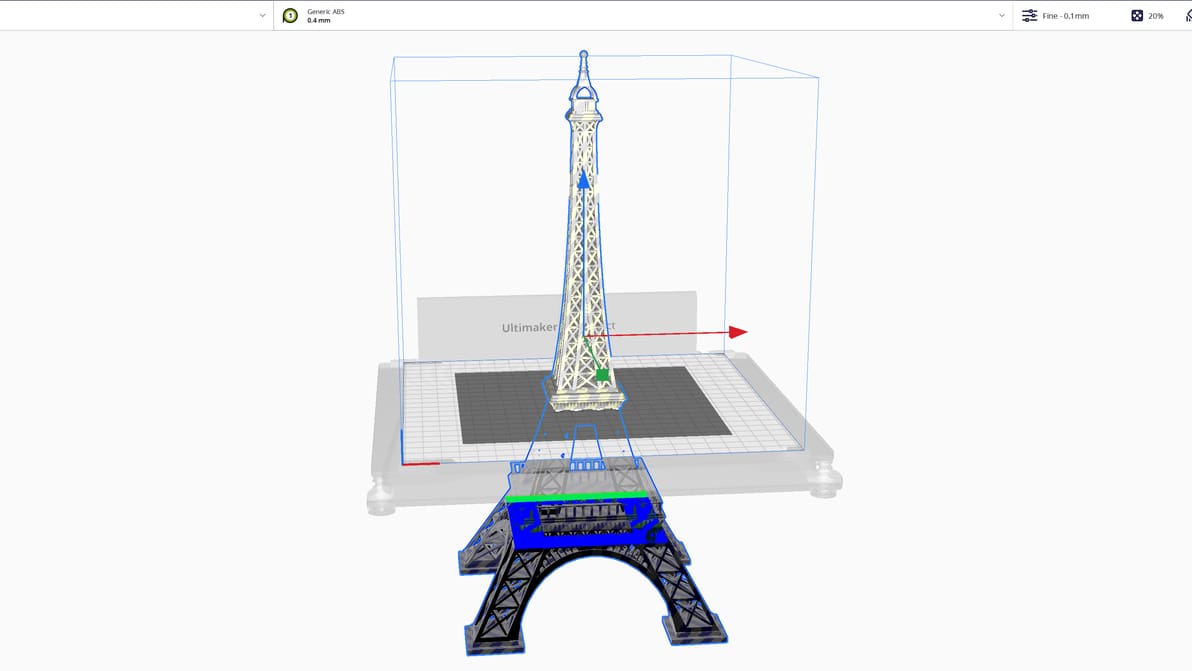
Did you know that you can split an STL file in Cura? Split models easily with this tutorial, which includes two methods. Read on for more!
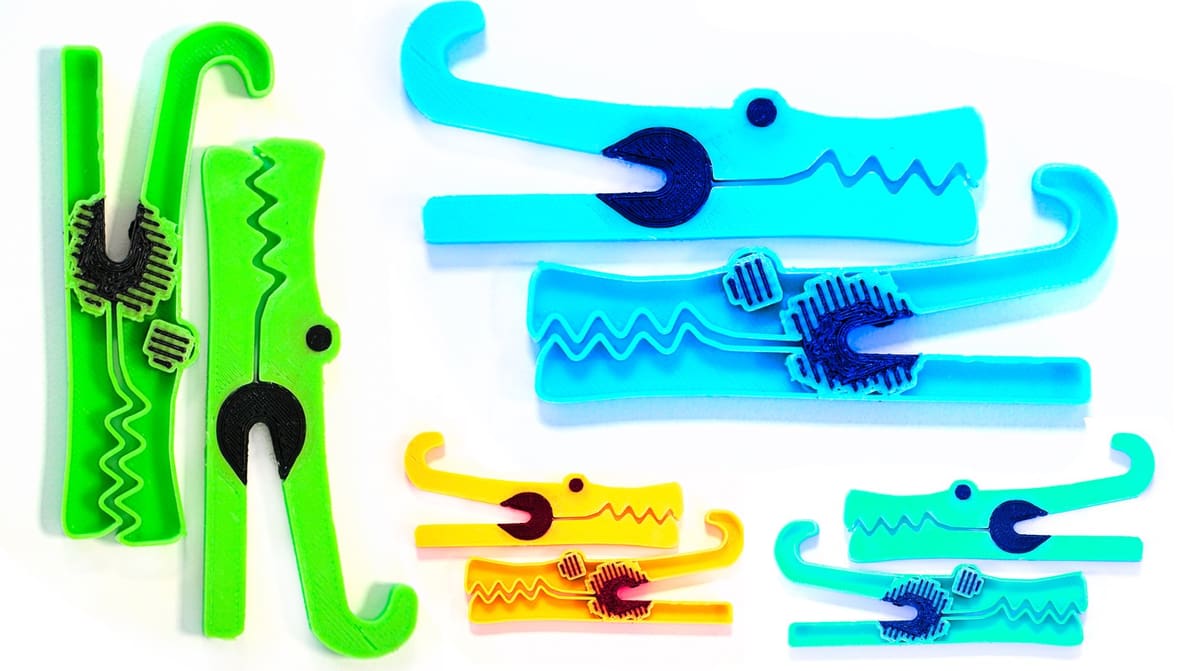
UltiMaker's Arjen Dirks walks you through how to get the most out of the latest version of Cura, including multi-material interlocking, tree supports, and recommended settings.
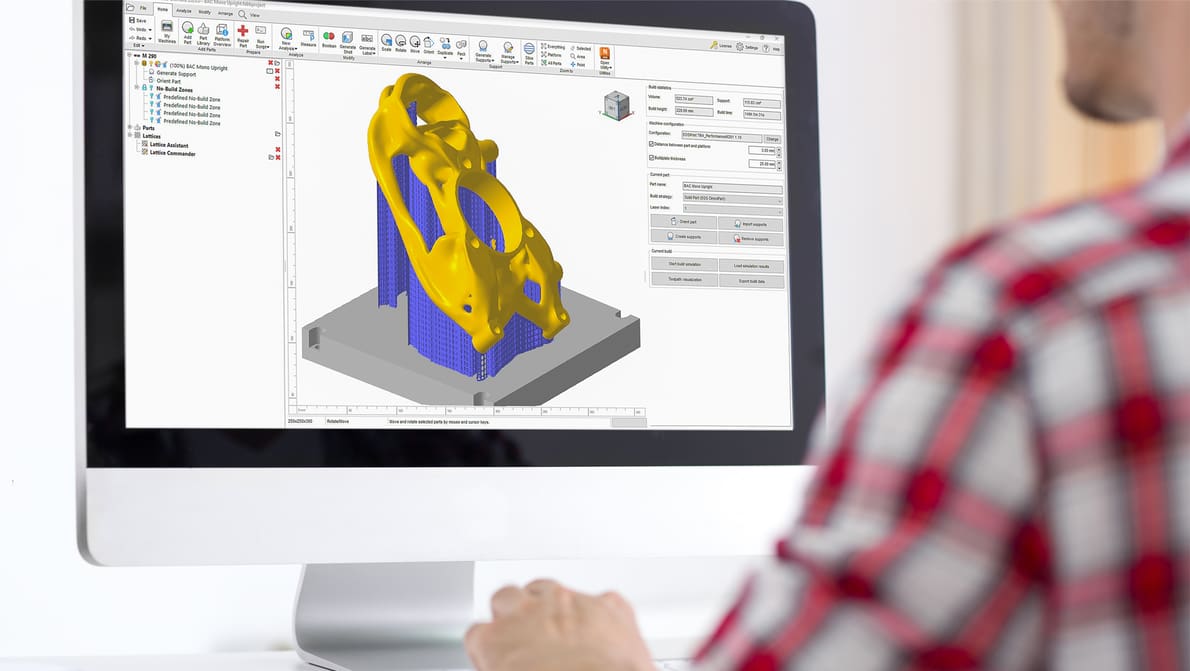
Robust build prep software – proprietary or third-party – makes a huge difference in getting successful 3D prints. Learn what the best can do.