3D Slicer

Featured image of PrusaSlicer: Text Embossing – Simply Explained
CAD Trick Without CAD
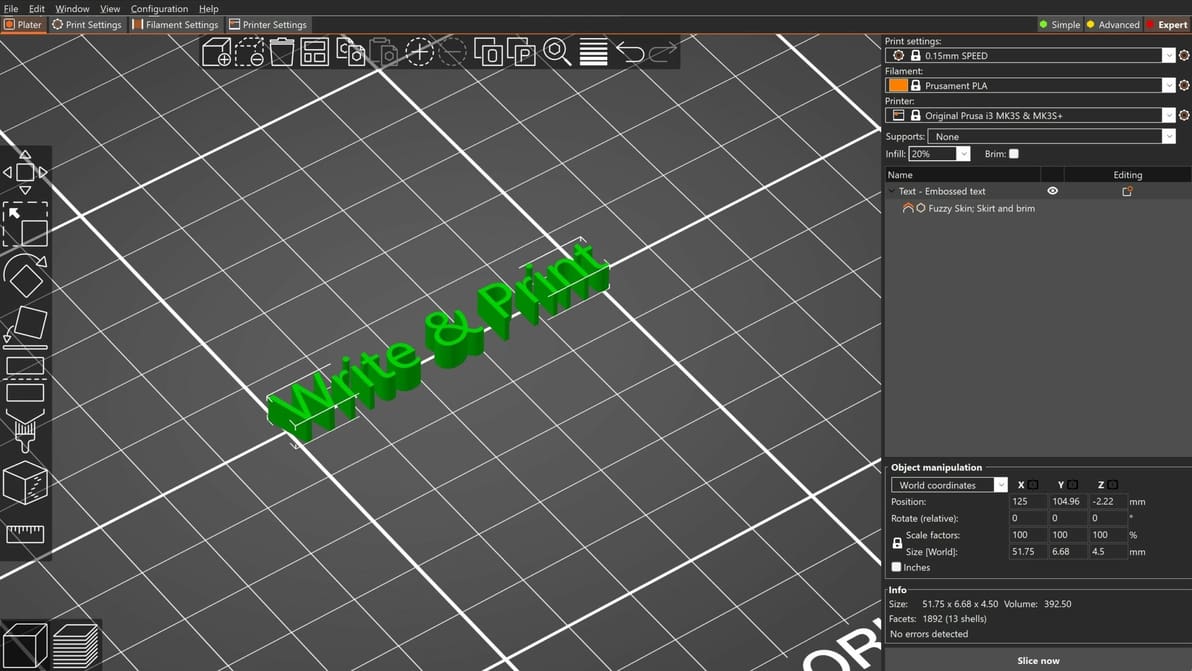
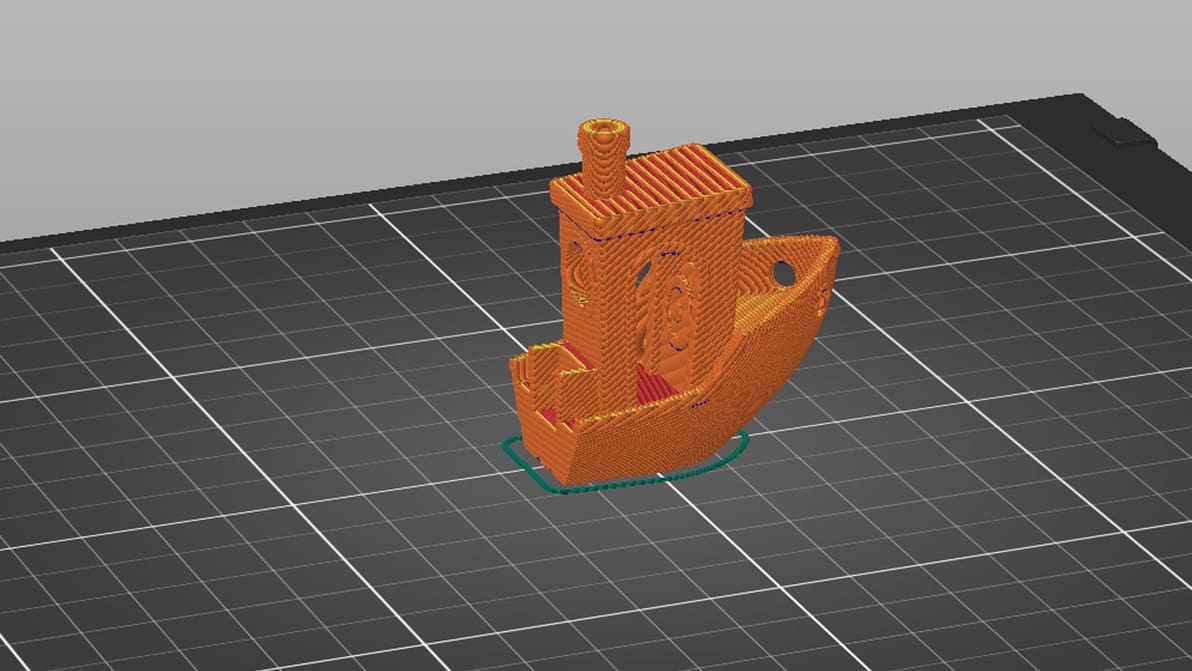
PrusaSlicer: Text Embossing – Simply Explained

Together with the Cut Tool, the PrusaSlicer Text Tool is one of the most convenient features to speed up your design workflow. Check it out!
by Gloria E. Magarotto
Featured image of UltiMaker Cura: All You Need to Know
The Cure-All for All Your Slicing Problems!
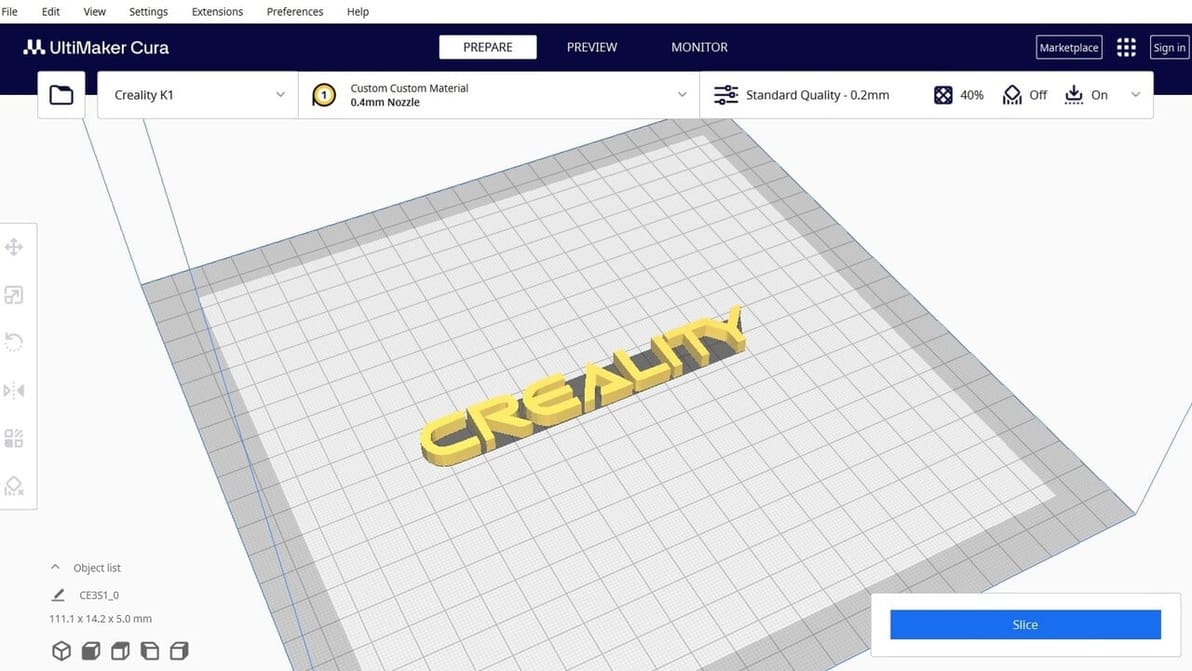
UltiMaker Cura: All You Need to Know

UltiMaker Cura is the slicer of choice for many 3D printing enthusiasts. Read all about it so you can start your Cura journey!

by Thomas Maillioux
Featured image of Orca Slicer: Calibration – Simply Explained
Tuning Made Easy
Orca Slicer: Calibration – Simply Explained

Orca Slicer is a new slicer that is gaining a lot of popularity. Learn more about Orca Slicer calibration, one of its best features!

by Gloria E. Magarotto
Featured image of The Best Slicers for Klipper
Get a Slice of This
The Best Slicers for Klipper

Klipper firmware unlocks loads of advanced 3D printing features. Check out the best slicers for Klipper to get the most out of your upgrade.

by Naomi Kaye
Featured image of Creality Halot Box: All You Need to Know
Boxing Clever
Creality Halot Box: All You Need to Know

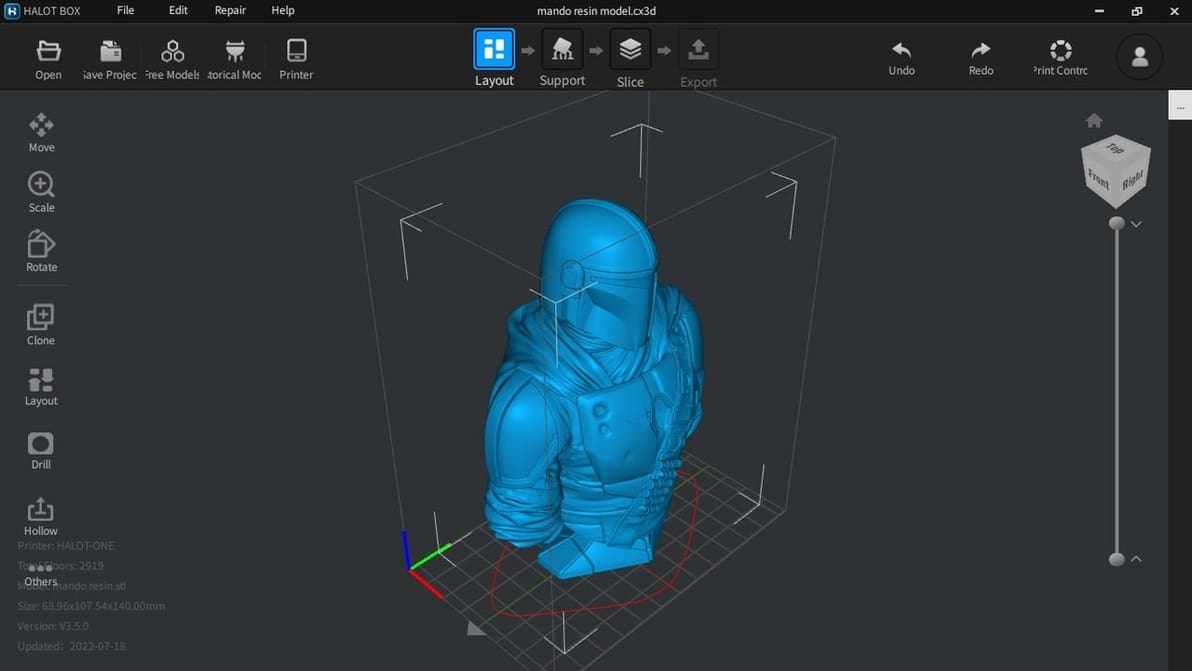
Halot Box is Creality's own dedicated slicing program for their range of resin 3D printers. Let’s open the box and see what’s inside!

by Ian Mitchell
Featured image of Chitubox Tutorial: Hands-On Tutorial to Get Started
Slice Your 3D Model like a Pro!
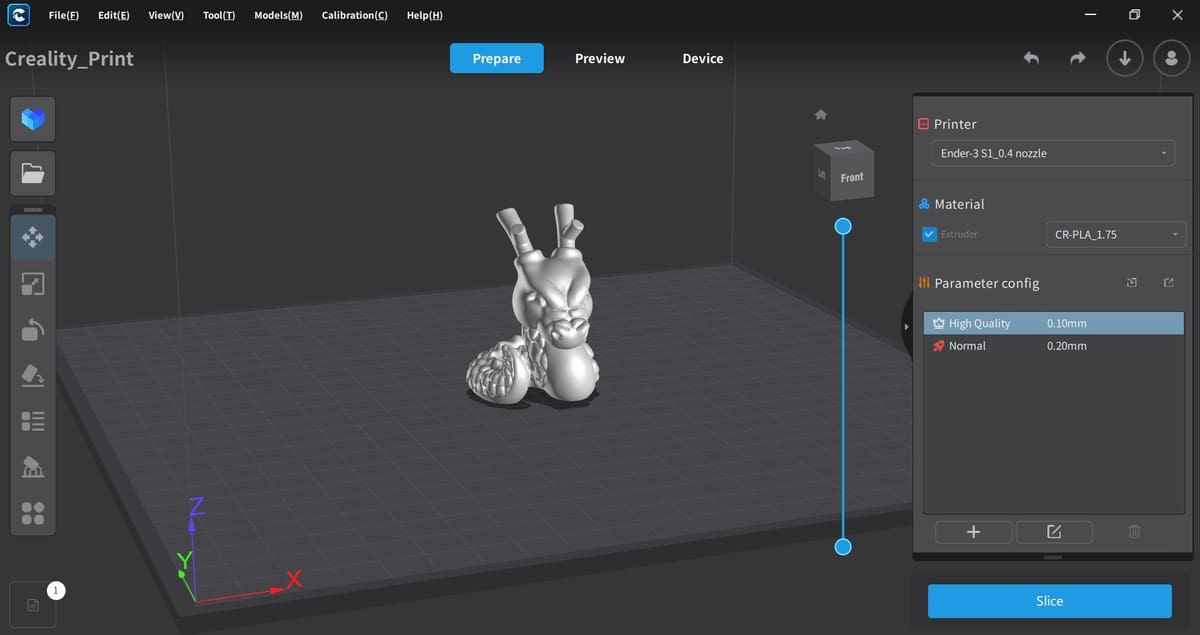
Chitubox Tutorial: Hands-On Tutorial to Get Started

Chitubox is among the most famous slicers for resin-based 3D printing. Check out our Chitubox tutorial to learn all about it!

by Ofonime William
Featured image of What Is G-code? – All You Need to Know
G-code, the Language All CNC Machines Speak
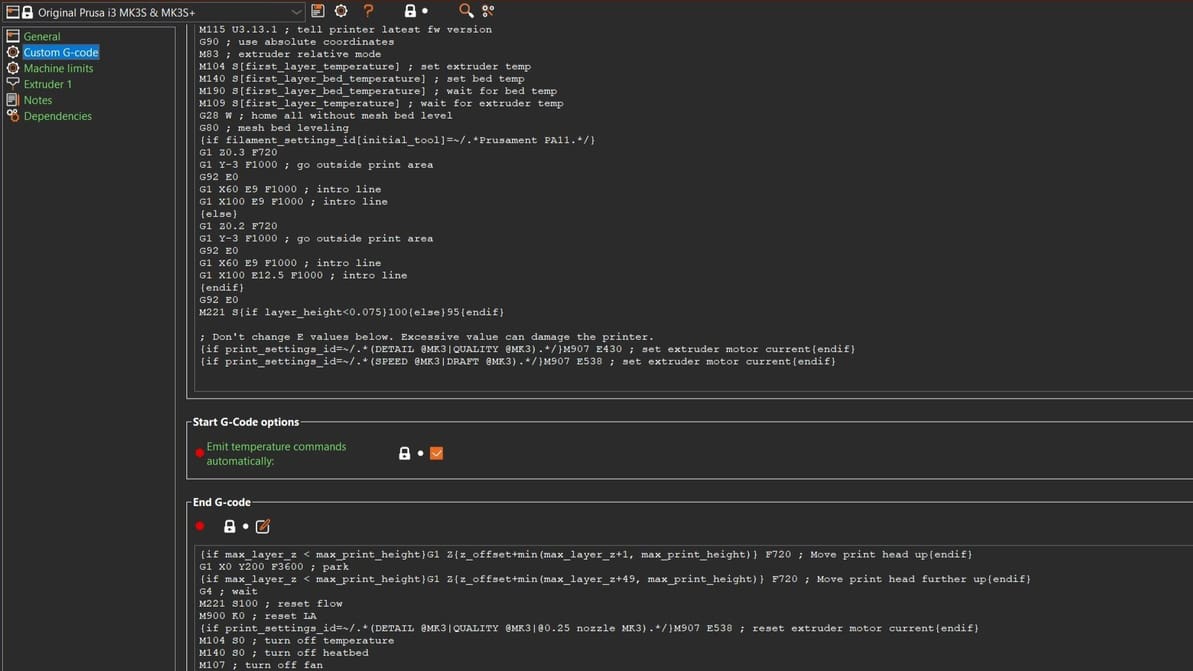
What Is G-code? – All You Need to Know

Do you want to know what G-code is? Read all about the different types, how they compare, and how to work with them!

by Shayon Khaled
Featured image of IdeaMaker: How to Apply Textures – Simply Explained
Easy Decal
IdeaMaker: How to Apply Textures – Simply Explained

IdeaMaker Textures are a quick and versatile way to apply patterns to 3D prints. Read on for the how, what, and why of this tool!

by Hironori Kondo
Featured image of Lychee Slicer: All You Need to Know
A Sweet Piece of Software
Lychee Slicer: All You Need to Know

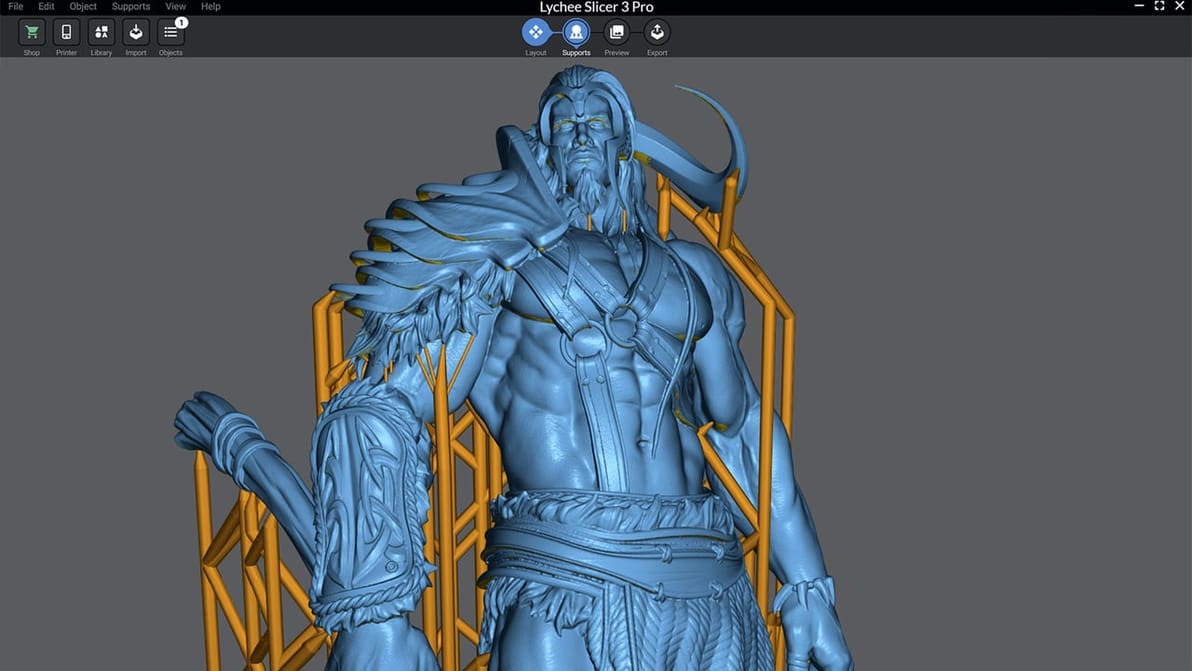
Lychee Slicer can greatly simplify, improve, and speed up how you work with your SLA printer. Read on to learn more about it!

by Phillip Bruno
Featured image of Alfawise U20 – Here are the Best Cura Profile Settings
Find the Cura
Alfawise U20 – Here are the Best Cura Profile Settings

The Alfawise U20 is a popular 3D printer amongst budget-minded makers, but the lack of quality Cura settings has left many users stranded. Here are the best Cura profile settings for the Alfawise U20.

by Tyler Koslow
Advertisement
Advertisement
Featured image of AnkerMake Slicer: All You Need to Know
Make Anything
AnkerMake Slicer: All You Need to Know

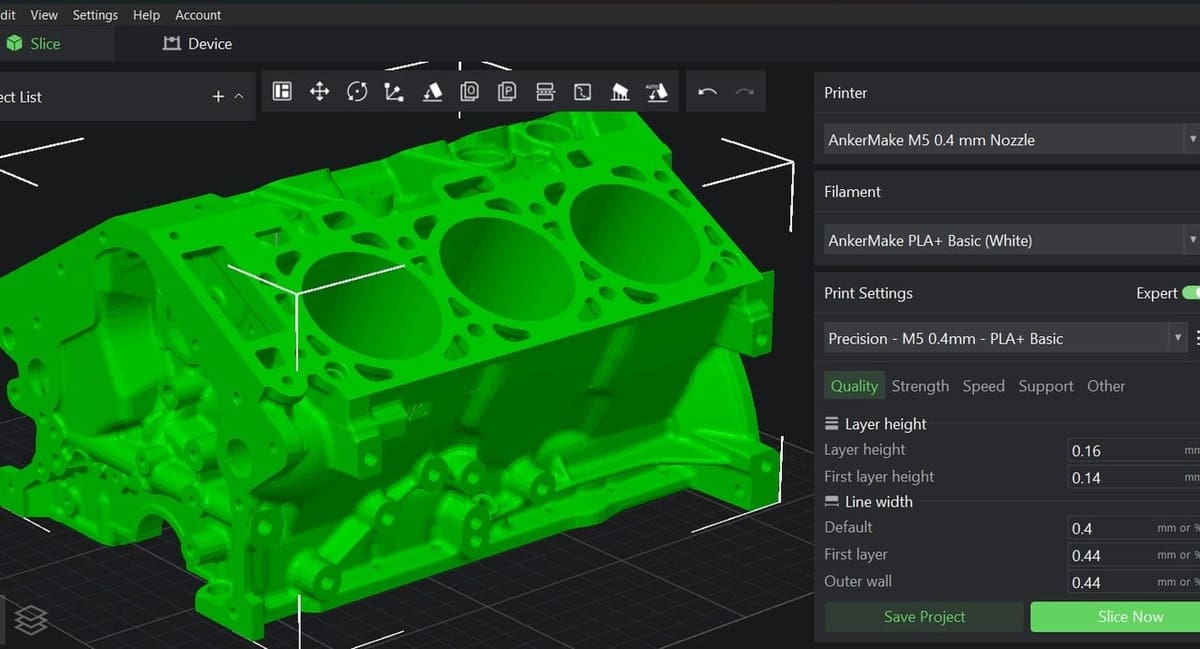
Based on PrusaSlicer, AnkerMake Studio is a relatively new slicer on the scene. Read on for all you need to know about this software!

by Ofonime William
Featured image of Cura: Experimental Settings – Simply Explained
Cura to Super Cura
Cura: Experimental Settings – Simply Explained

Cura's experimental settings can unlock hidden potential in your 3D printing experience. Read all about them!

by Priyank Pal
Featured image of Chitubox Releases Chitubox Basic 2.0
Chi2Box
Chitubox Releases Chitubox Basic 2.0

A large update for the slicing software places the spotlight on user experience, with a refreshed UI, the addition of previously Pro-exclusive features, and more.

by Adam Kohut
Featured image of SuperSlicer: How to Get Started
A Heroic Slicer
SuperSlicer: How to Get Started

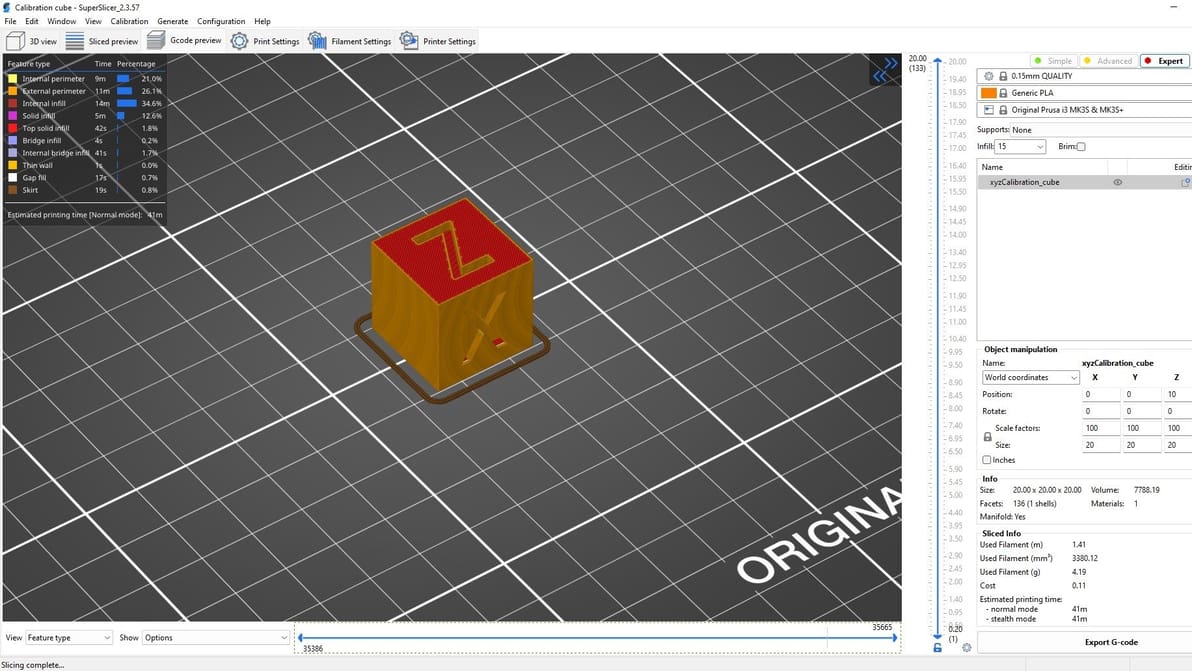
SuperSlicer is a remixed version of PrusaSlicer, with more adjustable and community-inspired settings. Read on to learn what it has to offer!

Featured image of PrusaSlicer & OctoPrint: How to Use Them Together
OctoPrusa
PrusaSlicer & OctoPrint: How to Use Them Together

If you're already a fan of PrusaSlicer, OctoPrint is a great next step. Read on to learn how to make them work together!

by Jackson O'Connell
Featured image of What Is Slic3r? – Simply Explained
Splish, Splash, Slice!
What Is Slic3r? – Simply Explained

Slic3r is an influential part of hobby 3D printing and a big player in the pool of slicing programs. Let's take a look at some of its main features and settings!

by Andreas Iliopoulos
Featured image of Is Your Slicer Limiting Your Creality K1? Check Out These Alternatives
Max Out Your K1
Is Your Slicer Limiting Your Creality K1? Check Out These Alternatives

Given rising prices, you might want to get more out of the printer you already have. Get the most out of your K1 with the right slicer!

by Dominic Aubert
Featured image of PrusaSlicer: Negative Volume – Simply Explained
Negative Volume, Positive Feature!
PrusaSlicer: Negative Volume – Simply Explained

Bypass CAD programs with this handy tool! Learn about PrusaSlicer Negative Volume and how to use it to its fullest potential.
by Gloria E. Magarotto
Featured image of Binary G-code in PrusaSlicer: What Is It Exactly?
0101 Has Won
Binary G-code in PrusaSlicer: What Is It Exactly?

Is binary the future of G-code? Read on to find out what binary G-code is, its benefits and drawbacks, and how you can take advantage of it.

by Myles Vendel
Featured image of MatterControl 2.0: How to Get Started
It's All About Control
MatterControl 2.0: How to Get Started

MatterControl 2.0 is much more than a slicer, with many features to handle your 3D printing needs. Read on to learn more!

by Jackson O'Connell
Advertisement
Advertisement