3D Slicer

Featured image of Bambu Studio: Vase Mode – Simply Explained
Spiralize Me
Bambu Studio: Vase Mode – Simply Explained

Bambu Studio's vase mode is the easy path to seamless, artistic 3D prints. Read on to learn how to use it and how to troubleshoot.
by Bharat Jagwani
Featured image of The Best Chitubox Support Settings for Miniatures & More
Turning on Chit Mode
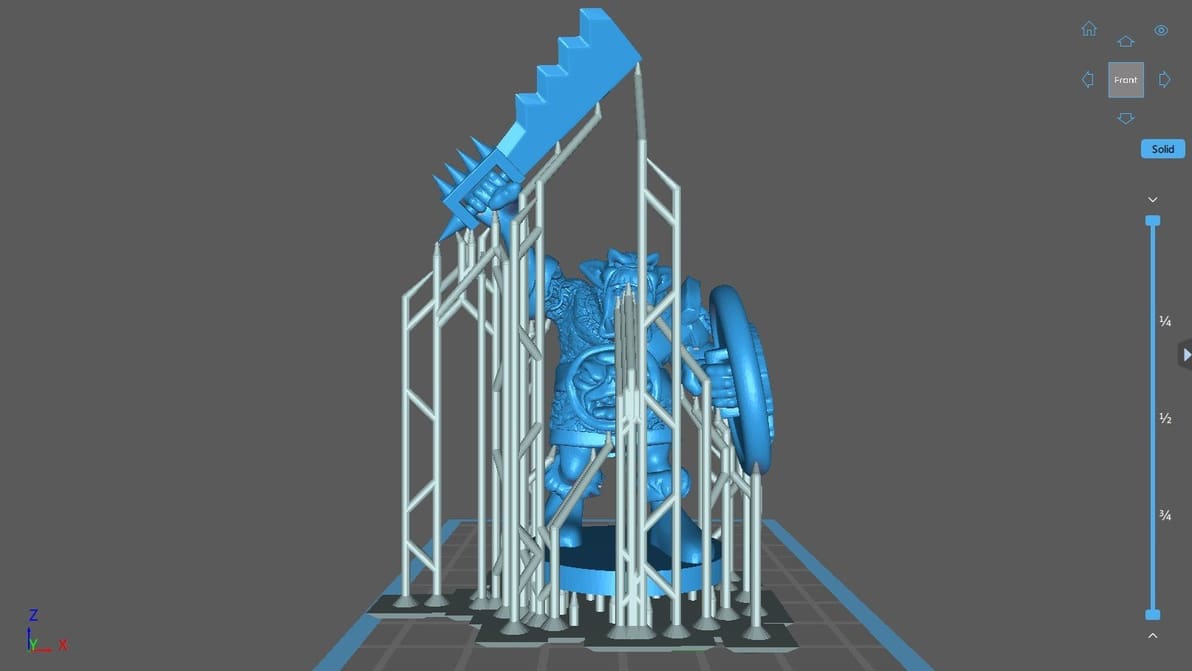
The Best Chitubox Support Settings for Miniatures & More

There are a lot of Chitubox support settings to play with. Learn about them and the best tweaks for specific use cases, like miniatures!
by Phillip Bruno
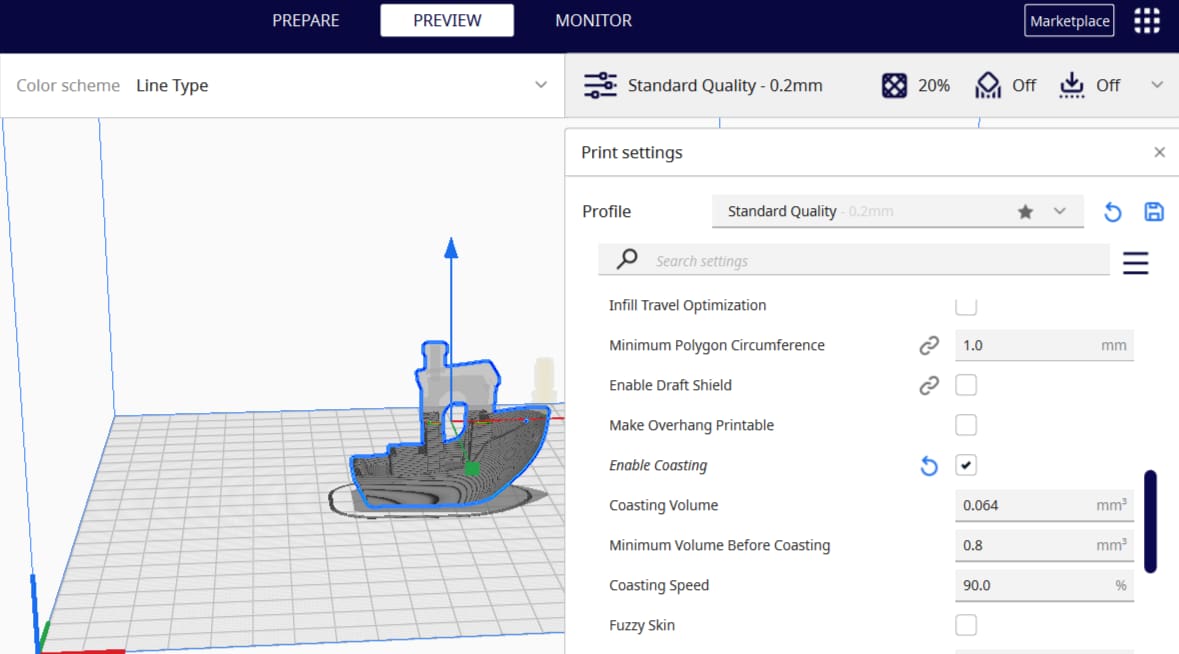
Featured image of Cura Adaptive Layers – Simply Explained
Cura's Evolving
Cura Adaptive Layers – Simply Explained

Cura's adaptive layers feature uses varying layer heights to achieve increased detail while reducing print time. Read on to learn more!

by Jackson O'Connell
Featured image of Orca Slicer vs Bambu Studio: The Differences
Do Orcas Eat Bambu?
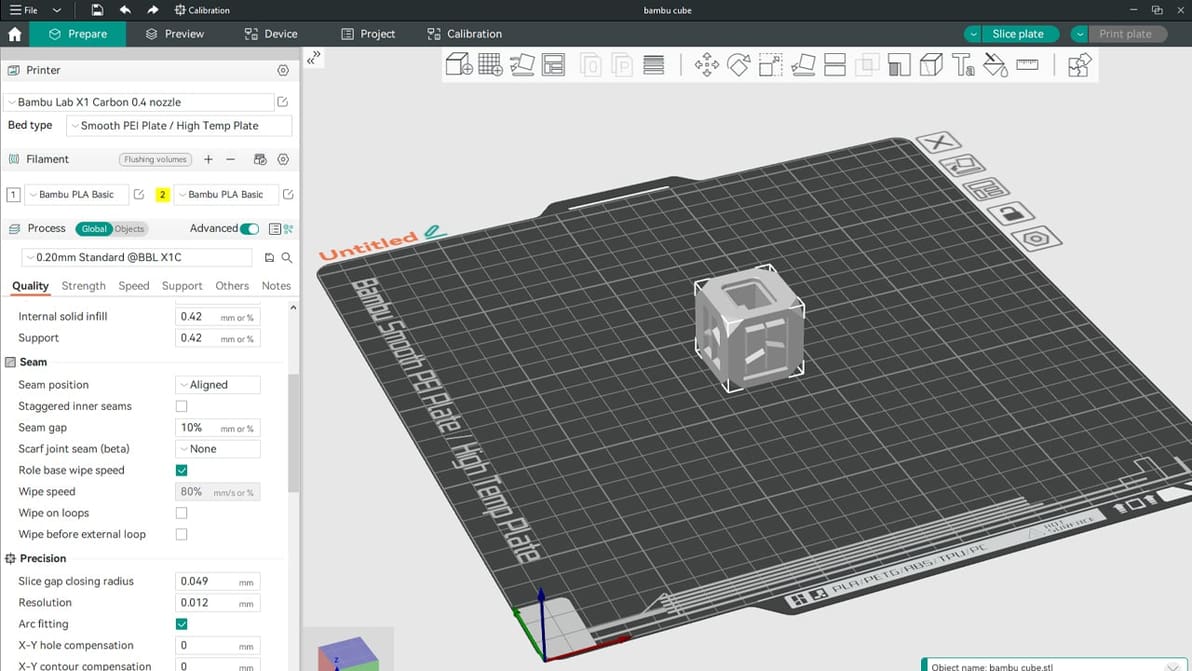
Orca Slicer vs Bambu Studio: The Differences

Having a hard time choosing between Orca Slicer and Bambu Studio? Read on to learn about the nitty-gritty and decide which one's for you!
by Gloria E. Magarotto
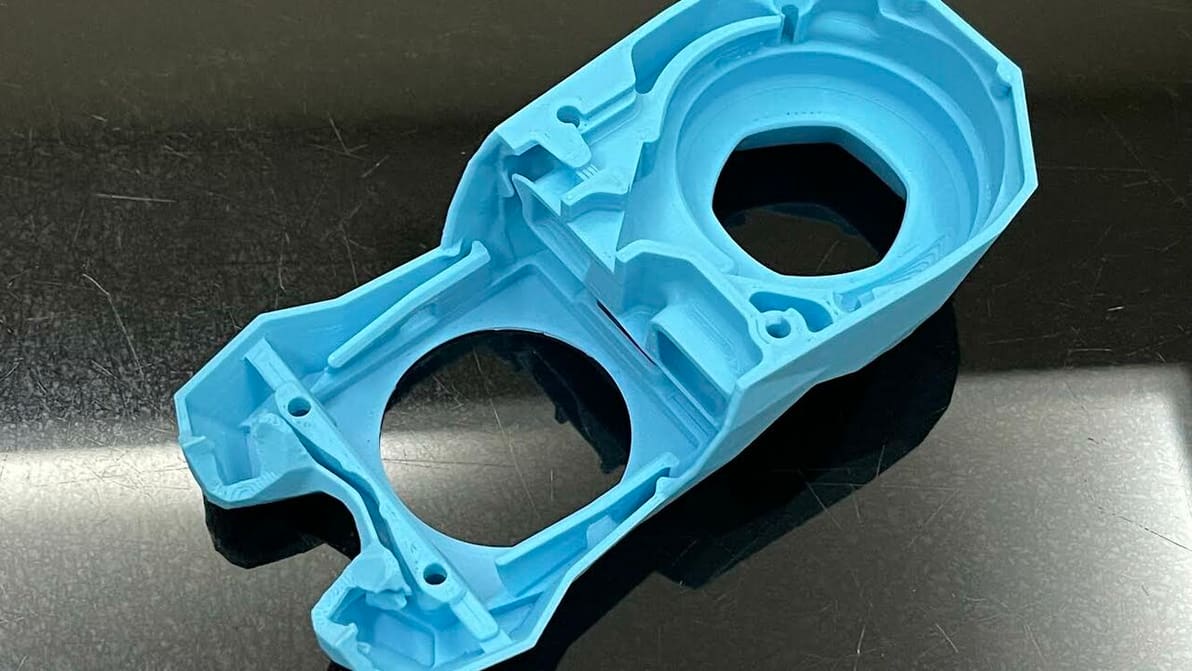
Featured image of How to 3D Print Hollow Objects – Simply Explained
Hollow Back
How to 3D Print Hollow Objects – Simply Explained

3D printing hollow objects can save you money, material, and time. Learn when and how to hollow 3D objects with three easy methods.

by Lauren Fuentes
Featured image of Chitubox Tutorial: Hands-On Tutorial to Get Started
Slice Your 3D Model like a Pro!
Chitubox Tutorial: Hands-On Tutorial to Get Started

Chitubox is among the most famous slicers for resin-based 3D printing. Check out our Chitubox tutorial to learn all about it!

by Ofonime William
Featured image of Chitubox (Resin 3D Printing Slicer): All You Need to Know
We Unbox Chitubox!
Chitubox (Resin 3D Printing Slicer): All You Need to Know

Chitubox slicer is a powerful alternative to proprietary software from 3D printer manufacturers. Find out more below.

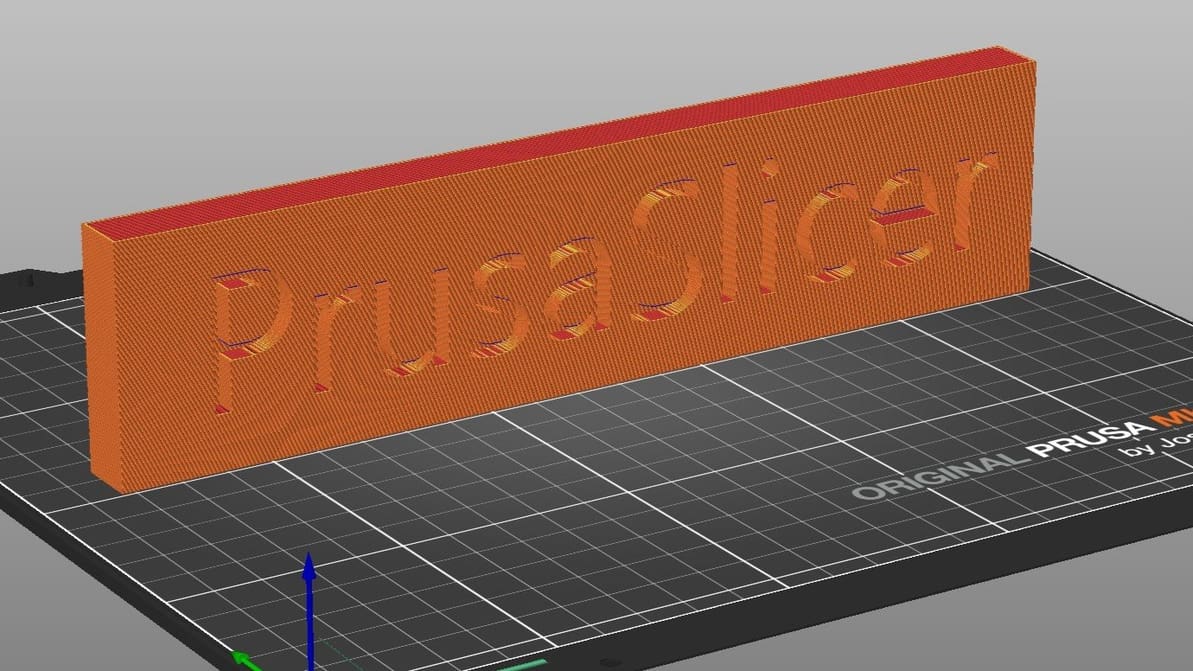
Featured image of PrusaSlicer Support Settings: The Basics
Superlative Supports
PrusaSlicer Support Settings: The Basics

PrusaSlicer gives users a lot of control over their prints. Read on to get the most out of PrusaSlicer support settings, even tree supports!

Featured image of Orca Slicer: Seam – All You Need to Know
Not What It Seams
Orca Slicer: Seam – All You Need to Know

Orca Slicer has been gaining popularity thanks to its advanced tools. Read on to discover how to get seams right with it!

by Gloria E. Magarotto
Featured image of Orca Slicer: Pressure Advance – Simply Explained
Under Pressure
Orca Slicer: Pressure Advance – Simply Explained

Pressure advance is a well-loved calibration tool among makers. Read on to learn how to adjust your Orca Slicer pressure advance value!

by Gloria E. Magarotto
Advertisement
Advertisement
Featured image of 3D Printer Retraction Speed – Simply Explained
Stepping Back
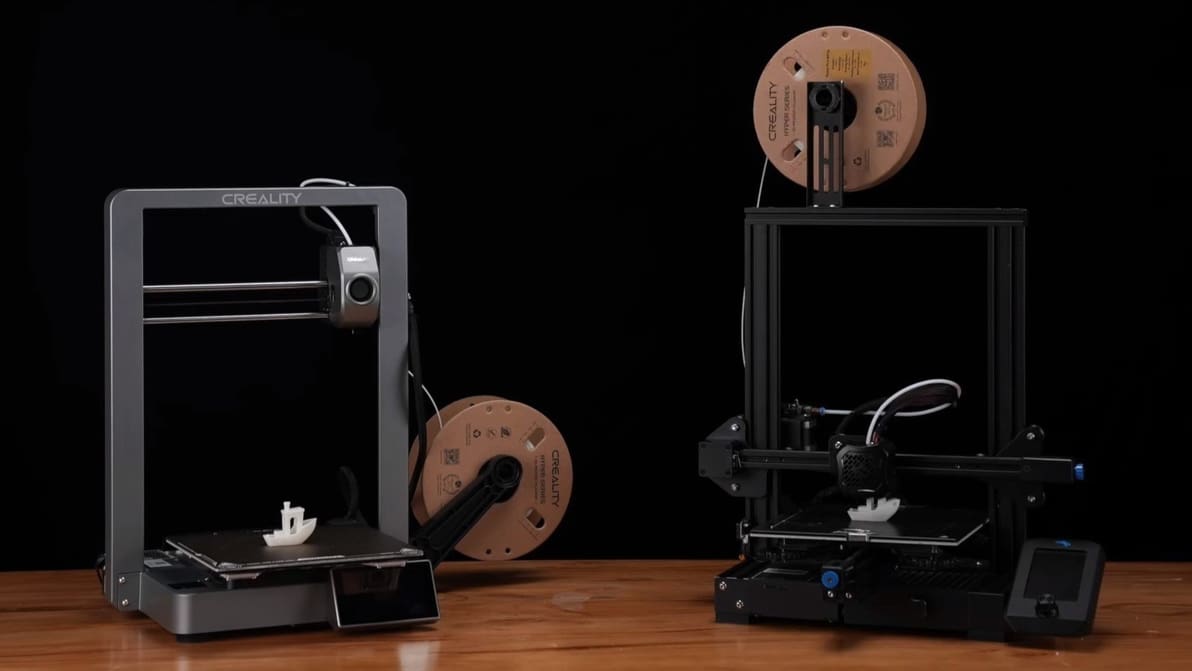
3D Printer Retraction Speed – Simply Explained

Pulling filament back into the hot end is a useful function but tricky to master. Read on to learn all about 3D printer retraction!
by Jackson O'Connell
Featured image of How to Use a Temperature Tower in PrusaSlicer
It's Getting Hot in Here
How to Use a Temperature Tower in PrusaSlicer

By creating PrusaSlicer temperature towers, you can elevate print quality and filament efficiency in one go. Read on to learn more!

by Bharat Jagwani
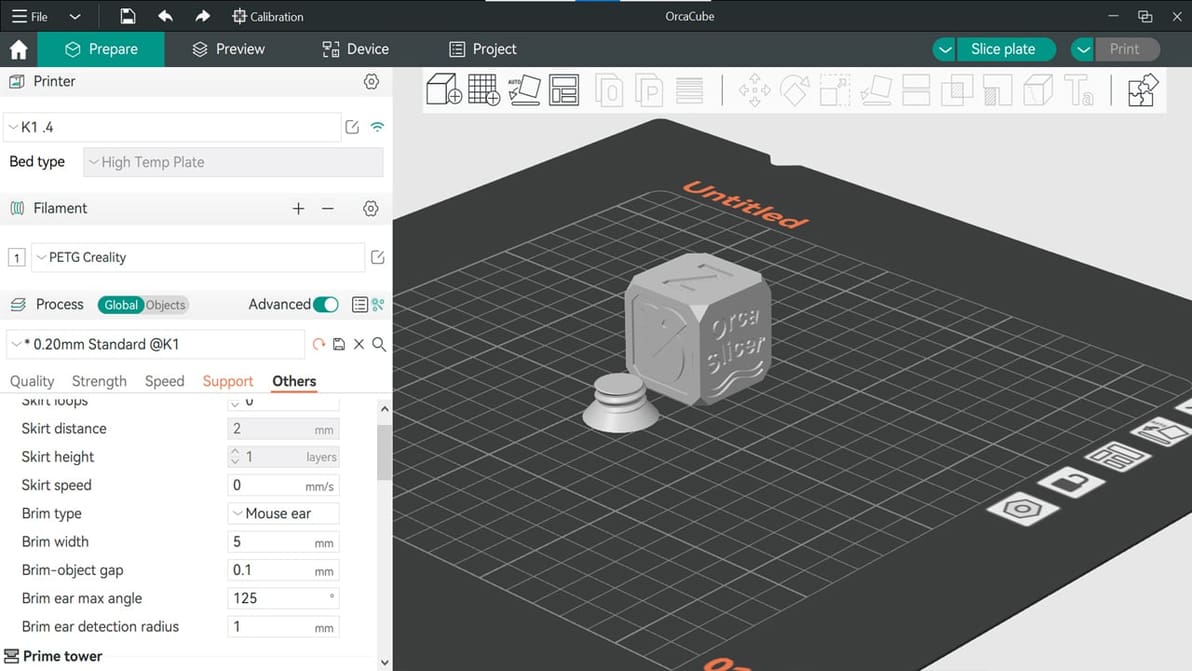
Featured image of Orca Slicer Tutorial: Your First Steps with the Slicer
Slice, Spice & Everything Nice
Orca Slicer Tutorial: Your First Steps with the Slicer

Whether you're a newbie or pro, Orca Slicer has something for you. Read on for an Orca Slicer tutorial to help you get started!

by Bharat Jagwani
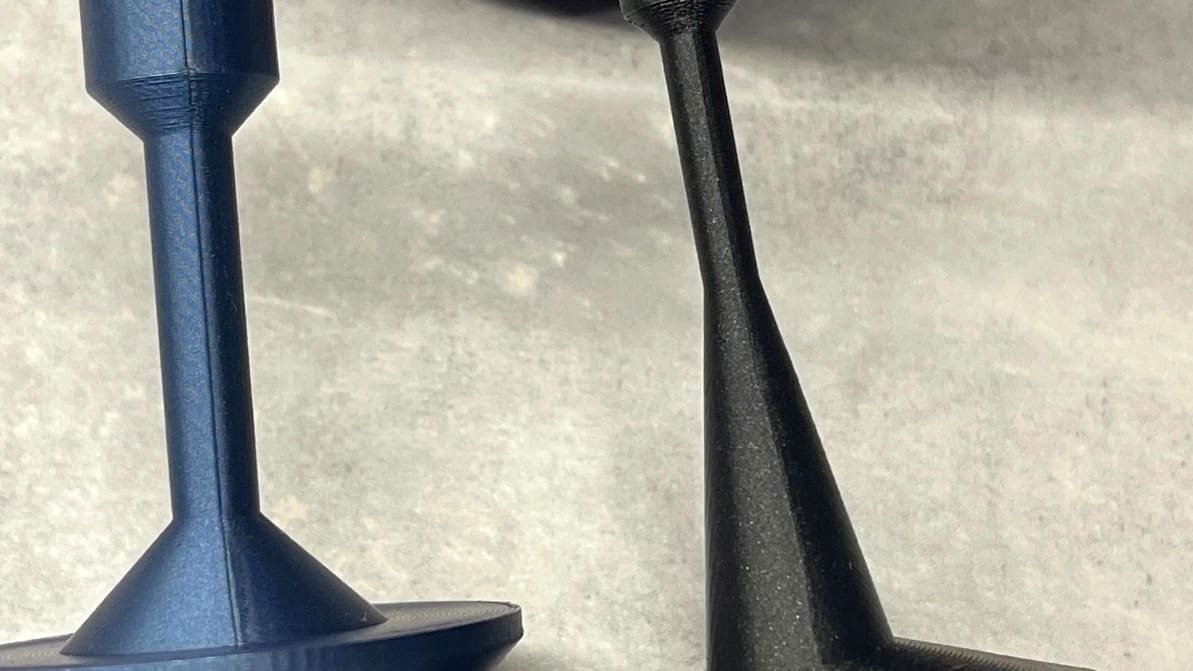
Featured image of Cura: Support Z Distance – Simply Explained
Lean on Me
Cura: Support Z Distance – Simply Explained

Support Z Distance in Cura can make removing supports a breeze! Read on to learn about this setting and how to tune it for your prints.

by Vincent Reitinger
Featured image of Kiri:Moto (Web-Based Slicer): All You Need to Know
Web-Based Slicing
Kiri:Moto (Web-Based Slicer): All You Need to Know

This slicer flexes browser-based computing for your 3D printing needs... And more! Read on for everything you need to know about Kiri:Moto.
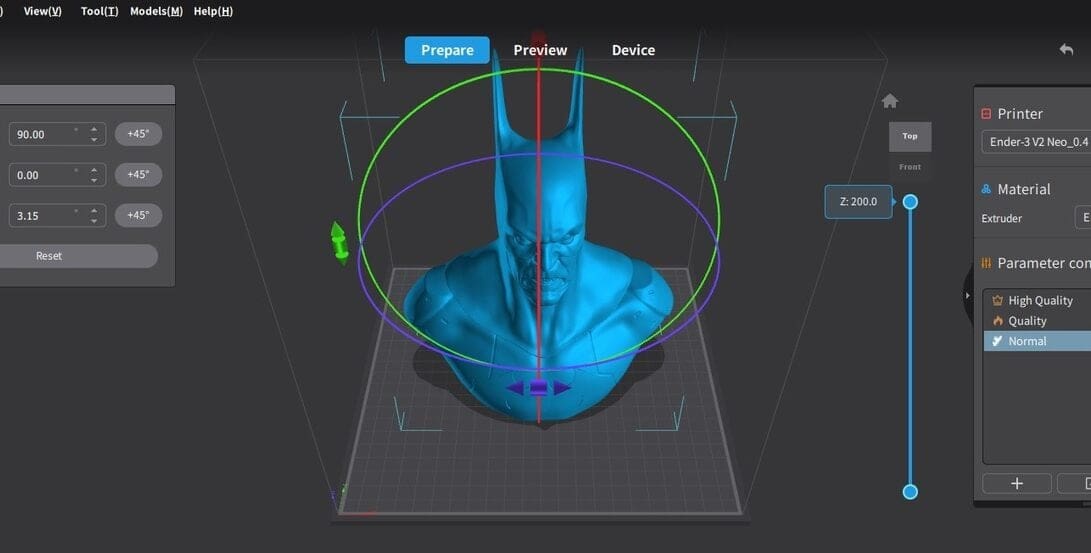
by Thomas Maillioux
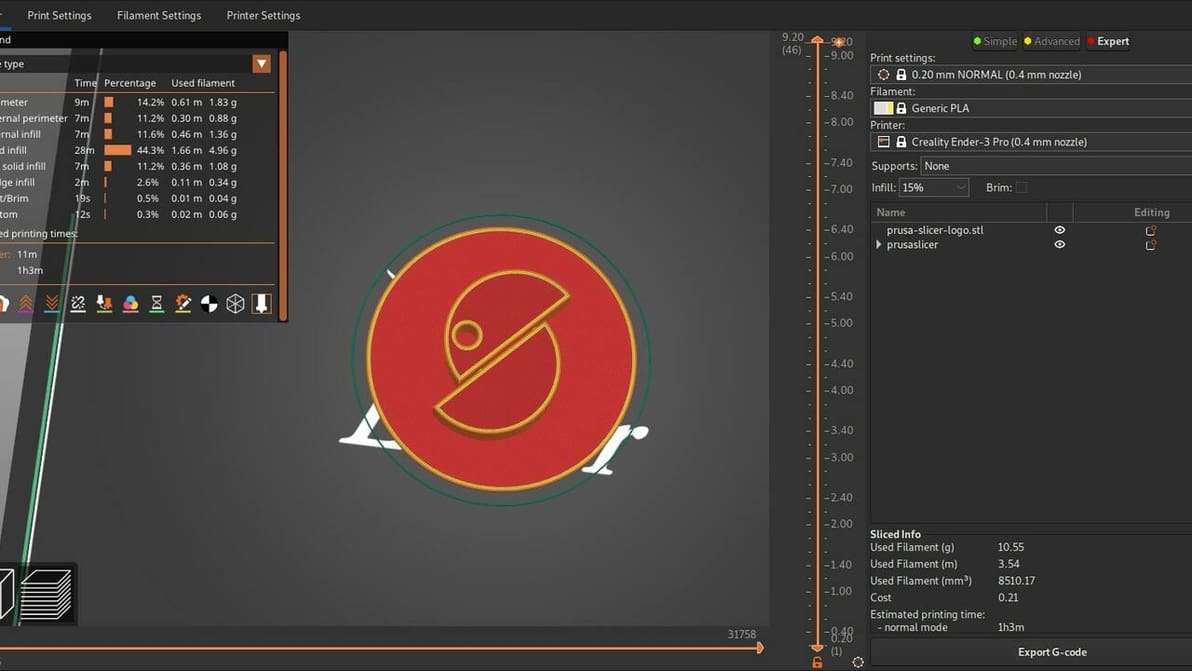
Featured image of PrusaSlicer: All You Need to Know
Spice Up Your Slicing
PrusaSlicer: All You Need to Know

Learn all about PrusaSlicer and how Prusa Research continues to monitor its development and add new functionality.

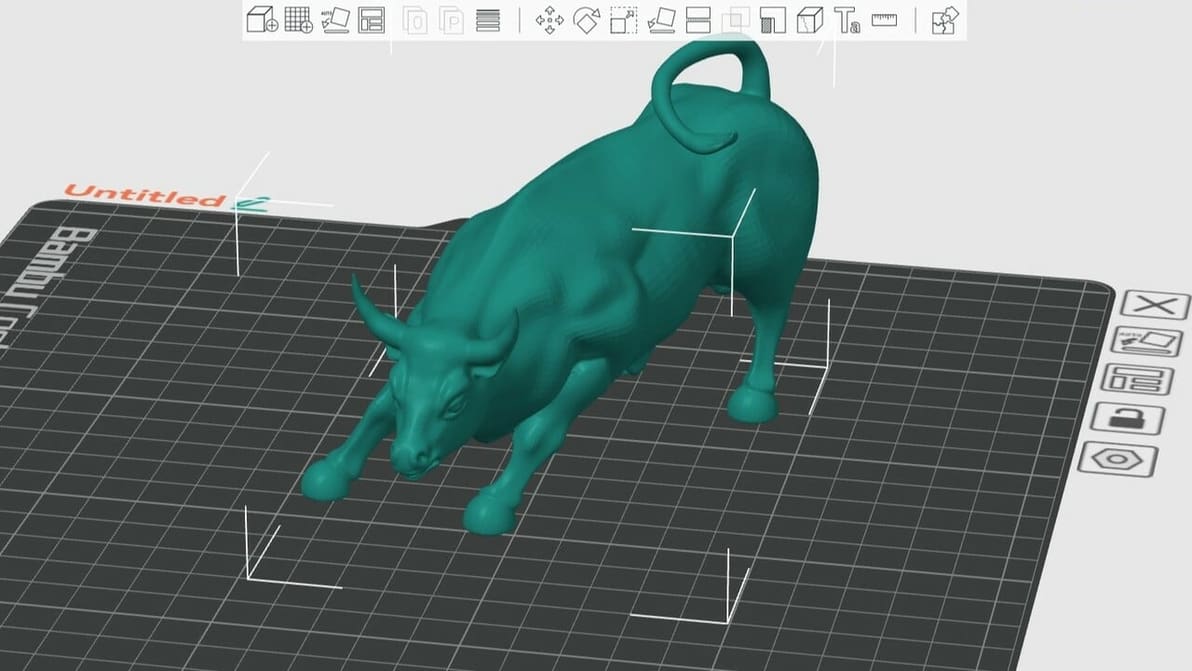
Featured image of Bambu Studio Tutorial: Hands-On Tutorial to Get Started
Approved by Pandas
Bambu Studio Tutorial: Hands-On Tutorial to Get Started

From model to masterpiece – read all about how to slice, preview, and 3D print like a pro with our Bambu Studio tutorial!

by Guilherme Schendel
Featured image of Cura Extrusion Multiplier: How to Improve Your Prints
A Multitude of Solutions
Cura Extrusion Multiplier: How to Improve Your Prints

Cura's extrusion multiplier is actually called "Flow". Read to learn what it is, how to tune it, and how it can help fix print issues.
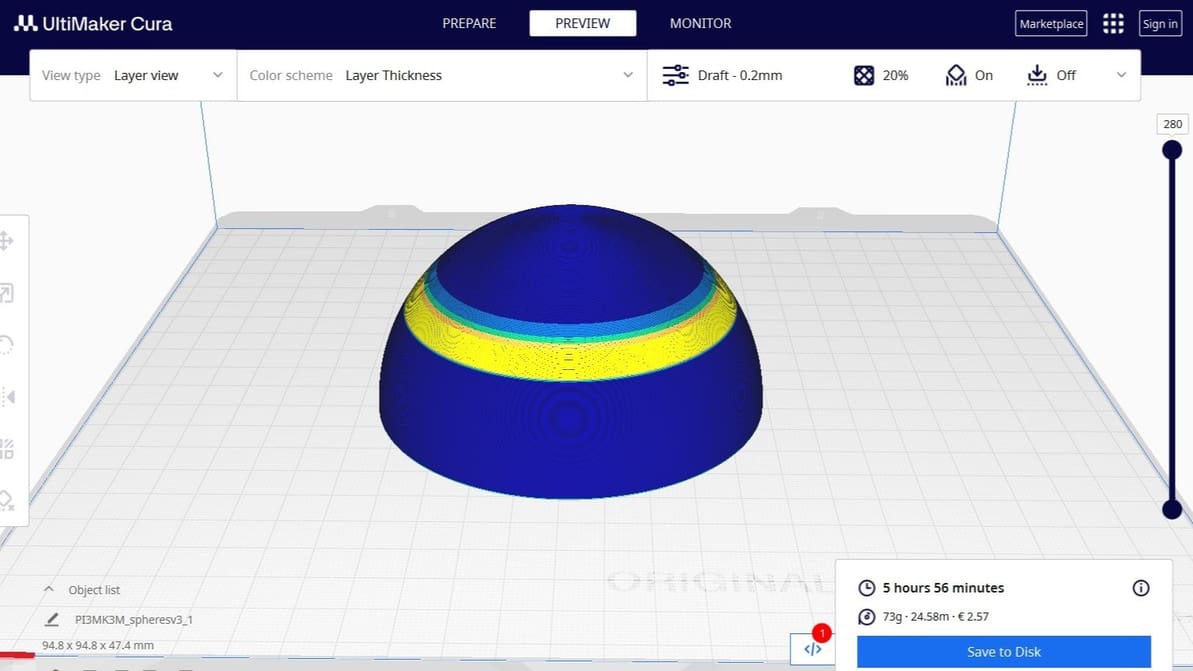
Featured image of 5 Great Online Slicers We Recommend
A Slice of the Web
5 Great Online Slicers We Recommend

You've heard about Cura, PrusaSlicer, and Bambu Studio... but what about online slicers? Here are the best picks.

by Filippo Predebon
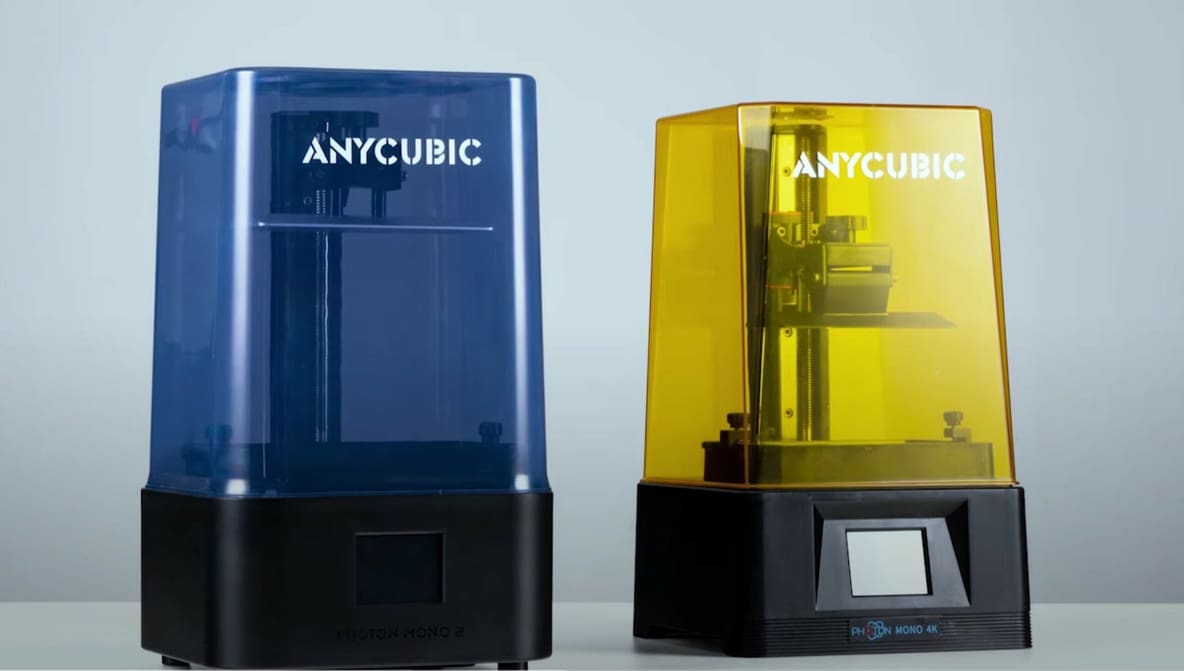
Featured image of The Best ChiTuBox Anycubic Photon Resin Settings
Up Your Photon Game
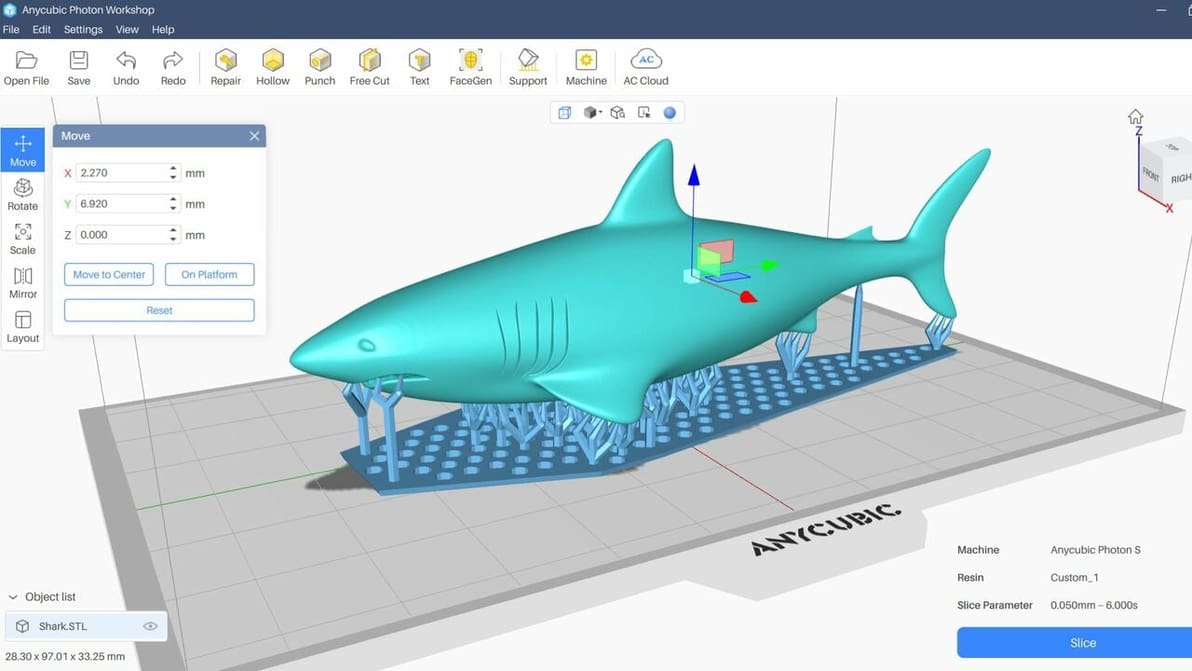
The Best ChiTuBox Anycubic Photon Resin Settings

With ChiTuBox, Anycubic Photon settings are a piece of cake. Get more control over your printer with this great slicer.

by Lucas Carolo
Advertisement
Advertisement