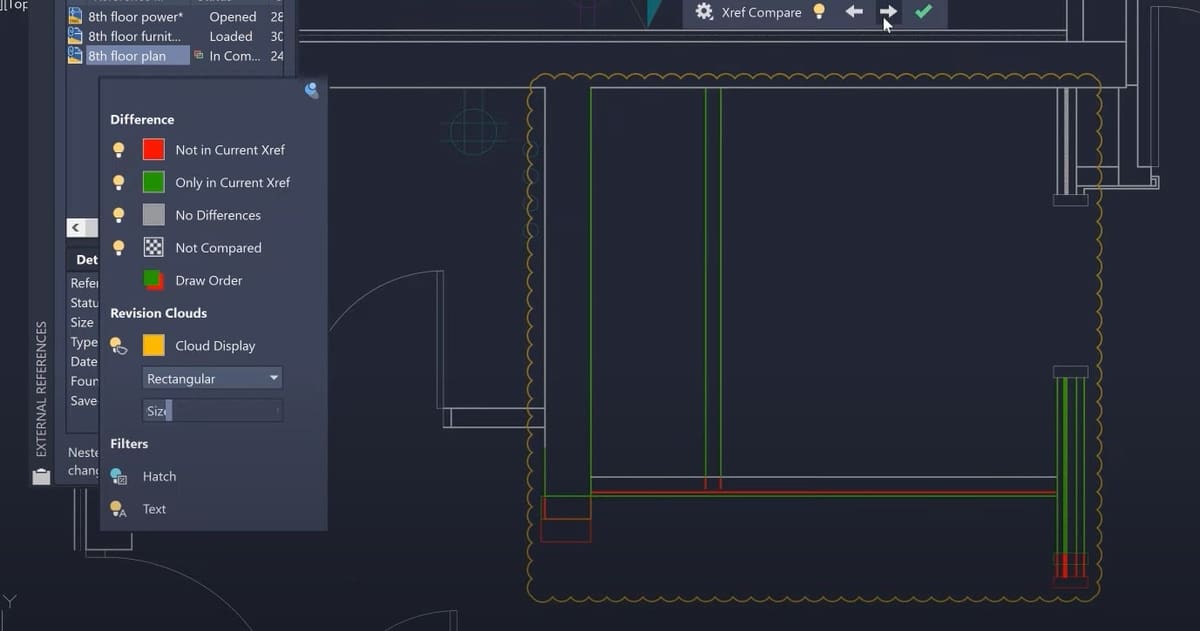
With an xref, AutoCAD allows you to reference another drawing in your current one. Read on to learn more about xrefs and how to use them!
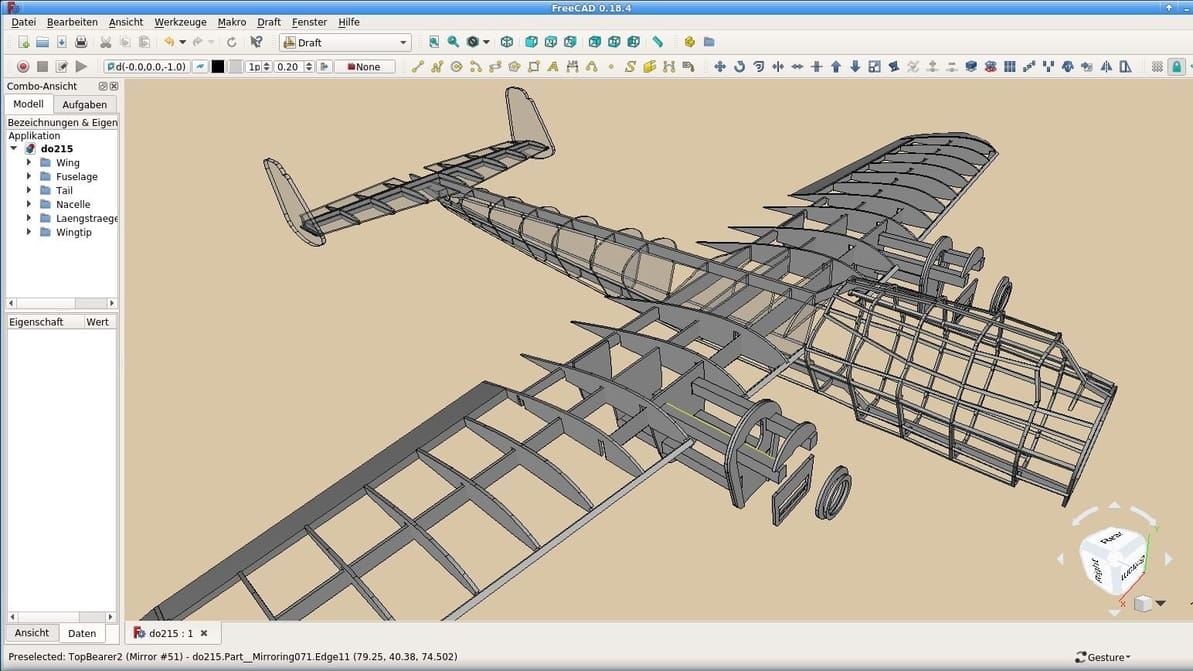
Two predominant options for open-source parametric modeling face off: It's FreeCAD vs. LibreCAD. Read on to learn how they compare.
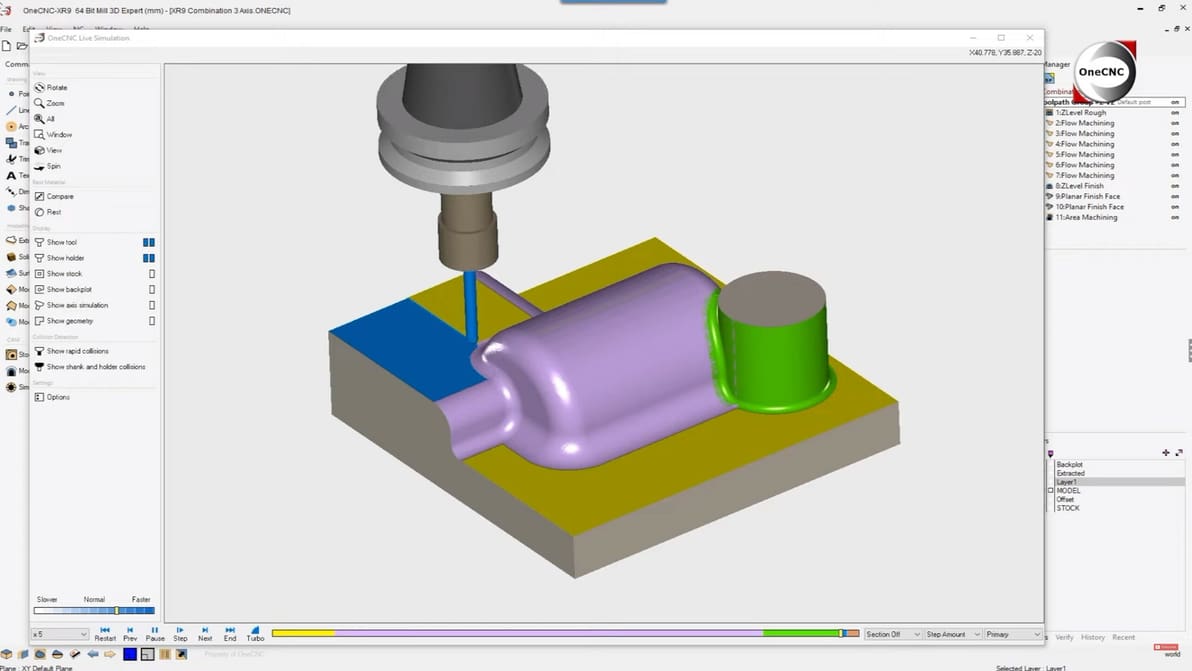
There are many CAM software options, and choosing one can be quite overwhelming. Check out our selections and find the best place to start!
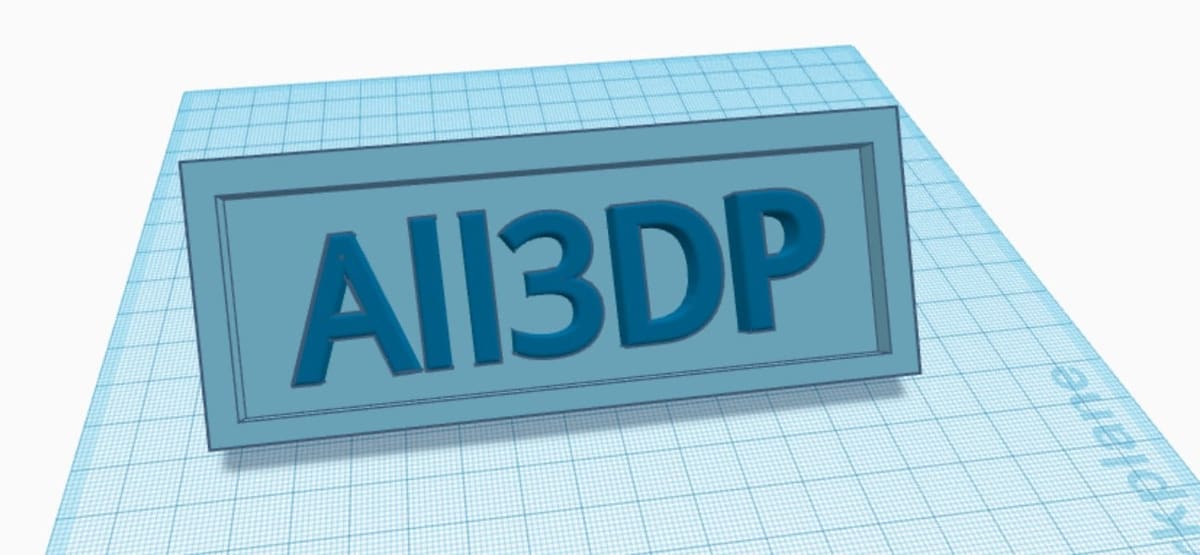
Creating personalized objects has never been so easy thanks to Tinkercad. Read on to learn how to 3D print your very own name tag!
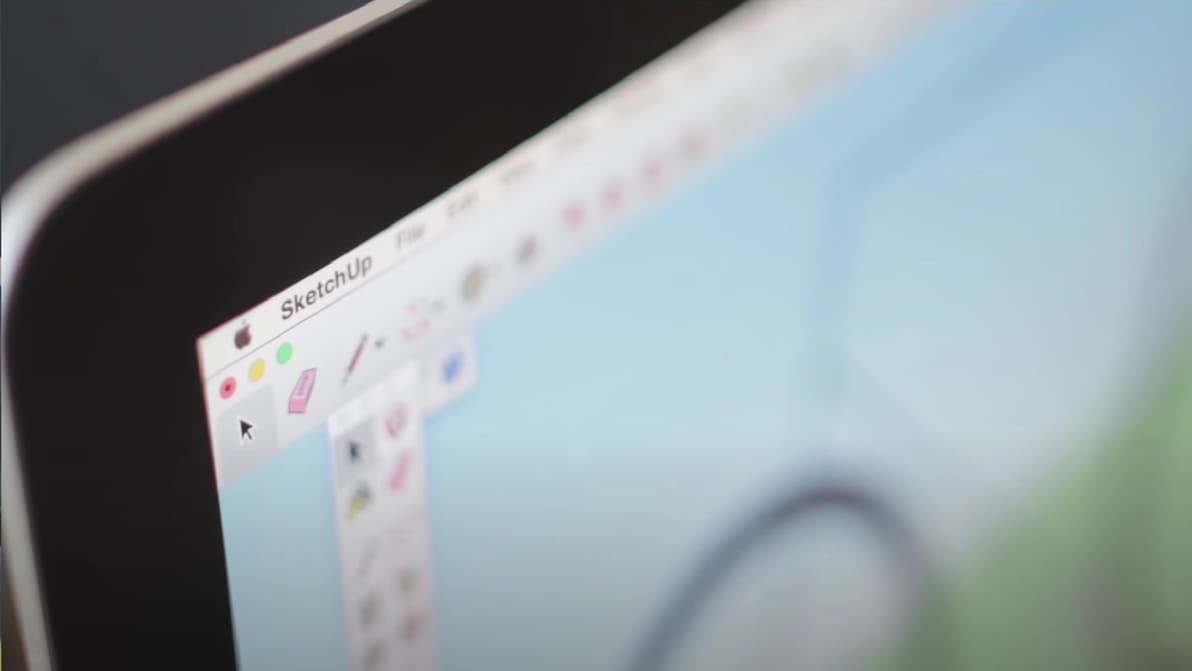
The Fusion 360 vs SketchUp choice isn't an easy one, as they're both great programs. Read on to compare and decide which is best for you!
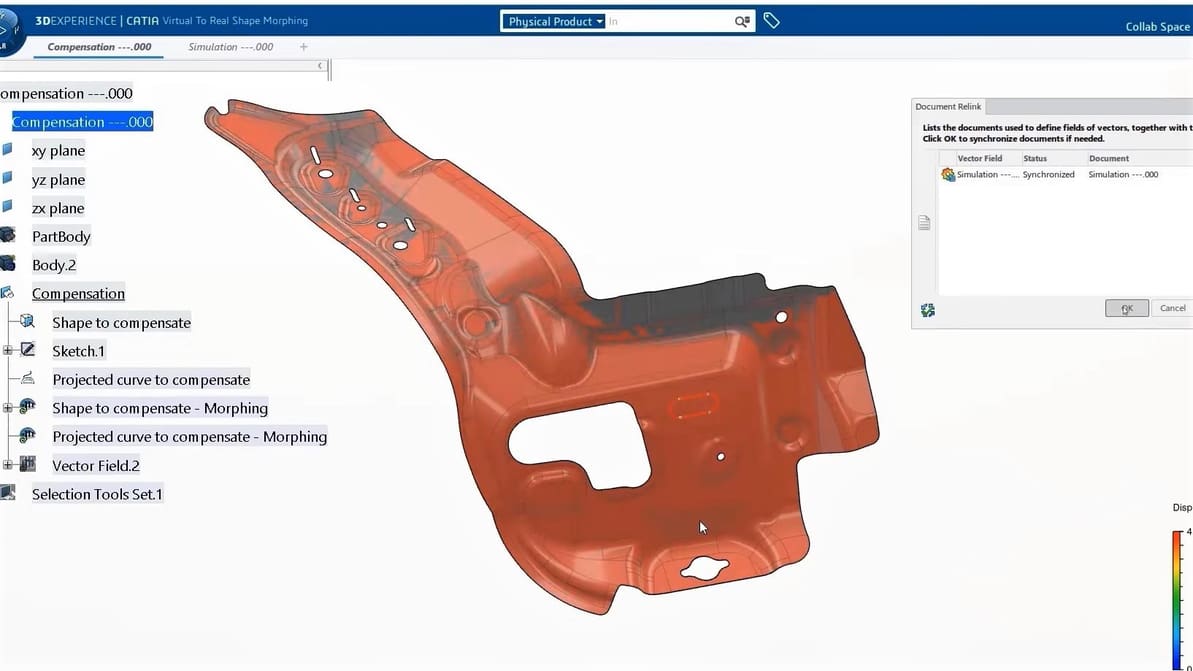
It's a parametric design and engineering showdown: CATIA vs. SolidWorks. Read on for all the specs and decide which is best for you!
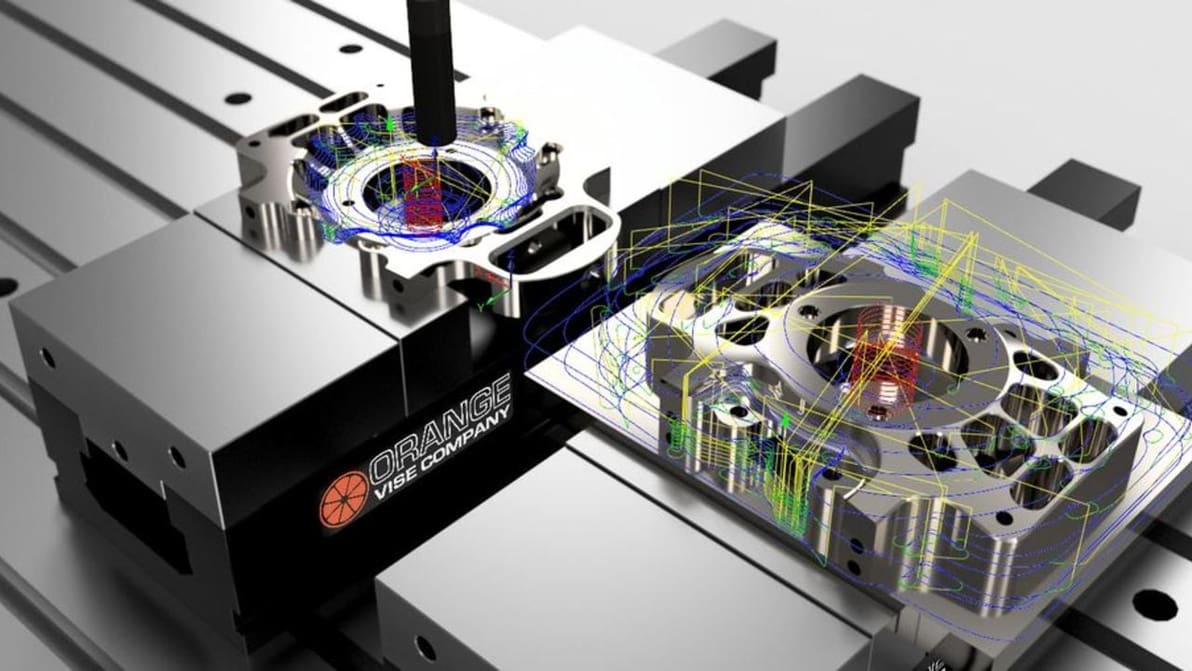
Looking to do some CNC milling? Chances are you need CAM. Luckily, there's Fusion 360 CAM. Follow along as we show you how to get started!
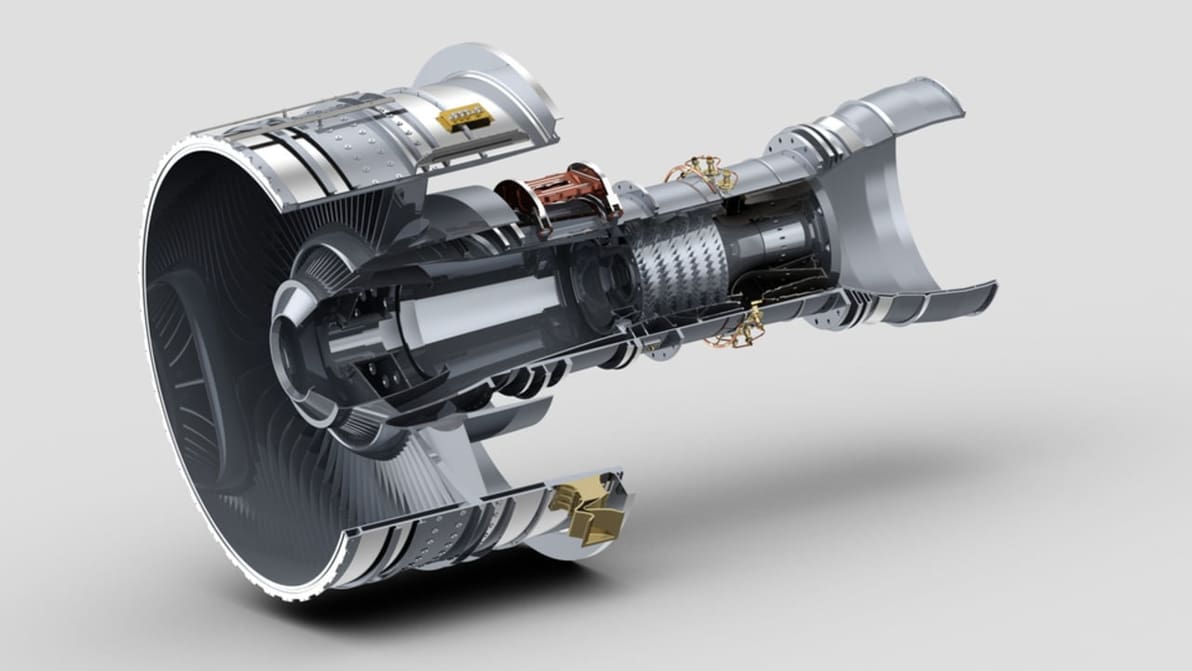
It's Fusion 360 vs. Inventor! You've heard of them before, but do you know what both are about? Read on to learn what makes them different.
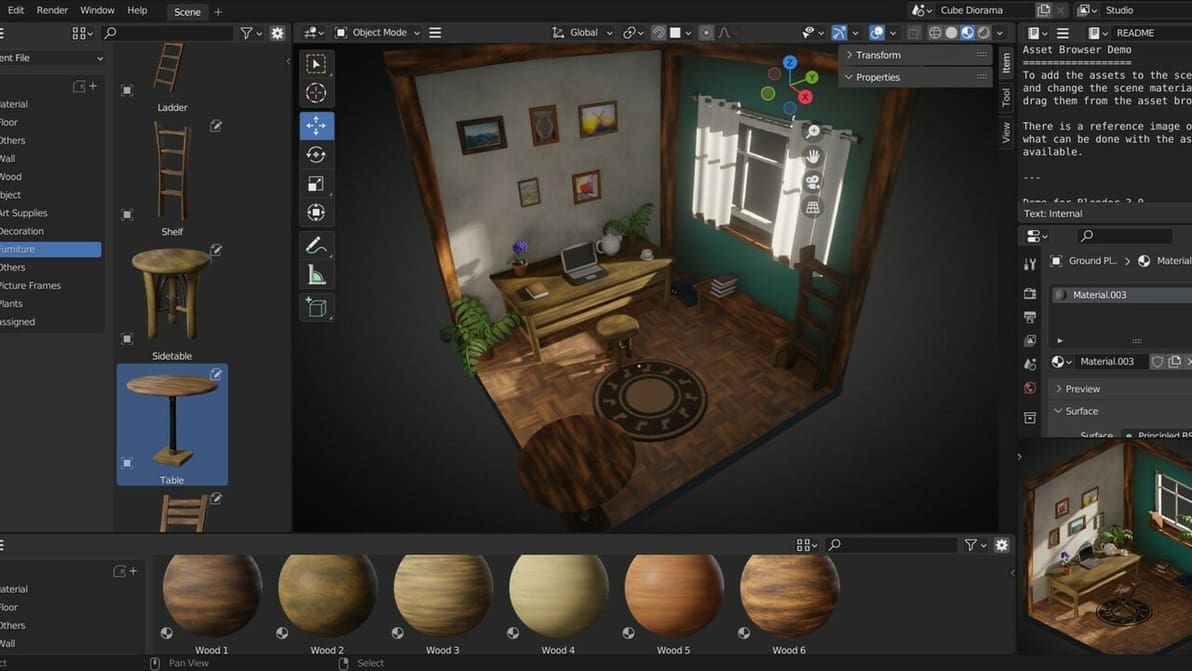
Blender is a free open-source 3D creation suite for modeling, animation, and more. Read on to learn why you should consider using it!
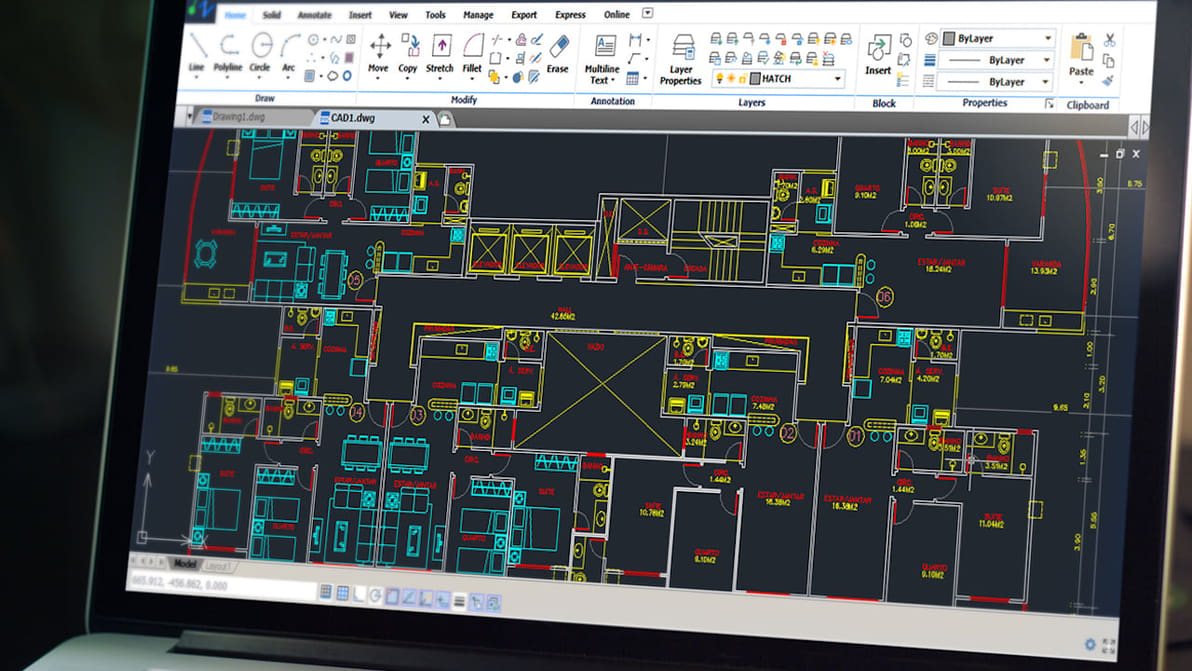
Just what you've been waiting for: an AutoCAD tutorial for beginners! Learn how to use AutoCAD in six straightforward steps.
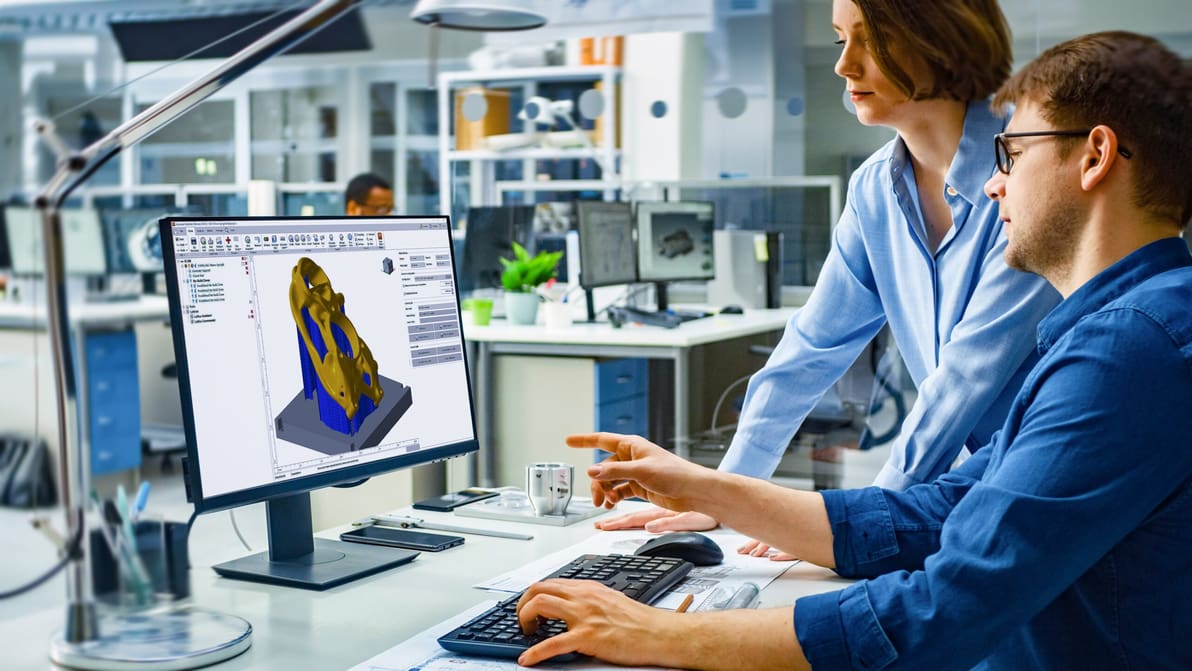
Understand DfAM and find the best strategies, software, and training to put it to use in designing better products and parts with AM in mind.

Your AutoCAD workflow can extend beyond the desktop. Read on to learn all about working with AutoCAD on an iPad!
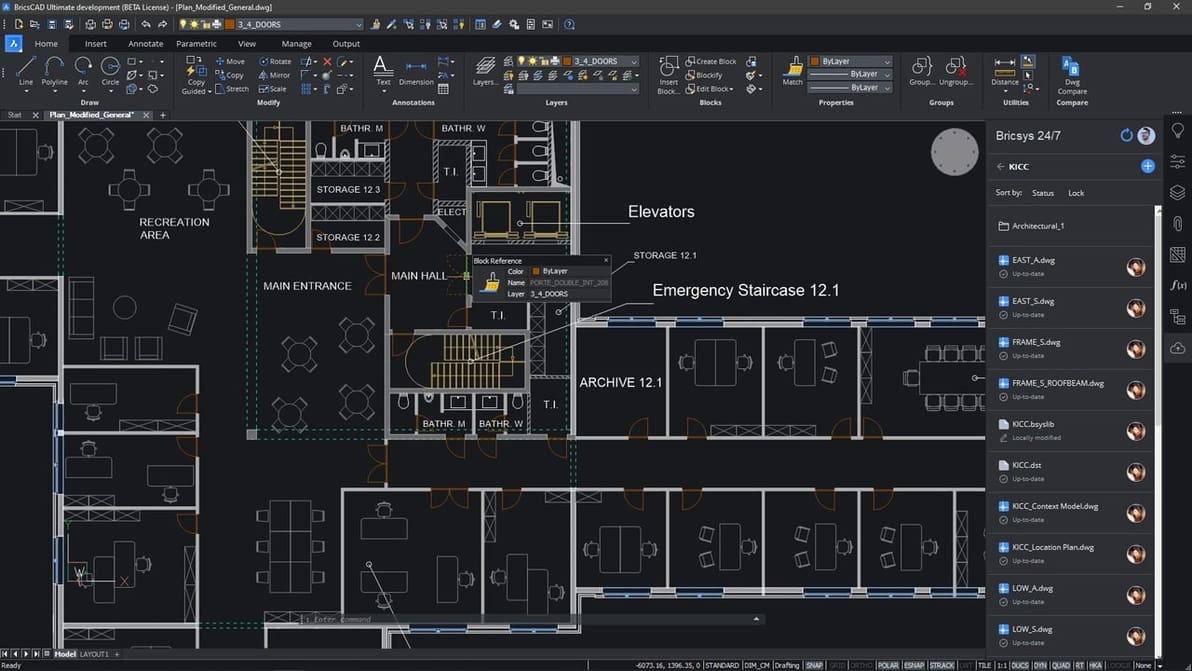
It's a showdown of the CAD giants: BricsCAD vs. AutoCAD! Find out the similarities and differences between these two programs.
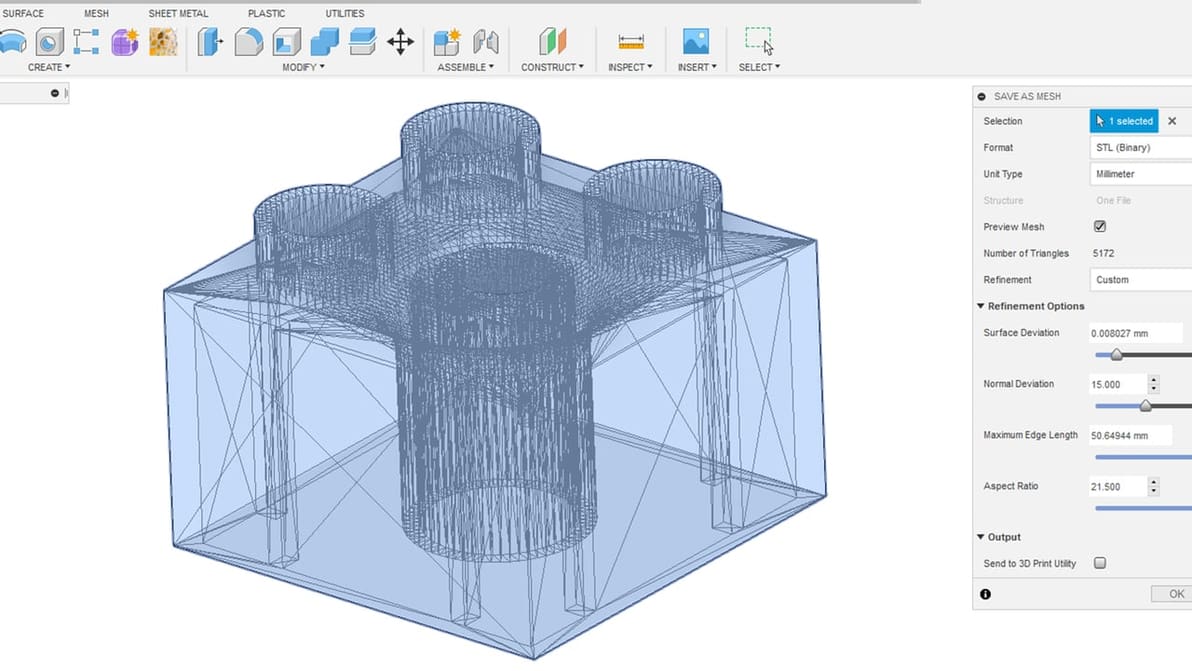
With Autodesk Fusion 360, exporting STLs is no big deal. You only need a few steps to prepare your design for 3D printing.

Blender character modeling can seem intimidating, but don't fret! Follow these simple steps to learn how to make a character in Blender!
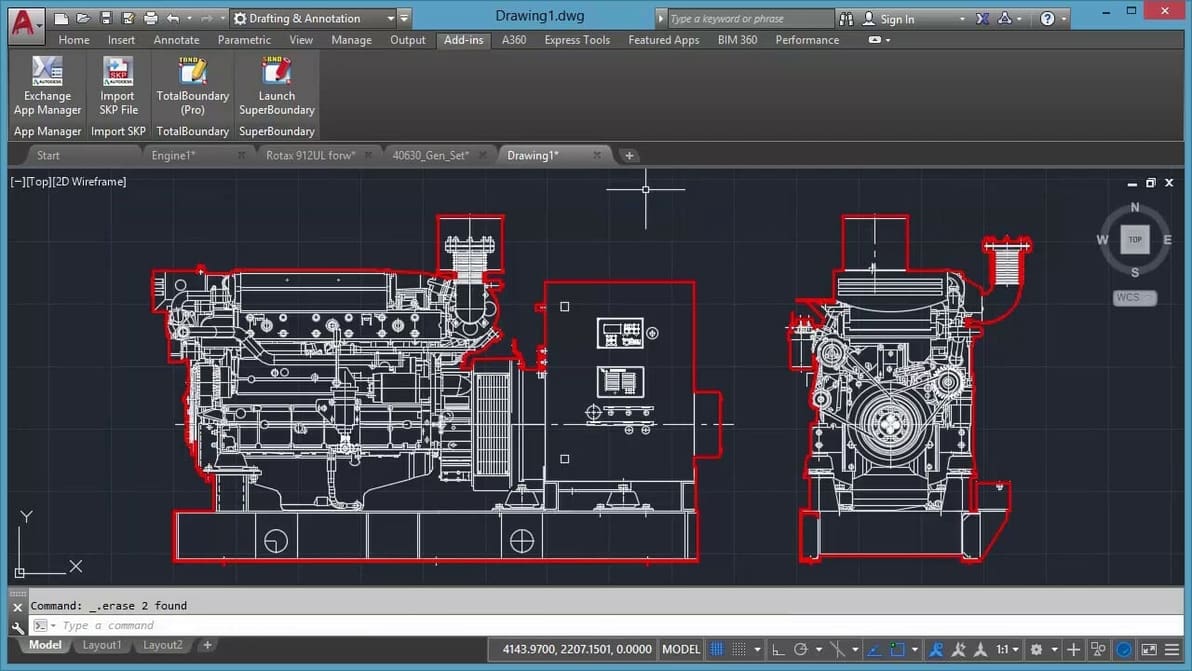
AutoCAD is a fundamental but complex program and starting to learn it can be hard. Here are the best way to learn AutoCAD on your own!
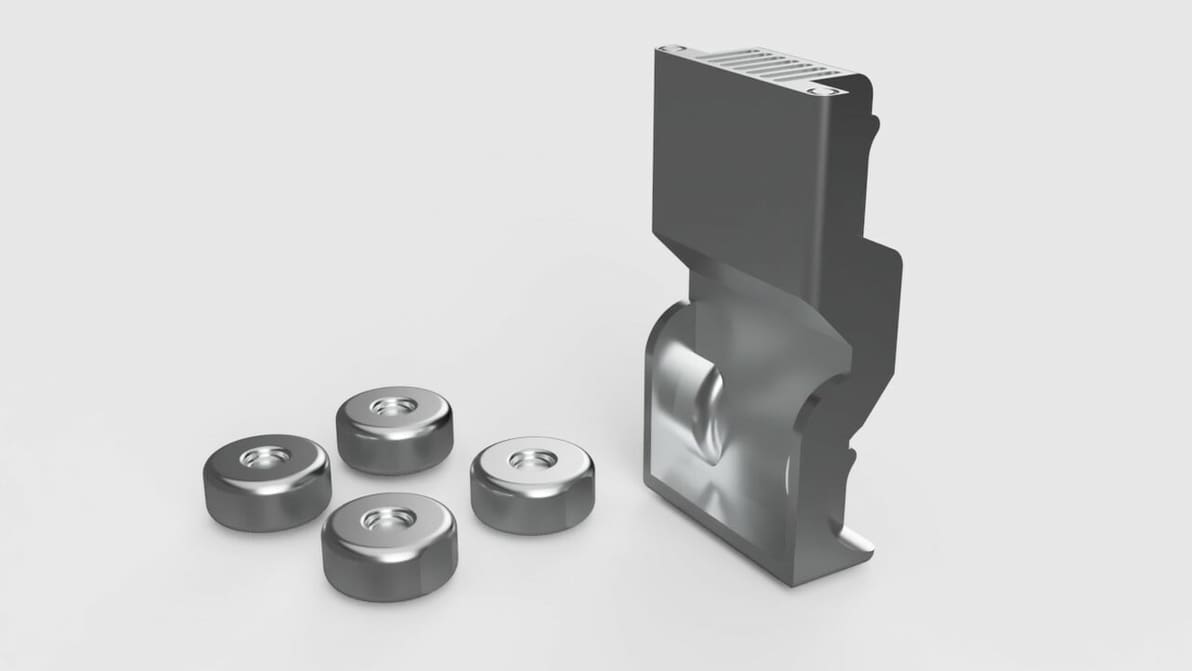
Fusion 360 is great for creating 3D prints, and some simple strategies can make it much easier. Just follow five easy steps!
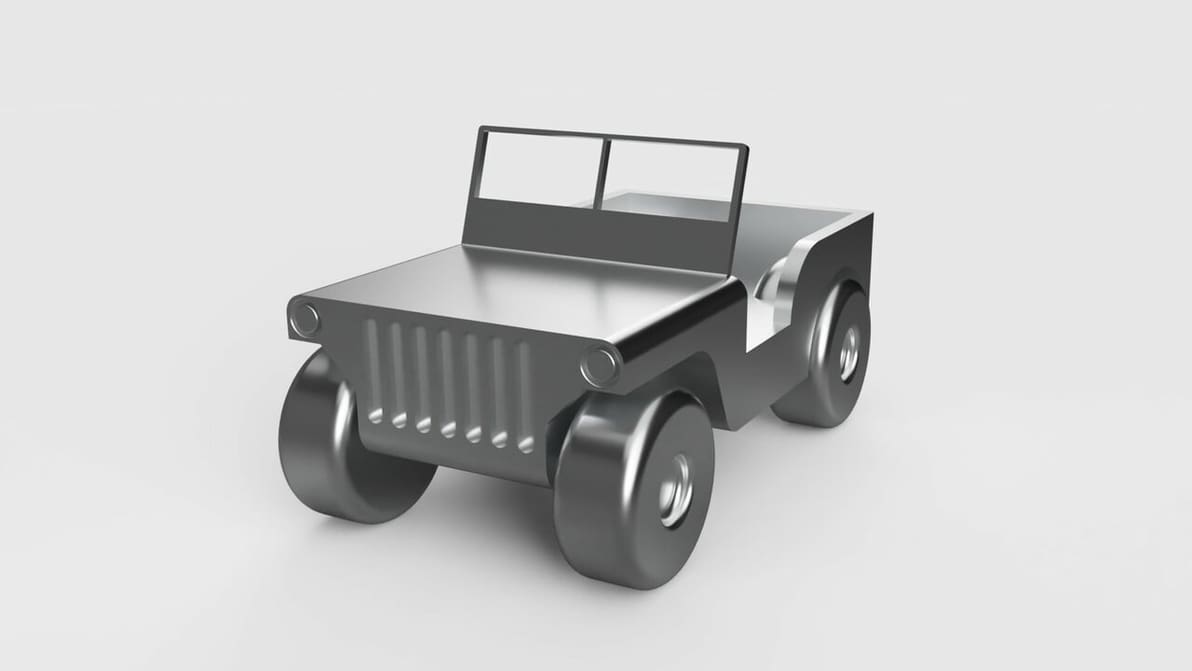
Intimidated by the learning curve of Fusion 360 modeling? Don't be! Follow along with our tutorial to create your own model from scratch.
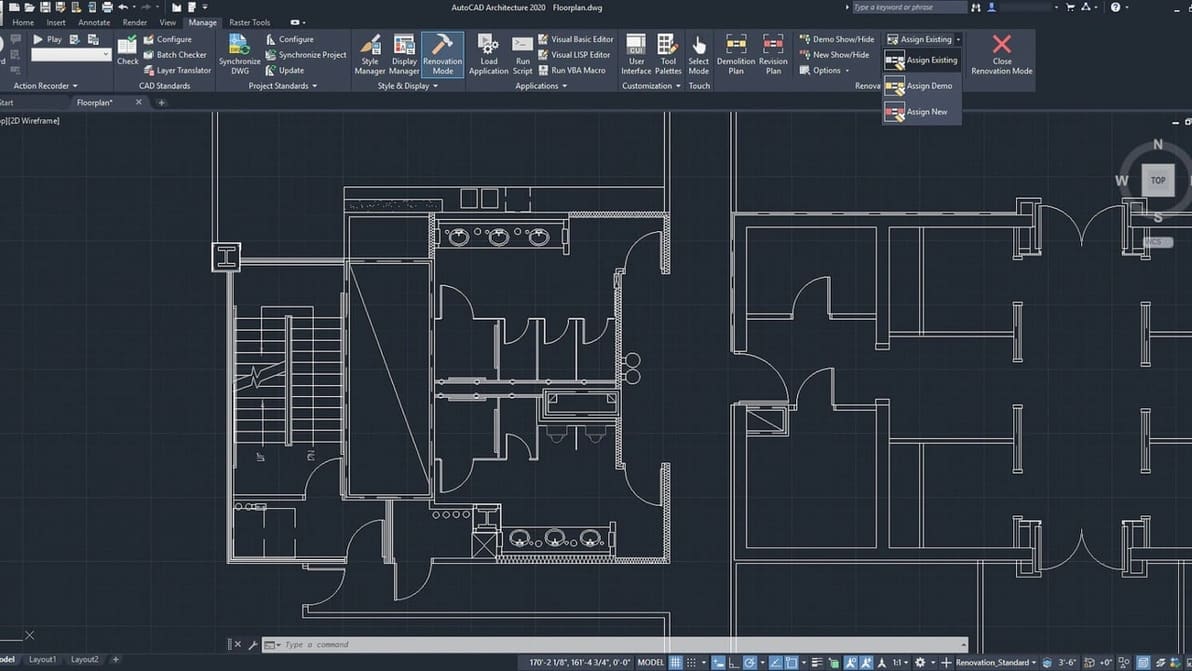
It's AutoCAD LT vs. AutoCAD: What's the LT version and how does it differ from the original? Read on for an overview of the differences.
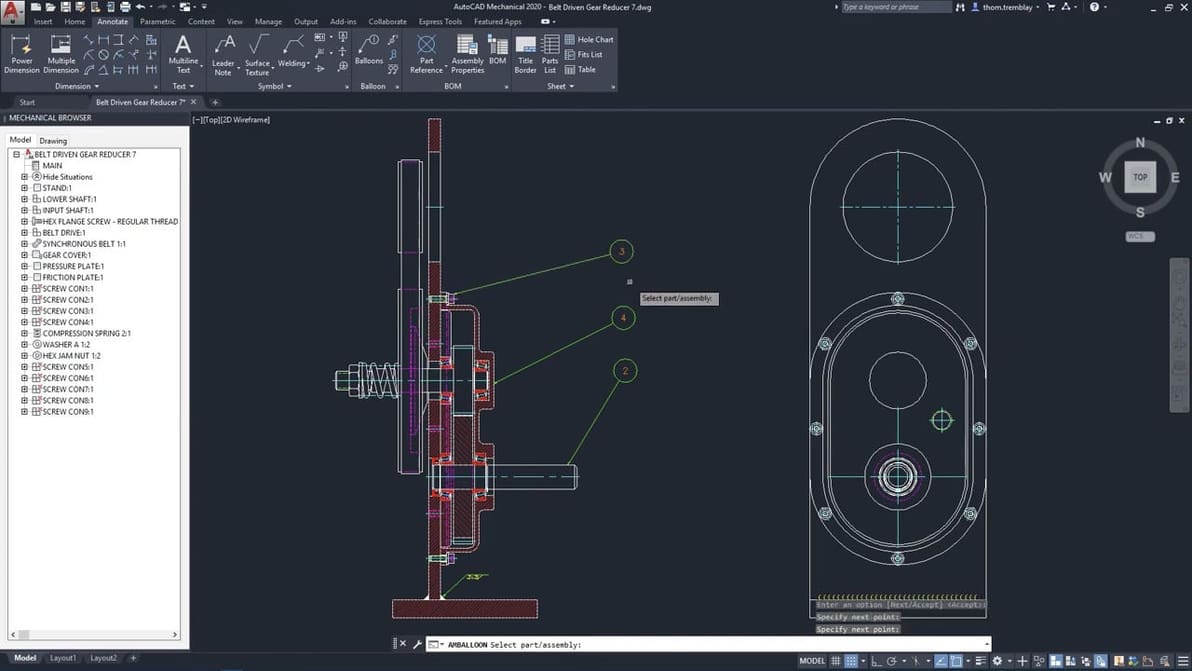
Get even more use out of AutoCAD with AutoCAD Mechanical. Read about the best features it has to offer in this article!