
Stop Struggling With 3D Modeling: Tripo AI Promises STL Files From Text or Images

Generate detailed digital assets from text or images, then refine, rig, and export them for games, animation, or physical manufacturing.
Just because you want a 3D model doesn’t mean you want to learn 3D modeling. Say you’ve got a photo, a rough sketch, or just an idea. Turning it into a usable file usually means CAD software, a tutorial rabbit hole, or paying someone else to do it.
Tripo AI lets you skip much of that, enabling you to generate a 3D model from text, a single image, or multiple reference views, then refine and export it for texturing, rigging, game-engine use, or 3D-print preparation.
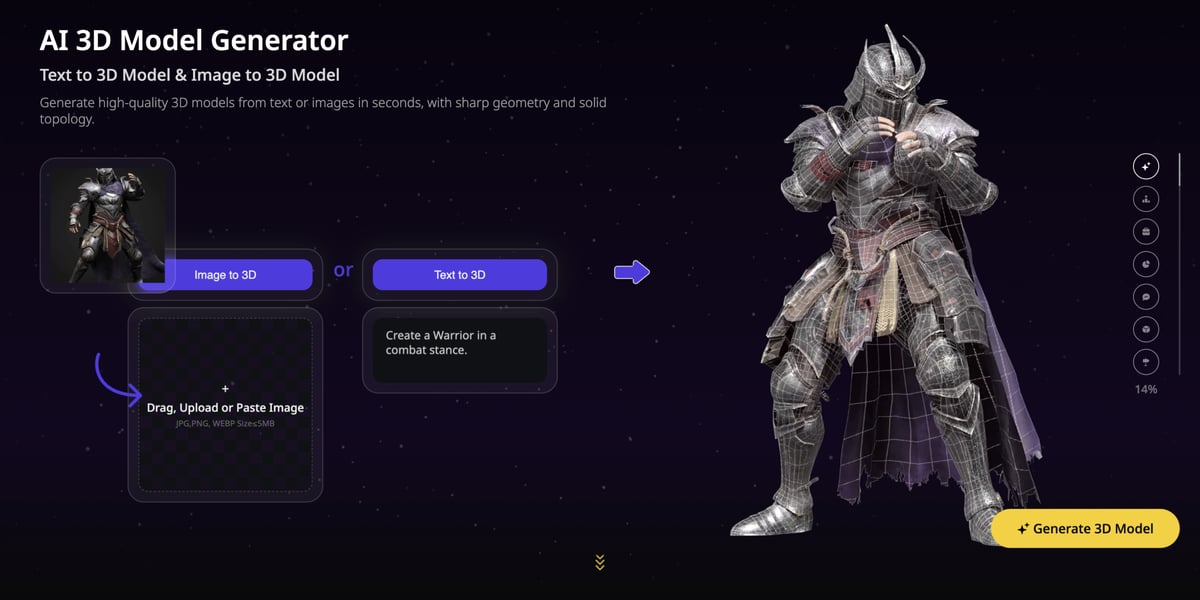
Text, Photo, or Multi-View: Skip the CAD Learning Curve
Not every project starts the same way, so Tripo AI doesn’t force one workflow. Got a product photo? Image to 3D Model generation provides a fast path from picture to asset and a practical way to turn existing artwork into something three-dimensional.
Maybe you’re working from a concept with no reference image. In that case, Text to 3D Model generation builds straight from a written description. If one photo isn’t enough to capture the shape, multi-view generation uses several angles to improve structural consistency and shape accuracy.
You can also choose between a focus on quality or efficiency. High Detail Model generation focuses on dense geometry and fine structural detail, making it suitable for hero assets, high-quality renders, and detailed 3D-printing projects. Smart Mesh, meanwhile, produces clean, lightweight topology for concept testing, batch generation, and real-time assets where efficiency matters.
Beyond Raw Geometry: Auto-Texturing, Segmentation & Rigging
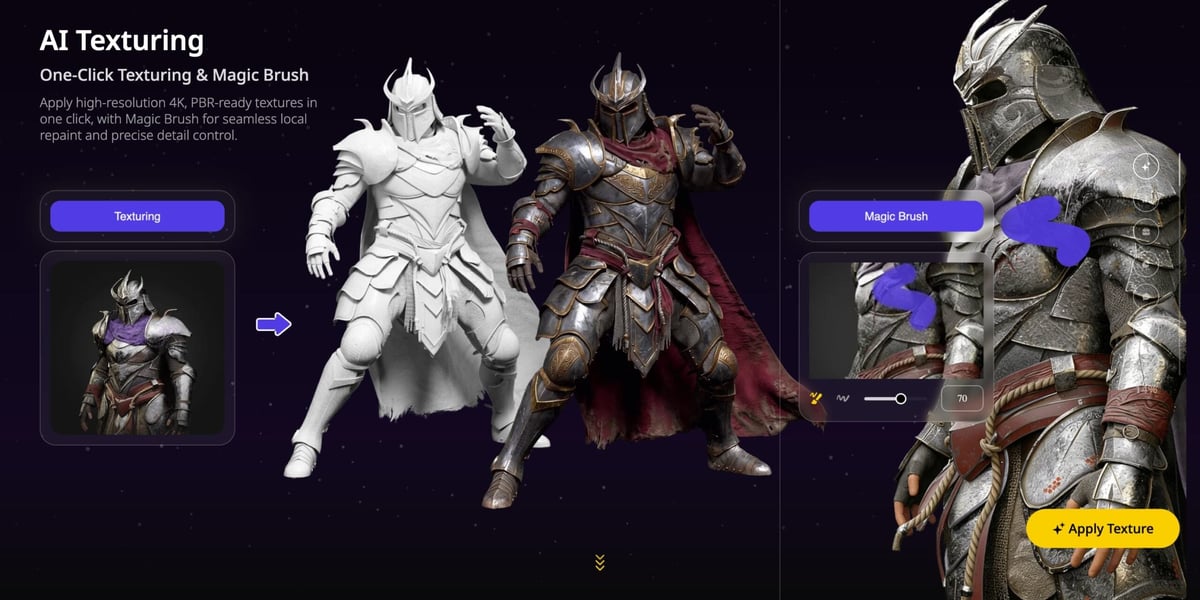
Before Tripo AI builds a model, pre-3D image optimization can clean up a rough or low-quality source photo, so a weak starting image doesn’t cap your final result. Once the model exists, texture tools add real surface detail and material realism instead of leaving you with flat, undressed geometry. For workflows that require higher-resolution surface detail, Tripo also offers an 8K Texture option that generates true 8192 × 8192 BaseColor maps, alongside 4096 × 4096 Normal and ORM maps.
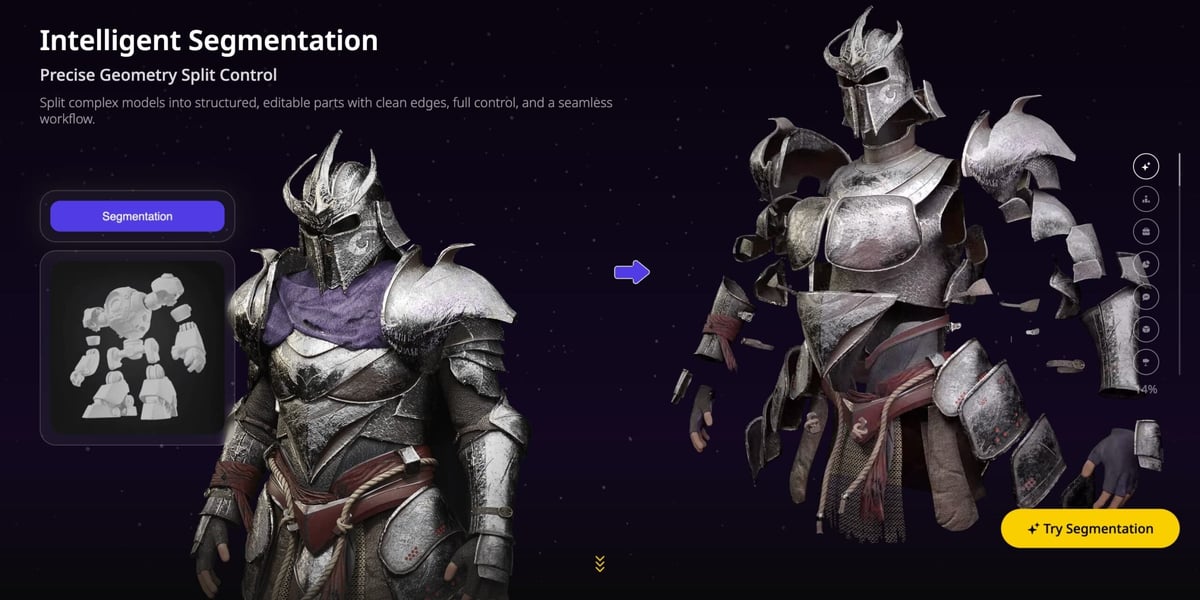
Tripo Segmentation v2 separates a model into editable parts using three precision tiers, so you can choose between broader splits and more detailed, component-level control. For 3D printing, the open cut surfaces should be sealed with Fill Parts before export to help create watertight components.
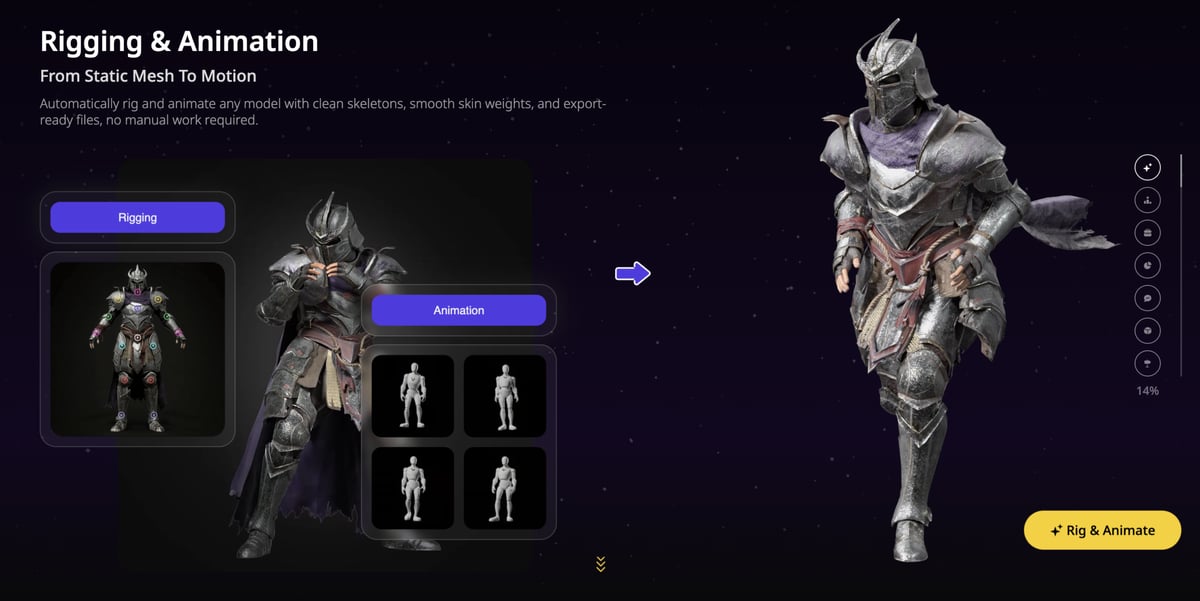
Tripo’s auto-rigging tools support humanoid characters as well as quadrupeds, multi-legged creatures, birds, serpentine forms, and aquatic models. Compatible models can receive an automatically generated skeleton and skin weights without manually placing each bone.
Seamless Pipeline Integration
Once your model is ready, you can export it in formats such as STL, OBJ, and FBX for use in common 3D software, game engines, and 3D printing workflows.
For Bambu users, Tripo Studio can also send a monochrome model directly to Bambu Studio with one click. The model is transferred in 3MF format, and Bambu Studio opens automatically, so you can continue with slicing and print preparation. Multi-color printable files currently need to be exported from Tripo and imported into Bambu Studio manually.
Models can also be moved into downstream creation workflows through standard export formats, allowing creators to continue refining them in their preferred DCC software or game engine.
Can Tripo AI Replace Your Traditional 3D Tools?
Tripo AI doesn’t aim to fully replace high-end CAD software for complex mechanical design. However, it does offer a genuine shortcut for rapid prototyping, game asset creation, and quick physical prints.
By consolidating generation, texturing, and rigging into one streamlined pipeline, it lowers the skill barrier for creators who need functional results now. If speed and ease matter more than manual vertex-level tweaking, it’s a hugely effective addition to your workflow.
Explore the full toolset at Tripo 3D’s website and turn your next idea into something you can actually use.