Stop Guessing About Filament: Polymaker Launches AI-Powered Filament-Selection Tool

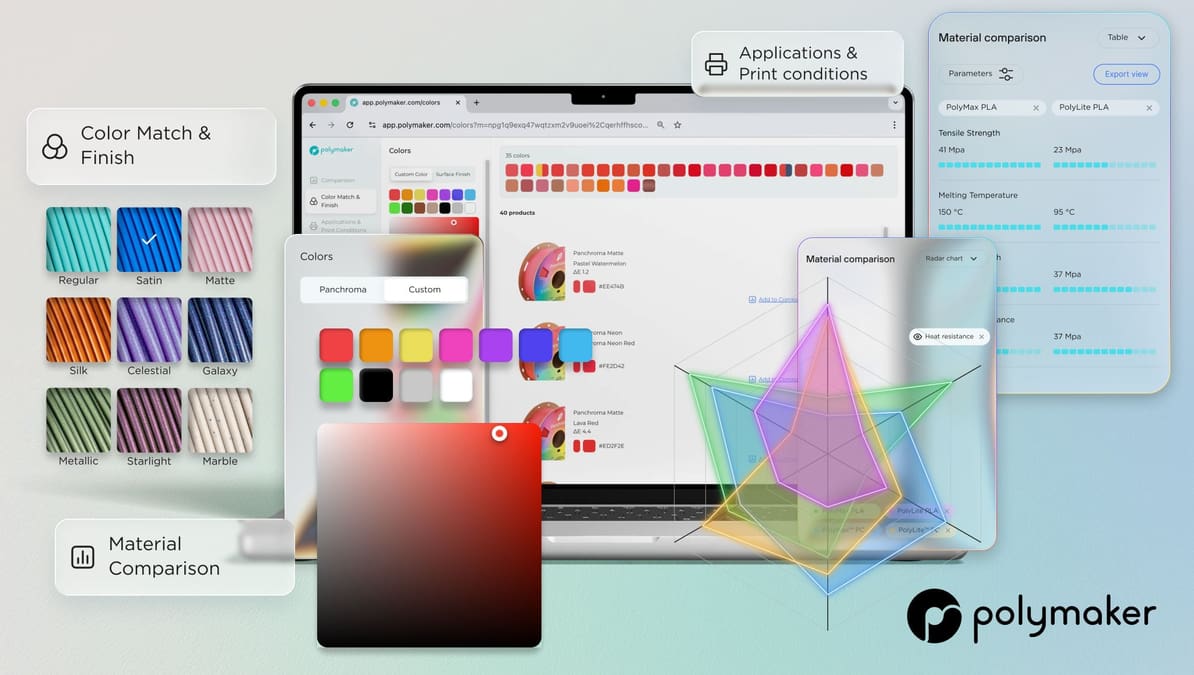
From AI-powered material advice to precision Delta E color matching, the app is packed with features designed to take the guesswork out of technical 3D printing.
Finding the perfect filament has traditionally been a game of trial and error. You balance mechanical requirements against aesthetic goals, often ending up with a shelf full of half-used spools that weren’t quite right for the job.
Advanced Material Comparison: Beyond the Basics
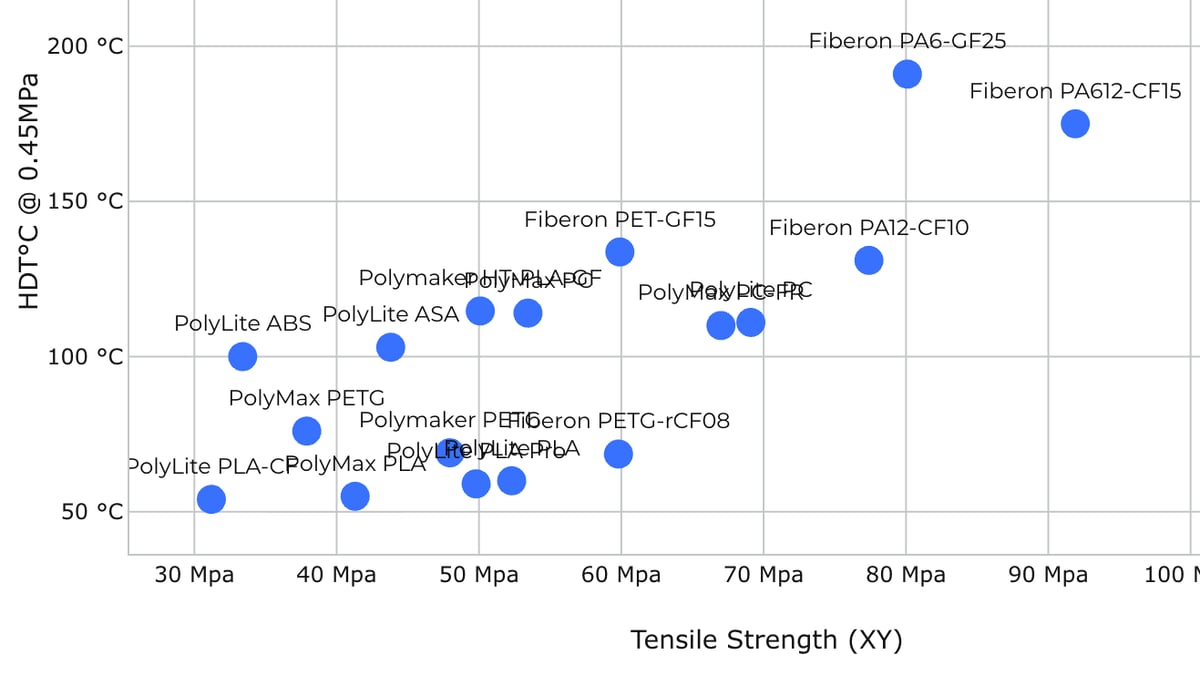
You can visualize data through multiple lenses:
- XY Graphs: Perfect for technical testing and plotting specific performance curves.
- Radar Charts: The gold standard for comparing multiple parameters (like strength, heat resistance, and ease of use) at a glance.
- Bar Charts & Tables: Ideal for quick sorting when you need to find the best performer in a single category, such as impact resistance.
Once you’ve found your data, the Export Mode allows you to download your current view, which is a massive win for engineers documenting their material selection process.
Scientific Color Matching and Finish
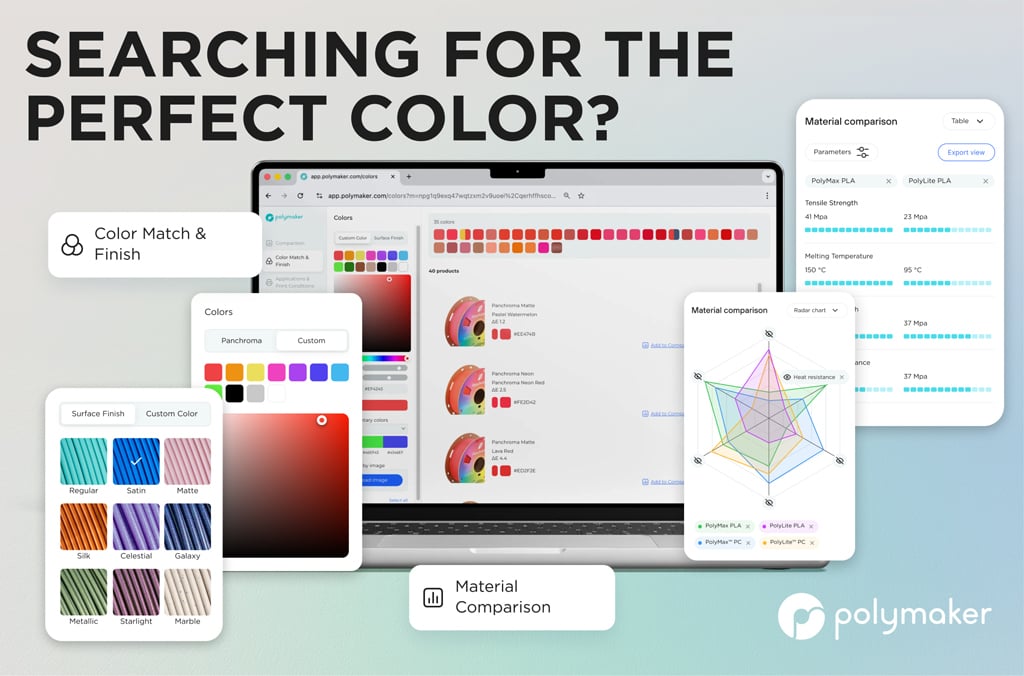
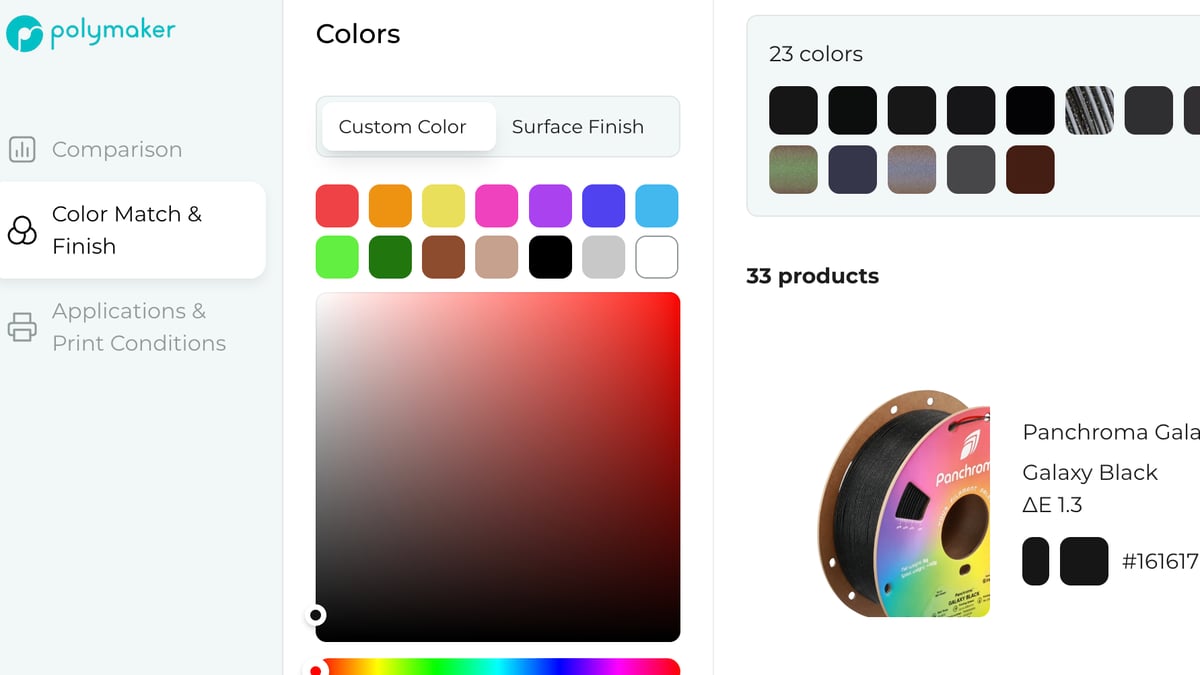
By utilizing Delta E color matching, the app calculates the exact mathematical distance between colors. You can input Hex, RGB, CMYK, or HSL codes, and the app will suggest the closest matched filaments.
If you aren’t sure what you need, the Image Uploader and Eye Dropper tool lets you pull colors directly from a reference photo. It even suggests complementary palettes for multi-material projects.
Precision Printing Conditions
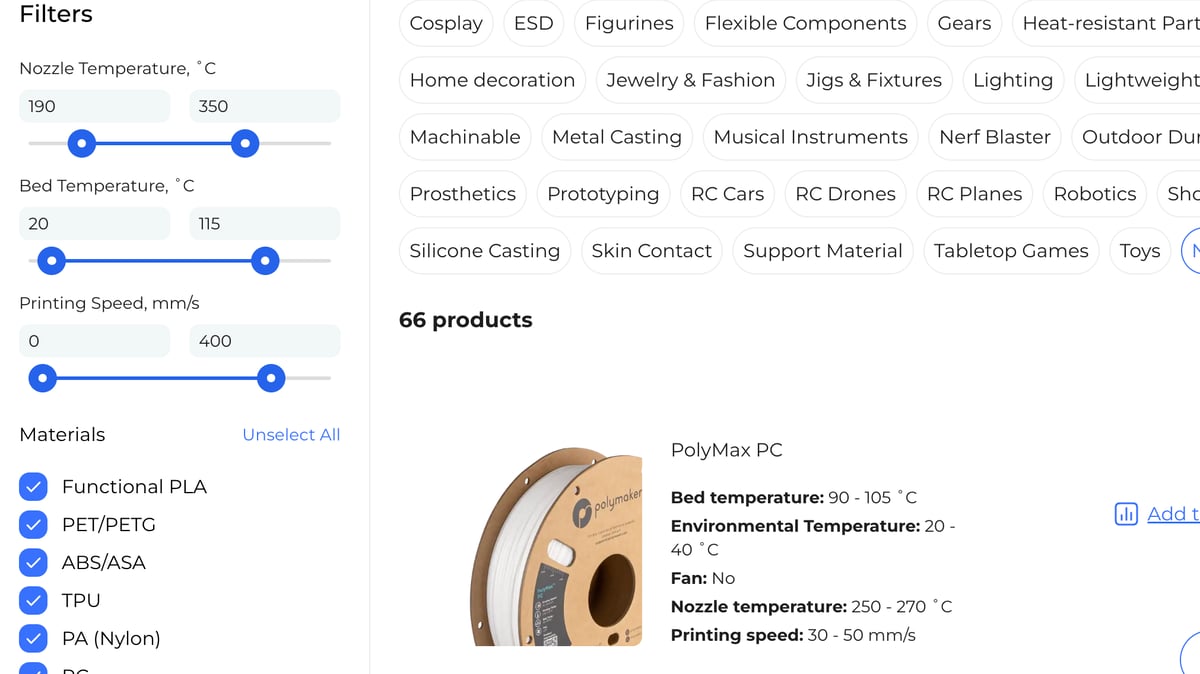
More importantly, it features printing condition sliders. By inputting your printer’s specific capabilities, such as maximum nozzle and bed temperature, the app filters out materials that are beyond your hardware’s reach, ensuring a successful print from the first layer.
Meet Your New Material Expert: The AI Chatbot
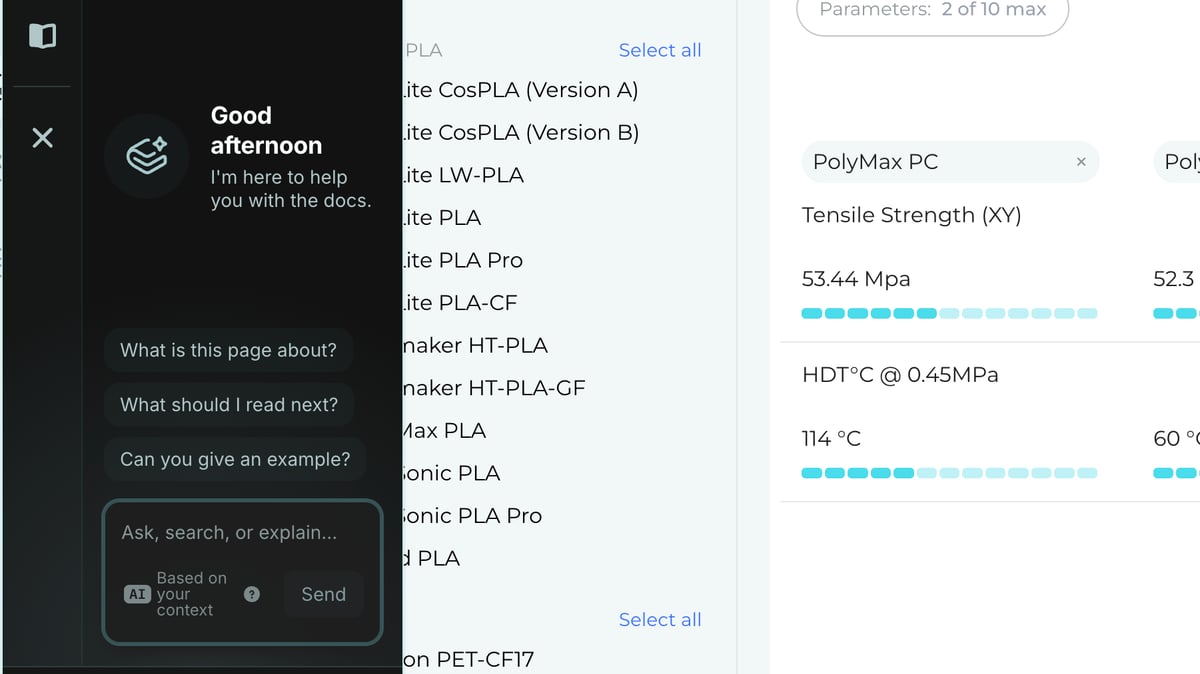
Whether you’re a professional engineer who needs precise Delta E color matching or a hobbyist tired of failed prints, Polymaker’s new web app brings real structure to what’s often been guesswork. By combining material data, color science, printer constraints, and AI support in one place, it makes smarter filament choices easier from the start.