From Sketch to STL: How Meshy 3D Agent Turns a Conversation Into a Printable Model

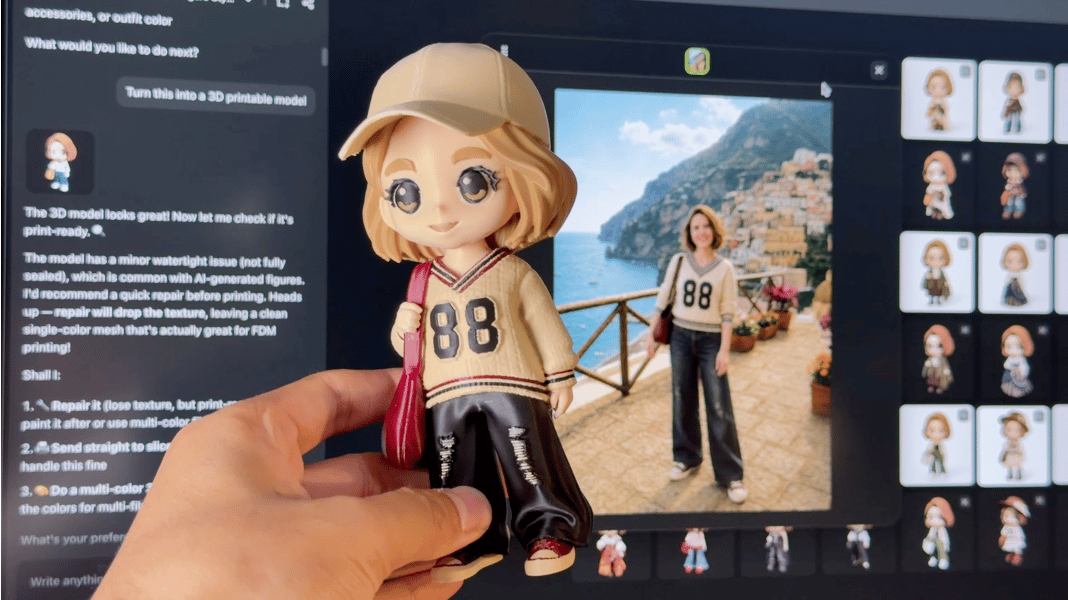
Describe an object, upload a photograph, or start with a rough sketch. Meshy 3D Agent is designed to turn that starting point into a printable 3D model without requiring users to build the geometry manually.
For many makers, the 3D printer itself was never the bottleneck. Desktop 3D printing has become easier much faster than 3D modeling has.
Printers are more affordable, calibration is increasingly automated, and modern slicers come with tested profiles for common machines and materials. A new user can often unpack a printer and produce a downloaded model within a few hours.
Creating a customized model is still another matter.
The real grind has been searching repositories for a file that is merely close to what they imagined, or getting a high-quality model by wrestling with steep CAD tutorials, or shelling out cash for custom work.
Meshy 3D Agent enters at this point. It is built to turn asset generation into a seamless conversation from text and images rather than a frustrating ordeal, requiring neither modeling software nor CAD skills. Instead, the AI agent collaborates with you in real time to output a slicer-ready print file in under a minute.
Why a Conversation Changes the Workflow
Traditional text-to-3D generators tend to operate as one-shot tools. A user enters a prompt, receives a result, and then decides whether to accept it, regenerate it, or move the file into separate software.
3D design, however, rarely works that way.
A character may need a larger head, a prop may need a thicker handle, or a toy may look better with a simpler surface and fewer delicate details. These are not entirely new designs. They are revisions to an existing idea.
Meshy 3D Agent treats those revisions as part of the same project. The user can begin with a written description, photograph, sketch, or even a child’s drawing. The Agent then proposes several directions, generates variations, and allows the selected concept to be refined through further conversation, rather than starting an unrelated generation.
Using Meshy 3D Agent is simple. You just describe what you want, or you upload a photo or a sketch, even a child’s crayon drawing. The agent then suggests directions, generates a few options, and lets you refine the result back and forth in chat until it’s right. Meshy says the entire process, from prompt to a textured, 3D printable model, takes about a minute. The agent will also field 3D printing questions along the way, so you’re not tabbing over to a forum mid-project.
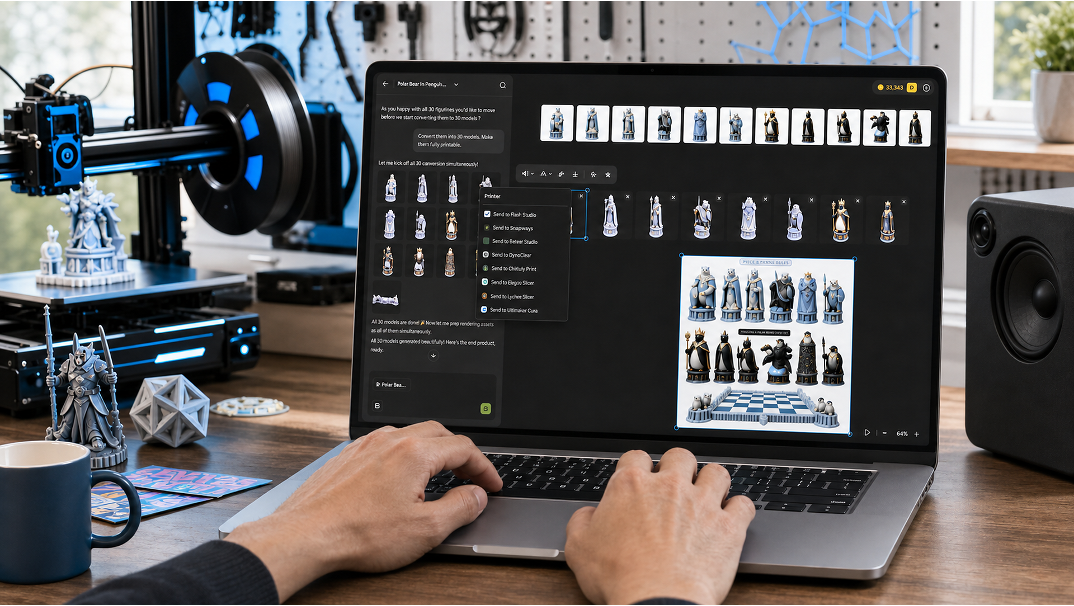
Once you’re happy with your model, the agent outputs a printable, watertight STL or 3MF file. Meshy supports eight export formats, including STL, 3MF, FBX, OBJ, GLB, USDZ, and BLEND, with GLB as the default, covering everyone from print-focused makers to people working in game dev or product design.
Built With 3D Printing in Mind
Meshy 3D Agent is strongest on organic forms such as figurines, characters, and single-subject objects, which happen to be what most home 3D printers are actually making. Every model runs through a printability check before it’s handed off, with Meshy’s testing showing that about 97% of figurine-type models pass slicer validation in Bambu Studio on the first try.
Workflow-wise, there’s one-click hand-off to Bambu Studio and multicolor support through MakerWorld and AMS. It’s also compatible with OrcaSlicer, Creality Print, Cura, Elegoo Slicer, and Lychee, so you’re not locked into one ecosystem.
What to Know Before You Print
No AI generator is a universal replacement for CAD, and Meshy doesn’t pretend otherwise. Precise geometric or mechanical parts with tight tolerances are still better built in parametric tools like Fusion or SolidWorks, but AI generators tend to soften edges in ways that matter for anything that needs to fit or mate precisely.
Details of less than 1 mm, like thin antennae or fingers, can come out fragile. Exact dimensions aren’t guaranteed either, so plan on scaling in your slicer rather than trusting the raw output. Generation also has some randomness built in, so Meshy’s advice is to generate a few variations and pick the cleanest one rather than expecting a perfect result on the first pass.
Who Meshy 3D Agent Is For
Meshy 3D Agent serves two audiences: makers who are new to modeling, and experienced designers who want speed.
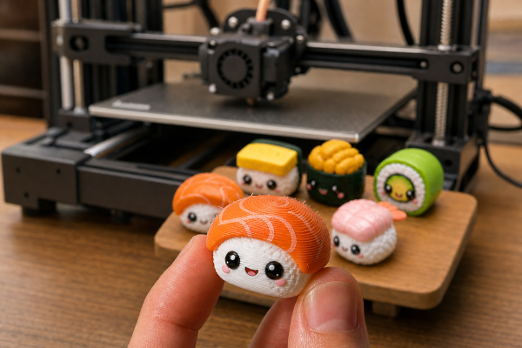
For someone new to modeling, the appeal is straightforward: an idea, a photograph, or a drawing can become the basis of a custom printable object without weeks of CAD or sculpting tutorials first. Typical applications include tabletop miniatures, personalized figurines, cosplay props, decorative objects, custom toys, visual prototypes, and one-off gifts.
For experienced designers, Meshy 3D Agent serves a different purpose: it can produce a fast first version for exploration, presentation, or further editing. A professional may still rebuild critical geometry by hand, but starting from a generated concept reduces the time spent on early ideation and repetitive variations.
What both groups share is the need to move quickly from an idea to something concrete enough to evaluate.
Meshy recently opened the 3D Agent for all users. The launch comes on the heels of Meshy’s $400 million Series B funding round, which values the company at $1.5 billion. As generative AI accelerates into 3D content creation, the round positions Meshy as one of the highest-valued companies in the category. For more information, and to join Meshy’s 12 million registered users, check out Meshy’s website.