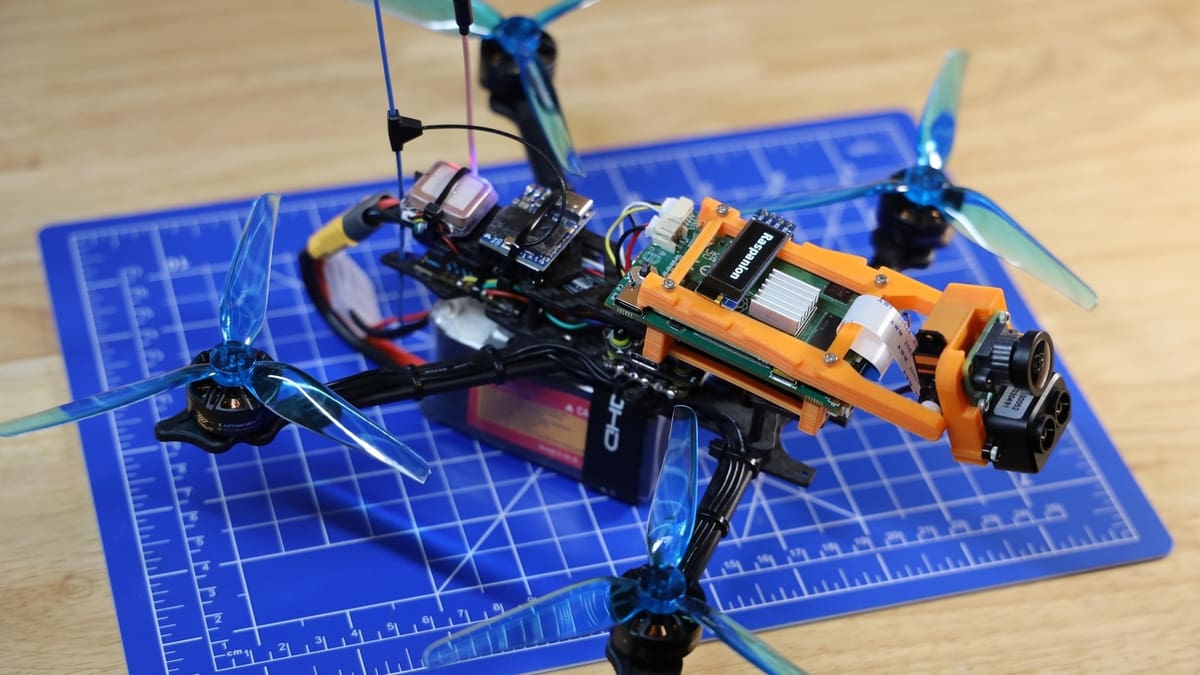
Choose the Right Raspberry Pi for Your Drone Projects

Building a Raspberry Pi-equipped drone is a great way to put your skills to the test. But which Pi model is the best? Read on to find out!
If you want to level-up your making skills, building a multicopter will definitely put your 3D printing, electronics, and coding skills to the test. Usually, drones are flown manually by operators and aren’t capable of doing anything else besides flying with their onboard hardware. However, equipped with an onboard Raspberry Pi, the drone will be able to perform advanced tasks like autonomous flight, path planning, image recognition, and real-time data processing.
A lot goes into building a drone – namely motors, ESCs, propellers, battery, flight controller, and radio system – but here, we’re only going focus on which Raspberry Pi model best suits your multicopter build. There are many Raspberry Pi options, including single board computers, microcontrollers, and compute modules. So, we’ll take a look at the most popular choices and let you know what to consider.
Keep in mind that the Raspberry Pi usually works in conjunction with a flight controller – the central brain of the drone, which handles real-time flight control. Instead of stabilizing the drone and responding to pilot inputs, the Raspberry Pi acts as a companion computer that does the advanced stuff.
At a Glance

*For example, sending altitude information, ambient temperature, or any other data collected by sensors
Single Board Computers
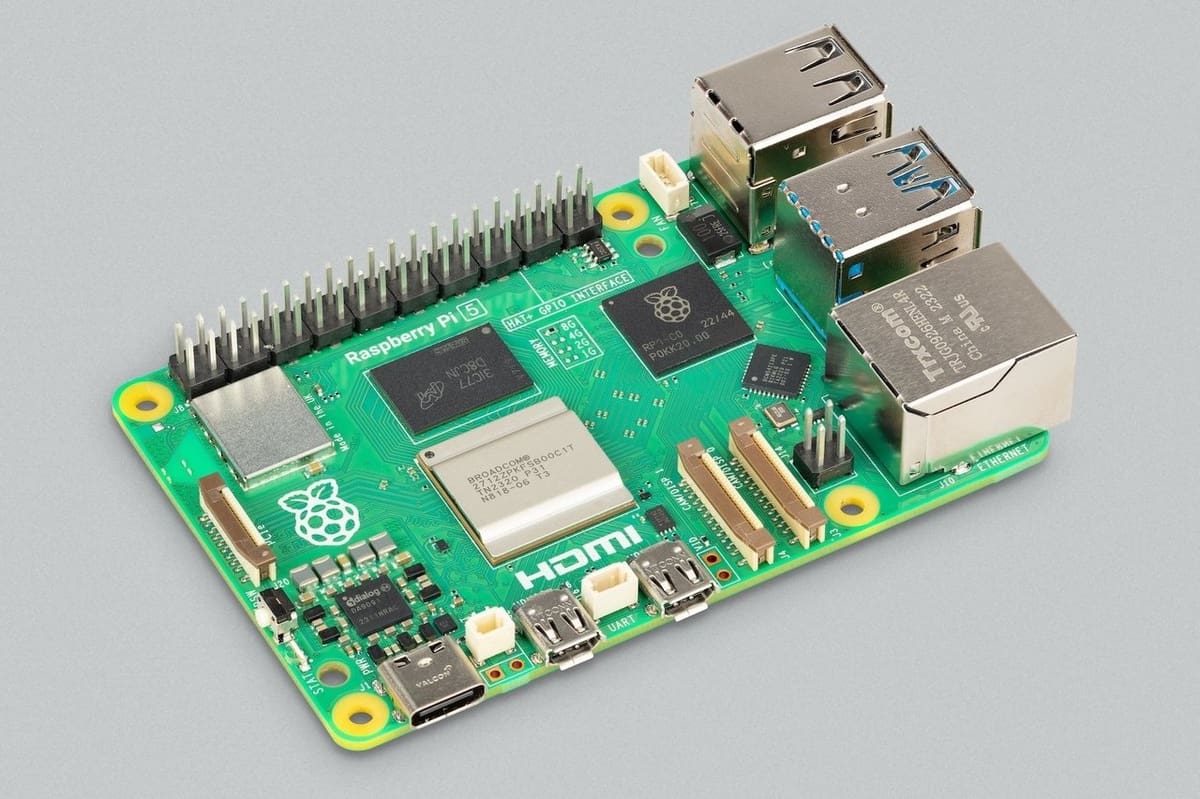
Raspberry Pi single-board computers (SBCs) are compact and affordable. They also have General Purpose Input Output (GPIO) pins, which are basically digital pins that you can program to control real-world stuff, such as reading temperature data from a sensor or turning a light on and off. This allows for extensive project customization and experimentation.
Below are popular Raspberry Pi SBCs that are great for drone builds. All of the models come with Wi-Fi and Bluetooth. Usually, the Wi-Fi range isn’t sufficient, but makers can plug in something like a USB cellular modem into the SBC and communicate with the ground station over the internet.
Raspberry Pi 5
The most powerful model available today is the Raspberry Pi 5, especially when paired with the AI kit. It offers significant performance improvements over previous models, making it suitable for tasks like machine learning, SLAM (a method of autonomous navigation), or real-time computer vision.
One of the other major advantages of the Pi 5 is that you can buy it with as much as 16-GB RAM – the Pi 4 maxes out at 8 GB. Another major advantage over other Raspberry Pi boards is that you can actually use an NVME SSD storage to store your data or even boot from. This would be much faster and more reliable than the MicroSD card.
Even though Pi 5 was released back in 2023, some software and packages may not be fully compatible with it or the AI kit. The reason is that it’s not backward compatible with Ubuntu 22.04, which many programs use – ROS 2 Humble, for example. The community support for the Ubuntu 24.04, which is what the Pi 5 supports, is smaller than 22.04 as well. Therefore, we suggest that you finalize your software stack first, then check if it’s compatible with Raspberry Pi 5.
If the software you’re using is fully compatible and the higher price isn’t a concern, the Pi 5 is the best board you can get for your drone. Make sure to go with at least 8 GB of RAM even if you’re not doing anything intensive; the difference in price compared to the 4-GB version isn’t much.
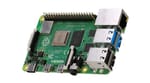
Raspberry Pi 4B
In terms of computational performance, the Pi 4B is pretty weak compared to Pi 5. However, since it supports Ubuntu 22.04 and has been around for longer, the Pi 4B offers the best compatibility for drone and robotics-related software.
It doesn’t work with AI accelerators, so it might be a bit slower for AI-related tasks. You’ll also have to sacrifice real-time machine vision. Heavy tasks may need to be offloaded onto a host computer – a ground station that receives camera feed from the drone and does the necessary processing.
While the Pi 4B comes with different RAM options, 8 GB is the max. We recommend 8 GB for any CPU-intensive task such as computer vision or path planning, but 4 GB should be good enough if you’re on a budget and just logging data instead of processing them.
Raspberry Pi Zero 2 W
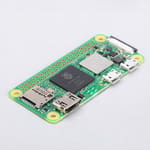
This Pi Zero 2 W is less powerful than the previous two but shines in scenarios where size, weight, and power consumption are most critical. Examples include lightweight drones that only need to log data, stream basic telemetry, or perform other simple tasks.
It only has a Micro-USB port – the full-sized boards such as 4B and 5 have standard USB ports. So if you want to connect other devices to the Pi Zero 2 W via its USB, you’ll need an appropriate USB hub.
Older Boards
Boards older than the Pi 4 or Zero 2 W are not recommended, as their performance is inadequate for most modern software frameworks used in drone development.
Microcontroller
Microcontrollers are essential to a drone’s ability to hover, fly, and perform maneuvers smoothly and accurately. The flight controller unit has one as well as other onboard sensors that allow it to take care of everything needed to make the multicopter fly.
Why, then, would you add another microcontroller? It’s generally recommended to use a microcontroller for anything that requires GPIO pins. Even though the SBCs discussed above have GPIO pins onboard, separating low-level operations (i.e. sensors and actuators) reserves the SBC’s performance for high-level operations (i.e. data analysis). This is where Raspberry Pi’s well-loved microcontroller comes into play.
Raspberry Pi Pico
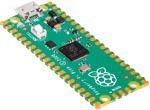
The Pico is ideal for interfacing sensors or controlling other mechanisms such as actuators. If all you’re doing is triggering digital pins high and low (i.e., controlling LEDs) or reading analog data from sensors, the Pico may be sufficient for your drone builld. Oftentimes, it’s easier to interface those sensors with a Raspberry Pi Pico and have it communicate with the main SBC over USB, with the Pico essentially acting as a middleman.
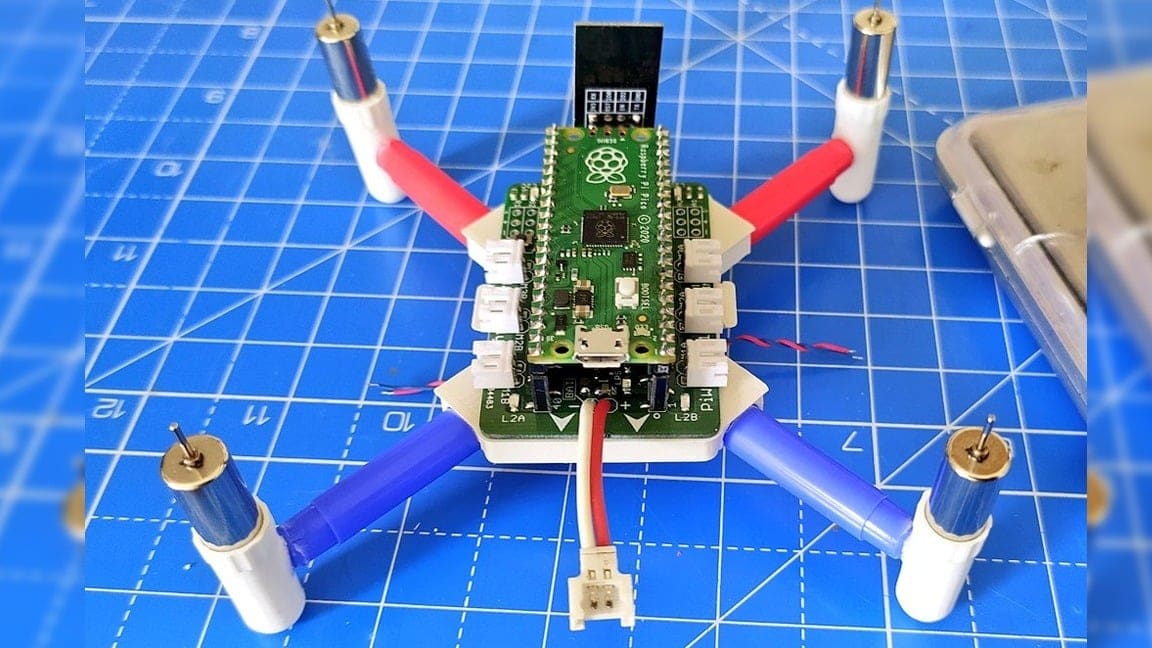
Alternatively, you can use the Pico as a flight controller – albeit after a lot of work figuring out the software piece as well as interfacing with all of the necessary external hardware. Going this route, you’re likely to be called crazy, but fortunately, a number of makers have already forged a trail. Ravi Butani and Anish Dey have shown off their respective builds on YouTube, and PiWings kits based on Butani’s designs are available through SB Components.
Another approach is the Scout flight controller designed by Tim Hanewich, who published a 12-part detailed tutorial on building a Pico-based quadcopter. Hanewich built the flight controller firmware from scratch, and the source code is available on GitHub.
Compute Modules
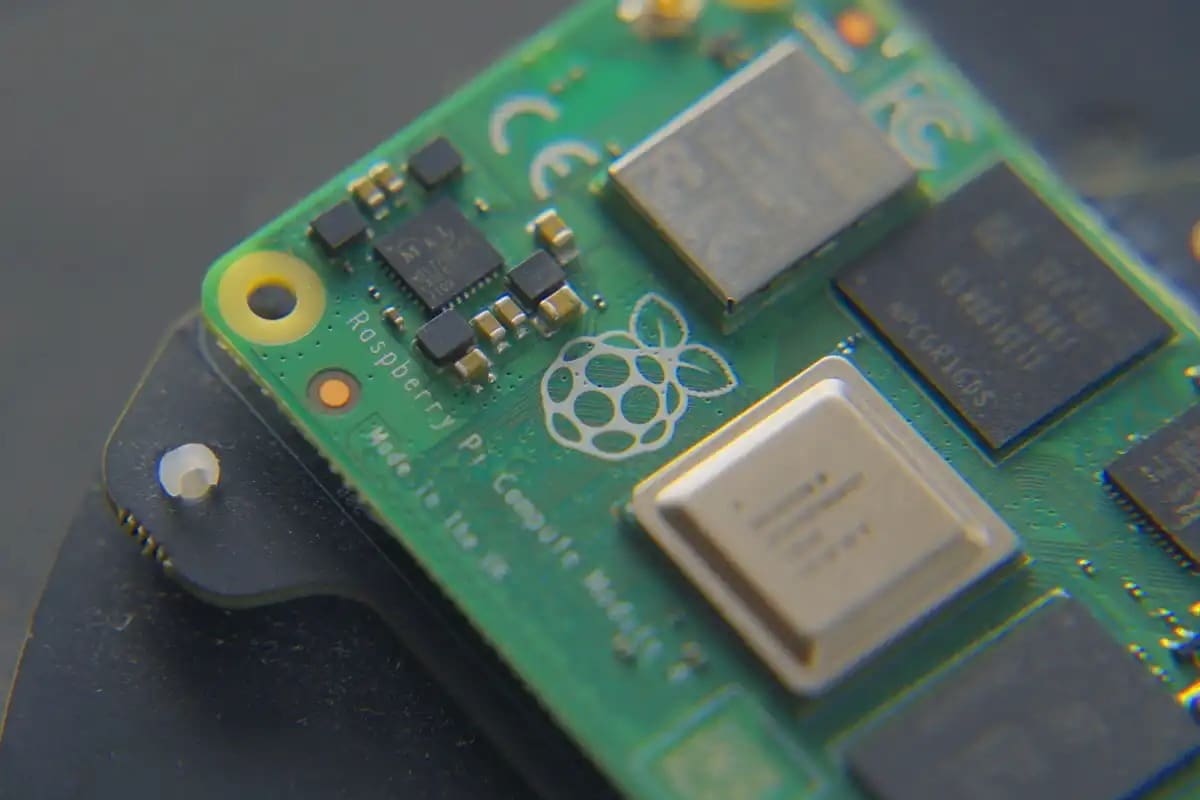
Compute Modules (CMs) offer the core processing power of a standard Raspberry Pi in a compact form that’s designed for integration into custom hardware. They provide greater flexibility, as they expose all of the processor’s interfaces, including PCIe, communication channels, as well as camera/display interfaces. With a CM, you can use only what you need without the clutter of unused ports.
CMs also offer more reliable and faster onboard eMMC storage options, which are less prone to corruption and vibration issues than MicroSD cards. Their smaller footprint is ideal for space-constrained drones.
However, CMs require a separate carrier board to function, which adds design complexity and cost. This board must handle power management, connectors, and other components. Designing a custom one demands careful power sequencing and thermal management. The processors still require adequate cooling under heavy loads, especially if your drone will remain stationery in the air for extended periods of time.
Fortunately, off-the-shelf carrier boards exist. You’ll just have to confirm whether the available options have proper power management as well as the cooling features necessary for your use case.
In essence, CMs are best for creating compact, custom electronics, while the standard Raspberry Pis offer a quicker plug-and-play solution that allows you to focus immediately on software.
License: The text of "Choose the Right Raspberry Pi for Your Drone Projects" by All3DP is licensed under a Creative Commons Attribution 4.0 International License.
CERTAIN CONTENT THAT APPEARS ON THIS SITE COMES FROM AMAZON. THIS CONTENT IS PROVIDED ‘AS IS’ AND IS SUBJECT TO CHANGE OR REMOVAL AT ANY TIME.