Popular articles
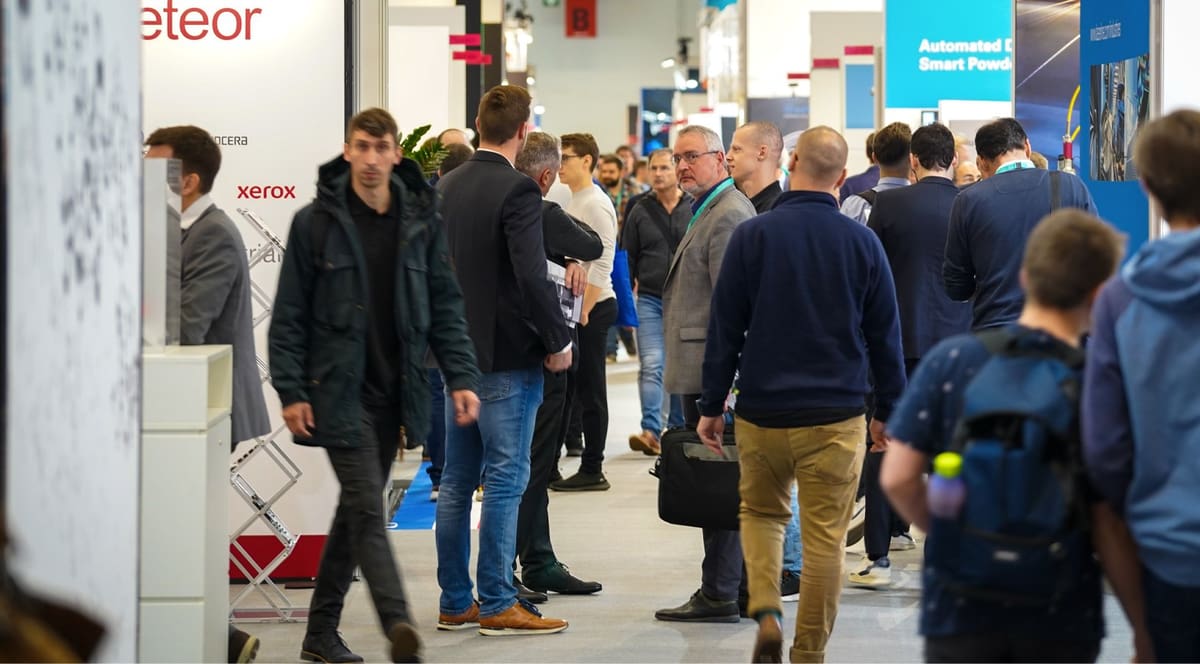
Looking for additive manufacturing conferences near you? Check out the industry's most complete guide to 3D printing events.
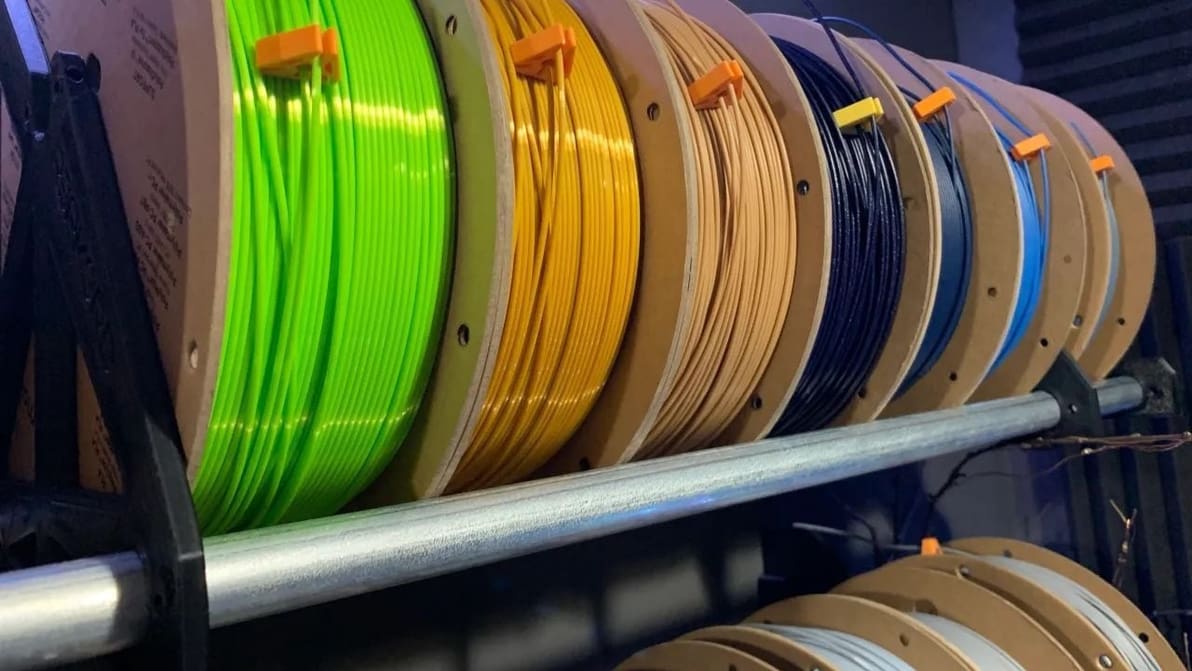
Among 3D printing filaments, PLA, ABS, and PETG are the most popular choices. See the sides to the PLA vs. ABS vs. PETG debate!
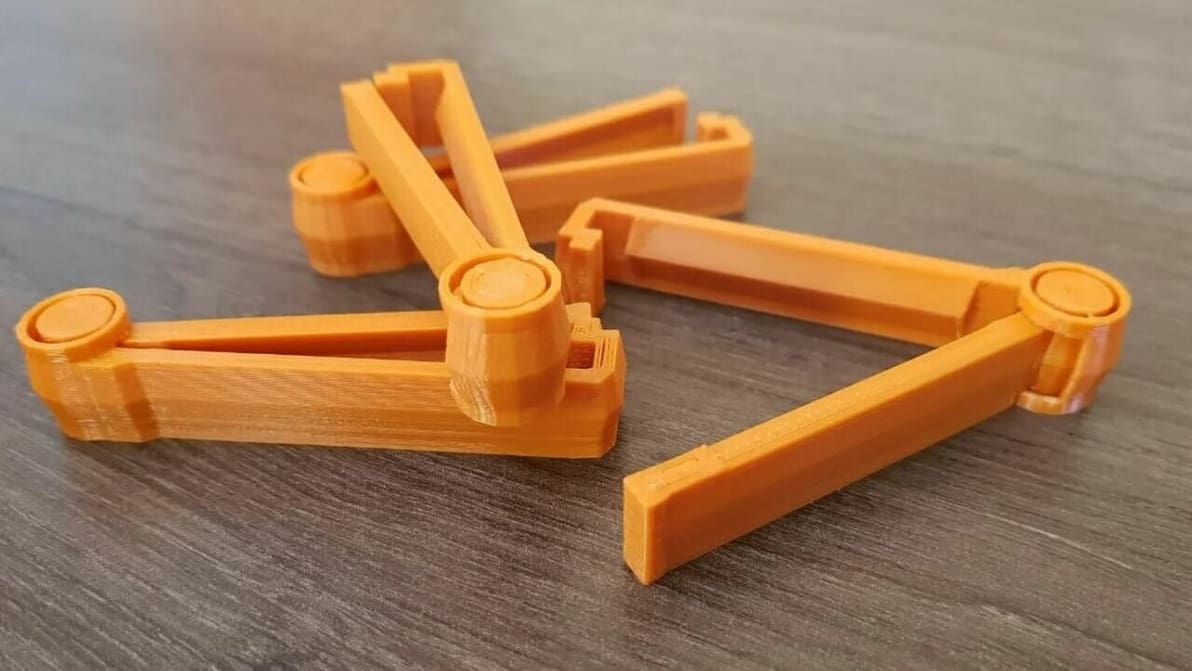
If you're after functional (and fun) PLA designs to print, look no further. Check out this list of useful 3D prints!
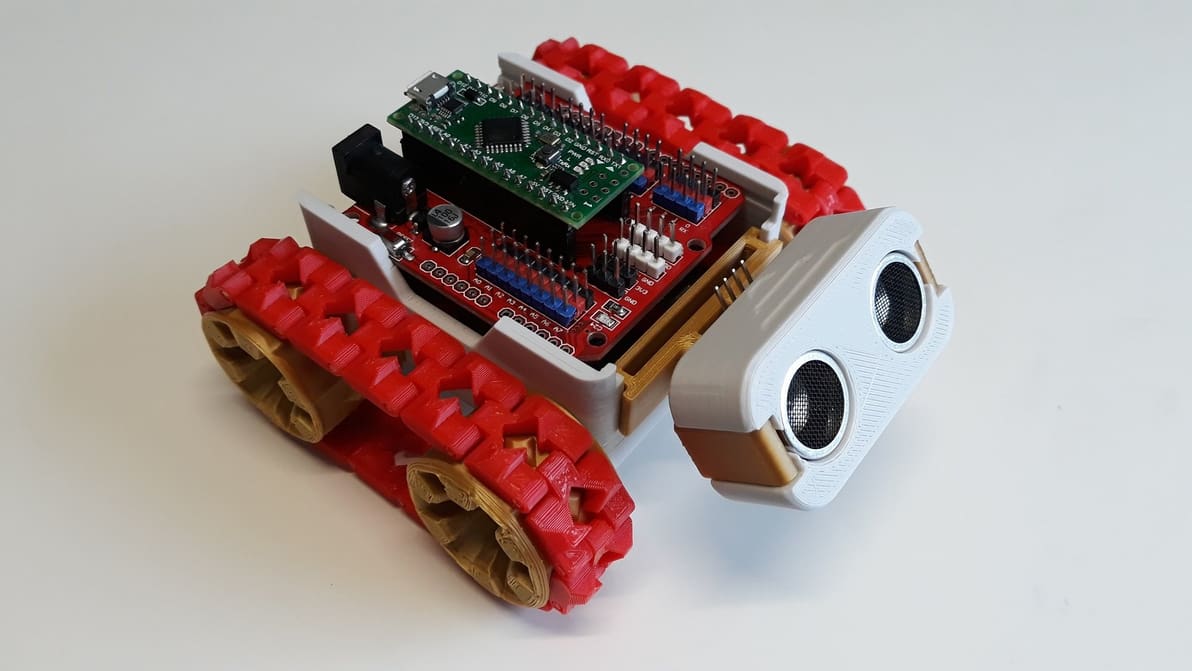
Upgrade your 3D printing projects by adding an Arduino! Check out these Arduino 3D printer projects suitable for all skill levels.
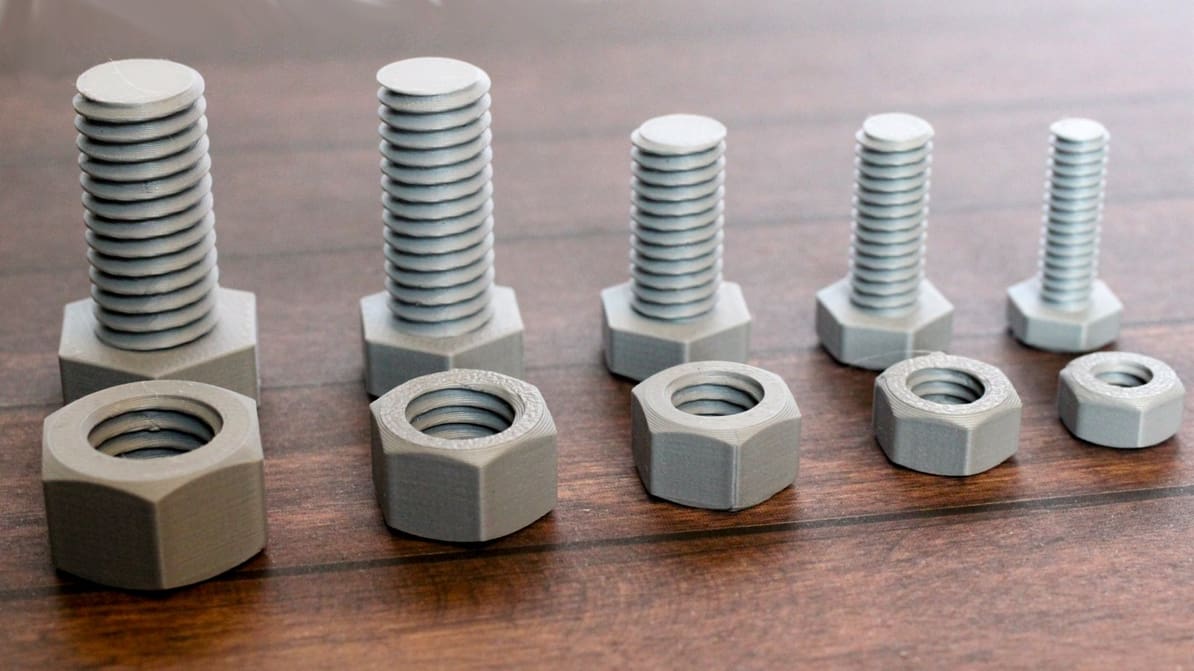
3D printing threads and screws that fit is a challenge. Check out this simple guide to learn how to successfully design and print them!
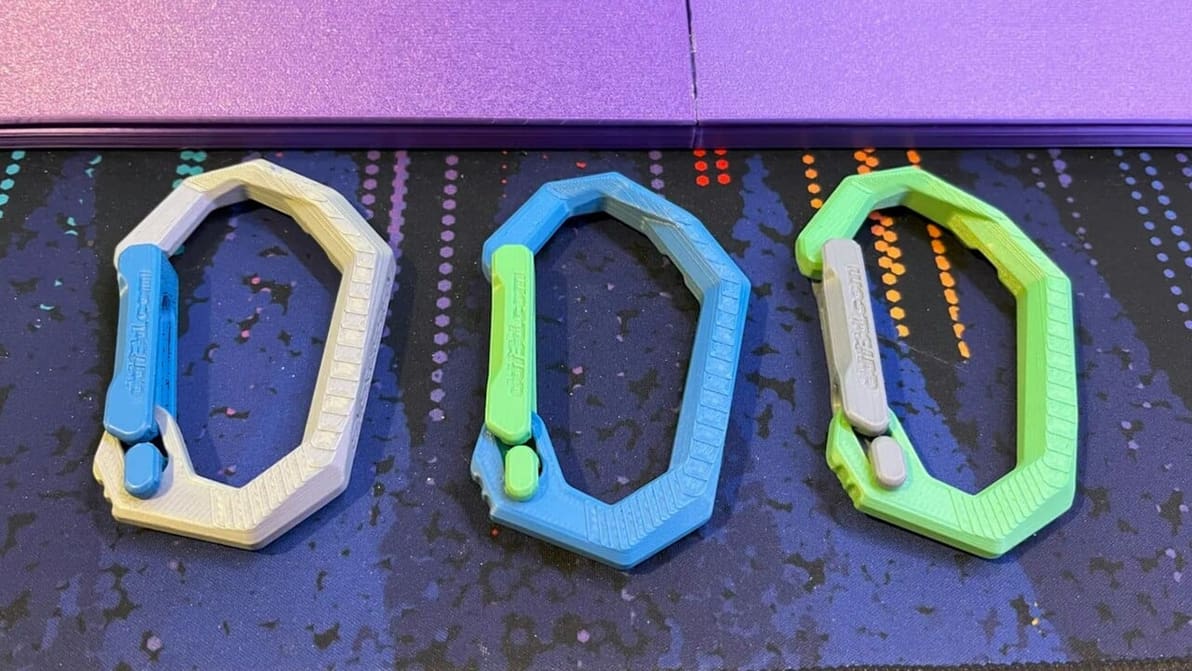
In the battle of PLA vs. PLA+, there are some similarities and a handful of differences. Here's what you need to know about them.
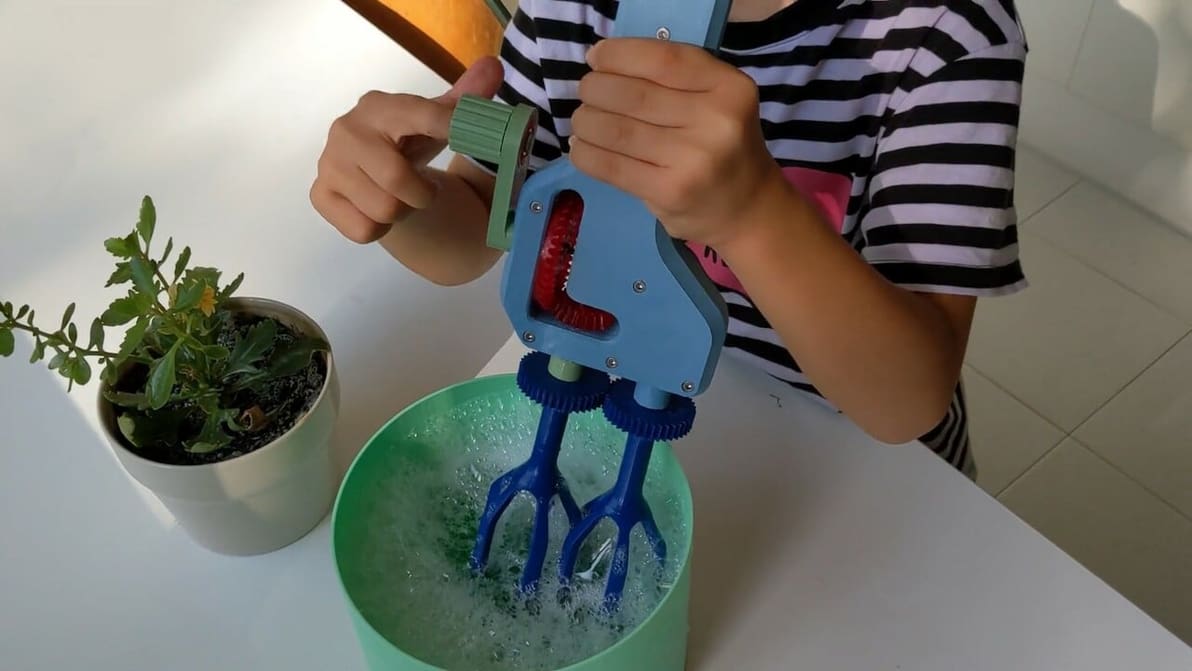
3D printing will shape the future… so why keep it to grown-ups? Check out some of the best 3D printer projects for kids!
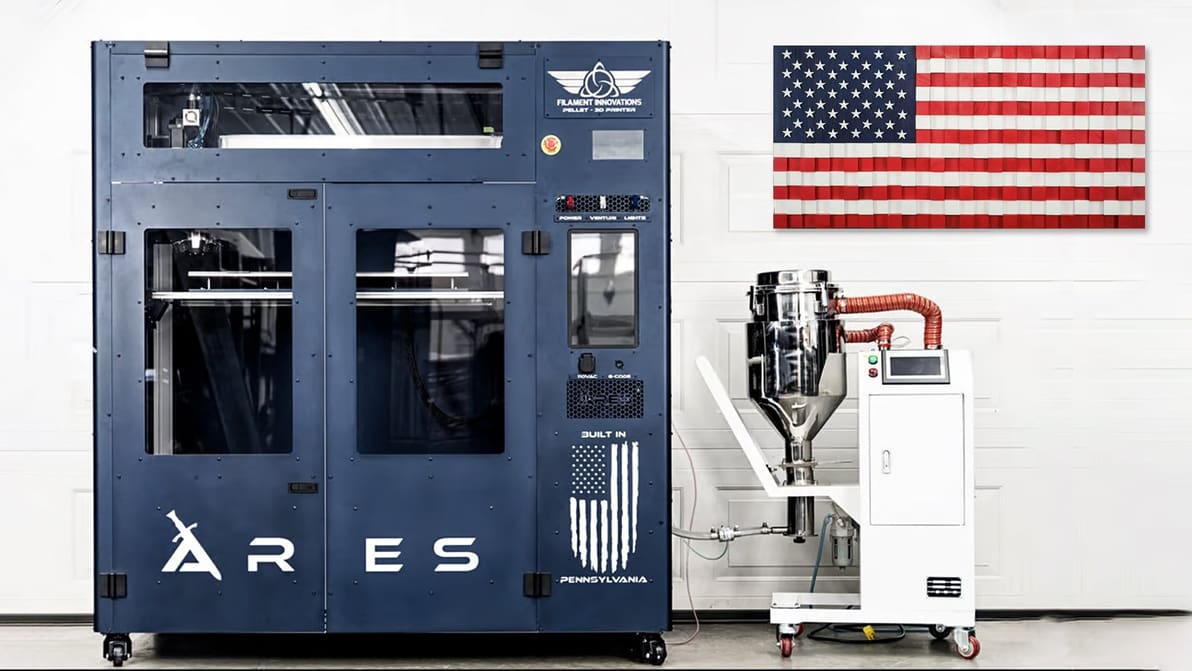
It's never been more important to think about where your 3D printer is manufactured and how accessible spare parts and materials will be. Looking to manufacture in the U.S.? Get a 3D printer that's American made.
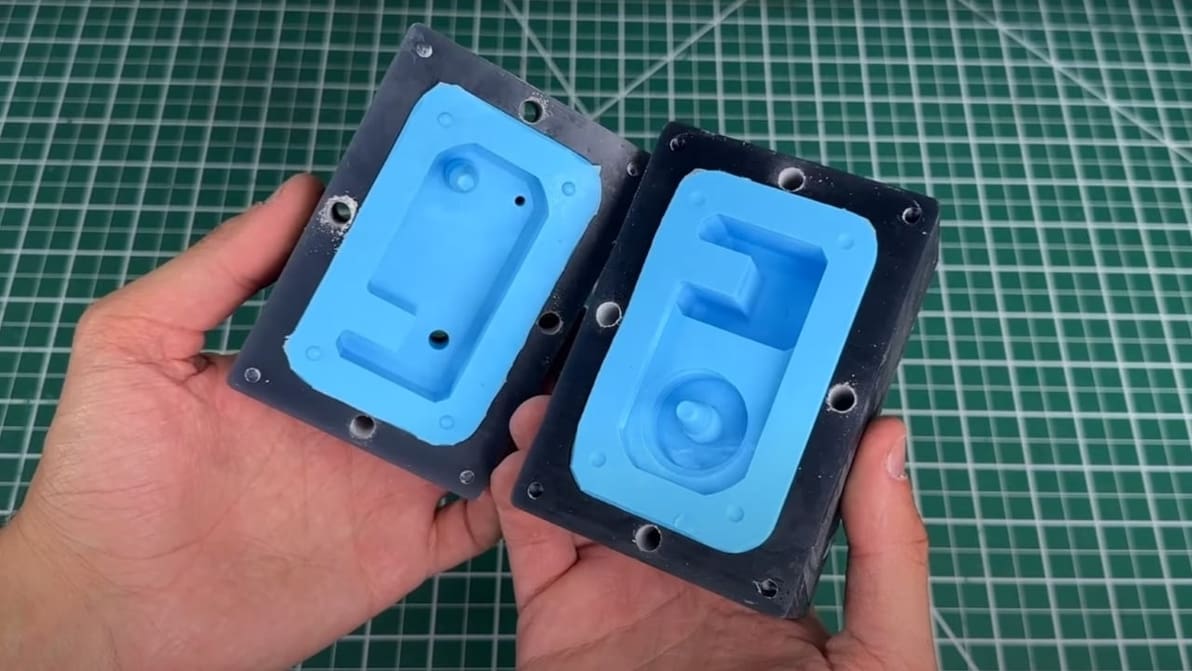
These injection molding machines are perfect for use at home. Read on to see the best DIY desktop injection molding machines!
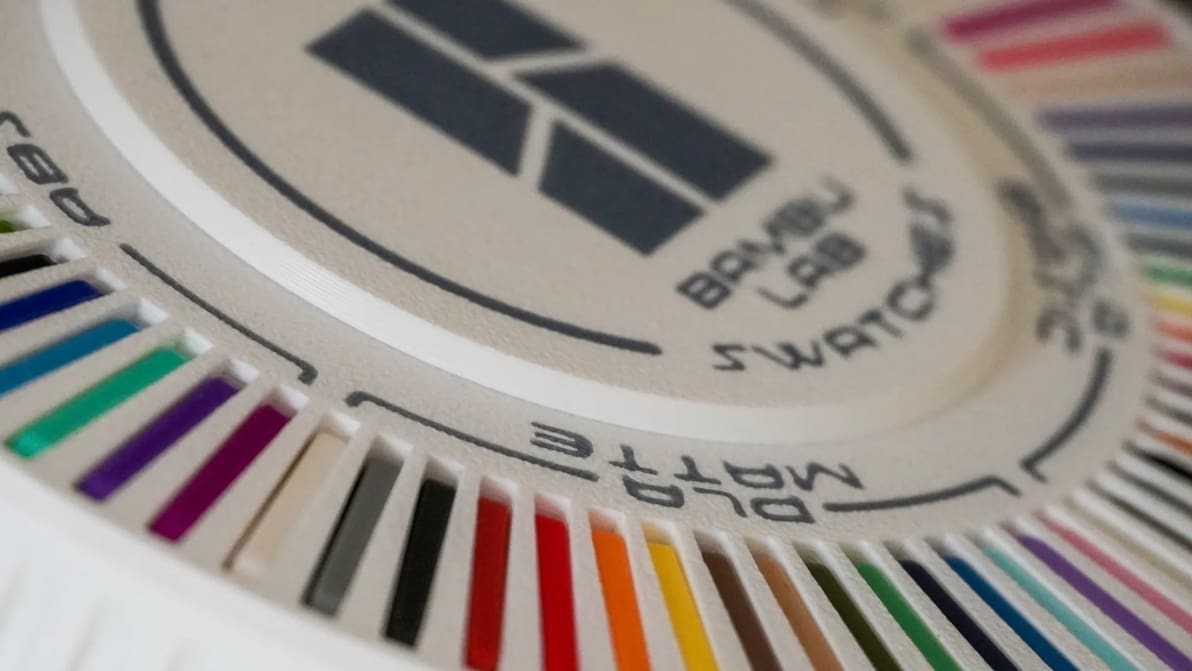
Wondering if Bambu Lab filaments live up to the same hype as the company's popular 3D printers? Read on to find out!
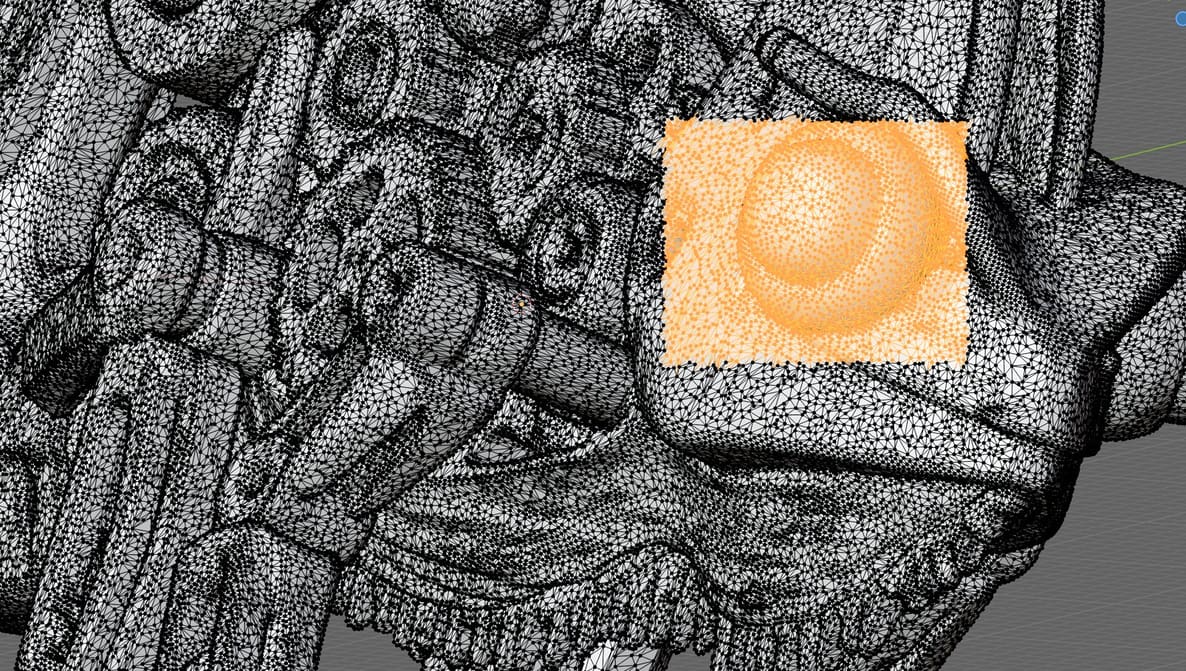
Slicing software can patch most minor issues in your STLs, but it can't reconstruct missing geometry, resolve deep structural faults, or handle tangled meshes. Here's what you need.
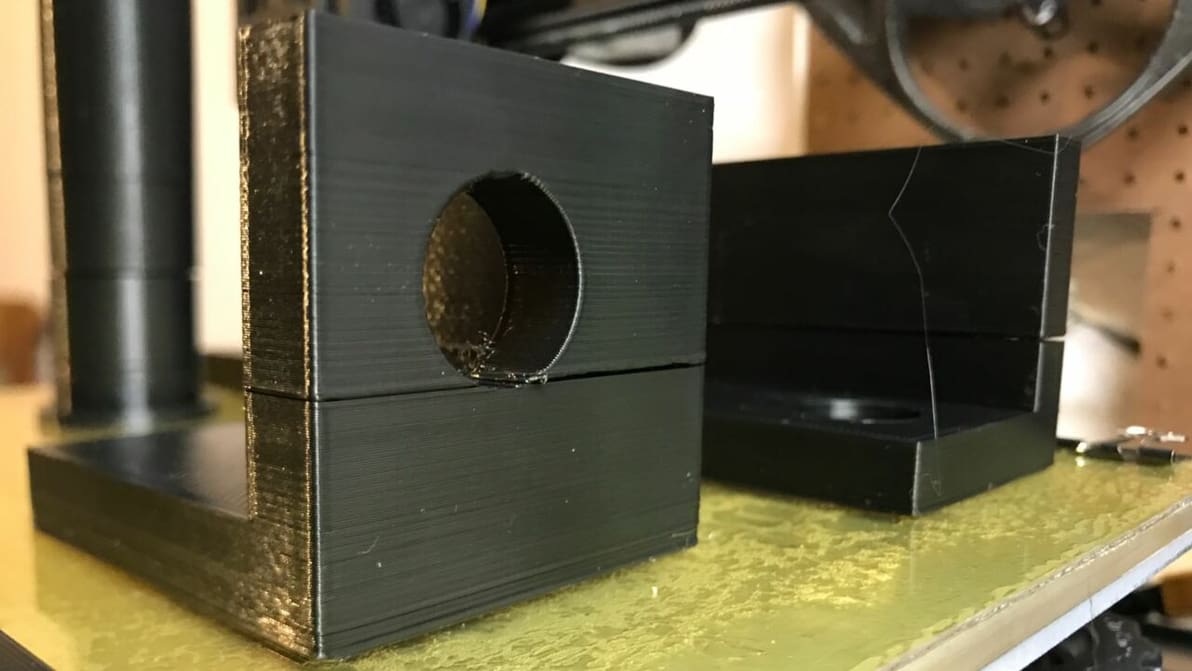
If you're experiencing 3D print layer separation, we've got some tips. Read on to find out how to get those layers to stick!
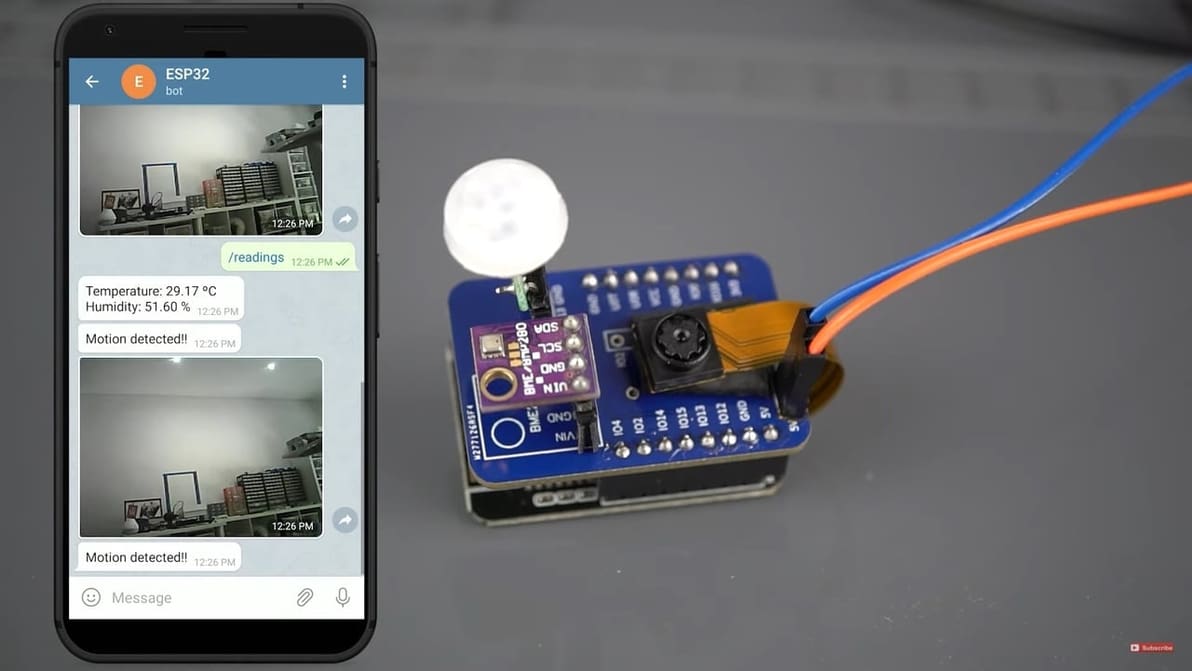
The Esp32-Cam is a very versatile microcontroller, with onboard Wi-Fi, Bluetooth, and a camera! Read on for the coolest Esp32-Cam projects.
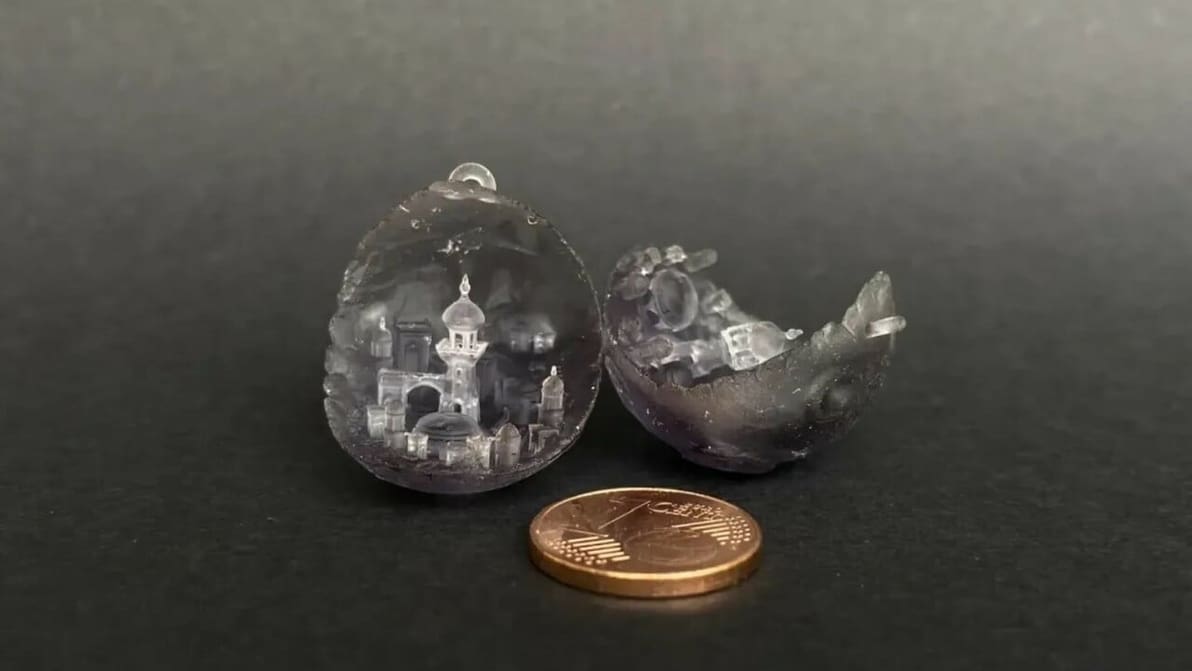
Elegoo is no rookie to the resin market, and its resin offering shows it. Keep reading to find out what's the perfect Elegoo resin for you!
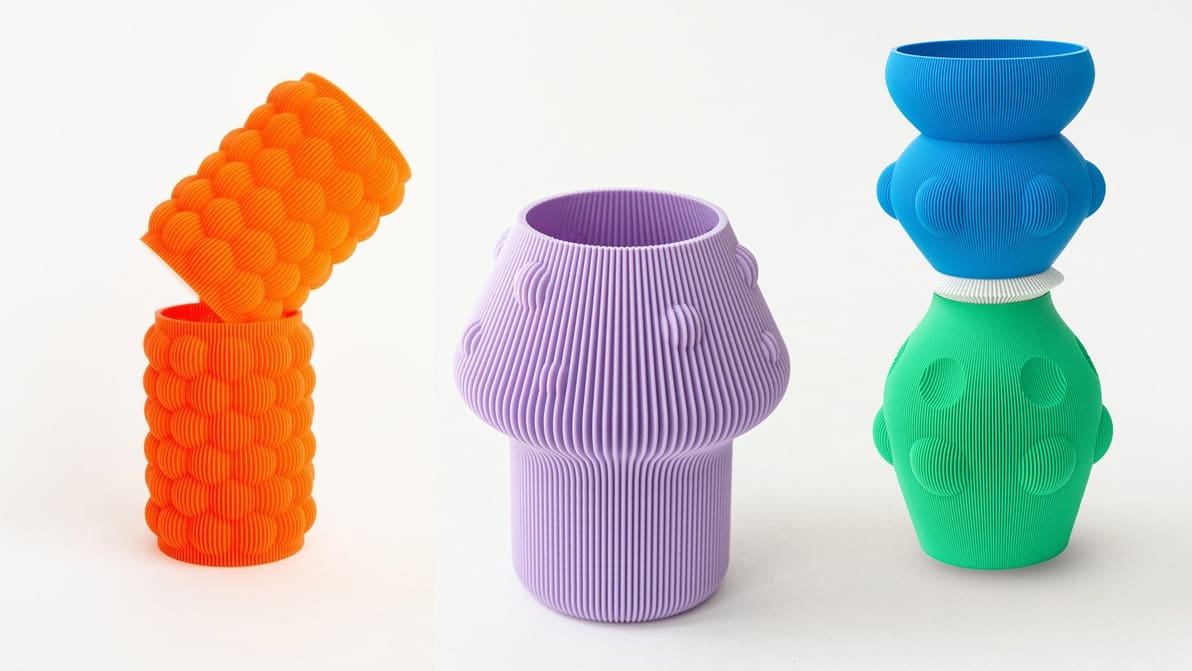
Get inspired by 10 small business owners who turned their ideas for 3D printed products into thriving companies, offering unique & innovative solutions.
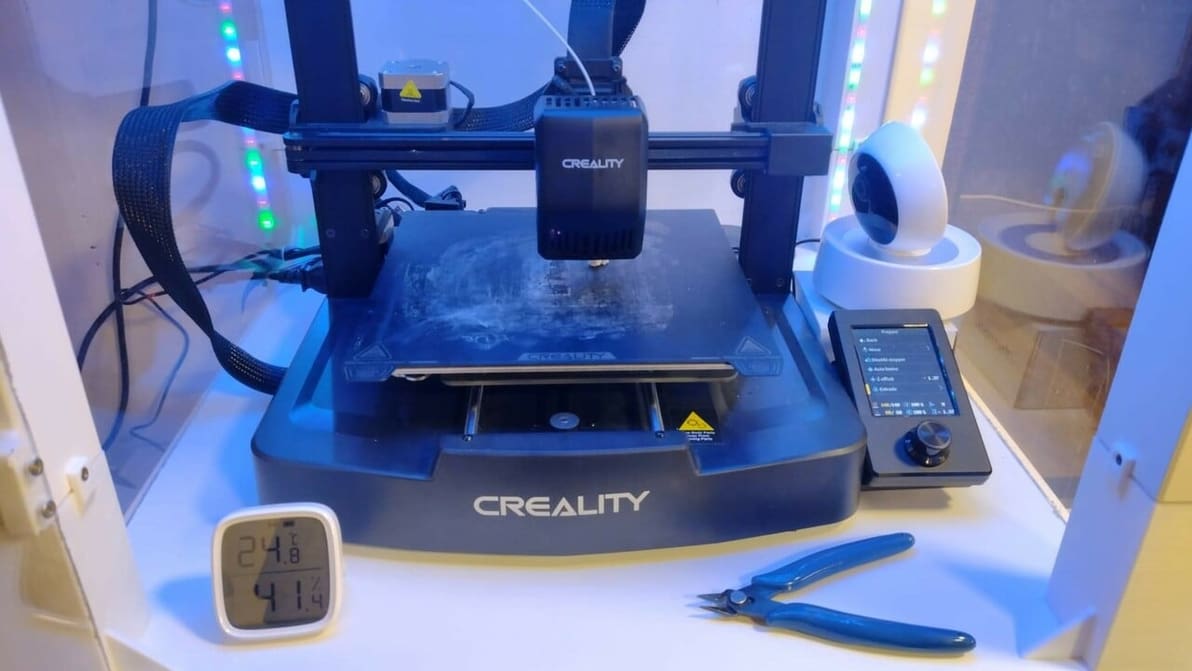
The Ender 3 V3 SE is a great beginner-friendly 3D printer. Elevate your printing experience with these Creality Ender 3 V3 SE upgrades!
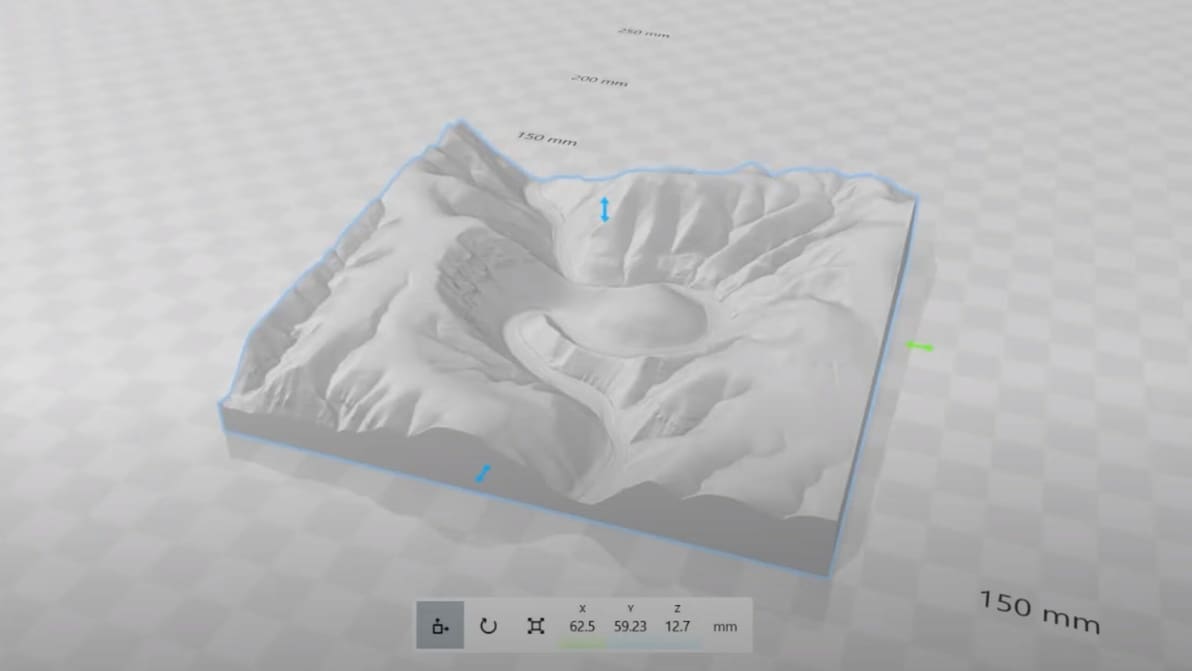
Working with map and terrain data in CAD can be useful for a myriad of things. Check out Cadmapper and alternatives! Some are even free.
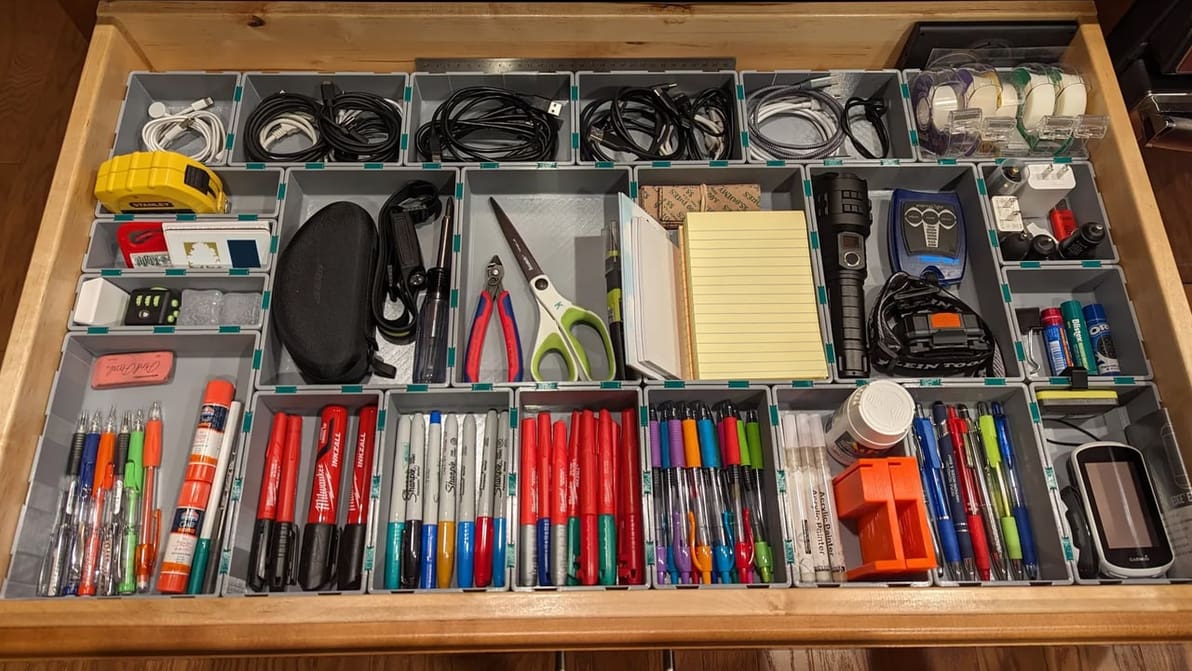
Your desk is always messy and you don't know what to do? Check out our selection of the best drawer organizers out there to tidy your space!
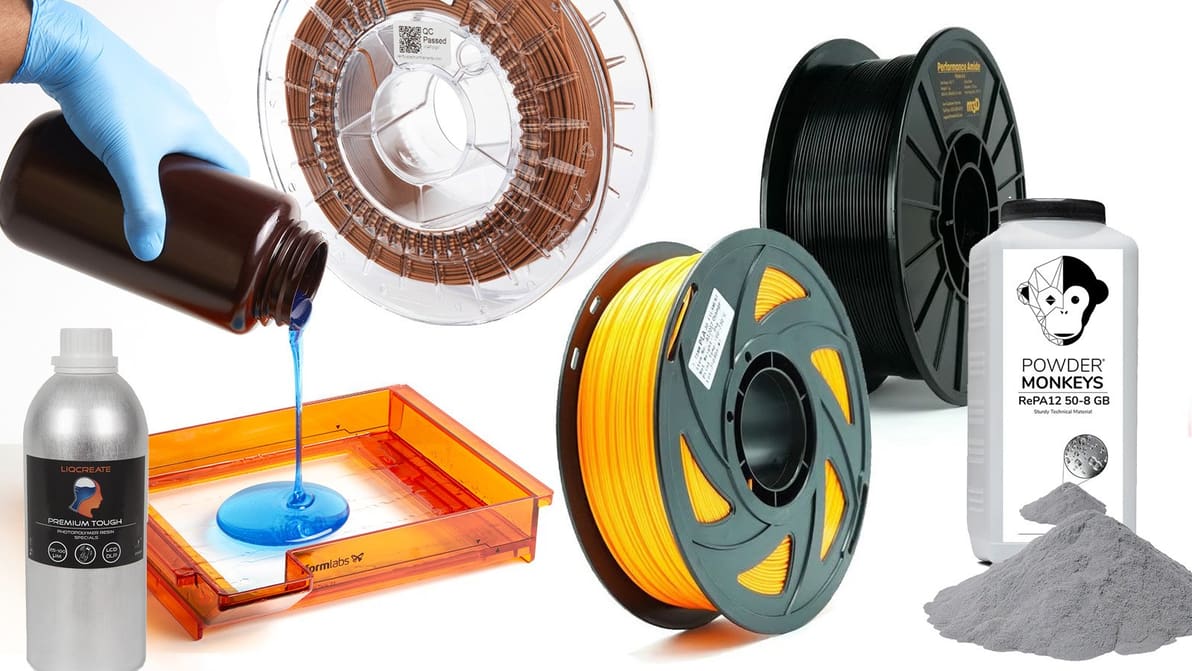
There are thousands of materials used in 3D printing. In this guide, we cover the strongest, the cheapest, the most challenging, and everything that’s fit to 3D print.
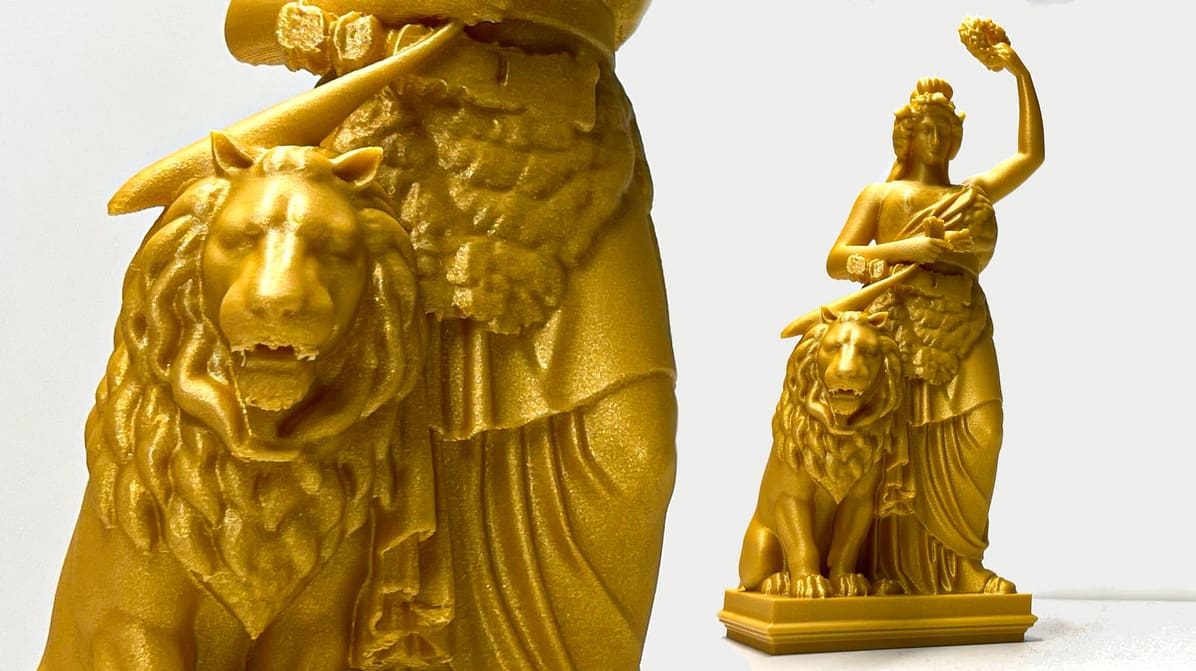
We pushed Meshy 6’s Pro-tier tools to the limit with complex real-world tests—from the Bavaria statue to five-legged unicorns—to see if the AI hype finally matches the STL reality.